light CHEVROLET TRAX 2013 1.G Service Manual
[x] Cancel search | Manufacturer: CHEVROLET, Model Year: 2013, Model line: TRAX, Model: CHEVROLET TRAX 2013 1.GPages: 408, PDF Size: 6.59 MB
Page 121 of 408
Black plate (17,1)Chevrolet TRAX Owner Manual - 2013 - CRC - 3/6/13
Instruments and Controls 5-17
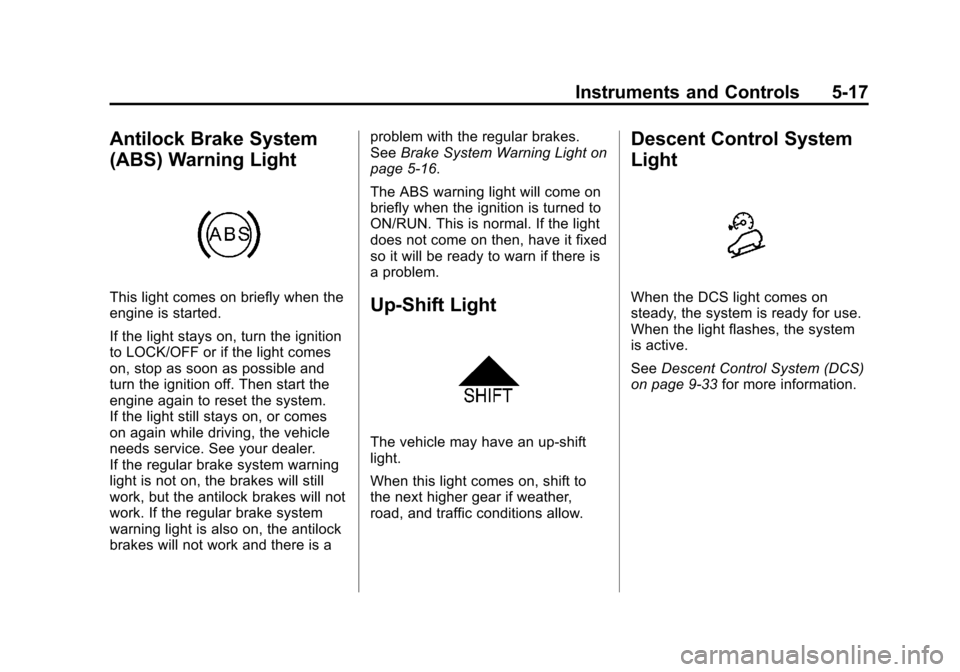
Antilock Brake System
(ABS) Warning Light
This light comes on briefly when the
engine is started.
If the light stays on, turn the ignition
to LOCK/OFF or if the light comes
on, stop as soon as possible and
turn the ignition off. Then start the
engine again to reset the system.
If the light still stays on, or comes
on again while driving, the vehicle
needs service. See your dealer.
If the regular brake system warning
light is not on, the brakes will still
work, but the antilock brakes will not
work. If the regular brake system
warning light is also on, the antilock
brakes will not work and there is aproblem with the regular brakes.
See
Brake System Warning Light on
page 5‑16.
The ABS warning light will come on
briefly when the ignition is turned to
ON/RUN. This is normal. If the light
does not come on then, have it fixed
so it will be ready to warn if there is
a problem.Up-Shift Light
The vehicle may have an up-shift
light.
When this light comes on, shift to
the next higher gear if weather,
road, and traffic conditions allow.
Descent Control System
Light
When the DCS light comes on
steady, the system is ready for use.
When the light flashes, the system
is active.
See Descent Control System (DCS)
on page 9‑33 for more information.
Page 122 of 408
Black plate (18,1)Chevrolet TRAX Owner Manual - 2013 - CRC - 3/6/13
5-18 Instruments and Controls
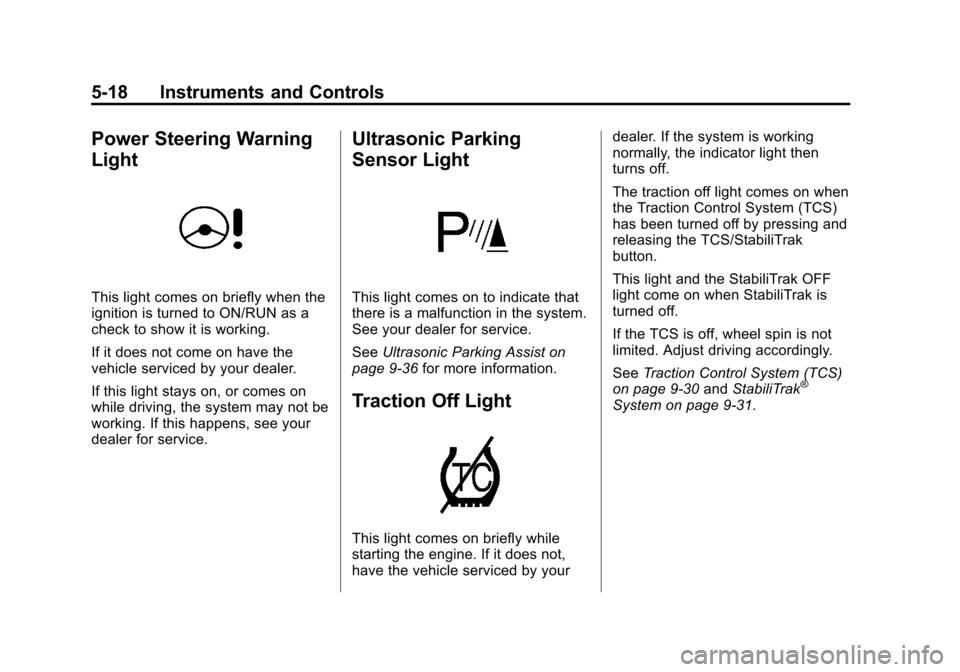
Power Steering Warning
Light
This light comes on briefly when the
ignition is turned to ON/RUN as a
check to show it is working.
If it does not come on have the
vehicle serviced by your dealer.
If this light stays on, or comes on
while driving, the system may not be
working. If this happens, see your
dealer for service.
Ultrasonic Parking
Sensor Light
This light comes on to indicate that
there is a malfunction in the system.
See your dealer for service.
SeeUltrasonic Parking Assist on
page 9‑36 for more information.
Traction Off Light
This light comes on briefly while
starting the engine. If it does not,
have the vehicle serviced by your dealer. If the system is working
normally, the indicator light then
turns off.
The traction off light comes on when
the Traction Control System (TCS)
has been turned off by pressing and
releasing the TCS/StabiliTrak
button.
This light and the StabiliTrak OFF
light come on when StabiliTrak is
turned off.
If the TCS is off, wheel spin is not
limited. Adjust driving accordingly.
See
Traction Control System (TCS)
on page 9‑30 andStabiliTrak
®
System on page 9‑31.
Page 123 of 408
Black plate (19,1)Chevrolet TRAX Owner Manual - 2013 - CRC - 3/6/13
Instruments and Controls 5-19
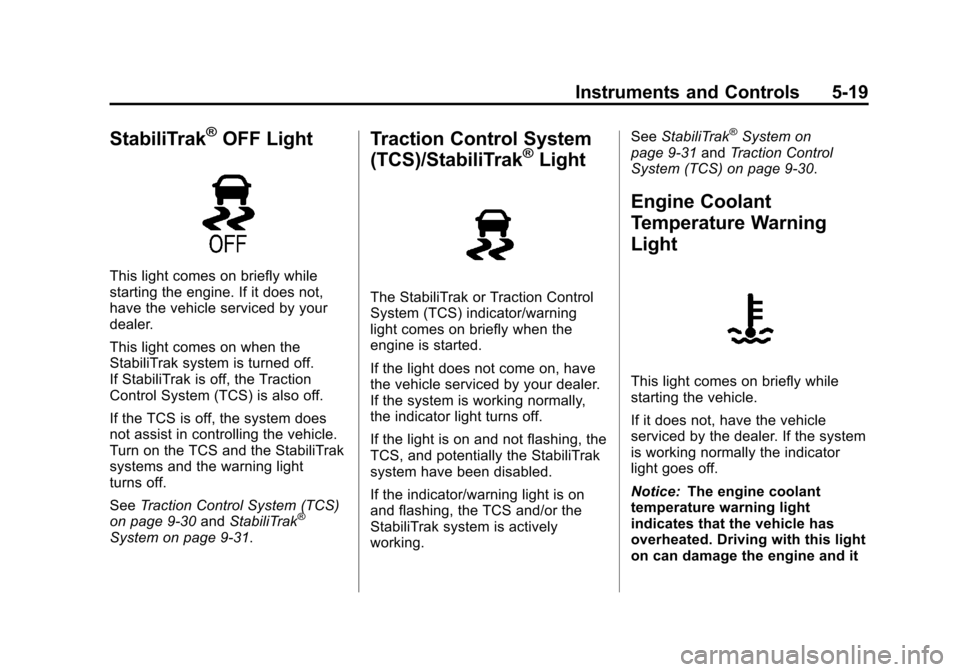
StabiliTrak®OFF Light
This light comes on briefly while
starting the engine. If it does not,
have the vehicle serviced by your
dealer.
This light comes on when the
StabiliTrak system is turned off.
If StabiliTrak is off, the Traction
Control System (TCS) is also off.
If the TCS is off, the system does
not assist in controlling the vehicle.
Turn on the TCS and the StabiliTrak
systems and the warning light
turns off.
SeeTraction Control System (TCS)
on page 9‑30 andStabiliTrak
®
System on page 9‑31.
Traction Control System
(TCS)/StabiliTrak®Light
The StabiliTrak or Traction Control
System (TCS) indicator/warning
light comes on briefly when the
engine is started.
If the light does not come on, have
the vehicle serviced by your dealer.
If the system is working normally,
the indicator light turns off.
If the light is on and not flashing, the
TCS, and potentially the StabiliTrak
system have been disabled.
If the indicator/warning light is on
and flashing, the TCS and/or the
StabiliTrak system is actively
working. See
StabiliTrak
®System on
page 9‑31 andTraction Control
System (TCS) on page 9‑30.
Engine Coolant
Temperature Warning
Light
This light comes on briefly while
starting the vehicle.
If it does not, have the vehicle
serviced by the dealer. If the system
is working normally the indicator
light goes off.
Notice: The engine coolant
temperature warning light
indicates that the vehicle has
overheated. Driving with this light
on can damage the engine and it
Page 124 of 408
Black plate (20,1)Chevrolet TRAX Owner Manual - 2013 - CRC - 3/6/13
5-20 Instruments and Controls
may not be covered by the
vehicle warranty. SeeEngine
Overheating on page 10‑18.
The engine coolant temperature
warning light comes on when the
engine has overheated.
If this happens, pull over and turn
off the engine as soon as possible.
See Engine Overheating on
page 10‑18.
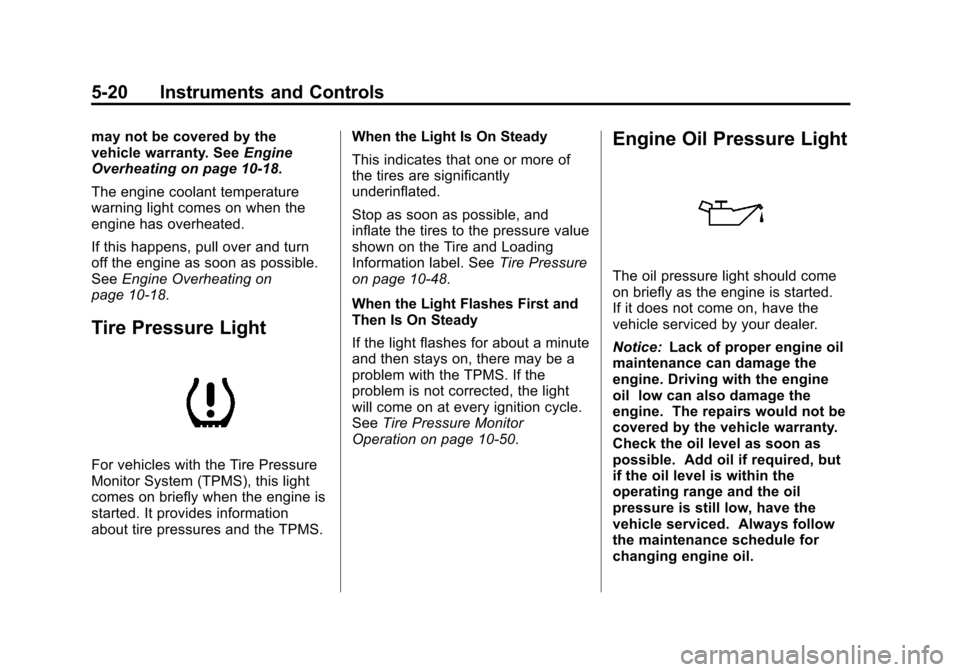
Tire Pressure Light
For vehicles with the Tire Pressure
Monitor System (TPMS), this light
comes on briefly when the engine is
started. It provides information
about tire pressures and the TPMS. When the Light Is On Steady
This indicates that one or more of
the tires are significantly
underinflated.
Stop as soon as possible, and
inflate the tires to the pressure value
shown on the Tire and Loading
Information label. See
Tire Pressure
on page 10‑48.
When the Light Flashes First and
Then Is On Steady
If the light flashes for about a minute
and then stays on, there may be a
problem with the TPMS. If the
problem is not corrected, the light
will come on at every ignition cycle.
See Tire Pressure Monitor
Operation on page 10‑50.
Engine Oil Pressure Light
The oil pressure light should come
on briefly as the engine is started.
If it does not come on, have the
vehicle serviced by your dealer.
Notice: Lack of proper engine oil
maintenance can damage the
engine. Driving with the engine
oil low can also damage the
engine. The repairs would not be
covered by the vehicle warranty.
Check the oil level as soon as
possible. Add oil if required, but
if the oil level is within the
operating range and the oil
pressure is still low, have the
vehicle serviced. Always follow
the maintenance schedule for
changing engine oil.
Page 125 of 408
Black plate (21,1)Chevrolet TRAX Owner Manual - 2013 - CRC - 3/6/13
Instruments and Controls 5-21
If the vehicle has low engine oil
pressure, this light will stay on after
the engine is started, or come on
while driving.
This indicates that the engine is not
receiving enough oil. The engine
could be low on oil, or could have
some other oil problem. Have it
fixed immediately by your dealer.
The oil pressure light could also
come on in other situations:
.When the ignition is on but the
engine is not running, the light
will come on as a test to show it
is working. The light will go out
when the ignition is turned on.
If it does not come on with the
ignition on, there may be a
problem with the fuse or bulb.
Have it fixed right away.
.If the vehicle comes to a hard
stop, the light may come on for a
moment. This is normal.
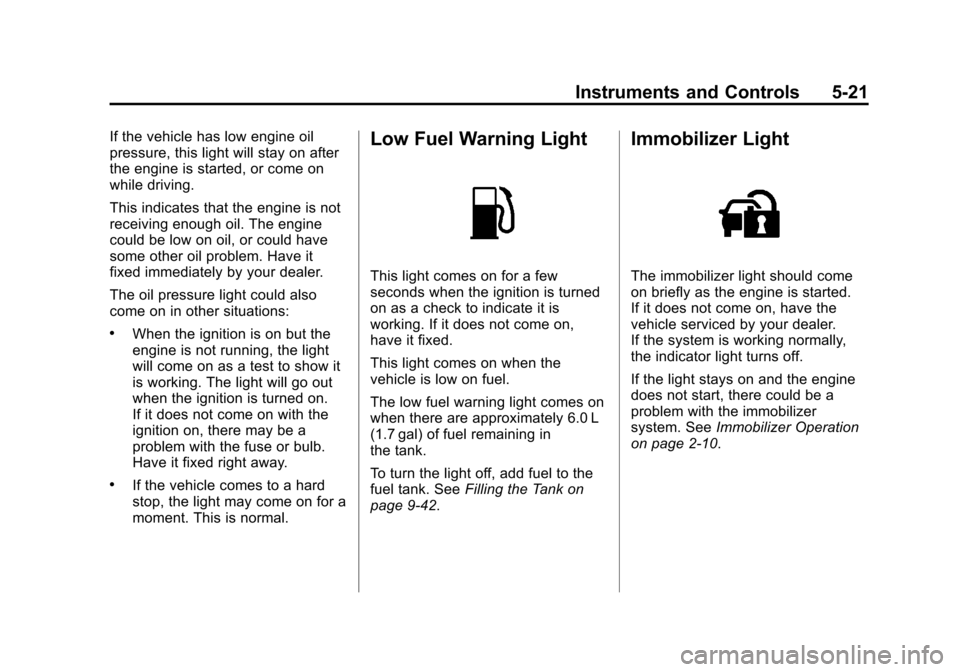
Low Fuel Warning Light
This light comes on for a few
seconds when the ignition is turned
on as a check to indicate it is
working. If it does not come on,
have it fixed.
This light comes on when the
vehicle is low on fuel.
The low fuel warning light comes on
when there are approximately 6.0 L
(1.7 gal) of fuel remaining in
the tank.
To turn the light off, add fuel to the
fuel tank. SeeFilling the Tank on
page 9‑42.
Immobilizer Light
The immobilizer light should come
on briefly as the engine is started.
If it does not come on, have the
vehicle serviced by your dealer.
If the system is working normally,
the indicator light turns off.
If the light stays on and the engine
does not start, there could be a
problem with the immobilizer
system. See Immobilizer Operation
on page 2‑10.
Page 126 of 408
Black plate (22,1)Chevrolet TRAX Owner Manual - 2013 - CRC - 3/6/13
5-22 Instruments and Controls
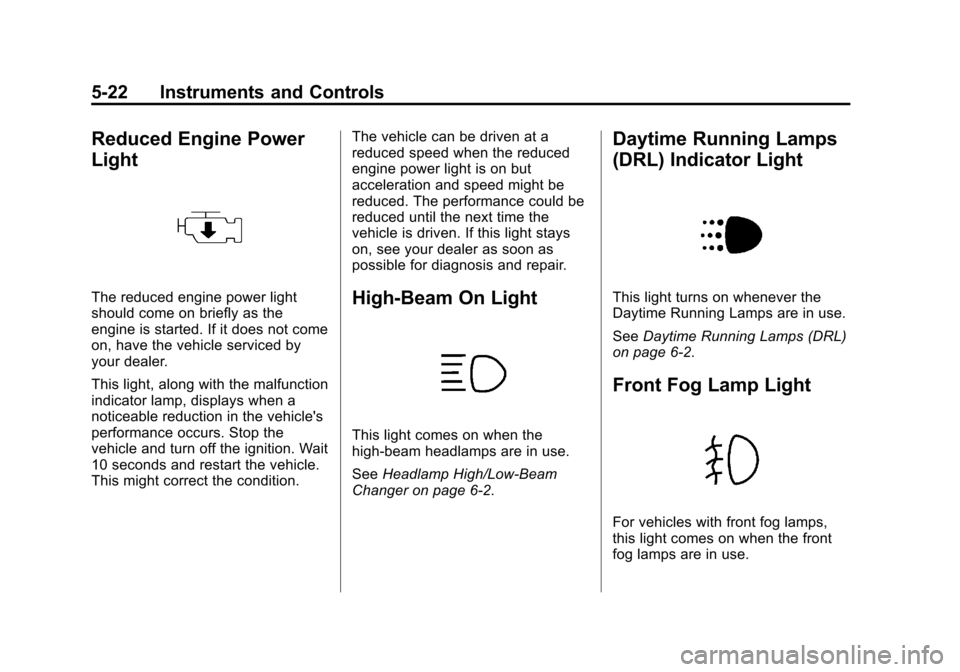
Reduced Engine Power
Light
The reduced engine power light
should come on briefly as the
engine is started. If it does not come
on, have the vehicle serviced by
your dealer.
This light, along with the malfunction
indicator lamp, displays when a
noticeable reduction in the vehicle's
performance occurs. Stop the
vehicle and turn off the ignition. Wait
10 seconds and restart the vehicle.
This might correct the condition.The vehicle can be driven at a
reduced speed when the reduced
engine power light is on but
acceleration and speed might be
reduced. The performance could be
reduced until the next time the
vehicle is driven. If this light stays
on, see your dealer as soon as
possible for diagnosis and repair.High-Beam On Light
This light comes on when the
high-beam headlamps are in use.
See
Headlamp High/Low-Beam
Changer on page 6‑2.
Daytime Running Lamps
(DRL) Indicator Light
This light turns on whenever the
Daytime Running Lamps are in use.
See Daytime Running Lamps (DRL)
on page 6‑2.
Front Fog Lamp Light
For vehicles with front fog lamps,
this light comes on when the front
fog lamps are in use.
Page 127 of 408
Black plate (23,1)Chevrolet TRAX Owner Manual - 2013 - CRC - 3/6/13
Instruments and Controls 5-23
The light goes out when the front
fog lamps are turned off. SeeFront
Fog Lamps on page 6‑4 for more
information.
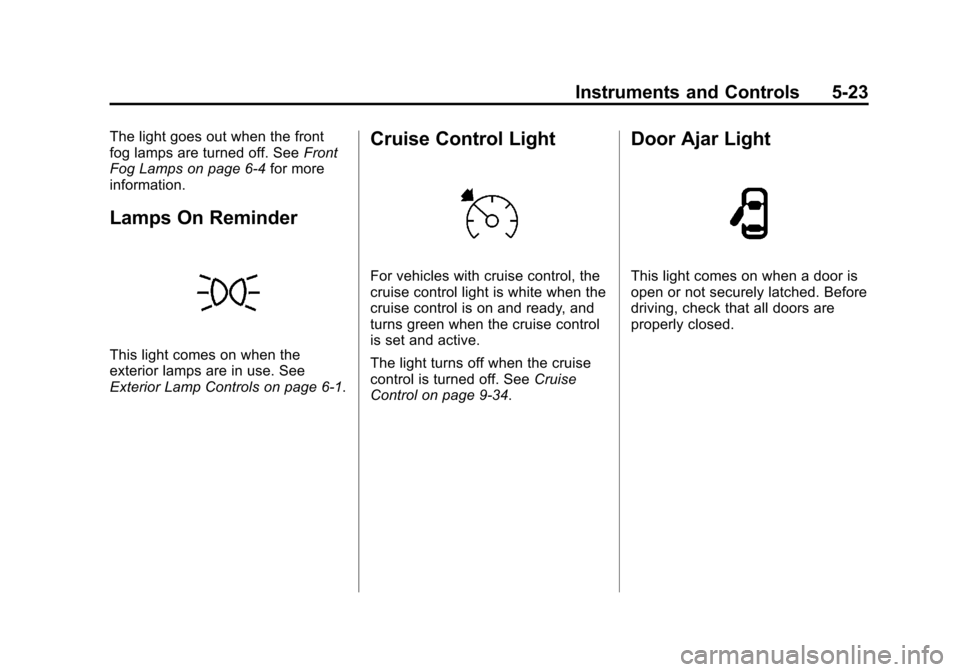
Lamps On Reminder
This light comes on when the
exterior lamps are in use. See
Exterior Lamp Controls on page 6‑1.
Cruise Control Light
For vehicles with cruise control, the
cruise control light is white when the
cruise control is on and ready, and
turns green when the cruise control
is set and active.
The light turns off when the cruise
control is turned off. See Cruise
Control on page 9‑34.
Door Ajar Light
This light comes on when a door is
open or not securely latched. Before
driving, check that all doors are
properly closed.
Page 133 of 408
Black plate (29,1)Chevrolet TRAX Owner Manual - 2013 - CRC - 3/6/13
Instruments and Controls 5-29
Set Date Format
Select this to set the month and day
format.
1. Turn the MENU/TUNE knob tothe desired setting.
2. Press the MENU/TUNE knob to select the DD/MM/YYYY (day/
month/year), MM/DD/YYYY
(month/day/year), or YYYY/MM/
DD (year/month/day) display
format.
Auto Time Adjust
Select this to turn the auto time
adjust on or off.
1. Press the MENU/TUNE knob to turn On or Off.
Radio Settings
Select the Radio Settings menu and
the following may be displayed:
.Auto Volume
.Maximum Startup Volume
.Radio Favorites Auto Volume
The auto volume feature
automatically adjusts the radio
volume to compensate for road and
wind noise as the vehicle speeds up
or slows down, so that the volume
level is consistent.
1. Turn the MENU/TUNE knob to
the desired value.
2. Press the MENU/TUNE knob to select the value.
Maximum Startup Volume
Select this to manually set the
startup volume of the radio.
1. Turn the MENU/TUNE knob to increase or decrease the value.
2. To save press the MENU/TUNE or
/BACK button.
Radio Favorites
This feature allows for the manually
setting of the number of favorite
pages.
1. Turn the MENU/TUNE knob to select 1-6. 2. Press the MENU/TUNE knob to
select the value.
Vehicle Settings
Select the Radio Settings menu and
the following may be displayed:
.Comfort and Convenience
.Collision/Detection Systems
.Lighting
.Power Door Locks
.Lock, Unlock, Settings
.Vehicle Factory Settings
Comfort and Convenience
Select the Comfort and
Convenience menu and the
following may be displayed:
.Chime Volume
.Auto Wipe in Reverse Gear
Chime Volume
Select this to set the chime volume
level to Normal or High.
1. Turn the MENU/TUNE knob to select Chime Volume.
Page 134 of 408
Black plate (30,1)Chevrolet TRAX Owner Manual - 2013 - CRC - 3/6/13
5-30 Instruments and Controls
2. Press the MENU/TUNE knob toselect.
3. Turn the MENU/TUNE knob to the desired level.
4. Press the MENU/TUNE knob to select the level.
Auto Wipe in Reverse Gear
This allows selection of the Auto
Wipe in Reverse Gear feature to be
turned on or off. When on, and the
front wipers are on, the rear window
wiper will turn on automatically
when the vehicle is shifted into
R (Reverse).
1. Turn the MENU/TUNE knob to select Auto Wipe in
Reverse Gear.
2. Press the MENU/TUNE knob to turn On or Off.
Collision/Detection Systems
If equipped, select the Collision/
Detection Systems menu and Park
Assist will be displayed. Park Assist
Select this to set the Ultrasonic
Parking Assist feature, audible only,
to be turned on or off.
1. Turn the MENU/TUNE knob to
select Park Assist.
2. Press the MENU/TUNE knob to select.
3. Turn the MENU/TUNE knob to select On or Off.
4. Press the MENU/TUNE knob to confirm.
Lighting
Select the Lighting menu and the
following may be displayed:
.Exit Lighting
Exit Lighting
This allows the selection of how
long the exterior lamps stay on
when leaving the vehicle and it is
dark outside.
1. Turn the MENU/TUNE knob to the desired time. 2. Press the MENU/TUNE knob to
select.
Power Door Locks
Select Power Door Locks and the
following may be displayed:
.Auto Door Unlock
.Unlocked Door Anti Lock Out
.Delayed Door Lock
Auto Door Unlock
This allows selection of which of the
doors will automatically unlock when
the vehicle is shifted into P (Park),
select from All Doors, Driver Door,
or Off.
1. Turn the MENU/TUNE knob to the desired selection.
2. Press the MENU/TUNE knob to select.
Unlocked Door Anti Lock Out
When on, this feature will keep the
driver door from locking when the
door is open. If Off is selected, the
Page 135 of 408
Black plate (31,1)Chevrolet TRAX Owner Manual - 2013 - CRC - 3/6/13
Instruments and Controls 5-31
Delayed Door Lock menu will be
available and the door will lock as
programmed through this menu.
1. Turn the MENU/TUNE knob toOn or Off.
2. Press the MENU/TUNE knob to select.
Delayed Door Lock
When on, this feature will delay the
locking of the doors after the last
door is closed.
1. Turn the MENU/TUNE knob to On or Off.
2. Press the MENU/TUNE knob to select.
Lock, Unlock, Settings
Select Power Door Locks and the
following may be displayed:
.Remote Unlock Light Feedback
.Remote Lock Light and Horn
Feedback
.Remote Door Unlock Remote Unlock Light Feedback
When on, the exterior lamps will
flash when unlocking the vehicle
with the Remote Keyless Entry
(RKE) transmitter, select Flash
Lights or Lights Off.
1. Turn the MENU/TUNE knob to
the desired selection.
2. Press the MENU/TUNE knob to select.
Remote Lock Light and Horn
Feedback
This allows the selection of what
type of feedback is given when
pressing
Qon the RKE transmitter,
select from Lights and Horn, Lights
only, Horn Only, or Off.
1. Turn the MENU/TUNE knob to the desired selection.
2. Press the MENU/TUNE knob to select. Remote Door Unlock
This allows selection of which doors
will unlock when pressing
Kon the
RKE transmitter, select from All
Doors or Driver Door.
When set to Driver Door, the driver
door will unlock the first time
Kis
pressed and all doors will unlock
when the button is pressed a
second time. When set to All Doors,
all of the doors will unlock at the first
press of
K.
1. Turn the MENU/TUNE knob to the desired selection.
2. Press the MENU/TUNE knob to select.
Vehicle Factory Settings
Select Vehicle Factory Settings to
return all of the vehicle
personalization to the default
settings. Press MENU/TUNE when
Vehicle Factory Settings is selected
and open the menu. Select Yes or
No by turning and pressing the
MENU/TUNE knob.