warning light CHEVROLET UPLANDER 2005 1.G Owner's Manual
[x] Cancel search | Manufacturer: CHEVROLET, Model Year: 2005, Model line: UPLANDER, Model: CHEVROLET UPLANDER 2005 1.GPages: 460, PDF Size: 2.75 MB
Page 273 of 460
Anti-Lock Brake System (ABS)
Your vehicle has anti-lock brakes. ABS is an advanced
electronic braking system that will help prevent a
braking skid.
When you start your engine and begin to drive away,
your anti-lock brake system will check itself. You
may hear a momentary motor or clicking noise while
this test is going on, and you may even notice that your
brake pedal moves or pulses a little. This is normal.
If there is a problem with
the anti-lock brake system,
this warning light will
stay on. SeeAnti-Lock
Brake System Warning
Light on page 3-38.
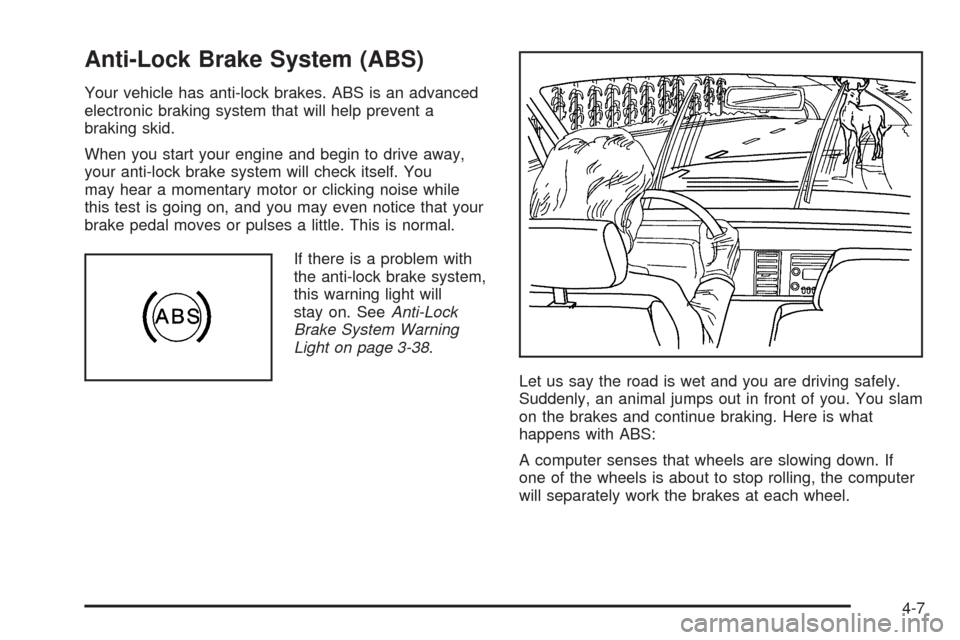
Let us say the road is wet and you are driving safely.
Suddenly, an animal jumps out in front of you. You slam
on the brakes and continue braking. Here is what
happens with ABS:
A computer senses that wheels are slowing down. If
one of the wheels is about to stop rolling, the computer
will separately work the brakes at each wheel.
4-7
Page 275 of 460
Traction Control System (TCS)
Your vehicle may have a traction control system that
limits wheel spin. This is especially useful in slippery
road conditions. The system operates if it senses that
one or both of the front wheels are spinning or beginning
to lose traction. When this happens, the system
brakes the spinning wheel(s) and/or reduces engine
power to limit wheel spin.
The TRACTION CONTROL ACTIVE message will come
on in the Driver Information Center (DIC) when the
traction control system is limiting wheel spin. You may
feel or hear the system working, but this is normal.
If your vehicle is in cruise control when the traction
control system begins to limit wheel spin, the cruise
control will automatically disengage. When road
conditions allow you to safely use it again, you may
re-engage the cruise control.This warning light will
come on to let you know if
there is a problem with
your traction control
system.
When this warning light is on, the system will not limit
wheel spin. Adjust your driving accordingly.
If the SERVICE TRACTION SYSTEM message in the
DIC comes on and stays on or comes on while you are
driving, there’s a problem with your traction control
system. Have the traction control system serviced by
your GM dealer as soon as possible.
When this warning message is on, the TRACTION
CONTROL OFF message in the DIC will come on to
remind you that the system will not limit wheel spin.
Adjust your driving accordingly.
4-9
Page 277 of 460
The STABILITY CONTROL ACTIVE message will
appear on the DIC only when the system is both on and
activated. It means that an advanced
computer-controlled system has come on to help your
vehicle continue to go in the direction in which you
are steering. StabiliTrak
®activates when the computer
senses that your vehicle is just starting to spin, as it
might if you hit a patch of ice or other slippery spot on
the road. When the system activates, you may hear
a noise or feel a vibration in the brake pedal. This
is normal. When the STABILITY CONTROL ACTIVE
message is on, you should continue to steer in the
direction you want to go. The system is designed to help
you in bad weather or other difficult driving situations
by making the most of whatever road conditions
will permit. For more information on the stability
messages, seeDriver Information Center (DIC) on
page 3-45.
If the StabiliTrak
®system turns off, the traction control
system warning light will illuminate, and the STABILITY
CONTROL OFF message will appear on the DIC to
warn the driver that StabiliTrak
®is no longer available
to assist you with directional control of the vehicle.
Adjust your driving accordingly.To limit wheel spin and realize the full benets of the
stability enhancement system, you should normally
leave traction control on, but it may be necessary to turn
the system off if your vehicle is stuck in sand, mud,
ice or snow, and you want to “rock” your vehicle
to attempt to free it. SeeRocking Your Vehicle to Get It
Out on page 4-33andIf Your Vehicle is Stuck in
Sand, Mud, Ice or Snow on page 4-32.
Traction Control Operation
The traction control system is part of the StabiliTrak®
system. Traction control limits wheel spin by reducing
engine power to the wheels (engine speed
management) and by applying brakes to each individual
wheel (brake-traction control) as necessary.
The traction control system is enabled automatically
when you start your vehicle. It will activate and display
the TRACTION CONTROL ACTIVE message in the
DIC if it senses that one or both of the front wheels are
spinning or beginning to lose traction while driving.
4-11
Page 289 of 460
City Driving
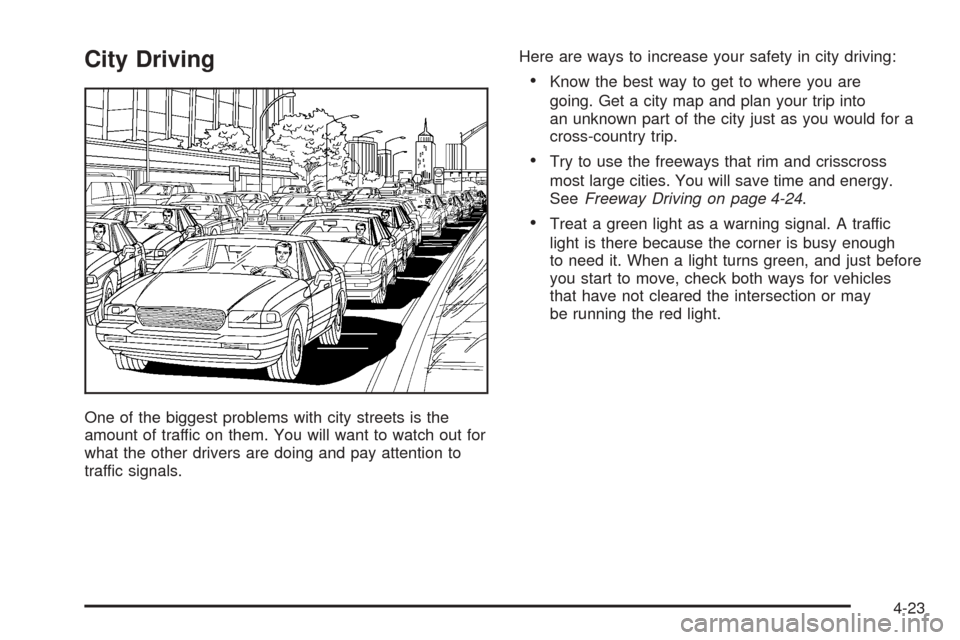
One of the biggest problems with city streets is the
amount of traffic on them. You will want to watch out for
what the other drivers are doing and pay attention to
traffic signals.Here are ways to increase your safety in city driving:
Know the best way to get to where you are
going. Get a city map and plan your trip into
an unknown part of the city just as you would for a
cross-country trip.
Try to use the freeways that rim and crisscross
most large cities. You will save time and energy.
SeeFreeway Driving on page 4-24.
Treat a green light as a warning signal. A traffic
light is there because the corner is busy enough
to need it. When a light turns green, and just before
you start to move, check both ways for vehicles
that have not cleared the intersection or may
be running the red light.
4-23
Page 294 of 460
Winter DrivingHere are some tips for winter driving:
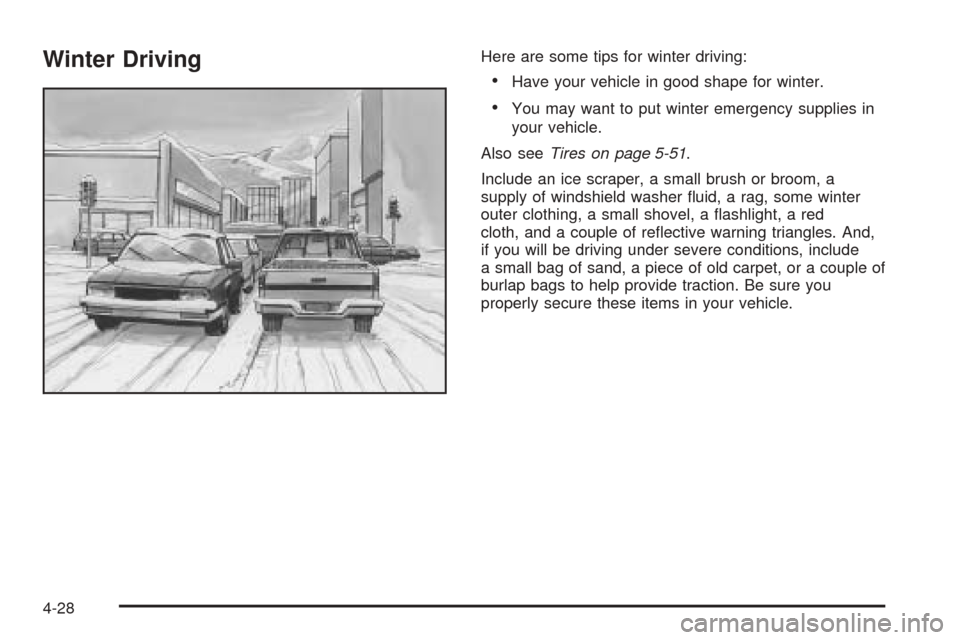
Have your vehicle in good shape for winter.
You may want to put winter emergency supplies in
your vehicle.
Also seeTires on page 5-51.
Include an ice scraper, a small brush or broom, a
supply of windshield washer uid, a rag, some winter
outer clothing, a small shovel, a ashlight, a red
cloth, and a couple of reective warning triangles. And,
if you will be driving under severe conditions, include
a small bag of sand, a piece of old carpet, or a couple of
burlap bags to help provide traction. Be sure you
properly secure these items in your vehicle.
4-28
Page 325 of 460
{CAUTION:
If you spill fuel and then something ignites it,
you could be badly burned. Fuel can spray out
on you if you open the fuel cap too quickly.
This spray can happen if your tank is nearly
full, and is more likely in hot weather. Open
the fuel cap slowly and wait for any hiss noise
to stop. Then unscrew the cap all the way.
Be careful not to spill fuel. Do not top off or overll the
tank and wait a few seconds after you have nished
pumping before removing the nozzle. Clean fuel
from painted surfaces as soon as possible. See
Washing Your Vehicle on page 5-89.
When replacing the fuel cap, turn it clockwise until it
clicks. Make sure the cap is fully installed. The
diagnostic system can determine if the fuel cap has
been left off or improperly installed. This would allow fuel
to evaporate into the atmosphere. SeeMalfunction
Indicator Lamp on page 3-40.The CHECK GAS CAP message will be displayed in the
Driver Information Center (DIC) if the fuel cap is not
properly installed. SeeDIC Warnings and Messages on
page 3-51for more information.
{CAUTION:
If a re starts while you are refueling, do not
remove the nozzle. Shut off the ow of fuel by
shutting off the pump or by notifying the
station attendant. Leave the area immediately.
Notice:If you need a new fuel cap, be sure to get
the right type. Your dealer can get one for you.
If you get the wrong type, it may not t properly.
This may cause your malfunction indicator lamp to
light and may damage your fuel tank and emissions
system. SeeMalfunction Indicator Lamp on
page 3-40.
5-9
Page 352 of 460
Brakes
Brake Fluid
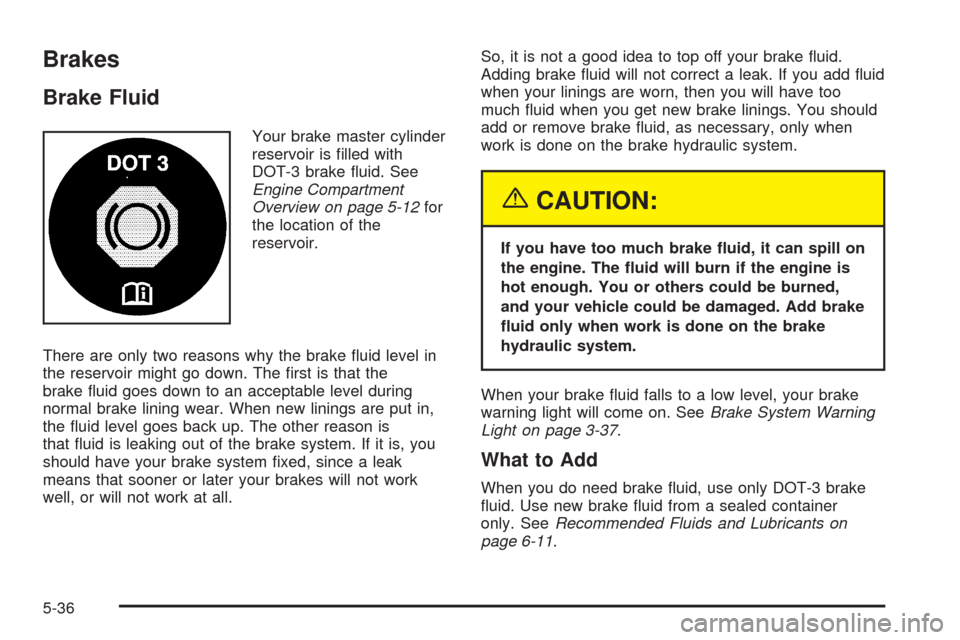
Your brake master cylinder
reservoir is lled with
DOT-3 brake uid. See
Engine Compartment
Overview on page 5-12for
the location of the
reservoir.
There are only two reasons why the brake uid level in
the reservoir might go down. The rst is that the
brake uid goes down to an acceptable level during
normal brake lining wear. When new linings are put in,
the uid level goes back up. The other reason is
that uid is leaking out of the brake system. If it is, you
should have your brake system xed, since a leak
means that sooner or later your brakes will not work
well, or will not work at all.So, it is not a good idea to top off your brake uid.
Adding brake uid will not correct a leak. If you add uid
when your linings are worn, then you will have too
much uid when you get new brake linings. You should
add or remove brake uid, as necessary, only when
work is done on the brake hydraulic system.
{CAUTION:
If you have too much brake uid, it can spill on
the engine. The uid will burn if the engine is
hot enough. You or others could be burned,
and your vehicle could be damaged. Add brake
uid only when work is done on the brake
hydraulic system.
When your brake uid falls to a low level, your brake
warning light will come on. SeeBrake System Warning
Light on page 3-37.
What to Add
When you do need brake uid, use only DOT-3 brake
uid. Use new brake uid from a sealed container
only. SeeRecommended Fluids and Lubricants on
page 6-11.
5-36
Page 353 of 460
Always clean the brake uid reservoir cap and the area
around the cap before removing it. This will help
keep dirt from entering the reservoir.
{CAUTION:
With the wrong kind of uid in your brake
system, your brakes may not work well, or they
may not even work at all. This could cause a
crash. Always use the proper brake uid.
Notice:
Using the wrong uid can badly damage brake
system parts. For example, just a few drops of
mineral-based oil, such as engine oil, in your
brake system can damage brake system parts so
badly that they will have to be replaced. Do not
let someone put in the wrong kind of uid.
If you spill brake uid on your vehicle’s painted
surfaces, the paint nish can be damaged. Be
careful not to spill brake uid on your vehicle. If
you do, wash it off immediately. SeeAppearance
Care on page 5-85.
Brake Wear
Your vehicle has four-wheel disc brakes.
Disc brake pads have built-in wear indicators that make
a high-pitched warning sound when the brake pads
are worn and new pads are needed. The sound
may come and go or be heard all the time your vehicle
is moving, except when you are pushing on the
brake pedal rmly.
{CAUTION:
The brake wear warning sound means that
soon your brakes will not work well. That
could lead to an accident. When you hear the
brake wear warning sound, have your vehicle
serviced.
Notice:Continuing to drive with worn-out brake
pads could result in costly brake repair.
Some driving conditions or climates may cause a brake
squeal when the brakes are rst applied or lightly
applied. This does not mean something is wrong with
your brakes.
5-37
Page 447 of 460
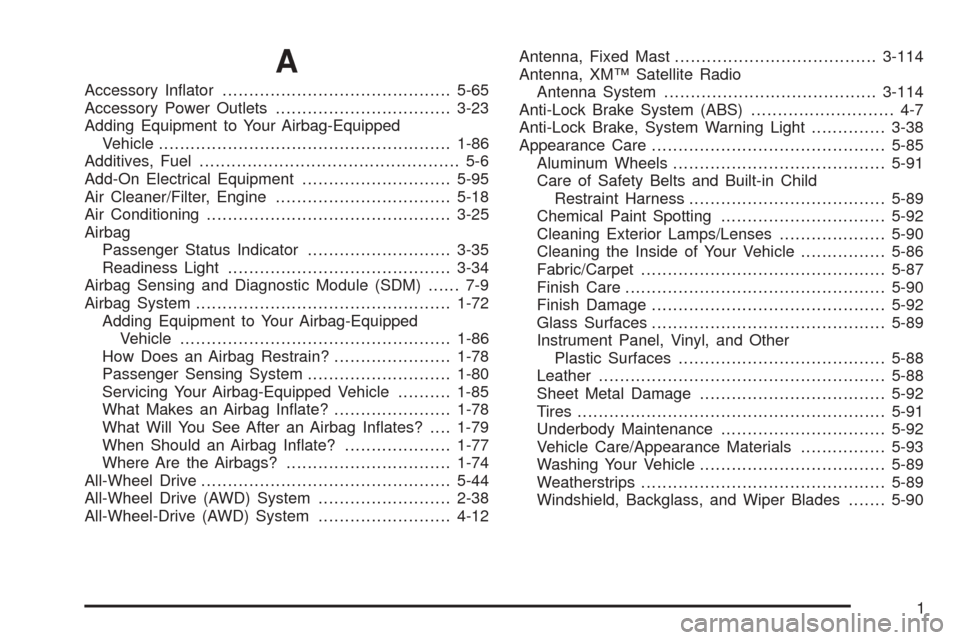
A
Accessory Inator...........................................5-65
Accessory Power Outlets.................................3-23
Adding Equipment to Your Airbag-Equipped
Vehicle.......................................................1-86
Additives, Fuel................................................. 5-6
Add-On Electrical Equipment............................5-95
Air Cleaner/Filter, Engine.................................5-18
Air Conditioning..............................................3-25
Airbag
Passenger Status Indicator...........................3-35
Readiness Light..........................................3-34
Airbag Sensing and Diagnostic Module (SDM)...... 7-9
Airbag System................................................1-72
Adding Equipment to Your Airbag-Equipped
Vehicle...................................................1-86
How Does an Airbag Restrain?......................1-78
Passenger Sensing System...........................1-80
Servicing Your Airbag-Equipped Vehicle..........1-85
What Makes an Airbag Inate?......................1-78
What Will You See After an Airbag Inates?....1-79
When Should an Airbag Inate?....................1-77
Where Are the Airbags?...............................1-74
All-Wheel Drive...............................................5-44
All-Wheel Drive (AWD) System.........................2-38
All-Wheel-Drive (AWD) System.........................4-12Antenna, Fixed Mast......................................3-114
Antenna, XM™ Satellite Radio
Antenna System........................................3-114
Anti-Lock Brake System (ABS)........................... 4-7
Anti-Lock Brake, System Warning Light..............3-38
Appearance Care............................................5-85
Aluminum Wheels........................................5-91
Care of Safety Belts and Built-in Child
Restraint Harness.....................................5-89
Chemical Paint Spotting...............................5-92
Cleaning Exterior Lamps/Lenses....................5-90
Cleaning the Inside of Your Vehicle................5-86
Fabric/Carpet..............................................5-87
Finish Care.................................................5-90
Finish Damage............................................5-92
Glass Surfaces............................................5-89
Instrument Panel, Vinyl, and Other
Plastic Surfaces.......................................5-88
Leather......................................................5-88
Sheet Metal Damage...................................5-92
Tires..........................................................5-91
Underbody Maintenance...............................5-92
Vehicle Care/Appearance Materials................5-93
Washing Your Vehicle...................................5-89
Weatherstrips..............................................5-89
Windshield, Backglass, and Wiper Blades.......5-90
1
Page 448 of 460
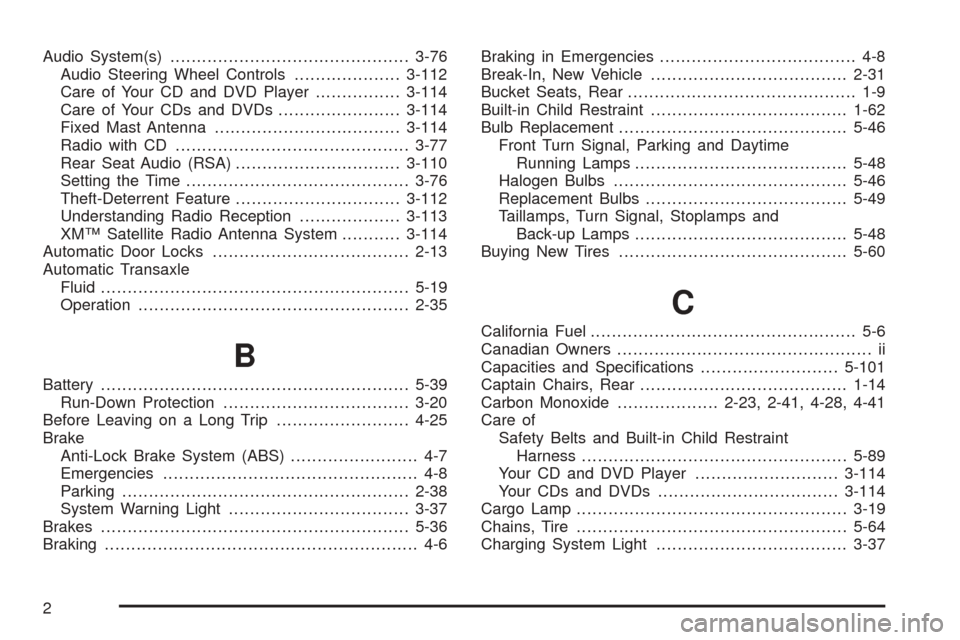
Audio System(s).............................................3-76
Audio Steering Wheel Controls....................3-112
Care of Your CD and DVD Player................3-114
Care of Your CDs and DVDs.......................3-114
Fixed Mast Antenna...................................3-114
Radio with CD............................................3-77
Rear Seat Audio (RSA)...............................3-110
Setting the Time..........................................3-76
Theft-Deterrent Feature...............................3-112
Understanding Radio Reception...................3-113
XM™ Satellite Radio Antenna System...........3-114
Automatic Door Locks.....................................2-13
Automatic Transaxle
Fluid..........................................................5-19
Operation...................................................2-35
B
Battery..........................................................5-39
Run-Down Protection...................................3-20
Before Leaving on a Long Trip.........................4-25
Brake
Anti-Lock Brake System (ABS)........................ 4-7
Emergencies................................................ 4-8
Parking......................................................2-38
System Warning Light..................................3-37
Brakes..........................................................5-36
Braking........................................................... 4-6Braking in Emergencies..................................... 4-8
Break-In, New Vehicle.....................................2-31
Bucket Seats, Rear........................................... 1-9
Built-in Child Restraint.....................................1-62
Bulb Replacement...........................................5-46
Front Turn Signal, Parking and Daytime
Running Lamps........................................5-48
Halogen Bulbs............................................5-46
Replacement Bulbs......................................5-49
Taillamps, Turn Signal, Stoplamps and
Back-up Lamps........................................5-48
Buying New Tires...........................................5-60
C
California Fuel.................................................. 5-6
Canadian Owners................................................ ii
Capacities and Specications..........................5-101
Captain Chairs, Rear.......................................1-14
Carbon Monoxide...................2-23, 2-41, 4-28, 4-41
Care of
Safety Belts and Built-in Child Restraint
Harness..................................................5-89
Your CD and DVD Player...........................3-114
Your CDs and DVDs..................................3-114
Cargo Lamp...................................................3-19
Chains, Tire...................................................5-64
Charging System Light....................................3-37
2