display CHEVROLET VENTURE 1998 Owner's Manual
[x] Cancel search | Manufacturer: CHEVROLET, Model Year: 1998, Model line: VENTURE, Model: CHEVROLET VENTURE 1998Pages: 474, PDF Size: 25.26 MB
Page 245 of 474
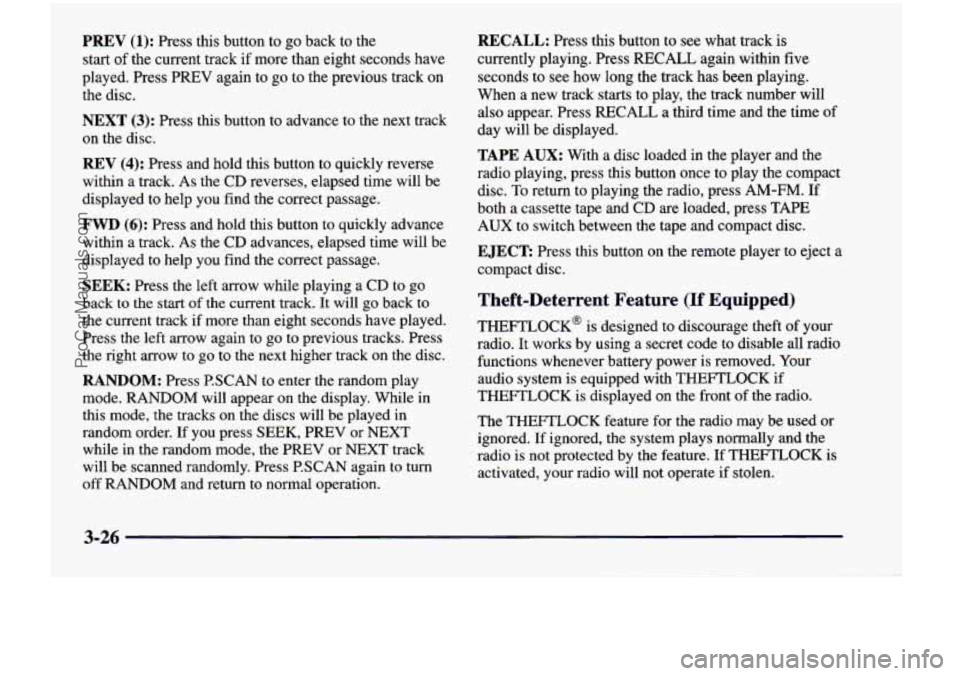
PREV (1): Press this button to go back to the
start
of the current track if more than eight seconds have
played. Press PREV again to go to the previous track on
the disc.
NEXT (3): Press this button to advance to the next track
on the disc.
REV (4): Press and hold this button to quickly reverse
within a track. As the CD reverses, elapsed time will be
displayed to help you find the correct passage.
FWD (6): Press and hold this button to quickly advance
within a track. As the
CD advances, elapsed time will be
displayed to help you find the correct passage.
SEEK: Press the left arrow while playing a CD to go
back to
the start of the current track. It will go back to
the current track if more than eight seconds have played.
Press the left arrow again
to go to previous tracks. Press
the right arrow to go to the next higher track on the disc.
RANDOM: Press P.SCAN to enter the random play
mode. RANDOM will appear on the display. While in
this mode, the tracks on the discs will be played in
random order.
If you press SEEK, PREV or NEXT
while in the random mode, the PREV or NEXT track
will be scanned randomly. Press P.SCAN again to turn
off RANDOM and return to normal operation.
RECALL: Press this button to see what track is
currently playing. Press
RECALL again within five
seconds to see how long the track has been playing.
When a new track starts to play, the track number will
also appear. Press RECALL a third time and the time of
day will be displayed.
TAPE AUX: With a disc loaded in the player and the
radio playing, press this button once to play the compact
disc. To return to playing the radio, press AM-FM.
If
both a cassette tape and CD are loaded, press TAPE
AUX to switch between the tape and compact disc.
EJECT Press this button on the remote player to eject a
compact disc.
Theft-Deterrent Feature (If Equipped)
THEFTLOCK@ is designed to discourage theft of your
radio.
It works by using a secret code to disable all radio
functions whenever battery power is removed. Your
audio system is equipped with THEFTLOCK
if
THEFTLOCK is displayed on the front of the radio.
The THEFTLOCK feature for the radio may be used or
ignored. If ignored, the system plays normally and the
radio is not protected by the feature. If
THEFTLOCK is
activated, your radio will not operate if stolen.
3-26
ProCarManuals.com
Page 246 of 474
When THEFTLOCK is activated, the radio will display
LOC to indicate a locked condition anytime battery
power has been interrupted. If your battery loses power
for any reason, you must unlock the radio with the secret
code before it will operate.
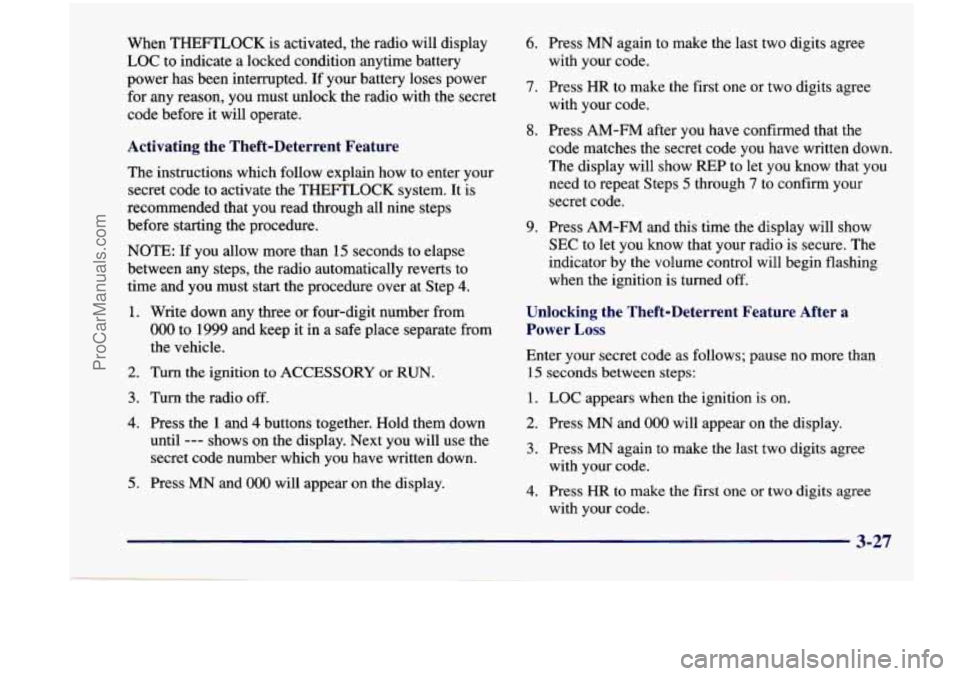
Activating the Theft-Deterrent Feature
The instructions which follow explain how to enter your
secret code to activate the THEFTLOCK system. It is
recommended that you read through all nine steps
before starting the procedure.
NOTE: If you allow more than
15 seconds to elapse
between any steps, the radio automatically reverts to
time and you must start the procedure over at Step
4.
1. Write down any three or four-digit number from
000 to 1999 and keep it in a safe place separate from
the vehicle.
2. Turn the ignition to ACCESSORY or RUN.
3. Turn the radio off.
4. Press the 1 and 4 buttons together. Hold them down
until
--- shows on the display. Next you will use the
secret code number which you have written down.
5. Press MN and 000 will appear on the display.
6. Press MN again to make the last two digits agree
with your code.
7. Press HR to make the first one or two digits agree
with your code.
code matches the secret code you have written down.
The display will
show REP to let you know that you
need to repeat Steps
5 through 7 to confirm your
secret code.
8. Press AM-FM after you have confirmed that the
9. Press AM-FM and this time the display will show
SEC to let you know that your radio is secure. The
indicator by the volume control will begin flashing
when the ignition
is turned off.
Unlocking the Theft-Deterrent Feature After a
Power
Loss
Enter your secret code as follows; pause no more than
15 seconds between steps:
1. LOC appears when the ignition is on.
2. Press MN and 000 will appear on the display.
3. Press MN again to make the last two digits agree
with your code.
4. Press HR to make the first one or two digits agree
with your code.
3-27
ProCarManuals.com
Page 247 of 474
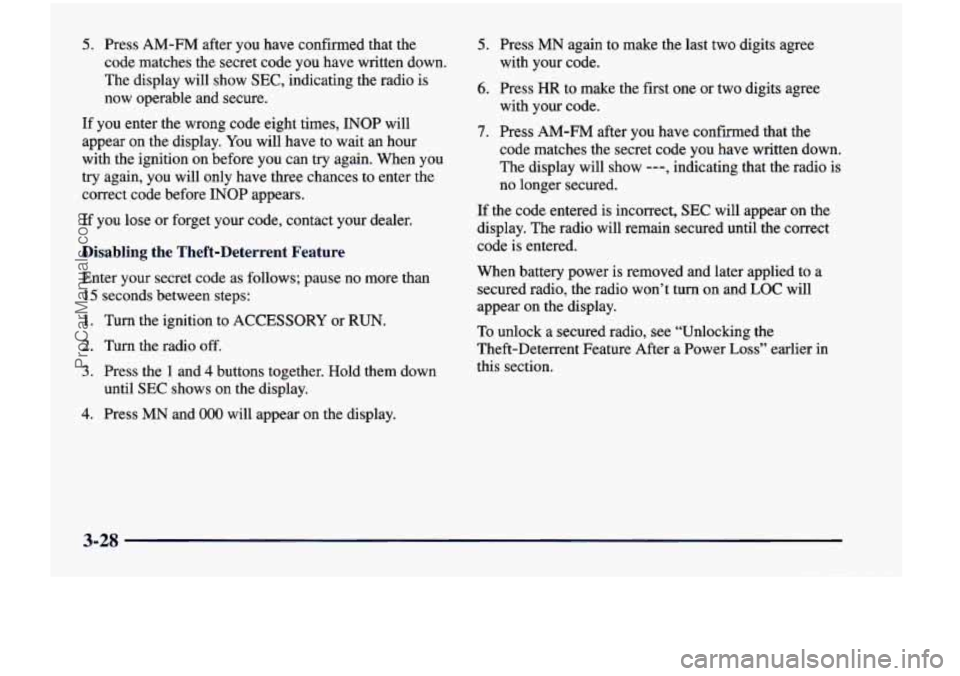
5. Press AM-FM after you have confirmed that the
code matches the secret code you have written down.
The display will show
SEC, indicating the radio is
now operable and secure.
If you enter the wrong code eight times, INOP will
appear
on the display. You will have to wait an hour
with the ignition on before you can try again. When you
try again, you will only have three chances to enter the
correct code before INOP appears.
If you lose or forget your code, contact your dealer.
Disabling the Theft-Deterrent Feature
Enter your secret code as follows; pause no more than
15 seconds between steps:
1. Turn the ignition to ACCESSORY or RUN.
2. Turn the radio off.
3. Press the 1 and 4 buttons together. Hold them down
until
SEC shows on the display.
4. Press MN and 000 will appear on the display.
5. Press MN again to make the last two digits agree
with your code.
6. Press HR to make the first one or two digits agree
with your code.
7. Press AM-FM after you have confirmed that the
code matches the secret code you have written down.
The display will show
---, indicating that the radio is
no longer secured.
If the code entered is incorrect, SEC will appear on the
display. The radio will remain secured until the correct
code is entered.
When battery power is removed and later applied
to a
secured radio, the radio won’t turn on and
LOC will
appear on the display.
To unlock a secured radio, see “Unlocking the
Theft-Deterrent Feature After a Power
Loss” earlier in
this section.
3-28
ProCarManuals.com
Page 249 of 474
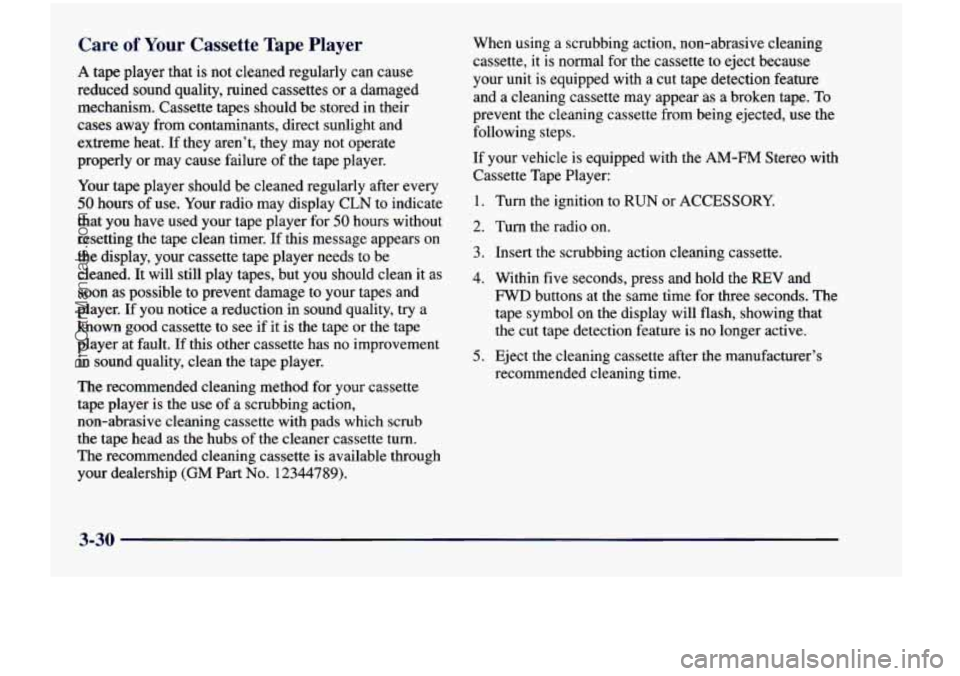
Care of Your Cassette Tape Player
A tape player that is not cleaned regularly can cause
reduced sound quality, ruined cassettes or a damaged
mechanism. Cassette tapes should be stored in their
cases away from contaminants, direct sunlight and
extreme heat.
If they aren’t, they may not operate
properly or may cause failure of the tape player.
Your tape player should be cleaned regularly after every
50 hours of use. Your radio may display CLN to indicate
that you have used your tape player for
50 hours without
resetting the tape clean timer.
If this message appears on
the display, your cassette tape player needs to be cleaned. It will still play tapes, but you should clean it as\
soon as possible to prevent damage to your tapes and
player.
If you notice a reduction in sound quality, try a
known good cassette to see if it is the tape or the tape
player at fault.
If this other cassette has no improvement
in sound quality, clean the tape player.
The recommended cleaning method for your cassette
tape player
is the use of a scrubbing action,
non-abrasive cleaning cassette with pads which scrub
the tape head as the hubs of the cleaner cassette
turn.
The recommended cleaning cassette is available through
your dealership
(GM Part No. 12344789).
When using a scrubbing action, non-abrasive cleaning
cassette, it is normal for the cassette to eject because
your unit is equipped
with a cut tape detection feature
and a cleaning cassette may appear as a broken tape. To
prevent the cleaning cassette from being ejected,
use the
following steps.
If your vehicle is equipped with the
AM-FM Stereo with
Cassette Tape Player:
1. Turn the ignition to RUN or ACCESSORY.
2. Turn the radio on.
3. Insert the scrubbing action cleaning cassette.
4. Within five seconds, press and hold the REV and
FWD buttons at the same time for three seconds. The
tape symbol on the display will flash, showing that
the cut tape detection feature is no longer active.
5. Eject the cleaning cassette after the manufacturer’s
recommended cleaning time.
3-30
ProCarManuals.com
Page 250 of 474
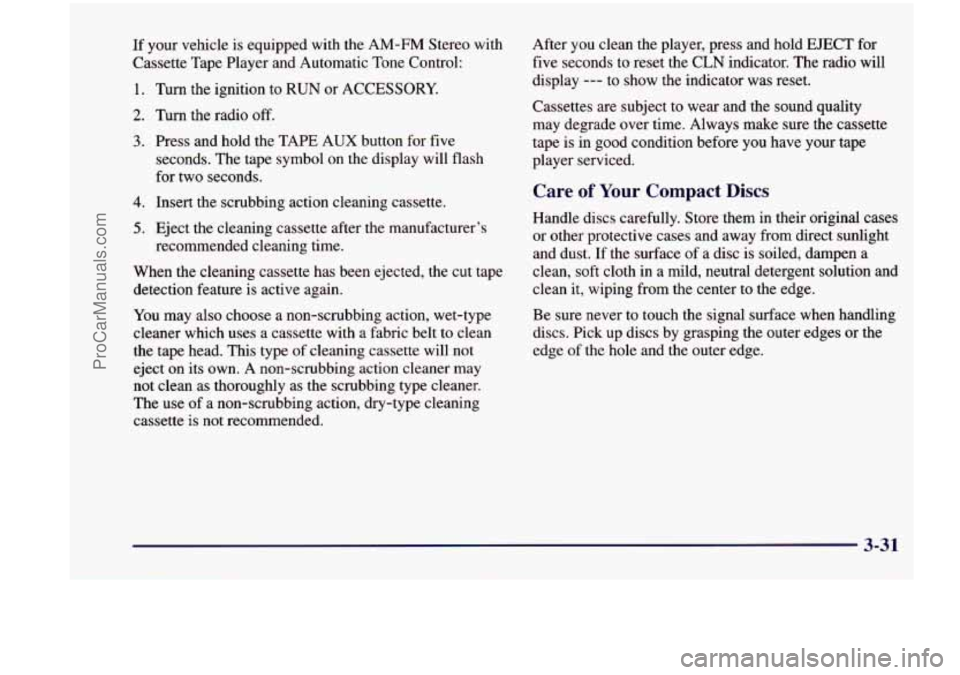
If your vehicle is equipped with the AM-FM Stereo with
Cassette Tape Player and Automatic Tone Control:
1. Turn the ignition to RUN or ACCESSORY.
2. Turn the radio off.
3. Press and hold the TAPE AUX button for five
seconds. The tape symbol on the display will flash
for two seconds.
4. Insert the scrubbing action cleaning cassette.
5. Eject the cleaning cassette after the manufacturer’s
recommended cleaning time.
When the cleaning cassette has been ejected, the cut tape detection feature is active again.
You may also choose a non-scrubbing action, wet-type
cleaner which uses a cassette with a fabric belt to clean
the tape head. This type of cleaning cassette will not
eject on its own.
A non-scrubbing action cleaner may
not clean as thoroughly as the scrubbing type cleaner.
The use of
a non-scrubbing action, dry-type cleaning
cassette is not recommended. After you clean the player, press and hold EJECT
for
five seconds to reset the CLN indicator. The radio will
display
--- to show the indicator was reset.
Cassettes are subject to wear and the sound quality may degrade over time. Always make sure
the cassette
tape is
in good condition before you have your tape
player serviced.
Care of Your Compact Discs
Handle discs carefully. Store them in their original cases
or other protective cases and away from direct sunlight
and dust. If the surface of a disc is soiled, dampen a
clean, soft cloth
in a mild, neutral detergent solution and
clean
it, wiping from the center to the edge.
Be sure never to touch the signal surface when handling
discs. Pick up discs by grasping the outer edges or the
edge of the hole and the outer edge.
3-31
ProCarManuals.com
Page 395 of 474
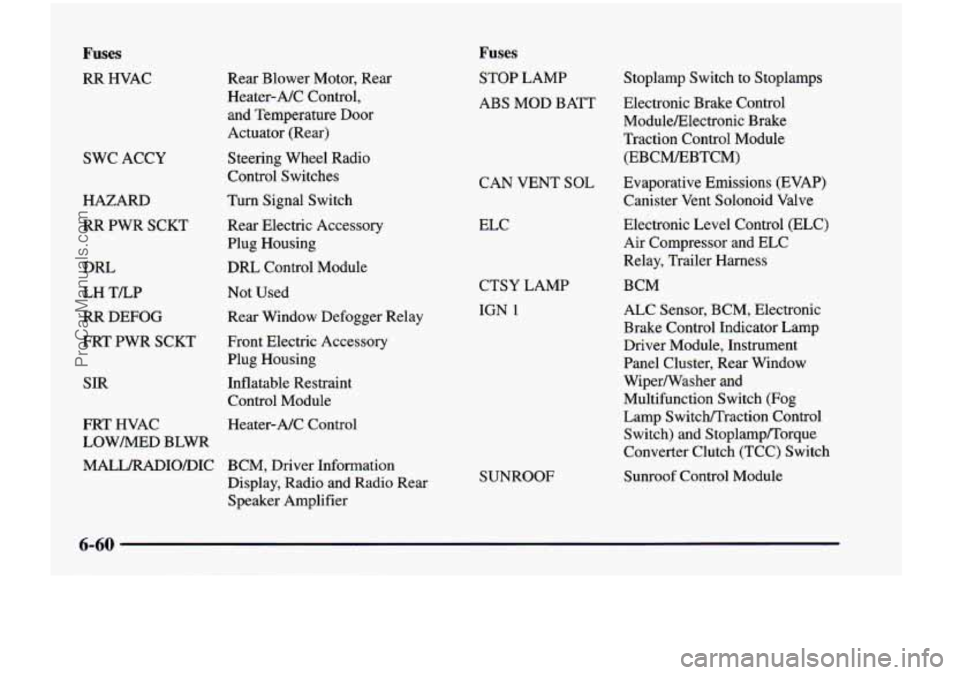
Fuses
RR HVAC
SWC ACCY
HAZARD
RR PWR SCKT
DRL
LH TLP
RR DEFOG
FRT PWR SCKT
SIR
FRT HVAC
LOWMED BLWR
MALL/RADIO/DIC Rear Blower Motor,
Rear
Heater-NC
Control,
and Temperature Door
Actuator (Rear)
Steering Wheel Radio
Control Switches
Turn Signal Switch
Rear Electric Accessory
Plug Housing
DRL Control Module
Not Used
Rear Window Defogger Relay
Front Electric Accessory
Plug Housing
Inflatable Restraint
Control Module
Heater-A/C Control
BCM, Driver Information
Display, Radio
and Radio Rear
Speaker Amplifier
Fuses
STOP LAMP
ABS MOD BATT
CAN VENT
SOL
ELC
CTSY LAMP
IGN 1
SUNROOF
Stoplamp Switch to Stoplamps
Electronic Brake Control
ModuleElectronic Brake
Traction Control Module
(EBCMEBTCM)
Evaporative Emissions (EVAP)
Canister Vent Solonoid Valve
Electronic Level Control (ELC)
Air Compressor and ELC
Relay, Trailer Harness
BCM
ALC Sensor, BCM, Electronic
Brake Control Indicator Lamp
Driver Module, Instrument
Panel Cluster, Rear Window
Wipermasher and
Multifunction Switch (Fog Lamp SwitcWTraction Control Switch) and Stoplamp/Torque
Converter Clutch (TCC) Switch
Sunroof Control Module
6-60
ProCarManuals.com
Page 398 of 474
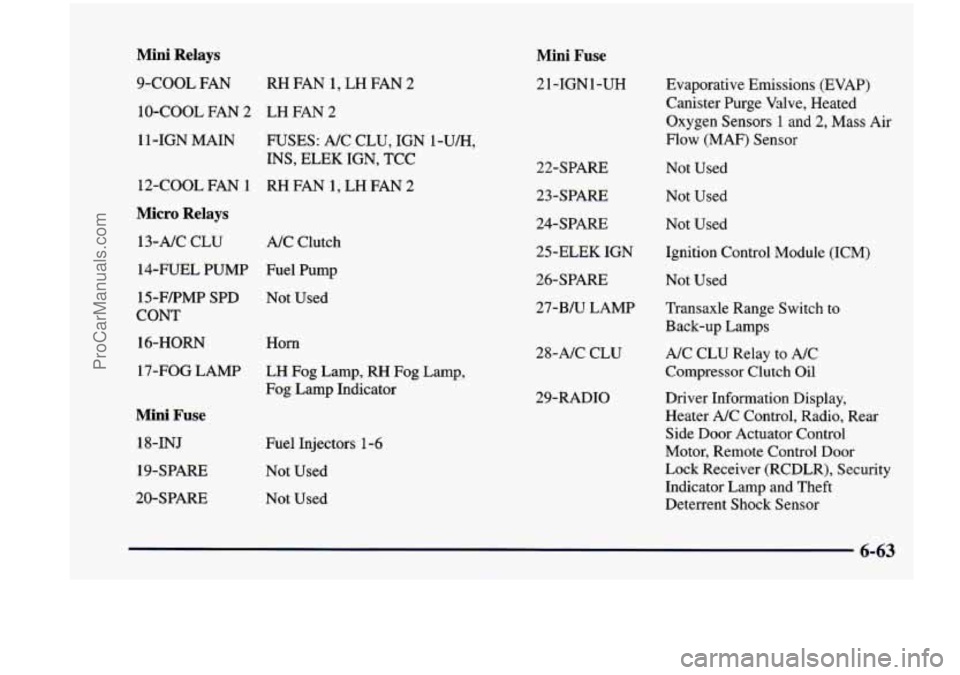
Mini Relays
9-COOL FAN RH FAN 1, LH FAN 2
10-COOL FAN 2 LH FAN 2
1 1 -1GN MAIN
FUSES: A/C CLU, IGN l-U/H,
INS, ELEK IGN, TCC
12-COOL FAN
1 RH FAN 1, LH FAN 2
Micro Relays
13-AIC CLU
A/C Clutch
14-FUEL PUMP Fuel Pump
15-FFMP SPD Not Used
cow
16-HORN
17-FOG LAMP
Mini Fuse
18-INJ
19-SPARE
20-SPARE Horn
LH Fog
Lamp, RH Fog Lamp,
Fog Lamp Indicator
Fuel Injectors 1-6
Not Used
Not Used
Mini Fuse
21-IGN1-UH
22-SPARE
23-SPARE
24-SPARE
25-ELEK IGN
26-SPARE
27-Bh-J LAMP
28-NC CLU
29-RADIO Evaporative
Emissions (EVAP)
Canister Purge Valve, Heated
Oxygen Sensors
1 and 2, Mass Air
Flow (MAF) Sensor
Not Used
Not Used
Not Used
Ignition Control Module (ICM)
Not Used
Transaxle Range Switch to
Back-up Lamps
A/C CLU Relay to A/C
Compressor Clutch Oil
Driver Information Display,
Heater A/C Control, Radio, Rear
Side Door Actuator Control
Motor, Remote Control Door
Lock Receiver (RCDLR), Security
Indicator Lamp and Theft
Deterrent Shock Sensor
6-63
ProCarManuals.com