instrument panel CHEVROLET VENTURE 1998 Owner's Manual
[x] Cancel search | Manufacturer: CHEVROLET, Model Year: 1998, Model line: VENTURE, Model: CHEVROLET VENTURE 1998Pages: 474, PDF Size: 25.26 MB
Page 200 of 474
Your instrument panel is designed to let you know at a glance how your vehicle is running. You’ll know how fast
you’re going, how much fuel you’re using, and many other things you’ll need
to drive safely and economically.
Refer to the accompanying diagram
of your instrument panel to locate the components listed below.
A. Side Vents L. Ignition Switch
B. Front Vent
M. Climate Controls
C. Turn Signalhlultifunction Lever N. Rear Fan Controls (Option)
D. Hazard Warning Flashers Switch 0. Accessory Power Outlet
E. Instrument Cluster P. Storage Bin
E Center Vents Q. Remote CD Player (Option)
G. Audio System R. Instrument Panel Switchbank
H. Side Vents
S. LightedAshtray
I. Lamps Switch T. Glove Box
J. Hood Release U. Front Vents
K. Horn V. Fuse Panel
2-83
ProCarManuals.com
Page 201 of 474

Instrument Panel Cluster
Your cluster includes indicator warning lights and gages that are ex\
plained on the following pages.
2-84
ProCarManuals.com
Page 204 of 474
Air Bag Readiness Light
There is an air bag readiness light on the instrument
panel, which shows
a deployed air bag. The system
checks the air bag’s electrical system for malfunctions.
The light tells you if there is an electrical problem.
The system check includes the air bag sensors, the air
bag module, the wiring and the diagnostic module. For
more information on
the air bag system, see “Air Bag”
in the Index.
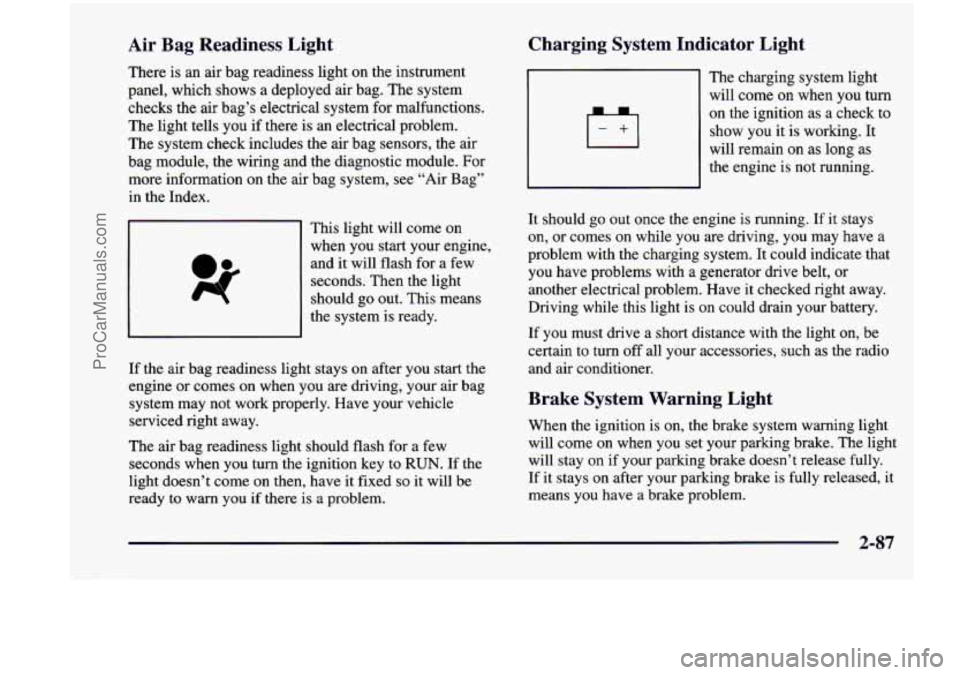
This light will come on
when you start your engine,
and
it will flash for a few
seconds. Then the light
should go out. This means
the system is ready.
If the air bag readiness light stays on after you start the
engine or comes on when you are driving, your air bag
system may not work properly. Have your vehicle
serviced right away.
The air bag readiness light should flash for
a few
seconds when you turn the ignition key to
RUN. If the
light doesn’t come on then, have it fixed
so it will be
ready to warn you
if there is a problem.
Charging System Indicator Light
1+1
The charging system light
will come on when you turn
on the ignition as a check to
show you it is working. It
will remain on as long as
the engine is not running.
It should go out once the engine is running. If
it stays
on, or comes on while you are driving, you may have a
problem with the charging system. It could indicate that
you have problems with a generator
drive belt, or
another electrical problem. Have
it checked right away.
Driving while this light
is on could drain your battery.
If you must drive a short distance with the light
on, be
certain to turn off all your accessories, such as the radio
and air conditioner.
Brake System Warning Light
When the ignition is on, the brake system warning light
will come on when you set your parking brake. The light
will stay on if your parking brake doesn’t release fully.
If it stays on after your parking brake is fully released, it
means you have a brake problem.
2-87
ProCarManuals.com
Page 208 of 474
Low Traction Light (Option)
LOW
TRACTION
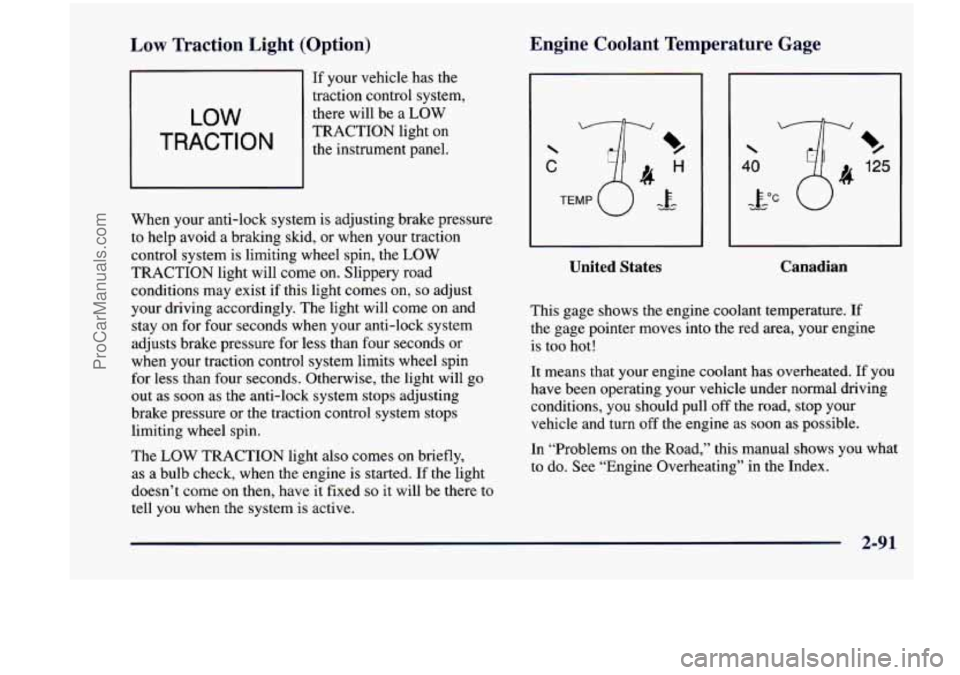
If your vehicle has the
traction control system,
there will be a LOW
TRACTION light on
the instrument panel.
When your anti-lock system
is adjusting brake pressure
to help avoid
a braking skid, or when your traction
control system is limiting wheel spin, the LOW
TRACTION light will come on. Slippery road
conditions may exist if this light comes
on, so adjust
your driving accordingly. The light will come on and
stay on for four seconds when your anti-lock system
adjusts brake pressure for less than four seconds or
when your traction control system limits wheel spin
for less than four seconds. Otherwise, the light will
go
out as soon as the anti-lock system stops adjusting
brake pressure or the traction control system stops
limiting wheel spin.
The
LOW TRACTION light also comes on briefly,
as a bulb check, when the engine is started. If the light
doesn’t come on then, have it fixed
so it will be there to
tell you when the system is active.
Engine Coolant Temperature Gage
C
%
125
%
United States
I
Canadian
This gage shows the engine coolant temperature. If
the gage pointer moves into the red area, your engine
is too hot!
It means that your engine coolant has overheated. If you
have been operating your vehicle under normal driving
conditions, you should pull off the road, stop your vehicle and turn
off the engine as soon as possible.
In “Problems on the Road,” this manual shows you what
to do. See “Engine Overheating” in the Index.
.. .
ProCarManuals.com
Page 221 of 474
Temperature Knob Comfort Controls
This section tells you how to make your air system work
for
you. Your comfort control system uses
ozone-friendly
R- 134a refrigerant.
With these systems,
you can control the heating,
cooling and ventilation
in your vehicle. Your vehicle
also has a flow-through ventilation system described
later
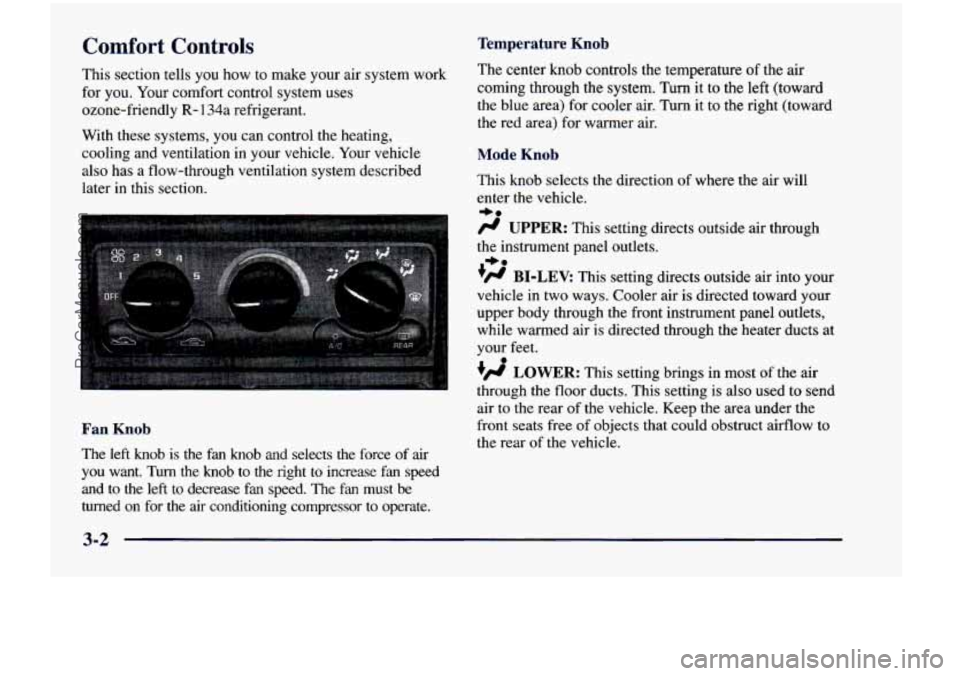
in this section. The
center
knob controls the temperature of the air
coming through the system. Turn it to the left (toward
the blue area) for cooler air. Turn it to the right (toward\
the red area) for warmer air.
Mode Knob
This knob selects the direction of where the air will
enter the vehicle.
-be
fl UPPER: This setting directs outside air through
the instrument panel outlets.
+fl BI-LEV: This setting directs outside air into your
vehicle in two ways. Cooler air
is directed toward your
upper body through the front instrument panel outlets,
while warmed air
is directed through the heater ducts at
your feet.
+e
0
+fl LOWER: This setting brings in most of the air
air to the rear of the vehicle. Keep the area under the
the rear of the vehicle.
- through the floor ducts. This setting is also used to send
Fan Knob front seats free of objects that could obstruct airflow to
The left knob is the fan knob and selects the force of air
you want. Turn the knob to the right to increase fan speed
and to the left to decrease
fan speed. The fan must be
turned on for the
air conditioning compressor to operate.
3-2
ProCarManuals.com
Page 223 of 474
Heating Defogging and Defrosting
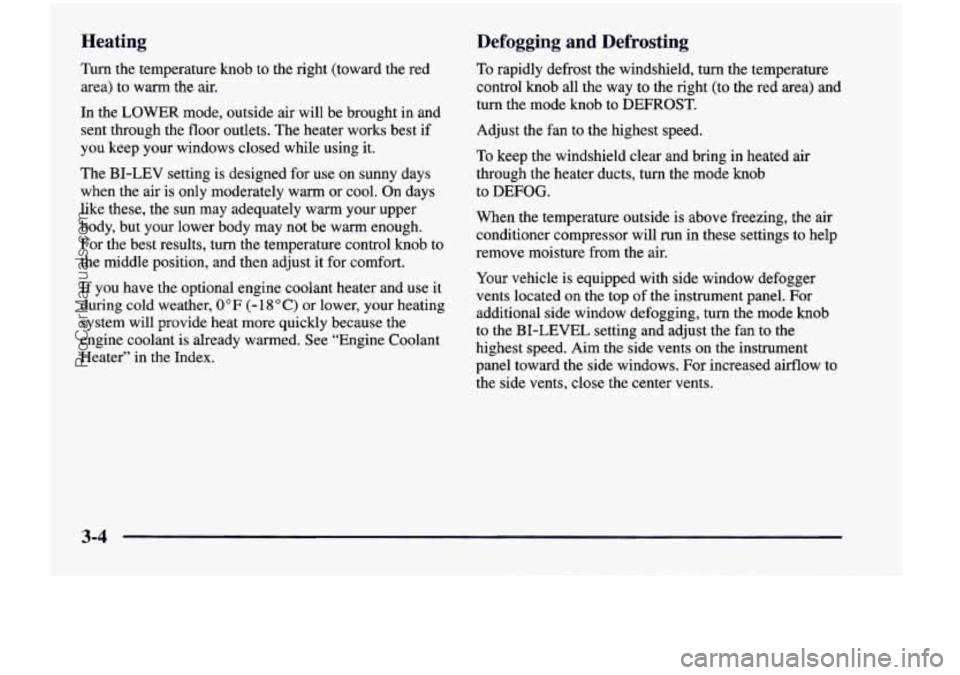
Turn the temperature knob to the right (toward the red
area)
to warm the air.
In the LOWER mode, outside
air will be brought in and
sent through the floor outlets. The heater works best
if
you keep your windows closed while using it.
The BI-LEV setting is designed for use on sunny days
when the air is only moderately warm or cool. On days
like these, the sun may adequately warm your upper
body, but your lower body may not be warm enough.
For the best results,
turn the temperature control knob to
the middle position, and then adjust it for comfort.
If you have the optional engine coolant heater and use it
during cold weather,
0°F (- 18 O C) or lower, your heating
system will provide heat more quickly because the
engine coolant is already warmed. See “Engine Coolant
Heater” in the Index, To
rapidly defrost the windshield, turn the temperature
control knob all the way
to the right (to the red area) and
turn the mode knob
to DEFROST.
Adjust the fan to the highest speed.
To keep the windshield clear and bring in heated air
through the heater ducts, turn the mode knob
to
DEFOG.
When the temperature outside is above freezing, the air
conditioner compressor will
run in these settings to help
remove moisture from the air.
Your vehicle is equipped with side window defogger
vents located on the top of the instrument panel. For
additional side window defogging, turn the mode knob
to the
BI-LEVEL setting and adjust the fan to the
highest speed. Aim the side vents on the instrument
panel toward the side windows. For increased airflow to
the side vents, close the center vents.
3-4
ProCarManuals.com
Page 225 of 474
Rear Climate Control (If Equipped)
If you have the optional rear climate control, the rear
seat passengers can control the temperature and the
amount of air directed
to the rear of the vehicle. The
amount
of air directed to the rear of the vehicle can also
be adjusted using the front control for the rear fan.
Set the main climate control mode knob to
LOWER,
DEFOG or DEFROST, when outside temperatures are
cold or moderate, to send air to the rear
of the vehicle
through the lower vents.
Set the main climate control mode knob to
UPPER or
BI-LEV to send air to the rear of the vehicle through the
headliner outlets.
To send conditioned air to the rear of the vehicle, press
the
A/C button (the light will glow) on the main climate
controls.
If you do not select NC, air directed to the rear
of the vehicle will be cabin temperature.
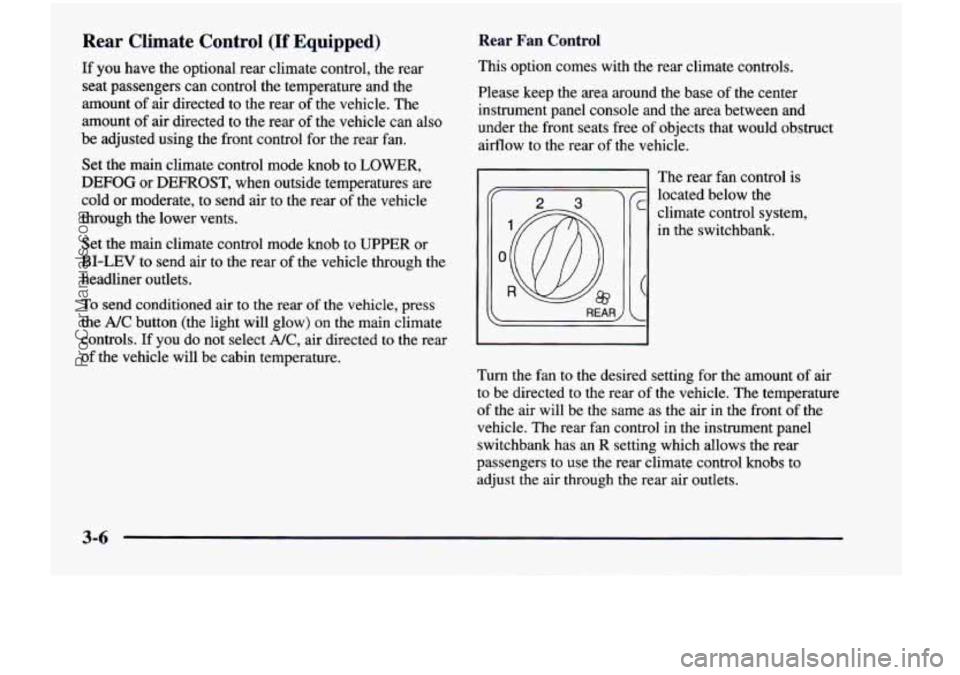
Rear Fan Control
This option comes with the rear climate controls.
Please keep the area around the base of the center
instrument panel console and the area between and
under the front seats free of objects that would obstruct
airflow to the rear of the vehicle.
':@ R
The rear fan control is
located below the
climate control system,
in the switchbank.
Turn the fan to the desired setting for the amount of air
to be directed to the rear of the vehicle. The temperature
of the air will be the same as the air in the front of the
vehicle. The rear fan control in the instrument panel
switchbank has an
R setting which allows the rear
passengers to use the rear climate control knobs to
adjust the air through the rear air outlets.
3-6
ProCarManuals.com
Page 226 of 474
Rear Comfort Controls
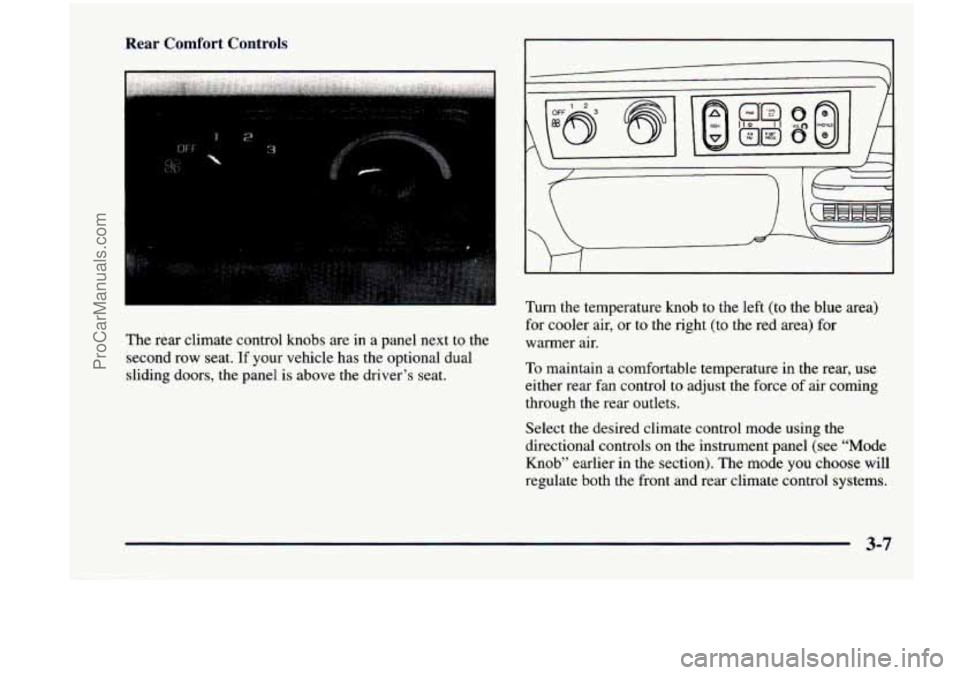
The rear climate control knobs are in a panel next to the
second row seat.
If your vehicle has the optional dual
sliding doors, the panel is above the driver’s seat.
Turn the temperature knob to the left (to the blue area)
for cooler air, or to the right (to the red area)
for
warmer air.
To maintain a comfortable temperature in the rear, use
either rear fan control to adjust the force
of air coming
through the rear outlets.
Select the desired climate control mode using the
directional controls on the instrument panel (see “Mode
Knob” earlier
in the section). The mode you choose will
regulate both the front and rear climate control systems.
3-7
ProCarManuals.com
Page 227 of 474
Rear Air Vents Ventilation System
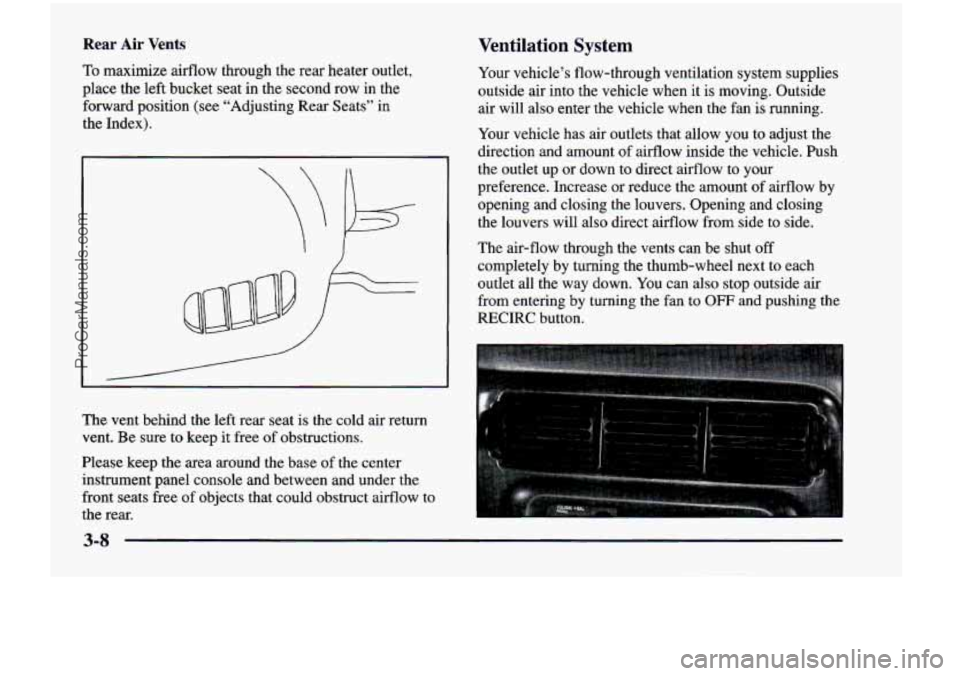
To maximize airflow through the rear heater outlet,
place the left bucket
seat in the second row in the
forward position (see “Adjusting Rear Seats” in
the Index).
The vent behind the left rear seat is the cold air return
vent. Be sure to keep it free of obstructions.
Please keep the area around the base of the center
instrument panel console and between and under the
front seats free
of objects that could obstruct airflow to
the rear. Your
vehicle’s flow-through ventilation system supplies
outside air into the vehicle when it is moving. Outside air will also enter the vehicle when the fan
is running.
Your vehicle has air outlets that allow you to adjust the
direction and amount
of airflow inside the vehicle. Push
the outlet up
or down to direct airflow to your
preference. Increase or reduce the amount of airflow by
opening and closing the louvers. Opening and closing
the louvers will also direct airflow from side to side.
The air-flow through the vents can be shut
off
completely by turning the thumb-wheel next to each
outlet all the way down. You can also stop outside air
from entering by turning the fan to
OFF and pushing the
RECIRC button.
3-8
ProCarManuals.com
Page 228 of 474
Ventilation Tips
0
a
0
0
Keep the hood and front air inlet free of ice, snow or
any other obstruction (such as leaves). This will
allow the heater and defroster to work much better,
reducing the chance of fogging the inside of
your windows.
When you enter a vehicle in cold weather,
turn the
blower fan to
“5” for a few moments before driving
off. This helps clear the intake ducts of snow and
moisture, and reduces the chance of fogging the
inside of your windows.
Keep the area around the base
of the center
instrument panel console and the air path under the
front seats clear
of objects. This helps air to circulate
throughout your vehicle.
In cold weather, operating the system in the
OUTSIDE
AIR mode will improve the time it takes
to warm the vehicle.
Audio Systems
Your Delco Electronics audio system has been designed
to operate easily and give years of listening pleasure.
You will get the most enjoyment out of it if you acquaint
yourself with it first. Find out what your Delco
Electronics system can do and how to operate all its
controls, to be sure you’re getting the most
out of the
advanced engineering that went into it.
Setting the Clock for Systems without
Automatic Tone Control
Press SET. SET will appear on the display for five
seconds. Within five seconds, press and hold the right
arrow on the SEEK button until the correct minute
appears. Press and hold the left
arrow on the SEEK
button until the correct
hour appears.
Setting the Clock for Systems with
Automatic Tone Control
Press and hold HR until the correct hour appears. Press
and hold
MN until the correct minute appears.
3-9
ProCarManuals.com