TPMS CHEVROLET VOLT 2011 Owner's Manual
[x] Cancel search | Manufacturer: CHEVROLET, Model Year: 2011, Model line: VOLT, Model: CHEVROLET VOLT 2011Pages: 516, PDF Size: 6.61 MB
Page 29 of 516
Black plate (23,1)Chevrolet Volt Owner Manual - 2011
In Brief 1-23
Service
{WARNING
Never try to do your own service
on high voltage components.
You can be injured and the
vehicle can be damaged if you
try to do your own service work.
Service and repair of these high
voltage components should
only be performed by a trained
service technician with the proper
knowledge and tools. SeeDoing
Your Own Service Work on
page 10‑8.
Performance and
Maintenance
Traction Control
System (TCS)
The Traction Control System limits
wheel spin. The system turns on
automatically every time the vehicle
is on and cannot be turned off.
For more information, see Traction
Control System (TCS) on
page 9‑37.
Electronic Stability
Control (ESC)
Electronic Stability Control assists
with directional control of the
vehicle in difficult driving conditions.
The system turns on automatically
every time the vehicle is on and
cannot be turned off.
For more information, see Electronic
Stability Control (ESC) on
page 9‑39.
Tire Pressure Monitor
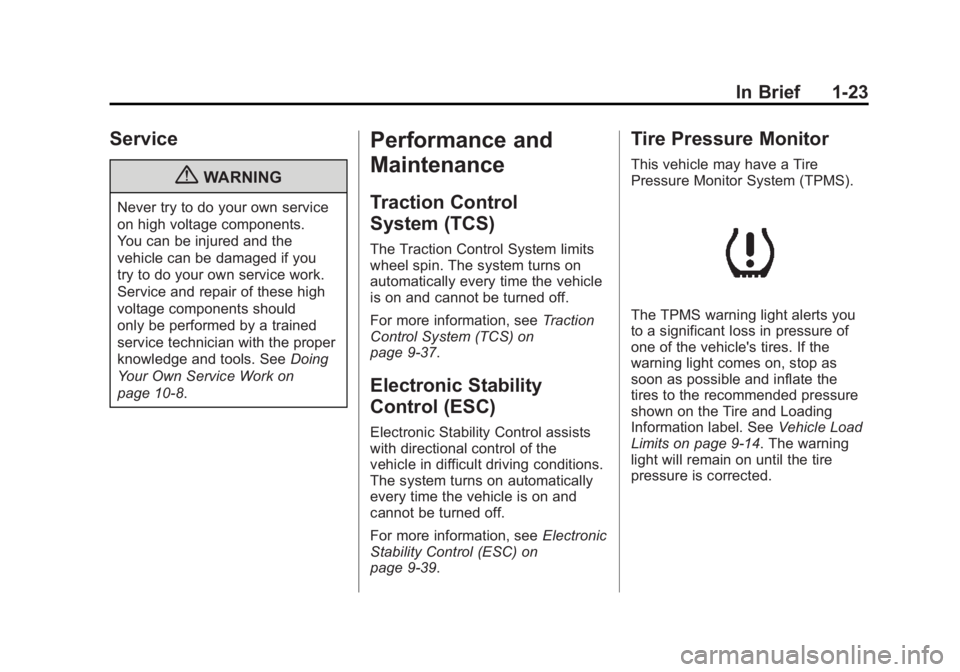
This vehicle may have a Tire
Pressure Monitor System (TPMS).
The TPMS warning light alerts you
to a significant loss in pressure of
one of the vehicle's tires. If the
warning light comes on, stop as
soon as possible and inflate the
tires to the recommended pressure
shown on the Tire and Loading
Information label. See Vehicle Load
Limits on page 9‑14. The warning
light will remain on until the tire
pressure is corrected.
Page 30 of 516
Black plate (24,1)Chevrolet Volt Owner Manual - 2011
1-24 In Brief
During cooler conditions, the low tire
pressure warning light may appear
when the vehicle is first started and
then turn off. This may be an early
indicator that the tire pressures are
getting low and the tires need to be
inflated to the proper pressure.
The TPMS does not replace normal
monthly tire maintenance. It is the
driver’s responsibility to maintain
correct tire pressures.
See Tire Pressure Monitor System
on page 10‑55.Tire Sealant and
Compressor Kit
This vehicle may have a tire sealant
and compressor kit that can be used
to seal small punctures in the tread
area of the tire. Significant sidewall
damage will require the tire to be
replaced.
See Tire Sealant and Compressor
Kit on page 10‑71 for complete
operating information.
Engine Oil Life System
The engine oil life system calculates
engine oil life based on vehicle use
and displays the CHANGE ENGINE
OIL SOON message when it is time
to change the engine oil and filter.
The oil life system should be reset
to 100% only following an oil
change. Resetting the Oil Life System
1. Use the SELECT knob to select
OIL LIFE on the DIC menu.
2. Press SELECT to start the OIL LIFE reset procedure.
3. The DIC menu will display “Are
you sure that you want to reset?”
Use SELECT to choose YES to
reset oil life or NO to exit and
return to the previous menu.
4. If YES is selected, the DIC menu will display RESET OIL LIFE for
a short time and then 100% OIL
LIFE will be displayed when
OIL LIFE is successfully reset.
See Engine Oil Life System on
page 10‑15.
Page 147 of 516
Black plate (27,1)Chevrolet Volt Owner Manual - 2011
Instruments and Controls 5-27
Traction Control System
(TCS)/StabiliTrak®Light
This light comes on briefly while
starting the vehicle.
If it does not, have the vehicle
serviced by your dealer. If the
system is working normally the
indicator light then goes off.
If the light comes on and stays
on while driving, there could be a
problem with the TCS/StabiliTrak
system and the vehicle might need
service. When this warning light is
on, the TCS/StabiliTrak system is
off and does not limit wheel spin.
The light flashes if the system is
active and is working to assist the
driver with directional control of the
vehicle in difficult driving conditions.
Engine Coolant
Temperature Warning
Light
The engine coolant temperature
warning light comes on briefly when
the vehicle is started.
If it does not, have the vehicle
serviced by your dealer. If the
system is working normally the
indicator light then goes off.
If the light comes on and stays
on while driving, the vehicle may
have a problem with the cooling
system. Stop and turn off the
vehicle to avoid damage to the
engine. A warning chime sounds
when this light is on.
SeeEngine Overheating on
page 10‑23 for more information.
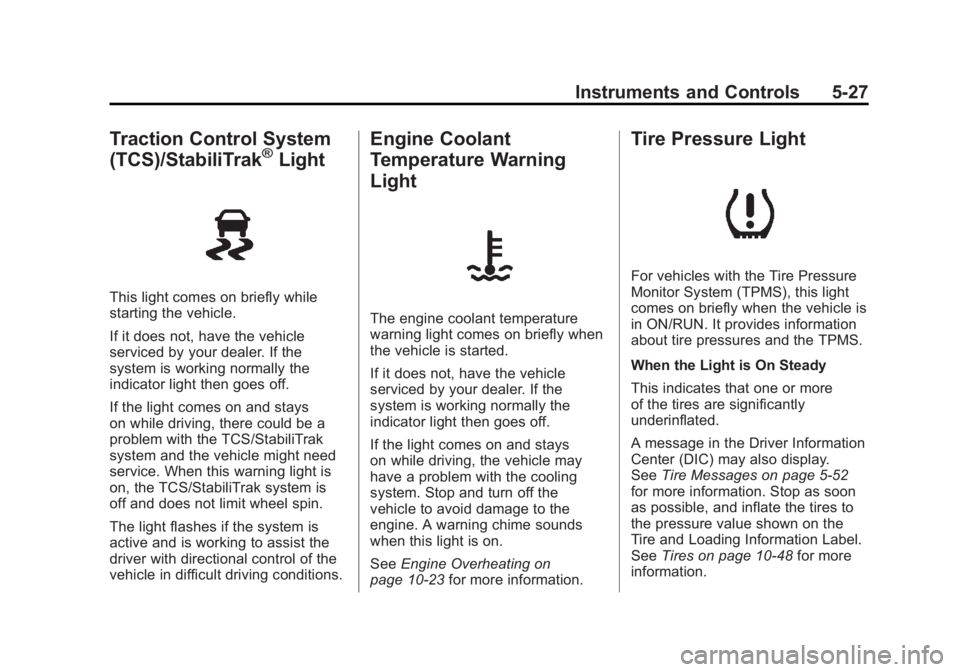
Tire Pressure Light
For vehicles with the Tire Pressure
Monitor System (TPMS), this light
comes on briefly when the vehicle is
in ON/RUN. It provides information
about tire pressures and the TPMS.
When the Light is On Steady
This indicates that one or more
of the tires are significantly
underinflated.
A message in the Driver Information
Center (DIC) may also display.
SeeTire Messages on page 5‑52
for more information. Stop as soon
as possible, and inflate the tires to
the pressure value shown on the
Tire and Loading Information Label.
See Tires on page 10‑48 for more
information.
Page 172 of 516
Black plate (52,1)Chevrolet Volt Owner Manual - 2011
5-52 Instruments and Controls
SERVICE POWER STEERING
This message displays if there is a
problem with the power steering
system. Take the vehicle to your
dealer for service.
SERVICE VEHICLE SOON
This message displays if there is a
problem with the vehicle. Take the
vehicle to your dealer for service.
Depending on the severity of a
crash, this message may come
on along with the airbag readiness
light.
Starting the Vehicle
Messages
PRESS BRAKE TO START
VEHICLE
This message displays when
attempting to start the vehicle
without first pressing the brake
pedal.
PRESS BUTTON AGAIN TO
TURN OFF
This message displays as a
reminder to press the POWER
O
button to turn the vehicle off when
an attempt is made to turn off the
vehicle while it is in motion.
Tire Messages
SERVICE TIRE MONITOR
SYSTEM
This message displays if there is
a problem with the Tire Pressure
Monitor System (TPMS). SeeTire
Pressure Monitor Operation on
page 10‑57 for more information.
TIRE LEARNING ACTIVE
This message displays when
the system is learning new tires.
SeeTire Pressure Monitor
Operation on page 10‑57 for
more information.
TIRE LOW ADD AIR TO TIRE
This message displays when the
pressure in one or more of the tires
is low.
This message also displays
LEFT FRONT, RIGHT FRONT,
LEFT REAR, or RIGHT REAR to
indicate the location of the low tire.
The low tire pressure warning
light will also come on. See Tire
Pressure Light on page 5‑27.
If a tire pressure message appears
on the DIC, stop as soon as you
can. Inflate the tires by adding air
until the tire pressure is equal to
the values shown on the Tire and
Loading Information label. See Tires
on page 10‑48, Vehicle Load Limits
on page 9‑14, and Tire Pressure on
page 10‑54.
You can receive more than one
tire pressure message at a time.
The DIC also shows the tire
pressure values. See Driver
Information Center (DIC) on
page 5‑43.
Page 421 of 516
Black plate (55,1)Chevrolet Volt Owner Manual - 2011
Vehicle Care 10-55
For additional information
regarding how much weight
the vehicle can carry, and an
example of the Tire and Loading
Information label, seeVehicle
Load Limits on page 9‑14.
How the vehicle is loaded
affects vehicle handling and
ride comfort. Never load the
vehicle with more weight than
it was designed to carry.
When to Check
Check the tires once a month
or more.
How to Check
Use a good quality pocket-type
gauge to check tire pressure.
Proper tire inflation cannot be
determined by looking at the tire.
Check the tire inflation pressure
when the tires are cold, meaning the vehicle has not been driven
for at least three hours or no
more than 1.6 km (1 mi).
Remove the valve cap from the
tire valve stem. Press the tire
gauge firmly onto the valve to
get a pressure measurement.
If the cold tire inflation pressure
matches the recommended
pressure on the Tire and
Loading Information label, no
further action is necessary.
If the inflation pressure is low,
add air until the recommended
pressure is reached. If the
inflation pressure is high, press
the metal stem in the center
of the tire valve to release air.
Re‐check the tire pressure
with the tire gauge.
Return the valve caps on the
valve stems to prevent leaks
and keep out dirt and moisture.Tire Pressure Monitor
System
The Tire Pressure Monitor System
(TPMS) uses radio and sensor
technology to check tire pressure
levels. The TPMS sensors monitor
the air pressure in your tires and
transmit tire pressure readings to
a receiver located in the vehicle.
Each tire, including the spare
(if provided), should be checked
monthly when cold and inflated to
the inflation pressure recommended
by the vehicle manufacturer on
the vehicle placard or tire inflation
pressure label. (If your vehicle has
tires of a different size than the size
indicated on the vehicle placard or
tire inflation pressure label, you
should determine the proper tire
inflation pressure for those tires.)
Page 422 of 516
Black plate (56,1)Chevrolet Volt Owner Manual - 2011
10-56 Vehicle Care
As an added safety feature, your
vehicle has been equipped with a
tire pressure monitoring system
(TPMS) that illuminates a low
tire pressure telltale when one or
more of your tires is significantly
under‐inflated.
Accordingly, when the low tire
pressure telltale illuminates, you
should stop and check your tires as
soon as possible, and inflate them
to the proper pressure. Driving on
a significantly under‐inflated tire
causes the tire to overheat and can
lead to tire failure. Under‐inflation
also reduces fuel efficiency and
tire tread life, and may affect the
vehicle's handling and stopping
ability.
Please note that the TPMS is
not a substitute for proper tire
maintenance, and it is the driver's
responsibility to maintain correct
tire pressure, even if under‐inflationhas not reached the level to trigger
illumination of the TPMS low tire
pressure telltale.
Your vehicle has also been
equipped with a TPMS malfunction
indicator to indicate when the
system is not operating properly.
The TPMS malfunction indicator is
combined with the low tire pressure
telltale. When the system detects a
malfunction, the telltale will flash for
approximately one minute and then
remain continuously illuminated.
This sequence will continue upon
subsequent vehicle start‐ups as
long as the malfunction exists.
When the malfunction indicator
is illuminated, the system may
not be able to detect or signal low
tire pressure as intended. TPMS
malfunctions may occur for a variety
of reasons, including the installation
of replacement or alternate tires or
wheels on the vehicle that prevent
the TPMS from functioning properly.Always check the TPMS malfunction
telltale after replacing one or more
tires or wheels on your vehicle to
ensure that the replacement or
alternate tires and wheels allow
the TPMS to continue to function
properly.
See
Tire Pressure Monitor
Operation on page 10‑57 for
additional information.
Federal Communications
Commission (FCC) and
Industry Canada
See Radio Frequency
Statement on page 13‑28 for
information regarding Part 15
of the Federal Communications
Commission (FCC) rules and
Industry Canada Standards
RSS-210/220/310.
Page 423 of 516
Black plate (57,1)Chevrolet Volt Owner Manual - 2011
Vehicle Care 10-57
Tire Pressure Monitor
Operation
This vehicle may have a Tire
Pressure Monitor System (TPMS).
The TPMS is designed to warn
the driver when a low tire pressure
condition exists. TPMS sensors
are mounted onto each tire and
wheel assembly. The TPMS sensors
monitor the air pressure in the
tires and transmit the tire pressure
readings to a receiver located in
the vehicle.
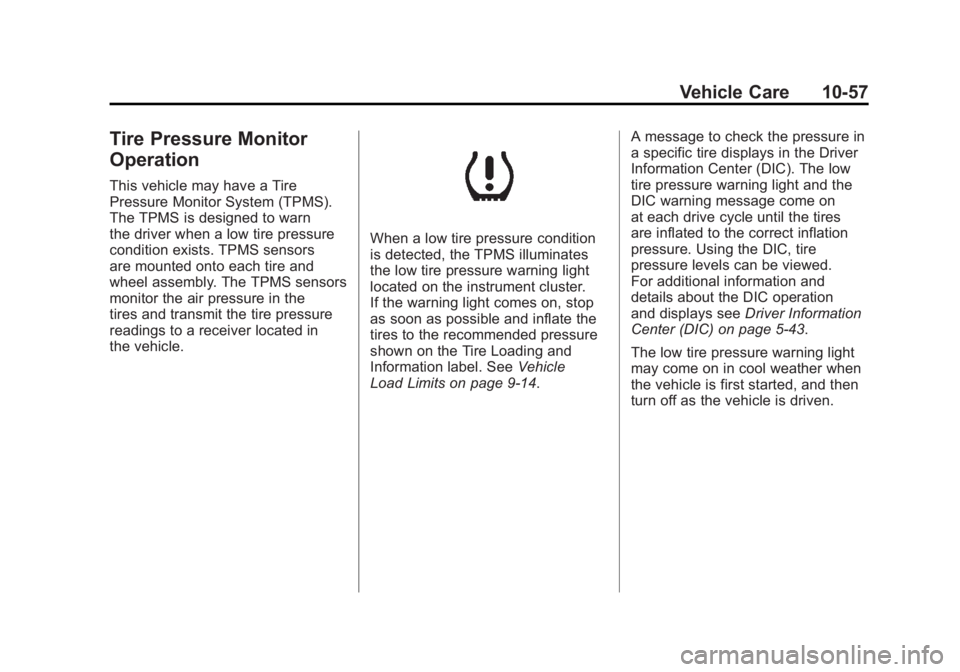
When a low tire pressure condition
is detected, the TPMS illuminates
the low tire pressure warning light
located on the instrument cluster.
If the warning light comes on, stop
as soon as possible and inflate the
tires to the recommended pressure
shown on the Tire Loading and
Information label. SeeVehicle
Load Limits on page 9‑14. A message to check the pressure in
a specific tire displays in the Driver
Information Center (DIC). The low
tire pressure warning light and the
DIC warning message come on
at each drive cycle until the tires
are inflated to the correct inflation
pressure. Using the DIC, tire
pressure levels can be viewed.
For additional information and
details about the DIC operation
and displays see
Driver Information
Center (DIC) on page 5‑43.
The low tire pressure warning light
may come on in cool weather when
the vehicle is first started, and then
turn off as the vehicle is driven.
Page 424 of 516
Black plate (58,1)Chevrolet Volt Owner Manual - 2011
10-58 Vehicle Care
This could be an early indicator that
the air pressure is getting low and
needs to be inflated to the proper
pressure.
A Tire and Loading Information
label shows the size of the original
equipment tires and the correct
inflation pressure for the tires when
they are cold. SeeVehicle Load
Limits on page 9‑14, for an example
of the Tire and Loading Information
label and its location. Also see Tire
Pressure on page 10‑54.
The TPMS can warn about
a low tire pressure condition but
it does not replace normal tire
maintenance. See Tire Inspection
on page 10‑61, Tire Rotation on
page 10‑61, and Tires on
page 10‑48. Notice:
Tire sealant materials are
not all the same. A non-approved
tire sealant could damage the
TPMS sensors. TPMS sensor
damage caused by using
an incorrect tire sealant is
not covered by the vehicle
warranty. Always use only
the GM-approved tire sealant
available through your dealer
or included in the vehicle.
Factory-installed Tire Inflator Kits
use a GM-approved liquid tire
sealant. Using non-approved tire
sealants could damage the TPMS
sensors. See Tire Sealant and
Compressor Kit on page 10‑71 for
information regarding the inflator
kit materials and instructions.TPMS Malfunction Light and
Message
The TPMS will not function properly
if one or more of the TPMS sensors
are missing or inoperable. When
the system detects a malfunction,
the low tire pressure warning light
flashes for about one minute and
then stays on for the remainder
of the vehicle on/off cycle. A DIC
warning message also displays.
The malfunction light and DIC
warning message come on at
each vehicle on/off cycle until the
problem is corrected. Some of the
conditions that can cause these to
come on are:
.One of the road tires has
been replaced with the spare
tire, if the vehicle has one.
The spare tire does not
have a TPMS sensor.
Page 425 of 516
Black plate (59,1)Chevrolet Volt Owner Manual - 2011
Vehicle Care 10-59
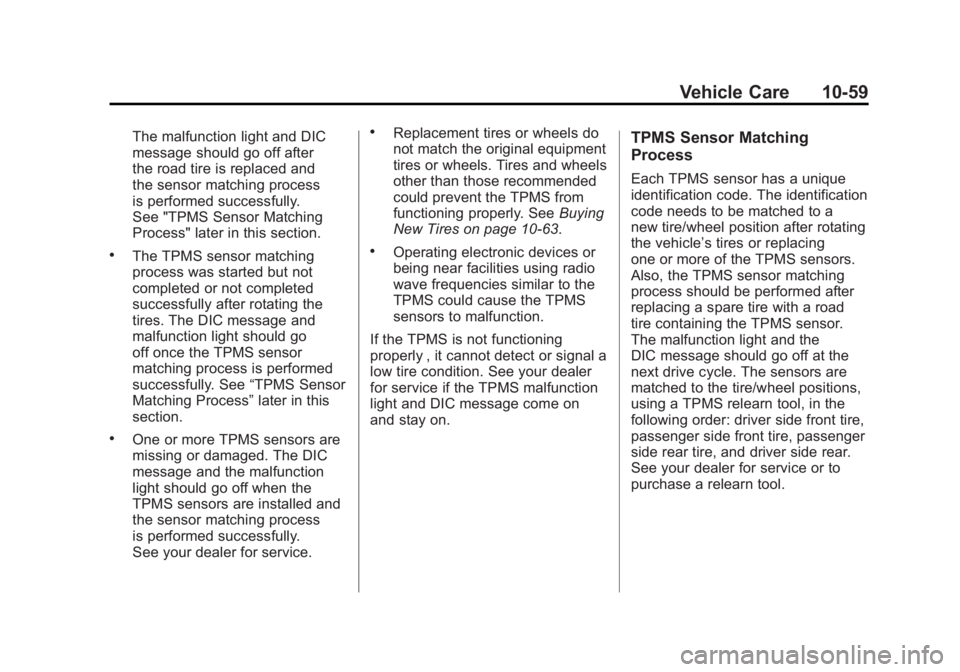
The malfunction light and DIC
message should go off after
the road tire is replaced and
the sensor matching process
is performed successfully.
See "TPMS Sensor Matching
Process" later in this section.
.The TPMS sensor matching
process was started but not
completed or not completed
successfully after rotating the
tires. The DIC message and
malfunction light should go
off once the TPMS sensor
matching process is performed
successfully. See“TPMS Sensor
Matching Process” later in this
section.
.One or more TPMS sensors are
missing or damaged. The DIC
message and the malfunction
light should go off when the
TPMS sensors are installed and
the sensor matching process
is performed successfully.
See your dealer for service.
.Replacement tires or wheels do
not match the original equipment
tires or wheels. Tires and wheels
other than those recommended
could prevent the TPMS from
functioning properly. See Buying
New Tires on page 10‑63.
.Operating electronic devices or
being near facilities using radio
wave frequencies similar to the
TPMS could cause the TPMS
sensors to malfunction.
If the TPMS is not functioning
properly , it cannot detect or signal a
low tire condition. See your dealer
for service if the TPMS malfunction
light and DIC message come on
and stay on.
TPMS Sensor Matching
Process
Each TPMS sensor has a unique
identification code. The identification
code needs to be matched to a
new tire/wheel position after rotating
the vehicle’ s tires or replacing
one or more of the TPMS sensors.
Also, the TPMS sensor matching
process should be performed after
replacing a spare tire with a road
tire containing the TPMS sensor.
The malfunction light and the
DIC message should go off at the
next drive cycle. The sensors are
matched to the tire/wheel positions,
using a TPMS relearn tool, in the
following order: driver side front tire,
passenger side front tire, passenger
side rear tire, and driver side rear.
See your dealer for service or to
purchase a relearn tool.
Page 426 of 516
Black plate (60,1)Chevrolet Volt Owner Manual - 2011
10-60 Vehicle Care
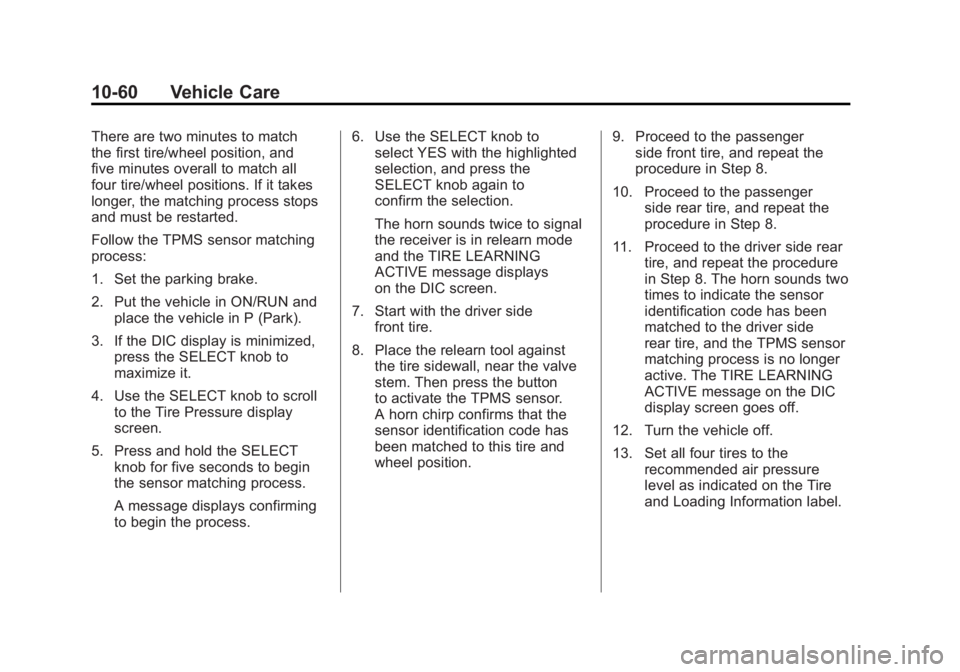
There are two minutes to match
the first tire/wheel position, and
five minutes overall to match all
four tire/wheel positions. If it takes
longer, the matching process stops
and must be restarted.
Follow the TPMS sensor matching
process:
1. Set the parking brake.
2. Put the vehicle in ON/RUN andplace the vehicle in P (Park).
3. If the DIC display is minimized, press the SELECT knob to
maximize it.
4. Use the SELECT knob to scroll to the Tire Pressure display
screen.
5. Press and hold the SELECT knob for five seconds to begin
the sensor matching process.
A message displays confirming
to begin the process. 6. Use the SELECT knob to
select YES with the highlighted
selection, and press the
SELECT knob again to
confirm the selection.
The horn sounds twice to signal
the receiver is in relearn mode
and the TIRE LEARNING
ACTIVE message displays
on the DIC screen.
7. Start with the driver side front tire.
8. Place the relearn tool against the tire sidewall, near the valve
stem. Then press the button
to activate the TPMS sensor.
A horn chirp confirms that the
sensor identification code has
been matched to this tire and
wheel position. 9. Proceed to the passenger
side front tire, and repeat the
procedure in Step 8.
10. Proceed to the passenger side rear tire, and repeat the
procedure in Step 8.
11. Proceed to the driver side rear tire, and repeat the procedure
in Step 8. The horn sounds two
times to indicate the sensor
identification code has been
matched to the driver side
rear tire, and the TPMS sensor
matching process is no longer
active. The TIRE LEARNING
ACTIVE message on the DIC
display screen goes off.
12. Turn the vehicle off.
13. Set all four tires to the recommended air pressure
level as indicated on the Tire
and Loading Information label.