service reset CHEVROLET VOLT 2011 Owner's Manual
[x] Cancel search | Manufacturer: CHEVROLET, Model Year: 2011, Model line: VOLT, Model: CHEVROLET VOLT 2011Pages: 516, PDF Size: 6.61 MB
Page 146 of 516
Black plate (26,1)Chevrolet Volt Owner Manual - 2011
5-26 Instruments and Controls
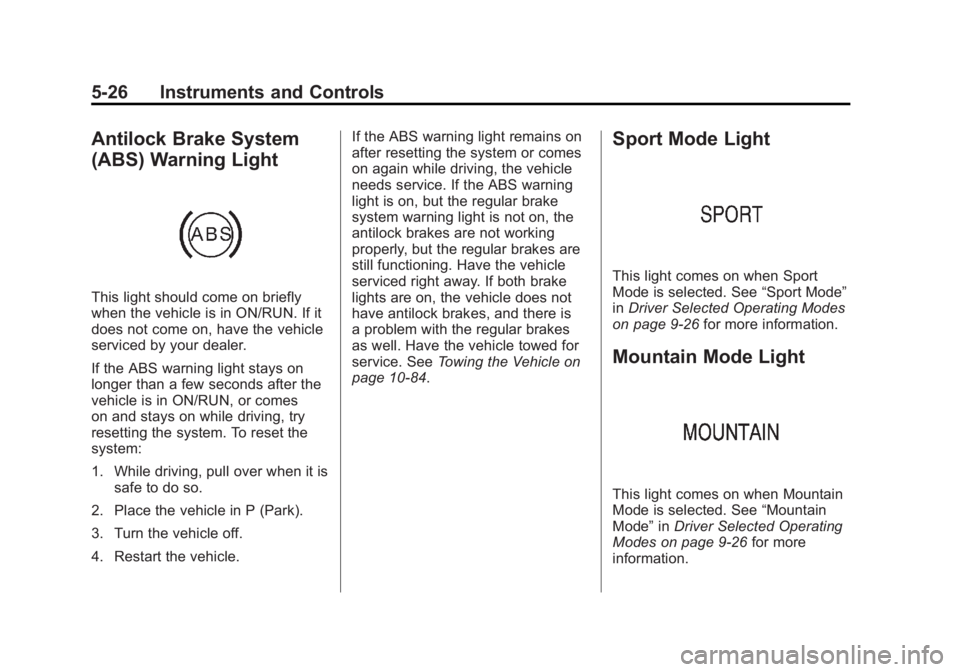
Antilock Brake System
(ABS) Warning Light
This light should come on briefly
when the vehicle is in ON/RUN. If it
does not come on, have the vehicle
serviced by your dealer.
If the ABS warning light stays on
longer than a few seconds after the
vehicle is in ON/RUN, or comes
on and stays on while driving, try
resetting the system. To reset the
system:
1. While driving, pull over when it issafe to do so.
2. Place the vehicle in P (Park).
3. Turn the vehicle off.
4. Restart the vehicle. If the ABS warning light remains on
after resetting the system or comes
on again while driving, the vehicle
needs service. If the ABS warning
light is on, but the regular brake
system warning light is not on, the
antilock brakes are not working
properly, but the regular brakes are
still functioning. Have the vehicle
serviced right away. If both brake
lights are on, the vehicle does not
have antilock brakes, and there is
a problem with the regular brakes
as well. Have the vehicle towed for
service. See
Towing the Vehicle on
page 10‑84.
Sport Mode Light
This light comes on when Sport
Mode is selected. See “Sport Mode”
in Driver Selected Operating Modes
on page 9‑26 for more information.
Mountain Mode Light
This light comes on when Mountain
Mode is selected. See “Mountain
Mode” inDriver Selected Operating
Modes on page 9‑26 for more
information.
Page 164 of 516
Black plate (44,1)Chevrolet Volt Owner Manual - 2011
5-44 Instruments and Controls
Trip A and Trip B
The trip displays show fuel used,
average fuel economy, and distance
traveled since the last trip reset.
Reset the trip data by pressing and
holding the SELECT button when
either Trip A or Trip B is displayed.
Oil Life
This displays the percentage
of remaining oil life. The lower
the percentage, the closer the
vehicle is to needing an oil change.
When the oil life is depleted, the
CHANGE ENGINE OIL SOON
message displays. Change the oil
as soon as possible. Additional
maintenance is also recommended
in the Maintenance Schedule.
SeeScheduled Maintenance on
page 11‑2 andEngine Oil on
page 10‑12. The oil life must be reset after
each oil change. Avoid accidental
resetting of the Engine Oil Life
System. It cannot be reset
accurately until the next oil change.
To reset the Engine Oil Life System,
see
Engine Oil Life System on
page 10‑15. The system is reset
when 100% displays.
Tire Pressure
The display will show a vehicle with
the approximate pressures of all
four tires. Tire pressure is displayed
in either kilopascals (kPa) or in
pounds per square inch (psi).
If a low or high tire pressure is
detected, a message is displayed
advising to check the tire pressure
in the specified tire. See Tire
Pressure on page 10‑54 andTire
Messages on page 5‑52 for more
information.
If the tire pressure display shows
dashes instead of a value, there
may be a problem with the vehicle.
See your dealer for service. Vehicle Messages
Turn the SELECT knob to scroll
through any active warning
messages. Press SELECT
to review the messages.
Units
Turn the SELECT knob to change
the unit display to METRIC or US
when the display is active. Press
SELECT to confirm the setting.
This will change the displays on
the cluster and DIC to either metric
or English (US) measurements.
Tutorial Mode
Select this menu item to view a
screen that explains some of the
unique features of the cluster.
Tutorial mode is only available when
the vehicle is in P (Park).
Page 168 of 516
Black plate (48,1)Chevrolet Volt Owner Manual - 2011
5-48 Instruments and Controls
Engine Oil Messages
CHANGE ENGINE OIL SOON
This message displays when the
engine oil needs to be changed.
After changing the engine oil,
the Engine Oil Life System must
be reset. SeeEngine Oil Life
System on page 10‑15 and
Driver Information Center (DIC) on
page 5‑43 for information on how
to reset the system. See Engine
Oil on page 10‑12 andScheduled
Maintenance on page 11‑2 for
more information.
OIL PRESSURE LOW —TURN
VEHICLE OFF
This message displays if low oil
pressure levels occur. Stop the
vehicle as soon as safely possible
and do not operate it until the cause
of the low oil pressure has been
corrected. Check the oil as soon
as possible and have the vehicle
serviced by your dealer.
Fuel System Messages
CLOSE FUEL DOOR
This message displays when the
fuel door is open and the vehicle is
moving.
ENGINE NOT AVAILABLE
ADD FUEL
This message displays when
the engine is not available due to
running out of fuel. The vehicle can
continue to be driven in Electric
Mode until the battery is depleted,
but will have reduced acceleration.
When this message is displayed,
refuel the vehicle. See Out of Fuel/
Engine Unavailable on page 9‑28.
FUEL LEVEL LOW
This message displays when the
vehicle is low on fuel. Refuel as
soon as possible.
READY TO REFUEL
This message displays when the
fuel system is depressurized and
the vehicle can be refueled.
TIGHTEN GAS CAP
This message displays when the
fuel cap is not on tight. Tighten the
fuel cap.
WAIT TO REFUEL
This message displays when the
fuel system is pressurized and you
must to wait to refuel the vehicle.
Key and Lock Messages
When programming new Remote
Keyless Entry (RKE) transmitters,
DIC messages display. See Remote
Keyless Entry (RKE) System
Operation on page 2‑3 for more
information.
Page 170 of 516
Black plate (50,1)Chevrolet Volt Owner Manual - 2011
5-50 Instruments and Controls
Propulsion Power
Messages
PROPULSION POWER IS
REDUCED
This message displays when the
propulsion power is reduced and
can affect the ability to accelerate.
If this message is on, but there
is no reduction in performance,
proceed to your destination.
The performance may be reduced
the next time the vehicle is driven.
The vehicle may be driven at a
reduced speed while this message
is on, but maximum acceleration
and speed may be reduced.
If this message stays on when
the malfunction indicator lamp is
on, the vehicle should be taken to
your dealer for service as soon as
possible.This message can display when
driving in mountainous terrain
without using Mountain Mode or by
not entering Mountain Mode soon
enough to build a sufficient battery
charge reserve before climbing
steep grades. This is normal
operation to protect the high
voltage battery. Only if both
the PROPULSION POWER IS
REDUCED message and the
malfunction indicator lamp are
on should the vehicle be taken
to the dealer for service.
While climbing the grade with this
message displayed, the vehicle
speed may be reduced until the
engine can recover the battery
state of charge to a normal level.
See
“Mountain Mode” underDriver
Selected Operating Modes on
page 9‑26.
Ride Control System
Messages
LOW TRACTION
This message displays when the
Antilock Brake System (ABS) is
active and is working to assist the
driver with control of the vehicle in
difficult driving conditions.
SERVICE STABILITRAK
This message displays when
there is a problem detected with
the StabiliTrak system. The vehicle
is safe to drive, but the StabiliTrak
system is not operational.
See Electronic Stability Control
(ESC) on page 9‑39 for information
on resetting the system.
Page 171 of 516
Black plate (51,1)Chevrolet Volt Owner Manual - 2011
Instruments and Controls 5-51
SERVICE TRACTION
CONTROL
This message displays when there
is a problem detected with the
Traction Control System (TCS).
The vehicle is safe to drive, but the
TCS is not operational. SeeTraction
Control System (TCS) on page 9‑37
for information on resetting the
system.
Airbag System Messages
SERVICE AIRBAG
This message displays if there is
a problem with the airbag system.
Take the vehicle to your dealer for
service.
Anti-theft Alarm System
Messages
SERVICE THEFT ALARM
This message displays if there is a
problem with the alarm. See your
dealer for service.
SERVICE THEFT DETERRENT
SYSTEM
This message displays if there is
a problem with the theft-deterrent
system. See your dealer for service.
Service Vehicle Messages
ENGINE MAINTENANCE XXX%
COMPLETE
This message displays when
the Engine Maintenance Mode is
running. See “Engine Maintenance
Mode” underMaintenance Modes
on page 9‑28.
ENGINE NOT AVAILABLE
SERVICE SOON
This message displays when the
engine is not available due to a
malfunction that will not allow the
engine to start. The vehicle can
continue to be driven in Electric
Mode until the battery is depleted,
but will have reduced acceleration.
When this message is displayed,
the vehicle should be taken to
your dealer for service as soon as
possible. See Out of Fuel/Engine
Unavailable on page 9‑28.
SERVICE AC SYSTEM
This message displays if there is a
problem with the air conditioning
system. Take the vehicle to your
dealer for service.
SERVICE HEATER SOON
This message displays if there is
a problem with the heater system.
Take the vehicle to your dealer for
service.
Page 256 of 516

Black plate (66,1)Chevrolet Volt Owner Manual - 2011
7-66 Infotainment System
Previous Destinations
Previously downloaded OnStar
destinations are saved under
Previous Destinations in the
navigation system where they
can be accessed or saved to
the address book.
Map Destination Screen Functions
Destination Map Screen
If the map screen is used to show
destination, it has map screen
capabilities such as Go, Save,
Zoom, Scroll, etc. The address is
shown at the top of the screen.
Configure Menu
Adjust features and preferences
through the Configure Menu.
The last selected menu screen
displays. Adjust features for Sound,
Radio, Nav (navigation), Display,
or Time.
Radio
Press the CONFIG button to
enter the Menu options. Turn the
TUNE/MENU knob to scroll through
the available menu options. Press
the TUNE/MENU knob or press
Radio to display the radio settings.
Press this feature to make changes
for radio information displayed,
preset pages, Auto Volume, Audio
Cue Options, and XM Categories
Restore. See Satellite Radio on
page 7‑16 for more information.
Nav (Navigation)
Press the CONFIG button to
enter the Menu options. Turn the
TUNE/MENU knob to scroll through
the available menu options. Press
the TUNE/MENU knob or press the
Nav screen button.
XM NavTraffic®(if equipped)
The navigation system might
have an XM NavTraffic receiver.
It is a subscription service provided
through XM Satellite Radio.
A service fee is required to
receive the XM NavTraffic service.
Real-time traffic information is
provided to fully integrate the
navigation system to display
current traffic conditions for
the chosen route.
A screen displays to indicate if the
XM NavTraffic subscription is not
activated.
Page 340 of 516
Black plate (38,1)Chevrolet Volt Owner Manual - 2011
9-38 Driving and Operating
When the vehicle is started
and begins to move, the system
performs several diagnostic checks
to ensure there are no problems.
The system may be heard or
felt while it is working. This is
normal and does not mean there
is a problem with the vehicle.
The system should initialize
before the vehicle reaches 32 km/h
(20 mph). In some cases, it may
take approximately 3.2 km (2 mi) of
driving before the system initializes.
The Traction Control System may
activate on dry or rough roads or
under conditions such as heavy
acceleration while turning or abrupt
changes in output from the electric
drive unit. When this happens,
a reduction in acceleration may
be noticed, or a noise or vibration
may be heard. This is normal.
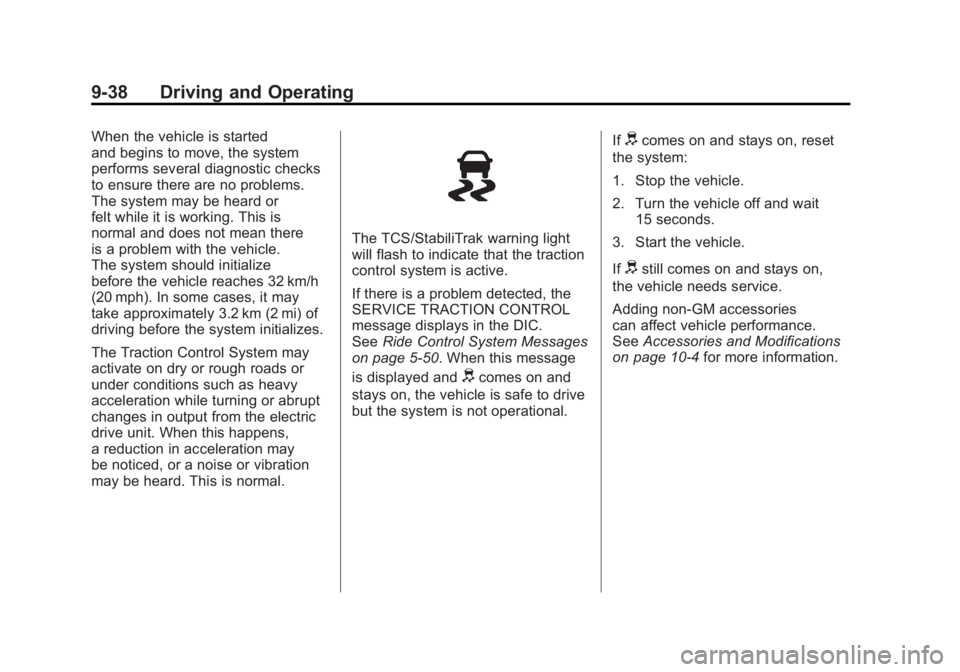
The TCS/StabiliTrak warning light
will flash to indicate that the traction
control system is active.
If there is a problem detected, the
SERVICE TRACTION CONTROL
message displays in the DIC.
SeeRide Control System Messages
on page 5‑50. When this message
is displayed and
dcomes on and
stays on, the vehicle is safe to drive
but the system is not operational. If
dcomes on and stays on, reset
the system:
1. Stop the vehicle.
2. Turn the vehicle off and wait 15 seconds.
3. Start the vehicle.
If
dstill comes on and stays on,
the vehicle needs service.
Adding non‐GM accessories
can affect vehicle performance.
See Accessories and Modifications
on page 10‑4 for more information.
Page 342 of 516
Black plate (40,1)Chevrolet Volt Owner Manual - 2011
9-40 Driving and Operating
Ifdcomes on and stays on, reset
the system:
1. Stop the vehicle.
2. Turn the vehicle off and wait 15 seconds.
3. Start the vehicle.
If
dstill comes on and stays on,
the vehicle needs service.
If cruise control is being used when
StabiliTrak activates, the cruise
control will automatically disengage.
Press the cruise control button to
reengage when road conditions
allow. See Cruise Control on
page 9‑40 for more information.
Cruise Control
The cruise control lets the vehicle
maintain a speed of about 40 km/h
(25 mph) or more without keeping
your foot on the accelerator. Cruise
control does not work at speeds
below 40 km/h (25 mph).
With the Traction Control
System (TCS) or Electronic
Stability Control (ESC), the system
may begin to limit wheel spin
while you are using cruise control.
If this happens, the cruise control
will automatically disengage.
SeeTraction Control System (TCS)
on page 9‑37 orElectronic Stability
Control (ESC) on page 9‑39.
{WARNING
Cruise control can be dangerous
where you cannot drive safely at
a steady speed. So, do not use
the cruise control on winding
roads or in heavy traffic.
Cruise control can be dangerous
on slippery roads. On such roads,
fast changes in tire traction can
cause excessive wheel slip, and
you could lose control. Do not use
cruise control on slippery roads.
Page 358 of 516
Black plate (56,1)Chevrolet Volt Owner Manual - 2011
9-56 Driving and Operating
A flashing red FAULT (B) indicates a
charge cord fault. The charge cord
will attempt to reset automatically.
If the flashing red FAULT (B)
continues for more than
30 seconds, unplug the charge
cord from the wall to reset. If the
fault remains, see your dealer for
service.
Charge Level Button
Two charge levels are available by
pressing the charge level button.
Select reduced or normal level.
The charge level cannot be
changed when the vehicle plug is
plugged into the charge port on the
vehicle. If the charge level button
is pressed while the vehicle plug is
plugged into the charge port on the
vehicle, the charge level indicatorswill flash briefly. To change the
charge level, unplug the vehicle
plug from the charge port on the
vehicle and select the desired
charge level.
Normal Level:
This level is
recommended. All four charge
level indicators will be lit.
Reduced Level: Use when the
electrical current is limited. Two
charge level indicators will be lit.
Vehicle Plug
The vehicle plug attaches to the
charge port on the vehicle. There
is a flashlight built into the vehicle
plug that can be used by squeezing
the vehicle plug lever. The flashlight
will turn off when the connection is
complete and the lever is released.
Electrical Requirements
for Battery Charging
The AC outlet must have a
grounded, dedicated, 15 amp or
greater, three‐prong wall plug.
That means there should be no
other major appliances connected
to the same circuit. If it is not a
dedicated circuit, the current rating
of the outlet circuit breaker could
be exceeded and cause it to trip
or open. The vehicle can be
charged in the reduced level mode.
See “Charge Level Button” in this
section. Reduced level mode allows
a non‐dedicated circuit to be used
but increases the charging time.
This vehicle is capable of being
charged with a variety of standard
vehicle charging equipment.
Page 382 of 516

Black plate (16,1)Chevrolet Volt Owner Manual - 2011
10-16 Vehicle Care
When the system has calculated
that oil life has been diminished,
it indicates that an oil change is
necessary. A CHANGE ENGINE
OIL SOON message comes on.
Change the oil as soon as possible
within the next 1 000 km (600 mi).
It is possible that, if driving under
the best conditions, the oil life
system might indicate that an oil
change is not necessary for up
to two years. The engine oil and
filter must be changed at least
once every two years and, at this
time, the system must be reset.
Your dealer has trained service
people who will perform this work
and reset the system. It is also
important to check the oil regularly
over the course of an oil drain
interval and keep it at the proper
level.
If the system is ever reset
accidentally, the oil must be
changed at 5 000 km (3,000 mi)
since the last oil change.
Remember to reset the oil life
system whenever the oil is changed.How to Reset the Engine Oil
Life System
Reset the system whenever the
engine oil is changed so that the
system can calculate the next
engine oil change. To reset the
system:
1. Use the SELECT knob to selectOIL LIFE on the DIC menu.
2. Press SELECT to start the OIL LIFE reset procedure.
3. The DIC menu will display “Are
you sure that you want to reset?”
Use SELECT to choose YES to
reset oil life or NO to exit and
return to the previous menu.
4. If YES is selected, the DIC menu will display RESET OIL LIFE for
a short time and then 100% OIL
LIFE will be displayed when
OIL LIFE is successfully reset.
If the CHANGE ENGINE OIL SOON
message comes back on when the
vehicle is started, the engine oil life
system has not reset. Repeat the
procedure.
Engine Air Cleaner/Filter
See Engine Compartment Overview
on page 10‑10 for the location of the
engine air cleaner/filter.
When to Inspect the Engine Air
Filter
Inspect the air filter at the scheduled
maintenance intervals and replace
it at the first oil change after each
80 000 km (50,000 mi) interval.
See Scheduled Maintenance on
page 11‑2 for more information.
If driving in dusty/dirty conditions,
inspect the air filter at each engine
oil change.
How to Inspect the Engine Air
Filter
To inspect the air filter, remove it
from the engine air cleaner/filter
assembly and lightly shake to
release loose dust and dirt. If the
air filter remains covered with dirt,
a new air filter is required.