engine CHEVROLET VOLT 2012 1.G Owner's Manual
[x] Cancel search | Manufacturer: CHEVROLET, Model Year: 2012, Model line: VOLT, Model: CHEVROLET VOLT 2012 1.GPages: 454, PDF Size: 7.89 MB
Page 162 of 454
Black plate (46,1)Chevrolet Volt Owner Manual - 2012
5-46 Instruments and Controls
Trip A and Trip B
The trip displays show fuel used,
average fuel economy, and distance
traveled since the last trip reset.
Reset the trip data by pressing and
holding the SELECT button when
either Trip A or Trip B is displayed.
Oil Life
This displays the percentage of
remaining oil life. The lower
the percentage, the closer the
vehicle is to needing an oil change.
When the oil life is depleted, the
CHANGE ENGINE OIL SOON
message displays. Change the oil
as soon as possible. Additional
maintenance is also recommended
in the Maintenance Schedule. See
Maintenance Schedule on
page 11‑3andEngine Oil on
page 10‑9. The oil life must be reset after each
oil change. Avoid accidental
resetting of the Engine Oil Life
System. It cannot be reset
accurately until the next oil change.
To reset the Engine Oil Life System,
see
Engine Oil Life System on
page 10‑12. The system is reset
when 100% displays.
Tire Pressure
The display will show a vehicle with
the approximate pressures of all
four tires. Tire pressure is displayed
in either kilopascals (kPa) or in
pounds per square inch (psi).
If a low or high tire pressure is
detected, a message is displayed
advising to check the tire pressure
in the specified tire. See Tire
Pressure on page 10‑50 andTire
Messages on page 5‑55 for more
information. If the tire pressure display shows
dashes instead of a value, there
may be a problem with the vehicle.
See your dealer for service.
Vehicle Messages
Turn the SELECT knob to scroll
through any active warning
messages. Press SELECT to review
the messages.
Units
Turn the SELECT knob to change
the unit display to METRIC or US
when the display is active. Press
SELECT to confirm the setting. This
will change the displays on the
cluster and DIC to either metric or
English (US) measurements.
Page 165 of 454
Black plate (49,1)Chevrolet Volt Owner Manual - 2012
Instruments and Controls 5-49
Cruise Control Messages
CRUISE SET TO XXX
This message displays when the
cruise control is set and shows the
speed it was set to. SeeCruise
Control on page 9‑40 for more
information.
Door Ajar Messages
DOOR(S) OPEN, HOOD OPEN,
HATCH OPEN
A symbol will appear on the display
showing the area that is open. See
Door, Hood, or Hatch Open Light on
page 5‑28.
Drive Mode Messages
MOUNTAIN MODE NOT
AVAILABLE
This message displays when in
Mountain Mode and the mode
becomes unavailable. See “Mountain Mode”
underDriver
Selected Operating Modes on
page 9‑25.
SPORT MODE NOT
AVAILABLE
This message displays when in
Sport Mode and the mode becomes
unavailable. See “Sport Mode”
under Driver Selected Operating
Modes on page 9‑25.
Electric Drive Unit
Messages
SHIFT TO PARK
This message displays when the
vehicle should be shifted to
P (Park). This may appear when
attempting to turn off the vehicle
when it is not in P (Park).
Engine Cooling System
Messages
ENGINE
OVERHEATED —REDUCE
SPEED
This message displays when the
engine coolant temperature or
engine oil is too hot. Reduce speed
and allow the vehicle to cool down.
ENGINE
OVERHEATED —TURN
VEHICLE OFF
This message displays and a
continuous chime sounds if the
engine cooling system reaches
unsafe temperatures for operation.
Stop and turn off the vehicle as
soon as it is safe to do so to avoid
severe damage. This message
clears when the engine has cooled
to a safe operating temperature.
Page 166 of 454
Black plate (50,1)Chevrolet Volt Owner Manual - 2012
5-50 Instruments and Controls
ENGINE RUNNING DUE TO
TEMPERATURE
This message displays when the
high voltage battery is charged but
the engine has to come on because
of the outside temperature or high
voltage battery temperature.
Engine Oil Messages
CHANGE ENGINE OIL SOON
This message displays when the
engine oil needs to be changed.
After changing the engine oil, the
Engine Oil Life System must be
reset. SeeEngine Oil Life System
on page 10‑12 andDriver
Information Center (DIC) on
page 5‑45 for information on how to
reset the system. See Engine Oil on
page 10‑9 andMaintenance
Schedule on page 11‑3 for more
information.
OIL PRESSURE LOW —TURN
VEHICLE OFF
This message displays if low oil
pressure levels occur. Stop the
vehicle as soon as safely possible
and do not operate it until the cause
of the low oil pressure has been
corrected. Check the oil as soon as
possible and have the vehicle
serviced by your dealer.
Fuel System Messages
CLOSE FUEL DOOR
This message displays when the
fuel door is open and the vehicle is
moving.
ENGINE NOT AVAILABLE
ADD FUEL
This message displays when the
engine is not available due to
running out of fuel. The vehicle can
continue to be driven in Electric
Mode until the battery is depleted,
but will have reduced acceleration. When this message is displayed,
refuel the vehicle. See
Out of Fuel/
Engine Unavailable on page 9‑27.
FUEL LEVEL LOW
This message displays when the
vehicle is low on fuel. Refuel as
soon as possible.
READY TO REFUEL
This message displays when the
fuel system is depressurized and
the vehicle can be refueled.
TIGHTEN GAS CAP
This message displays when the
fuel cap is not on tight. Tighten the
fuel cap.
WAIT TO REFUEL
This message displays when the
fuel system is pressurized and you
must to wait to refuel the vehicle.
Page 168 of 454
Black plate (52,1)Chevrolet Volt Owner Manual - 2012
5-52 Instruments and Controls
Object Detection System
Messages
PARK ASSIST OFF
This message displays when the
park assist system has been turned
off or when there is a temporary
condition causing the system to be
disabled. SeeUltrasonic Parking
Assist on page 9‑42.
SERVICE PARKING ASSIST
This message displays if there is a
problem with the Ultrasonic Front
and Rear Parking Assist (UFRPA)
system. Do not use this system to
help you park. See Ultrasonic
Parking Assist on page 9‑42 for
more information. See your dealer
for service.
Propulsion Power
Messages
PROPULSION POWER IS
REDUCED
This message displays when the
propulsion power is reduced and
can affect the ability to accelerate.
If this message is on, but there is no
reduction in performance, proceed
to your destination. The
performance may be reduced the
next time the vehicle is driven. The
vehicle may be driven at a reduced
speed while this message is on, but
maximum acceleration and speed
may be reduced. If this message
stays on when the malfunction
indicator lamp is on, the vehicle
should be taken to your dealer for
service as soon as possible. This message can display when
driving in mountainous terrain
without using Mountain Mode or by
not entering Mountain Mode soon
enough to build a sufficient battery
charge reserve before climbing
steep grades. This is normal
operation to protect the high voltage
battery. Only if both the
PROPULSION POWER IS
REDUCED message and the
malfunction indicator lamp are on
should the vehicle be taken to the
dealer for service.
While climbing the grade with this
message displayed, the vehicle
speed may be reduced until the
engine can recover the battery state
of charge to a normal level. See
“Mountain Mode”
underDriver
Selected Operating Modes on
page 9‑25.
Page 170 of 454
Black plate (54,1)Chevrolet Volt Owner Manual - 2012
5-54 Instruments and Controls
SERVICE THEFT DETERRENT
SYSTEM
This message displays if there is a
problem with the theft-deterrent
system. See your dealer for service.
Service Vehicle Messages
ENGINE MAINTENANCE XXX%
COMPLETE
This message displays when the
Engine Maintenance Mode is
running. See“Engine Maintenance
Mode” underMaintenance Modes
on page 9‑28.
ENGINE NOT AVAILABLE
SERVICE SOON
This message displays when the
engine is not available due to a
malfunction that will not allow the
engine to start. The vehicle can
continue to be driven in Electric
Mode until the battery is depleted,
but will have reduced acceleration. When this message is displayed,
the vehicle should be taken to your
dealer for service as soon as
possible. See
Out of Fuel/Engine
Unavailable on page 9‑27.
SERVICE AC SYSTEM
This message displays if there is a
problem with the air conditioning
system. Take the vehicle to your
dealer for service.
SERVICE HEATER SOON
This message displays if there is a
problem with the heater system.
Take the vehicle to your dealer for
service.
SERVICE POWER STEERING
This message displays if there is a
problem with the power steering
system. Take the vehicle to your
dealer for service.
SERVICE VEHICLE SOON
This message displays if there is a
problem with the vehicle. Take the
vehicle to your dealer for service.
Depending on the severity of a
crash, this message may come on
along with the airbag readiness
light.
Starting the Vehicle
Messages
PRESS BRAKE TO START
VEHICLE
This message displays when
attempting to start the vehicle
without first pressing the brake
pedal.
Page 173 of 454
Black plate (57,1)Chevrolet Volt Owner Manual - 2012
Instruments and Controls 5-57
Selecting a Menu Option
Touch any one of the available
menu options on the touch screen
to select the option. A checkmark
next to the option indicates the
selected option.
Turning a Function On or Off
Touch the screen where the
available function is listed to turn it
on or off. A checkmark next to the
function indicates that the function
is on.Entering the
Personalization Menu
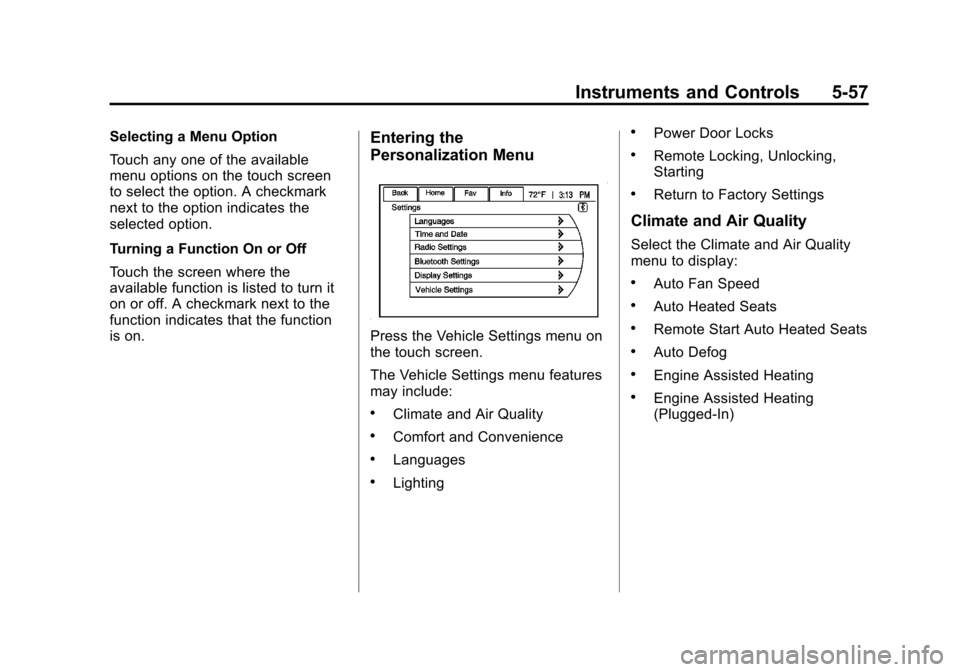
Press the Vehicle Settings menu on
the touch screen.
The Vehicle Settings menu features
may include:
.Climate and Air Quality
.Comfort and Convenience
.Languages
.Lighting
.Power Door Locks
.Remote Locking, Unlocking,
Starting
.Return to Factory Settings
Climate and Air Quality
Select the Climate and Air Quality
menu to display:
.Auto Fan Speed
.Auto Heated Seats
.Remote Start Auto Heated Seats
.Auto Defog
.Engine Assisted Heating
.Engine Assisted Heating
(Plugged‐In)
Page 175 of 454
Black plate (59,1)Chevrolet Volt Owner Manual - 2012
Instruments and Controls 5-59
To turn the auto defog on or off:
1. Press the VehicleSettings menu.
2. Select Climate and Air Quality.
3. Turn the auto defog feature on or off.
4. Press Back to return to the previous menu.
Engine Assisted Heating
If equipped, this feature selects the
outside temperature level at which
the engine may run to assist heating
in Electric Mode. A change in
selection will not take affect until
after the vehicle is first
powered down.
The Engine Assisted Heating
options are:
.At Cold Outside Temperatures
.At Very Cold Outside
Temperatures To select the outside temperature
level:
1. Press the Vehicle menu.
2. Select Climate and Air Quality.
3. Select the temperature level.
4. Press Back to return to the
previous menu.
Engine Assisted Heating
(Plugged‐In)
If equipped, this feature will enable
or disable Engine Assisted Heating
whenever the vehicle is plugged in.
A change in setting will not take
affect until after the vehicle is first
powered down.
The Engine Assisted Heating
options are:
.At Cold Outside Temperatures
.At Very Cold Outside
Temperatures To turn the Engine Assisted Heating
(Plugged‐In) on or off:
1. Press the Vehicle menu.
2. Select Climate and Air Quality.
3. Turn the Engine Assisted
Heating (Plugged‐In) feature on
or off.
4. Press Back to return to the previous menu.
Comfort and Convenience
Select the Comfort and
Convenience menu and the
following will be displayed:
.Chime Volume
.Button Chime
.Energy Summary Exit Pop‐up
.Charge Cord Theft Alert
.Charge Power Loss Alert
Page 231 of 454
Black plate (1,1)Chevrolet Volt Owner Manual - 2012
Climate Controls 8-1
Climate Controls
Climate Control Systems
Automatic Climate ControlSystem . . . . . . . . . . . . . . . . . . . . . . 8-1
Air Vents
Air Vents . . . . . . . . . . . . . . . . . . . . . . 8-8
Climate Control
Systems
Automatic Climate
Control System
The climate control buttons and the
touch screen are used to adjust the
heating, cooling, and ventilation. The vehicle may require the use of
an auxiliary heat source under
certain cold conditions. This
provides additional heating and
defrost capability obtained by
running the engine, even if the high
voltage battery is adequately
charged. Under these conditions,
the engine will start and use fuel.
Make sure there is fuel in the tank.
Do not allow the vehicle to remain in
extreme temperatures for long
periods without being driven or
being plugged in.
Page 237 of 454
Black plate (7,1)Chevrolet Volt Owner Manual - 2012
Climate Controls 8-7
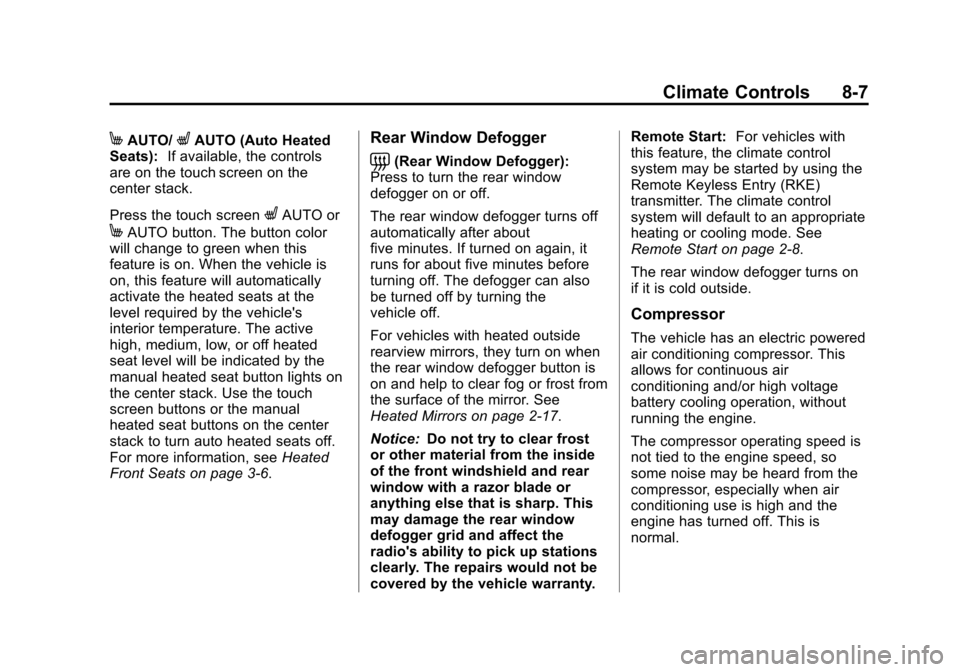
MAUTO/LAUTO (Auto Heated
Seats): If available, the controls
are on the touch screen on the
center stack.
Press the touch screen
LAUTO or
MAUTO button. The button color
will change to green when this
feature is on. When the vehicle is
on, this feature will automatically
activate the heated seats at the
level required by the vehicle's
interior temperature. The active
high, medium, low, or off heated
seat level will be indicated by the
manual heated seat button lights on
the center stack. Use the touch
screen buttons or the manual
heated seat buttons on the center
stack to turn auto heated seats off.
For more information, see Heated
Front Seats on page 3‑6.
Rear Window Defogger
=(Rear Window Defogger):
Press to turn the rear window
defogger on or off.
The rear window defogger turns off
automatically after about
five minutes. If turned on again, it
runs for about five minutes before
turning off. The defogger can also
be turned off by turning the
vehicle off.
For vehicles with heated outside
rearview mirrors, they turn on when
the rear window defogger button is
on and help to clear fog or frost from
the surface of the mirror. See
Heated Mirrors on page 2‑17.
Notice: Do not try to clear frost
or other material from the inside
of the front windshield and rear
window with a razor blade or
anything else that is sharp. This
may damage the rear window
defogger grid and affect the
radio's ability to pick up stations
clearly. The repairs would not be
covered by the vehicle warranty. Remote Start:
For vehicles with
this feature, the climate control
system may be started by using the
Remote Keyless Entry (RKE)
transmitter. The climate control
system will default to an appropriate
heating or cooling mode. See
Remote Start on page 2‑8.
The rear window defogger turns on
if it is cold outside.
Compressor
The vehicle has an electric powered
air conditioning compressor. This
allows for continuous air
conditioning and/or high voltage
battery cooling operation, without
running the engine.
The compressor operating speed is
not tied to the engine speed, so
some noise may be heard from the
compressor, especially when air
conditioning use is high and the
engine has turned off. This is
normal.
Page 239 of 454
Black plate (1,1)Chevrolet Volt Owner Manual - 2012
Driving and Operating 9-1
Driving and
Operating
Driving Information
Driving for Better EnergyEfficiency . . . . . . . . . . . . . . . . . . . . 9-2
Distracted Driving . . . . . . . . . . . . . 9-4
Defensive Driving . . . . . . . . . . . . . 9-5
Drunk Driving . . . . . . . . . . . . . . . . . 9-5
Control of a Vehicle . . . . . . . . . . . 9-5
Braking . . . . . . . . . . . . . . . . . . . . . . . 9-6
Steering . . . . . . . . . . . . . . . . . . . . . . . 9-6
Off-Road Recovery . . . . . . . . . . . . 9-7
Loss of Control . . . . . . . . . . . . . . . . 9-7
Driving on Wet Roads . . . . . . . . . 9-8
Highway Hypnosis . . . . . . . . . . . . 9-9
Hill and Mountain Roads . . . . . . 9-9
Winter Driving . . . . . . . . . . . . . . . 9-10
If the Vehicle Is Stuck . . . . . . . . 9-12
Vehicle Load Limits . . . . . . . . . . 9-12
Starting and Operating
New Vehicle Break-In . . . . . . . . 9-17
Power Button . . . . . . . . . . . . . . . . 9-18
Starting and Stopping the Vehicle . . . . . . . . . . . . . . . . . . . . . 9-20 Retained Accessory
Power (RAP) . . . . . . . . . . . . . . . 9-21
Shifting Into Park . . . . . . . . . . . . 9-22
Shifting out of Park . . . . . . . . . . 9-23
Parking over Things That Burn . . . . . . . . . . . . . . . . . . 9-23
Electric Vehicle Operating
Modes
System Operation . . . . . . . . . . . 9-24
Electric Mode . . . . . . . . . . . . . . . . 9-24
Extended Range Mode . . . . . . 9-24
Driver Selected OperatingModes . . . . . . . . . . . . . . . . . . . . . . 9-25
Out of Fuel/Engine Unavailable . . . . . . . . . . . . . . . . 9-27
Maintenance Modes . . . . . . . . . 9-28
Engine Exhaust
Engine Exhaust . . . . . . . . . . . . . . 9-30
Running the Vehicle While Parked . . . . . . . . . . . . . . . . . . . . . 9-30
Electric Drive Unit
Electric Drive Unit . . . . . . . . . . . 9-31
Brakes
Antilock BrakeSystem (ABS) . . . . . . . . . . . . . . 9-33
Electric Parking Brake . . . . . . . 9-34
Regenerative Braking . . . . . . . . 9-36
Ride Control Systems
Traction Control System (TCS) . . . . . . . . . . . . . . 9-36
Electronic Stability Control (ESC) . . . . . . . . . . . . . . 9-38
Cruise Control
Cruise Control . . . . . . . . . . . . . . . 9-40
Object Detection Systems
Ultrasonic Parking Assist . . . . 9-42
Rear VisionCamera (RVC) . . . . . . . . . . . . . 9-45
Charging
Plug-In Charging . . . . . . . . . . . . . 9-48
Delayed ChargingOverride . . . . . . . . . . . . . . . . . . . . 9-51
Charging Status Feedback . . . . . . . . . . . . . . . . . . 9-52