warning CHEVROLET VOLT 2014 1.G Repair Manual
[x] Cancel search | Manufacturer: CHEVROLET, Model Year: 2014, Model line: VOLT, Model: CHEVROLET VOLT 2014 1.GPages: 394, PDF Size: 5.86 MB
Page 126 of 394
(18,1)Chevrolet VOLT Owner Manual (GMNA-Localizing-U.S./Canada-6014139) -
2014 - CRC - 9/16/13
5-18 Instruments and Controls
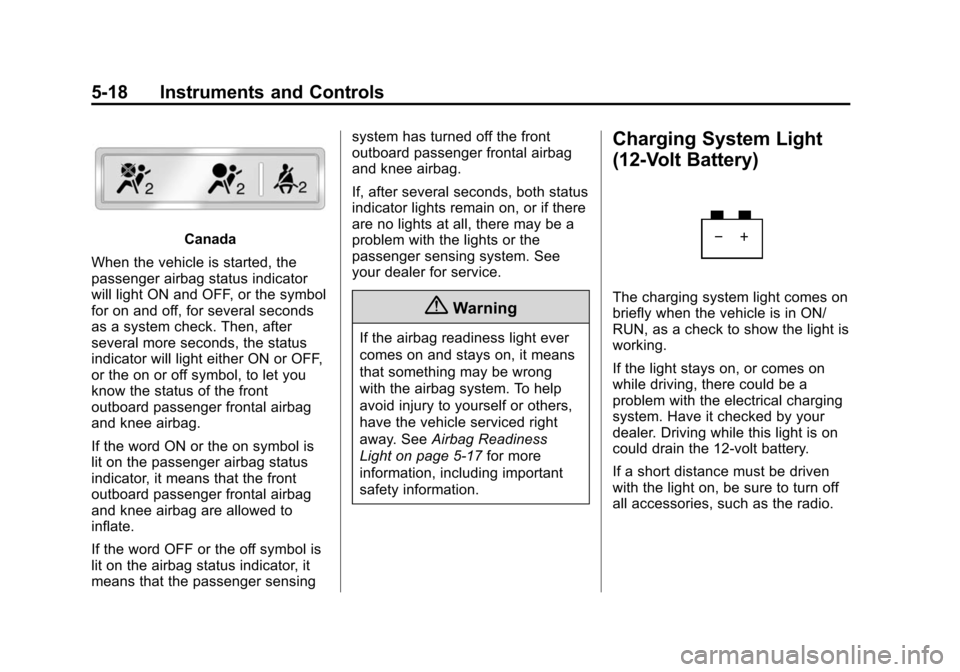
Canada
When the vehicle is started, the
passenger airbag status indicator
will light ON and OFF, or the symbol
for on and off, for several seconds
as a system check. Then, after
several more seconds, the status
indicator will light either ON or OFF,
or the on or off symbol, to let you
know the status of the front
outboard passenger frontal airbag
and knee airbag.
If the word ON or the on symbol is
lit on the passenger airbag status
indicator, it means that the front
outboard passenger frontal airbag
and knee airbag are allowed to
inflate.
If the word OFF or the off symbol is
lit on the airbag status indicator, it
means that the passenger sensing system has turned off the front
outboard passenger frontal airbag
and knee airbag.
If, after several seconds, both status
indicator lights remain on, or if there
are no lights at all, there may be a
problem with the lights or the
passenger sensing system. See
your dealer for service.
{Warning
If the airbag readiness light ever
comes on and stays on, it means
that something may be wrong
with the airbag system. To help
avoid injury to yourself or others,
have the vehicle serviced right
away. See
Airbag Readiness
Light on page 5-17 for more
information, including important
safety information.
Charging System Light
(12-Volt Battery)
The charging system light comes on
briefly when the vehicle is in ON/
RUN, as a check to show the light is
working.
If the light stays on, or comes on
while driving, there could be a
problem with the electrical charging
system. Have it checked by your
dealer. Driving while this light is on
could drain the 12‐volt battery.
If a short distance must be driven
with the light on, be sure to turn off
all accessories, such as the radio.
Page 129 of 394
(21,1)Chevrolet VOLT Owner Manual (GMNA-Localizing-U.S./Canada-6014139) -
2014 - CRC - 9/16/13
Instruments and Controls 5-21
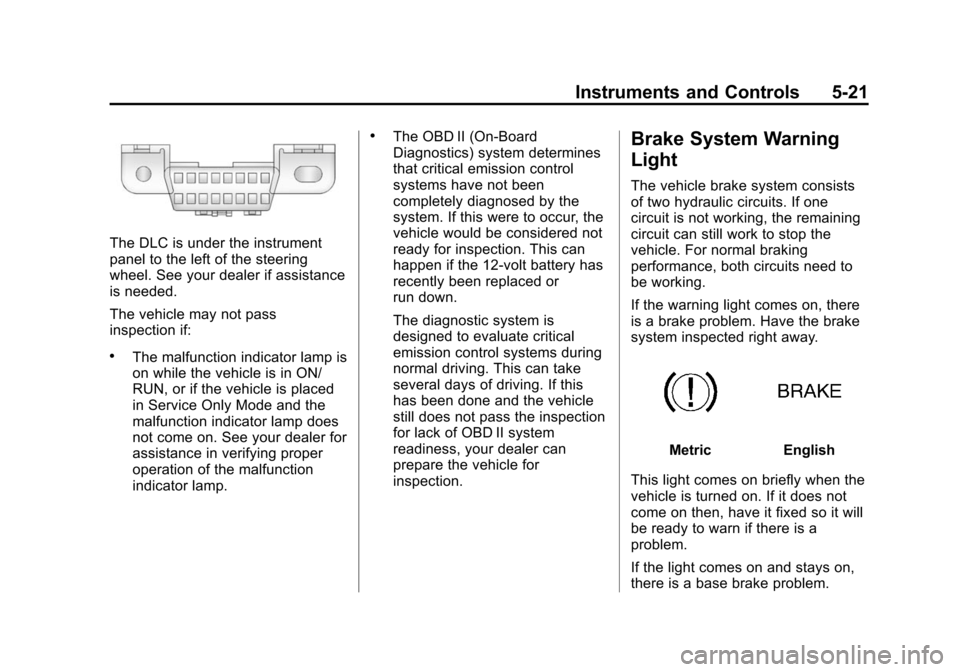
The DLC is under the instrument
panel to the left of the steering
wheel. See your dealer if assistance
is needed.
The vehicle may not pass
inspection if:
.The malfunction indicator lamp is
on while the vehicle is in ON/
RUN, or if the vehicle is placed
in Service Only Mode and the
malfunction indicator lamp does
not come on. See your dealer for
assistance in verifying proper
operation of the malfunction
indicator lamp.
.The OBD II (On-Board
Diagnostics) system determines
that critical emission control
systems have not been
completely diagnosed by the
system. If this were to occur, the
vehicle would be considered not
ready for inspection. This can
happen if the 12-volt battery has
recently been replaced or
run down.
The diagnostic system is
designed to evaluate critical
emission control systems during
normal driving. This can take
several days of driving. If this
has been done and the vehicle
still does not pass the inspection
for lack of OBD II system
readiness, your dealer can
prepare the vehicle for
inspection.Brake System Warning
Light
The vehicle brake system consists
of two hydraulic circuits. If one
circuit is not working, the remaining
circuit can still work to stop the
vehicle. For normal braking
performance, both circuits need to
be working.
If the warning light comes on, there
is a brake problem. Have the brake
system inspected right away.
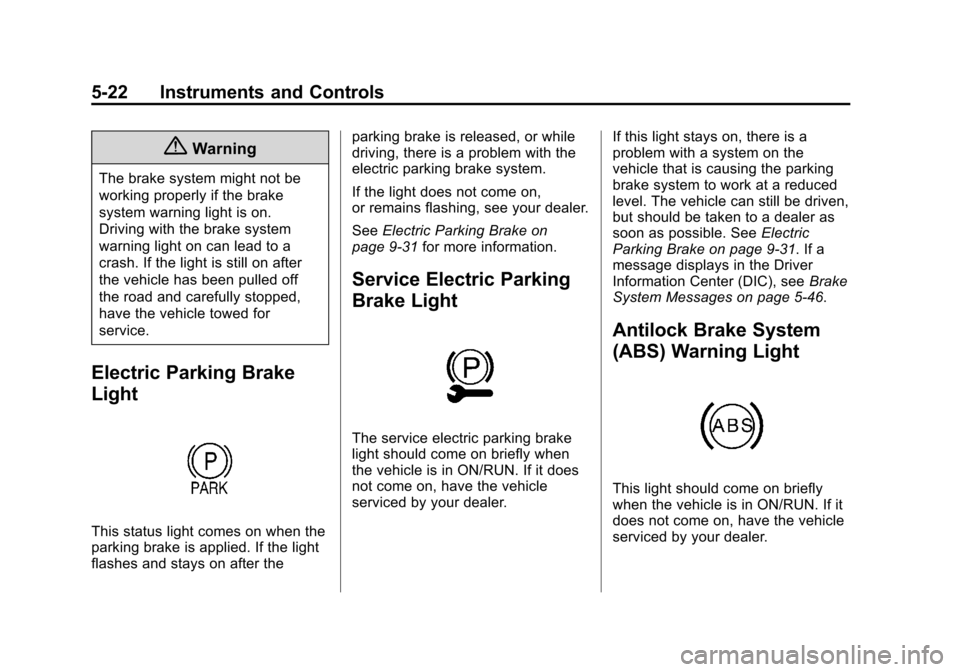
MetricEnglish
This light comes on briefly when the
vehicle is turned on. If it does not
come on then, have it fixed so it will
be ready to warn if there is a
problem.
If the light comes on and stays on,
there is a base brake problem.
Page 130 of 394
(22,1)Chevrolet VOLT Owner Manual (GMNA-Localizing-U.S./Canada-6014139) -
2014 - CRC - 9/16/13
5-22 Instruments and Controls
{Warning
The brake system might not be
working properly if the brake
system warning light is on.
Driving with the brake system
warning light on can lead to a
crash. If the light is still on after
the vehicle has been pulled off
the road and carefully stopped,
have the vehicle towed for
service.
Electric Parking Brake
Light
This status light comes on when the
parking brake is applied. If the light
flashes and stays on after theparking brake is released, or while
driving, there is a problem with the
electric parking brake system.
If the light does not come on,
or remains flashing, see your dealer.
See
Electric Parking Brake on
page 9-31 for more information.
Service Electric Parking
Brake Light
The service electric parking brake
light should come on briefly when
the vehicle is in ON/RUN. If it does
not come on, have the vehicle
serviced by your dealer. If this light stays on, there is a
problem with a system on the
vehicle that is causing the parking
brake system to work at a reduced
level. The vehicle can still be driven,
but should be taken to a dealer as
soon as possible. See
Electric
Parking Brake on page 9-31. If a
message displays in the Driver
Information Center (DIC), see Brake
System Messages on page 5-46.
Antilock Brake System
(ABS) Warning Light
This light should come on briefly
when the vehicle is in ON/RUN. If it
does not come on, have the vehicle
serviced by your dealer.
Page 131 of 394
(23,1)Chevrolet VOLT Owner Manual (GMNA-Localizing-U.S./Canada-6014139) -
2014 - CRC - 9/16/13
Instruments and Controls 5-23
If the ABS warning light stays on
longer than a few seconds after the
vehicle is in ON/RUN, or comes on
and stays on while driving, try
resetting the system. To reset the
system:
1. While driving, pull over when it issafe to do so.
2. Place the vehicle in P (Park).
3. Turn the vehicle off.
4. Restart the vehicle.
If the ABS warning light remains on
after resetting the system or comes
on again while driving, the vehicle
needs service. If the ABS warning
light is on, but the regular brake
system warning light is not on, the
antilock brakes are not working
properly, but the regular brakes are still functioning. Have the vehicle
serviced right away. If both brake
lights are on, the vehicle does not
have antilock brakes, and there is a
problem with the regular brakes as
well. Have the vehicle towed for
service. See
Towing the Vehicle on
page 10-75.
Sport Mode Light
This light comes on when Sport
Mode is selected. See “Sport Mode”
in Driver Selected Operating Modes
on page 9-22 for more information.
Mountain Mode Light
This light comes on when Mountain
Mode is selected. See “Mountain
Mode” inDriver Selected Operating
Modes on page 9-22 for more
information.
Hold Mode Light
This light comes on when Hold
Mode is selected. See “Hold Mode”
in Driver Selected Operating Modes
on page 9-22 for more information.
Page 132 of 394
(24,1)Chevrolet VOLT Owner Manual (GMNA-Localizing-U.S./Canada-6014139) -
2014 - CRC - 9/16/13
5-24 Instruments and Controls
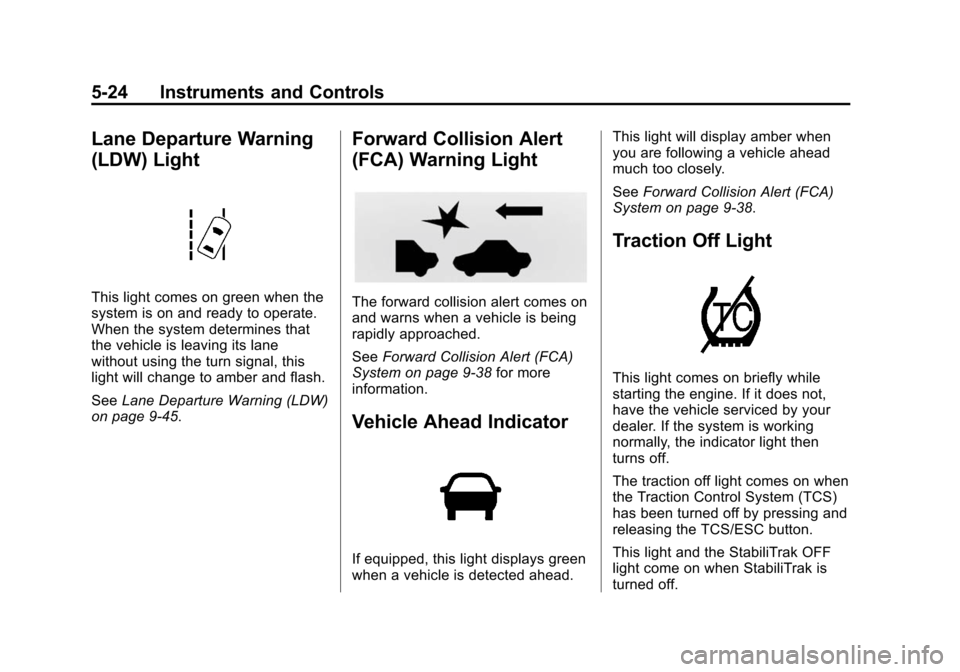
Lane Departure Warning
(LDW) Light
This light comes on green when the
system is on and ready to operate.
When the system determines that
the vehicle is leaving its lane
without using the turn signal, this
light will change to amber and flash.
SeeLane Departure Warning (LDW)
on page 9-45.
Forward Collision Alert
(FCA) Warning Light
The forward collision alert comes on
and warns when a vehicle is being
rapidly approached.
See Forward Collision Alert (FCA)
System on page 9-38 for more
information.
Vehicle Ahead Indicator
If equipped, this light displays green
when a vehicle is detected ahead. This light will display amber when
you are following a vehicle ahead
much too closely.
See
Forward Collision Alert (FCA)
System on page 9-38.
Traction Off Light
This light comes on briefly while
starting the engine. If it does not,
have the vehicle serviced by your
dealer. If the system is working
normally, the indicator light then
turns off.
The traction off light comes on when
the Traction Control System (TCS)
has been turned off by pressing and
releasing the TCS/ESC button.
This light and the StabiliTrak OFF
light come on when StabiliTrak is
turned off.
Page 133 of 394
(25,1)Chevrolet VOLT Owner Manual (GMNA-Localizing-U.S./Canada-6014139) -
2014 - CRC - 9/16/13
Instruments and Controls 5-25
If the TCS is off, wheel spin is not
limited. Adjust driving accordingly.
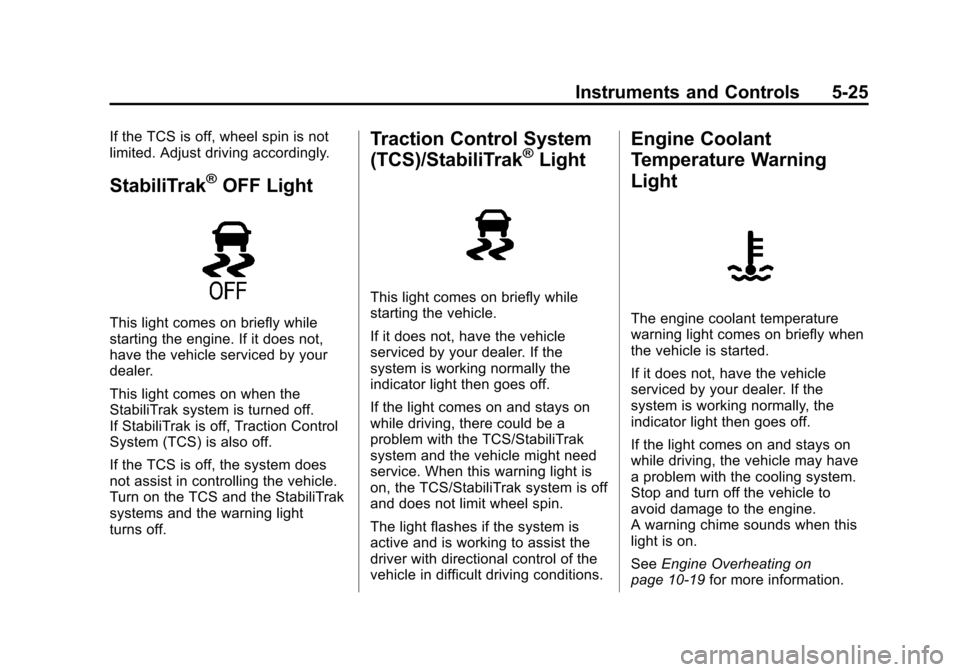
StabiliTrak®OFF Light
This light comes on briefly while
starting the engine. If it does not,
have the vehicle serviced by your
dealer.
This light comes on when the
StabiliTrak system is turned off.
If StabiliTrak is off, Traction Control
System (TCS) is also off.
If the TCS is off, the system does
not assist in controlling the vehicle.
Turn on the TCS and the StabiliTrak
systems and the warning light
turns off.
Traction Control System
(TCS)/StabiliTrak®Light
This light comes on briefly while
starting the vehicle.
If it does not, have the vehicle
serviced by your dealer. If the
system is working normally the
indicator light then goes off.
If the light comes on and stays on
while driving, there could be a
problem with the TCS/StabiliTrak
system and the vehicle might need
service. When this warning light is
on, the TCS/StabiliTrak system is off
and does not limit wheel spin.
The light flashes if the system is
active and is working to assist the
driver with directional control of the
vehicle in difficult driving conditions.
Engine Coolant
Temperature Warning
Light
The engine coolant temperature
warning light comes on briefly when
the vehicle is started.
If it does not, have the vehicle
serviced by your dealer. If the
system is working normally, the
indicator light then goes off.
If the light comes on and stays on
while driving, the vehicle may have
a problem with the cooling system.
Stop and turn off the vehicle to
avoid damage to the engine.
A warning chime sounds when this
light is on.
SeeEngine Overheating on
page 10-19 for more information.
Page 135 of 394
(27,1)Chevrolet VOLT Owner Manual (GMNA-Localizing-U.S./Canada-6014139) -
2014 - CRC - 9/16/13
Instruments and Controls 5-27
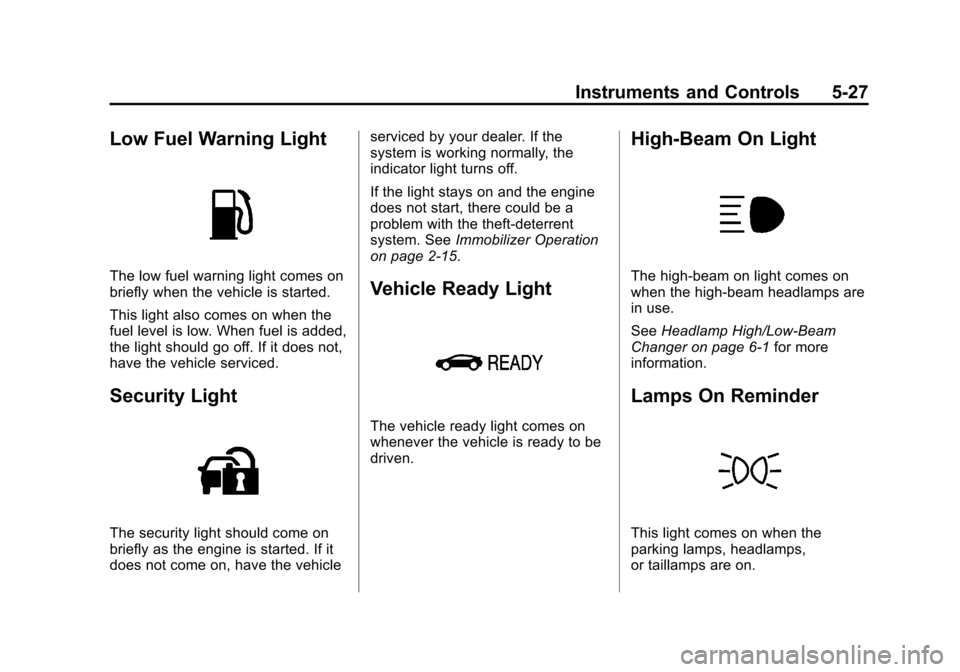
Low Fuel Warning Light
The low fuel warning light comes on
briefly when the vehicle is started.
This light also comes on when the
fuel level is low. When fuel is added,
the light should go off. If it does not,
have the vehicle serviced.
Security Light
The security light should come on
briefly as the engine is started. If it
does not come on, have the vehicleserviced by your dealer. If the
system is working normally, the
indicator light turns off.
If the light stays on and the engine
does not start, there could be a
problem with the theft-deterrent
system. See
Immobilizer Operation
on page 2-15.
Vehicle Ready Light
The vehicle ready light comes on
whenever the vehicle is ready to be
driven.
High-Beam On Light
The high-beam on light comes on
when the high-beam headlamps are
in use.
See Headlamp High/Low-Beam
Changer on page 6-1 for more
information.
Lamps On Reminder
This light comes on when the
parking lamps, headlamps,
or taillamps are on.
Page 139 of 394
(31,1)Chevrolet VOLT Owner Manual (GMNA-Localizing-U.S./Canada-6014139) -
2014 - CRC - 9/16/13
Instruments and Controls 5-31
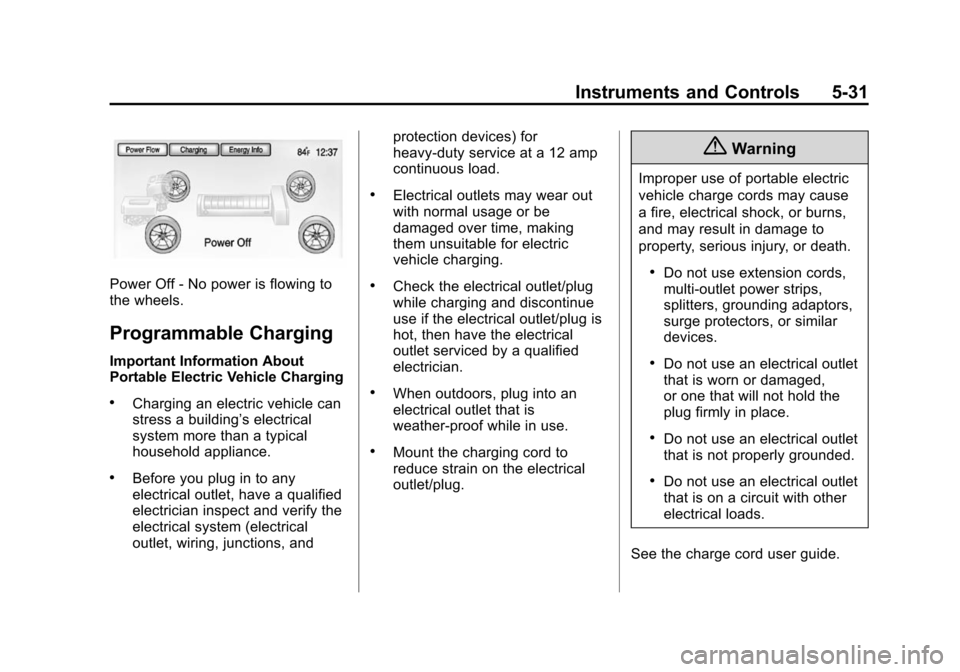
Power Off - No power is flowing to
the wheels.
Programmable Charging
Important Information About
Portable Electric Vehicle Charging
.Charging an electric vehicle can
stress a building’s electrical
system more than a typical
household appliance.
.Before you plug in to any
electrical outlet, have a qualified
electrician inspect and verify the
electrical system (electrical
outlet, wiring, junctions, and protection devices) for
heavy-duty service at a 12 amp
continuous load.
.Electrical outlets may wear out
with normal usage or be
damaged over time, making
them unsuitable for electric
vehicle charging.
.Check the electrical outlet/plug
while charging and discontinue
use if the electrical outlet/plug is
hot, then have the electrical
outlet serviced by a qualified
electrician.
.When outdoors, plug into an
electrical outlet that is
weather-proof while in use.
.Mount the charging cord to
reduce strain on the electrical
outlet/plug.
{Warning
Improper use of portable electric
vehicle charge cords may cause
a fire, electrical shock, or burns,
and may result in damage to
property, serious injury, or death.
.Do not use extension cords,
multi-outlet power strips,
splitters, grounding adaptors,
surge protectors, or similar
devices.
.Do not use an electrical outlet
that is worn or damaged,
or one that will not hold the
plug firmly in place.
.Do not use an electrical outlet
that is not properly grounded.
.Do not use an electrical outlet
that is on a circuit with other
electrical loads.
See the charge cord user guide.
Page 142 of 394
(34,1)Chevrolet VOLT Owner Manual (GMNA-Localizing-U.S./Canada-6014139) -
2014 - CRC - 9/16/13
5-34 Instruments and Controls
The Charge Level Preference
setting can be changed at any time
while the center stack display is
operable.
For some vehicles, the Charge
Level Preference must be updated
prior to the vehicle being charged
and the Charge Level Preference
will reset to a default value when the
vehicle is shifted from P (Park).
{Warning
Using a charge level that exceeds
the electrical circuit or electrical
outlet capacity may start a fire or
damage the electrical circuit. Use
the lowest charge level until a
qualified electrician inspects your
electrical circuit capacity. Use the
lowest charge level if the
electrical circuit or electrical outlet
capacity is not known.Charge Mode Selection
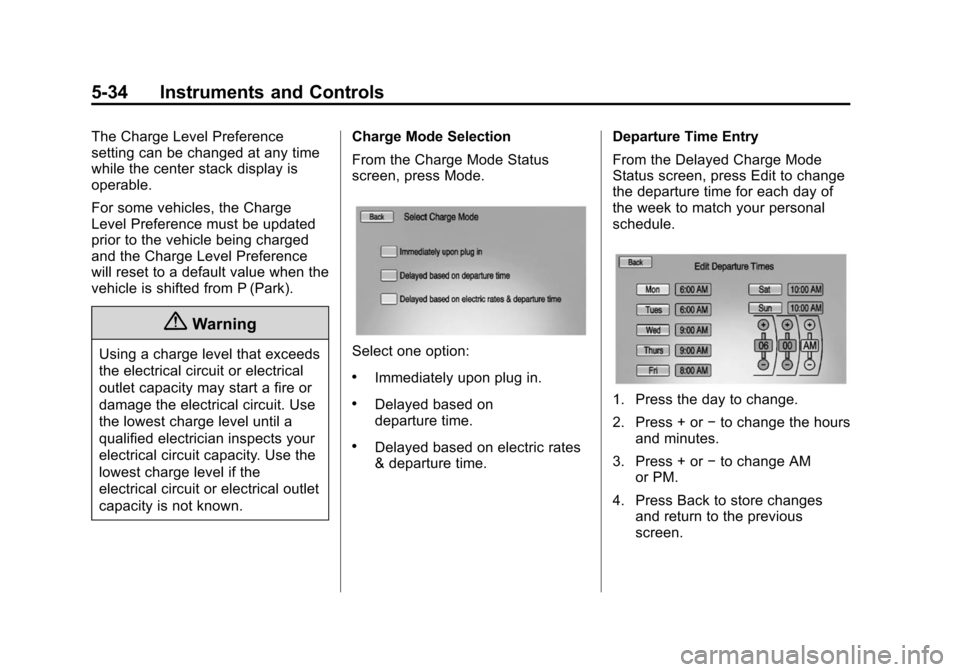
From the Charge Mode Status
screen, press Mode.Select one option:
.Immediately upon plug in.
.Delayed based on
departure time.
.Delayed based on electric rates
& departure time.
Departure Time Entry
From the Delayed Charge Mode
Status screen, press Edit to change
the departure time for each day of
the week to match your personal
schedule.
1. Press the day to change.
2. Press + or
−to change the hours
and minutes.
3. Press + or −to change AM
or PM.
4. Press Back to store changes and return to the previous
screen.
Page 151 of 394
(43,1)Chevrolet VOLT Owner Manual (GMNA-Localizing-U.S./Canada-6014139) -
2014 - CRC - 9/16/13
Instruments and Controls 5-43
from the list. Turn the TUNE/
MENU knob to scroll through the
available setup features. Press
the TUNE/MENU knob or press
the Time screen button to
display other options within that
feature.
2. Press + or −to increase or
decrease the Hours and Minutes
displayed on the clock.
If auto timing is set, the time
displayed on the clock may not
update immediately when driving
into a new time zone.
12/24 HR Format: Press the 12 HR
screen button for standard time;
press the 24 HR screen button for
military time.
Day + or Day −:Press the Day +
or Day −display buttons to increase
or decrease the day.
Display: Press Display to turn the
display of the time on the screen on
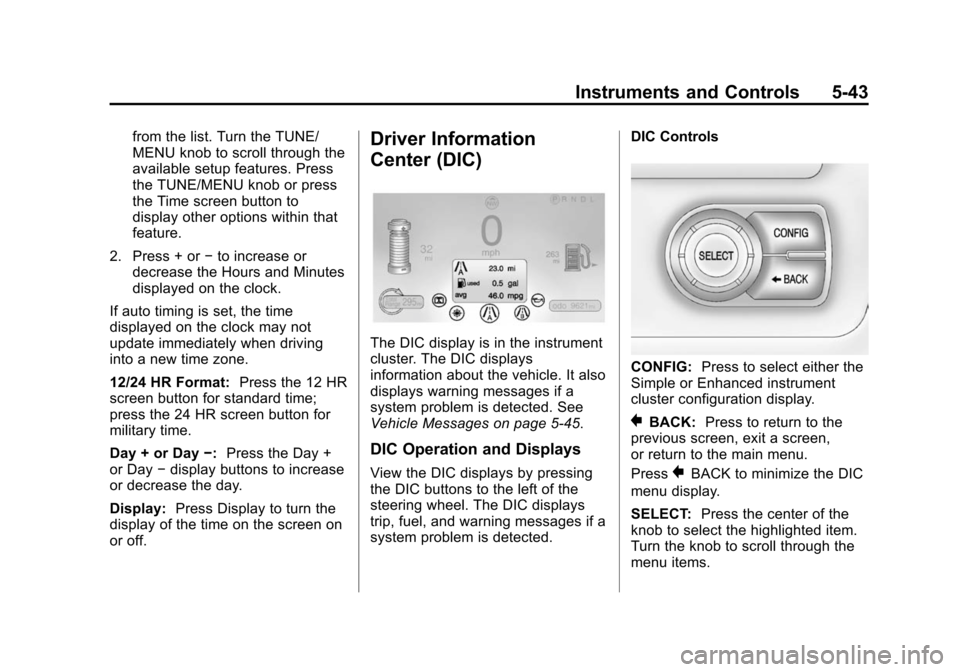
or off.Driver Information
Center (DIC)
The DIC display is in the instrument
cluster. The DIC displays
information about the vehicle. It also
displays warning messages if a
system problem is detected. See
Vehicle Messages on page 5-45.
DIC Operation and Displays
View the DIC displays by pressing
the DIC buttons to the left of the
steering wheel. The DIC displays
trip, fuel, and warning messages if a
system problem is detected. DIC Controls
CONFIG:
Press to select either the
Simple or Enhanced instrument
cluster configuration display.
}BACK: Press to return to the
previous screen, exit a screen,
or return to the main menu.
Press
}BACK to minimize the DIC
menu display.
SELECT: Press the center of the
knob to select the highlighted item.
Turn the knob to scroll through the
menu items.