fuel CHEVROLET VOLT 2015 2.G Owner's Manual
[x] Cancel search | Manufacturer: CHEVROLET, Model Year: 2015, Model line: VOLT, Model: CHEVROLET VOLT 2015 2.GPages: 387, PDF Size: 12.83 MB
Page 149 of 387
Black plate (40,1)Chevrolet VOLT Owner Manual (GMNA-Localizing-U.S./Canada-7695131) -
2015 - crc - 4/25/14
5-40 Instruments and Controls
DIC Operation and Displays
View the DIC displays by pressing
the DIC buttons to the left of the
steering wheel. The DIC displays
trip, fuel, and warning messages if a
system problem is detected.
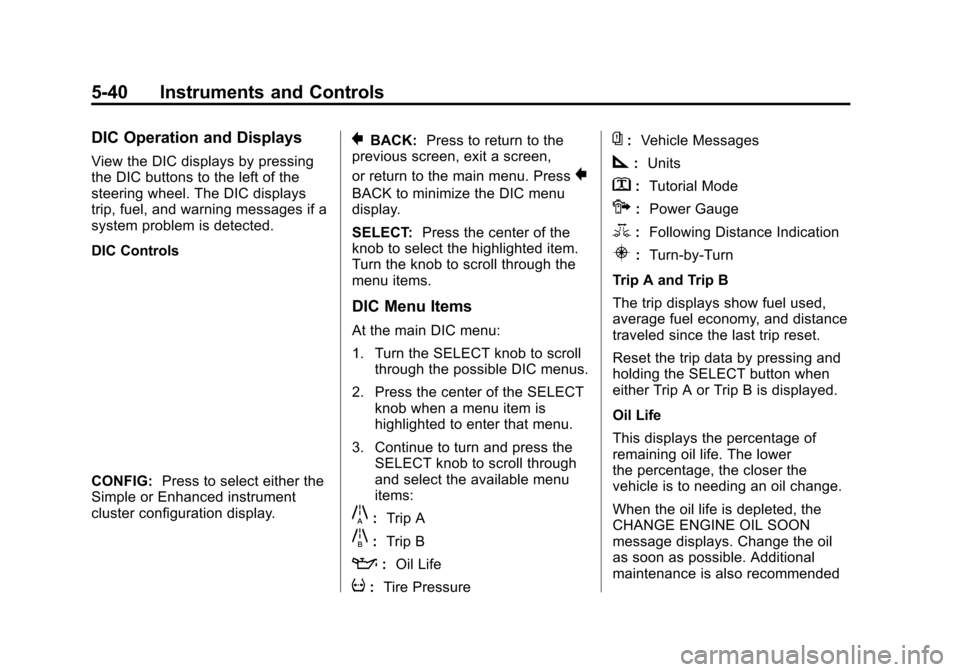
DIC Controls
CONFIG:Press to select either the
Simple or Enhanced instrument
cluster configuration display.
}BACK: Press to return to the
previous screen, exit a screen,
or return to the main menu. Press
}
BACK to minimize the DIC menu
display.
SELECT: Press the center of the
knob to select the highlighted item.
Turn the knob to scroll through the
menu items.
DIC Menu Items
At the main DIC menu:
1. Turn the SELECT knob to scroll
through the possible DIC menus.
2. Press the center of the SELECT knob when a menu item is
highlighted to enter that menu.
3. Continue to turn and press the SELECT knob to scroll through
and select the available menu
items:
}:Trip A
x:Trip B
::Oil Life
v:Tire Pressure
{:Vehicle Messages
z:Units
y: Tutorial Mode
{:Power Gauge
3: Following Distance Indication
u:Turn-by-Turn
Trip A and Trip B
The trip displays show fuel used,
average fuel economy, and distance
traveled since the last trip reset.
Reset the trip data by pressing and
holding the SELECT button when
either Trip A or Trip B is displayed.
Oil Life
This displays the percentage of
remaining oil life. The lower
the percentage, the closer the
vehicle is to needing an oil change.
When the oil life is depleted, the
CHANGE ENGINE OIL SOON
message displays. Change the oil
as soon as possible. Additional
maintenance is also recommended
Page 153 of 387
Black plate (44,1)Chevrolet VOLT Owner Manual (GMNA-Localizing-U.S./Canada-7695131) -
2015 - crc - 4/25/14
5-44 Instruments and Controls
Electric Drive Unit
Messages
SHIFT TO PARK
This message displays when the
vehicle should be shifted to
P (Park). This may appear when
attempting to turn off the vehicle
when it is not in P (Park).
Engine Cooling System
Messages
ENGINE OVERHEATED—
REDUCE SPEED
This message displays when the
engine coolant temperature or
engine oil is too hot. Reduce speed
and allow the vehicle to cool down.
ENGINE OVERHEATED —
TURN VEHICLE OFF
This message displays and a
continuous chime sounds if the
engine cooling system reaches
unsafe temperatures for operation.
Stop and turn off the vehicle as soon as it is safe to do so to avoid
severe damage. This message
clears when the engine has cooled
to a safe operating temperature.
ENGINE RUNNING DUE TO
TEMPERATURE
This message displays when the
high voltage battery is charged but
the engine has to come on because
of the outside temperature or high
voltage battery temperature.
Engine Oil Messages
CHANGE ENGINE OIL SOON
This message displays when the
engine oil needs to be changed.
After changing the engine oil, the
Engine Oil Life System must be
reset. See
Engine Oil Life System
on page 10-12 andDriver
Information Center (DIC) on
page 5-39 for information on how to
reset the system. See Engine Oil on
page 10-9 andMaintenance
Schedule on page 11-2.
OIL PRESSURE LOW —TURN
VEHICLE OFF
This message displays if low oil
pressure levels occur. Stop the
vehicle as soon as safely possible
and do not operate it until the cause
of the low oil pressure has been
corrected. Check the oil as soon as
possible and have the vehicle
serviced by your dealer.
Fuel System Messages
CLOSE FUEL DOOR
This message displays when the
fuel door is open and the vehicle is
moving.
ENGINE NOT AVAILABLE
ADD FUEL
This message displays when the
engine is not available due to
running out of fuel. The vehicle can
continue to be driven in Electric
Mode until the battery is depleted,
but will have reduced acceleration.
Page 154 of 387
Black plate (45,1)Chevrolet VOLT Owner Manual (GMNA-Localizing-U.S./Canada-7695131) -
2015 - crc - 4/25/14
Instruments and Controls 5-45
When this message is displayed,
refuel the vehicle. SeeOut of Fuel/
Engine Unavailable on page 9-25.
FUEL LEVEL LOW
This message displays when the
vehicle is low on fuel. Refuel as
soon as possible.
READY TO REFUEL
This message displays when the
fuel system is depressurized and
the vehicle can be refueled.
TIGHTEN GAS CAP
This message displays when the
fuel cap is not on tight. Tighten the
fuel cap.
WAIT TO REFUEL
This message displays when the
fuel system is pressurized and you
must to wait to refuel the vehicle.
Key and Lock Messages
When programming new Remote
Keyless Entry (RKE) transmitters,
DIC messages display. See Remote
Keyless Entry (RKE) System
Operation on page 2-2.
NO REMOTE DETECTED
This message displays when the
RKE transmitter is not detected
while attempting to start the vehicle.
The transmitter battery may be
weak. See “Starting the Vehicle with
a Low Transmitter Battery” under
Remote Keyless Entry (RKE)
System Operation on page 2-2.
NO REMOTE DETECTED,
PRESS BRAKE TO RESTART
This message displays if the RKE
transmitter is no longer detected in
the vehicle. Press the brake pedal
and the POWER
Obutton to restart
the vehicle, or press the POWER
O
button without pressing the brake
pedal to turn the vehicle off. If the vehicle is turned off and a valid
transmitter is not available, the
vehicle will not restart.
REMINDER: KEY LEFT IN
VEHICLE
This message displays when
leaving the vehicle with the RKE
transmitter still inside.
REPLACE BATTERY IN
REMOTE KEY
This message displays when the
battery in the RKE transmitter needs
to be replaced.
SERVICE KEYLESS START
SYSTEM
This message displays when the
keyless start system needs service.
Take the vehicle to your dealer.
USE TRANSMITTER POCKET
TO START
This message displays when trying
to start the vehicle if an RKE
transmitter is not detected. The
transmitter battery may be weak.
Page 157 of 387
Black plate (48,1)Chevrolet VOLT Owner Manual (GMNA-Localizing-U.S./Canada-7695131) -
2015 - crc - 4/25/14
5-48 Instruments and Controls
SeeTraction Control/Electronic
Stability Control on page 9-33 for
information on resetting the system.
STABILITRAK OFF
This message displays when
StabiliTrak is turned off. Adjust your
driving accordingly.
TRACTION CONTROL OFF
This message displays when the
Traction Control System (TCS) is
turned off. Adjust your driving
accordingly.
TRACTION CONTROL ON
This message displays when the
Traction Control System (TCS) is
turned on.
Airbag System Messages
SERVICE AIRBAG
This message displays if there is a
problem with the airbag system.
Take the vehicle to your dealer for
service.
Security Messages
SERVICE THEFT ALARM
This message displays if there is a
problem with the alarm. See your
dealer for service.
SERVICE THEFT DETERRENT
SYSTEM
This message displays if there is a
problem with the theft-deterrent
system. See your dealer for service.
Service Vehicle Messages
ENGINE MAINTENANCE XXX%
COMPLETE
This message displays when the
Engine Maintenance Mode is
running. See “Engine Maintenance
Mode” underMaintenance Modes
on page 9-25.
ENGINE NOT AVAILABLE
SERVICE SOON
This message displays when the
engine is not available due to a
malfunction that will not allow the
engine to start. The vehicle can
continue to be driven in Electric
Mode until the battery is depleted,
but will have reduced acceleration.
When this message is displayed,
the vehicle should be taken to your
dealer for service as soon as
possible. See Out of Fuel/Engine
Unavailable on page 9-25.
SERVICE AC SYSTEM
This message displays if there is a
problem with the air conditioning
system. Take the vehicle to your
dealer for service.
SERVICE HEATER SOON
This message displays if there is a
problem with the heater system.
Take the vehicle to your dealer for
service.
Page 178 of 387
Black plate (1,1)Chevrolet VOLT Owner Manual (GMNA-Localizing-U.S./Canada-7695131) -
2015 - crc - 4/25/14
Climate Controls 8-1
Climate Controls
Climate Control Systems
Automatic Climate ControlSystem . . . . . . . . . . . . . . . . . . . . . . 8-1
Air Vents
Air Vents . . . . . . . . . . . . . . . . . . . . . . 8-8
Climate Control
Systems
Automatic Climate
Control System
The climate control buttons and the
touch screen are used to adjust the
heating, cooling, and ventilation.
The vehicle may require the use of
an auxiliary heat source under
certain cold conditions. This
provides additional heating and
defrost capability obtained by
running the engine, even if the high
voltage battery is adequately
charged. Under these conditions,
the engine will start and use fuel.
Make sure there is fuel in the tank.
Do not allow the vehicle to remain in
extreme temperatures for long
periods without being driven or
being plugged in.
Page 180 of 387
Black plate (3,1)Chevrolet VOLT Owner Manual (GMNA-Localizing-U.S./Canada-7695131) -
2015 - crc - 4/25/14
Climate Controls 8-3
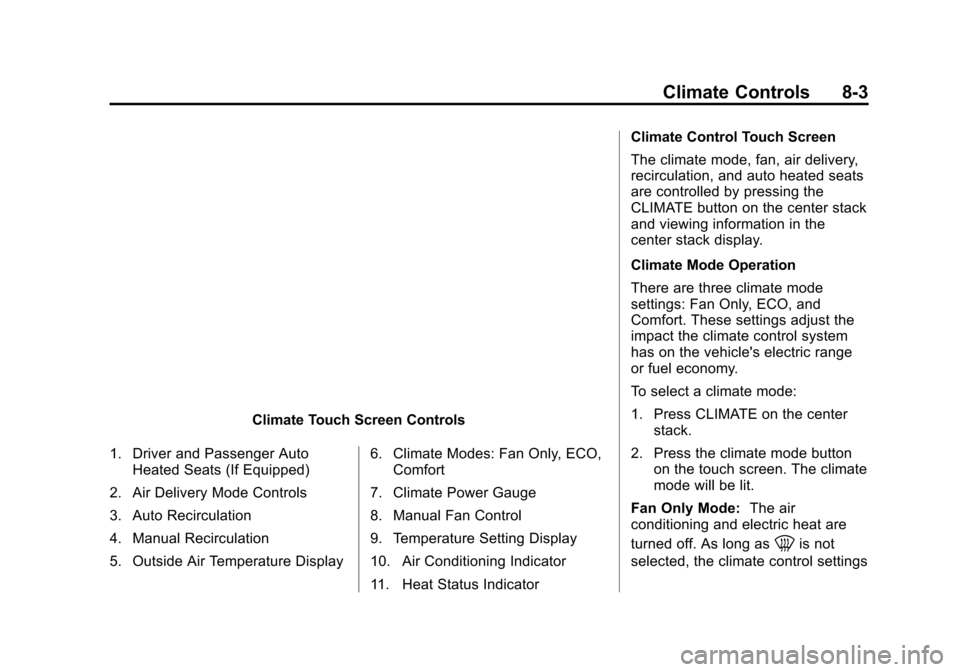
Climate Touch Screen Controls
1. Driver and Passenger Auto Heated Seats (If Equipped)
2. Air Delivery Mode Controls
3. Auto Recirculation
4. Manual Recirculation
5. Outside Air Temperature Display 6. Climate Modes: Fan Only, ECO,
Comfort
7. Climate Power Gauge
8. Manual Fan Control
9. Temperature Setting Display
10. Air Conditioning Indicator
11. Heat Status Indicator Climate Control Touch Screen
The climate mode, fan, air delivery,
recirculation, and auto heated seats
are controlled by pressing the
CLIMATE button on the center stack
and viewing information in the
center stack display.
Climate Mode Operation
There are three climate mode
settings: Fan Only, ECO, and
Comfort. These settings adjust the
impact the climate control system
has on the vehicle's electric range
or fuel economy.
To select a climate mode:
1. Press CLIMATE on the center
stack.
2. Press the climate mode button on the touch screen. The climate
mode will be lit.
Fan Only Mode: The air
conditioning and electric heat are
turned off. As long as
0is not
selected, the climate control settings
Page 181 of 387
Black plate (4,1)Chevrolet VOLT Owner Manual (GMNA-Localizing-U.S./Canada-7695131) -
2015 - crc - 4/25/14
8-4 Climate Controls
may not have a noticeable effect on
the vehicle electric range and fuel
economy.
When in Fan Only mode, the AUTO
indicator light will be off. When
AUTO is selected in Fan Only
mode, the mode will change to
either ECO or Comfort.
When in Fan Only mode, the air
conditioning system may turn on
automatically if the high voltage
battery is being cooled. The climate
control system could blow cold air.
This is normal. To prevent cold air
from blowing into the interior, turn off
the fan control and select the vent
mode and manual recirculation
mode, and close the air vents.
When in Fan Only mode, if Auto
Defog is enabled, the air
conditioning and electric heat may
turn on when high humidity
conditions exist. See“Climate and
Air Quality” underVehicle
Personalization on page 5-50 formore information on the Auto Defog
selection. The air conditioning may
also run if
0is selected.
ECO Mode: The air conditioning
and electric heat are controlled to
balance comfort with fuel economy.
As long as
0is not selected, the
vehicle electric range or fuel
economy will decrease less than in
Comfort mode, but will result in
moderate comfort.
Comfort Mode: The air
conditioning and electric heat are
controlled to reach the best comfort
level based on the temperature
setting selected. In this mode,
vehicle electric range or fuel
economy will decrease depending
on the amount of energy required to
reach the best comfort levels.Climate Power Gauge
When the climate mode is changed,
the Climate Power gauge displays
the impact that user setting changes
have on energy consumption. The
higher the reading, the more energy
is being used.
Air Conditioning/Heat Status Indicators
The air conditioning/heat status
displays when the air conditioning or
electric heat is being used.
Page 183 of 387

Black plate (6,1)Chevrolet VOLT Owner Manual (GMNA-Localizing-U.S./Canada-7695131) -
2015 - crc - 4/25/14
8-6 Climate Controls
Air Delivery Mode Control:Press
CLIMATE to select the Climate
touch screen. Press the air delivery
mode touch screen button to
change the direction of the airflow.
The selected air delivery mode
button is lit. Pressing any of the air
delivery buttons cancels automatic
air delivery control and the direction
of the airflow can be controlled
manually. Press AUTO to return to
automatic operation.
To change the current mode, select
one of the following:
Y(Vent): Air is directed to the
instrument panel outlets.
\(Bi-Level): Air is divided
between the instrument panel
outlets and the floor outlets.
[(Floor): Air is directed to the
floor outlets.
-(Defog): Air is directed to the
windshield and floor outlets. Clears
the windows of fog or moisture.
0(Defrost): Air is directed to the
windshield. The windshield is
cleared of fog or frost more quickly.
Selecting
0will disable automatic
control and the AUTO button
indicator will not be lit.
Selecting
0again will return to the
previous climate settings.
For best results, clear all snow and
ice from the windshield before
defrosting.
If
0is selected in Fan Only or
ECO mode, air conditioning or
electric heat may turn on and have
a noticeable effect on vehicle
electric range and fuel economy.
AUTO
h(Auto Recirculation):
Press to allow the system to
automatically choose the air supply
mode for best performance in terms
of comfort, efficiency, and
defogging. Air is recirculated or
outside air is pulled into the vehicle.
The touch screen button is lit.
h(Manual Recirculation):
Press to alternate between
recirculating air inside the vehicle or
pulling in outside air. When
selected, the touch screen button
lights up to indicate that air is being
recirculated. This helps to quickly
cool the air inside the vehicle or
prevent outside air and odors from
entering.
Pressing this button cancels
automatic recirculation. Press AUTO
or AUTO
hto return to automatic
operation; recirculation runs
automatically as needed.
Manual recirculation mode is not
available when in Defrost or Defog
modes.
M/L(Manual Heated Seats): If
available, the controls are on the
center stack. To operate, the vehicle
must be on.
Press
MorLto heat the driver or
passenger seat cushion and
seatback. For more information, see
Heated Front Seats on page 3-5.
Page 186 of 387
Black plate (1,1)Chevrolet VOLT Owner Manual (GMNA-Localizing-U.S./Canada-7695131) -
2015 - crc - 4/25/14
Driving and Operating 9-1
Driving and
Operating
Driving Information
Driving for Better EnergyEfficiency . . . . . . . . . . . . . . . . . . . . 9-2
Distracted Driving . . . . . . . . . . . . . 9-4
Defensive Driving . . . . . . . . . . . . . 9-5
Drunk Driving . . . . . . . . . . . . . . . . . 9-5
Control of a Vehicle . . . . . . . . . . . 9-5
Braking . . . . . . . . . . . . . . . . . . . . . . . 9-5
Steering . . . . . . . . . . . . . . . . . . . . . . . 9-6
Off-Road Recovery . . . . . . . . . . . . 9-6
Loss of Control . . . . . . . . . . . . . . . . 9-7
Driving on Wet Roads . . . . . . . . . 9-7
Hill and Mountain Roads . . . . . . 9-9
Winter Driving . . . . . . . . . . . . . . . . . 9-9
If the Vehicle Is Stuck . . . . . . . . 9-11
Vehicle Load Limits . . . . . . . . . . 9-12
Starting and Operating
New Vehicle Break-In . . . . . . . . 9-16
Power Button . . . . . . . . . . . . . . . . 9-16
Starting and Stopping the Vehicle . . . . . . . . . . . . . . . . . . . . . 9-18
Retained Accessory Power (RAP) . . . . . . . . . . . . . . . 9-19 Shifting Into Park . . . . . . . . . . . . 9-19
Shifting out of Park . . . . . . . . . . 9-20
Parking over Things
That Burn . . . . . . . . . . . . . . . . . . 9-21
Electric Vehicle Operating
Modes
System Operation . . . . . . . . . . . 9-21
Electric Mode . . . . . . . . . . . . . . . . 9-22
Extended Range Mode . . . . . . 9-22
Driver Selected OperatingModes . . . . . . . . . . . . . . . . . . . . . . 9-22
Out of Fuel/Engine Unavailable . . . . . . . . . . . . . . . . 9-25
Maintenance Modes . . . . . . . . . 9-25
Engine Exhaust
Engine Exhaust . . . . . . . . . . . . . . 9-27
Running the Vehicle While Parked . . . . . . . . . . . . . . . . . . . . . 9-28
Electric Drive Unit
Electric Drive Unit . . . . . . . . . . . 9-28
Brakes
Antilock BrakeSystem (ABS) . . . . . . . . . . . . . . 9-30
Electric Parking Brake . . . . . . . 9-31
Regenerative Braking . . . . . . . . 9-32
Ride Control Systems
Traction Control/Electronic Stability Control . . . . . . . . . . . . 9-33
Cruise Control
Cruise Control . . . . . . . . . . . . . . . 9-35
Driver Assistance Systems
Forward Collision Alert (FCA)System . . . . . . . . . . . . . . . . . . . . . 9-37
Parking Assist . . . . . . . . . . . . . . . 9-39
Rear Vision Camera (RVC) . . . . . . . . . . . . . 9-42
Lane Departure Warning (LDW) . . . . . . . . . . . . . 9-44
Charging
Plug-In Charging . . . . . . . . . . . . . 9-45
Delayed ChargingOverride . . . . . . . . . . . . . . . . . . . . 9-47
Charging Status Feedback . . . . . . . . . . . . . . . . . . 9-48
Charge Cord . . . . . . . . . . . . . . . . . 9-51
Utility Interruption of Charging . . . . . . . . . . . . . . . . . . . 9-52
Electrical Requirements for Battery Charging . . . . . . . . . . . 9-52
Page 187 of 387
Black plate (2,1)Chevrolet VOLT Owner Manual (GMNA-Localizing-U.S./Canada-7695131) -
2015 - crc - 4/25/14
9-2 Driving and Operating
Fuel
Fuel . . . . . . . . . . . . . . . . . . . . . . . . . 9-53
California FuelRequirements . . . . . . . . . . . . . . 9-54
Fuels in Foreign Countries . . . 9-54
Fuel Additives . . . . . . . . . . . . . . . 9-54
Filling the Tank . . . . . . . . . . . . . . 9-55
Filling a Portable Fuel Container . . . . . . . . . . . . . . . . . . . 9-56
Trailer Towing
General TowingInformation . . . . . . . . . . . . . . . . . 9-57
Conversions and Add-Ons
Add-On ElectricalEquipment . . . . . . . . . . . . . . . . . 9-57
Driving Information
Driving for Better Energy
Efficiency
Use the following tips to help
maximize energy efficiency and
range.
In colder temperatures, while these
efficiency tips will help, the electric
vehicle driving range may be lower
due to higher energy usage.
Driving Style
Efficiency Gauge (Instrument
Cluster)
The ball indicator should be kept
green and in the center of the
gauge.
Inefficient acceleration is indicated
when the ball turns yellow and
travels above the center of the
gauge. Aggressive braking is indicated
when the ball turns yellow and
travels below the center of the
gauge.
Acceleration/Braking/Coasting
Avoid unnecessary rapid
accelerations and decelerations.
Electric range is maximized at
80 km/h (50 mph) and below. Higher
speeds use more energy and can
significantly reduce electric range.
Use cruise control when
appropriate.
Plan ahead for decelerations and
coast whenever possible. For
example, do not rush to traffic
signals.
Do not shift to N (Neutral) to coast.
The vehicle recovers energy while
coasting and braking in D (Drive)
or L (Low).
Drive Mode and PRNDL Selection
Use Normal Mode when possible.