ECU CHEVROLET VOLT 2015 2.G Owner's Guide
[x] Cancel search | Manufacturer: CHEVROLET, Model Year: 2015, Model line: VOLT, Model: CHEVROLET VOLT 2015 2.GPages: 387, PDF Size: 12.83 MB
Page 105 of 387
Black plate (50,1)Chevrolet VOLT Owner Manual (GMNA-Localizing-U.S./Canada-7695131) -
2015 - crc - 4/25/14
3-50 Seats and Restraints
7. Before placing a child in thechild restraint, make sure it is
securely held in place. To check,
grasp the child restraint at the
safety belt path and attempt to
move it side to side and back
and forth. When the child
restraint is properly installed,
there should be no more than
2.5 cm (1 in) of movement.
If the airbags are off, the off
indicator in the passenger airbag
status indicator will come on and
stay on when the vehicle is started.
If a child restraint has been installed
and the on indicator is lit, see “If the
On Indicator Is Lit for a Child
Restraint” underPassenger Sensing
System on page 3-23 for more
information.
To remove the child restraint,
unbuckle the vehicle safety belt and
let it return to the stowed position.
Page 107 of 387
Black plate (2,1)Chevrolet VOLT Owner Manual (GMNA-Localizing-U.S./Canada-7695131) -
2015 - crc - 4/25/14
4-2 Storage
In the armrest storage area there is
an auxiliary jack (2), USB port (3),
and accessory power outlet (4).
Cords from accessories can be
routed through the openings (1) on
each side. SeePower Outlets on
page 5-7 and“Audio Players” in the
infotainment manual.
Rear Console
Lift the handle to access the
storage area.
If equipped, the armrest storage bin
is removable.
{Warning
An unsecured armrest storage bin
could strike people in a sudden
stop or turn, or in a crash. Store
the armrest storage bin securely
or remove it from the vehicle. Removal
To remove the armrest storage bin,
press the button and lift the armrest
storage bin up.
Page 110 of 387
Black plate (1,1)Chevrolet VOLT Owner Manual (GMNA-Localizing-U.S./Canada-7695131) -
2015 - crc - 4/25/14
Instruments and Controls 5-1
Instruments and
Controls
Instrument Panel Overview
Instrument Panel Overview . . . . 5-3
Controls
Steering Wheel Adjustment . . . 5-5
Steering Wheel Controls . . . . . . 5-5
Horn . . . . . . . . . . . . . . . . . . . . . . . . . . 5-5
Pedestrian Friendly Alert . . . . . . 5-5
Windshield Wiper/Washer . . . . . 5-6
Power Outlets . . . . . . . . . . . . . . . . . 5-7
Warning Lights, Gauges, and
Indicators
Warning Lights, Gauges, andIndicators . . . . . . . . . . . . . . . . . . . . 5-8
Instrument Cluster . . . . . . . . . . . . 5-8
Speedometer . . . . . . . . . . . . . . . . 5-11
Odometer . . . . . . . . . . . . . . . . . . . . 5-11
Trip Odometer . . . . . . . . . . . . . . . 5-12
Compass . . . . . . . . . . . . . . . . . . . . 5-12
Battery Gauge (High Voltage) . . . . . . . . . . . . . . . . . . . . 5-12
Fuel Gauge . . . . . . . . . . . . . . . . . . 5-12
Driver Efficiency Gauge . . . . . . 5-13 Total Vehicle Range . . . . . . . . . 5-13
Safety Belt Reminders . . . . . . . 5-13
Airbag Readiness Light . . . . . . 5-14
Passenger Airbag Status
Indicator . . . . . . . . . . . . . . . . . . . . 5-15
Charging System Light (12-Volt Battery) . . . . . . . . . . . . 5-16
Malfunction Indicator Lamp . . . . . . . . . . . . . 5-16
Brake System Warning Light . . . . . . . . . . . . . . . . . . . . . . . 5-19
Electric Parking Brake Light . . . . . . . . . . . . . . . . . . . . . . . 5-19
Service Electric Parking Brake Light . . . . . . . . . . . . . . . . . . . . . . . 5-20
Antilock Brake System (ABS) Warning Light . . . . . . . . . . . . . . 5-20
Sport Mode Light . . . . . . . . . . . . 5-21
Mountain Mode Light . . . . . . . . 5-21
Hold Mode Light . . . . . . . . . . . . . 5-21
Lane Departure Warning (LDW) Light . . . . . . . . . . . . . . . . 5-21
Forward Collision Alert (FCA) Warning Light . . . . . . . . . . . . . . 5-22
Vehicle Ahead Indicator . . . . . . 5-22
Traction Off Light . . . . . . . . . . . . 5-22
StabiliTrak
®OFF Light . . . . . . . 5-22
Traction Control System (TCS)/StabiliTrak
®Light . . . . 5-23 Engine Coolant Temperature
Warning Light . . . . . . . . . . . . . . 5-23
Tire Pressure Light . . . . . . . . . . 5-23
Engine Oil Pressure Light . . . . 5-24
Low Fuel Warning Light . . . . . . 5-24
Security Light . . . . . . . . . . . . . . . . 5-24
Vehicle Ready Light . . . . . . . . . 5-25
High-Beam On Light . . . . . . . . . 5-25
Lamps On Reminder . . . . . . . . . 5-25
Cruise Control Light . . . . . . . . . 5-25
Door, Hood, or Hatch Open Light . . . . . . . . . . . . . . . . . . . . . . . 5-25
Information Displays
Center Stack Display . . . . . . . . 5-26
Power Flows . . . . . . . . . . . . . . . . . 5-27
Programmable Charging . . . . . 5-28
Energy Information . . . . . . . . . . 5-38
Clock . . . . . . . . . . . . . . . . . . . . . . . . 5-39
Driver InformationCenter (DIC) . . . . . . . . . . . . . . . 5-39
Vehicle Messages
Vehicle Messages . . . . . . . . . . . 5-42
Battery and ChargingMessages . . . . . . . . . . . . . . . . . . 5-42
Brake System Messages . . . . 5-43
Cruise Control Messages . . . . 5-43
Door Ajar Messages . . . . . . . . . 5-43
Page 111 of 387

Black plate (2,1)Chevrolet VOLT Owner Manual (GMNA-Localizing-U.S./Canada-7695131) -
2015 - crc - 4/25/14
5-2 Instruments and Controls
Drive Mode Messages . . . . . . . 5-43
Electric Drive UnitMessages . . . . . . . . . . . . . . . . . . 5-44
Engine Cooling System Messages . . . . . . . . . . . . . . . . . . 5-44
Engine Oil Messages . . . . . . . . 5-44
Fuel System Messages . . . . . . 5-44
Key and Lock Messages . . . . . 5-45
Lamp Messages . . . . . . . . . . . . . 5-46
Object Detection System Messages . . . . . . . . . . . . . . . . . . 5-46
Propulsion Power Messages . . . . . . . . . . . . . . . . . . 5-47
Ride Control System Messages . . . . . . . . . . . . . . . . . . 5-47
Airbag System Messages . . . . 5-48
Security Messages . . . . . . . . . . 5-48
Service Vehicle Messages . . . 5-48
Starting the Vehicle Messages . . . . . . . . . . . . . . . . . . 5-49
Tire Messages . . . . . . . . . . . . . . . 5-49
Vehicle Reminder Messages . . . . . . . . . . . . . . . . . . 5-50
Vehicle Speed Messages . . . . 5-50
Vehicle Personalization
Vehicle Personalization . . . . . . 5-50
Universal Remote System
Universal Remote System . . . 5-56
Universal Remote System Programming . . . . . . . . . . . . . . . 5-56
Universal Remote System Operation . . . . . . . . . . . . . . . . . . 5-59
Page 119 of 387

Black plate (10,1)Chevrolet VOLT Owner Manual (GMNA-Localizing-U.S./Canada-7695131) -
2015 - crc - 4/25/14
5-10 Instruments and Controls
1.Battery Gauge (High Voltage) on
page 5-12.
2. Vehicle Ahead Indicator on
page 5-22.
3. Fuel Gauge on page 5-12.
4. Service Electric Parking Brake
Light on page 5-20.
5. Security Light on page 5-24.
6. Engine Coolant Temperature
Warning Light on page 5-23.
7. Charging System Light (12-Volt
Battery) on page 5-16.
8. Engine Oil Pressure Light on
page 5-24.
9. High-Beam On Light on
page 5-25.
10. Second Row Passenger Safety Belt Reminder Light. See
Safety Belt Reminders on
page 5-13.
11. Turn and Lane-Change Signals
on page 6-3.
12. Compass on page 5-12. 13.
Speedometer on page 5-11.
14. Cruise Control Light on
page 5-25.
15. Electric Parking Brake Light on
page 5-19.
16. Door, Hood, or Hatch Open
Light on page 5-25.
17. Low Fuel Warning Light on
page 5-24.
18. Antilock Brake System (ABS)
Warning Light on page 5-20.
19. Electric Drive Unit Positions. SeeElectric Drive Unit on
page 9-28.
20. Driver Efficiency Gauge on
page 5-13.
21. Brake System Warning Light
on page 5-19.
22. Driver Safety Belt Reminder Light. See Safety Belt
Reminders on page 5-13.
23. Airbag Readiness Light on
page 5-14. 24.
Total Vehicle Range on
page 5-13.
25. Vehicle Ready Light on
page 5-25.
26. Lane Departure Warning
(LDW) Light on page 5-21.
27. StabiliTrak
®OFF Light on
page 5-22.
28. Driver Information Center (DIC)
on page 5-39.
29. Traction Off Light on
page 5-22.
30. Sport Mode Light on
page 5-21, Mountain Mode
Light on page 5-21, and Hold
Mode Light on page 5-21.
31. Lamps On Reminder on
page 5-25.
32. Odometer on page 5-11.
33. Malfunction Indicator Lamp on
page 5-16.
34. Traction Control System (TCS)/
StabiliTrak
®Light on
page 5-23.
Page 133 of 387
Black plate (24,1)Chevrolet VOLT Owner Manual (GMNA-Localizing-U.S./Canada-7695131) -
2015 - crc - 4/25/14
5-24 Instruments and Controls
When the Light Flashes First and
Then is On Steady
This indicates that there may be a
problem with the Tire Pressure
Monitor System. The light flashes
for about one minute and stays on
steady until the vehicle is in OFF.
This sequence repeats each time
the vehicle is in ON/RUN. SeeTire
Pressure Monitor System on
page 10-47.
Engine Oil Pressure Light
{Caution
Lack of proper engine oil
maintenance can damage the
engine. Driving with the engine
oil low can also damage the
engine. The repairs would not be
covered by the vehicle warranty.
Check the oil level as soon as
possible. Add oil if required, but if
the oil level is within the operating
range and the oil pressure is still
(Continued)
Caution (Continued)
low, have the vehicle serviced.
Always follow the maintenance
schedule for changing engine oil.
The oil pressure light should come
on briefly as the vehicle is started.
If it does not come on have the
vehicle serviced by your dealer.
If the light comes on and stays on, it
means that oil is not flowing through
the engine properly. The vehicle
could be low on oil and might have
some other system problem. See
your dealer.
Low Fuel Warning Light
The low fuel warning light comes on
briefly when the vehicle is started.
This light also comes on when the
fuel level is low. When fuel is added,
the light should go off. If it does not,
have the vehicle serviced.
Security Light
The security light should come on
briefly as the engine is started. If it
does not come on, have the vehicle
Page 143 of 387
Black plate (34,1)Chevrolet VOLT Owner Manual (GMNA-Localizing-U.S./Canada-7695131) -
2015 - crc - 4/25/14
5-34 Instruments and Controls
Electric Rate Schedule Editing
From the Enter Summer/Winter
Start Dates screen, press Edit
Summer Schedule or Edit Winter
Schedule.
From the Select Electric Rate Plan
screen, press Yearly Schedule and
then press Edit.
1. Press Weekday or Weekend.
2. Press Edit next to the row to bechanged.
.Weekdays are Monday
through Friday and use the
same rate schedule.
.Weekends are Saturday
and Sunday and use the
same rate schedule.
Both weekday and weekend
schedules must be set. The rate
schedule only applies for a 24-hour
period, starting at 12:00 AM and
ending at 12:00 AM. There can be
five rate changes for each day; not
all must be used. The finish times must be
consecutive. If a finish time does not
follow a start time, the error
message displays
“An invalid entry
was found in the data entered.
Please re-enter data.”
Electric Rate Finish Time Editing
From the Edit (Summer, Winter,
or Yearly) Rate-Based Charging
Schedule screen, press Edit next to
the row to change.
Page 157 of 387
Black plate (48,1)Chevrolet VOLT Owner Manual (GMNA-Localizing-U.S./Canada-7695131) -
2015 - crc - 4/25/14
5-48 Instruments and Controls
SeeTraction Control/Electronic
Stability Control on page 9-33 for
information on resetting the system.
STABILITRAK OFF
This message displays when
StabiliTrak is turned off. Adjust your
driving accordingly.
TRACTION CONTROL OFF
This message displays when the
Traction Control System (TCS) is
turned off. Adjust your driving
accordingly.
TRACTION CONTROL ON
This message displays when the
Traction Control System (TCS) is
turned on.
Airbag System Messages
SERVICE AIRBAG
This message displays if there is a
problem with the airbag system.
Take the vehicle to your dealer for
service.
Security Messages
SERVICE THEFT ALARM
This message displays if there is a
problem with the alarm. See your
dealer for service.
SERVICE THEFT DETERRENT
SYSTEM
This message displays if there is a
problem with the theft-deterrent
system. See your dealer for service.
Service Vehicle Messages
ENGINE MAINTENANCE XXX%
COMPLETE
This message displays when the
Engine Maintenance Mode is
running. See “Engine Maintenance
Mode” underMaintenance Modes
on page 9-25.
ENGINE NOT AVAILABLE
SERVICE SOON
This message displays when the
engine is not available due to a
malfunction that will not allow the
engine to start. The vehicle can
continue to be driven in Electric
Mode until the battery is depleted,
but will have reduced acceleration.
When this message is displayed,
the vehicle should be taken to your
dealer for service as soon as
possible. See Out of Fuel/Engine
Unavailable on page 9-25.
SERVICE AC SYSTEM
This message displays if there is a
problem with the air conditioning
system. Take the vehicle to your
dealer for service.
SERVICE HEATER SOON
This message displays if there is a
problem with the heater system.
Take the vehicle to your dealer for
service.
Page 165 of 387
Black plate (56,1)Chevrolet VOLT Owner Manual (GMNA-Localizing-U.S./Canada-7695131) -
2015 - crc - 4/25/14
5-56 Instruments and Controls
Passive Door Unlock
This allows selection of which doors
are unlocked by pressing the button
on the outside door handle.
Select All Doors or Driver
Door Only.
Passive Door Lock
This allows passive locking to be
turned on or off and select what
type of feedback.
Select On with Horn Chirp, ON,
or OFF.
Remote Left in Veh. Reminder
When on, the horn will chirp rapidly
three times if an RKE transmitter is
left in the vehicle.
Select to enable or disable.
Return to Factory Settings?
This returns all of the vehicle
personalization settings to the
factory settings.
Select Yes or No.
Universal Remote
System
SeeRadio Frequency Statement on
page 13-12.
Universal Remote System
Programming
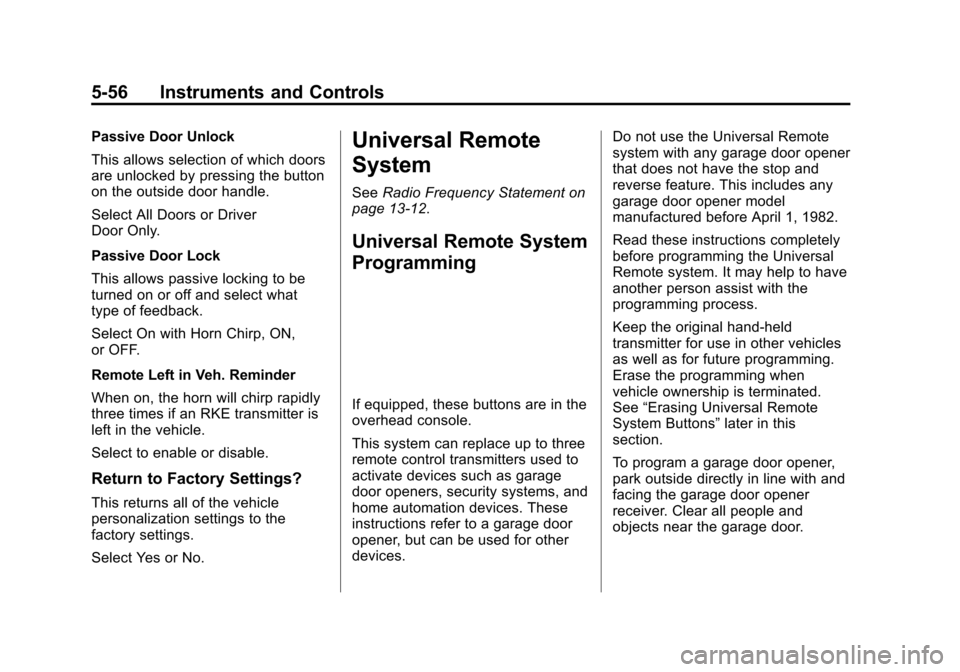
If equipped, these buttons are in the
overhead console.
This system can replace up to three
remote control transmitters used to
activate devices such as garage
door openers, security systems, and
home automation devices. These
instructions refer to a garage door
opener, but can be used for other
devices. Do not use the Universal Remote
system with any garage door opener
that does not have the stop and
reverse feature. This includes any
garage door opener model
manufactured before April 1, 1982.
Read these instructions completely
before programming the Universal
Remote system. It may help to have
another person assist with the
programming process.
Keep the original hand-held
transmitter for use in other vehicles
as well as for future programming.
Erase the programming when
vehicle ownership is terminated.
See
“Erasing Universal Remote
System Buttons” later in this
section.
To program a garage door opener,
park outside directly in line with and
facing the garage door opener
receiver. Clear all people and
objects near the garage door.
Page 201 of 387
Black plate (16,1)Chevrolet VOLT Owner Manual (GMNA-Localizing-U.S./Canada-7695131) -
2015 - crc - 4/25/14
9-16 Driving and Operating
Warning (Continued)
.Never stack heavier
things, like suitcases,
inside the vehicle so that
some of them are above
the tops of the seats.
.Do not leave an
unsecured child restraint
in the vehicle.
.Secure loose items in the
vehicle.
.Do not leave a seat folded
down unless needed.
Starting and
Operating
New Vehicle Break-In
The vehicle does not require a
break-in period. Vehicle break-in is
performed during manufacturing.
Power Button
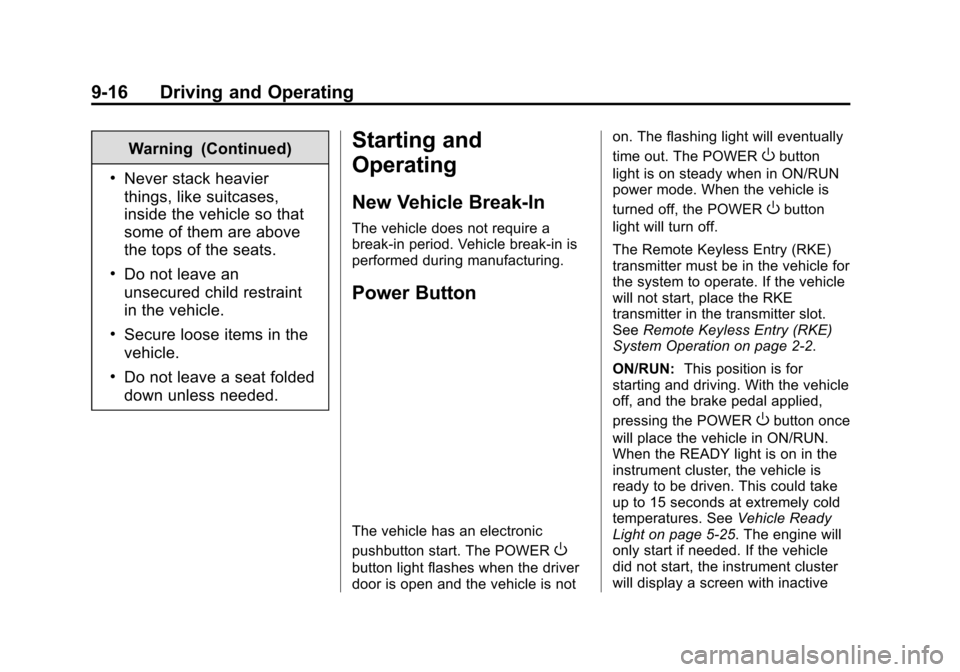
The vehicle has an electronic
pushbutton start. The POWER
O
button light flashes when the driver
door is open and the vehicle is noton. The flashing light will eventually
time out. The POWER
Obutton
light is on steady when in ON/RUN
power mode. When the vehicle is
turned off, the POWER
Obutton
light will turn off.
The Remote Keyless Entry (RKE)
transmitter must be in the vehicle for
the system to operate. If the vehicle
will not start, place the RKE
transmitter in the transmitter slot.
See Remote Keyless Entry (RKE)
System Operation on page 2-2.
ON/RUN: This position is for
starting and driving. With the vehicle
off, and the brake pedal applied,
pressing the POWER
Obutton once
will place the vehicle in ON/RUN.
When the READY light is on in the
instrument cluster, the vehicle is
ready to be driven. This could take
up to 15 seconds at extremely cold
temperatures. See Vehicle Ready
Light on page 5-25. The engine will
only start if needed. If the vehicle
did not start, the instrument cluster
will display a screen with inactive