phone CHEVROLET VOLT 2020 Owner's Manual
[x] Cancel search | Manufacturer: CHEVROLET, Model Year: 2020, Model line: VOLT, Model: CHEVROLET VOLT 2020Pages: 347, PDF Size: 5.71 MB
Page 156 of 347
Chevrolet BOLT EV Owner Manual (GMNA-Localizing-U.S./Canada/Mexico-
13556250) - 2020 - CRC - 2/11/20
Infotainment System 155
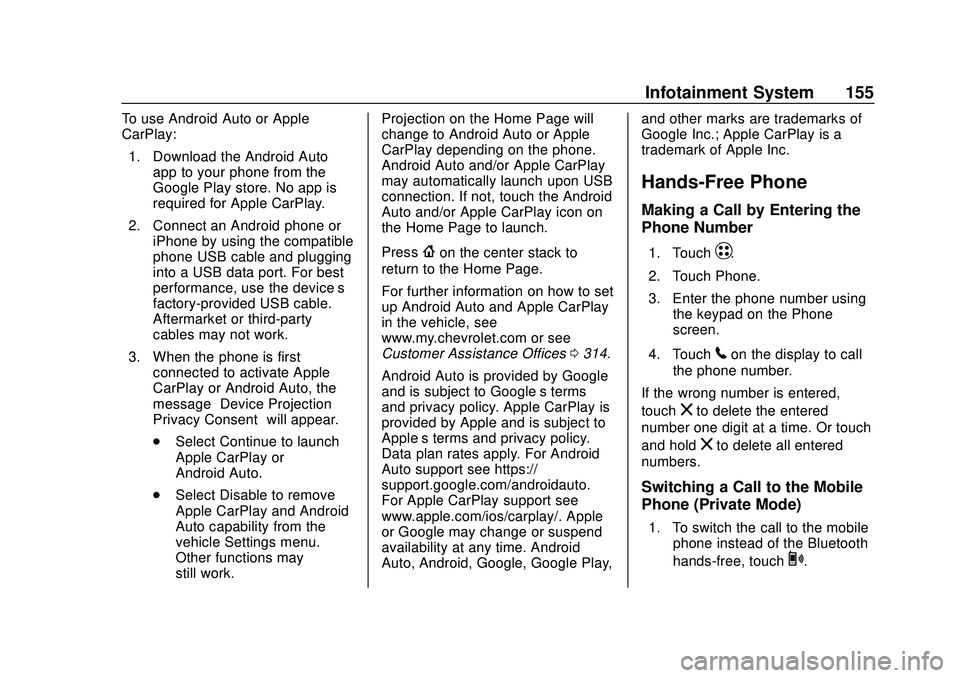
To use Android Auto or Apple
CarPlay:1. Download the Android Auto app to your phone from the
Google Play store. No app is
required for Apple CarPlay.
2. Connect an Android phone or iPhone by using the compatible
phone USB cable and plugging
into a USB data port. For best
performance, use the device’ s
factory-provided USB cable.
Aftermarket or third-party
cables may not work.
3. When the phone is first connected to activate Apple
CarPlay or Android Auto, the
message “Device Projection
Privacy Consent” will appear.
. Select Continue to launch
Apple CarPlay or
Android Auto.
. Select Disable to remove
Apple CarPlay and Android
Auto capability from the
vehicle Settings menu.
Other functions may
still work. Projection on the Home Page will
change to Android Auto or Apple
CarPlay depending on the phone.
Android Auto and/or Apple CarPlay
may automatically launch upon USB
connection. If not, touch the Android
Auto and/or Apple CarPlay icon on
the Home Page to launch.
Press
{on the center stack to
return to the Home Page.
For further information on how to set
up Android Auto and Apple CarPlay
in the vehicle, see
www.my.chevrolet.com or see
Customer Assistance Offices 0314.
Android Auto is provided by Google
and is subject to Google’s terms
and privacy policy. Apple CarPlay is
provided by Apple and is subject to
Apple’ s terms and privacy policy.
Data plan rates apply. For Android
Auto support see https://
support.google.com/androidauto.
For Apple CarPlay support see
www.apple.com/ios/carplay/. Apple
or Google may change or suspend
availability at any time. Android
Auto, Android, Google, Google Play, and other marks are trademarks of
Google Inc.; Apple CarPlay is a
trademark of Apple Inc.
Hands-Free Phone
Making a Call by Entering the
Phone Number
1. TouchT.
2. Touch Phone.
3. Enter the phone number using the keypad on the Phone
screen.
4. Touch
5on the display to call
the phone number.
If the wrong number is entered,
touch
zto delete the entered
number one digit at a time. Or touch
and hold
zto delete all entered
numbers.
Switching a Call to the Mobile
Phone (Private Mode)
1. To switch the call to the mobile phone instead of the Bluetooth
hands-free, touch
0.
Page 157 of 347
Chevrolet BOLT EV Owner Manual (GMNA-Localizing-U.S./Canada/Mexico-
13556250) - 2020 - CRC - 2/11/20
156 Infotainment System
2. To switch the call back to theBluetooth hands-free, touch
0
again.
Switching the Microphone
On/Off
Switch the microphone on/off by
touching
3.
Calling by Re-Dial
Touch5on the display.
Taking Calls
1. When a phone call comesthrough the Bluetooth
connected mobile phone, the
playing track will be cut off and
the phone will ring with the
relevant information displayed.
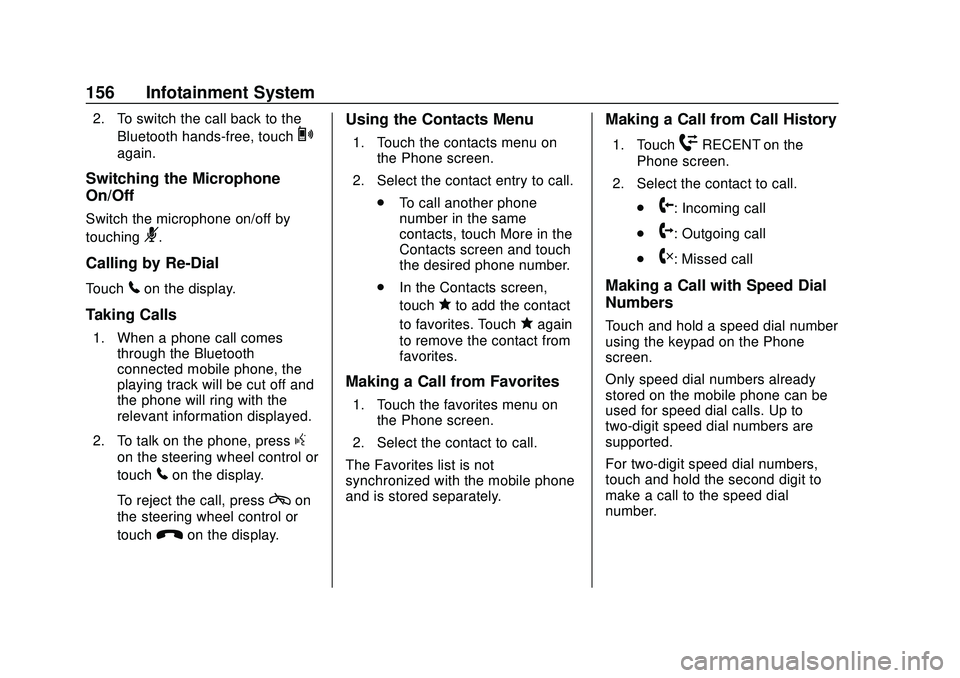
2. To talk on the phone, press
g
on the steering wheel control or
touch
5on the display.
To reject the call, press
con
the steering wheel control or
touch
Kon the display.
Using the Contacts Menu
1. Touch the contacts menu on the Phone screen.
2. Select the contact entry to call. .To call another phone
number in the same
contacts, touch More in the
Contacts screen and touch
the desired phone number.
. In the Contacts screen,
touch
qto add the contact
to favorites. Touch
qagain
to remove the contact from
favorites.
Making a Call from Favorites
1. Touch the favorites menu on the Phone screen.
2. Select the contact to call.
The Favorites list is not
synchronized with the mobile phone
and is stored separately.
Making a Call from Call History
1. TouchWRECENT on the
Phone screen.
2. Select the contact to call.
.
9: Incoming call
.
2: Outgoing call
.
4: Missed call
Making a Call with Speed Dial
Numbers
Touch and hold a speed dial number
using the keypad on the Phone
screen.
Only speed dial numbers already
stored on the mobile phone can be
used for speed dial calls. Up to
two-digit speed dial numbers are
supported.
For two-digit speed dial numbers,
touch and hold the second digit to
make a call to the speed dial
number.
Page 158 of 347
Chevrolet BOLT EV Owner Manual (GMNA-Localizing-U.S./Canada/Mexico-
13556250) - 2020 - CRC - 2/11/20
Infotainment System 157
Voice Mail
The default voice mail number is the
phone number of the currently
connected mobile phone. The voice
mail number can be changed in
Bluetooth settings.
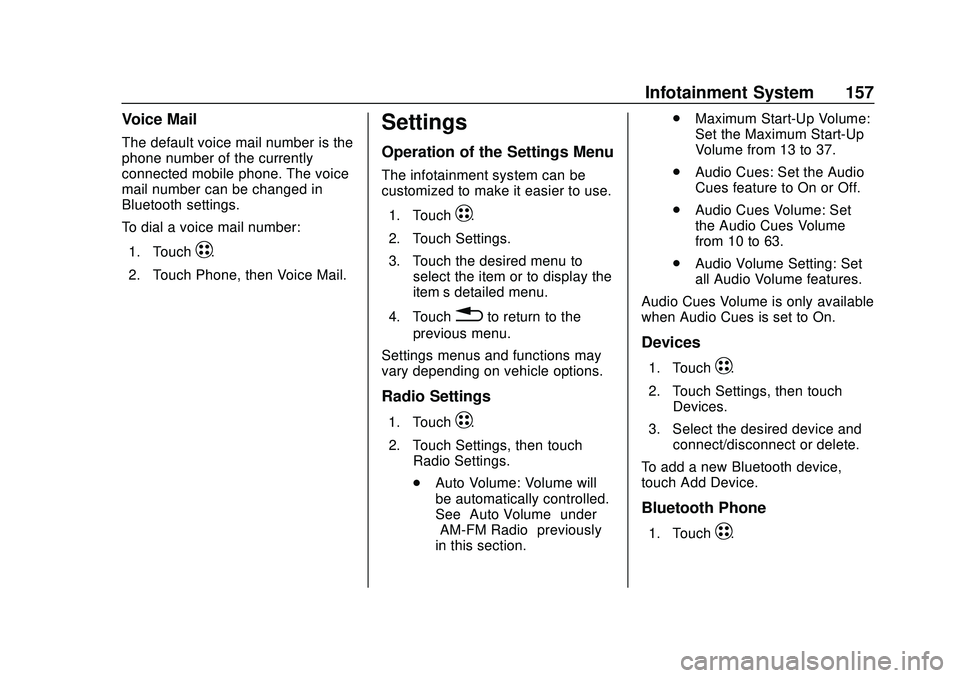
To dial a voice mail number:1. Touch
T.
2. Touch Phone, then Voice Mail.
Settings
Operation of the Settings Menu
The infotainment system can be
customized to make it easier to use.
1. Touch
T.
2. Touch Settings.
3. Touch the desired menu to select the item or to display the
item’s detailed menu.
4. Touch
0to return to the
previous menu.
Settings menus and functions may
vary depending on vehicle options.
Radio Settings
1. TouchT.
2. Touch Settings, then touch Radio Settings.
.Auto Volume: Volume will
be automatically controlled.
See “Auto Volume” under
“AM-FM Radio” previously
in this section. .
Maximum Start-Up Volume:
Set the Maximum Start-Up
Volume from 13 to 37.
. Audio Cues: Set the Audio
Cues feature to On or Off.
. Audio Cues Volume: Set
the Audio Cues Volume
from 10 to 63.
. Audio Volume Setting: Set
all Audio Volume features.
Audio Cues Volume is only available
when Audio Cues is set to On.
Devices
1. TouchT.
2. Touch Settings, then touch Devices.
3. Select the desired device and connect/disconnect or delete.
To add a new Bluetooth device,
touch Add Device.
Bluetooth Phone
1. TouchT.
Page 159 of 347
Chevrolet BOLT EV Owner Manual (GMNA-Localizing-U.S./Canada/Mexico-
13556250) - 2020 - CRC - 2/11/20
158 Infotainment System
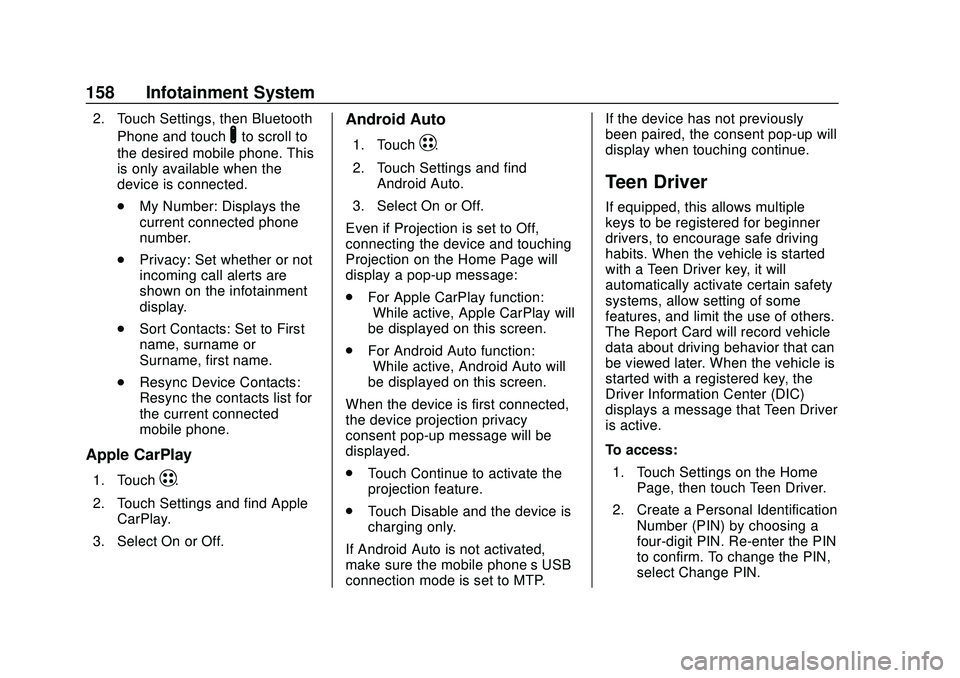
2. Touch Settings, then BluetoothPhone and touch
Yto scroll to
the desired mobile phone. This
is only available when the
device is connected.
. My Number: Displays the
current connected phone
number.
. Privacy: Set whether or not
incoming call alerts are
shown on the infotainment
display.
. Sort Contacts: Set to First
name, surname or
Surname, first name.
. Resync Device Contacts:
Resync the contacts list for
the current connected
mobile phone.
Apple CarPlay
1. TouchT.
2. Touch Settings and find Apple CarPlay.
3. Select On or Off.
Android Auto
1. TouchT.
2. Touch Settings and find Android Auto.
3. Select On or Off.
Even if Projection is set to Off,
connecting the device and touching
Projection on the Home Page will
display a pop-up message:
. For Apple CarPlay function:
“While active, Apple CarPlay will
be displayed on this screen.”
. For Android Auto function:
“While active, Android Auto will
be displayed on this screen.”
When the device is first connected,
the device projection privacy
consent pop-up message will be
displayed.
. Touch Continue to activate the
projection feature.
. Touch Disable and the device is
charging only.
If Android Auto is not activated,
make sure the mobile phone’s USB
connection mode is set to MTP. If the device has not previously
been paired, the consent pop-up will
display when touching continue.
Teen Driver
If equipped, this allows multiple
keys to be registered for beginner
drivers, to encourage safe driving
habits. When the vehicle is started
with a Teen Driver key, it will
automatically activate certain safety
systems, allow setting of some
features, and limit the use of others.
The Report Card will record vehicle
data about driving behavior that can
be viewed later. When the vehicle is
started with a registered key, the
Driver Information Center (DIC)
displays a message that Teen Driver
is active.
To access:
1. Touch Settings on the Home Page, then touch Teen Driver.
2. Create a Personal Identification Number (PIN) by choosing a
four-digit PIN. Re-enter the PIN
to confirm. To change the PIN,
select Change PIN.
Page 162 of 347
Chevrolet BOLT EV Owner Manual (GMNA-Localizing-U.S./Canada/Mexico-
13556250) - 2020 - CRC - 2/11/20
Infotainment System 161
Delete Report Card Data
Data is saved for all trips until the
data is deleted using the PIN or until
the maximum count is exceeded.
Each item will report a maximum of
1,000 counts. The distance driven
will report a maximum of 64,374 km
(40,000 mi).
To delete Report Card data, do one
of the following:
.From the Report Card display,
select Reset.
. Select Clear All Teen Keys/PIN
from the Teen Driver menu. This
will also unregister any Teen
Driver keys and delete the PIN.
Forgotten PIN
See your dealer to reset the PIN.Trademarks and
License Agreements
FCC Information
See Radio Frequency Statement
0 322.
Bluetooth
®
The Bluetooth word mark and logos
are owned by the Bluetooth®SIG,
Inc. and any use of such marks by
General Motors is under license.
Other trademarks and trade names
are those of their respective owners.
“Made for iPod” and“Made for
iPhone” mean that an electronic
accessory has been designed to
connect specifically to iPod or
iPhone and has been certified by
the developer to meet Apple
performance standards. iPod and iPhone are trademarks of
Apple Computer, Inc., registered in
the U.S. and other countries.
Fees and Taxes: Subscription fee,
taxes, one time activation fee, and
other fees may apply. Subscription
fee is consumer only. All fees and
programming subject to change.
Subscriptions subject to Customer
Agreement available at
www.siriusxm.com or
www.siriusxm.ca. SiriusXM
®service
only available in the 48 contiguous
United States and Canada.
In Canada: Some deterioration of
service may occur in extreme
northern latitudes. This is beyond
the control of SiriusXM
®Satellite
Radio.
It is prohibited to copy, decompile,
disassemble, reverse engineer,
hack, manipulate, or otherwise
Page 167 of 347
Chevrolet BOLT EV Owner Manual (GMNA-Localizing-U.S./Canada/Mexico-
13556250) - 2020 - CRC - 2/11/20
166 Climate Controls
Caution
Do not try to clear frost or other
material from the inside of the
front windshield and rear window
with a razor blade or anything
else that is sharp. This may
damage the rear window
defogger grid and affect the
radio's ability to pick up stations
clearly. The repairs would not be
covered by the vehicle warranty.
Remote Start : The climate control
system may be started by using the
Remote Keyless Entry (RKE)
transmitter. The climate control
system will default to an appropriate
heating or cooling mode. See
Remote Start 015.
The rear window defogger turns on
if it is cold outside.
Mobile Application Feature
If equipped, this feature allows a
smartphone to set the start-up
climate control settings. The
following features can be set: .
Temperature
. Fan Speed
. Air Delivery Mode
. Climate Mode
. Recirculation
Once the settings are saved through
the application, the vehicle will use
these settings when turned on. After
the vehicle is turned on, use the
climate controls if additional
adjustments are desired.
Sensors
Indicator Light and Solar
Sensor (ILSS)
The ILSS is on top of the instrument
panel, near the windshield, where it
monitors solar intensity.
The climate control system uses the
sensor information to adjust the
temperature, fan speed,
recirculation, and air delivery mode
for best comfort. Do not cover the sensor; otherwise
the automatic climate control system
may not work properly.
Humidity Sensor
The humidity sensor is near the
base of the inside rearview mirror.
The climate control system uses the
sensor information to adjust the
temperature and recirculation for
best comfort.
Outside Air Temperature Sensor
The outside air temperature sensor
is behind the front grille of the
vehicle. The vehicle uses the sensor
information to display outside air
temperature. The climate control
system uses the information to
adjust the climate system operation.
Page 173 of 347
Chevrolet BOLT EV Owner Manual (GMNA-Localizing-U.S./Canada/Mexico-
13556250) - 2020 - CRC - 2/11/20
172 Driving and Operating
Allow the vehicle to warm up for
20 minutes before driving.
If possible, use a level 2 (32 amp)
high power charge station for best
results. This allows the interior of
the vehicle and high voltage battery
to warm to optimal temperature.
Vehicle Charging/Maintenance
Charging
Keep the vehicle plugged in, even
when fully charged, to keep the
battery temperature ready for the
next drive. This is important when
outside temperatures are extremely
hot or cold.
Maintenance
Always keep the tires properly
inflated and the vehicle properly
aligned.
The weight of excess cargo in the
vehicle affects efficiency and range.
Avoid carrying more than is needed.
Avoid unnecessary use of electrical
accessories. Power used for
functions other than propelling the
vehicle will reduce EV range.Using a rooftop carrier will reduce
efficiency due to additional weight
and drag.
Distracted Driving
Distraction comes in many forms
and can take your focus from the
task of driving. Exercise good
judgment and do not let other
activities divert your attention away
from the road. Many local
governments have enacted laws
regarding driver distraction. Become
familiar with the local laws in
your area.
To avoid distracted driving, keep
your eyes on the road, keep your
hands on the steering wheel, and
focus your attention on driving.
.
Do not use a mobile phone in
demanding driving situations.
Use a hands-free method to
place or receive necessary
phone calls.
. Watch the road. Do not read,
take notes, or look up
information on mobile phones or
other electronic devices. .
Designate a front seat
passenger to handle potential
distractions.
. Become familiar with vehicle
features before driving, such as
programming favorite radio
stations and adjusting climate
control and seat settings.
Program all trip information into
any navigation device prior to
driving.
. Wait until the vehicle is parked
to retrieve items that have fallen
to the floor.
. Stop or park the vehicle to tend
to children.
. Keep pets in an appropriate
carrier or restraint.
. Avoid stressful conversations
while driving, whether with a
passenger or on a mobile
phone.
Page 174 of 347
Chevrolet BOLT EV Owner Manual (GMNA-Localizing-U.S./Canada/Mexico-
13556250) - 2020 - CRC - 2/11/20
Driving and Operating 173
{Warning
Taking your eyes off the road too
long or too often could cause a
crash resulting in injury or death.
Focus your attention on driving.
Refer to the Infotainment section for
more information on using that
system, including pairing and using
a mobile phone.
Defensive Driving
Defensive driving means “always
expect the unexpected.” The first
step in driving defensively is to wear
the seat belt.
. Assume that other road users
(pedestrians, bicyclists, and
other drivers) are going to be
careless and make mistakes.
Anticipate what they might do
and be ready.
. Allow enough following distance
between you and the driver in
front of you.
. Focus on the task of driving.
Drunk Driving
Death and injury associated with
drinking and driving is a global
tragedy.
{Warning
Drinking and then driving is very
dangerous. Your reflexes,
perceptions, attentiveness, and
judgment can be affected by even
a small amount of alcohol. You
can have a serious —or even
fatal —collision if you drive after
drinking.
Do not drink and drive or ride with
a driver who has been drinking.
Ride home in a cab; or if you are
with a group, designate a driver
who will not drink.
Control of a Vehicle
Braking, steering, and accelerating
are important factors in helping to
control a vehicle while driving.
Braking
Braking action involves perception
time and reaction time. Deciding to
push the brake pedal is perception
time. Actually doing it is
reaction time.
Average driver reaction time is
about three-quarters of a second. In
that time, a vehicle moving at
100 km/h (60 mph) travels 20 m
(66 ft), which could be a lot of
distance in an emergency.
Helpful braking tips to keep in mind
include:
. Keep enough distance between
you and the vehicle in front
of you.
. Avoid needless heavy braking.
. Keep pace with traffic.
Page 257 of 347

Chevrolet BOLT EV Owner Manual (GMNA-Localizing-U.S./Canada/Mexico-
13556250) - 2020 - CRC - 2/11/20
256 Vehicle Care
FusesUsage
F29 Trailer interface
module 2
F30 Headlamp leveling
device
F31 OnStar
F32 Virtual keypass
sensor
F33 Heating, ventilation,
and air conditioning
module
F34 Virtual keypass
module
F35 Instrument cluster 1
F36 Radio
F37 –
F38 –
F39 –
F40 – Fuses
Usage
F41 –
F42 –
F43 Body control module 7
F44 Sensing and
diagnostic module
F45 Front camera module
F46 Vehicle integration
control module
F47 Single power inverter
module 2
F48 Electric steering
column lock
F49 Auxiliary jack
F50 Steering wheel
controls
F51 Steering wheel
controls backlighting
F52 Smartphone remote
function module Fuses
Usage
F53 Auxiliary power outlet
F54 –
F55 Logistic
F56 –
F57 –
F59 –
Relays Usage
F58 Logistics relay
F60 Accessory/Retained
accessory power relay
Page 313 of 347
Chevrolet BOLT EV Owner Manual (GMNA-Localizing-U.S./Canada/Mexico-
13556250) - 2020 - CRC - 2/11/20
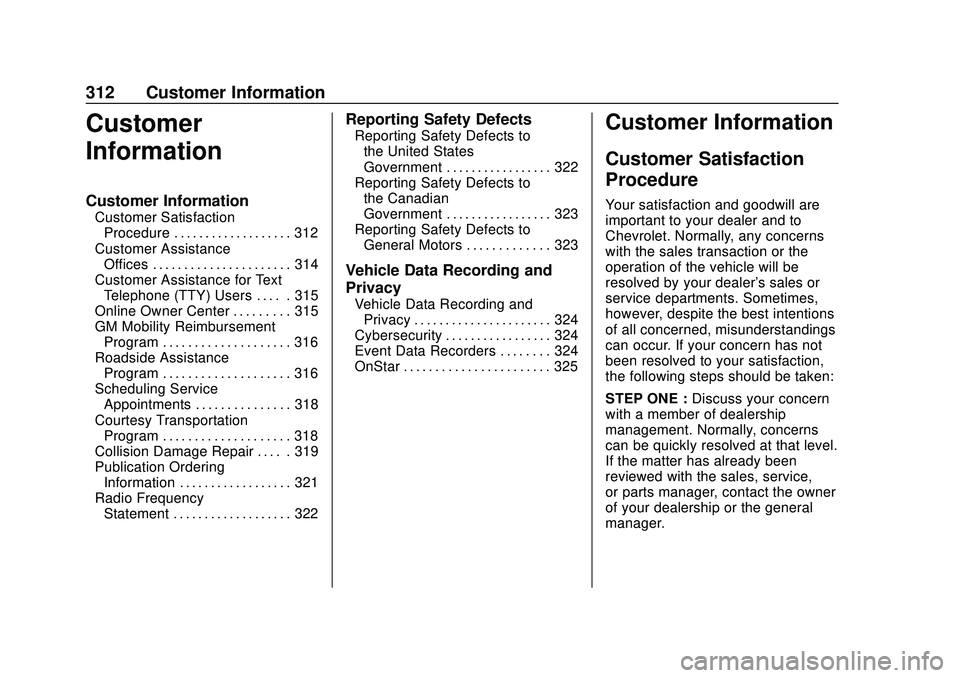
312 Customer Information
Customer
Information
Customer Information
Customer SatisfactionProcedure . . . . . . . . . . . . . . . . . . . 312
Customer Assistance Offices . . . . . . . . . . . . . . . . . . . . . . 314
Customer Assistance for Text Telephone (TTY) Users . . . . . 315
Online Owner Center . . . . . . . . . 315
GM Mobility Reimbursement Program . . . . . . . . . . . . . . . . . . . . 316
Roadside Assistance Program . . . . . . . . . . . . . . . . . . . . 316
Scheduling Service Appointments . . . . . . . . . . . . . . . 318
Courtesy Transportation Program . . . . . . . . . . . . . . . . . . . . 318
Collision Damage Repair . . . . . 319
Publication Ordering Information . . . . . . . . . . . . . . . . . . 321
Radio Frequency Statement . . . . . . . . . . . . . . . . . . . 322
Reporting Safety Defects
Reporting Safety Defects tothe United States
Government . . . . . . . . . . . . . . . . . 322
Reporting Safety Defects to the Canadian
Government . . . . . . . . . . . . . . . . . 323
Reporting Safety Defects to General Motors . . . . . . . . . . . . . 323
Vehicle Data Recording and
Privacy
Vehicle Data Recording andPrivacy . . . . . . . . . . . . . . . . . . . . . . 324
Cybersecurity . . . . . . . . . . . . . . . . . 324
Event Data Recorders . . . . . . . . 324
OnStar . . . . . . . . . . . . . . . . . . . . . . . 325
Customer Information
Customer Satisfaction
Procedure
Your satisfaction and goodwill are
important to your dealer and to
Chevrolet. Normally, any concerns
with the sales transaction or the
operation of the vehicle will be
resolved by your dealer's sales or
service departments. Sometimes,
however, despite the best intentions
of all concerned, misunderstandings
can occur. If your concern has not
been resolved to your satisfaction,
the following steps should be taken:
STEP ONE : Discuss your concern
with a member of dealership
management. Normally, concerns
can be quickly resolved at that level.
If the matter has already been
reviewed with the sales, service,
or parts manager, contact the owner
of your dealership or the general
manager.