U connect CHRYSLER 200 2015 2.G User Guide
[x] Cancel search | Manufacturer: CHRYSLER, Model Year: 2015, Model line: 200, Model: CHRYSLER 200 2015 2.GPages: 220, PDF Size: 3.7 MB
Page 180 of 220
WARNING!
• When temperatures are below the freezing point, electrolyte in a discharged battery mayfreeze. Do not attempt jump-starting because the battery could rupture or explode and
cause personal injury. Battery temperature must be brought above the freezing point
before attempting a jump-start.
• Take care to avoid the radiator cooling fan whenever the hood is raised. It can start anytime the ignition switch is on. You can be injured by moving fan blades.
• Remove any metal jewelry, such as watch bands or bracelets, that might make an inadver-
tent electrical contact. You could be severely injured.
• Batteries contain sulfuric acid that can burn your skin or eyes and generate hydrogen gas
which is flammable and explosive. Keep open flames or sparks away from the battery.
• Do not allow vehicles to touch each other as this could establish a ground connection and
personal injury could result.
• Failure to follow this procedure could result in personal injury or property damage due to
battery explosion.
• Do not connect the cable to the negative post (-) of the discharged battery. The resulting electrical spark could cause the battery to explode and could result in personal injury.
FREEING A STUCK VEHICLE
If your vehicle becomes stuck in mud, sand or snow, it can often be moved by a rocking motion.
Turn your steering wheel right and left to clear the area around the front wheels. Then shift back
and forth between REVERSE and DRIVE. Using minimal accelerator pedal pressure to maintain
the rocking motion, without spinning the wheels, is most effective.
NOTE:
• Shifts between DRIVE and REVERSE can only be achieved at wheel speeds of 5 mph
(8 km/h) or less. Whenever the transmission remains in NEUTRAL for more than 2 seconds,
you must press the brake pedal to engage DRIVE or REVERSE.
• To improve the vehicle's traction when starting off in deep snow, sand or gravel, it may be desirable to switch the Electronic Stability Control (ESC) to “Partial Off ” mode by momen-
tarily pressing the ESC Off
switch. For further information on ESC, refer to the Owner's
Manual on the DVD.
CAUTION!
• When “rocking” a stuck vehicle by shifting between REVERSE and DRIVE, do not spin the wheels faster than 15 mph (24 km/h), or drivetrain damage may result.
• Revving the engine or spinning the wheels too fast may lead to transmission overheating
and failure. It can also damage the tires. Do not spin the wheels above 30 mph (48 km/h)
while in gear (no transmission shifting occurring).
WHAT TO DO IN EMERGENCIES
178
Page 181 of 220
WARNING!
Fast spinning tires can be dangerous. Forces generated by excessive wheel speeds may cause
tire damage or failure. A tire could explode and injure someone. Do not spin your vehicle's
wheels faster than 30 mph (48 km/h) when you are stuck. Do not let anyone near a spinning
wheel, no matter what the speed.
MANUAL PARK RELEASE
In order to move the vehicle in cases where the transmission will not shift out of PARK (such as a
dead battery), a Manual Park Release is available.
WARNING!
Always secure your vehicle by fully applying the parking brake, before activating the Manual
Park Release. Activating the Manual Park Release will allow your vehicle to roll away if it is not
secured by the parking brake or by proper connection to a tow vehicle. Activating the Manual
Park Release on an unsecured vehicle could lead to serious injury or death for those in or
around the vehicle.
Follow these steps to activate the Manual Park Release:
1. Apply the parking brake.
Manual Park Release Location
WHAT TO DO IN EMERGENCIES
179
Page 182 of 220
2. Using a small screwdriver or similar tool, remove the Manual Park Release access cover, whichis underneath the rubber storage bin liner in the center console pass-through.
3. Unsnap the tether from the Manual Park Release lever.
4. Pull the tether upwards and rearward, until it locks vertically in place. Verify that the Manual Park Release lever is locked in the released position.
5. The vehicle is now out of PARK and can be moved. Release the parking brake only
when the vehicle is securely connected to a
tow vehicle.
Follow these steps to reset the Manual Park
Release:
1. Pull the tether upwards to unlock the lever.
2. Rotate the Manual Park Release lever for- ward and down to its original position.
3. Re-install the access cover and the rubber storage bin liner.
Manual Park Release Cover
Manual Park Release Tether
Locked Position
WHAT TO DO IN EMERGENCIES
180
Page 204 of 220
CHRYSLER GROUP LLC CUSTOMER CENTER
P.O. Box 21–8004 Auburn Hills, MI 48321–8004 Phone: 1–800–247–9753
CHRYSLER CANADA INC. CUSTOMER CENTER
P.O. Box 1621 Windsor, Ontario N9A 4H6 Phone: 1–800–465–2001 (English) Phone:
1–800–387–9983 (French)
ASSISTANCE FOR THE HEARING IMPAIRED
To assist customers who have hearing difficulties, the manufacturer has installed special TDD
(Telecommunication Devices for the Deaf ) equipment at its customer center. Any hearing or
speech impaired customer, who has access to a TDD or a conventional teletypewriter (TTY) in
the United States, can communicate with the manufacturer by dialing 1–800–380–CHRY.
Canadian residents with hearing difficulties that require assistance can use the special needs relay
service offered by Bell Canada. For TTY teletypewriter users, dial 711 and for Voice callers, dial
1–800–855–0511 to connect with a Bell Relay Service operator.
WARNING!
Engine exhaust, some of its constituents, and certain vehicle components contain, or emit,
chemicals known to the State of California to cause cancer and birth defects, or other
reproductive harm. In addition, certain fluids contained in vehicles and certain products of
component wear contain, or emit, chemicals known to the State of California to cause cancer
and birth defects, or other reproductive harm.
PUBLICATIONS ORDERING
• If you are the first registered retail owner of your vehicle, you may obtain a complimentaryprinted copy of the Owner's Manual, Navigation/Uconnect® Manuals or Warranty Booklet.
United States customers may visit the Chrysler Contact Us page at www.chrysler.com scroll to
the bottom of the page and select the “Contact Us” link, then select the “Owner’s Manual and
Glove Box Material” from the left menu. You may also obtain a complimentary copy by calling
1–800–247–9753 (U.S.) or 1–800–387–1143 (Canada).
• Replacement User Guide kits or DVDs or, if you prefer, additional printed copies of the Owner's Manual, Warranty Booklet or Radio Manuals may be purchased by visiting
www.techauthority.com or by calling 1–800–890–4038 (U.S.) or 1–800–387–1143 (Canada).
Visa, Master Card, American Express and Discover orders are accepted. If you prefer mailing
your order, please call the above numbers for an order form.
NOTE:
• A street address is required when ordering manuals (no P.O. Boxes).
• The Owner's Manual and User Guide electronic files are also available on the Chrysler, Jeep, Ram Truck, Dodge and SRT websites.
• Click on the “For Owners” tab, select “Owner/Service Manuals”, then select your desired model year and vehicle from the drop down lists.
CONSUMER ASSISTANCE
202
Page 207 of 220
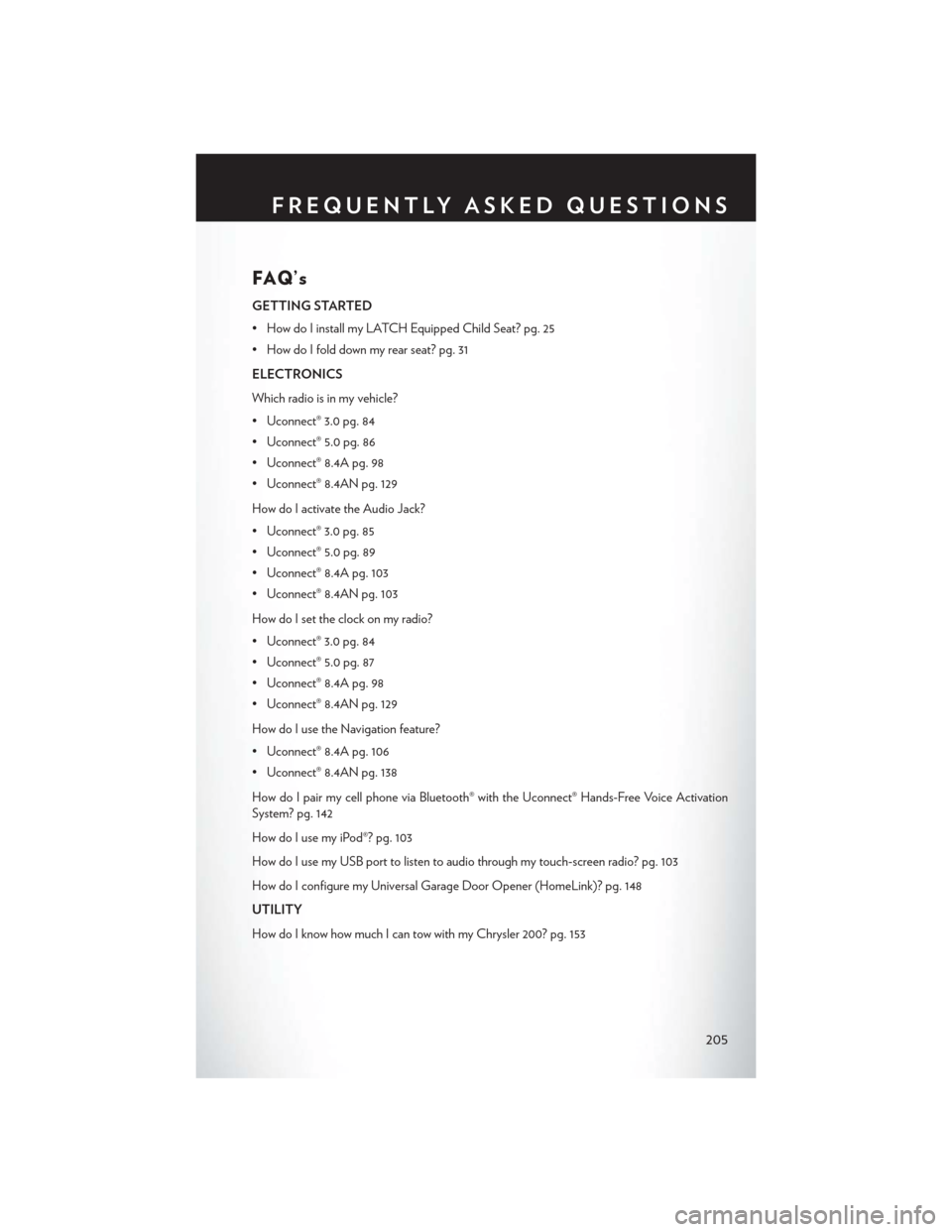
FAQ’s
GETTING STARTED
• How do I install my LATCH Equipped Child Seat? pg. 25
• How do I fold down my rear seat? pg. 31
ELECTRONICS
Which radio is in my vehicle?
• Uconnect® 3.0 pg. 84
• Uconnect® 5.0 pg. 86
• Uconnect® 8.4A pg. 98
• Uconnect® 8.4AN pg. 129
How do I activate the Audio Jack?
• Uconnect® 3.0 pg. 85
• Uconnect® 5.0 pg. 89
• Uconnect® 8.4A pg. 103
• Uconnect® 8.4AN pg. 103
How do I set the clock on my radio?
• Uconnect® 3.0 pg. 84
• Uconnect® 5.0 pg. 87
• Uconnect® 8.4A pg. 98
• Uconnect® 8.4AN pg. 129
How do I use the Navigation feature?
• Uconnect® 8.4A pg. 106
• Uconnect® 8.4AN pg. 138
How do I pair my cell phone via Bluetooth® with the Uconnect® Hands-Free Voice Activation
System? pg. 142
How do I use my iPod®? pg. 103
How do I use my USB port to listen to audio through my touch-screen radio? pg. 103
How do I configure my Universal Garage Door Opener (HomeLink)? pg. 148
UTILITY
How do I know how much I can tow with my Chrysler 200? pg. 153
FREQUENTLY ASKED QUESTIONS
205
Page 209 of 220
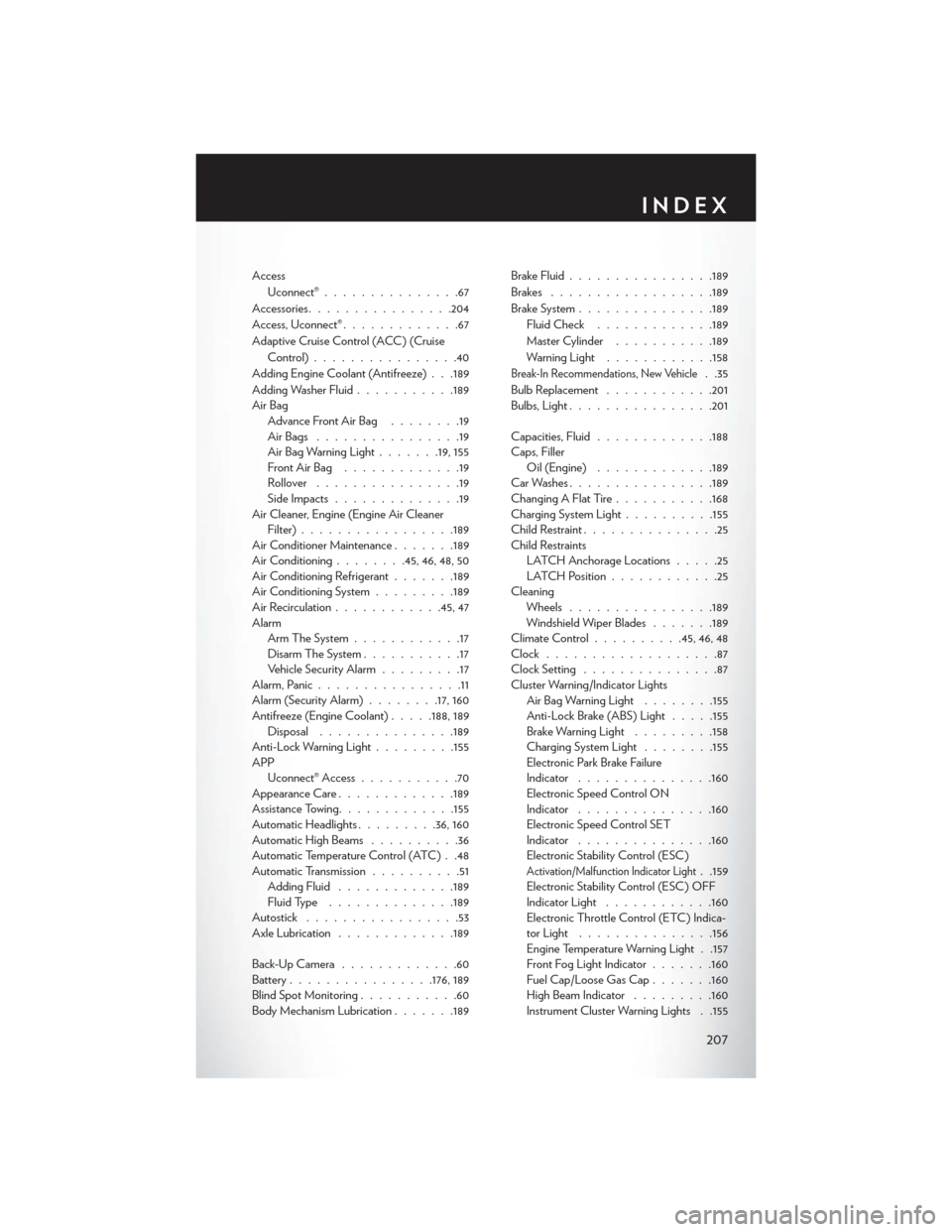
AccessUconnect® ...............67
Accessories ............... .204
Access, Uconnect® .............67
Adaptive Cruise Control (ACC) (Cruise Control) ................40
Adding Engine Coolant (Antifreeze) . . .189
Adding Washer Fluid ...........189
Air Bag Advance Front Air Bag ........19
AirBags ................19
Air Bag Warning Light .......19, 155
FrontAirBag .............19
Rollover ................19
Side Impacts ..............19
Air Cleaner, Engine (Engine Air Cleaner Filter) ................ .189
Air Conditioner Maintenance .......189
Air Conditioning ........45, 46, 48, 50
Air Conditioning Refrigerant .......189
Air Conditioning System .........189
Air Recirculation ............45, 47
Alarm Arm The System ............17
Disarm The System ...........17
Vehicle Security Alarm .........17
Alarm, Panic ................11
Alarm (Security Alarm) ........17, 160
Antifreeze (Engine Coolant) .....188, 189
Disposal .............. .189
Anti-Lock Warning Light .........155
APP Uconnect® Access ...........70
Appearance Care ............ .189
Assistance Towing ............ .155
Automatic Headlights .........36, 160
Automatic High Beams ..........36
Automatic Temperature Control (ATC) . .48
Automatic Transmission ..........51
Adding Fluid ............ .189
Fluid Type ............. .189
Autostick .................53
Axle Lubrication .............189
Back-UpCamera .............60
Battery ............... .176, 189
Blind Spot Monitoring ...........60
Body Mechanism Lubrication .......189Brake Fluid
............... .189
Brakes ................. .189
Br
ake System .............. .189
Fluid Check ............ .189
Master Cylinder ...........189
Warning Light ............158
Break-In Recommendations, New Vehicle. .35
Bulb Replacement ............201
Bulbs, Light ............... .201
Capacities, Fluid .............188
Caps, Filler Oil (Engine) .............189
Car Washes ............... .189
Changing A Flat Tire ...........168
Charging System Light ..........155
Child Restraint ...............25
Child Restraints LATCH Anchorage Locations .....25
LATCH Position ............25
Cleaning Wheels ............... .189
Windshield Wiper Blades .......189
Climate Control ..........45,46,48
Clock ...................87
Clock Setting ...............87
Cluster Warning/Indicator Lights Air Bag Warning Light ........155
Anti-Lock Brake (ABS) Light .....155
Brake Warning Light .........158
Charging System Light ........155
Electronic Park Brake Failure
Indicator .............. .160
Electronic Speed Control ON
Indicator .............. .160
Electronic Speed Control SET
Indicator .............. .160
Electronic Stability Control (ESC)
Activation/Malfunction Indicator Light. .159
Electronic Stability Control (ESC) OFF
Indicator Light ............160
Electronic Throttle Control (ETC) Indica-
tor Light .............. .156
Engine Temperature Warning Light . .157
Front Fog Light Indicator .......160
Fuel Cap/Loose Gas Cap .......160
High Beam Indicator .........160
Instrument Cluster Warning Lights . .155
INDEX
207
Page 211 of 220
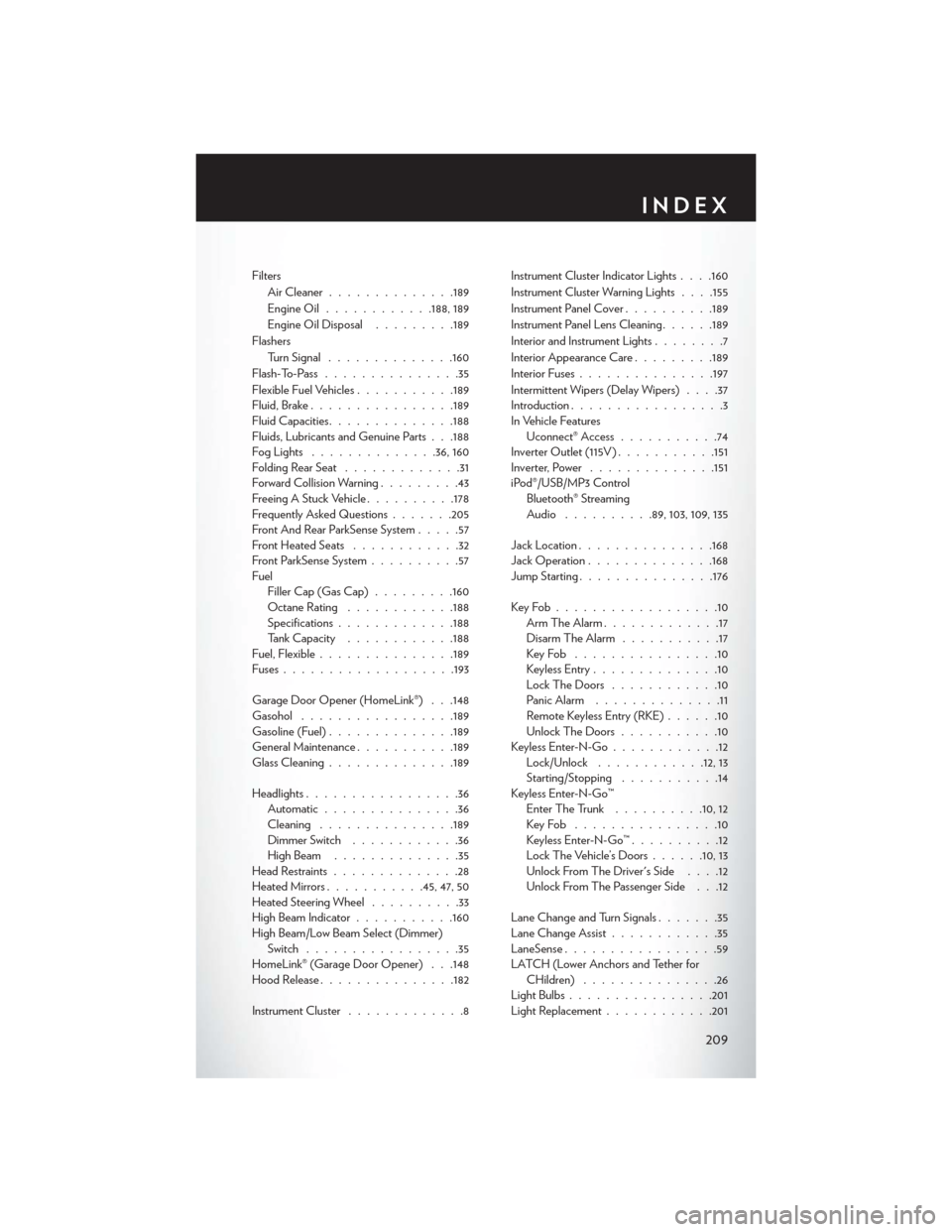
FiltersAir Cleaner ............. .189
Engine Oil ............188, 189
Engine Oil Disposal .........189
Flashers Turn Signal ............. .160
Flash-To-Pass ...............35
Flexible Fuel Vehicles ...........189
Fluid, Brake ............... .189
Fluid Capacities ............. .188
Fluids, Lubricants and Genuine Parts . . .188
FogLights ..............36, 160
Folding Rear Seat .............31
Forward Collision Warning .........43
Freeing A Stuck Vehicle ..........178
Frequently Asked Questions .......205
Front And Rear ParkSense System .....57
Front Heated Seats ............32
Front ParkSense System ..........57
Fuel Filler Cap (Gas Cap) .........160
Octane Rating ............188
Specifications ............ .188
Tank Capacity ............188
Fuel, Flexible .............. .189
Fuses .................. .193
Garage Door Opener (HomeLink®) . . .148
Gasohol ................ .189
Gasoline (Fuel) ............. .189
General Maintenance ...........189
Glass Cleaning ............. .189
Headlights .................36
Automatic ...............36
Cleaning .............. .189
Dimmer Switch ............36
HighBeam ..............35
Head Restraints ..............28
Heated Mirrors ...........45, 47, 50
Heated Steering Wheel ..........33
High Beam Indicator ...........160
High Beam/Low Beam Select (Dimmer) Switch .................35
HomeLink® (Garage Door Opener) . . .148
Hood Release .............. .182
Instrument Cluster .............8 Instrument Cluster Indicator Lights .
. . .160
Instrument Cluster Warning Lights . . . .155
Instrument Panel Cover ..........189
Instrument Panel Lens Cleaning ......189
Interior and Instrument Lights ........7
Interior Appearance Care .........189
Interior Fuses .............. .197
Intermittent Wipers (Delay Wipers) ....37
Introduction .................3
In Vehicle Features Uconnect® Access ...........74
Inverter Outlet (115V) ...........151
Inverter, Power ............. .151
iPod®/USB/MP3 Control Bluetooth® Streaming
Audio ..........89, 103, 109, 135
Jack Location .............. .168
Jack Operation ............. .168
Jump Starting .............. .176
KeyFob..................10 Arm The Alarm .............17
Disarm The Alarm ...........17
KeyFob ................10
Keyless Entry ..............10
LockTheDoors ............10
Panic Alarm ..............11
Remote Keyless Entry (RKE) ......10
UnlockTheDoors...........10
Keyless Enter-N-Go ............12
Lock/Unlock ............12, 13
Starting/Stopping ...........14
Keyless Enter-N-Go™ Enter The Trunk ..........10,12
KeyFob ................10
Keyless Enter-N-Go™ ..........12
Lock The Vehicle’s Doors ......10,13
Unlock From The Driver's Side ....12
Unlock From The Passenger Side . . .12
Lane Change and Turn Signals .......35
Lane Change Assist ............35
LaneSense .................59
LATCH (Lower Anchors and Tether for CHildren) ...............26
Light Bulbs ............... .201
Light Replacement ............201
INDEX
209
Page 212 of 220
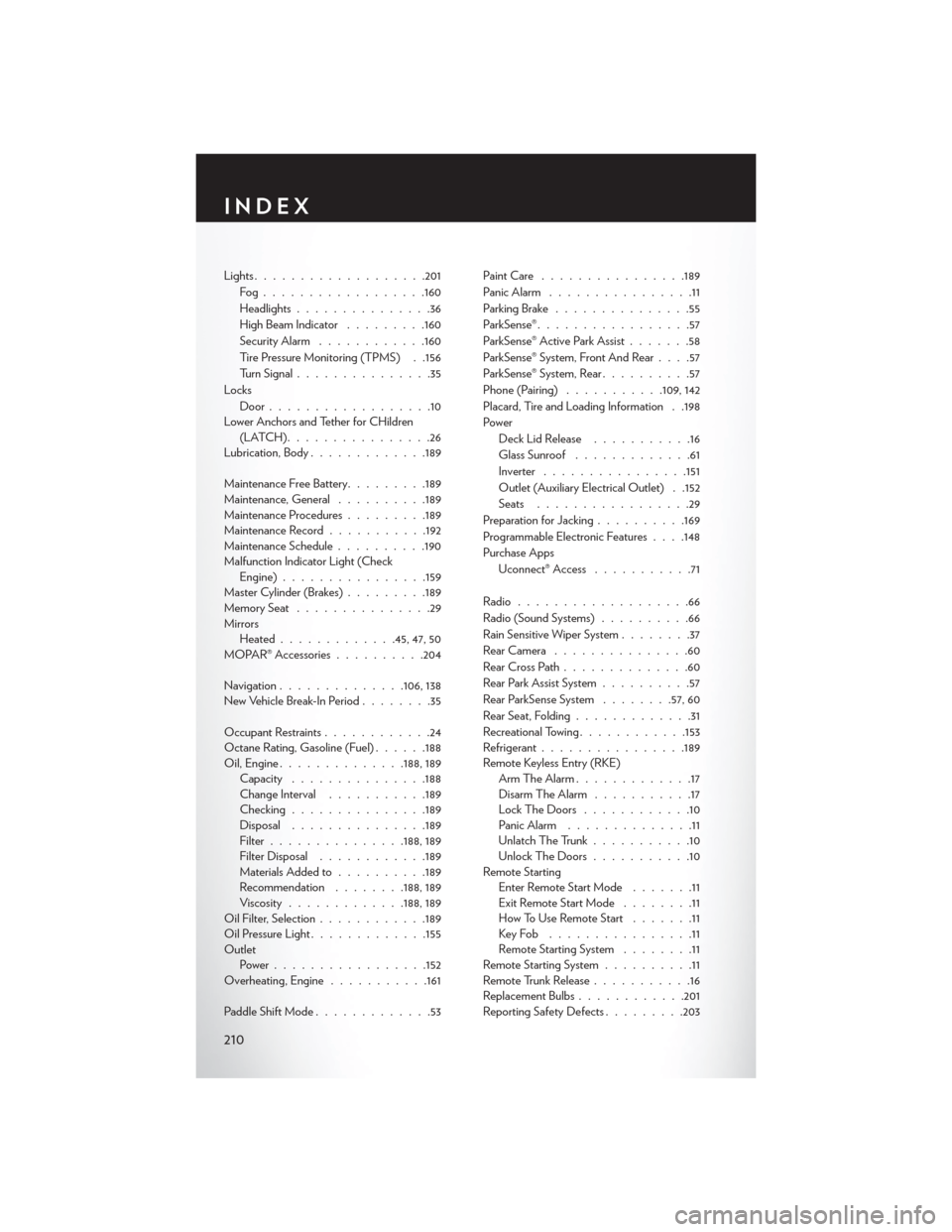
Lights...................201
Fog................. .160
Headlights...............36
High Beam Indicator .........160
Security Alarm ............160
Tire Pressure Monitoring (TPMS) . .156
Turn Signal ...............35
Locks Door..................10
Lower Anchors and Tether for CHildren (LATCH)................26
Lubrication, Body .............189
Maintenance Free Battery .........189
Maintenance, General ..........189
Maintenance Procedures .........189
Maintenance Record ...........192
Maintenance Schedule ..........190
Malfunction Indicator Light (Check Engine) ............... .159
Master Cylinder (Brakes) .........189
MemorySeat ...............29
Mirrors Heated ............ .45, 47, 50
MOPAR® Accessories ..........204
Navigation ..............106,138
New Vehicle Break-In Period ........35
Occupant Restraints ............24
Octane Rating, Gasoline (Fuel) ......188
Oil,Engine............. .188, 189
Capacity .............. .188
Change Interval ...........189
Checking ...............189
Disposal .............. .189
Filter .............. .188, 189
Filter Disposal ............189
Materials Added to ..........189
Recommendation ........188, 189
Viscosity ............ .188, 189
Oil Filter, Selection ............189
Oil Pressure Light ............ .155
Outlet Power................ .152
Overheating, Engine ...........161
Paddle Shift Mode .............53 Paint Care
............... .189
Panic Alarm ................
11
Parking Brake ...............55
ParkSense® .................57
ParkSense® Active Park Assist .......58
ParkSense® System, Front And Rear ....57
ParkSense® System, Rear ..........57
Phone (Pairing) ...........109, 142
Placard, Tire and Loading Information . .198
Power Deck Lid Release ...........16
Glass Sunroof .............61
Inverter ............... .151
Outlet (Auxiliary Electrical Outlet) . .152
Seats .................29
Preparation for Jacking ..........169
Programmable Electronic Features . . . .148
Purchase Apps Uconnect® Access ...........71
Radio ...................66
Radio (Sound Systems) ..........66
Rain Sensitive Wiper System ........37
RearCamera ...............60
RearCrossPath..............60
Rear Park Assist System ..........57
Rear ParkSense System ........57, 60
Rear Seat, Folding .............31
Recreational Towing ............153
Refrigerant ................189
Remote Keyless Entry (RKE) Arm The Alarm .............17
Disarm The Alarm ...........17
Lock The Doors ............10
Panic Alarm ..............11
Unlatch The Trunk ...........10
Unlock The Doors ...........10
Remote Starting Enter Remote Start Mode .......11
Exit Remote Start Mode ........11
How To Use Remote Start .......11
KeyFob ................11
Remote Starting System ........11
Remote Starting System ..........11
Remote Trunk Release ...........16
Replacement Bulbs ............201
Reporting Safety Defects .........203
INDEX
210
Page 213 of 220
Restraint, Head..............28
Schedule, Maintenance ..........190
Seat Belt Maintenance ..........189
Seat Belts Adjustable Shoulder Belt ........18
Pretensioners .............18
Seats ....................29
Heated ................32
RearFolding ..............31
Ventilated ...............32
Security Alarm ............. .160
Arm The System ............17
Disarm The System ...........17
Security Alarm .............17
Selection of Coolant (Antifreeze) .....188
Set Up Your Via Mobile Profile Uconnect® ...............70
Shifting Automatic Transmission ........51
Signals, Turn ............. .35, 160
SIRIUS Travel Link ............141
Sound Systems (Radio) ..........66
SpareTire............168, 199, 200
SparkPlugs............... .188
Specifications Fuel (Gasoline) ............188
Oil ................. .188
Speed Control Accel/Decel ..............38
Distance Setting (ACC Only) .....39
Mode Setting (ACC Only) ......41
Speed Control (Cruise Control) ......38
Starting Remote ................11
Steering Tilt Column ..............34
Wheel, Heated ............33
Steering Wheel Audio Controls ......145
SunRoof..................61
Supplemental Restraint System - Airbag . .19
Temperature Control, Automatic (ATC) . .48
Tether Anchor, Child Restraint .......27
Text Messaging ..........90, 112, 144
Tilt Steering Column ............34
Ti re s Air Pressure .............198 Changing
.............. .168
CompactSpare............199
Jacking ............... .168
SpareTire ..............168
Tire Service Kit ............161, 163
Towing................. .153
D
isabled Vehicle ...........181
Recreational .............153
Towing Vehicle Behind a Motorhome . . .153
Trailer Towing Trailer and Tongue Weight ......153
Trailer Weight .............. .153
Transmission ................51
Automatic ...............51
Fluid ................ .189
Maintenance .............189
Transmission Temperature Warning Light ................. .157
Trunk Lid (Deck Lid) ............16
Trunk Release, Emergency .........16
Trunk Release Remote Control .....10,16
Turn Signals ............. .35, 160
Uconnect® Access .................67
Set Up Your Via Mobile Profile .....70
Using Access ..............72
Via Mobile Apps ............83
Uconnect® 3.0 ...............84
Uconnect® 5.0 ...............86
Uconnect® 8.4A ..............98
Uconnect® 8.4AN ............ .129
Uconnect® Access .............67
APP..................70
In Vehicle Features ...........74
Purchase Apps .............71
Uconnect® Voice Command ......91, 113
Using Access Uconnect® ...............72
Vehicle Security Alarm Disarming .....17
Via Mobile Apps Uconnect® ...............83
VoiceCommand........... .91, 113
Voice Recognition System (VR) . . . .91, 113
Washer Adding Fluid .............189
INDEX
211
Page 219 of 220
IF YOU ARE THE FIRST REGISTERED RETAIL OWNER OF YOUR VEHICLE,
YOU MAY OBTAIN A COMPLIMENTARY PRINTED COPY OF THE OWNER’S
MANUAL, NAVIGATION/UCONNECT® MANUALS OR WARRANTY BOOKLET
BY CALLING 1-800-247-9753 (U.S.) OR 1-80 0 -3 87-1143 (CANADA) OR BY
CONTACTING YOUR DEALER.
The driver’s primary responsibility is the safe operation of the vehicle. Driving while distracted can
result in loss of vehicle control, resulting in a collision and personal injury. Chrysler Group LLC
strongly recommends that the driver use extreme caution when using any device or feature that
may take their attention off the road. Use of any electrical devices, such as cellular telephones,
computers, portable radios, vehicle navigation or other devices, by the driver while the vehicle is
moving is dangerous and could lead to a serious collision. Texting while driving is also dangerous
and should never be done while the vehicle is moving. If you find yourself unable to devote your
full attention to vehicle operation, pull off the road to a safe location and stop your vehicle. Some
states or provinces prohibit the use of cellular telephones or texting while driving. It is always the
driver’s responsibility to comply with all local laws.
IMPORTANT: This User Guide is intended to familiarize you with the important
features of your vehicle. The DVD enclosed contains your Owner’s Manual, Navigation/
Uconnect® Manuals, Warranty Booklets, Tire Warranty and Roadside Assistance
(new vehicles purchased in the U.S.) or Roadside Assistance (new vehicles purchased
in Canada) in electronic format. We hope you find it useful. Replacement DVD kits may
be purchased by visiting www.techauthority.com. Copyright 2014 Chrysler Group LLC.
This guide has been prepared to help you get quickly acquainted with your new Chrysler
and to provide a convenient reference source for common questions. However, it is not a
substitute for your Owner’s Manual. For complete operational instructions, maintenance
procedures and important safety messages, please consult your Owner’s Manual,
Navigation/ Uconnect® Manuals and other Warning Labels in your vehicle. Not all
features shown in this guide may apply to your vehicle. For additional information on
accessories to help personalize your vehicle, visit mopar.com (U.S.), mopar.ca (Canada)
or your local Chrysler dealer.
DRIVING AND ALCOHOL: Drunken driving is one of the most frequent
causes of collisions. Your driving ability can be seriously impaired with blood alcohol levels
far below the legal minimum. If you are drinking, don’t drive. Ride with a designated
non-drinking driver, call a cab, a friend, or use public transportation.
WARNING!
Driving after drinking can lead to a collision. Your perceptions are less sharp, your reflexes are slower, and your judgment is impaired when you have been drinking. Never drink and then drive.
1716696_15c_Chrysler_200_Sedan_UG_060714.indd 27/7/14 11:13 AM