temperature CHRYSLER 200 2016 2.G User Guide
[x] Cancel search | Manufacturer: CHRYSLER, Model Year: 2016, Model line: 200, Model: CHRYSLER 200 2016 2.GPages: 702, PDF Size: 5.13 MB
Page 328 of 702
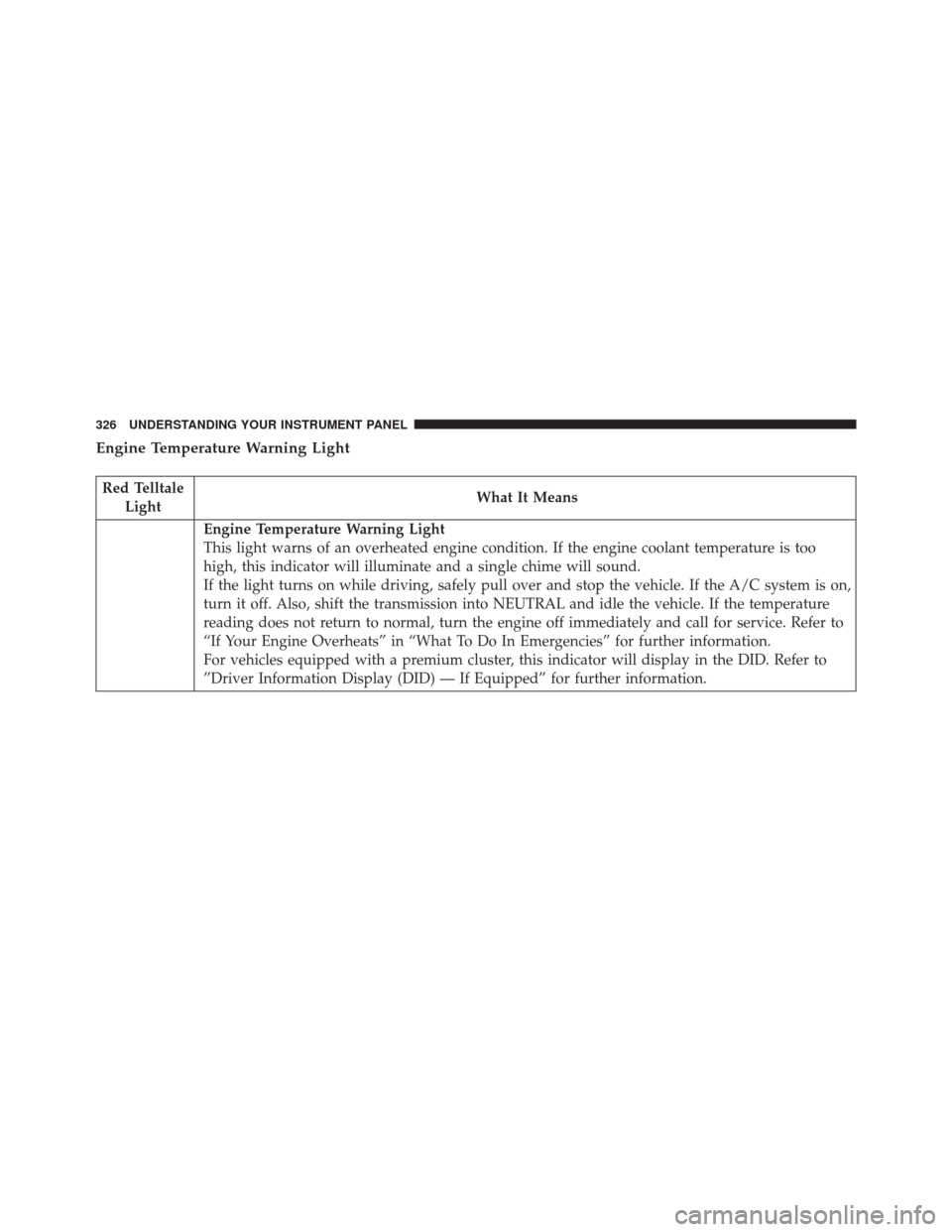
Engine Temperature Warning Light
Red TelltaleLight What It Means
Engine Temperature Warning Light
This light warns of an overheated engine condition. If the engine coolant temperature is too
high, this indicator will illuminate and a single chime will sound.
If the light turns on while driving, safely pull over and stop the vehicle. If the A/C system is on,
turn it off. Also, shift the transmission into NEUTRAL and idle the vehicle. If the temperature
reading does not return to normal, turn the engine off immediately and call for service. Refer to
“If Your Engine Overheats” in “What To Do In Emergencies” for further information.
For vehicles equipped with a premium cluster, this indicator will display in the DID. Refer to
”Driver Information Display (DID) — If Equipped” for further information.
326 UNDERSTANDING YOUR INSTRUMENT PANEL
Page 332 of 702
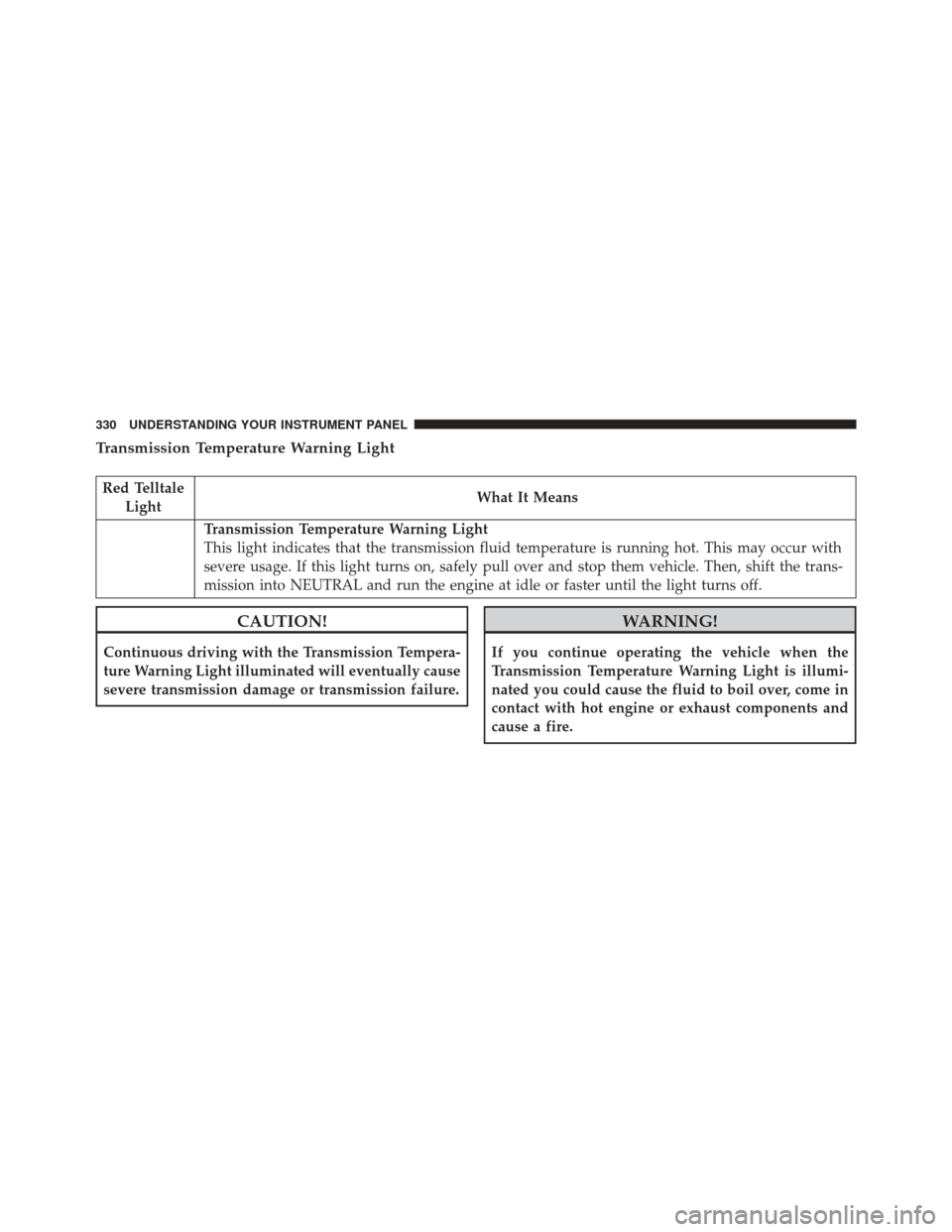
Transmission Temperature Warning Light
Red TelltaleLight What It Means
Transmission Temperature Warning Light
This light indicates that the transmission fluid temperature is running hot. This may occur with
severe usage. If this light turns on, safely pull over and stop them vehicle. Then, shift the trans-
mission into NEUTRAL and run the engine at idle or faster until the light turns off.
CAUTION!
Continuous driving with the Transmission Tempera-
ture Warning Light illuminated will eventually cause
severe transmission damage or transmission failure.
WARNING!
If you continue operating the vehicle when the
Transmission Temperature Warning Light is illumi-
nated you could cause the fluid to boil over, come in
contact with hot engine or exhaust components and
cause a fire.
330 UNDERSTANDING YOUR INSTRUMENT PANEL
Page 333 of 702
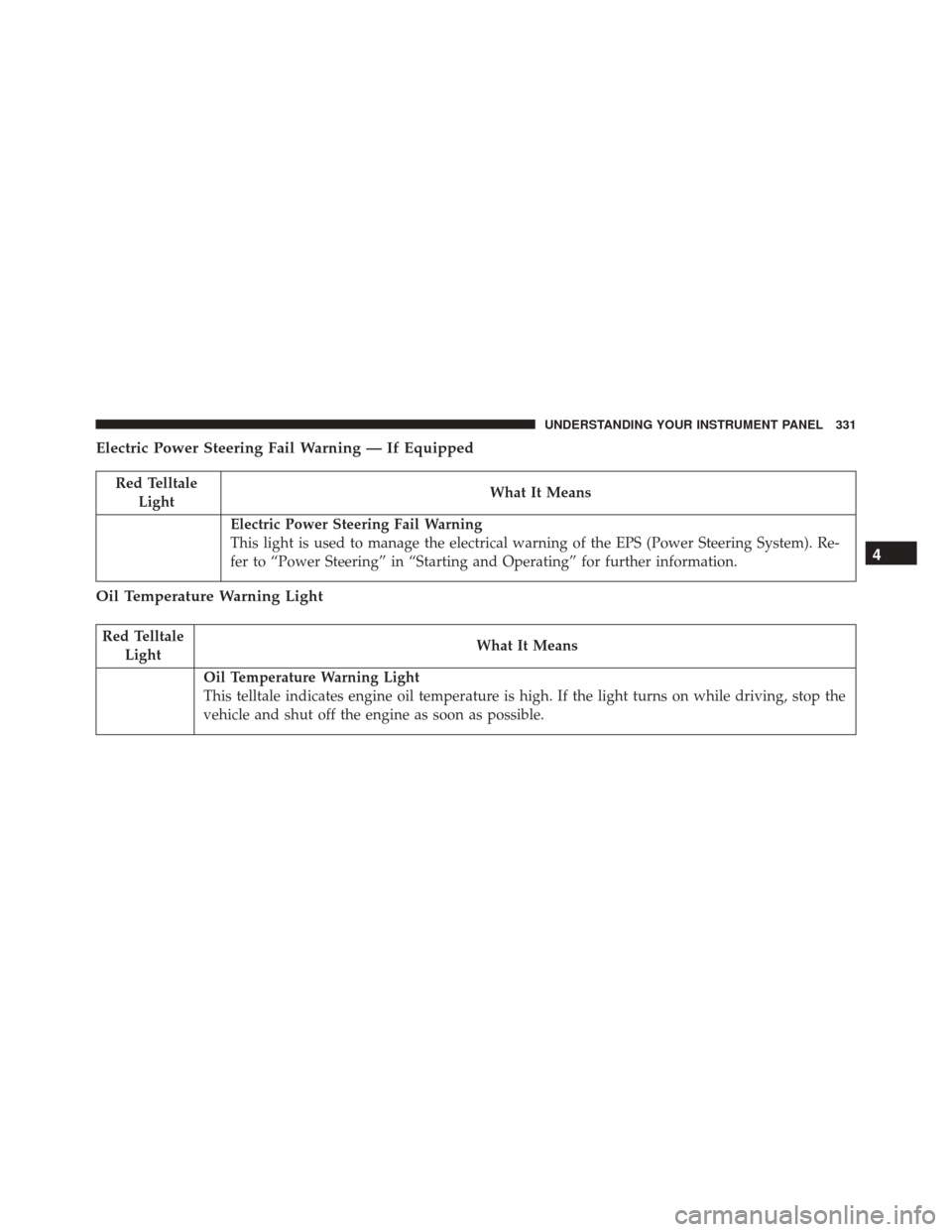
Electric Power Steering Fail Warning — If Equipped
Red TelltaleLight What It Means
Electric Power Steering Fail Warning
This light is used to manage the electrical warning of the EPS (Power Steering System). Re-
fer to “Power Steering” in “Starting and Operating” for further information.
Oil Temperature Warning Light
Red Telltale
Light What It Means
Oil Temperature Warning Light
This telltale indicates engine oil temperature is high. If the light turns on while driving, stop the
vehicle and shut off the engine as soon as possible.
4
UNDERSTANDING YOUR INSTRUMENT PANEL 331
Page 336 of 702
CAUTION!
Prolonged driving with the Malfunction Indicator
Light (MIL) on could cause damage to the engine
control system. It also could affect fuel economy and
driveability. If the MIL is flashing, severe catalytic
converter damage and power loss will soon occur.
Immediate service is required.
WARNING!
A malfunctioning catalytic converter, as referenced
above, can reach higher temperatures than in normal
operating conditions. This can cause a fire if you
drive slowly or park over flammable substances such
as dry plants, wood, cardboard, etc. This could result
in death or serious injury to the driver, occupants or
others.
334 UNDERSTANDING YOUR INSTRUMENT PANEL
Page 358 of 702
•Service Power Steering
• Cruise Off
• Cruise Ready
• Cruise Set To XXX MPH
• Cruise Set To XXX KM/H
• Tire Pressure Screen With Low Tire(s) “Inflate Tire to
XX”
• Service Tire Pressure System
• Parking Brake Engaged
• Brake Fluid Low
• Service Electronic Braking System
• Engine Temperature Hot
• Battery Voltage Low •
Service Electronic Throttle Control
• Lights On
• Right Turn Signal Light Out
• Left Turn Signal Light Out
• Turn Signal On
• Vehicle Not in Park
• Key in Ignition
• Key in Ignition Lights On
• Remote Start Active Key to Run
• Remote Start Active Push Start Button
• Remote Start Aborted Fuel Low
• Remote Start Aborted Too Cold
• Remote Start Aborted Door Open
356 UNDERSTANDING YOUR INSTRUMENT PANEL
Page 360 of 702
Vehicle Info
Push and release theUPorDOWN arrow button until the
Vehicle Info icon is highlighted in the EVIC/DID. Push and
release the RIGHTarrow button and Coolant Temp will be
displayed. Push the LEFTorRIGHT arrow button to scroll
through the information sub-menus and push the OK
button to select or reset the following resettable sub-menus:
Tire Pressure
Push and release the UPorDOWN arrow button until
“Tire Pressure” is highlighted in the EVIC/DID. Push
and release the RIGHTarrow button and one of the
following will be displayed:
If tire pressure is OKfor all tires, a vehicle ICON is
displayed with tire pressure values in each corner of the
ICON.
If one or more tires have low pressure, “Inflate Tire To
XX” is displayed with the vehicle ICON, and the tire pressure values in each corner of the ICON with the
pressure value of the low tire displayed in a different
color than the other tire pressure value.
If the Tire Pressure system requires service, “Service Tire
Pressure System” is displayed.
Tire PSI is an information only function and cannot be
reset. Push and release the
LEFTarrow button to return
to the main menu.
Refer to “Tire Pressure Monitoring System (TPMS)”
under “Starting and Operating” for further information.
Coolant Temperature
Transmission Temperature – Automatic Transmission
Only
Oil Temperature
Oil Life
Battery Voltage
358 UNDERSTANDING YOUR INSTRUMENT PANEL
Page 370 of 702
•Service Airbag System
• Traction Control Off
• Washer Fluid Low
• Oil Pressure Low
• Oil Change Due
• Fuel Low
• Service Antilock Brake System
• Service Electronic Throttle Control
• Service Power Steering
• Cruise Off
• Cruise Ready
• Cruise Set To XXX MPH
• Cruise Set To XXX KM/H •
Tire Pressure Screen With Low Tire(s) “Inflate Tire to
XX”
• Service Tire Pressure System
• Parking Brake Engaged
• Brake Fluid Low
• Service Electronic Braking System
• Engine Temperature Hot
• Battery Voltage Low
• Service Electronic Throttle Control
• Lights On
• Right Turn Signal Light Out
• Left Turn Signal Light Out
• Turn Signal On
368 UNDERSTANDING YOUR INSTRUMENT PANEL
Page 373 of 702
If the Tire Pressure system requires service, “Service Tire
Pressure System” is displayed.
Tire PSI is an information only function and cannot be
reset. Push and release theLEFTarrow button to return
to the main menu.
Refer to “Tire Pressure Monitoring System (TPMS)”
under “Starting and Operating” for further information.
Coolant Temperature
Transmission Temperature – Automatic Transmission
Only
Oil Temperature
Oil Life
Battery VoltageAdaptive Cruise Control (ACC) Menu — If
Equipped
The DID displays the current ACC system settings. The
information displayed depends on ACC system status.
Push the ADAPTIVE CRUISE CONTROL (ACC) ON/
OFF button (located on the steering wheel) until one of
the following displays in the DID:
Adaptive Cruise Control Off
When ACC is deactivated, the display will read “Adap-
tive Cruise Control Off.”
Adaptive Cruise Control Ready
When ACC is activated but the vehicle speed setting has
not been selected, the display will read “Adaptive Cruise
Control Ready.”
4
UNDERSTANDING YOUR INSTRUMENT PANEL 371
Page 391 of 702
•Passive Entry — If Equipped
This feature allows you to lock and unlock the vehicles
door(s) without having to press the Remote Keyless
Entry (RKE) transmitter lock or unlock buttons. To make
your selection, press the “Passive Entry” button on the
touchscreen, until a check-mark appears next to setting,
showing that setting has been selected. Refer to “Keyless
Enter-N-Go” in “Things To Know Before Starting Your
Vehicle”.
• Personal Settings Linked to Key Fob On/Off — If
Equipped
This feature provides automatic driver seat positioning to
enhance driver mobility when entering and exiting the
vehicle. To make your selection, press the “Memory
Linked To FOB” button on the touchscreen, until a
check-mark appears next to setting, showing that setting
has been selected. NOTE:
The seat will return to the memorized seat
location (if Recall Memory with Remote Key Unlock is set
to ON) when the Remote Keyless Entry (RKE) transmitter
is used to unlock the door. Refer to “Driver Memory
Seat” in “Understanding The Features Of Your Vehicle”
for further information.
Auto-On Comfort — If Equipped
After pressing the “Auto-On Comfort” button on the
touchscreen, one of the following settings will be avail-
able:
• Auto-On Driver Heated Seat OR Auto-On Driver
Heated Seat & Steering wheel OR Auto-On Driver
Heated/Vented Seat OR Auto-On Driver Heated/Vented
Seat & Steering Wheel
When this feature is selected the driver’s heated/vented
seat and heated steering wheel will automatically turn on
when temperatures are below 40° F (4.4° C). When
4
UNDERSTANDING YOUR INSTRUMENT PANEL 389
Page 392 of 702
temperatures are above 80° F (26.7° C) the driver vented
seat will turn on. To make your selection, press “Off,”
“Remote Start Only,” OR “All Starts” checkbox until a
check-mark appears next to the setting option. Select
“Off,” “Remote Start Only” OR “All Starts” to determine
when the feature is activated.
Engine Off Options
After pressing the “Engine Off Options” button on the
touchscreen the following settings will be available:
•Easy Exit Seat
This feature provides automatic driver seat positioning to
enhance driver mobility when entering and exiting the
vehicle. To make your selection, press the “Easy Exit
Seats” button on the touchscreen, until a check-mark
appears next to setting, showing that setting has been
selected. •
Engine Off Power Delay
When this feature is selected, the power window
switches, radio, Uconnect Phone system (if equipped),
DVD video system (if equipped), power sunroof (if
equipped), and power outlets will remain active for up to
10 minutes after the ignition is cycled to OFF. Opening
either front door will cancel this feature. To change the
Engine Off Power Delay status, press the “0 seconds,”
“45 seconds,” “5 minutes” or “10 minutes” button on the
touchscreen.
• Headlight Off Delay
When this feature is selected, it allows the adjustment of
the amount of time the headlights remain on after the
engine is shut off. To change the Headlights Off Delay
setting, press the “Headlights Off Delay” button on the
touchscreen, and choose either 0 sec, 30 sec, 60 sec or 90
seconds. A check-mark appears next to setting indicating
that the setting has been selected.
390 UNDERSTANDING YOUR INSTRUMENT PANEL