transmission CHRYSLER 200 2016 2.G User Guide
[x] Cancel search | Manufacturer: CHRYSLER, Model Year: 2016, Model line: 200, Model: CHRYSLER 200 2016 2.GPages: 702, PDF Size: 5.13 MB
Page 332 of 702
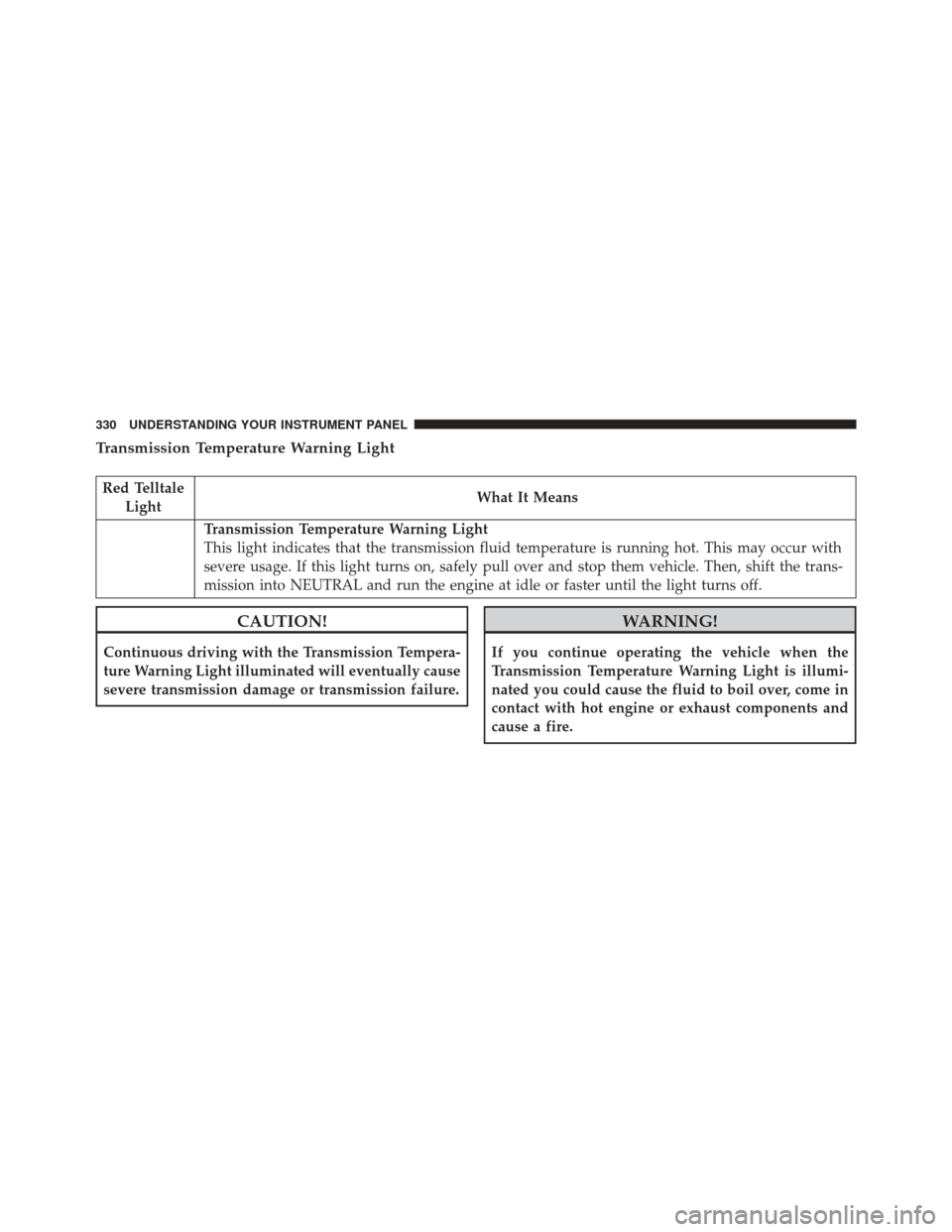
Transmission Temperature Warning Light
Red TelltaleLight What It Means
Transmission Temperature Warning Light
This light indicates that the transmission fluid temperature is running hot. This may occur with
severe usage. If this light turns on, safely pull over and stop them vehicle. Then, shift the trans-
mission into NEUTRAL and run the engine at idle or faster until the light turns off.
CAUTION!
Continuous driving with the Transmission Tempera-
ture Warning Light illuminated will eventually cause
severe transmission damage or transmission failure.
WARNING!
If you continue operating the vehicle when the
Transmission Temperature Warning Light is illumi-
nated you could cause the fluid to boil over, come in
contact with hot engine or exhaust components and
cause a fire.
330 UNDERSTANDING YOUR INSTRUMENT PANEL
Page 335 of 702
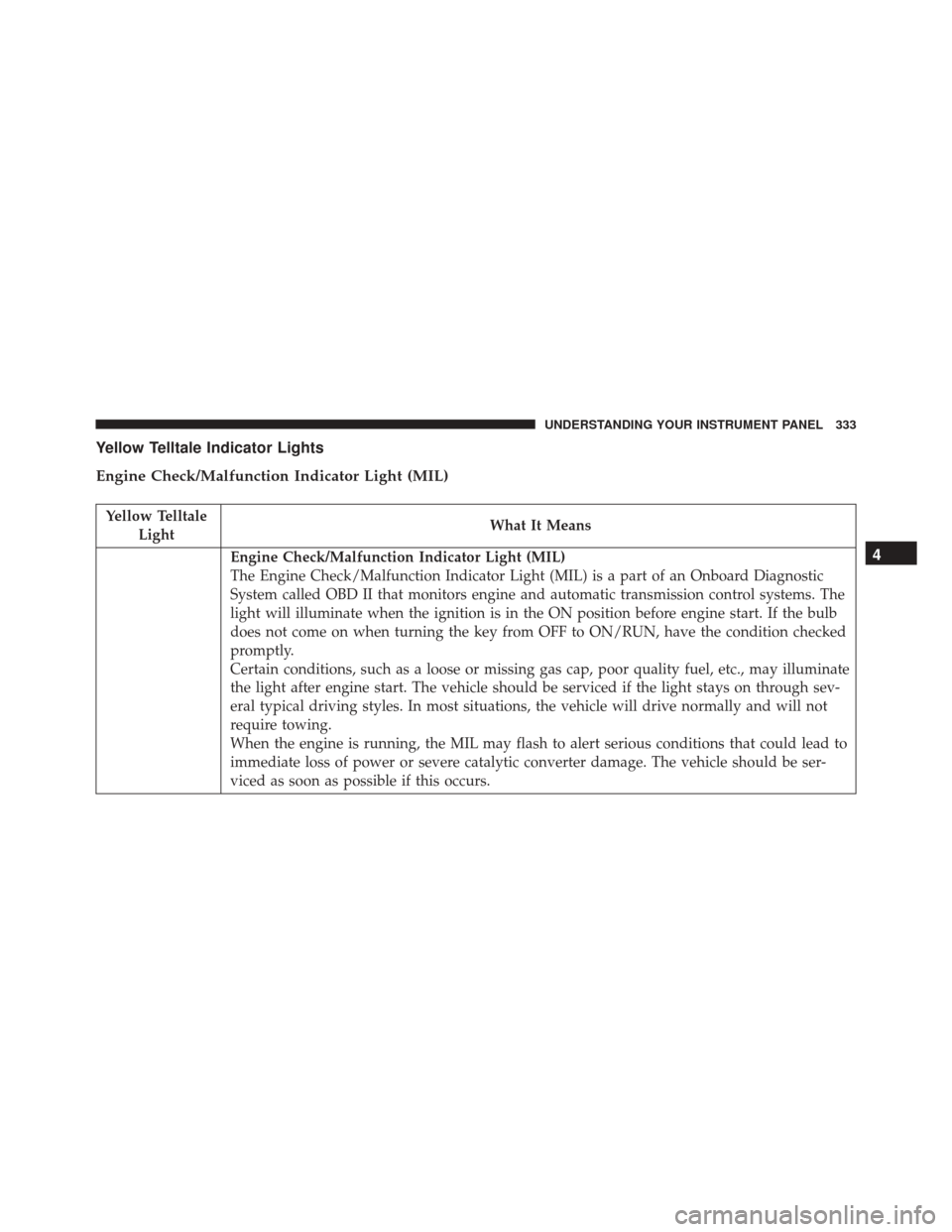
Yellow Telltale Indicator Lights
Engine Check/Malfunction Indicator Light (MIL)
Yellow TelltaleLight What It Means
Engine Check/Malfunction Indicator Light (MIL)
The Engine Check/Malfunction Indicator Light (MIL) is a part of an Onboard Diagnostic
System called OBD II that monitors engine and automatic transmission control systems. The
light will illuminate when the ignition is in the ON position before engine start. If the bulb
does not come on when turning the key from OFF to ON/RUN, have the condition checked
promptly.
Certain conditions, such as a loose or missing gas cap, poor quality fuel, etc., may illuminate
the light after engine start. The vehicle should be serviced if the light stays on through sev-
eral typical driving styles. In most situations, the vehicle will drive normally and will not
require towing.
When the engine is running, the MIL may flash to alert serious conditions that could lead to
immediate loss of power or severe catalytic converter damage. The vehicle should be ser-
viced as soon as possible if this occurs.4
UNDERSTANDING YOUR INSTRUMENT PANEL 333
Page 359 of 702
•Remote Start Aborted Hood Open
• Remote Start Aborted Trunk Open
• Remote Start Aborted Time Expired
• Remote Start Disabled Start to Reset
• Service Airbag System
• Service Airbag Warning Light
• Door Open
• Doors Open
• Gear Not Available
• Shift Not Allowed
• Shift to Neutral then Drive or Reverse
• Transmission Getting Hot Push Brake
• Trans. Hot Stop Safely Shift to Park Wait to Cool •
Service Transmission
• Service Shifter
• Engage Park Brake to Prevent Rolling
• Washer Fluid Low
The Reconfigurable Telltales section is divided into the
white telltales area on the right, amber telltales in the
middle, and red telltales on the left.
EVIC Selectable Menu Items
Push and release the UPorDOWN arrow buttons until the
desired Selectable Menu icon is highlighted in the EVIC.
Speedometer
Push and release the UPorDOWN arrow button until
the Speedometer Menu displays in the EVIC/DID. Push
and release the RIGHTarrow button to toggle
between km/h and MPH and push the OKbutton to
select your speedometer display.
4
UNDERSTANDING YOUR INSTRUMENT PANEL 357
Page 360 of 702
Vehicle Info
Push and release theUPorDOWN arrow button until the
Vehicle Info icon is highlighted in the EVIC/DID. Push and
release the RIGHTarrow button and Coolant Temp will be
displayed. Push the LEFTorRIGHT arrow button to scroll
through the information sub-menus and push the OK
button to select or reset the following resettable sub-menus:
Tire Pressure
Push and release the UPorDOWN arrow button until
“Tire Pressure” is highlighted in the EVIC/DID. Push
and release the RIGHTarrow button and one of the
following will be displayed:
If tire pressure is OKfor all tires, a vehicle ICON is
displayed with tire pressure values in each corner of the
ICON.
If one or more tires have low pressure, “Inflate Tire To
XX” is displayed with the vehicle ICON, and the tire pressure values in each corner of the ICON with the
pressure value of the low tire displayed in a different
color than the other tire pressure value.
If the Tire Pressure system requires service, “Service Tire
Pressure System” is displayed.
Tire PSI is an information only function and cannot be
reset. Push and release the
LEFTarrow button to return
to the main menu.
Refer to “Tire Pressure Monitoring System (TPMS)”
under “Starting and Operating” for further information.
Coolant Temperature
Transmission Temperature – Automatic Transmission
Only
Oil Temperature
Oil Life
Battery Voltage
358 UNDERSTANDING YOUR INSTRUMENT PANEL
Page 371 of 702
•Vehicle Not in Park
• Key in Ignition
• Key in Ignition Lights On
• Remote Start Active Key to Run
• Remote Start Active Push Start Button
• Remote Start Aborted Fuel Low
• Remote Start Aborted Too Cold
• Remote Start Aborted Door Open
• Remote Start Aborted Hood Open
• Remote Start Aborted Trunk Open
• Remote Start Aborted Time Expired
• Remote Start Disabled Start to Reset
• Service Airbag System •
Service Airbag Warning Light
• Door Open
• Doors Open
• Gear Not Available
• Shift Not Allowed
• Shift to Neutral then Drive or Reverse
• Transmission Getting Hot Push Brake
• Trans. Hot Stop Safely Shift to Park Wait to Cool
• Service Transmission
• Service Shifter
• Engage Park Brake to Prevent Rolling
• Washer Fluid Low
4
UNDERSTANDING YOUR INSTRUMENT PANEL 369
Page 373 of 702
If the Tire Pressure system requires service, “Service Tire
Pressure System” is displayed.
Tire PSI is an information only function and cannot be
reset. Push and release theLEFTarrow button to return
to the main menu.
Refer to “Tire Pressure Monitoring System (TPMS)”
under “Starting and Operating” for further information.
Coolant Temperature
Transmission Temperature – Automatic Transmission
Only
Oil Temperature
Oil Life
Battery VoltageAdaptive Cruise Control (ACC) Menu — If
Equipped
The DID displays the current ACC system settings. The
information displayed depends on ACC system status.
Push the ADAPTIVE CRUISE CONTROL (ACC) ON/
OFF button (located on the steering wheel) until one of
the following displays in the DID:
Adaptive Cruise Control Off
When ACC is deactivated, the display will read “Adap-
tive Cruise Control Off.”
Adaptive Cruise Control Ready
When ACC is activated but the vehicle speed setting has
not been selected, the display will read “Adaptive Cruise
Control Ready.”
4
UNDERSTANDING YOUR INSTRUMENT PANEL 371
Page 384 of 702
•Forward Collision Warning (FCW) Active Braking —
If Equipped
The FCW system includes Advanced Brake Assist (ABA).
When this feature is selected, it will apply the brakes to
slow your vehicle in case of potential forward collision. The
ABA applies additional brake pressure when the driver
requests insufficient brake pressure to avoid a potential
frontal collision. The ABA system becomes active at 5 mph
(8 km/h) and is only enabled when FCW is on.
For further information, refer to “Forward Collision
Warning (FCW) With Mitigation” in “Understanding The
Features Of Your Vehicle”.
• LaneSense Warning — If Equipped
When this feature is selected, it sets the distance at which
the steering wheel will provide feedback for potential lane
departures. The LaneSense Warning can be set to provide
either an “early”, “medium” or “late” warning zone start
point.
For further information, refer to “Lane Departure Warn-
ing (LDW)” in “Understanding The Features Of Your
Vehicle”.
•LaneSense Strength — If Equipped
When this feature is selected, it sets the strength of the
steering wheel feedback for potential lane departures.
The amount of directional torque the steering system can
apply to the steering wheel to correct for vehicle lane
departure can be set at “Low,” “Medium” or “High.”
For further information, refer to “Lane Departure Warn-
ing (LDW)” in “Understanding The Features Of Your
Vehicle”.
• ParkSense — If Equipped
The ParkSense system will scan for objects behind the
vehicle when the transmission shift lever is in REVERSE
and the vehicle speed is less than 11 mph (18 km/h). The
system can be enabled with Sound Only, or Sound and
382 UNDERSTANDING YOUR INSTRUMENT PANEL
Page 385 of 702
Display. To change the ParkSense status, press and re-
lease the checkbox for “Sound” or “Sound and Display.”
Refer to “ParkSense” in “Understanding The Features Of
Your Vehicle” for system function and operating infor-
mation.
•Front ParkSense Volume — If Equipped
Front ParkSense volume settings can be selected from the
EVIC/DID or Uconnect System (if equipped). The chime
volume settings include “LOW,” “MEDIUM,” and
“HIGH.” The factory default volume setting is MEDIUM.
• Rear ParkSense Volume — If Equipped
Rear ParkSense volume settings can be selected from the
EVIC/DID or Uconnect System (if equipped). The chime
volume settings include “LOW,” “MEDIUM,” and
“HIGH.” The factory default volume setting is MEDIUM. •
Rear ParkSense Braking Assist — If Equipped
When this feature is selected, the ParkSense system will
detect objects located behind the vehicle and utilize
autonomous braking to help stop the vehicle (only en-
abled when ParkSense is also on).
Refer to “ParkSense Rear Braking Assist” in “Under-
standing The Features Of Your Vehicle” for system func-
tion and operating information.
• Tilt Mirrors In Reverse — If Equipped
When this feature is selected, the outside sideview mirrors
will tilt downward when the ignition is in the RUN
position and the transmission shift lever is in the REVERSE
position. The mirrors will move back to their previous
position when the transmission is shifted out of REVERSE.
To enable or turn on, press the “Tilt Mirrors In Reverse”
button on the touchscreen, until a check-mark appears next
to setting, showing that setting has been selected.
4
UNDERSTANDING YOUR INSTRUMENT PANEL 383
Page 387 of 702
•Rain Sensing Auto Wipers
When this feature is selected, the system will automati-
cally activate the windshield wipers if it senses moisture
on the windshield and the wipers are set to an intermit-
tent position. To make your selection, press the “Rain
Sensing” button on the touchscreen, until a check-mark
appears next to the setting, showing that setting has been
selected.
• Electric Park Brake Service Mode — If Equipped
This feature provides a means for a technician or vehicle
owner to utilize a vehicle integrated, menu driven sys-
tem, to command the electric park brake retraction, to
service the rear foundation brakes (brake pads, calipers,
rotors, etc.).
For further information, refer to “Electric Parking Brake
(EPD)” in “Starting and Operating.” •
Auto Park Brake
Auto Park Brake will set the park brake once the vehicle
is set in park (or at key off for a manual transmission)
• Hill Start Assist
This setting will hold the brake if the driver is on a hill
and takes their foot off the brake to accelerate.
Lights
After pressing the “Lights” button on the touchscreen the
following settings will be available.
• Headlights Off Delay
When this feature is selected, it allows the adjustment of
the amount of time the headlights remain on after the
engine is shut off. To change the Headlights Off Delay
setting, press the “Headlights Off Delay” button on the
4
UNDERSTANDING YOUR INSTRUMENT PANEL 385
Page 389 of 702
•Flash Lights With Lock
When this feature is selected, the hazard lights will flash
when the doors are locked or unlocked with the Remote
Keyless Entry (RKE) transmitter, or when using the
passive entry feature. This feature may be selected with
or without the sound horn on lock feature selected. To
make your selection, press the “Flash Lights with Lock”
button on the touchscreen, until a check-mark appears
next to setting, indicating that the setting has been
selected.
Doors & Locks
After pressing the “Doors & Locks” button on the touch-
screen the following settings will be available:
• Auto Door Locks
The Auto Door Lock feature can be enabled, or disabled,
by your authorized dealer. Please visit your local autho-
rized dealer for further information. •
Auto Unlock On Exit
When this feature is selected, all doors will unlock when
the vehicle is stopped and the transmission is in the
PARK or NEUTRAL position and the driver’s door is
opened. To make your selection, press the “Auto Unlock
On Exit” button on the touchscreen, until a check-mark
appears next to setting, showing that setting has been
selected.
• Flash Lights With Lock
When this feature is selected, the exterior lights will flash
when the doors are locked or unlocked with the Remote
Keyless Entry (RKE) transmitter, or when using the
passive entry feature. This feature may be selected with
or without the sound horn on lock feature selected. To
make your selection, press the “Flash Lights with Lock”
button on the touchscreen, until a check-mark appears
next to setting, indicating that the setting has been
selected.
4
UNDERSTANDING YOUR INSTRUMENT PANEL 387