clock CHRYSLER 300 2010 1.G Owner's Manual
[x] Cancel search | Manufacturer: CHRYSLER, Model Year: 2010, Model line: 300, Model: CHRYSLER 300 2010 1.GPages: 538, PDF Size: 10.25 MB
Page 286 of 538
INFO Button
Pressing the INFO button will cycle the display informa-
tion between Artist, Song Title, and Composer (if avail-
able). Also, pressing and holding the INFO button for an
additional three seconds will make the radio display the
Song Title all of the time (press and hold again to return
to normal display).
RW/FF
Pressing the RW (Rewind) or FF (Fast Forward) buttons
causes the tuner to search for the next channel in the
direction of the arrows.
TUNE Control (Rotary)
Turn the rotary TUNE/SCROLL control knob clockwise
to increase or counterclockwise to decrease the channel.
MUSIC TYPE Button
Pressing this button once will turn on the Music Type
mode for five seconds. Pressing the MUSIC TYPE button
or turning the TUNE/SCROLL control knob within five
seconds will allow the program format type to be se-
lected.
Toggle the MUSIC TYPE button again to select the music
type.
By pressing the SEEK button when the Music Type
function is active, the radio will be tuned to the next
channel with the same selected Music Type name.
If a preset button is activated while in the Music Type
(Program Type) mode, the Music Type mode will be
exited and the radio will tune to the preset channel.
4
UNDERSTANDING YOUR INSTRUMENT PANEL 285
Page 291 of 538
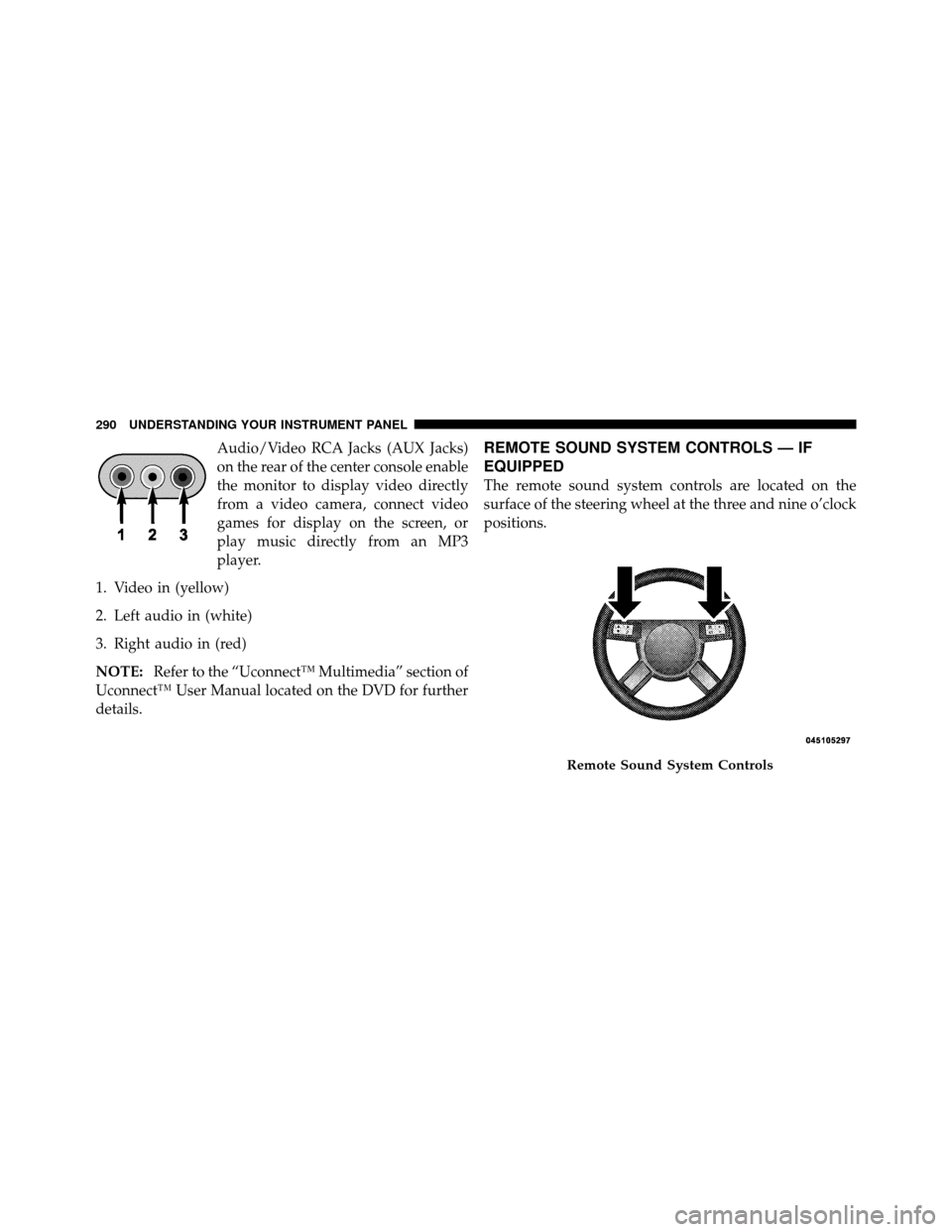
Audio/Video RCA Jacks (AUX Jacks)
on the rear of the center console enable
the monitor to display video directly
from a video camera, connect video
games for display on the screen, or
play music directly from an MP3
player.
1. Video in (yellow)
2. Left audio in (white)
3. Right audio in (red)
NOTE: Refer to the “Uconnect™ Multimedia” section of
Uconnect™ User Manual located on the DVD for further
details.REMOTE SOUND SYSTEM CONTROLS — IF
EQUIPPED
The remote sound system controls are located on the
surface of the steering wheel at the three and nine o’clock
positions.
Remote Sound System Controls
290 UNDERSTANDING YOUR INSTRUMENT PANEL
Page 311 of 538
Do notpress the accelerator. Use the Fob with Integrated
Key to briefly turn the ignition switch to the START
position and release it as soon as the starter engages. The
starter motor will continue to run, and it will disengage
automatically when the engine is running. If the engine
fails to start, the starter will disengage automatically in
10 seconds. If this occurs, turn the ignition switch to the
LOCK position, wait 10 to 15 seconds, then repeat the
“Normal Starting” procedure.
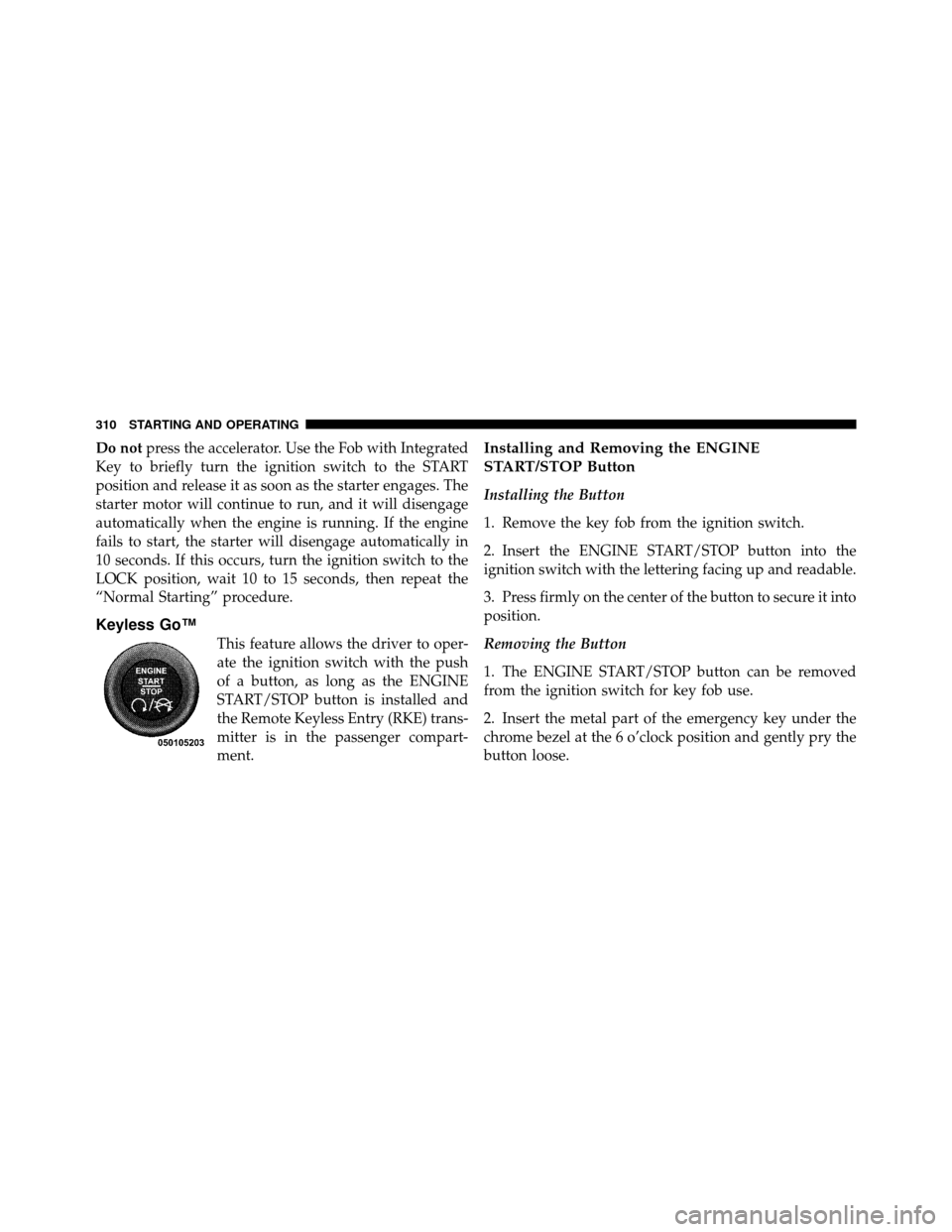
Keyless Go™
This feature allows the driver to oper-
ate the ignition switch with the push
of a button, as long as the ENGINE
START/STOP button is installed and
the Remote Keyless Entry (RKE) trans-
mitter is in the passenger compart-
ment.
Installing and Removing the ENGINE
START/STOP Button
Installing the Button
1. Remove the key fob from the ignition switch.
2. Insert the ENGINE START/STOP button into the
ignition switch with the lettering facing up and readable.
3. Press firmly on the center of the button to secure it into
position.
Removing the Button
1. The ENGINE START/STOP button can be removed
from the ignition switch for key fob use.
2. Insert the metal part of the emergency key under the
chrome bezel at the 6 o’clock position and gently pry the
button loose.
310 STARTING AND OPERATING
Page 408 of 538
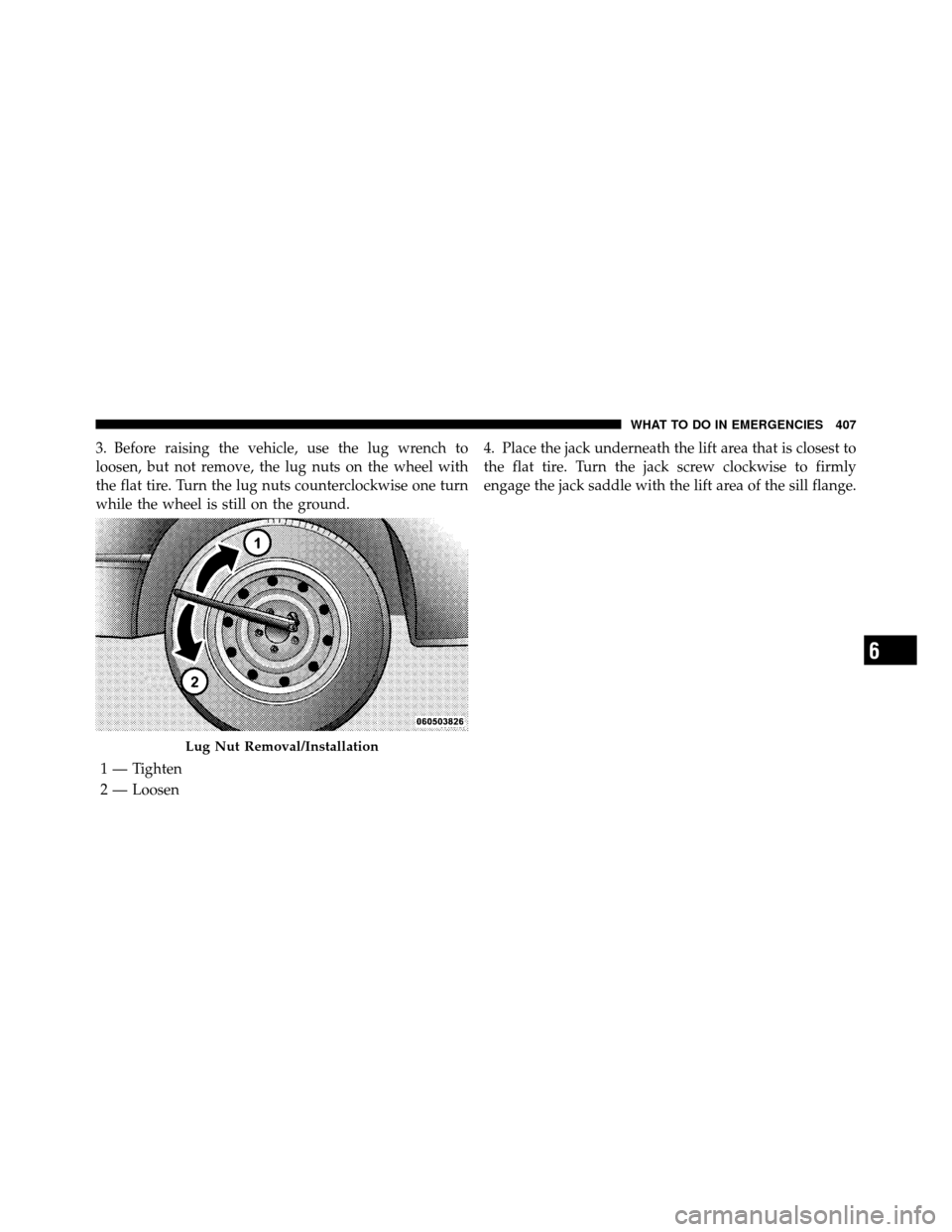
3. Before raising the vehicle, use the lug wrench to
loosen, but not remove, the lug nuts on the wheel with
the flat tire. Turn the lug nuts counterclockwise one turn
while the wheel is still on the ground.4. Place the jack underneath the lift area that is closest to
the flat tire. Turn the jack screw clockwise to firmly
engage the jack saddle with the lift area of the sill flange.
Lug Nut Removal/Installation
1 — Tighten
2 — Loosen
6
WHAT TO DO IN EMERGENCIES 407
Page 410 of 538
5. Raise the vehicle just enough to remove the flat tire
and install the spare tire.
WARNING!
Raising the vehicle higher than necessary can make
the vehicle less stable. It could slip off the jack and
hurt someone near it. Raise the vehicle only enough
to remove the tire.
6. Remove the lug nuts, wheel cover (if equipped), and
tire. Remove the cover by hand. Do not pry it off.
7. Mount the spare tire.
NOTE: For vehicles equipped with a center cap or
wheel cover, do not attempt to install it on the compact
spare. However, when reinstalling the road tire, follow
the procedure under “Wheel Cover or Center Cap Instal-
lation” in place of the remaining steps in this procedure. 8. Install the lug nuts with the cone shaped end of the lug
nut toward the wheel. Lightly tighten the lug nuts. To
avoid the risk of forcing the vehicle off the jack, do not
tighten the lug nuts fully until the vehicle is lowered to
the ground.
9. Lower the vehicle to the ground by turning the jack
handle counterclockwise.
10. Finish tightening the lug nuts. Push down on the
wrench while tightening for increased leverage. Alternate
lug nuts until each nut has been tightened twice. The
correct tightness of each lug nut is 100 ft/lb. (135 N·m). If
in doubt about the correct tightness, have them checked
with a torque wrench by your authorized dealer or at a
service station.
11. Stow the jack, tools and flat tire. Make sure the base
of the jack faces the rear of the vehicle before tightening
down the fastener.
6
WHAT TO DO IN EMERGENCIES 409
Page 413 of 538
3. Align the valve notch in the wheel cover with the
valve stem on the wheel. Install the cover by hand,
snapping the cover over the two lug nuts. Do not use a
hammer or excessive force to install the cover.
4. Install the remaining lug nuts with the cone shaped
end of the nut toward the wheel. Lightly tighten the lug
nuts. To avoid the risk of forcing the vehicle off the jack,
do not tighten the lug nuts fully until the vehicle is
lowered to the ground.
5. Lower the vehicle to the ground by turning the jack
handle counterclockwise.
6. Finish tightening the lug nuts. Push down on the
wrench while tightening for increased leverage. Alternate
lug nuts until each nut has been tightened twice. The
correct tightness of each lug nut is 100 ft/lb. (135 N·m). If
in doubt about the correct tightness, have them checked
with a torque wrench by your authorized dealer or at a
service station.7. For vehicles equipped with center caps, install the
center cap by hand. Do not use a hammer or excessive
force to install the center cap.
8. Stow the jack, tools, and spare tire. Make sure the base
of the jack faces the rear of the vehicle before tightening
down the fastener.
WARNING!
A loose tire or jack thrown forward in a collision or
hard stop could endanger the occupants of the ve-
hicle. Always stow the jack parts and the spare tire in
the places provided.
412 WHAT TO DO IN EMERGENCIES
Page 468 of 538
Cavity Car-tridge
FuseMini-
Fuse
Description
35 — 5 Amp OrangeAntenna Module – If
Equipped/Power
Mirrors/Rain Sensor – If
Equipped
36 — 25 Amp NaturalHands-Free Phone – If
Equipped/Video Moni-
tor – If Equipped/Radio
37 — 15 Amp BlueTransmission
38 — 10 Amp RedAnalog Clock/Cargo
Light/Satellite Receiver
(SDARS) Video – If
Equipped/Vehicle Infor-
mation Module – If
EquippedCavity Car-
tridge
FuseMini-
Fuse
Description
39 — 10 Amp RedHeated Mirrors – If
Equipped
40 — 5 Amp OrangeAuto Inside Rearview
Mirror – If Equipped/
Heated Seats – If
Equipped/Switch Bank
41 — 15 Amp BlueAWD Module – If
Equipped
42 30 Amp Pink— Front Blower Motor
43 30 Amp Pink— Rear Window Defroster
44 20 Amp Blue— Amplifier – If
Equipped/Sunroof – If
Equipped
7
MAINTAINING YOUR VEHICLE 467
Page 471 of 538
BULB REPLACEMENT
Low Beam Headlamp, High Beam Headlamp,
Park/Turn Lamp, Inner Park Lamp, and Outer
Park Lamp – 300 Models
1. Open the hood.
NOTE:Removal of the air cleaner filter housing may be
necessary prior to replacing bulbs in the headlamp
assembly on the driver side of the vehicle.
2. Twist the appropriate bulb and socket assembly coun-
terclockwise, and then pull it out of the headlamp
assembly.
3. Disconnect the bulb from the socket assembly and
install the replacement bulb.
4. Reinstall the bulb and socket assembly into the head-
lamp assembly, and then turn it clockwise.
1 — High Beam Headlamp Bulb
2 — Low Beam Headlamp Bulb
470 MAINTAINING YOUR VEHICLE
Page 475 of 538
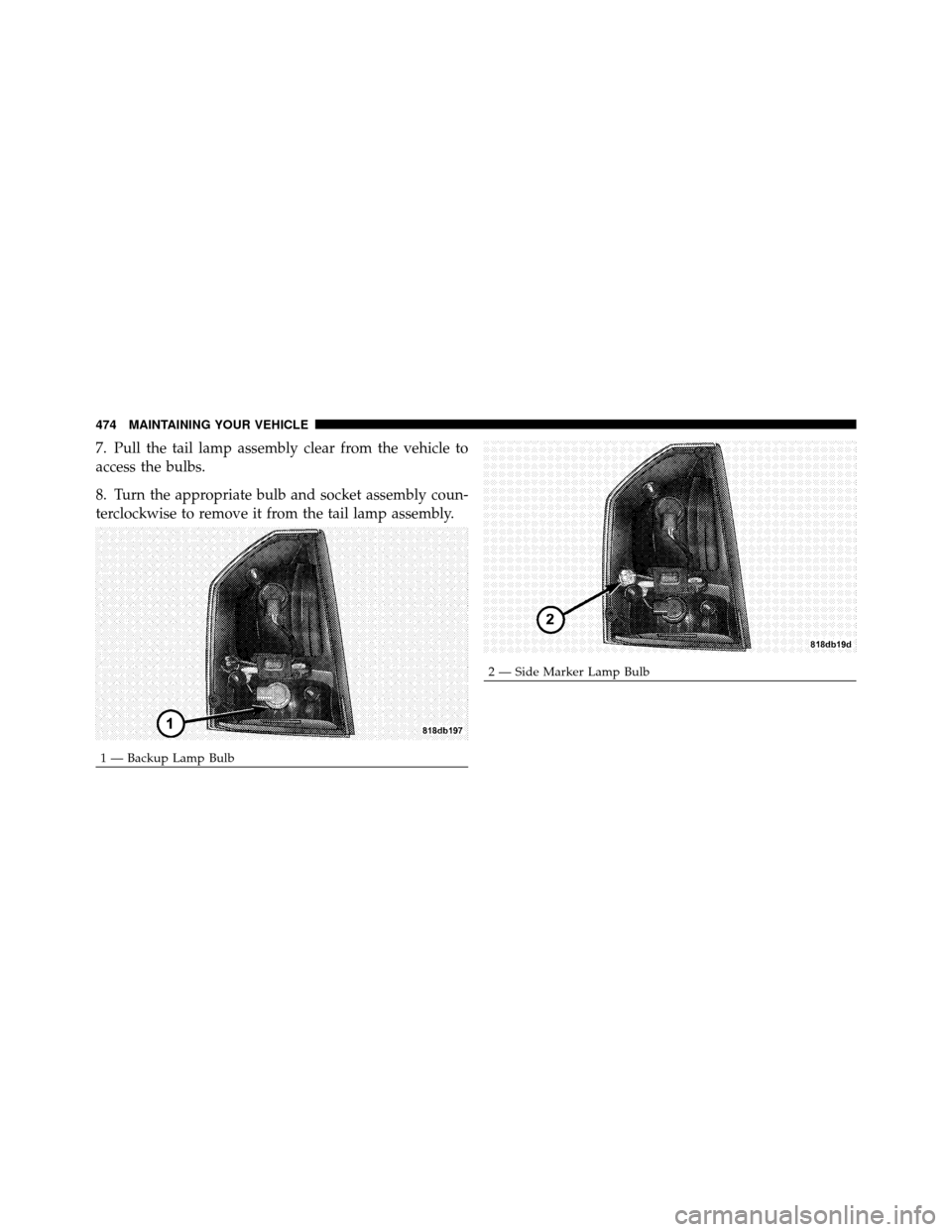
7. Pull the tail lamp assembly clear from the vehicle to
access the bulbs.
8. Turn the appropriate bulb and socket assembly coun-
terclockwise to remove it from the tail lamp assembly.
1 — Backup Lamp Bulb
2 — Side Marker Lamp Bulb
474 MAINTAINING YOUR VEHICLE
Page 476 of 538
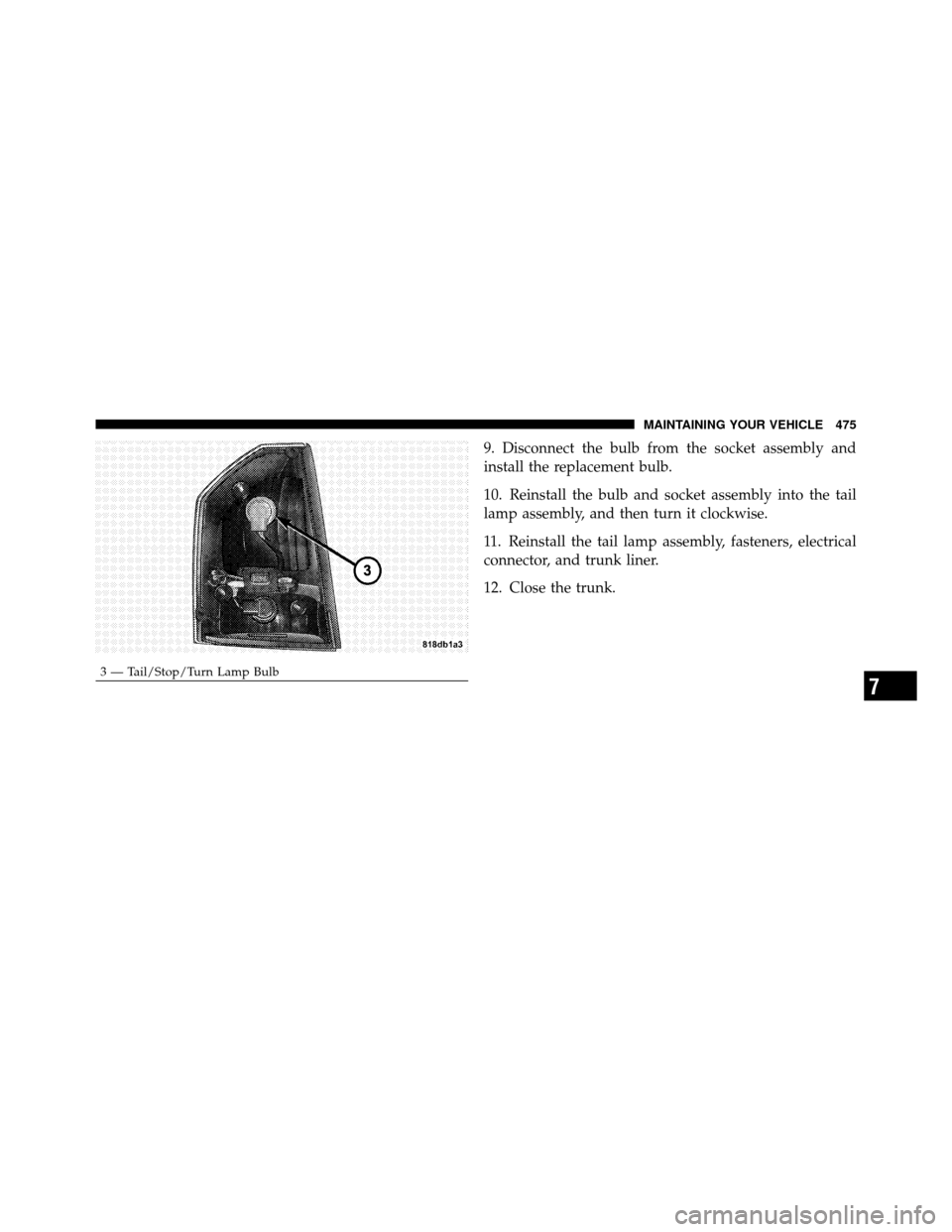
9. Disconnect the bulb from the socket assembly and
install the replacement bulb.
10. Reinstall the bulb and socket assembly into the tail
lamp assembly, and then turn it clockwise.
11. Reinstall the tail lamp assembly, fasteners, electrical
connector, and trunk liner.
12. Close the trunk.
3 — Tail/Stop/Turn Lamp Bulb
7
MAINTAINING YOUR VEHICLE 475