tire pressure CHRYSLER 300 2013 2.G Owner's Manual
[x] Cancel search | Manufacturer: CHRYSLER, Model Year: 2013, Model line: 300, Model: CHRYSLER 300 2013 2.GPages: 132, PDF Size: 5.2 MB
Page 89 of 132

WARNING!
• Do not attempt to seal a tire on the side of the vehicle closest to traffic. Pull far enough offthe road to avoid the danger of being hit when using the TIREFIT kit.
• Do not use TIREFIT or drive the vehicle under the following circumstances:
• If the puncture in the tire tread is approximately 1/4 in. (6 mm) or larger.
• If the tire has any sidewall damage.
• If the tire has any damage from driving with extremely low tire pressure.
• If the tire has any damage from driving on a flat tire.
• If the wheel has any damage.
• If you are unsure of the condition of the tire or the wheel.
• Keep TIREFIT away from open flames or heat source.
• A loose TIREFIT kit thrown forward in a collision or hard stop could endanger the
occupants of the vehicle. Always stow the TIREFIT kit in the place provided. Failure to
follow these warnings can result in injuries that are serious or fatal to you, your passengers,
and others around you.
• Take care not to allow the contents of TIREFIT to come in contact with hair, eyes, or
clothing. TIREFIT is harmful if inhaled, swallowed, or absorbed through the skin. It causes
skin, eye, and respiratory irritation. Flush immediately with plenty of water if there is any
contact with eyes or skin. Change clothing as soon as possible, if there is any contact with
clothing.
• TIREFIT Sealant solution contains latex. In case of an allergic reaction or rash, consult a
physician immediately. Keep TIREFIT out of reach of children. If swallowed, rinse mouth
immediately with plenty of water and drink plenty of water. Do not induce vomiting!
Consult a physician immediately.
• TIREFIT is not a permanent flat tire repair. Have the tire inspected and repaired or
replaced after using TIREFIT. Do not exceed 55 mph (88 km/h) until the tire is repaired or
replaced. Failure to follow this warning can result in injuries that are serious or fatal to you,
your passengers, and others around you.
WHAT TO DO IN EMERGENCIES
87
Page 95 of 132
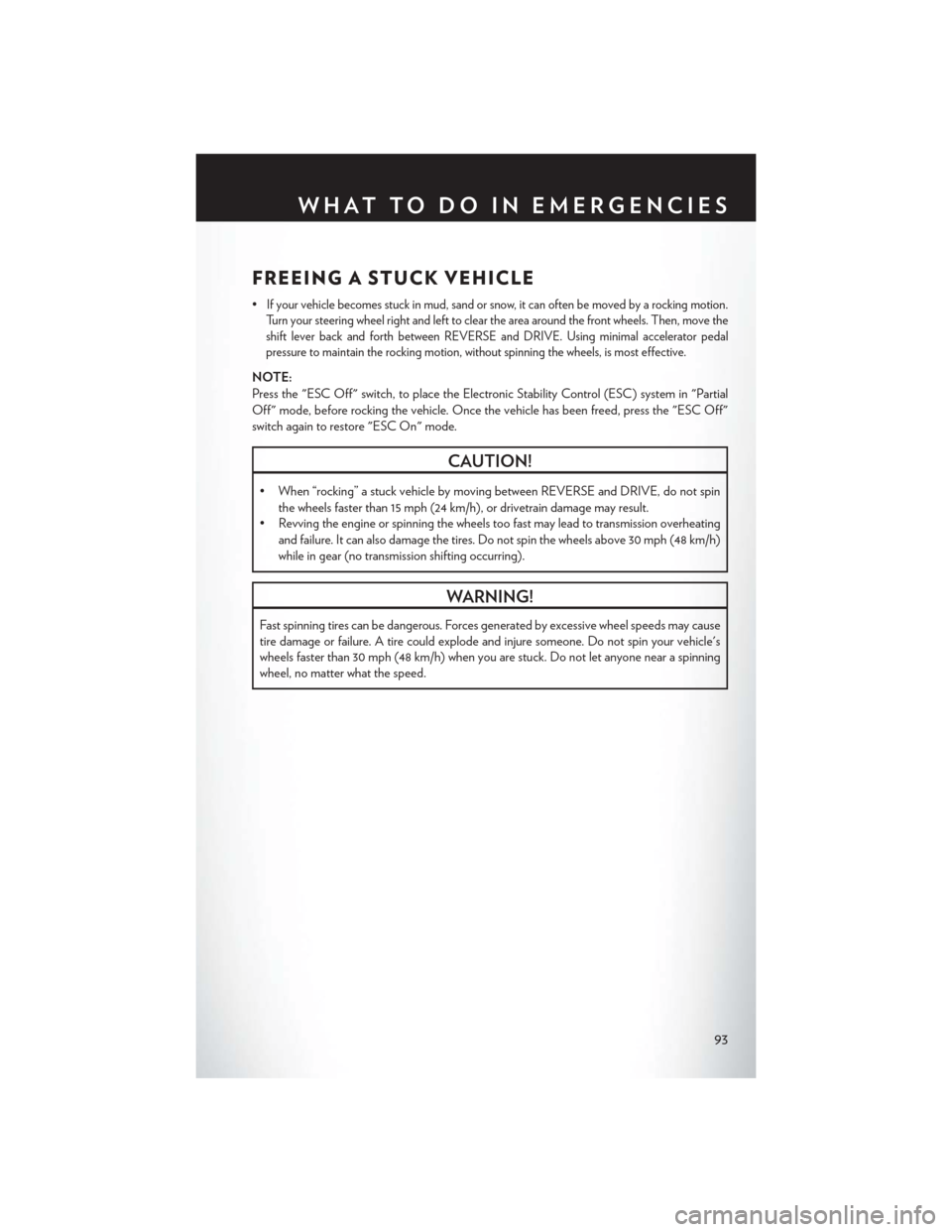
FREEING A STUCK VEHICLE
•If your vehicle becomes stuck in mud, sand or snow, it can often be moved by a rocking motion.
Turn your steering wheel right and left to clear the area around the front wheels. Then, move the
shift lever back and forth between REVERSE and DRIVE. Using minimal accelerator pedal
pressure to maintain the rocking motion, without spinning the wheels, is most effective.
NOTE:
Press the "ESC Off" switch, to place the Electronic Stability Control (ESC) system in "Partial
Off" mode, before rocking the vehicle. Once the vehicle has been freed, press the "ESC Off"
switch again to restore "ESC On" mode.
CAUTION!
• When “rocking” a stuck vehicle by moving between REVERSE and DRIVE, do not spin
the wheels faster than 15 mph (24 km/h), or drivetrain damage may result.
• Revving the engine or spinning the wheels too fast may lead to transmission overheating
and failure. It can also damage the tires. Do not spin the wheels above 30 mph (48 km/h)
while in gear (no transmission shifting occurring).
WARNING!
Fast spinning tires can be dangerous. Forces generated by excessive wheel speeds may cause
tire damage or failure. A tire could explode and injure someone. Do not spin your vehicle's
wheels faster than 30 mph (48 km/h) when you are stuck. Do not let anyone near a spinning
wheel, no matter what the speed.
WHAT TO DO IN EMERGENCIES
93
Page 106 of 132
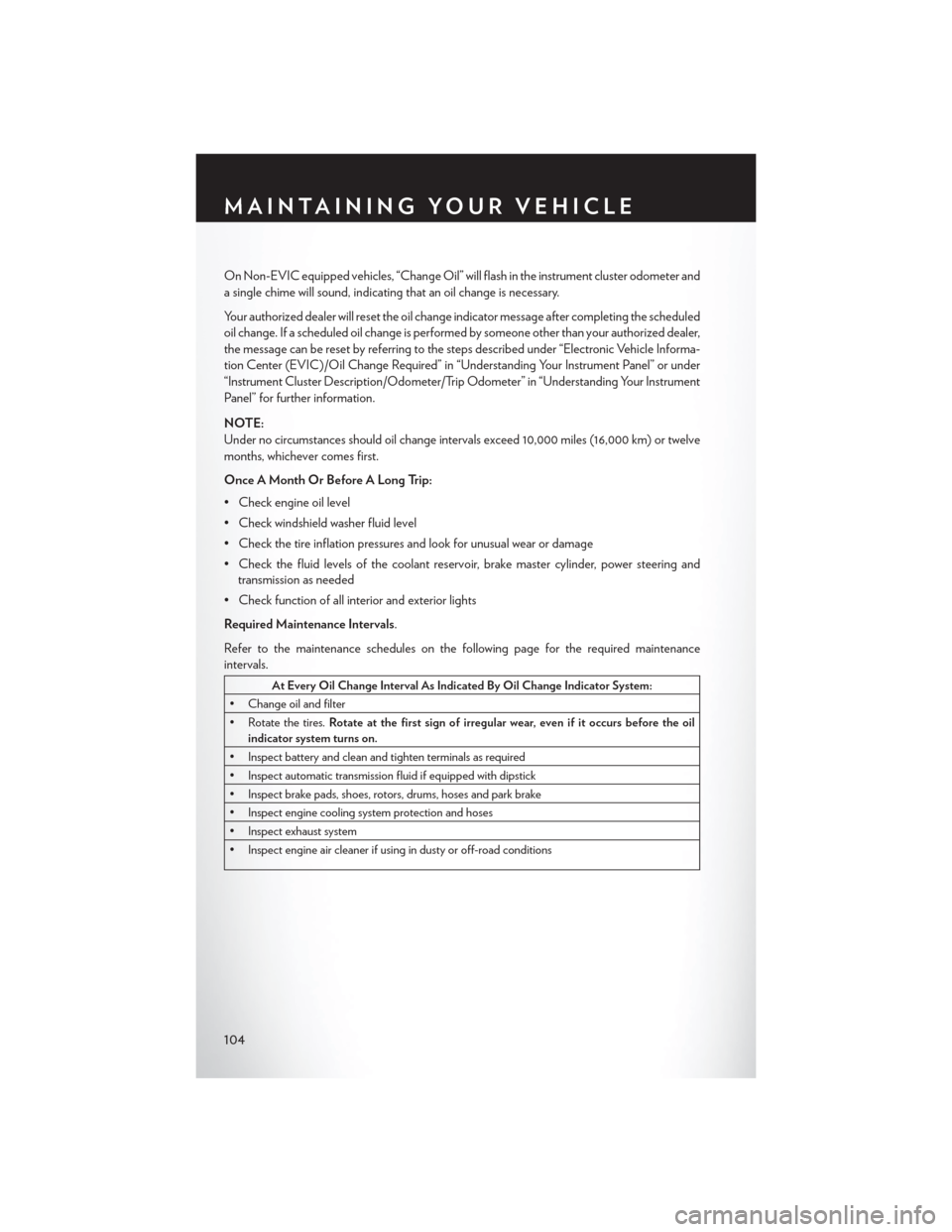
On Non-EVIC equipped vehicles, “Change Oil” will flash in the instrument cluster odometer and
a single chime will sound, indicating that an oil change is necessary.
Your authorized dealer will reset the oil change indicator message after completing the scheduled
oil change. If a scheduled oil change is performed by someone other than your authorized dealer,
the message can be reset by referring to the steps described under “Electronic Vehicle Informa-
tion Center (EVIC)/Oil Change Required” in “Understanding Your Instrument Panel” or under
“Instrument Cluster Description/Odometer/Trip Odometer” in “Understanding Your Instrument
Panel” for further information.
NOTE:
Under no circumstances should oil change intervals exceed 10,000 miles (16,000 km) or twelve
months, whichever comes first.
Once A Month Or Before A Long Trip:
• Check engine oil level
• Check windshield washer fluid level
• Check the tire inflation pressures and look for unusual wear or damage
• Check the fluid levels of the coolant reservoir, brake master cylinder, power steering andtransmission as needed
• Check function of all interior and exterior lights
Required Maintenance Intervals.
Refer to the maintenance schedules on the following page for the required maintenance
intervals.
At Every Oil Change Interval As Indicated By Oil Change Indicator System:
• Change oil and filter
• Rotate the tires. Rotate at the first sign of irregular wear, even if it occurs before the oil
indicator system turns on.
• Inspect battery and clean and tighten terminals as required
• Inspect automatic transmission fluid if equipped with dipstick
• Inspect brake pads, shoes, rotors, drums, hoses and park brake
• Inspect engine cooling system protection and hoses
• Inspect exhaust system
• Inspect engine air cleaner if using in dusty or off-road conditions
MAINTAINING YOUR VEHICLE
104
Page 113 of 132
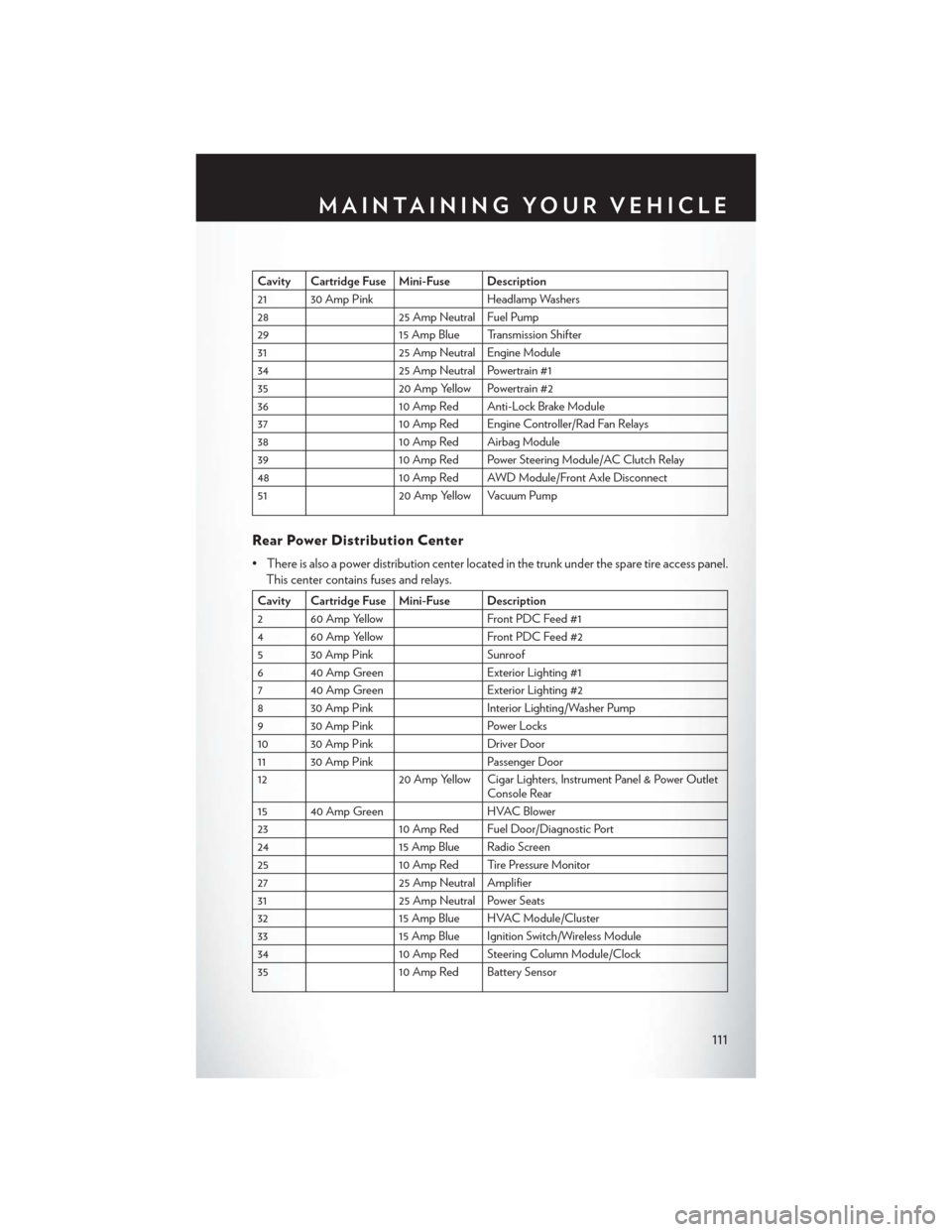
Cavity Cartridge Fuse Mini-Fuse Description
21 30 Amp PinkHeadlamp Washers
28 25 Amp Neutral Fuel Pump
29 15 Amp Blue Transmission Shifter
31 25 Amp Neutral Engine Module
34 25 Amp Neutral Powertrain #1
35 20 Amp Yellow Powertrain #2
36 10 Amp Red Anti-Lock Brake Module
37 10 Amp Red Engine Controller/Rad Fan Relays
38 10 Amp Red Airbag Module
39 10 Amp Red Power Steering Module/AC Clutch Relay
48 10 Amp Red AWD Module/Front Axle Disconnect
51 20 Amp Yellow Vacuum Pump
Rear Power Distribution Center
• There is also a power distribution center located in the trunk under the spare tire access panel.
This center contains fuses and relays.
Cavity Cartridge Fuse Mini-Fuse Description
2 60 Amp Yellow Front PDC Feed #1
4 60 Amp Yellow Front PDC Feed #2
5 30 Amp Pink Sunroof
6 40 Amp Green Exterior Lighting #1
7 40 Amp Green Exterior Lighting #2
8 30 Amp Pink Interior Lighting/Washer Pump
9 30 Amp Pink Power Locks
10 30 Amp Pink Driver Door
11 30 Amp Pink Passenger Door
12 20 Amp Yellow Cigar Lighters, Instrument Panel & Power Outlet
Console Rear
15 40 Amp Green HVAC Blower
23 10 Amp Red Fuel Door/Diagnostic Port
24 15 Amp Blue Radio Screen
25 10 Amp Red Tire Pressure Monitor
27 25 Amp Neutral Amplifier
31 25 Amp Neutral Power Seats
32 15 Amp Blue HVAC Module/Cluster
33 15 Amp Blue Ignition Switch/Wireless Module
34 10 Amp Red Steering Column Module/Clock
35 10 Amp Red Battery Sensor
MAINTAINING YOUR VEHICLE
111
Page 116 of 132

TIRE PRESSURES
• Check the inflation pressure of each tire, including the spare tire, at least monthly and inflateto the recommended pressure for your vehicle.
•
The tire pressures recommended for your vehicle are found on the “Tire and Loading Informa-
tion” label located on the driver’s side door opening.
NOTE:
Refer to the Owner's Manual on the DVD for
more information regarding tire warnings and
instructions.
WARNING!
• Overloading of your tires is dangerous. Overloading can cause tire failure, affect vehicle
handling, and increase your stopping distance. Use tires of the recommended load
capacity for your vehicle . Never overload them.
• Improperly inflated tires are dangerous and can cause collisions. Under-inflation is the leading cause of tire failure and may result in severe cracking, component separation, or
“blow out”. Over-inflation reduces a tire’s ability to cushion shock. Objects on the road
and chuck holes can cause damage that results in tire failure. Unequal tire pressures can
cause steering problems. You could lose control of your vehicle. Over-inflated or under-
inflated tires can affect vehicle handling and can fail suddenly, resulting in loss of vehicle
control.
WHEEL AND WHEEL TRIM CARE
• All wheels and wheel trim, especially aluminum and chrome plated wheels, should be cleanedregularly with a mild soap and water to prevent corrosion.
• To remove heavy soil and/or excessive brake dust the following MOPAR® wheel cleaners are recommended or select a non-abrasive, non-acidic cleaner.
• For chrome wheels, use MOPAR® Chrome Cleaner or equivalent.
• For aluminum wheels, use MOPAR® Wheel Cleaner or equivalent.
MAINTAINING YOUR VEHICLE
114
Page 122 of 132
Instrument ClusterIndicators ................7
Instrument Cluster Warning Lights .....6
Intermittent Wipers (Delay Wipers) ....25
Introduction .................2
Jacking Instructions ............78
Jack Location ...............76
Jack Operation ..............78
Jump Starting ...............88
KeyFob...................8
Keyless Enter-N-Go ............9
Lock/Unlock ............9,10
Starting/Stopping ...........11
Lane Change Assist ............25
LATCH (Lower Anchors and Tether forCHildren)........... .14, 15
Lights Tire Pressure Monitoring (TPMS) . . .71
Warning (Instrument Cluster
Description) ..............6
Maintenance Record .........107, 109
Maintenance Schedule ........103,108
MemorySeat................17
Mirrors Heated ................35
MOPAR® Accessories ...........118
New Vehicle Break-In Period ........24
Oil Change Indicator ...........74
Oil Change Indicator, Reset ........74
Oil, Engine Capacity ...............100
Outlet Power .................64
Overheating, Engine ............75
Pedals, Adjustable .............22
Placard, Tire and Loading Information . . .114 Power
Glass Sunroof .............36
Outlet (Auxiliary Electrical Outlet). . .64
Seats ..................17
Steering .............. .100
Tilt/Telescoping Steering Column . . .23
Preparation for Jacking ..........78
Programmable Electronic Features . . .60, 68
Radio ...................42
Rain Sensitive Wiper System ........25
RearCrossPath..............35
Rear Heated Seats .............20
Rear Seat, Folding .............19
Recreational Towing ............65
Remote Starting System ..........9
Replacement Bulbs ............115
Reporting Safety Defects .........117
Schedule, Maintenance ..........103
Seat Belts .................13
Seats ....................17
Adjustment ..............18
Heated ................20
Lumbar Support ............17
Power .................17
Setting the Clock .............45
Shift Lever Override ............90
Signals, Turn ................25
SmartBeams ................26
SpareTire.................76
Spark Plugs ............... .100
Speed Control Accel/Decel ..............27
Mode Setting (ACC Only) ......28
Resume ................28
Speed Control (Cruise Control) ......27
Starting Remote.................9
Steering Tilt Column ..............23
SunRoof..................36
Supplemental Restraint System - Airbag. . .13
INDEX
120
Page 123 of 132

Theft System Arming...........12
Theft System Disarming ..........12
Tilt Steering Column ............23
TIREFIT ..................82
Ti re s Air Pressure ............. .114
Changing .............76, 78
Flat Changing .............76
Jacking ................78
SpareTire ...............76
Towing...................65 Disabled Vehicle ............92
Recreational ..............65 Towing Vehicle Behind a Motorhome . . .65
Trailer Towing
Trailer and Tongue Weight .......65
Trailer Weight ...............65
Transmission Fluid .................100
Turn Signals ................25
Washers, Windshield ............25
Wheel and Wheel Trim Care .......114
Wind Buffeting ...............37
Windshield Washers ............25
Windshield Wipers .............25
INDEX
121
Page 124 of 132
FREQUENTLY ASKED QUESTIONS
GETTING STARTED
• How do I install my LATCH Equipped Child Seat? pg. 15
• How do I program my Front Seat Memory? pg. 17
ELECTRONICS
• How do I know which radio I have? pg. 42
• How do I select the AUX music source? pg. 46
• How do I set the clock on my radio? pg. 40
• How do I use the Navigation feature? pg. 46
• How do I pair my cell phone via Bluetooth® with the Uconnect® Hands-Free Voice ActivationSystem? pg. 52
• How do I hear the audio from my iPod® through the USB port using the radio? pg. 46
• How do I configure my Universal Garage Door Opener (HomeLink®)? pg. 61
UTILITY
• How do I know how much I can tow with my Chrysler 300? pg. 65
WHAT TO DO IN EMERGENCIES
• What do I do if my TPMS warning light is blinking? pg. 71
• How do I change a flat tire? pg. 76
• How do I Jump-Start my vehicle? pg. 88
MAINTAINING YOUR VEHICLE
• Where is my Fuse Block located? pg. 110
• What type of oil do I use? pg. 100
• How often should I change my engine’s oil? pg. 103
• What should my tire pressure be set at? pg. 114
FAQ(HowTo?)
122