light CHRYSLER 300 2014 2.G Repair Manual
[x] Cancel search | Manufacturer: CHRYSLER, Model Year: 2014, Model line: 300, Model: CHRYSLER 300 2014 2.GPages: 615, PDF Size: 4.44 MB
Page 268 of 615
Firmly press and release the “LEARN” or “TRAIN-
ING” button. On some garage door openers/devices
there may be a light that blinks when the garage door
opener/device is in the LEARN/TRAIN mode.
NOTE: You have 30 seconds in which to initiate the next
step after the LEARN button has been pressed.
6. Return to the vehicle and press the programmed HomeLink® button twice (holding the button for two
seconds each time). If the garage door opener/device
activates, programming is complete.
NOTE: If the garage door opener/device does not acti-
vate, press the button a third time (for two seconds) to
complete the training.
To program the remaining two HomeLink® buttons,
repeat each step for each remaining button. DO NOT
erase the channels.Reprogramming A Single HomeLink® Button
To reprogram a channel that has been previously trained,
follow these steps:
1. Cycle the ignition to the ON/RUN position.
2. Press and hold the desired HomeLink® button until the indicator light begins to flash after 20 seconds. Do
not release the button.
3. Without releasing the button proceed with “Program-
ming A Rolling Code” step 2 and follow all remaining
steps.
Programming A Non-Rolling Code
For programming Garage Door Openers manufactured
before 1995.
1. Turn the ignition switch to the ON/RUN position.
266 UNDERSTANDING THE FEATURES OF YOUR VEHICLE
Page 269 of 615
2. Place the hand-held transmitter 1 to 3 in (3 to 8 cm)away from the HomeLink® button you wish to pro-
gram while keeping the HomeLink® indicator light in
view.
3. Simultaneously press and hold both the Homelink® button you want to program and the hand-held trans-
mitter button.
4. Continue to hold both buttons and observe the indi- cator light. The Homelink® indicator will flash slowly
and then rapidly after HomeLink® has received the
frequency signal from the hand-held transmitter. Re-
lease both buttons after the indicator light changes
from slow to rapid.
5. Press and hold the programmed HomeLink® button and observe the indicator light.
• If the indicator light stays on constantly, program-
ming is complete and the garage door/device should
activate when the HomeLink® button is pressed. •
To program the two remaining HomeLink® buttons,
repeat each step for each remaining button. DO NOT
erase the channels.
Reprogramming A Single HomeLink® Button
To reprogram a channel that has been previously trained,
follow these steps:
1. Cycle the ignition to the ON/RUN position.
2. Press and hold the desired HomeLink® button until the indicator light begins to flash after 20 seconds. Do
not release the button.
3. Without releasing the button proceed with “Program-
ming A Non-Rolling Code” step 2 and follow all
remaining steps.3
UNDERSTANDING THE FEATURES OF YOUR VEHICLE 267
Page 270 of 615
Canadian/Gate Operator Programming
For programming transmitters in Canada/United States
that require the transmitter signals to “time-out” after
several seconds of transmission.
Canadian radio frequency laws require transmitter sig-
nals to time-out (or quit) after several seconds of trans-
mission – which may not be long enough for HomeLink®
to pick up the signal during programming. Similar to this
Canadian law, some U.S. gate operators are designed to
time-out in the same manner.
It may be helpful to unplug the device during the cycling
process to prevent possible overheating of the garage
door or gate motor.
1. Cycle the ignition to the ON/RUN position.2. Place the hand-held transmitter 1 to 3 in (3 to 8 cm)
away from the HomeLink® button you wish to pro-
gram while keeping the HomeLink® indicator light in
view.
3. Continue to press and hold the HomeLink® button, while you press and release (“cycle”), your hand-held
transmitter every two seconds until HomeLink® has
successfully accepted the frequency signal. The indi-
cator light will flash slowly and then rapidly when
fully trained.
4. Watch for the HomeLink® indicator to change flash rates. When it changes, it is programmed. It may take
up to 30 seconds or longer in rare cases. The garage
door may open and close while you are programming.
268 UNDERSTANDING THE FEATURES OF YOUR VEHICLE
Page 271 of 615
5. Press and hold the programmed HomeLink® buttonand observe the indicator light.
• If the indicator light stays on constantly, program-
ming is complete and the garage door/device should
activate when the HomeLink® button is pressed.
• To program the two remaining HomeLink® buttons,
repeat each step for each remaining button. DO NOT
erase the channels.
If you unplugged the garage door opener/device for
programming, plug it back in at this time.
Reprogramming A Single HomeLink® Button
To reprogram a channel that has been previously trained,
follow these steps:
1. Cycle the ignition to the ON/RUN position.
2. Press and hold the desired HomeLink® button until the indicator light begins to flash after 20 seconds. Do
not release the button. 3.
Without releasing the button proceed with
“Canadian/Gate Operator Programming” step 2 and
follow all remaining steps.
Using HomeLink®
To operate, press and release the programmed
HomeLink® button. Activation will now occur for the
programmed device (i.e., garage door opener, gate opera-
tor, security system, entry door lock, home/office light-
ing, etc.,). The hand-held transmitter of the device may
also be used at any time.
Security
It is advised to erase all channels before you sell or turn
in your vehicle.
To do this, press and hold the two outside buttons for 20
seconds until the red indicator flashes. Note that all
channels will be erased. Individual channels cannot be
erased.
3
UNDERSTANDING THE FEATURES OF YOUR VEHICLE 269
Page 281 of 615
NOTE:If three consecutive sunroof close attempts result
in Pinch Protect reversals, the fourth close attempt will be
a Manual Close movement with Pinch Protect disabled.
Wind Buffeting
Wind buffeting can be described as the perception of
pressure on the ears or a helicopter-type sound in the
ears. Your vehicle may exhibit wind buffeting with the
windows down, or the sunroof (if equipped) in certain
open or partially open positions. This is a normal occur-
rence and can be minimized. If the buffeting occurs with
the rear windows open, open the front and rear windows
together to minimize the buffeting. If the buffeting occurs
with the sunroof open, adjust the sunroof opening to
minimize the buffeting or open any window.
Sunroof Maintenance
Use only a non-abrasive cleaner and a soft cloth to clean
the glass panel.
Ignition OFF Operation
The power sunroof switch will remain active for up to
approximately ten minutes after the ignition switch is
turned to the LOCK position. Opening either front door
will cancel this feature.
NOTE: Ignition Off time is programmable through the
Uconnect® System. Refer to “Uconnect® Settings/
Customer Programmable Features” in “Understanding
Your Instrument Panel” for further information.
ELECTRICAL POWER OUTLETS
There are three 12 Volt (13 Amp) electrical power outlets
on this vehicle. The power outlets are protected by a fuse.
Insert cigar lighter or accessory plug into the power
outlets for use to ensure proper operation.
3
UNDERSTANDING THE FEATURES OF YOUR VEHICLE 279
Page 284 of 615
WARNING!
To avoid serious injury or death:
•Only devices designed for use in this type of outlet
should be inserted into any 12 Volt outlet.
• Do not touch with wet hands.
• Close the lid when not in use and while driving the
vehicle.
• If this outlet is mishandled, it may cause an electric
shock and failure.
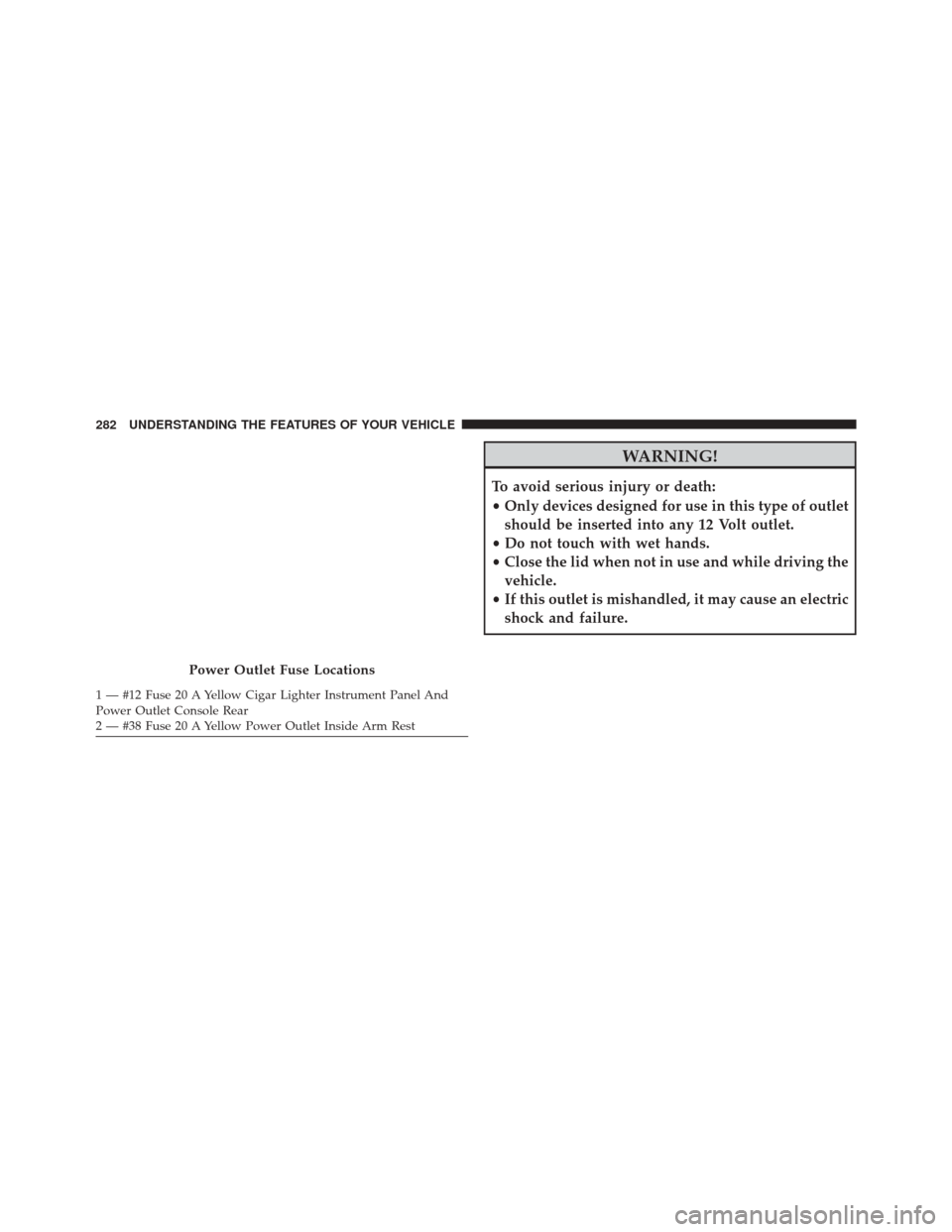
Power Outlet Fuse Locations
1 — #12 Fuse 20 A Yellow Cigar Lighter Instrument Panel And
Power Outlet Console Rear
2 — #38 Fuse 20 A Yellow Power Outlet Inside Arm Rest 282 UNDERSTANDING THE FEATURES OF YOUR VEHICLE
Page 285 of 615
CAUTION!
•Many accessories that can be plugged in draw
power from the vehicle’s battery even when not in
use (i.e., cellular phones, etc.). Eventually, if
plugged in long enough, the vehicle’s battery will
discharge sufficiently to degrade battery life and/or
prevent the engine from starting.
• Accessories that draw higher power (i.e., coolers,
vacuum cleaners, lights, etc.) will degrade the bat-
tery even more quickly. Only use these intermit-
tently and with greater caution.
• After the use of high power draw accessories or
long periods of the vehicle not being started (with
accessories still plugged in), the vehicle must be
driven a sufficient length of time to allow the
alternator to recharge the vehicle’s battery.
(Continued)
CAUTION! (Continued)
•Power outlets are designed for accessory plugs
only. Do not hang any type of accessory or acces-
sory bracket from the plug. Improper use of the
power outlet can cause damage.
CUPHOLDERS
Front Seat Cupholders
The cupholders are located in the forward edge of the
center console.
3
UNDERSTANDING THE FEATURES OF YOUR VEHICLE 283
Page 289 of 615
Lighted Cupholders — If Equipped
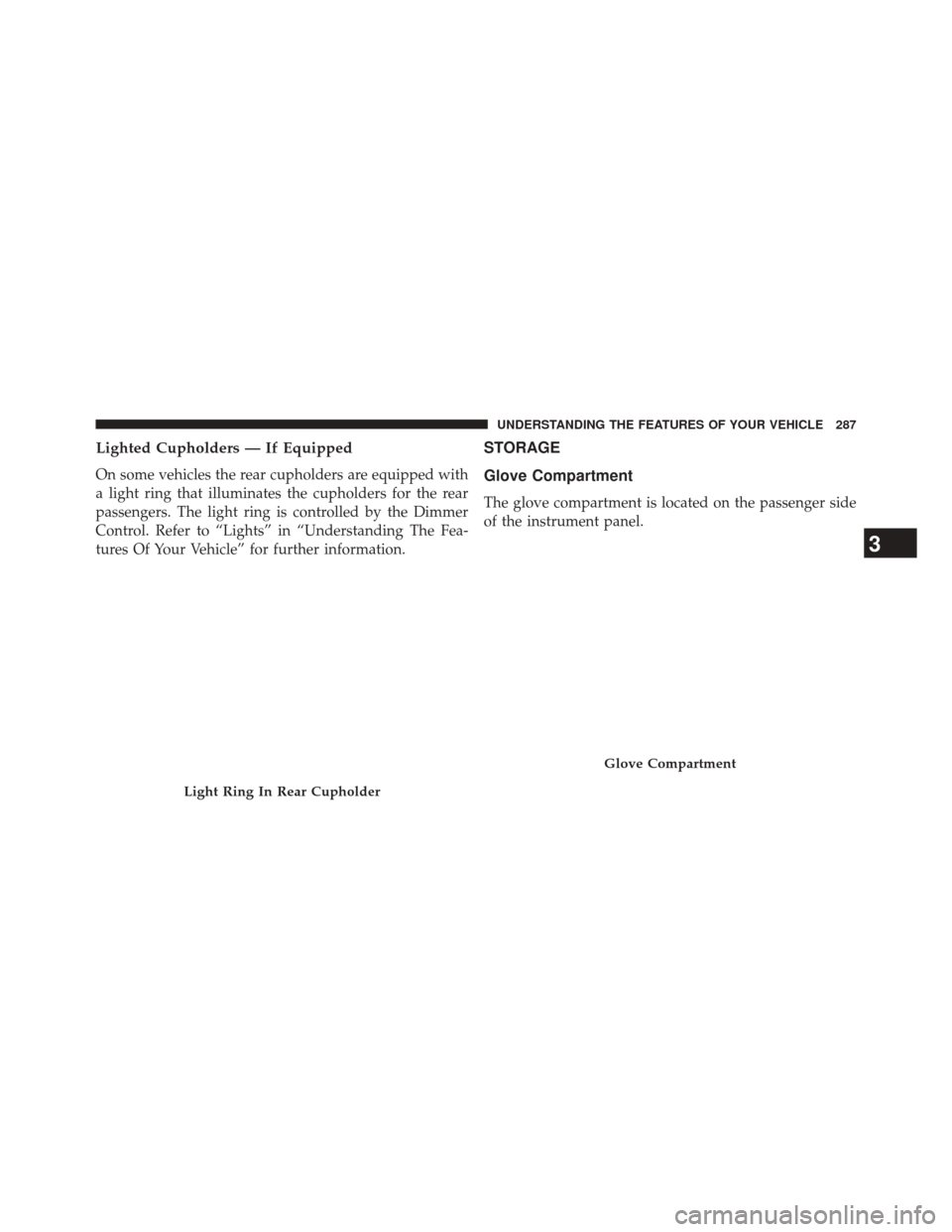
On some vehicles the rear cupholders are equipped with
a light ring that illuminates the cupholders for the rear
passengers. The light ring is controlled by the Dimmer
Control. Refer to “Lights” in “Understanding The Fea-
tures Of Your Vehicle” for further information.
STORAGE
Glove Compartment
The glove compartment is located on the passenger side
of the instrument panel.
Light Ring In Rear Cupholder
Glove Compartment
3
UNDERSTANDING THE FEATURES OF YOUR VEHICLE 287
Page 297 of 615
Power Sunshade — If Equipped
Your vehicle may be equipped with a power sunshade
that will reduce the amount of sunlight that will shine
through the rear windshield.
The power sunshade can be operated using the
Uconnect® System.
Press the “Controls” soft-key and then press the “Rear
Sunshade” soft-key to raise the power sunscreen. Press
the “Sunshade” soft-key a second time to lower the
sunshade.
If the sunshade is in the raised position and the vehicle is
placed in REVERSE, the sunshade will automatically
fully lower. When the transmission is shifted out of
REVERSE the sunshade will automatically return to the
fully raised position after approximately five seconds.NOTE:
The rear sunshade control switch can be locked
out along with the rear passenger window controls from
the driver switch window lockout switch.
Controls Soft-Key
3
UNDERSTANDING THE FEATURES OF YOUR VEHICLE 295
Page 303 of 615
INSTRUMENT PANEL FEATURES
1 — Air Outlet7 — ESC Off Switch13 — Engine Start/Stop Button
2 — Instrument Cluster 8 — Uconnect® System Hard Controls 14 — Trunk Release Button
3 — Hazard Switch 9 — SD Memory Card Slot15 — Dimmer Controls
4 — Uconnect® System 10 — Power Outlet16 — Hood Release
5 — Climate Control Hard Controls 11 — CD/DVD Slot 17 — Headlight Switch
6 — Glove Compartment 12 — Storage Compartment18 — Analog Clock
4
UNDERSTANDING YOUR INSTRUMENT PANEL 301