brakes CHRYSLER 300 2014 2.G Owners Manual
[x] Cancel search | Manufacturer: CHRYSLER, Model Year: 2014, Model line: 300, Model: CHRYSLER 300 2014 2.GPages: 615, PDF Size: 4.44 MB
Page 225 of 615
NOTE:Any chassis/suspension modifications to the
vehicle will effect the performance of the Adaptive Cruise
Control.
Activating Adaptive Cruise Control (ACC)
You can only activate ACC if the vehicle speed is above
20 mph (32 km/h).
When the system is turned on and in the READY state,
the Electronic Vehicle Information Center (EVIC) dis-
plays “Adaptive Cruise Ready.”
When the system is OFF, the EVIC displays “Adaptive
Cruise Control Off.”
NOTE: You cannot enable ACC under the following
conditions:
• When you apply the brakes.
• When the parking brake is set.
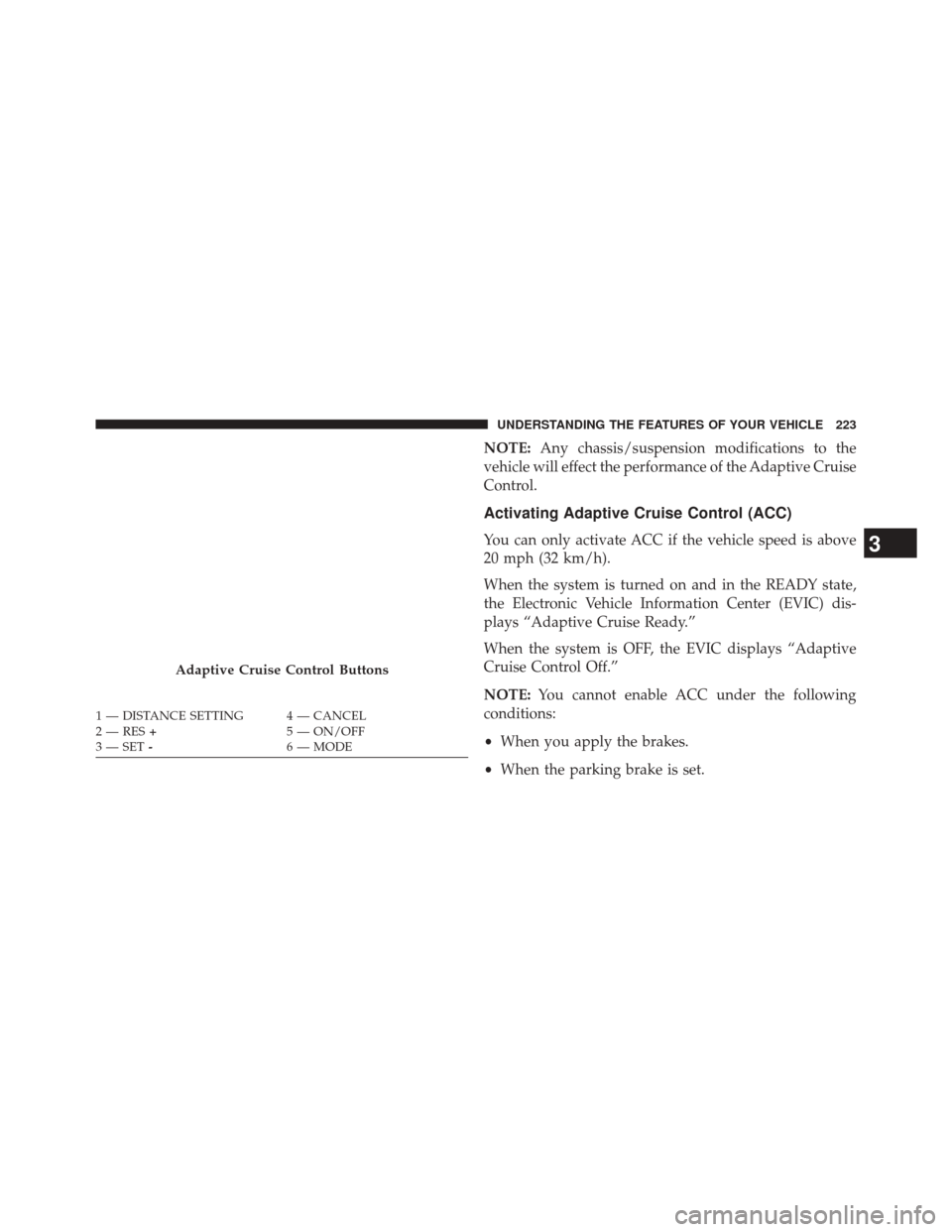
Adaptive Cruise Control Buttons
1 — DISTANCE SETTING 4 — CANCEL
2 — RES + 5 — ON/OFF
3 — SET - 6 — MODE
3
UNDERSTANDING THE FEATURES OF YOUR VEHICLE 223
Page 234 of 615
If there is no vehicle ahead, the vehicle will maintain the set
speed. If a slower moving vehicle is detected in the same
lane, the EVIC displays the “Sensed Vehicle Indicator”
icon, and the system adjusts vehicle speed automatically to
maintain the distance setting, regardless of the set speed.
The vehicle will then maintain the set distance until:
•The vehicle ahead accelerates to a speed above the set
speed.
• The vehicle ahead moves out of your lane or view of
the sensor.
• The vehicle ahead slows to a speed below 15 mph
(25 km/h) and the system automatically disengages
itself.
• The distance setting is changed.
• The system disengages. (Refer to the information on
ACC Activation). The maximum braking applied by ACC is limited; how-
ever, the driver can always apply the brakes manually, if
necessary.
NOTE:
The brake lights will illuminate whenever the
ACC system applies the brakes.
A Proximity Warning will alert the driver if ACC predicts
that its maximum braking level is not sufficient to
maintain the set distance. If this occurs, a visual alert
“BRAKE” will flash in the EVIC and a chime will sound
while ACC continues to apply its maximum braking
capacity. When this occurs, you should immediately
apply the brakes as needed to maintain a safe distance
from the vehicle ahead.
232 UNDERSTANDING THE FEATURES OF YOUR VEHICLE
Page 241 of 615
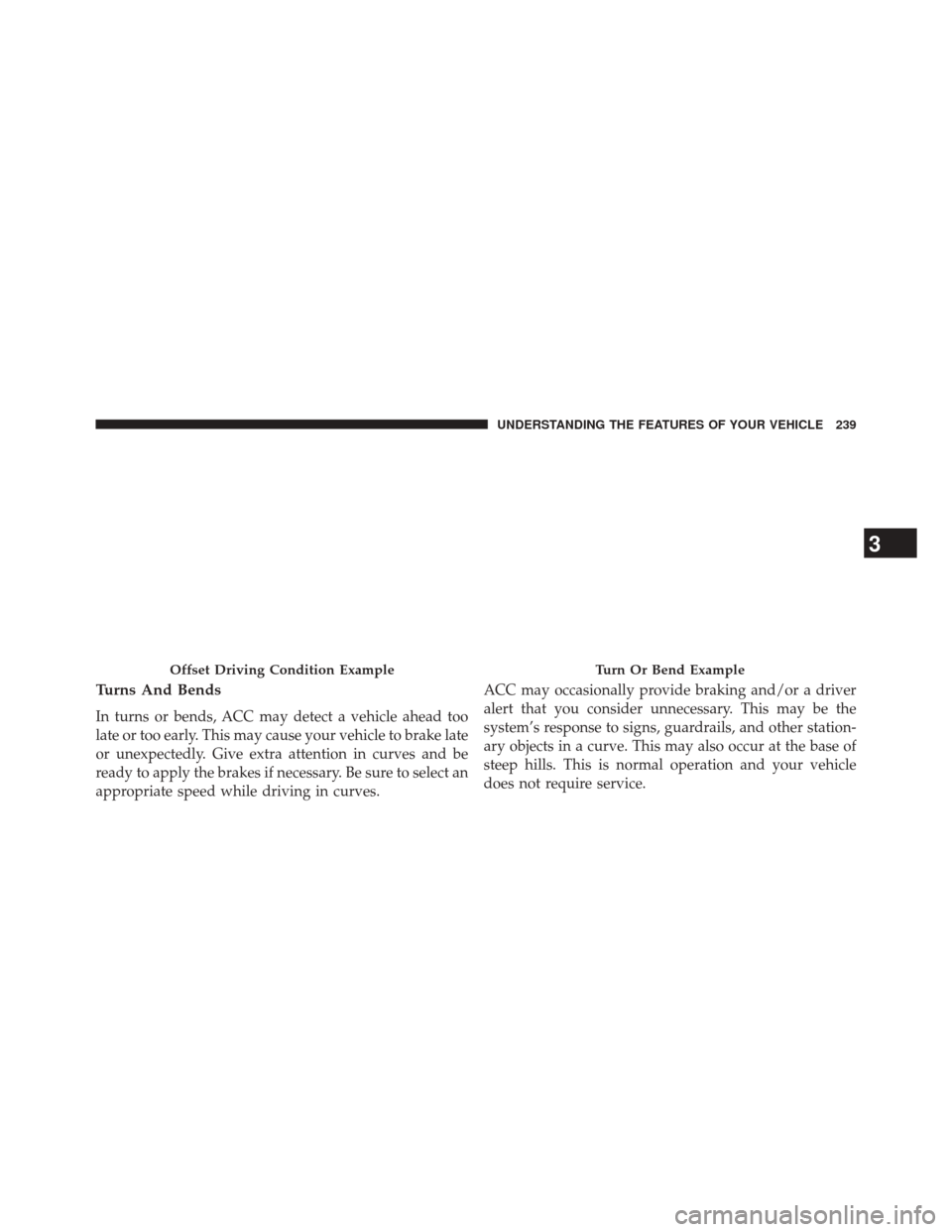
Turns And Bends
In turns or bends, ACC may detect a vehicle ahead too
late or too early. This may cause your vehicle to brake late
or unexpectedly. Give extra attention in curves and be
ready to apply the brakes if necessary. Be sure to select an
appropriate speed while driving in curves.ACC may occasionally provide braking and/or a driver
alert that you consider unnecessary. This may be the
system’s response to signs, guardrails, and other station-
ary objects in a curve. This may also occur at the base of
steep hills. This is normal operation and your vehicle
does not require service.
Offset Driving Condition ExampleTurn Or Bend Example
3
UNDERSTANDING THE FEATURES OF YOUR VEHICLE 239
Page 242 of 615
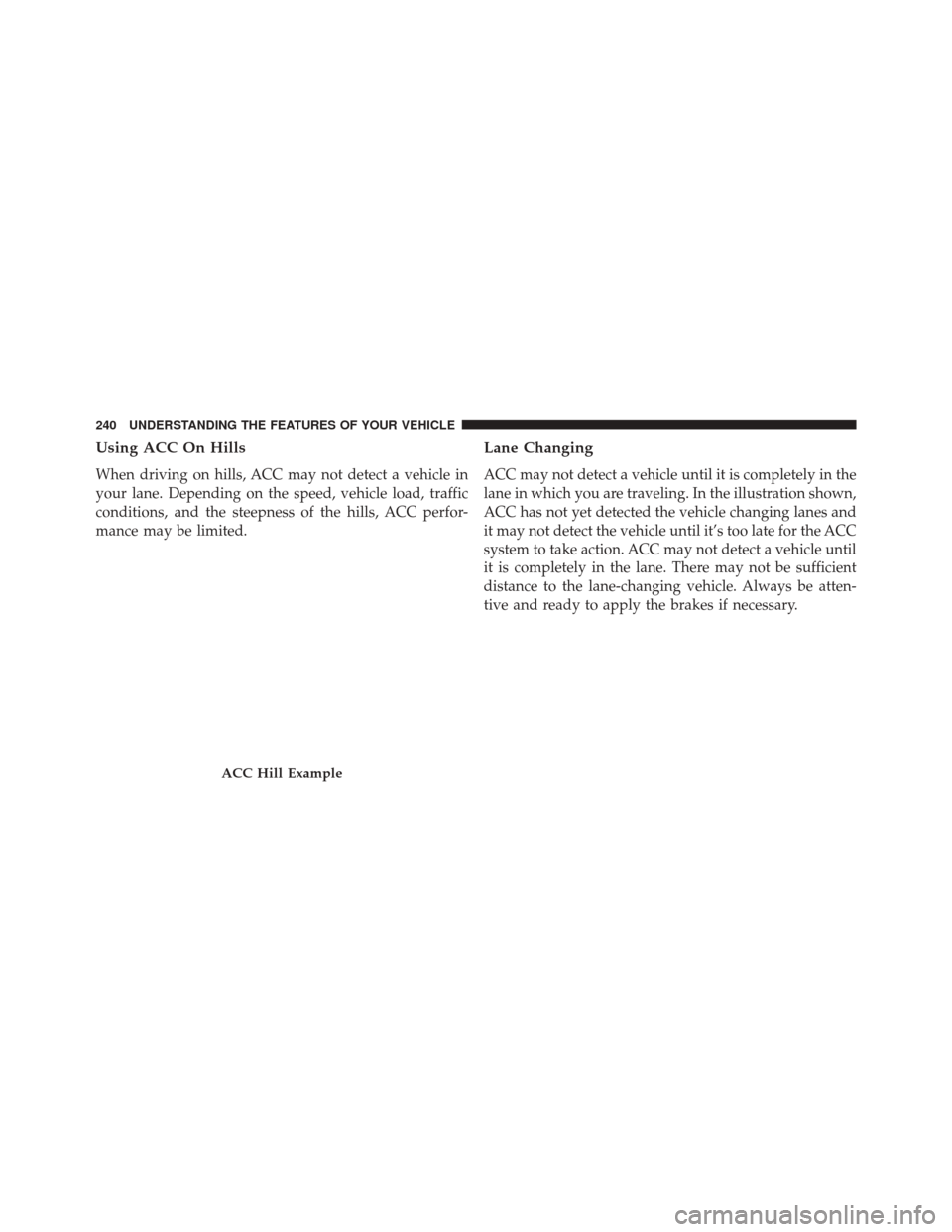
Using ACC On Hills
When driving on hills, ACC may not detect a vehicle in
your lane. Depending on the speed, vehicle load, traffic
conditions, and the steepness of the hills, ACC perfor-
mance may be limited.
Lane Changing
ACC may not detect a vehicle until it is completely in the
lane in which you are traveling. In the illustration shown,
ACC has not yet detected the vehicle changing lanes and
it may not detect the vehicle until it’s too late for the ACC
system to take action. ACC may not detect a vehicle until
it is completely in the lane. There may not be sufficient
distance to the lane-changing vehicle. Always be atten-
tive and ready to apply the brakes if necessary.
ACC Hill Example
240 UNDERSTANDING THE FEATURES OF YOUR VEHICLE
Page 244 of 615
Stationary Objects And Vehicles
ACC does not react to stationary objects and stationary
vehicles. For example, ACC will not react in situations
where the vehicle you are following exits your lane and
the vehicle ahead is stopped in your lane. Always be
attentive and ready to apply the brakes if necessary.
General Information
FCC Requirements For Vehicular Radar SystemsClassification Specifications:47 C.F.R. Part 15
47 C.F.R Part 15.515
Normal (Fixed Speed) Cruise Control Mode
In addition to Adaptive Cruise Control mode, a normal
(fixed speed) Cruise Control mode is available for cruis-
ing at fixed speeds. The normal Cruise Control mode is
designed to maintain a set cruising speed without requir-
ing the driver to operate the accelerator. Cruise Control
can only be operated if the vehicle speed is above 20 mph
(32 km/h).
To change modes, press the MODE button when the
system is in either the OFF, READY, or SET position.
While pressing the mode button, a chime alerts the driver
Stationary Object And Stationary Vehicle Example
242 UNDERSTANDING THE FEATURES OF YOUR VEHICLE
Page 307 of 615
your odometer needs to be repaired or serviced, the
repair technician should leave the odometer reading
the same as it was before the repair or service. If s/he
cannot do so, then the odometer must be set at zero,
and a sticker must be placed in the door jamb stating
what the mileage was before the repair or service. It
is a good idea for you to make a record of the
odometer reading before the repair/service, so that
you can be sure that it is properly reset, or that the
door jamb sticker is accurate if the odometer must be
reset at zero.
• Electronic Vehicle Information Center (EVIC) Dis-
play
The Electronic Vehicle Information Center (EVIC)
features a driver-interactive display that is located in
the instrument cluster. For further information, refer
to “Electronic Vehicle Information Center (EVIC)”. The Shift Lever Indicator is self-contained within the
EVIC display. It displays the gear position of the
automatic transmission.
NOTE: •You must apply the brakes before shifting from
PARK.
• The highest available transmission gear is displayed
in the lower right corner of the Electronic Vehicle
Information Center (EVIC) whenever the Electronic
Range Select (ERS) feature is active. Use the +/-
selector on the shift lever to activate ERS. Refer to
“Automatic Transmission” in “Starting And Operat-
ing” for further information.
7. Tire Pressure Monitoring Telltale Light — If Equipped
Each tire, including the spare (if provided),
should be checked monthly when cold and
inflated to the inflation pressure recommended
4
UNDERSTANDING YOUR INSTRUMENT PANEL 305
Page 311 of 615
13. Anti-Lock Brake (ABS) LightThis light monitors the Anti-Lock Brake System
(ABS). The light will turn on when the ignition
switch is turned to the ON/RUN position and
may stay on for as long as four seconds.
If the ABS light remains on or turns on while driving, it
indicates that the Anti-Lock portion of the brake system
is not functioning and that service is required. However,
the conventional brake system will continue to operate
normally if the BRAKE warning light is not on.
If the ABS light is on, the brake system should be serviced
as soon as possible to restore the benefits of Anti-Lock
brakes. If the ABS light does not turn on when the
ignition switch is turned to the ON/RUN position, have
the light inspected by an authorized dealer. 14. Sport Mode — If Equipped
This light will illuminate when the sport mode
is selected. This mode provides performance
based tuning. For further information, refer to
”Sport Mode” in “Starting And Operating”.
15. Vehicle Security Light — If Equipped
This light will flash at a fast rate for approxi-
mately 15 seconds, when the vehicle security
alarm is arming, and then will flash slowly
until the vehicle is disarmed.
16. Electronic Stability Control (ESC) OFF Indicator
Light — If Equipped
This light indicates the Electronic Stability Con-
trol (ESC) is off.
4
UNDERSTANDING YOUR INSTRUMENT PANEL 309
Page 368 of 615
STARTING PROCEDURES
Before starting your vehicle, adjust your seat, adjust the
inside and outside mirrors, fasten your seat belt, and if
present, instruct all other occupants to buckle their seat
belts.
WARNING!
•When leaving the vehicle, always remove the Key
Fob from the ignition and lock your vehicle.
• Never leave children alone in a vehicle, or with
access to an unlocked vehicle. Allowing children to
be in a vehicle unattended is dangerous for a
number of reasons. A child or others could be
seriously or fatally injured. Children should be
warned not to touch the parking brake, brake pedal
or the shift lever.
(Continued)
WARNING! (Continued)
•Do not leave the Key Fob in or near the vehicle (or
in a location accessible to children), and do not
leave the ignition of a vehicle equipped with
Keyless Enter-N-Go™ in the ACC or ON/RUN
mode. A child could operate power windows, other
controls, or move the vehicle.
Automatic Transmission
The shift lever must be in the NEUTRAL or PARK
position before you can start the engine. Apply the brakes
before shifting into any driving gear.
366 STARTING AND OPERATING
Page 376 of 615
the transmission in PARK. This system also locks the
transmission in PARK whenever the ignition switch is in
the OFF position.
Brake/Transmission Shift Interlock System
This vehicle is equipped with a Brake Transmission Shift
Interlock system (BTSI) that holds the shift lever in PARK
unless the brakes are applied. To shift the transmission
out of PARK, the ignition switch must be cycled to the
ON/RUN position (engine running, for vehicles with
8-speed transmission) and the brake pedal must be
pressed.
In 8-speed vehicles, the brake pedal must also be pressed
to shift from NEUTRAL into DRIVE or REVERSE when
the vehicle is stopped or moving at low speeds.
Eight-Speed Automatic Transmission — If
Equipped
Your vehicle is equipped with a fuel efficient eight-speed
transmission. The electronic shift lever in this vehicle
does not slide like a conventional shifter. Instead, the
shift lever is spring loaded and moves forward and
rearward, always returning to the center position after
each gear is selected.
The transmission gear range (PRND) is displayed both
on the shift lever and in the Electronic Vehicle Informa-
tion Center (EVIC).
To select a gear range, press the lock button on the shift
lever and move the lever rearward or forward. You must
also press the brake pedal to shift the transmission out of
PARK, or to shift from NEUTRAL into DRIVE or RE-
VERSE when the vehicle is stopped or moving at low
speeds (refer to “Brake/Transmission Shift Interlock Sys-
tem” in this section). To shift past multiple gear ranges at
374 STARTING AND OPERATING
Page 400 of 615
WARNING!(Continued)
•Driving through standing water limits your vehi-
cle’s braking capabilities, which increases stopping
distances. Therefore, after driving through stand-
ing water, drive slowly and lightly press on the
brake pedal several times to dry the brakes.
• Failure to follow these warnings may result in
injuries that are serious or fatal to you, your pas-
sengers, and others around you.
CAUTION!
• Always check the depth of the standing water
before driving through it. Never drive through
standing water that is deeper than the bottom of
the tire rims mounted on the vehicle.
(Continued)
CAUTION! (Continued)
•Determine the condition of the road or the path
that is under water and if there are any obstacles in
the way before driving through the standing water.
• Do not exceed 5 mph (8 km/h) when driving
through standing water. This will minimize wave
effects.
• Driving through standing water may cause damage
to your vehicle’s drivetrain components. Always
inspect your vehicle’s fluids (i.e., engine oil, trans-
mission, axle, etc.) for signs of contamination (i.e.,
fluid that is milky or foamy in appearance) after
driving through standing water. Do not continue to
operate the vehicle if any fluid appears contami-
nated, as this may result in further damage. Such
damage is not covered by the New Vehicle Limited
Warranty.
(Continued)
398 STARTING AND OPERATING