reset CHRYSLER 300 2014 2.G Owners Manual
[x] Cancel search | Manufacturer: CHRYSLER, Model Year: 2014, Model line: 300, Model: CHRYSLER 300 2014 2.GPages: 615, PDF Size: 4.44 MB
Page 30 of 615
•Battery at an acceptable charge level
• RKE panic button not pushed
• System not disabled from previous remote start event
• Vehicle security alarm not active
• Ignition in OFF position
WARNING!
•Do not start or run an engine in a closed garage or
confined area. Exhaust gas contains Carbon Mon-
oxide (CO) which is odorless and colorless. Carbon
Monoxide is poisonous and can cause serious in-
jury or death when inhaled.
• Keep Remote Keyless Entry (RKE) transmitters
away from children. Operation of the Remote Start
System, windows, door locks or other controls
could cause serious injury or death.
Remote Start Abort Message On Electronic Vehicle
Information Center (EVIC) — If Equipped
The following messages will display in the EVIC if the
vehicle fails to remote start or exits remote start prema-
turely:
• Remote Start Aborted — Door Ajar
• Remote Start Aborted — Hood Ajar
• Remote Start Aborted — Trunk Ajar
• Remote Start Aborted — Fuel Low
• Remote Start Disabled — Start Vehicle To Reset
The EVIC message stays active until the ignition is cycled
to the ON/RUN position.
28 THINGS TO KNOW BEFORE STARTING YOUR VEHICLE
Page 43 of 615
To close the window part way, lift the window switch to
the first detent and release it when you want the window
to stop.
NOTE:
•If the window runs into any obstacle during auto-
closure, it will reverse direction and then go back
down. Remove the obstacle and use the window
switch again to close the window.
• Any impact due to rough road conditions may trigger
the auto-reverse function unexpectedly during auto-
closure. If this happens, pull the switch lightly to the
first detent and hold to close the window manually.
WARNING!
There is no anti-pinch protection when the window
is almost closed. Be sure to clear all objects from the
window before closing.
Reset Auto-Up
Should the Auto Up feature stop working, the window
may need to be reset. To reset Auto Up:
1. Make sure the door is fully closed.
2. Pull the window switch up to close the window completely and continue to hold the switch up for an
additional two seconds after the window is closed.
3. Push the window switch down firmly to the second detent to open the window completely and continue
to hold the switch down for an additional two seconds
after the window is fully open.
Window Lockout Switch
The window lockout switch on the driver’s door trim
panel allows you to disable the window controls on the
rear passenger doors and the rear sunscreen (if
equipped). To disable the window controls and the rear
sunscreen, press and release the window lockout button
2
THINGS TO KNOW BEFORE STARTING YOUR VEHICLE 41
Page 72 of 615
positioned in the area where the side curtain air bag
inflates. This especially applies to children. The side
curtain air bag is only about 3-1/2 in (9 cm) thick when
it is inflated.
Because air bag sensors estimate deceleration over time,
vehicle speed and damage are not good indicators of
whether or not an air bag should have deployed.
Front And Side Impact Sensors
In front and side impacts, impact sensors can aid the
ORC in determining appropriate response to impact
events.
Enhanced Accident Response System
In the event of an impact causing air bag deployment, if
the communication network remains intact, and the
power remains intact, depending on the nature of theevent the ORC will determine whether to have the
Enhanced Accident Response System perform the follow-
ing functions:
•
Cut off fuel to the engine.
• Flash hazard lights as long as the battery has power or
until the ignition key is turned off.
• Turn on the interior lights, which remain on as long as
the battery has power, until the ignition key is re-
moved or the ignition switch is changed to OFF using
the Keyless Go START/STOP button.
• Unlock the doors automatically.
In order to reset the Enhanced Accident Response System
functions after an event, the ignition switch must be
changed from IGN ON to IGN OFF.
70 THINGS TO KNOW BEFORE STARTING YOUR VEHICLE
Page 144 of 615
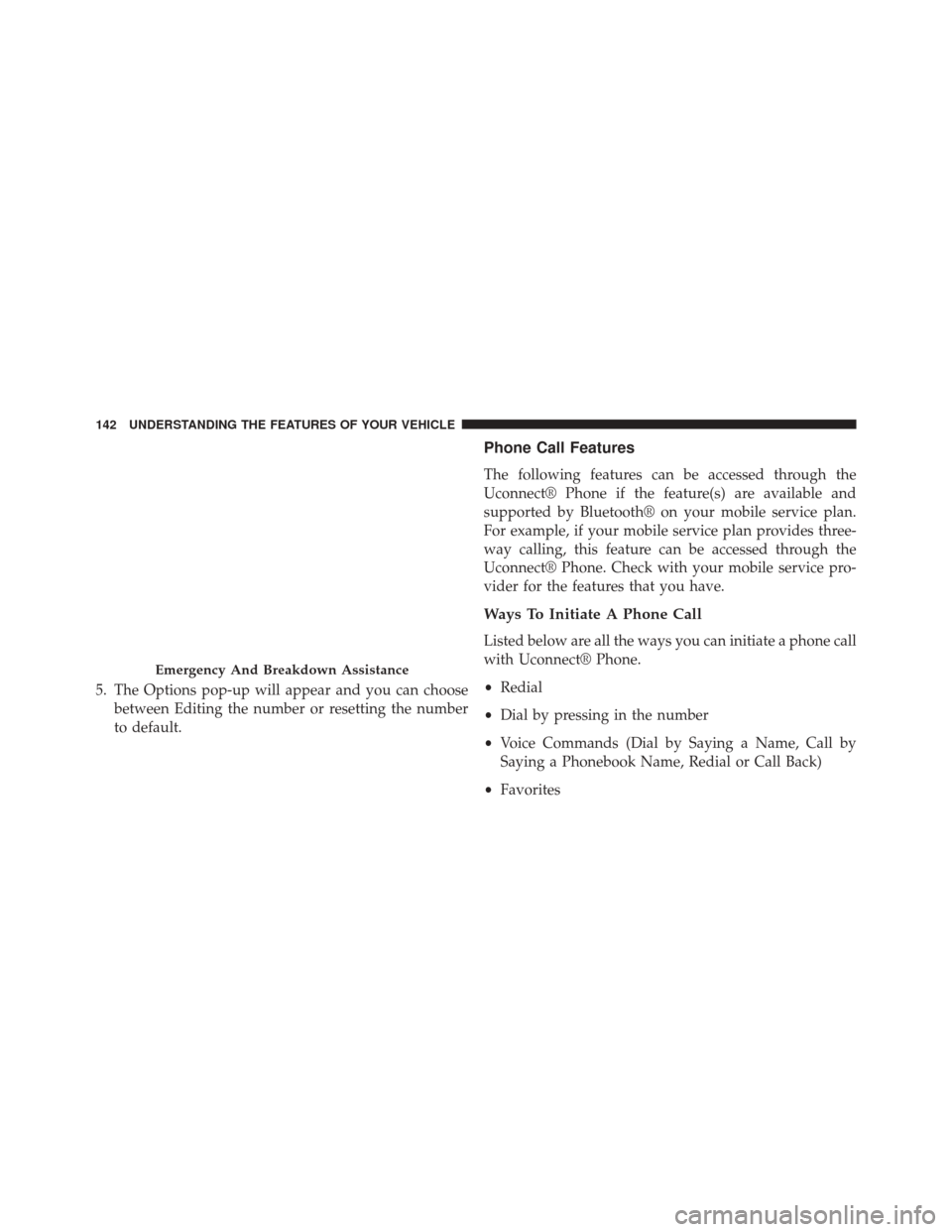
5. The Options pop-up will appear and you can choosebetween Editing the number or resetting the number
to default.
Phone Call Features
The following features can be accessed through the
Uconnect® Phone if the feature(s) are available and
supported by Bluetooth® on your mobile service plan.
For example, if your mobile service plan provides three-
way calling, this feature can be accessed through the
Uconnect® Phone. Check with your mobile service pro-
vider for the features that you have.
Ways To Initiate A Phone Call
Listed below are all the ways you can initiate a phone call
with Uconnect® Phone.
•Redial
• Dial by pressing in the number
• Voice Commands (Dial by Saying a Name, Call by
Saying a Phonebook Name, Redial or Call Back)
• Favorites
Emergency And Breakdown Assistance
142 UNDERSTANDING THE FEATURES OF YOUR VEHICLE
Page 157 of 615
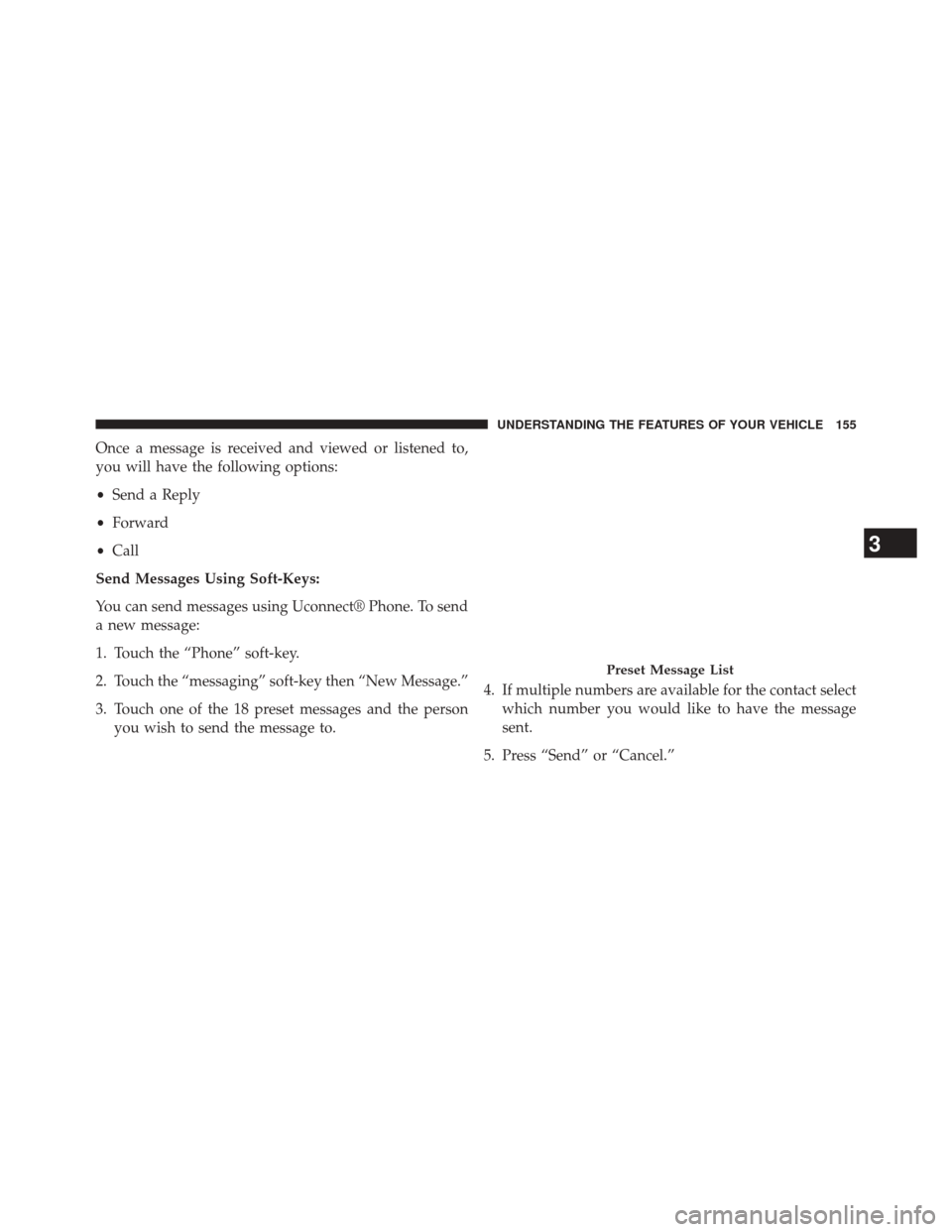
Once a message is received and viewed or listened to,
you will have the following options:
•Send a Reply
• Forward
• Call
Send Messages Using Soft-Keys:
You can send messages using Uconnect® Phone. To send
a new message:
1. Touch the “Phone” soft-key.
2. Touch the “messaging” soft-key then “New Message.”
3. Touch one of the 18 preset messages and the person you wish to send the message to. 4. If multiple numbers are available for the contact select
which number you would like to have the message
sent.
5. Press “Send” or “Cancel.”
Preset Message List
3
UNDERSTANDING THE FEATURES OF YOUR VEHICLE 155
Page 158 of 615
Send Messages Using Voice Commands:
1. Press the
button.
2. After the “Listening” prompt and the following beep,say “Send message to John Smith mobile.”
3. After the system prompts you for what message you want to send, say the message you wish to send or say
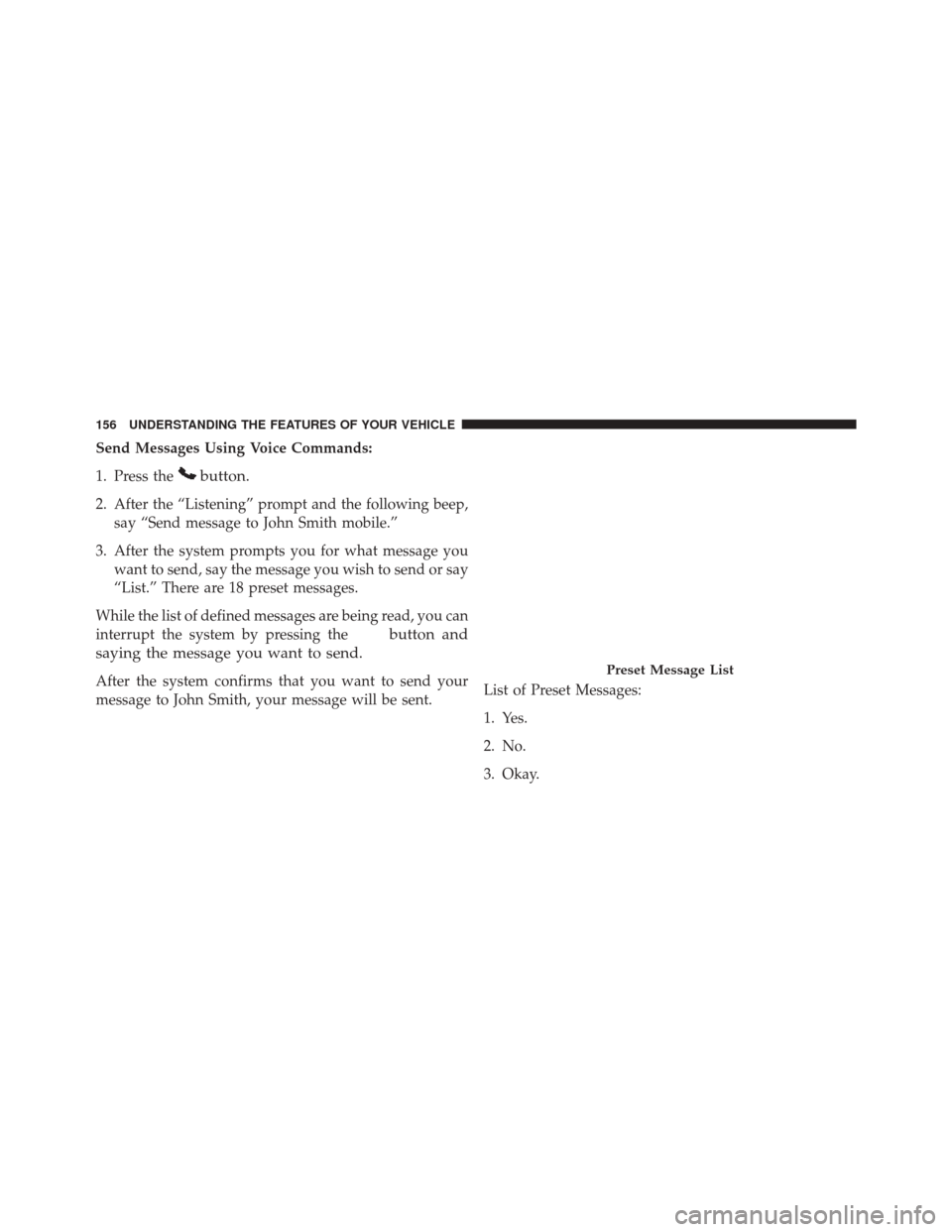
“List.” There are 18 preset messages.
While the list of defined messages are being read, you can
interrupt the system by pressing the
button and
saying the message you want to send.
After the system confirms that you want to send your
message to John Smith, your message will be sent. List of Preset Messages:
1. Yes.
2. No.
3. Okay.Preset Message List
156 UNDERSTANDING THE FEATURES OF YOUR VEHICLE
Page 190 of 615
WARNING!
•Be certain that the seatback is securely locked into
position. If the seatback is not securely locked into
position, the seat will not provide the proper sta-
bility for child seats and/or passengers. An improp-
erly latched seat could cause serious injury.
• The cargo area in the rear of the vehicle (with the
rear seatbacks in the locked-up or folded down
position) should not be used as a play area by
children when the vehicle is in motion. They could
be seriously injured in a collision. Children should
be seated and using the proper restraint system.
DRIVER MEMORY SEAT — IF EQUIPPED
This feature allows the driver to store up to two different
memory profiles for easy recall through a memory
switch. Each memory profile contains desired position
settings for the driver seat, side mirrors, adjustable pedals (if equipped), and power tilt and telescopic steer-
ing column (if equipped) and a set of desired radio
station presets. Your Remote Keyless Entry (RKE) trans-
mitter can also be programmed to recall the same posi-
tions when the UNLOCK button is pressed.
NOTE:
•
Only one RKE transmitter can be linked to each of the
memory positions.
• Passive Entry door handles cannot be linked to the
memory function. Use either the memory recall switch
or the RKE transmitter (if linked to the memory
feature) to recall memory positions 1 or 2.
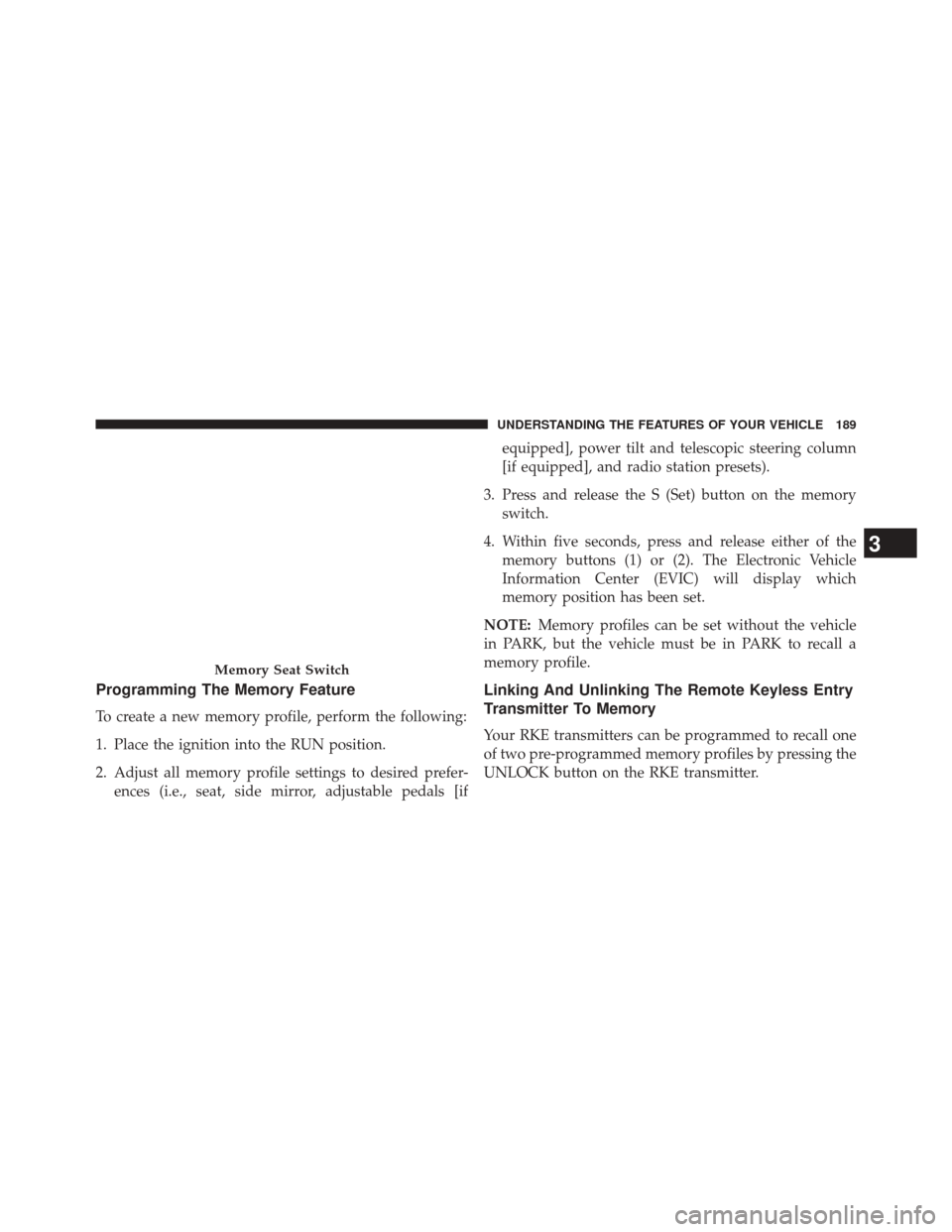
The memory seat switch is located on the driver ’s door
trim panel. The switch consists of three buttons: The (S)
button, which is used to activate the memory save
function and the (1) and (2) buttons which are used to
recall either of two pre-programmed memory profiles.
188 UNDERSTANDING THE FEATURES OF YOUR VEHICLE
Page 191 of 615
Programming The Memory Feature
To create a new memory profile, perform the following:
1. Place the ignition into the RUN position.
2. Adjust all memory profile settings to desired prefer-ences (i.e., seat, side mirror, adjustable pedals [if equipped], power tilt and telescopic steering column
[if equipped], and radio station presets).
3. Press and release the S (Set) button on the memory switch.
4. Within five seconds, press and release either of the memory buttons (1) or (2). The Electronic Vehicle
Information Center (EVIC) will display which
memory position has been set.
NOTE: Memory profiles can be set without the vehicle
in PARK, but the vehicle must be in PARK to recall a
memory profile.
Linking And Unlinking The Remote Keyless Entry
Transmitter To Memory
Your RKE transmitters can be programmed to recall one
of two pre-programmed memory profiles by pressing the
UNLOCK button on the RKE transmitter.
Memory Seat Switch
3
UNDERSTANDING THE FEATURES OF YOUR VEHICLE 189
Page 219 of 615
NOTE:In order to ensure proper operation, the Elec-
tronic Speed Control System has been designed to shut
down if multiple Speed Control functions are operated at
the same time. If this occurs, the Electronic Speed Control
System can be reactivated by pushing the Electronic
Speed Control ON/OFF button and resetting the desired
vehicle set speed.
To Activate
Push the ON/OFF button to activate the Electronic Speed
Control. The Cruise Indicator Light in the Electronic
Vehicle Information Center (EVIC) will illuminate. To
turn the system off, push the ON/OFF button a second
time. The Cruise Indicator Light will turn off. The system
should be turned off when not in use.
WARNING!
Leaving the Electronic Speed Control system on
when not in use is dangerous. You could accidentally
set the system or cause it to go faster than you want.
You could lose control and have an accident. Always
leave the system OFF when you are not using it.
To Set A Desired Speed
Turn the Electronic Speed Control ON. When the vehicle
has reached the desired speed, press the SET (-) button
and release. Release the accelerator and the vehicle will
operate at the selected speed.
NOTE: The vehicle should be traveling at a steady speed
and on level ground before pressing the SET (-) button.
3
UNDERSTANDING THE FEATURES OF YOUR VEHICLE 217
Page 222 of 615
WARNING!
Electronic Speed Control can be dangerous where the
system cannot maintain a constant speed. Your ve-
hicle could go too fast for the conditions, and you
could lose control and have an accident. Do not use
Electronic Speed Control in heavy traffic or on roads
that are winding, icy, snow-covered or slippery.
ADAPTIVE CRUISE CONTROL (ACC) — IF
EQUIPPED
Adaptive Cruise Control (ACC) increases the driving
convenience provided by cruise control while traveling
on highways and major roadways. However, it is not a
safety system and not designed to prevent collisions.ACC will allow you to keep cruise control engaged in
light to moderate traffic conditions without the constant
need to reset your cruise control. ACC utilizes a radar
sensor designed to detect a vehicle directly ahead of you.
NOTE:
•
If the sensor does not detect a vehicle ahead of you,
ACC will maintain a fixed set speed.
• If the ACC sensor detects a vehicle ahead, ACC will
apply limited braking or acceleration (not to exceed
the original set speed) automatically to maintain a
preset following distance, while matching the speed of
the vehicle ahead.
220 UNDERSTANDING THE FEATURES OF YOUR VEHICLE