alarm CHRYSLER 300 2015 2.G User Guide
[x] Cancel search | Manufacturer: CHRYSLER, Model Year: 2015, Model line: 300, Model: CHRYSLER 300 2015 2.GPages: 574, PDF Size: 14.59 MB
Page 198 of 574
Normal (Fixed Speed) Electronic Speed Control
Mode
In addition to Adaptive Cruise Control mode, a Normal
(Fixed Speed) Electronic Speed Control mode is available
for cruising at fixed speeds. The Normal (Fixed Speed)
Electronic Speed Control mode is designed to maintain a
set cruising speed without requiring the driver to operate
the accelerator. Electronic Speed Control can only be
operated if the vehicle speed is above 20 mph (32 km/h).
To change between the different control modes, push the
ADAPTIVE CRUISE CONTROL (ACC) ON/OFF button
which turns the ACC and the NORMAL (Fixed Speed)
ELECTRONIC SPEED CONTROL OFF. Pushing of the
NORMAL (Fixed Speed) ELECTRONIC SPEED CON-
TROL ON/OFF button will result in turning ON (chang-
ing to) the Normal (Fixed Speed) Electronic Speed Con-
trol mode.
WARNING!
In the normal Cruise Control mode, the system will
not react to vehicles ahead. In addition, the proximity
warning does not activate and no alarm will sound
even if you are too close to the vehicle ahead since
neither the presence of the vehicle ahead nor the
vehicle-to vehicle distance is detected. Be sure to
maintain a safe distance between your vehicle and
the vehicle ahead. Always be aware which mode is
selected.
To Set A Desired Speed
Turn the Normal (Fixed Speed) Electronic
Speed Control ON. When the vehicle has
reached the desired speed, push the SET (+) or
SET (-) button and release. Release the accel-
erator and the vehicle will operate at the selected speed.
196 UNDERSTANDING THE FEATURES OF YOUR VEHICLE
Page 231 of 574
NOTE:HomeLink® is disabled when the Vehicle Secu-
rity Alarm is active.
Before You Begin Programming HomeLink®
Be sure that your vehicle is parked outside of the garage
before you begin programming.
For more efficient programming and accurate transmis-
sion of the radio-frequency signal it is recommended that
a new battery be placed in the hand-held transmitter of
the device that is being programmed to the HomeLink®
system.
To erase the channels place the ignition in the ON/RUN
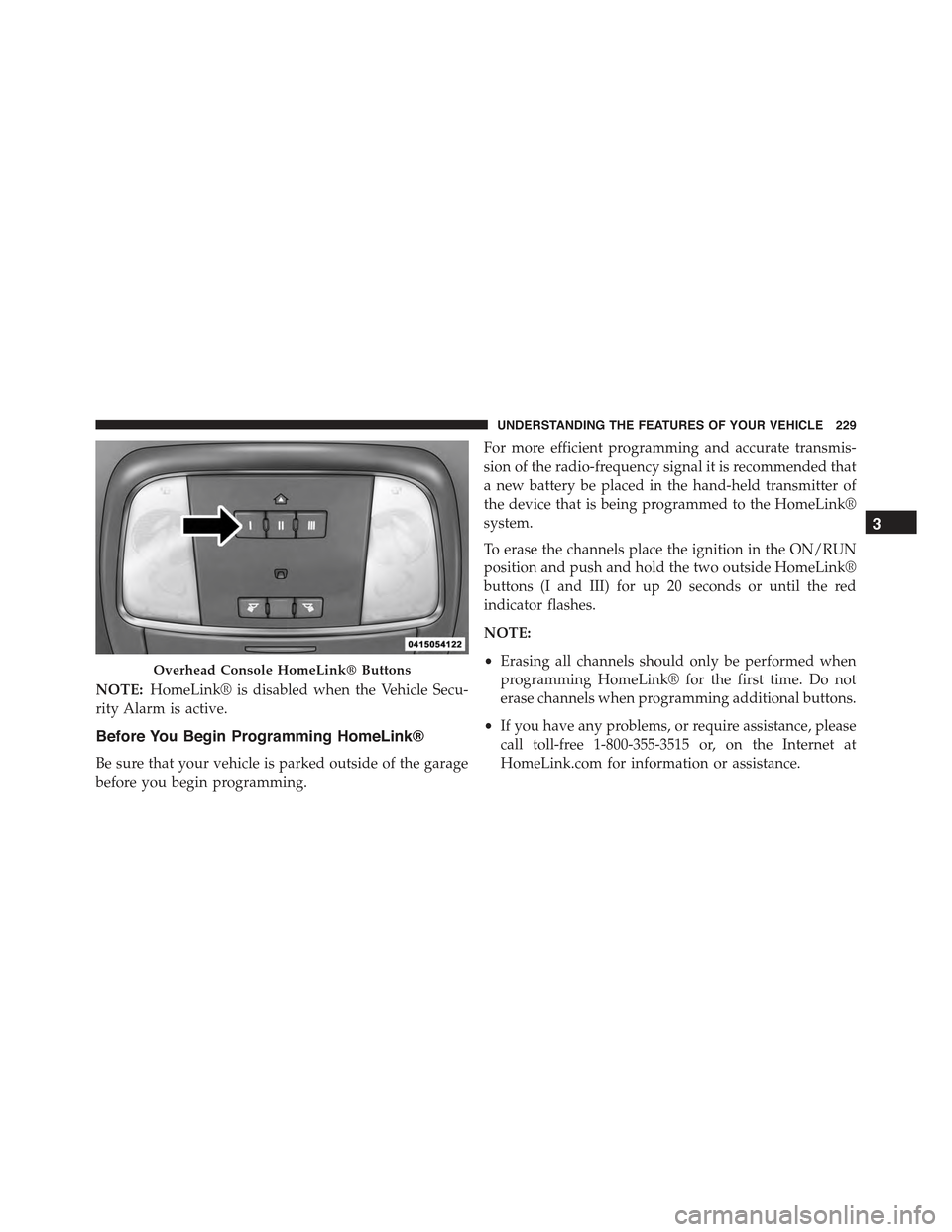
position and push and hold the two outside HomeLink®
buttons (I and III) for up 20 seconds or until the red
indicator flashes.
NOTE:
•Erasing all channels should only be performed when
programming HomeLink® for the first time. Do not
erase channels when programming additional buttons.
•If you have any problems, or require assistance, please
call toll-free 1-800-355-3515 or, on the Internet at
HomeLink.com for information or assistance.
Overhead Console HomeLink® Buttons
3
UNDERSTANDING THE FEATURES OF YOUR VEHICLE 229
Page 237 of 574
3.Without releasing the buttonproceed with
“Canadian/Gate Operator Programming” step 2 and
follow all remaining steps.
Using HomeLink®
To operate, push and release the programmed
HomeLink® button. Activation will now occur for the
programmed device (i.e., garage door opener, gate opera-
tor, security system, entry door lock, home/office light-
ing, etc.,). The hand-held transmitter of the device may
also be used at any time.
Security
It is advised to erase all channels before you sell or turn
in your vehicle.
To do this, push and hold the two outside buttons for 20
seconds until the red indicator flashes. Note that all
channels will be erased. Individual channels cannot be
erased.
The HomeLink® Universal Transceiver is disabled when
the Vehicle Security Alarm is active.
Troubleshooting Tips
If you are having trouble programming HomeLink®,
here are some of the most common solutions:
•Replace the battery in the original hand-held transmit-
ter.
•Push the LEARN button on the Garage Door Opener
to complete the training for a Rolling Code.
•Did you unplug the device for programming and
remember to plug it back in?
If you have any problems, or require assistance, please
call toll-free 1-800-355-3515 or, on the Internet at
HomeLink.com for information or assistance.
3
UNDERSTANDING THE FEATURES OF YOUR VEHICLE 235
Page 273 of 574
19. Vehicle Security Light — If Equipped
This light will flash at a fast rate for approxi-
mately 15 seconds, when the vehicle security
alarm is arming, and then will flash slowly
until the vehicle is disarmed.
20. Malfunction Indicator Light (MIL)
The Malfunction Indicator Light (MIL) is part of
an Onboard Diagnostic system, called OBD, that
monitors engine and automatic transmission con-
trol systems. The light will illuminate when the key is in
the ON/RUN position, before engine start. If the bulb
does not come on when turning the key from OFF to
ON/RUN, have the condition checked promptly.
Certain conditions, such as poor fuel quality, etc., may
illuminate the MIL after engine start. The vehicle should
be serviced if the light stays on through several of your
typical driving cycles. In most situations, the vehicle will
drive normally and will not require towing.
CAUTION!
Prolonged driving with the Malfunction Indicator
Light (MIL) on could cause damage to the engine
control system. It also could affect fuel economy and
driveability. If the MIL is flashing, severe catalytic
converter damage and power loss will soon occur.
Immediate service is required.
WARNING!
A malfunctioning catalytic converter, as referenced
above, can reach higher temperatures than in normal
operating conditions. This can cause a fire if you
drive slowly or park over flammable substances such
as dry plants, wood, cardboard, etc. This could result
in death or serious injury to the driver, occupants or
others.
4
UNDERSTANDING YOUR INSTRUMENT PANEL 271
Page 327 of 574
press the Apps button on the 8.4-inch touchscreen to get
started. Detailed registration instructions can be found
on the next page.
NOTE:Uconnect® Access is available only on equipped
vehicles purchased within the continental United States
and Alaska. Services can only be used where coverage is
available; see coverage map for details.
9-1-1 Call
Security Alarm Notification
Remote Door Lock/Unlock
Stolen Vehicle Assistance
Remote Vehicle Start**
Remote Horn and Lights
Yelp® Search
Voice Texting
Roadside Assistance Call
Wi-Fi Hotspot***
**If vehicle is equipped.
***Extra charges apply.
Register (8.4A/8.4AN)
1. Press theAppsbutton on the bottom of the 8.4-inch
touchscreen.
2. If a pop-up message appears, pressRegisteror go to
theFavorite Appsmenu and pressUconnect® Regis-
tration.
3. Read through the registration instructions. Enter and
confirm your personal email address. Then press
Send.
4. Check your personal inbox for an email from
Uconnect® Access.
4
UNDERSTANDING YOUR INSTRUMENT PANEL 325
Page 552 of 574
About Your Brakes........................361
ABS (Anti-Lock Brake System)................364
Adaptive Cruise Control (ACC) (Cruise Control) . . .172
Adding Engine Coolant (Antifreeze)............492
Adding Fuel.............................421
Adding Washer Fluid......................487
Additives, Fuel...........................415
Adjustable Pedals.........................166
Air Bag . . . . . . . . . . . . . . . . . . . . . . . . . . . . . . . . .55
Advance Front Air Bag....................56
Air Bag Components.....................55
Air Bag Operation.......................58
Air Bag Warning Light....................67
Driver Knee Air Bag......................60
Enhanced Accident Response................66
Event Data Recorder (EDR).................70
Front Air Bag . . . . . . . . . . . . . . . . . . . . . . . . . . .55
If A Deployment Occurs...................65
Knee Impact Bolsters.....................59
Maintaining Your Air Bag System............69
Side Air Bags...........................60
Transporting Pets........................93
Air Bag Deployment........................55
Air Bag Light.............................67
Air Bag Maintenance.......................69
Air Cleaner, Engine (Engine Air Cleaner Filter) . . . .481
Air Conditioner Maintenance.................483
Air Conditioning..........................304
Air Conditioning Filter.....................314
Air Conditioning, Operating Tips..............312
Air Conditioning Refrigerant.................483
Air Conditioning System....................311
Air Pressure, Tires.........................389
Alarm
Arm The System........................17
Alarm Light.............................263
Alarm, Panic.............................22
Alarm (Security Alarm)......................17
550 INDEX
Page 553 of 574
Alarm System (Security Alarm)................17
All Wheel Drive (AWD).....................355
Alterations/Modifications, Vehicle...............7
Antifreeze (Engine Coolant)..................492
Disposal..............................494
Anti-Lock Brake System (ABS)................364
Anti-Lock Warning Light....................263
Appearance Care.........................501
Arming System (Security Alarm)...............17
Assist, Hill Start..........................371
Auto Down Power Windows..................38
Automatic Door Locks......................30
Automatic Headlights......................146
Automatic High Beams.....................148
Automatic Temperature Control (ATC)..........303
Automatic Transmission....................345
Adding Fluid..........................500
Fluid And Filter Changes..................500
Fluid Change..........................500
Fluid Level Check.......................499
Fluid Type............................530
Gear Ranges...........................346
Special Additives.......................499
Auto Unlock, Doors........................30
Auto Up Power Windows....................38
Axle Fluid..............................530
Axle Lubrication..........................530
Battery.................................481
Keyless Transmitter Replacement (RKE)........22
Location..............................481
Remote Battery Replacement................22
Transmitter Battery Replacement.............22
Belts, Seat...............................96
Body Mechanism Lubrication.................486
B-Pillar Location..........................382
Brake Assist System.......................367
Brake Control System, Electronic..............364
10
INDEX 551
Page 561 of 574
Interior Appearance Care....................505
Interior Lights...........................155
Intermittent Wipers (Delay Wipers).............158
Introduction..............................4
iPod®/USB/MP3 Control...................300
Jack Location............................446
Jack Operation...........................445
Jump Starting............................455
Key Fob . . . . . . . . . . . . . . . . . . . . . . . . . . . . . . . . .12
Arm The Alarm.........................17
Lock The Doors.........................21
Panic Alarm............................22
Programming Additional Key Fobs...........16
Programming Additional Transmitters.........16
Remote Battery Replacement................22
Unlatch The Trunk.......................21
Unlock The Doors.......................20
Key-In Reminder..........................13
Keyless Enter-N-Go........................32
Keyless Enter-N-Go™.......................32
Enter The Trunk.........................21
Lock The Vehicle’s Doors..................21
Passive Entry...........................32
Passive Entry Programming.................32
Unlock From The Driver’s Side..............20
Unlock From The Passenger Side.............20
Keyless Entry System.......................19
Keyless Go...............................11
Key, Replacement..........................16
Keys...................................11
Key, Sentry (Immobilizer)....................14
Lane Change And Turn Signals...............151
Lane Change Assist........................152
LaneSense..............................203
Lap/Shoulder Belts.........................45
10
INDEX 559
Page 562 of 574
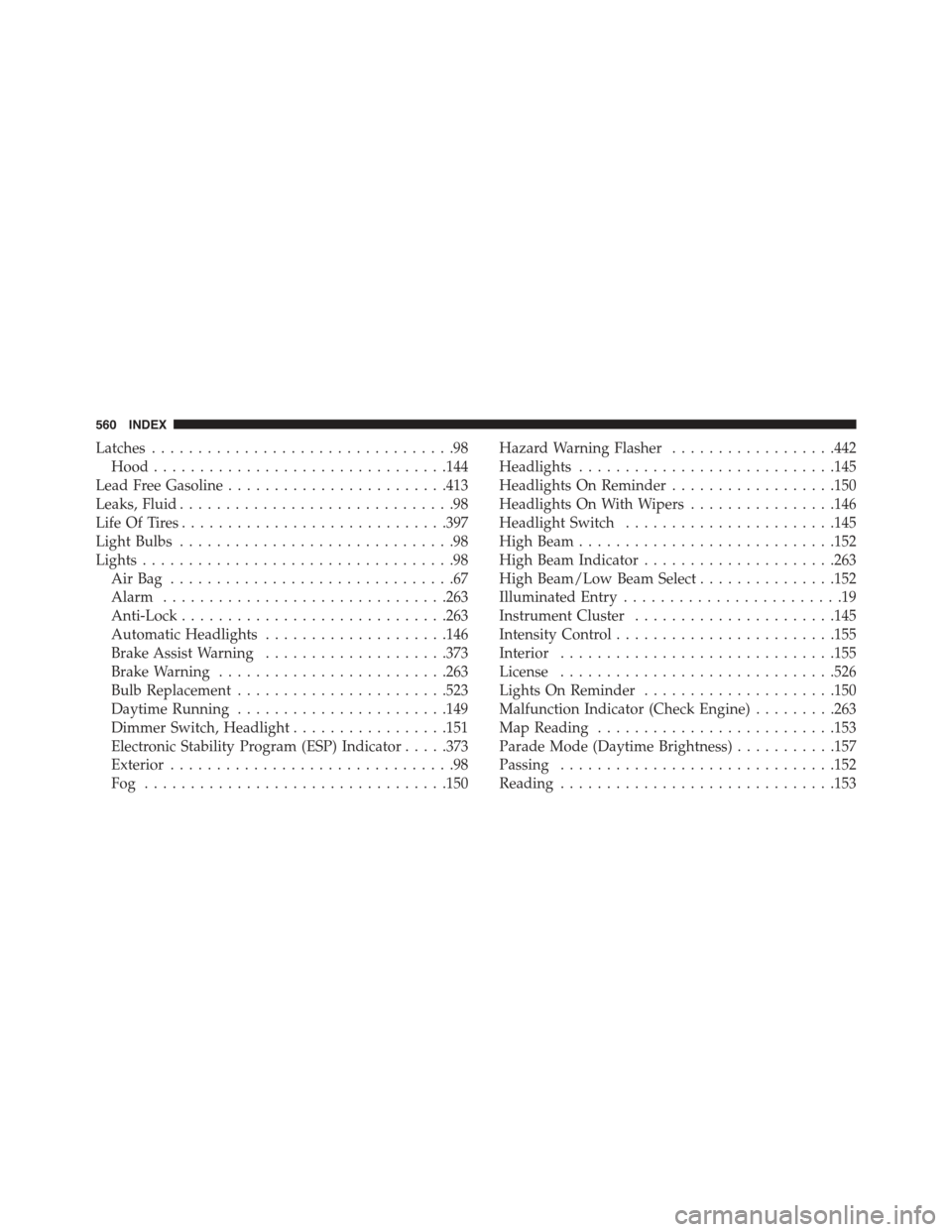
Latches.................................98
Hood................................144
Lead Free Gasoline........................413
Leaks, Fluid..............................98
Life Of Tires.............................397
Light Bulbs..............................98
Lights..................................98
Air Bag . . . . . . . . . . . . . . . . . . . . . . . . . . . . . . .67
Alarm...............................263
Anti-Lock.............................263
Automatic Headlights....................146
Brake Assist Warning....................373
Brake Warning.........................263
Bulb Replacement.......................523
Daytime Running.......................149
Dimmer Switch, Headlight.................151
Electronic Stability Program (ESP) Indicator.....373
Exterior...............................98
Fog . . . . . . . . . . . . . . . . . . . . . . . . . . . . . . . ..150
Hazard Warning Flasher..................442
Headlights............................145
Headlights On Reminder..................150
Headlights On With Wipers................146
Headlight Switch.......................145
High Beam............................152
High Beam Indicator.....................263
High Beam/Low Beam Select...............152
Illuminated Entry........................19
Instrument Cluster......................145
Intensity Control........................155
Interior..............................155
License..............................526
Lights On Reminder.....................150
Malfunction Indicator (Check Engine).........263
Map Reading..........................153
Parade Mode (Daytime Brightness)...........157
Passing..............................152
Reading..............................153
560 INDEX
Page 563 of 574
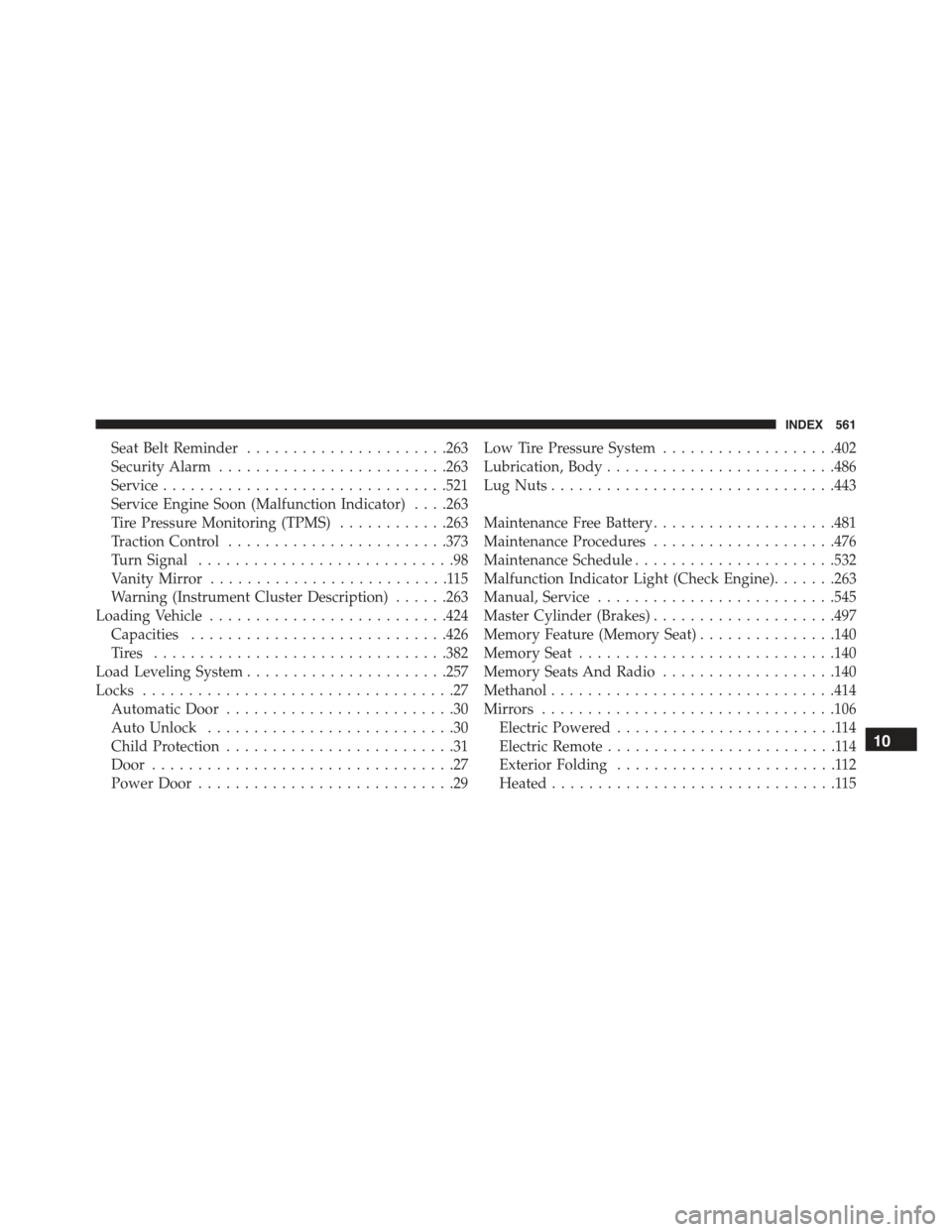
Seat Belt Reminder......................263
Security Alarm.........................263
Service...............................521
Service Engine Soon (Malfunction Indicator) . . . .263
Tire Pressure Monitoring (TPMS)............263
Traction Control........................373
Turn Signal............................98
Vanity Mirror..........................115
Warning (Instrument Cluster Description)......263
Loading Vehicle..........................424
Capacities............................426
Ti re s . . . . . . . . . . . . . . . . . . . . . . . . . . . . . . ..382
Load Leveling System......................257
Locks..................................27
Automatic Door.........................30
Auto Unlock...........................30
Child Protection.........................31
Door.................................27
Power Door............................29
Low Tire Pressure System...................402
Lubrication, Body.........................486
Lug Nuts...............................443
Maintenance Free Battery....................481
Maintenance Procedures....................476
Maintenance Schedule......................532
Malfunction Indicator Light (Check Engine).......263
Manual, Service..........................545
Master Cylinder (Brakes)....................497
Memory Feature (Memory Seat)...............140
Memory Seat............................140
Memory Seats And Radio...................140
Methanol...............................414
Mirrors................................106
Electric Powered........................114
Electric Remote.........................114
Exterior Folding........................112
Heated...............................115
10
INDEX 561