alarm CHRYSLER 300 2017 2.G User Guide
[x] Cancel search | Manufacturer: CHRYSLER, Model Year: 2017, Model line: 300, Model: CHRYSLER 300 2017 2.GPages: 488, PDF Size: 4.3 MB
Page 180 of 488
NOTE:HomeLink is disabled when the Vehicle Security
Alarm is active.
Before You Begin Programming HomeLink
Be sure that your vehicle is parked outside of the garage
before you begin programming.
For more efficient programming and accurate transmission
of the radio-frequency signal, it is recommended that a new
battery be placed in the hand-held transmitter of the device
that is being programmed to the HomeLink system. To erase the channels, place the ignition in the ON/RUN
position and push and hold the two outside HomeLink
buttons (I and III) for up 20 seconds or until the red
indicator flashes.
NOTE:
•
Erasing all channels should only be performed when
programming HomeLink for the first time. Do not erase
channels when programming additional buttons.
• If you have any problems, or require assistance, please
call toll-free 1-800-355-3515 or, on the Internet at
HomeLink.com for information or assistance.
Programming A Rolling Code
For programming garage door openers that were manufac-
tured after 1995:
These garage door openers can be identified by the
“LEARN” or “TRAIN” button located where the hanging
antenna is attached to the garage door opener. It is NOT the
button that is normally used to open and close the door.
The name and color of the button may vary by manufac-
turer.
Overhead Console HomeLink Buttons
178 UNDERSTANDING THE FEATURES OF YOUR VEHICLE
Page 185 of 488
2. Push and hold the desired HomeLink button until theindicator light begins to flash after 20 seconds. Do not
release the button.
3. Without releasing the button, proceed with
“Canadian/Gate Operator Programming” step 2 and
follow all remaining steps.
Using HomeLink
To operate, push and release the programmed HomeLink
button. Activation will now occur for the programmed
device (i.e. garage door opener, gate operator, security
system, entry door lock, home/office lighting, etc.) The
hand-held transmitter of the device may also be used at
any time.
Security
It is advised to erase all channels before you sell or turn in
your vehicle.
To do this, push and hold the two outside buttons for 20
seconds until the red indicator flashes.
NOTE: All channels will be erased. Individual channels
cannot be erased.
The HomeLink Universal Transceiver is disabled when the
Vehicle Security Alarm is active.
Troubleshooting Tips
If you are having trouble programming HomeLink, here
are some of the most common solutions:
• Replace the battery in the Garage Door Opener hand-
held transmitter.
• Push the LEARN button on the Garage Door Opener to
complete the training for a Rolling Code.
• Did you unplug the device for programming and re-
member to plug it back in?
If you have any problems, or require assistance, please call
toll-free 1-800-355-3515 or, on the Internet at
HomeLink.com for information or assistance.
WARNING!
• Vehicle exhaust contains carbon monoxide, a danger-
ous gas. Do not run your vehicle in the garage while
programming the transceiver. Exhaust gas can cause
serious injury or death.
• Your motorized door or gate will open and close
while you are programming the universal trans-
ceiver. Do not program the transceiver if people, pets
(Continued)
3
UNDERSTANDING THE FEATURES OF YOUR VEHICLE 183
Page 212 of 488
Vehicle Security Warning Light — If Equipped
Red TelltaleLight What It Means
Vehicle Security Warning Light — If Equipped
This light will flash at a fast rate for approximately 15 seconds when the vehicle security alarm is
arming, and then will flash slowly until the vehicle is disarmed.
Engine Temperature Warning Light
Red Telltale
Light What It Means
Engine Temperature Warning Light
This light warns of an overheated engine condition. If the engine coolant temperature is too high,
this indicator will illuminate and a single chime will sound. If the temperature reaches the upper
limit, a continuous chime will be sound for 4 minutes or until the engine is allowed to cool
whichever comes first.
If the light turns on while driving, safely pull over and stop the vehicle. If the A/C system is on,
turn it off. Also, shift the transmission into NEUTRAL and idle the vehicle. If the temperature
reading does not return to normal, turn the engine off immediately and call for service. Refer to
“If Your Engine Overheats” in “What To Do In Emergencies” for further information.
210 UNDERSTANDING YOUR INSTRUMENT PANEL
Page 240 of 488
depletion to the point where the vehicle may stall due to
lack of electrical supply, or will not restart after the current
drive cycle.
When load reduction is activated, the message “Battery
Saver On” or “Battery Saver Mode” will appear in the
instrument cluster.
These messages indicate the vehicle battery has a low state
of charge and continues to lose electrical charge at a rate
that the charging system cannot sustain.
NOTE:
•The charging system is independent from load reduc-
tion. The charging system performs a diagnostic on the
charging system continuously.
• If the Battery Charge Warning Light is on it may indicate
a problem with the charging system. Refer to “Battery
Charge Warning Light” in “Understanding Your Instru-
ment Panel” for further information.
The electrical loads that may be switched off (if equipped),
and vehicle functions which can be affected by load
reduction:
• Heated Seat/Vented Seats/Heated Wheel
• Heated/Cooled Cup Holders — If Equipped •
Rear Defroster And Heated Mirrors
• HVAC System
• 115V AC Power Inverter System
• Audio and Telematics System
Loss of the battery charge may indicate one or more of the
following conditions:
• The charging system cannot deliver enough electrical
power to the vehicle system because the electrical loads
are larger than the capability of charging system. The
charging system is still functioning properly.
• Turning on all possible vehicle electrical loads (e.g.
HVAC to max settings, exterior and interior lights,
overloaded power outlets +12V, 115V AC, USB ports)
during certain driving conditions (city driving, towing,
frequent stopping).
• Installing options like additional lights, upfitter electri-
cal accessories, audio systems, alarms and similar de-
vices.
• Unusual driving cycles (short trips separated by long
parking periods).
• The vehicle was parked for an extended period of time
(weeks, months).
238 UNDERSTANDING YOUR INSTRUMENT PANEL
Page 241 of 488
•The battery was recently replaced and was not charged
completely.
• The battery was discharged by an electrical load left on
when the vehicle was parked.
• The battery was used for an extended period with the
engine not running to supply radio, lights, chargers,
+12V portable appliances like vacuum cleaners, game
consoles and similar devices.
What to do when an electrical load reduction action
message is present (“Battery Saver On” or “Battery Saver
Mode”)
During a trip:
• Reduce power to unnecessary loads if possible:
– Turn off redundant lights (interior or exterior)
– Check what may be plugged in to power outlets +12V, 115V AC, USB ports
– Check HVAC settings (blower, temperature)
– Check the audio settings (volume) After a trip:
•
Check if any aftermarket equipment was installed (ad-
ditional lights, upfitter electrical accessories, audio sys-
tems, alarms) and review specifications if any (load and
Ignition Off Draw currents).
• Evaluate the latest driving cycles (distance, driving time
and parking time).
• The vehicle should have service performed if the mes-
sage is still present during consecutive trips and the
evaluation of the vehicle and driving pattern did not
help to identify the cause.
CYBERSECURITY
Your vehicle may be a connected vehicle and may be
equipped with both wired and wireless networks. These
networks allow your vehicle to send and receive informa-
tion. This information allows systems and features in your
vehicle to function properly.
Your vehicle may be equipped with certain security fea-
tures to reduce the risk of unauthorized and unlawful
access to vehicle systems and wireless communications.
Vehicle software technology continues to evolve over time
and FCA US LLC, working with its suppliers, evaluates
4
UNDERSTANDING YOUR INSTRUMENT PANEL 239
Page 289 of 488
NOTE:Your vehicle may be transmitting data as autho-
rized by the subscriber.
An included trial and/or subscription is required to take
advantage of the SiriusXM Guardian services in the next
section of this guide. To register with SiriusXM Guardian,
press the Apps button on the 8.4-inch touchscreen to get
started.
NOTE: SiriusXM Guardian is available only on equipped
vehicles purchased within the continental United States,
Alaska and Hawaii. Services can only be used where
coverage is available; see coverage map for details.
SOS Call
Theft Alarm Notification
Remote Door Lock/Unlock
Send & Go
Vehicle Finder
Stolen Vehicle Assistance
Remote Vehicle Start**
Remote Horn & Lights
Roadside Assistance Call
Vehicle Health Reports**
Vehicle Health Alert**
Performance Pages Plus**
**If vehicle is equipped.
Register (8.4/8.4 NAV)
To unlock the full potential of SiriusXM Guardian in your
vehicle, you must activate your SiriusXM Guardian ser-
vices.
1. Press the Apps icon on the bottom of your in-vehicle touchscreen.
2. Select the Activate Services icon from your list of apps.
3. Select “Customer Care” to speak with a SiriusXM Guardian Customer Care agent who will activate ser-
vices in your vehicle, or select “Enter Email” to activate
on the web.
For further information, please visit siriusxm.com/
guardian.
Vehicle Health Report/Alert (8.4/8.4 NAV)
Your vehicle will send you a monthly email report, which
summarizes the performance of your vehicle’s key systems
so you can stay on top of your vehicle’s maintenance
4
UNDERSTANDING YOUR INSTRUMENT PANEL 287
Page 468 of 488
About Your Brakes..................... .316, 317
Adaptive Cruise Control (ACC) (Cruise Control) . . . .135
Adding Engine Coolant (Antifreeze) .............420
Adding Fuel ............................. .364
Adding Washer Fluid ........................416
Additives, Fuel ............................360
Adjust Down .................................105
Forward ...............................105
Rearward ............................. .105
Up.................................. .105
AirBag ..................................49 Advance Front Air Bag .....................49
Air Bag Operation .........................51
Air Bag Warning Light .....................48
Driver Knee Air Bag .......................52
Enhanced Accident Response ..............58, 399
Event Data Recorder (EDR) .................399
FrontAirBag ............................49
If A Deployment Occurs ....................57
Knee Impact Bolsters .......................52
Maintaining Your Air Bag System ..............58
Redundant Air Bag Warning Light .............49
Side Air Bags ............................53
Transporting Pets .........................75 Air Bag Light
........................48, 77, 207
Air Bag Maintenance .........................58
Air Cleaner, Engine (Engine Air Cleaner Filter) ......411
Air Conditioner Maintenance ..................413
Air Conditioning .......................... .269
Air Conditioning Controls ....................269
Air Conditioning Filter ...................277, 414
Air Conditioning, Operating Tips ............276, 278
Air Conditioning Refrigerant ...............413, 414
Air Conditioning System ...............269, 275, 413
Air Pressure, Tires ..........................340
Alarm Arm The System .......................16, 17
Rearming The System ......................16
Alarm, Panic ...............................20
Alarm (Security Alarm) ....................16, 210
Alarm System (Security Alarm) .................16
All Wheel Drive Towing ............................... .397
All Wheel
Drive (AWD) ...................312, 426
Alterations/Modifications, Vehicle ................7
Antifreeze (Engine Coolant) ................419, 447
Disposal ...............................422
Anti-Lock Brake System (ABS) .................319
Anti-Lock Warning Light .....................220
466 INDEX
Page 469 of 488
Appearance Care.......................... .427
Arming System (Security Alarm) ................16
Assist, Hill Start .......................... .321
Auto Down Power Windows ...................33
Automatic Door Locks ........................27
Automatic Headlights .......................117
Automatic High Beams ......................118
Automatic Temperature Control (ATC) ...........275
Automatic Transmission ..................302, 426
Adding Fluid .....................426, 449, 452
Fluid And Filter Changes ...................426
Fluid Change .......................... .426
Fluid Level Check .....................424, 425
Fluid Type ..........................449, 452
Gear Ranges ............................305
Special Additives ........................ .425
Autostick Operation ............................. .309
Auto Unlock, Doors .........................27
Auto Up Power Windows .....................33
AW D Towing ............................... .397
Axle Fluid ............................449, 452
Axle Lubrication ........................449, 452 Battery
...............................211,412
Charging System Light .....................211
Key Fob Battery Replacement .................21
Keyless Key Fob Replacement ................21
Location ...............................412
Remote Battery Replacement .................21
Belts, Seat .................................77
Beverage Holder Cooled (Cupholder) ............192
Beverage Holder Heated (Cupholder) ............192
Body Mechanism Lubrication ..................416
B-Pillar Location .......................... .334
Brake Assist System ........................ .320
Brake Control System, Electronic ................318
Brake Fluid .......................... .449, 452
Brake, Parking ............................ .316
Brakes ................................. .317
Brake System ..........................317,
423
Fluid Check ..................... .423, 449, 452
Master Cylinder ........................ .423
Parking ...............................316
Warning Light .......................208, 317
Brake/Transmission Interlock ..................302
Brightness, Interior Lights ....................124
Bulb Replacement .......................443, 44410
INDEX 467
Page 475 of 488
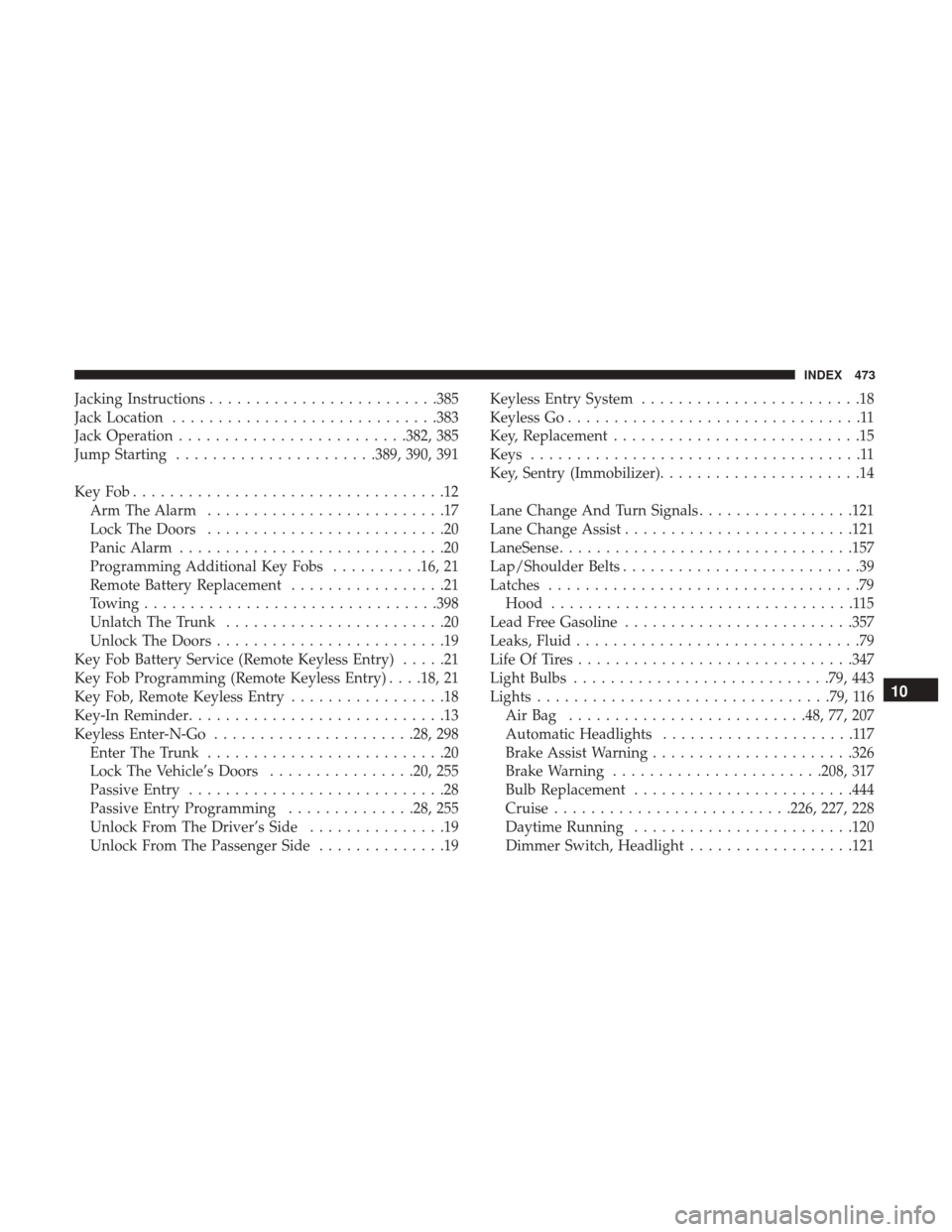
Jacking Instructions........................ .385
Jack Location ............................ .383
Jack Operation ........................ .382, 385
Jump Starting ..................... .389, 390, 391
KeyFob..................................12 Arm The Alarm ..........................17
Lock The Doors ..........................20
Panic Alarm .............................20
Programming Additional Key Fobs ..........16, 21
Remote Battery Replacement .................21
Towing ............................... .398
Unlatch The Trunk ........................20
Unlock The Doors .........................19
Key Fob Battery Service (Remote Keyless Entry) .....21
Key Fob Programming (Remote Keyless Entry) . . . .18, 21
Key Fob, Remote Keyless Entry .................18
Key-In Reminder ............................13
Keyless Enter-N-Go ..................... .28, 298
Enter The Trunk ..........................20
Lock The Vehicle’s Doors ................20, 255
Passive Entry ............................28
Passive Entry Programming ..............28, 255
Unlock From The Driver’s Side ...............19
Unlock From The Passenger Side ..............19Keyless Entry System
........................18
Keyless Go ................................11
Key, Replacement ...........................15
Keys ....................................11
Key, Sentry (Immobilizer) ......................14
Lane Change And Turn Signals .................121
Lane Change Assist ........................ .121
LaneSense ............................... .157
Lap/Shoulder Belts ..........................39
Latches ..................................79
Hood .................................115
Lead Free Gasoline ........................ .357
Leaks, Fluid ...............................79
Life Of Tires ............................. .347
Light Bulbs ............................79, 443
Lights ............................... .79, 116
AirBag ......................... .48, 77, 207
Automatic Headlights .....................117
Brake Assist Warning ..................... .326
Brake W
arning .......................208, 317
Bulb Replacement ........................444
Cruise ..........................226, 227, 228
Daytime Running ........................120
Dimmer Switch, Headlight ..................121
10
INDEX 473
Page 476 of 488
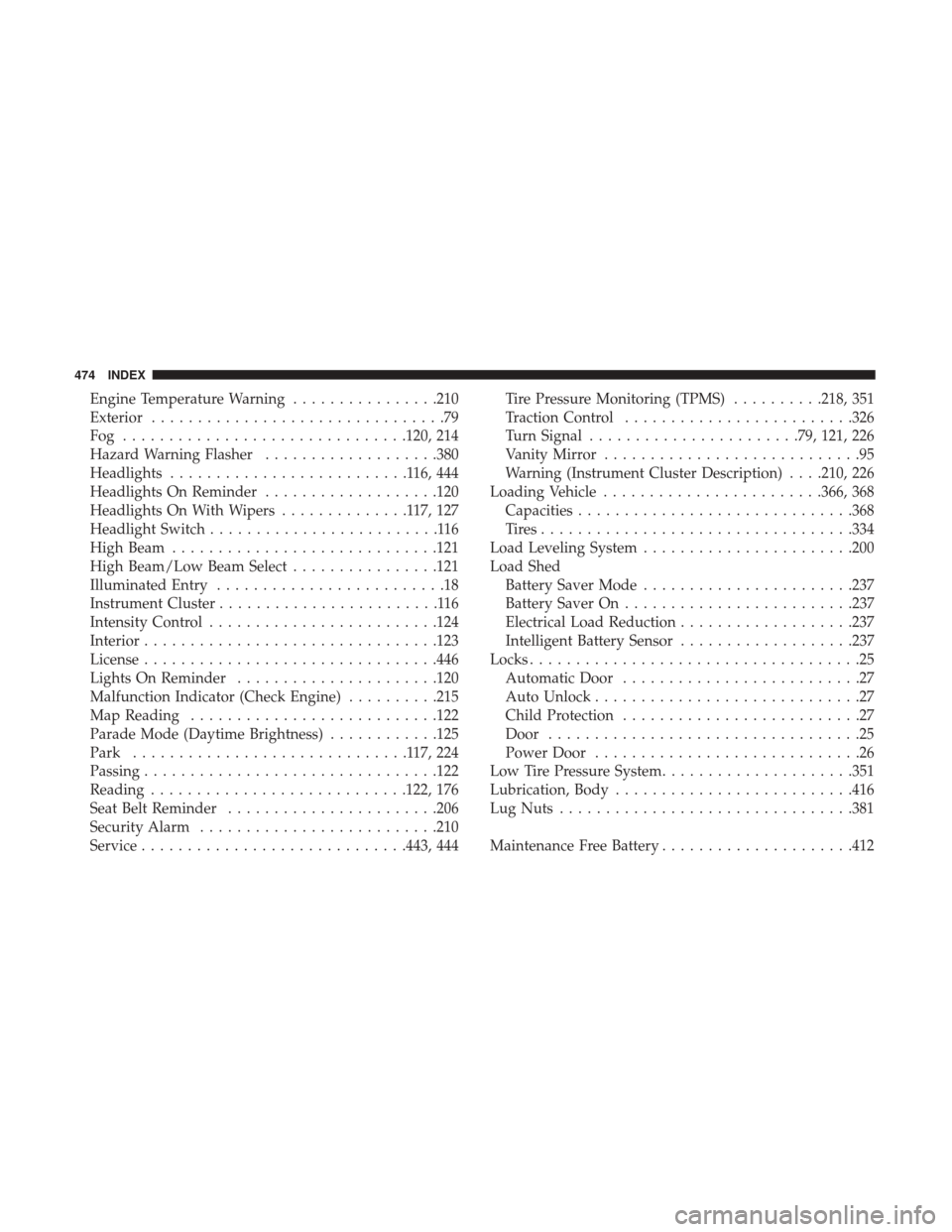
Engine Temperature Warning................210
Exterior ................................79
Fog ...............................120, 214
Hazard Warning Flasher ...................380
Headlights ..........................116,444
Headlights On Reminder ...................120
Headlights On With Wipers ..............117,127
Headlight Switch .........................116
High Beam ............................ .121
High Beam/Low Beam Select ................121
Illuminated Entry .........................18
Instrument Cluster ........................116
Intensity Control ........................ .124
Interior ............................... .123
License ............................... .446
Lights On Reminder ..................... .120
Malfunction Indicator (Check Engine) ..........215
Map Reading .......................... .122
Parade Mode (Daytime Brightness) ............125
Park ..............................117,224
Passing ............................... .122
Reading ............................122, 176
Seat Belt Reminder .......................206
Security Alarm ..........................210
Service ............................ .443, 444Tire Pressure Monitoring (TPMS)
..........218, 351
Traction Control ........................ .326
Turn Signal .......................79, 121, 226
Vanity Mirror ............................95
Warning (Instrument Cluster Description) . . . .210, 226
Loading Vehicle ........................366, 368
Capacities ............................. .368
Tires................................. .334
Load Leveling System .......................200
Load Shed Battery Saver Mode .......................237
Battery Saver On ........................ .237
Electrical Load Reduction ...................237
Intelligent Battery Sensor ...................237
Locks .................................... 2
5
Automatic Door ..........................27
Auto Unlock .............................27
Child Protection ..........................27
Door ..................................25
Power Door .............................26
Low Tire Pressure System .....................351
Lubrication, Body ..........................416
Lug Nuts ............................... .381
Maintenance Free Battery .....................412
474 INDEX