audio CHRYSLER 300 2017 2.G User Guide
[x] Cancel search | Manufacturer: CHRYSLER, Model Year: 2017, Model line: 300, Model: CHRYSLER 300 2017 2.GPages: 488, PDF Size: 4.3 MB
Page 241 of 488
•The battery was recently replaced and was not charged
completely.
• The battery was discharged by an electrical load left on
when the vehicle was parked.
• The battery was used for an extended period with the
engine not running to supply radio, lights, chargers,
+12V portable appliances like vacuum cleaners, game
consoles and similar devices.
What to do when an electrical load reduction action
message is present (“Battery Saver On” or “Battery Saver
Mode”)
During a trip:
• Reduce power to unnecessary loads if possible:
– Turn off redundant lights (interior or exterior)
– Check what may be plugged in to power outlets +12V, 115V AC, USB ports
– Check HVAC settings (blower, temperature)
– Check the audio settings (volume) After a trip:
•
Check if any aftermarket equipment was installed (ad-
ditional lights, upfitter electrical accessories, audio sys-
tems, alarms) and review specifications if any (load and
Ignition Off Draw currents).
• Evaluate the latest driving cycles (distance, driving time
and parking time).
• The vehicle should have service performed if the mes-
sage is still present during consecutive trips and the
evaluation of the vehicle and driving pattern did not
help to identify the cause.
CYBERSECURITY
Your vehicle may be a connected vehicle and may be
equipped with both wired and wireless networks. These
networks allow your vehicle to send and receive informa-
tion. This information allows systems and features in your
vehicle to function properly.
Your vehicle may be equipped with certain security fea-
tures to reduce the risk of unauthorized and unlawful
access to vehicle systems and wireless communications.
Vehicle software technology continues to evolve over time
and FCA US LLC, working with its suppliers, evaluates
4
UNDERSTANDING YOUR INSTRUMENT PANEL 239
Page 245 of 488
Buttons On The Faceplate
Buttons on the faceplate are located below the Uconnect
system in the center of the instrument panel. In addition,
there is a scroll/enter control knob located on the right
side. Turn the control knob to scroll through menus and
change settings (i.e., 30, 60, 90), push the center of the
control knob one or more times to select or change a setting
(i.e., ON, OFF).
Your Uconnect system may also have a screen off and back
buttons on the faceplate.
Push the screen off button on the faceplate to turn off the
Uconnect screen. Push the screen off button on the face-
plate a second time to turn the screen on.
Push the back button on the faceplate to exit out of a menu
or certain option on the Uconnect system.
Buttons On The Touchscreen
Buttons on the touchscreen are accessible on the Radio
Touchscreen.
CAUTION!
Do not attach any object to touchscreen, doing so can
result in damage to the touchscreen.
Customer Programmable Features — Uconnect 8.4
Settings
Press the “Apps” button, and then press the “Set-
tings” button on the touchscreen to display the menu
setting screen. In this mode, the Uconnect system allows
you to access programmable features that may be
equipped such as Display, Language, Units, Voice,
Clock, Safety & Driving Assistance, Lights, Doors &
Locks, Auto-On Comfort, Engine Off Options, Audio,
Phone, SiriusXM Setup, Restore Settings, Clear Personal
Data and System Information.
NOTE:
• Only one touchscreen area may be selected at a time.
• Depending on the vehicles options, feature settings may
vary.
When making a selection, press the button on the touch-
screen to enter the desired mode. Once in the desired
mode, press and release the preferred setting “option” until
a check-mark appears next to the setting, showing that
setting has been selected. Once the setting is complete,
either press the back arrow button on the touchscreen to
return to the previous menu, or press the “X” button on the
touchscreen to close out of the settings screen. Pressing the
4
UNDERSTANDING YOUR INSTRUMENT PANEL 243
Page 261 of 488
Audio
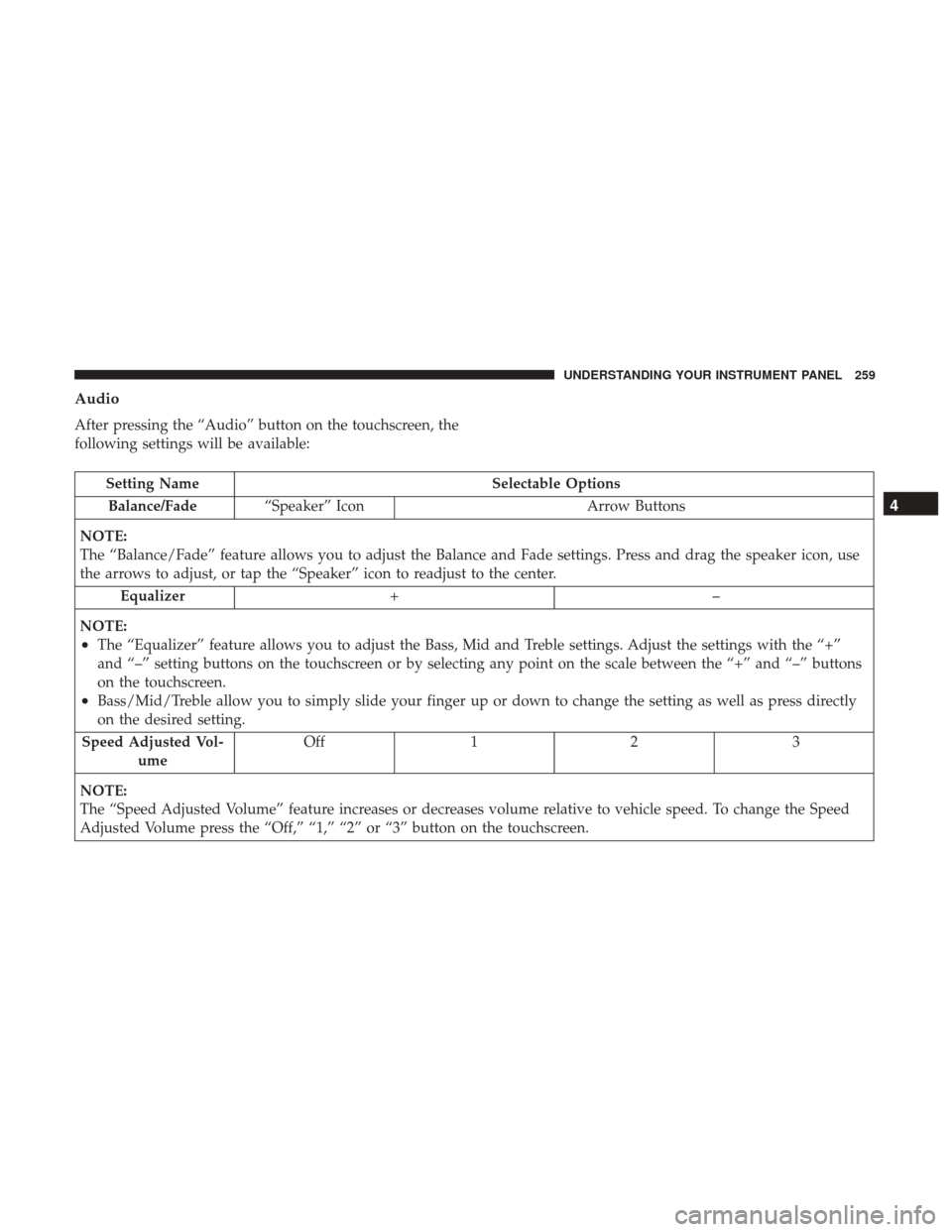
After pressing the “Audio” button on the touchscreen, the
following settings will be available:
Setting NameSelectable Options
Balance/Fade “Speaker” Icon Arrow Buttons
NOTE:
The “Balance/Fade” feature allows you to adjust the Balance and Fade settings. Press and drag the speaker icon, use
the arrows to adjust, or tap the “Speaker” icon to readjust to the center. Equalizer +–
NOTE:
•The “Equalizer” feature allows you to adjust the Bass, Mid and Treble settings. Adjust the settings with the “+”
and “–” setting buttons on the touchscreen or by selecting any point on the scale between the “+” and “–” buttons
on the touchscreen.
•Bass/Mid/Treble allow you to simply slide your finger up or down to change the setting as well as press directly
on the desired setting.
Speed Adjusted Vol- ume Off 1 2 3
NOTE:
The “Speed Adjusted Volume” feature increases or decreases volume relative to vehicle speed. To change the Speed
Adjusted Volume press the “Off,” “1,” “2” or “3” button on the touchscreen.
4
UNDERSTANDING YOUR INSTRUMENT PANEL 259
Page 262 of 488
Setting NameSelectable Options
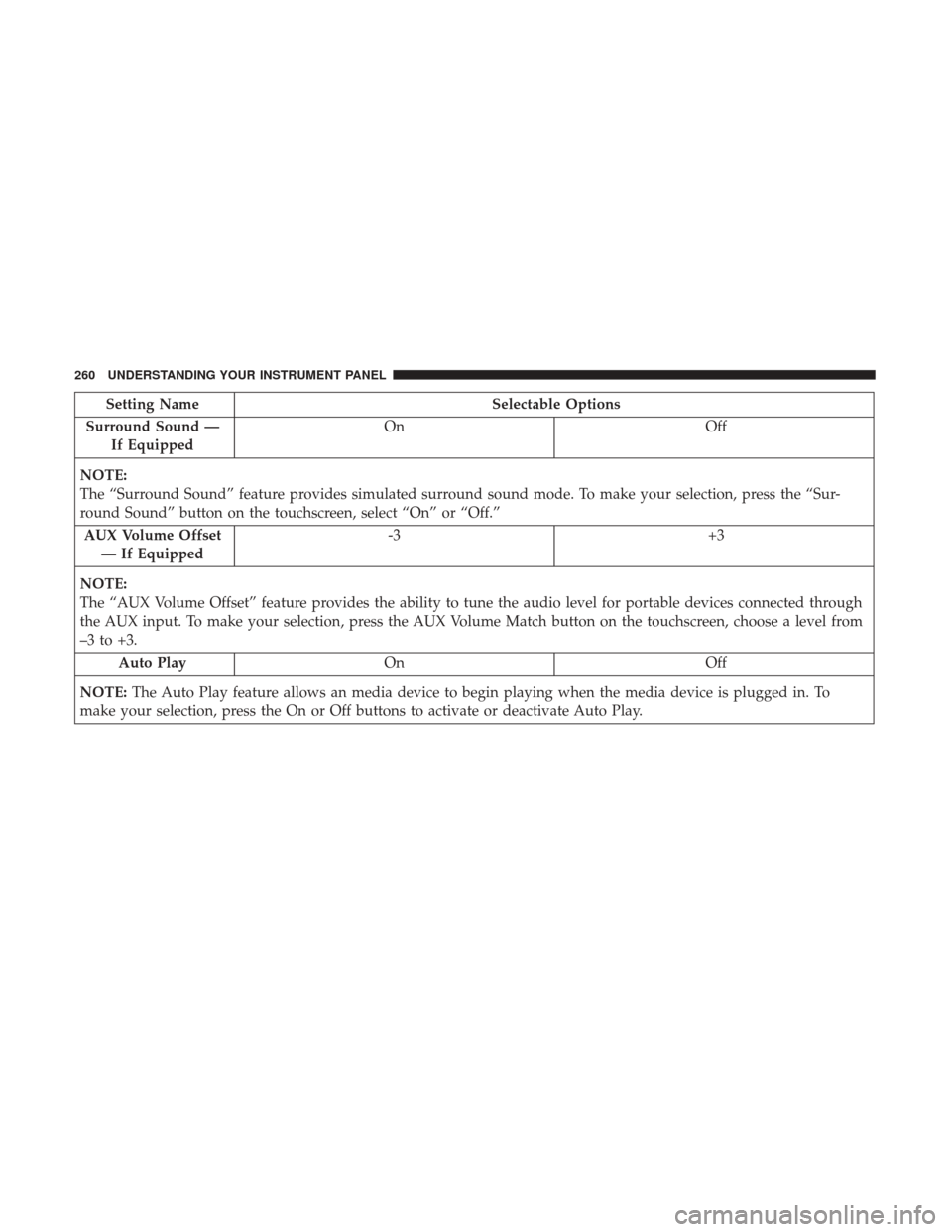
Surround Sound — If Equipped On
Off
NOTE:
The “Surround Sound” feature provides simulated surround sound mode. To make your selection, press the “Sur-
round Sound” button on the touchscreen, select “On” or “Off.” AUX Volume Offset — If Equipped -3
+3
NOTE:
The “AUX Volume Offset” feature provides the ability to tune the audio level for portable devices connected through
the AUX input. To make your selection, press the AUX Volume Match button on the touchscreen, choose a level from
–3 to +3. Auto Play On Off
NOTE: The Auto Play feature allows an media device to begin playing when the media device is plugged in. To
make your selection, press the On or Off buttons to activate or deactivate Auto Play.
260 UNDERSTANDING YOUR INSTRUMENT PANEL
Page 263 of 488
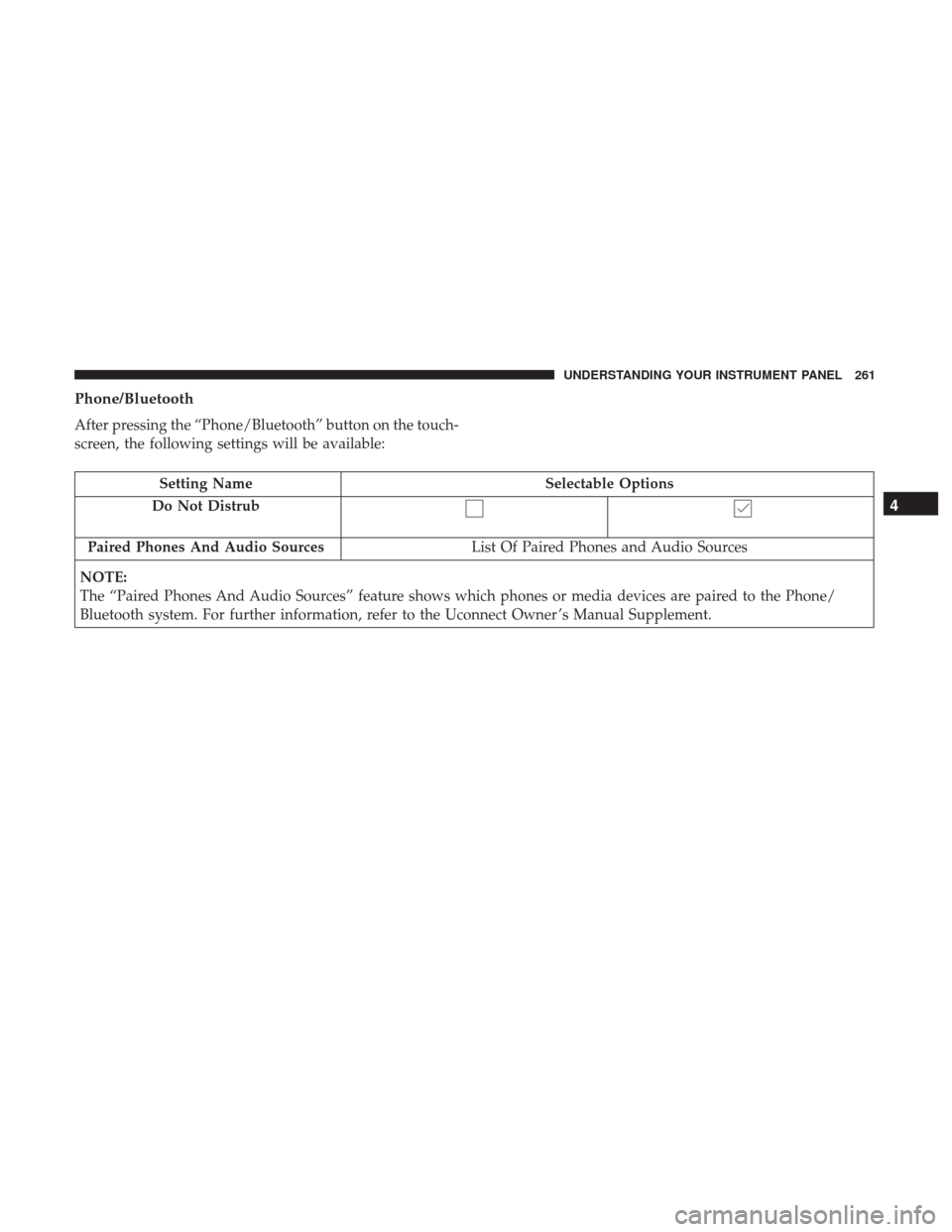
Phone/Bluetooth
After pressing the “Phone/Bluetooth” button on the touch-
screen, the following settings will be available:
Setting NameSelectable Options
Do Not Distrub
Paired Phones And Audio Sources List Of Paired Phones and Audio Sources
NOTE:
The “Paired Phones And Audio Sources” feature shows which phones or media devices are paired to the Phone/
Bluetooth system. For further information, refer to the Uconnect Owner ’s Manual Supplement.
4
UNDERSTANDING YOUR INSTRUMENT PANEL 261
Page 268 of 488
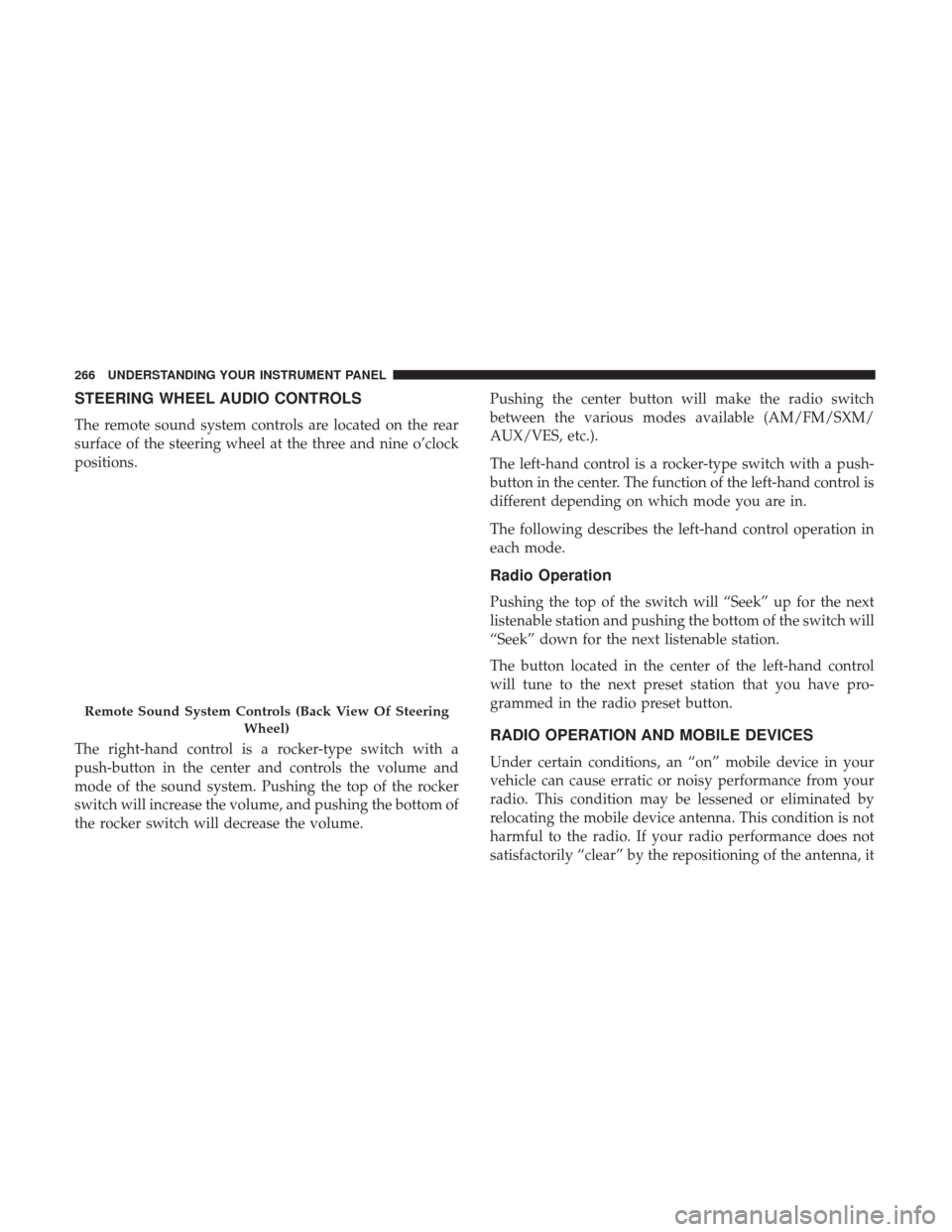
STEERING WHEEL AUDIO CONTROLS
The remote sound system controls are located on the rear
surface of the steering wheel at the three and nine o’clock
positions.
The right-hand control is a rocker-type switch with a
push-button in the center and controls the volume and
mode of the sound system. Pushing the top of the rocker
switch will increase the volume, and pushing the bottom of
the rocker switch will decrease the volume.Pushing the center button will make the radio switch
between the various modes available (AM/FM/SXM/
AUX/VES, etc.).
The left-hand control is a rocker-type switch with a push-
button in the center. The function of the left-hand control is
different depending on which mode you are in.
The following describes the left-hand control operation in
each mode.
Radio Operation
Pushing the top of the switch will “Seek” up for the next
listenable station and pushing the bottom of the switch will
“Seek” down for the next listenable station.
The button located in the center of the left-hand control
will tune to the next preset station that you have pro-
grammed in the radio preset button.
RADIO OPERATION AND MOBILE DEVICES
Under certain conditions, an “on” mobile device in your
vehicle can cause erratic or noisy performance from your
radio. This condition may be lessened or eliminated by
relocating the mobile device antenna. This condition is not
harmful to the radio. If your radio performance does not
satisfactorily “clear” by the repositioning of the antenna, it
Remote Sound System Controls (Back View Of Steering
Wheel)
266 UNDERSTANDING YOUR INSTRUMENT PANEL
Page 481 of 488
Sentry Key Replacement......................15
Service Assistance ..........................460
Service Contract .......................... .462
Service Manuals .......................... .464
Setting The Clock ..........................241
Shifting .................................300
Automatic Transmission ................300, 302
Shoulder Belts .............................39
Side View Mirror Adjustment ...................91
Signals, Turn ........................79, 121, 226
SiriusXM Guardian Mobile App ............................288
Vehicle Health Alert .......................287
Snow Chains (Tire Chains) ....................348
Snow Tires ...............................342
Spare Tire ..................... .343, 344, 345, 383
Spark Plugs ........................449, 450, 451
Specifications Fuel (Gasoline) ....................449, 450, 451
Oil ............................449, 450, 451
Speed Control Accel/Decel ........................ .133, 134
Accel/Decel (ACC Only) ...................143
Cancel ............................... .133
Set ...................................133 Speed Control (Cruise Control)
..............132, 135
Sport Mode ...............................311
Starting ...............................22, 297
Automatic Transmission ....................297
Cold Weather .......................... .299
Engine Fails To Start ..................... .299
Remote ................................22
Starting And Operating ..................... .297
Starting Procedures ........................ .297
Steering Column Controls ........................ .121
Column Lock .......................... .129
Power ............................... .315
Tilt Column ........................ .129, 130
Wheel, Heated ..........................131
Wheel,
Tilt ..........................129, 130
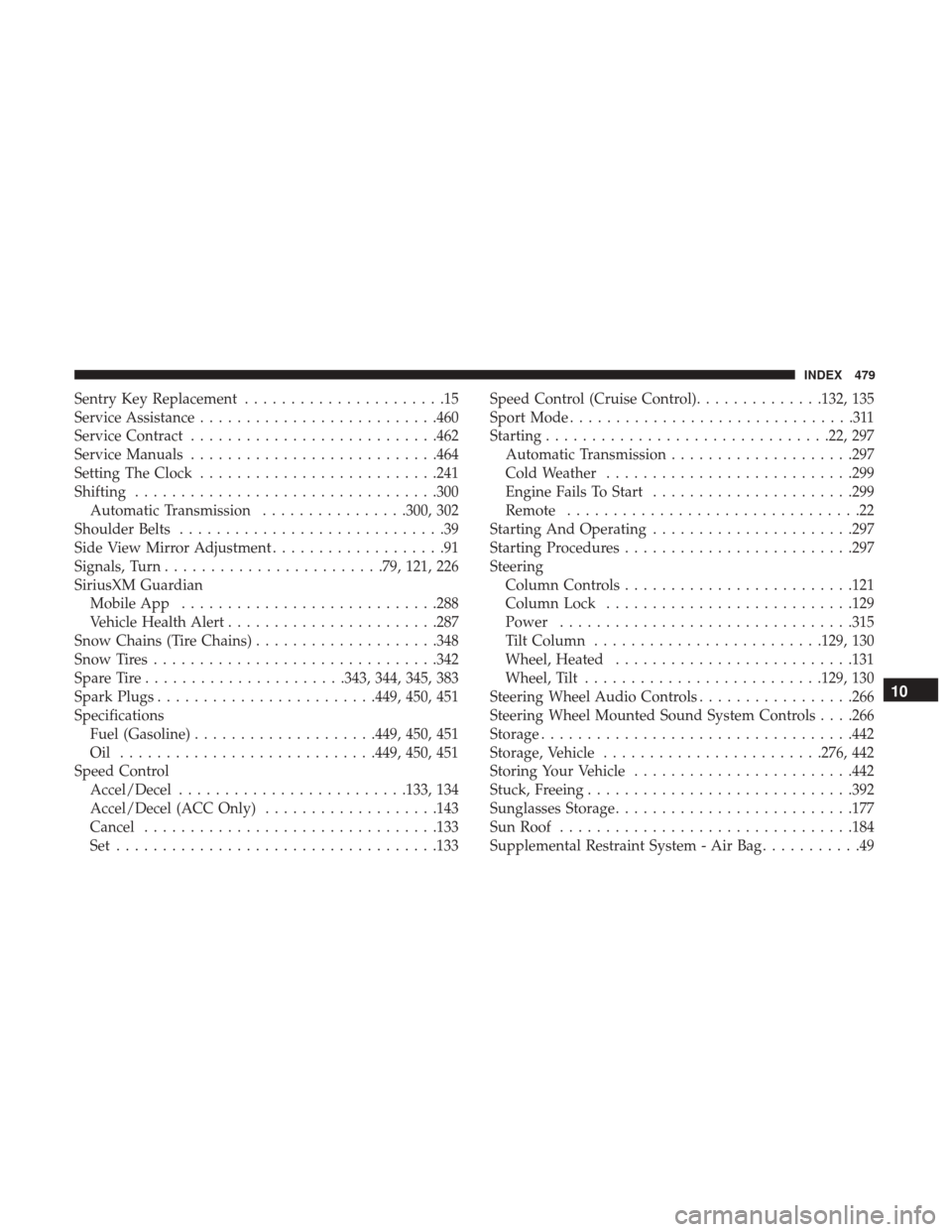
Steering Wheel Audio Controls .................266
Steering Wheel Mounted Sound System Controls . . . .266
Storage ................................. .442
Storage, Vehicle ........................276, 442
Storing Your Vehicle ........................442
Stuck, Freeing ............................ .392
Sunglasses Storage ..........................177
Sun Roof ............................... .184
Supplemental Restraint System - Air Bag ...........49
10
INDEX 479