ESP CHRYSLER 300 2017 2.G Owners Manual
[x] Cancel search | Manufacturer: CHRYSLER, Model Year: 2017, Model line: 300, Model: CHRYSLER 300 2017 2.GPages: 488, PDF Size: 4.3 MB
Page 2 of 488

VEHICLES SOLD IN CANADA
With respect to any Vehicles Sold in Canada, the name FCA
US LLC shall be deemed to be deleted and the name FCA
Canada Inc. used in substitution therefore.
DRIVING AND ALCOHOL
Drunken driving is one of the most frequent causes of
accidents.
Your driving ability can be seriously impaired with blood
alcohol levels far below the legal minimum. If you are
drinking, don’t drive. Ride with a designated non-
drinking driver, call a cab, a friend, or use public trans-
portation.
WARNING!
Driving after drinking can lead to an accident.
Your perceptions are less sharp, your reflexes are
slower, and your judgment is impaired when you
have been drinking. Never drink and then drive.
This manual illustrates and describes the operation of
features and equipment that are either standard or op-
tional on this vehicle. This manual may also include a
description of features and equipment that are no longer
available or were not ordered on this vehicle. Please
disregard any features and equipment described in this
manual that are not on this vehicle.
FCA US LLC reserves the right to make changes in design
and specifications, and/or make additions to or improve-
ments to its products without imposing any obligation
upon itself to install them on products previously manu-
factured.
Copyright © 2016 FCA US LLC
Page 16 of 488
WARNING!(Continued)
could be seriously or fatally injured. Children
should be warned not to touch the parking brake,
brake pedal or the gear selector.
• Do not leave the key fob in or near the vehicle, or in
a location accessible to children, and do not leave the
ignition of a vehicle equipped with Keyless Enter-
N-Go in the ACC or ON/RUN mode. A child could
operate power windows, other controls, or move the
vehicle.
• Do not leave children or animals inside parked
vehicles in hot weather. Interior heat build-up may
cause serious injury or death.
CAUTION!
An unlocked vehicle is an invitation. Always remove
the key fobs from vehicle, place the ignition in the OFF
position and lock all doors when leaving the vehicle
unattended.
General Information
The following regulatory statement applies to all Radio
Frequency (RF) devices equipped in this vehicle:
This device complies with Part 15 of the FCC Rules and
with Industry Canada license-exempt RSS standard(s).
Operation is subject to the following two conditions:
1. This device may not cause harmful interference, and
2. This device must accept any interference received, in-
cluding interference that may cause undesired opera-
tion.
NOTE: Changes or modifications not expressly approved
by the party responsible for compliance could void the
user ’s authority to operate the equipment.
SENTRY KEY
The Sentry Key Immobilizer system prevents unauthorized
vehicle operation by disabling the engine. The system does
not need to be armed or activated. Operation is automatic,
regardless of whether the vehicle is locked or unlocked.
14 THINGS TO KNOW BEFORE STARTING YOUR VEHICLE
Page 18 of 488
NOTE:Duplication of key fobs may be performed at an
authorized dealer. This procedure consists of programming
a blank key fob to the vehicle electronics. A blank key fob
is one that has never been programmed.
When having the Sentry Key Immobilizer System serviced,
bring all vehicle keys with you to an authorized dealer.
Customer Key Fob Programming
Programming key fobs may be performed at an authorized
dealer.
General Information
The following regulatory statement applies to all radio
frequency (RF) devices equipped in this vehicle:
This device complies with Part 15 of the FCC Rules and
with Industry Canada license-exempt RSS standard(s).
Operation is subject to the following two conditions:
1. This device may not cause harmful interference, and
2. This device must accept any interference received, in- cluding interference that may cause undesired opera-
tion. NOTE:
Changes or modifications not expressly approved
by the party responsible for compliance could void the
user ’s authority to operate the equipment.
VEHICLE SECURITY ALARM — IF EQUIPPED
The vehicle security alarm monitors the vehicle doors for
unauthorized entry and the keyless push button ignition
for unauthorized operation. While the vehicle security
alarm is armed, interior switches for door locks and trunk
release are disabled. If something triggers the alarm, the
vehicle security alarm will provide the following audible
and visible signals: the horn will pulse, the park lamps
and/or turn signals will flash, and the vehicle security light
in the instrument cluster will flash.
Rearming Of The System
If something triggers the alarm, and no action is taken to
disarm it, the vehicle security alarm will turn the horn off
after 29 seconds, 5 seconds between cycles, up to 8 cycles if
the trigger remains active and then the vehicle security
alarm will rearm itself.
16 THINGS TO KNOW BEFORE STARTING YOUR VEHICLE
Page 21 of 488
NOTE:Driving at speeds 5 mph (8 km/h) and above
disables the system from responding to all key fob buttons.
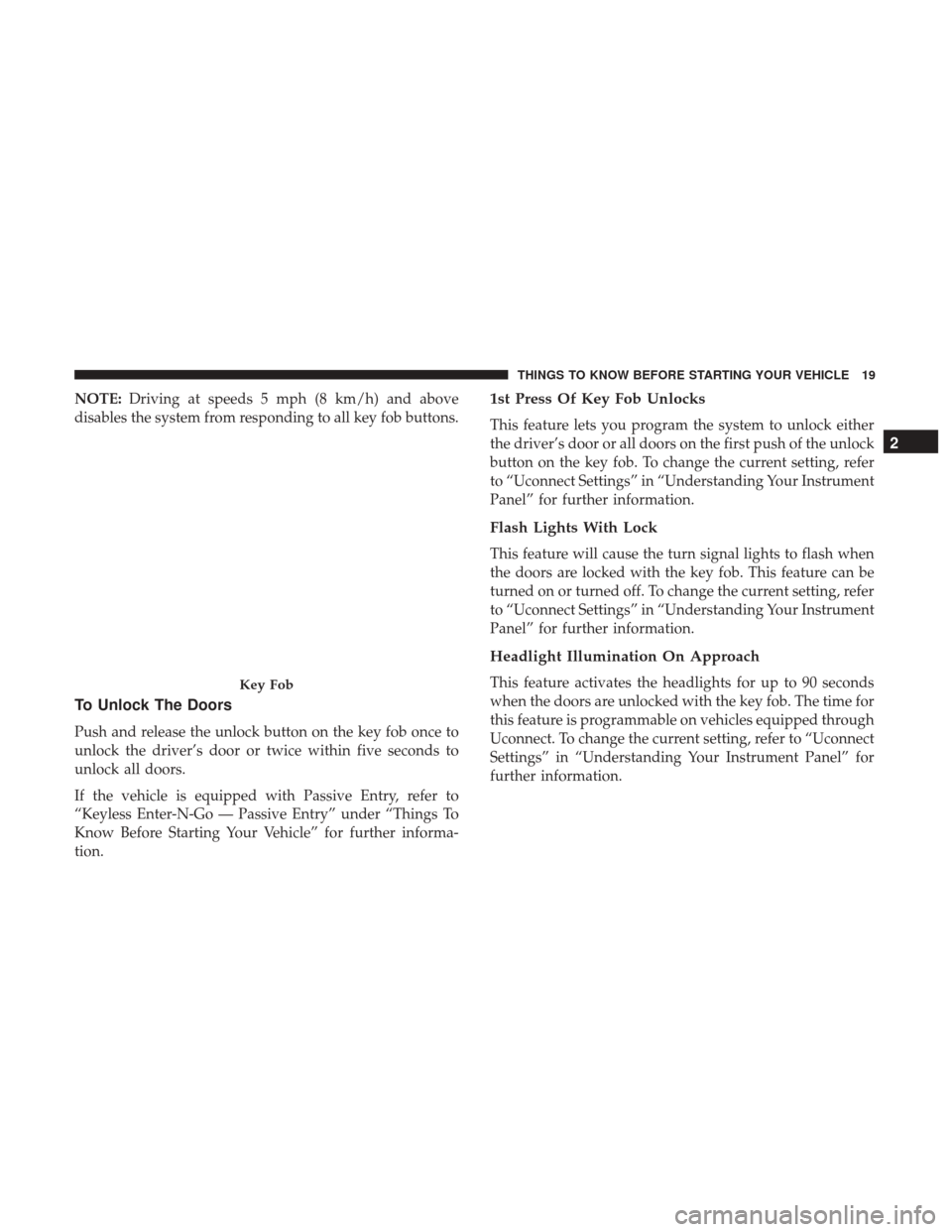
To Unlock The Doors
Push and release the unlock button on the key fob once to
unlock the driver’s door or twice within five seconds to
unlock all doors.
If the vehicle is equipped with Passive Entry, refer to
“Keyless Enter-N-Go — Passive Entry” under “Things To
Know Before Starting Your Vehicle” for further informa-
tion.
1st Press Of Key Fob Unlocks
This feature lets you program the system to unlock either
the driver’s door or all doors on the first push of the unlock
button on the key fob. To change the current setting, refer
to “Uconnect Settings” in “Understanding Your Instrument
Panel” for further information.
Flash Lights With Lock
This feature will cause the turn signal lights to flash when
the doors are locked with the key fob. This feature can be
turned on or turned off. To change the current setting, refer
to “Uconnect Settings” in “Understanding Your Instrument
Panel” for further information.
Headlight Illumination On Approach
This feature activates the headlights for up to 90 seconds
when the doors are unlocked with the key fob. The time for
this feature is programmable on vehicles equipped through
Uconnect. To change the current setting, refer to “Uconnect
Settings” in “Understanding Your Instrument Panel” for
further information.Key Fob
2
THINGS TO KNOW BEFORE STARTING YOUR VEHICLE 19
Page 24 of 488
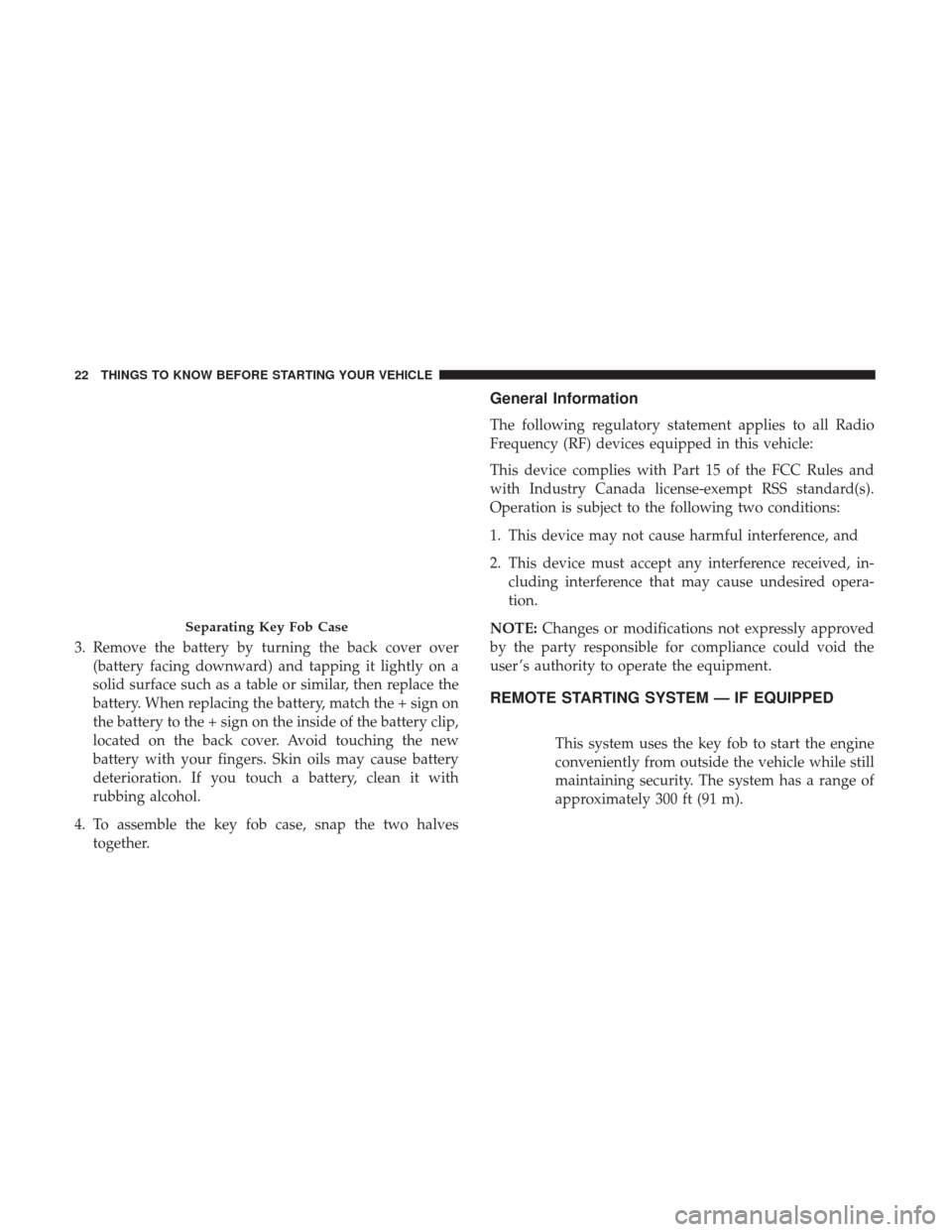
3. Remove the battery by turning the back cover over(battery facing downward) and tapping it lightly on a
solid surface such as a table or similar, then replace the
battery. When replacing the battery, match the + sign on
the battery to the + sign on the inside of the battery clip,
located on the back cover. Avoid touching the new
battery with your fingers. Skin oils may cause battery
deterioration. If you touch a battery, clean it with
rubbing alcohol.
4. To assemble the key fob case, snap the two halves together.
General Information
The following regulatory statement applies to all Radio
Frequency (RF) devices equipped in this vehicle:
This device complies with Part 15 of the FCC Rules and
with Industry Canada license-exempt RSS standard(s).
Operation is subject to the following two conditions:
1. This device may not cause harmful interference, and
2. This device must accept any interference received, in-cluding interference that may cause undesired opera-
tion.
NOTE: Changes or modifications not expressly approved
by the party responsible for compliance could void the
user ’s authority to operate the equipment.
REMOTE STARTING SYSTEM — IF EQUIPPED
This system uses the key fob to start the engine
conveniently from outside the vehicle while still
maintaining security. The system has a range of
approximately 300 ft (91 m).
Separating Key Fob Case
22 THINGS TO KNOW BEFORE STARTING YOUR VEHICLE
Page 27 of 488
•The gear selector is moved out of PARK.
• The brake pedal is pushed.
General Information
The following regulatory statement applies to all Radio
Frequency (RF) devices equipped in this vehicle:
This device complies with Part 15 of the FCC Rules and
with Industry Canada license-exempt RSS standard(s).
Operation is subject to the following two conditions:
1. This device may not cause harmful interference, and
2. This device must accept any interference received, in-
cluding interference that may cause undesired opera-
tion.
NOTE: Changes or modifications not expressly approved
by the party responsible for compliance could void the
user ’s authority to operate the equipment.
DOOR LOCKS
Manual Door Locks
To lock each door, push the door lock knob on each door
trim panel downward. To unlock the front doors, pull the inside door handle to the first detent. To unlock the rear
doors, pull the door lock knob on the door trim panel
upward.
If the door lock knob is down when you shut the door, the
door will lock. Therefore, make sure the key fob is not
inside the vehicle before closing the door.
WARNING!
•
For personal security and safety in the event of a
collision, lock the vehicle doors before you drive as
(Continued)
Door Lock Knob
2
THINGS TO KNOW BEFORE STARTING YOUR VEHICLE 25
Page 30 of 488
WARNING!
Avoid trapping anyone in a vehicle in a collision.
Remember that the rear doors can only be opened from
the outside when the Child-Protection locks are en-
gaged (locked).
NOTE: For emergency exit from the rear seats when the
Child-Protection Door Lock System is engaged, manually
raise the door lock knob to the unlocked position, roll
down the window, and open the door using the outside
door handle.
KEYLESS ENTER-N-GO — PASSIVE ENTRY
The Passive Entry system is an enhancement to the vehi-
cle’s Remote Keyless Entry system and a feature of Keyless
Enter-N-Go. This feature allows you to lock and unlock the
vehicle’s door(s) without having to push the key fob lock
or unlock buttons. NOTE:
•
Passive Entry may be programmed on or off. Refer to
“Uconnect Settings” in “Understanding Your Instrument
Panel” for further information.
• If wearing gloves on your hands, or if it has been
raining/snowing on the Passive Entry door handle, the
unlock sensitivity can be affected, resulting in a slower
response time.
• If the vehicle is unlocked by Passive Entry and no door
is opened within 60 seconds, the vehicle will re-lock and
arm the security alarm (if equipped).
• The key fob may not be able to be detected by the vehicle
passive entry system if it is located next to a mobile
phone, lap top or other electronic device; these devices
may block the key fob’s wireless signal and prevent the
passive entry handle from locking/unlocking the ve-
hicle.
To Unlock From The Driver’s Side
With a valid Passive Entry key fob within 5 ft (1.5 m) of the
driver’s door handle, grab the front driver door handle to
unlock the driver’s door automatically. The interior door
panel lock knob will raise when the door is unlocked.
28 THINGS TO KNOW BEFORE STARTING YOUR VEHICLE
Page 34 of 488
General Information
The following regulatory statement applies to all radio
frequency (RF) devices equipped in this vehicle:
This device complies with Part 15 of the FCC Rules and
with Industry Canada license-exempt RSS standard(s).
Operation is subject to the following two conditions:
1. This device may not cause harmful interference, and
2. This device must accept any interference received, in-cluding interference that may cause undesired opera-
tion.
NOTE: Changes or modifications not expressly approved
by the party responsible for compliance could void the
user ’s authority to operate the equipment.
WINDOWS
Power Windows
The window controls on the driver’s door control all the
door windows. There are single window controls on each passenger door
trim panel, which operate the passenger door windows.
The window controls will operate only when the ignition is
in the ACC or ON/RUN position.
NOTE:
For vehicles equipped with the Uconnect system,
the power window switches will remain active for up to
ten minutes after the ignition is placed in the OFF position.
Opening either front door will cancel this feature. The time
is programmable. Refer to “Uconnect Settings” in “Under-
standing Your Instrument Panel” for further information.
Power Window Switches
32 THINGS TO KNOW BEFORE STARTING YOUR VEHICLE
Page 58 of 488
Side Impacts
In side impacts, the side impact sensors aid the ORC in
determining the appropriate response to impact events.
The system is calibrated to deploy the Side Air Bags on the
impact side of the vehicle during impacts that require Side
Air Bag occupant protection. In side impacts, the Side Air
Bags deploy independently; a left side impact deploys the
left Side Air Bags only and a right side impact deploys the
right Side Air Bags only.
The Side Air Bags will not deploy in all side collisions,
including some collisions at certain angles, or some side
collisions that do not impact the area of the passenger
compartment. The Side Air Bags may deploy during
angled or offset frontal collisions where the front air bags
deploy.
Rollover Events
Side Air Bags are designed to activate in certain rollover
events. The ORC determines whether the deployment of
the Side Air Bags in a particular rollover event is appro-
priate, based on the severity and type of collision. Vehicle
damage by itself is not a good indicator of whether or not
Side Air Bags should have deployed.The Side Air Bags will not deploy in all rollover events. The
rollover sensing system determines if a rollover event may
be in progress and whether deployment is appropriate. In
the event the vehicle experiences a rollover or near rollover
event, and deployment of the Side Air Bags is appropriate,
the rollover sensing system will also deploy the seat belt
pretensioners on both sides of the vehicle.
The SABICs may help reduce the risk of partial or complete
ejection of vehicle occupants through side windows in
certain rollover or side impact events.
The Occupant Restraint Controller (ORC) monitors the
internal circuits and interconnecting wiring associated
with electrical Air Bag System Components listed below:
Air Bag System Components
•
Occupant Restraint Controller (ORC)
• Air Bag Warning Light
•Steering Wheel and Column
• Instrument Panel
• Knee Impact Bolsters
• Driver and Front Passenger Air Bags
• Supplemental Side Air Bags
56 THINGS TO KNOW BEFORE STARTING YOUR VEHICLE
Page 60 of 488
NOTE:
•Air bag covers may not be obvious in the interior trim,
but they will open during air bag deployment.
• After any collision, the vehicle should be taken to an
authorized dealer immediately.
Enhanced Accident Response System
In the event of an impact, if the communication network
remains intact, and the power remains intact, depending
on the nature of the event, the ORC will determine whether
to have the Enhanced Accident Response System perform
the following functions:
•Cut off fuel to the engine.
• Flash hazard lights as long as the battery has power or
until the hazard light button is pressed. The hazard
lights can be deactivated by pressing the hazard light
button.
• Turn on the interior lights, which remain on as long as
the battery has power.
• Unlock the power door locks.
Enhanced Accident Response System Reset
Procedure
In order to reset the Enhanced Accident Response System
functions after an event, the ignition switch must be
changed from ignition START or ON/RUN to ignition OFF.
Carefully check the vehicle for fuel leaks in the engine
compartment and on the ground near the engine compart-
ment and fuel tank before resetting the system and starting
the engine.
Maintaining Your Air Bag System
WARNING!
•Modifications to any part of the air bag system could
cause it to fail when you need it. You could be
injured if the air bag system is not there to protect
you. Do not modify the components or wiring, in-
cluding adding any kind of badges or stickers to the
steering wheel hub trim cover or the upper right side
of the instrument panel. Do not modify the front
bumper, vehicle body structure, or add aftermarket
side steps or running boards.
(Continued)
58 THINGS TO KNOW BEFORE STARTING YOUR VEHICLE