display CHRYSLER 300 2019 Owners Manual
[x] Cancel search | Manufacturer: CHRYSLER, Model Year: 2019, Model line: 300, Model: CHRYSLER 300 2019Pages: 492, PDF Size: 4.85 MB
Page 447 of 492
System Information
After pressing the “System Information” button on the touchscreen, the following settings will be available:
Setting NameSelectable Options
Software License System Software Information Screen
NOTE:
When the “System Information” feature is selected, a “System Software Information” screen will appear, displaying
the system software version.
STEERING WHEEL AUDIO CONTROLS
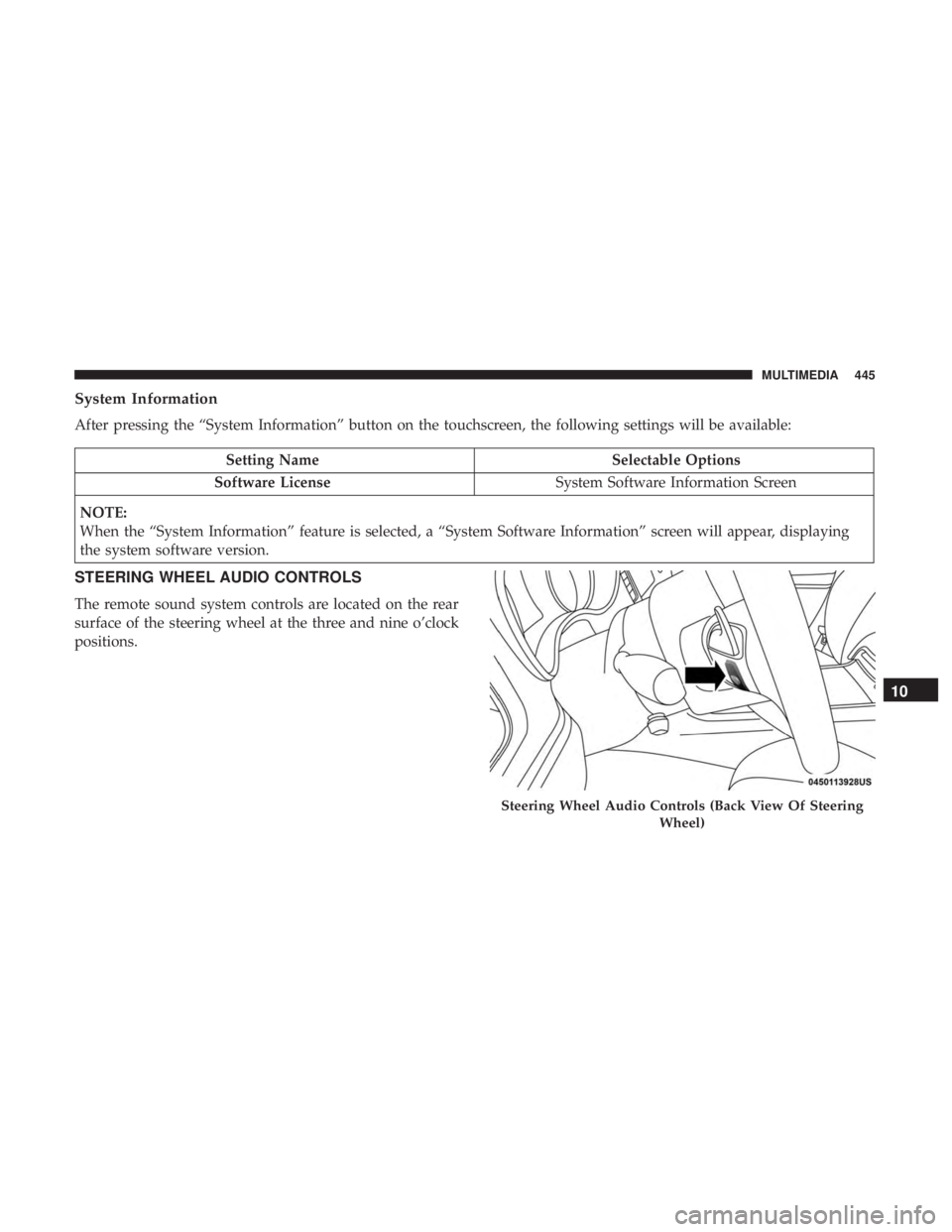
The remote sound system controls are located on the rear
surface of the steering wheel at the three and nine o’clock
positions.
Steering Wheel Audio Controls (Back View Of Steering Wheel)
10
MULTIMEDIA 445
Page 454 of 492
Media
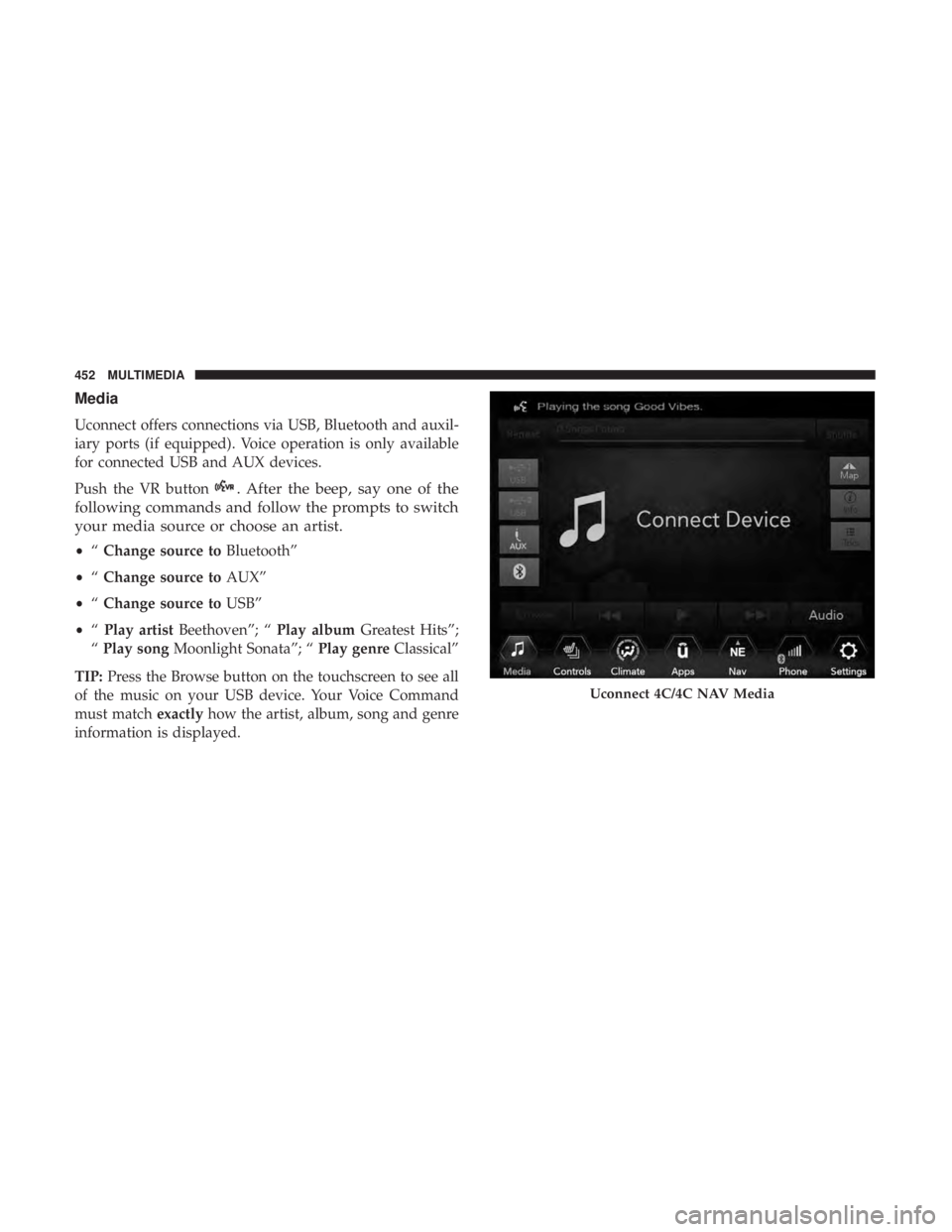
Uconnect offers connections via USB, Bluetooth and auxil-
iary ports (if equipped). Voice operation is only available
for connected USB and AUX devices.
Push the VR button
. After the beep, say one of the
following commands and follow the prompts to switch
your media source or choose an artist.
• “Change source to Bluetooth”
• “Change source to AUX”
• “Change source to USB”
• “Play artist Beethoven”; “ Play albumGreatest Hits”;
“ Play song Moonlight Sonata”; “ Play genreClassical”
TIP: Press the Browse button on the touchscreen to see all
of the music on your USB device. Your Voice Command
must match exactlyhow the artist, album, song and genre
information is displayed.
Uconnect 4C/4C NAV Media
452 MULTIMEDIA
Page 459 of 492
SiriusXM Guardian (4C/4C NAV) — If Equipped
CAUTION!
Some SiriusXM Guardian services, including SOS Call
and Roadside Assistance Call will NOT work without
an operable LTE (voice/data) or 3G or 4G (data) net-
work connection compatible with your device.NOTE:
Your vehicle may be transmitting data as autho-
rized by the subscriber.
An included trial and/or subscription is required to take
advantage of the SiriusXM Guardian services in the next
section of this guide. To register with SiriusXM Guardian,
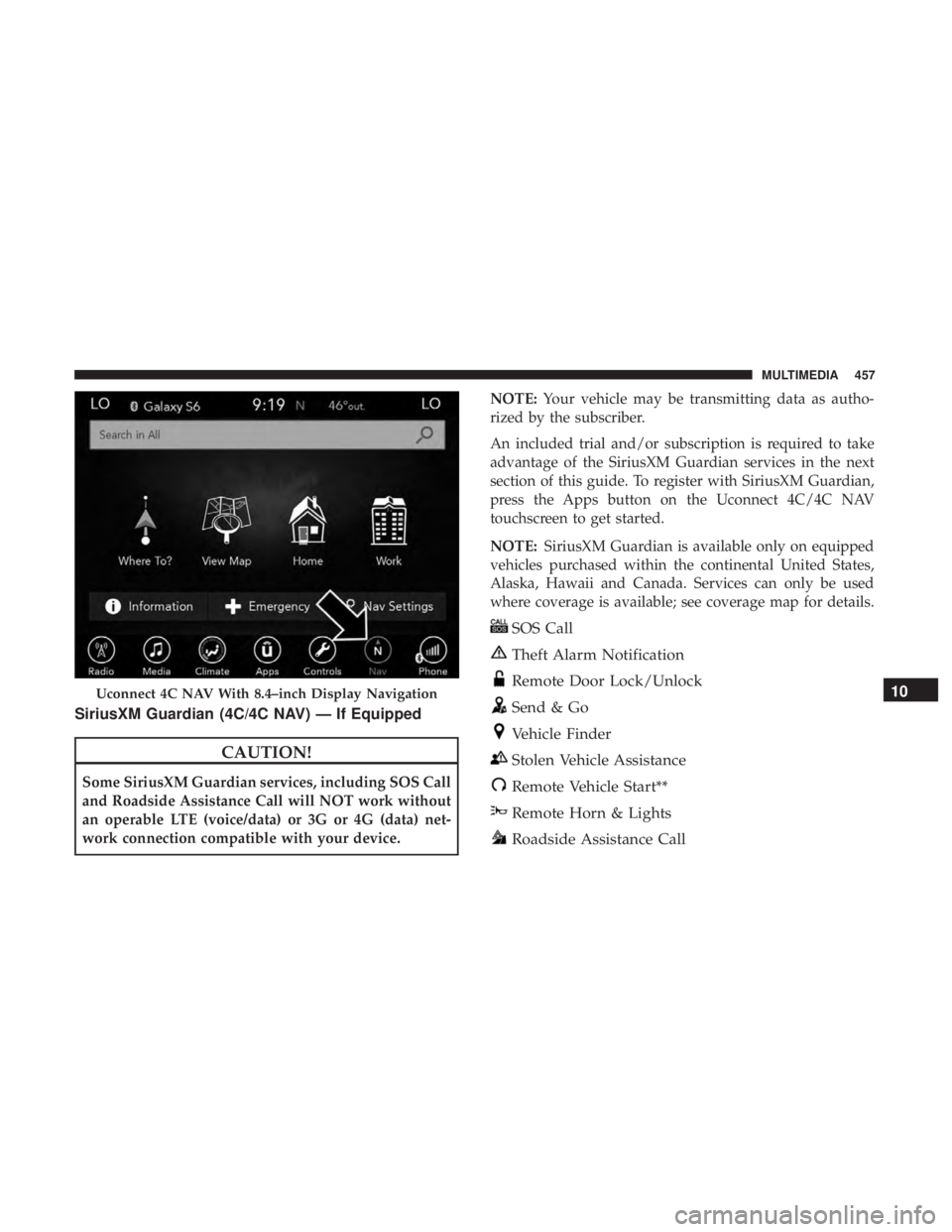
press the Apps button on the Uconnect 4C/4C NAV
touchscreen to get started.
NOTE: SiriusXM Guardian is available only on equipped
vehicles purchased within the continental United States,
Alaska, Hawaii and Canada. Services can only be used
where coverage is available; see coverage map for details.
SOS Call
Theft Alarm Notification
Remote Door Lock/Unlock
Send & Go
Vehicle Finder
Stolen Vehicle Assistance
Remote Vehicle Start**
Remote Horn & Lights
Roadside Assistance Call
Uconnect 4C NAV With 8.4–inch Display Navigation10
MULTIMEDIA 457
Page 462 of 492
Siri Eyes Free — If Equipped
Siri lets you use your voice to send text messages, select
media, place phone calls and much more. Siri uses your
natural language to understand what you mean and re-
sponds back to confirm your requests. The system is
designed to keep your eyes on the road and your hands on
the wheel by letting Siri help you perform useful tasks.
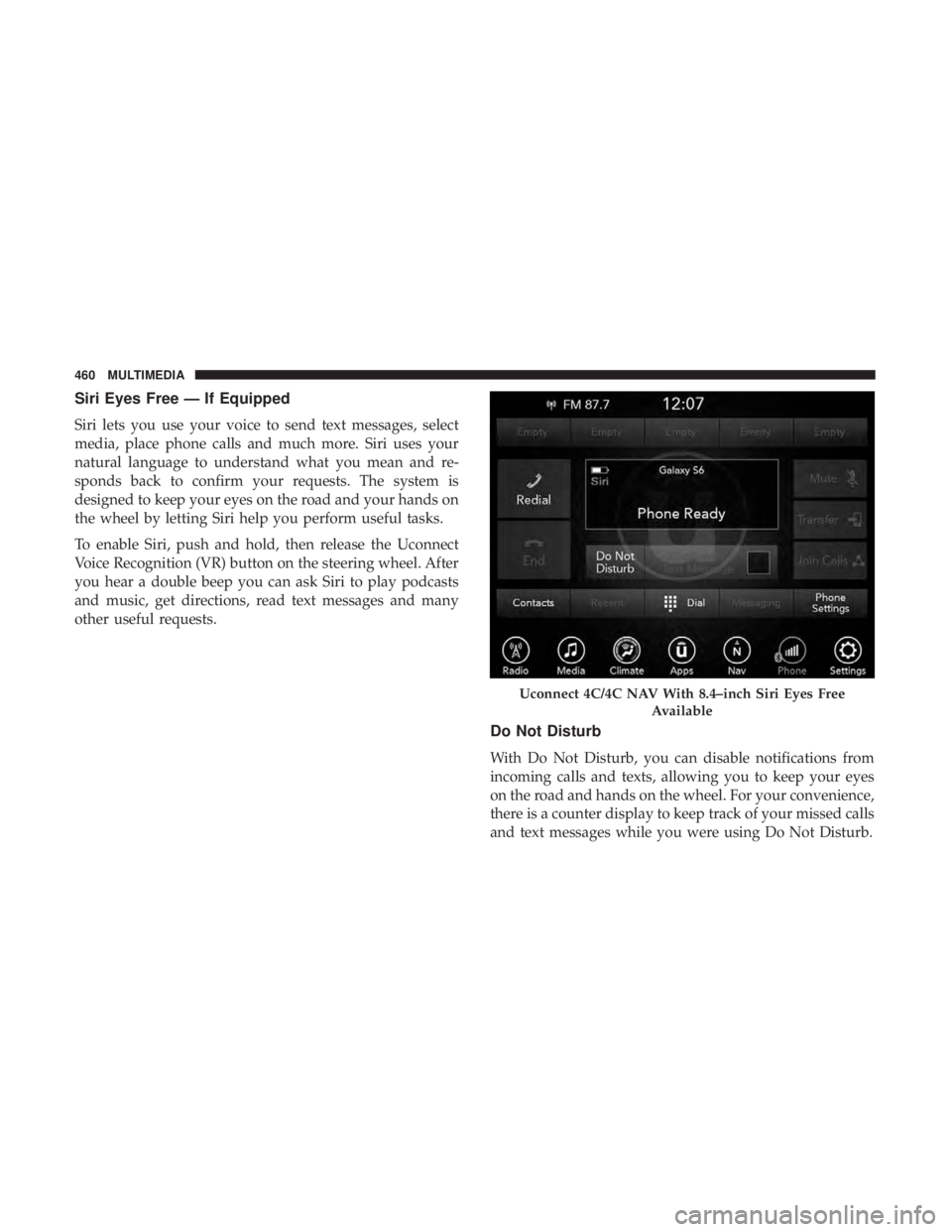
To enable Siri, push and hold, then release the Uconnect
Voice Recognition (VR) button on the steering wheel. After
you hear a double beep you can ask Siri to play podcasts
and music, get directions, read text messages and many
other useful requests.
Do Not Disturb
With Do Not Disturb, you can disable notifications from
incoming calls and texts, allowing you to keep your eyes
on the road and hands on the wheel. For your convenience,
there is a counter display to keep track of your missed calls
and text messages while you were using Do Not Disturb.
Uconnect 4C/4C NAV With 8.4–inch Siri Eyes FreeAvailable
460 MULTIMEDIA
Page 464 of 492
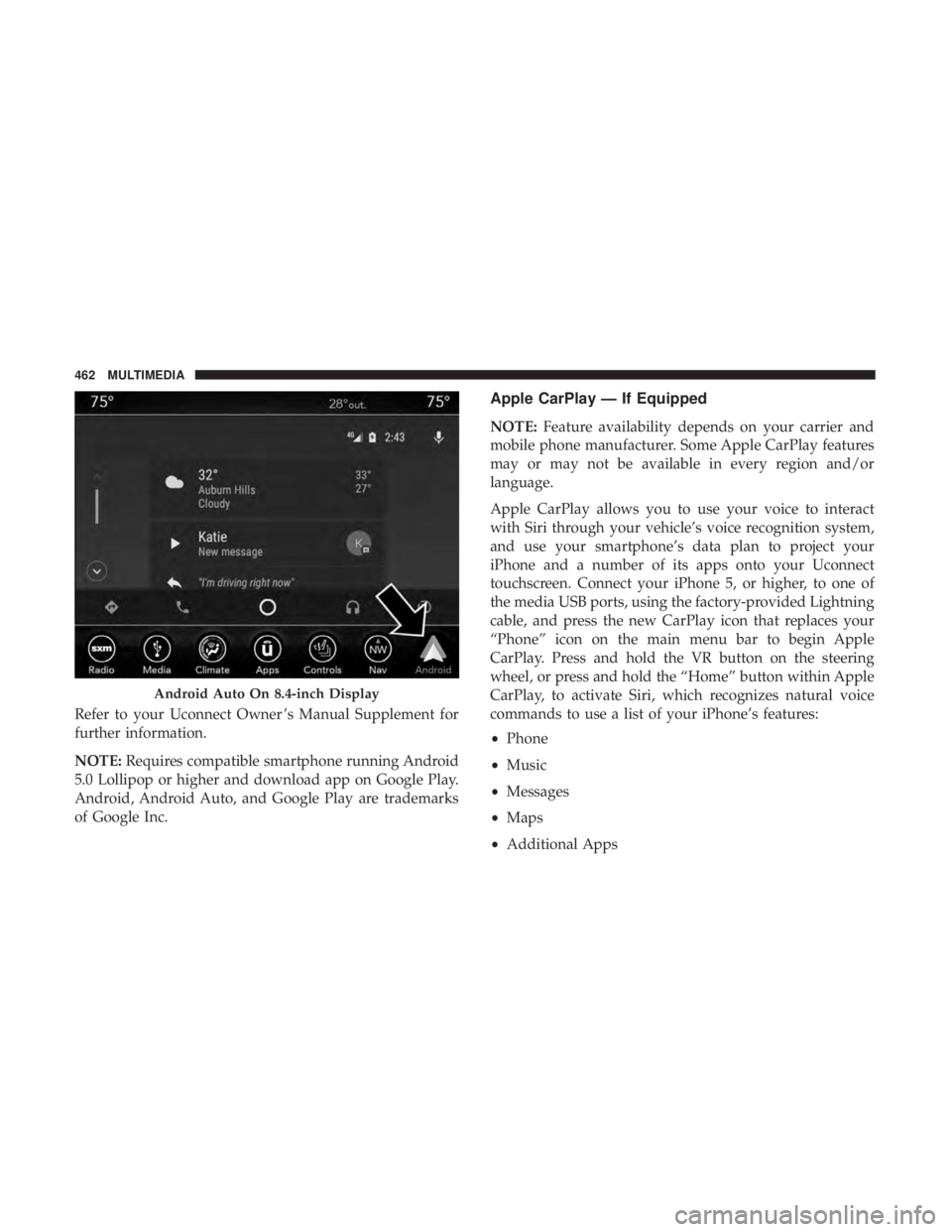
Refer to your Uconnect Owner ’s Manual Supplement for
further information.
NOTE:Requires compatible smartphone running Android
5.0 Lollipop or higher and download app on Google Play.
Android, Android Auto, and Google Play are trademarks
of Google Inc.
Apple CarPlay — If Equipped
NOTE: Feature availability depends on your carrier and
mobile phone manufacturer. Some Apple CarPlay features
may or may not be available in every region and/or
language.
Apple CarPlay allows you to use your voice to interact
with Siri through your vehicle’s voice recognition system,
and use your smartphone’s data plan to project your
iPhone and a number of its apps onto your Uconnect
touchscreen. Connect your iPhone 5, or higher, to one of
the media USB ports, using the factory-provided Lightning
cable, and press the new CarPlay icon that replaces your
“Phone” icon on the main menu bar to begin Apple
CarPlay. Press and hold the VR button on the steering
wheel, or press and hold the “Home” button within Apple
CarPlay, to activate Siri, which recognizes natural voice
commands to use a list of your iPhone’s features:
• Phone
• Music
• Messages
• Maps
• Additional Apps
Android Auto On 8.4-inch Display
462 MULTIMEDIA
Page 465 of 492
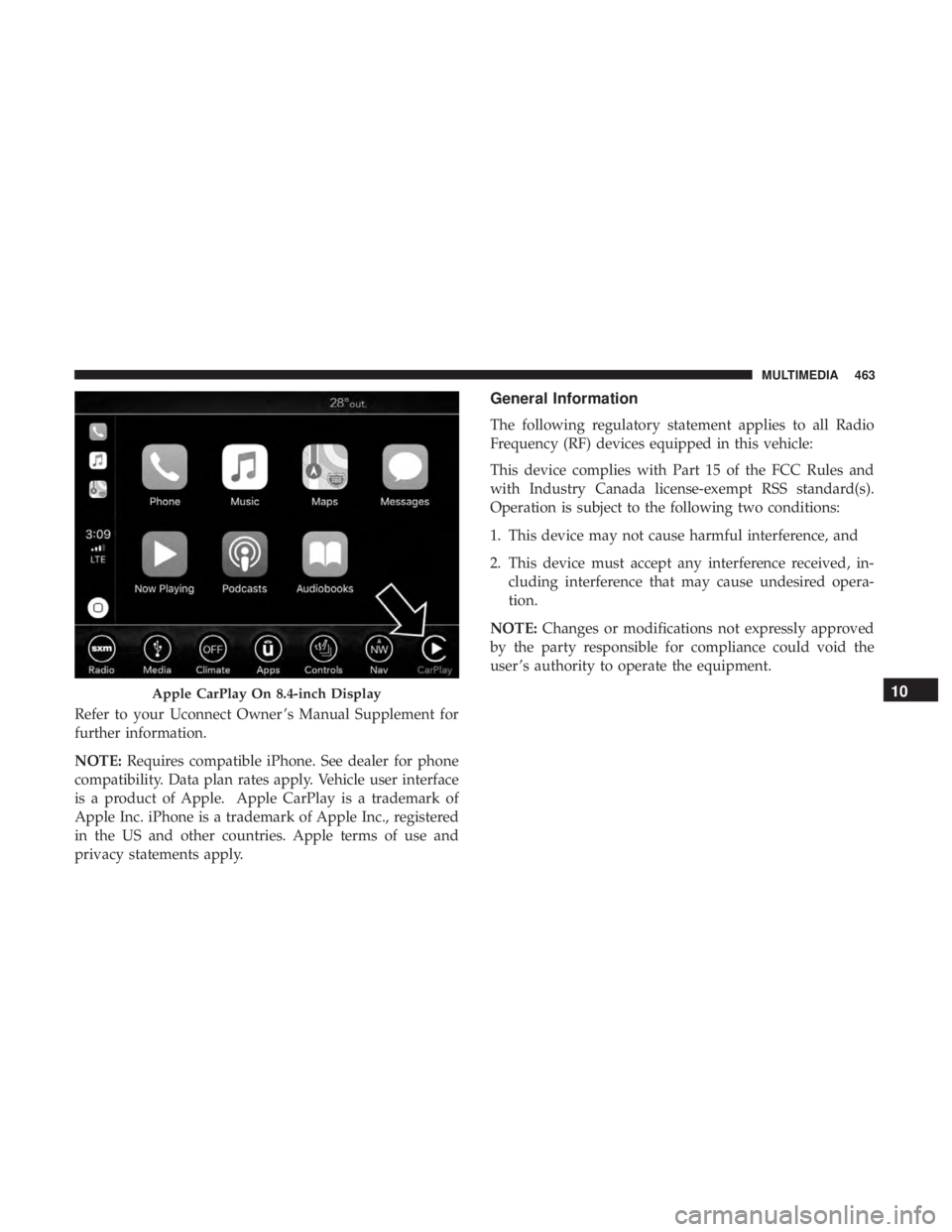
Refer to your Uconnect Owner ’s Manual Supplement for
further information.
NOTE:Requires compatible iPhone. See dealer for phone
compatibility. Data plan rates apply. Vehicle user interface
is a product of Apple. Apple CarPlay is a trademark of
Apple Inc. iPhone is a trademark of Apple Inc., registered
in the US and other countries. Apple terms of use and
privacy statements apply.
General Information
The following regulatory statement applies to all Radio
Frequency (RF) devices equipped in this vehicle:
This device complies with Part 15 of the FCC Rules and
with Industry Canada license-exempt RSS standard(s).
Operation is subject to the following two conditions:
1. This device may not cause harmful interference, and
2. This device must accept any interference received, in- cluding interference that may cause undesired opera-
tion.
NOTE: Changes or modifications not expressly approved
by the party responsible for compliance could void the
user ’s authority to operate the equipment.
Apple CarPlay On 8.4-inch Display10
MULTIMEDIA 463
Page 480 of 492
HazardDriving Through Flowing, Rising, Or Shallow Standing
Water ................................ .297
Hazard Warning Flashers .....................300
Headlights .............................. .307
Automatic ..............................68
Cleaning .............................. .398
High Beam/Low Beam Select Switch ...........67
Lights On Reminder .......................69
On With Wipers ..........................68
Passing ................................68
Switch .................................66
Time Delay ..............................69
Washers .............................. .350
Head Restraints ......................... .55, 56
Head Rests ............................ .55, 56
Heated Mirrors .............................64
Heater, Engine Block ....................... .225
High Beam/Low Beam Select (Dimmer) Switch ......67
Hill Start Assist ........................... .153
Hitches Trailer Towing .......................... .288
Holder, Coin ............................. .107
HomeLink (Garage Door Opener) ...............100
Hood Prop ................................94 Hood Release
..............................94
Ignition ..................................27
Switch .................................27
Inside Rearview Mirror ....................60, 300
Instrument Cluster ..................... .120, 121
Descriptions ........................... .141
Display ........................... .122, 125
Instrument Panel Lens Cleaning ................401
Interior Appearance Care .....................400
Interior Lights ..............................71
Intermittent Wipers (Delay Wipers) ...............76
Introduction ................................4
In Vehicle Help Vehicle User Guide ........................17
Jacking Instructions ........................ .324
Jack Location ............................ .321
Jack Operation ........................ .324, 373
Jump Starting ............................ .329
Key
Fob
Arm The System ..........................35
Panic Alarm .............................22
Programming Additional Key Fobs ..........26, 34
478 INDEX
Page 488 of 492
Hitches............................... .288
Minimum Requirements ....................291
Tips ................................. .295
Trailer And Tongue Weight ..................290
Wiring ............................... .293
Trailer Towing Guide ....................... .289
Trailer Weight ............................ .289
Transfer Case Fluid .......................... .372, 415, 417
Maintenance ........................... .372
Transmission ............................. .230
Automatic ......................... .230, 371
Fluid ............................. .415, 417
Maintenance ........................... .371
Shifting .............................. .228
Transporting Pets ......................... .212
Tread Wear Indicators ...................... .387
Trunk Lid (Deck Lid) .........................95
Trunk Release Remote Control ..................95
Turn Signals ........................... .70, 141
Uconnect Uconnect Settings .................21, 22, 33, 423
Uconnect 4C/4C Nav With 8.4-Inch Display ........424Uconnect Settings
Customer Programmable Features ........33, 39, 423
Passive Entry Programming ..................39
Uniform Tire Quality Grades ..................396
Universal Garage Door Opener (HomeLink) ........100
Universal Transmitter ....................... .100
Unleaded Gasoline ........................ .407
Untwisting Procedure, Seat Belt ................179
USB................................... .447
Vanity Mirrors .............................65
Vehicle Certification Label ....................285
Vehicle Identification Number (VIN) .............405
Vehicle Loading .....................285, 286, 380
Vehicle Modifications/Alterations .................5
Vehicle Security Alarm ........................35
Vehicle Storage ......................... .86,
397
Vehicle User Guide In Vehicle Help ...........................17
Navigation ..............................17
Operating Instructions ......................17
Searching User Guide ......................17
Viscosity, Engine Oil .....................353, 354
Voice Command .......................... .449
486 INDEX