center console CHRYSLER 300 C 2008 1.G User Guide
[x] Cancel search | Manufacturer: CHRYSLER, Model Year: 2008, Model line: 300 C, Model: CHRYSLER 300 C 2008 1.GPages: 520, PDF Size: 5.43 MB
Page 290 of 520

The operator can override the AUTO mode setting to
change airflow distribution by rotating the Mode Control
knob (on the right) to one of the following positions.
•Defrost
Air is directed to the windshield through the
outlets at the base of the windshield. Air is also
directed to the front door windows through the side
window demister grilles.
•Defrost/Floor
Air flows through the front and rear floor outlets
and the outlets at the base of the windshield. Air
is also directed to the front door windows
through the side window demister grilles.
•Floor
Air flows through the floor outlets located under
the instrument panel and into the rear seating
area through vents under the front seats.
•Bi-Level
Air flows through the outlets located in the
instrument panel and through the outlets located
on the floor. Air flows through the registers in the back
of the center console to the rear seat passengers. These
registers can be closed to block airflow.
•Panel
Air flows through the outlets located in the in-
strument panel. Air flows through the registers in
the back of the center console to the rear seat passen-
gers. These registers can be closed to block airflow.
•Air Conditioning Control
Press this button to turn on the air conditioning
during manual operation only. When the air
conditioning is turned on, cool dehumidified
air will flow through the outlets selected with the
Mode control dial. Press this button a second time to
UNDERSTANDING YOUR INSTRUMENT PANEL 289
4
Page 413 of 520
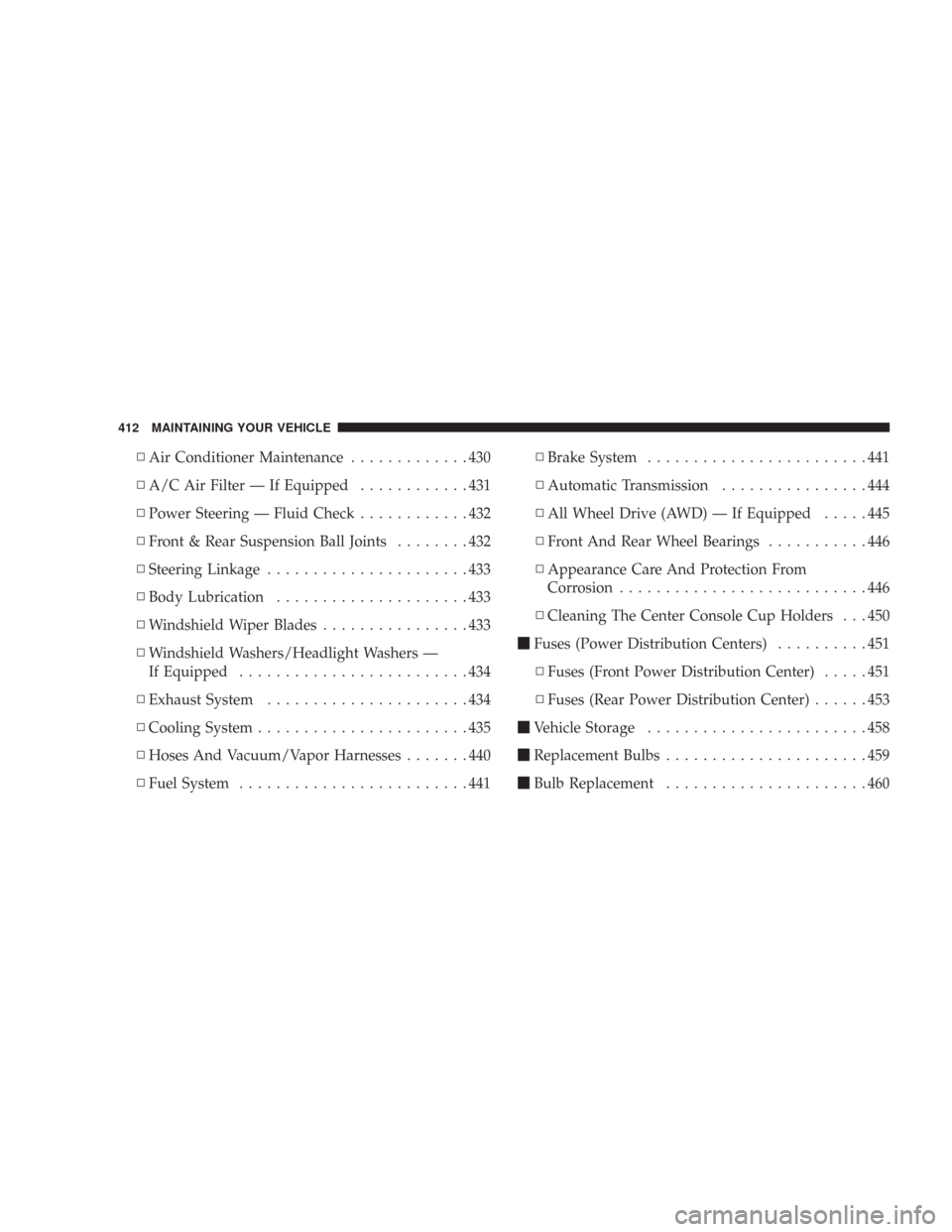
\3Air Conditioner Maintenance.............430
\3A/C Air Filter — If Equipped............431
\3Power Steering — Fluid Check............432
\3Front & Rear Suspension Ball Joints........432
\3Steering Linkage......................433
\3Body Lubrication.....................433
\3Windshield Wiper Blades................433
\3Windshield Washers/Headlight Washers —
If Equipped.........................434
\3Exhaust System......................434
\3Cooling System.......................435
\3Hoses And Vacuum/Vapor Harnesses.......440
\3Fuel System.........................441\3Brake System........................441
\3Automatic Transmission................444
\3All Wheel Drive (AWD) — If Equipped.....445
\3Front And Rear Wheel Bearings...........446
\3Appearance Care And Protection From
Corrosion...........................446
\3Cleaning The Center Console Cup Holders . . . 450
\1Fuses (Power Distribution Centers)..........451
\3Fuses (Front Power Distribution Center).....451
\3Fuses (Rear Power Distribution Center)......453
\1Vehicle Storage........................458
\1Replacement Bulbs......................459
\1Bulb Replacement......................460
412 MAINTAINING YOUR VEHICLE
Page 451 of 520
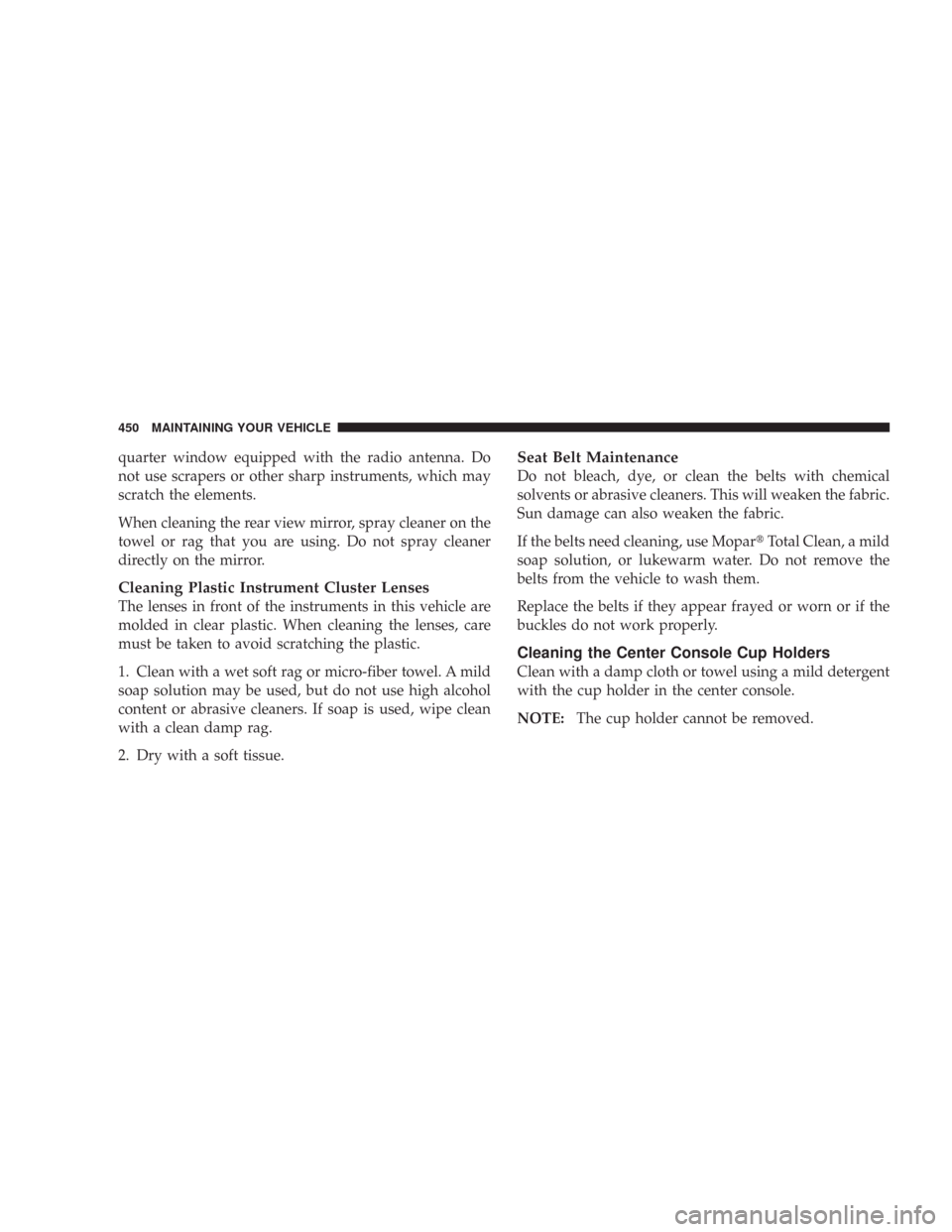
quarter window equipped with the radio antenna. Do
not use scrapers or other sharp instruments, which may
scratch the elements.
When cleaning the rear view mirror, spray cleaner on the
towel or rag that you are using. Do not spray cleaner
directly on the mirror.
Cleaning Plastic Instrument Cluster Lenses
The lenses in front of the instruments in this vehicle are
molded in clear plastic. When cleaning the lenses, care
must be taken to avoid scratching the plastic.
1. Clean with a wet soft rag or micro-fiber towel. A mild
soap solution may be used, but do not use high alcohol
content or abrasive cleaners. If soap is used, wipe clean
with a clean damp rag.
2. Dry with a soft tissue.
Seat Belt Maintenance
Do not bleach, dye, or clean the belts with chemical
solvents or abrasive cleaners. This will weaken the fabric.
Sun damage can also weaken the fabric.
If the belts need cleaning, use Mopar\2Total Clean, a mild
soap solution, or lukewarm water. Do not remove the
belts from the vehicle to wash them.
Replace the belts if they appear frayed or worn or if the
buckles do not work properly.
Cleaning the Center Console Cup Holders
Clean with a damp cloth or towel using a mild detergent
with the cup holder in the center console.
NOTE:The cup holder cannot be removed.
450 MAINTAINING YOUR VEHICLE
Page 460 of 520
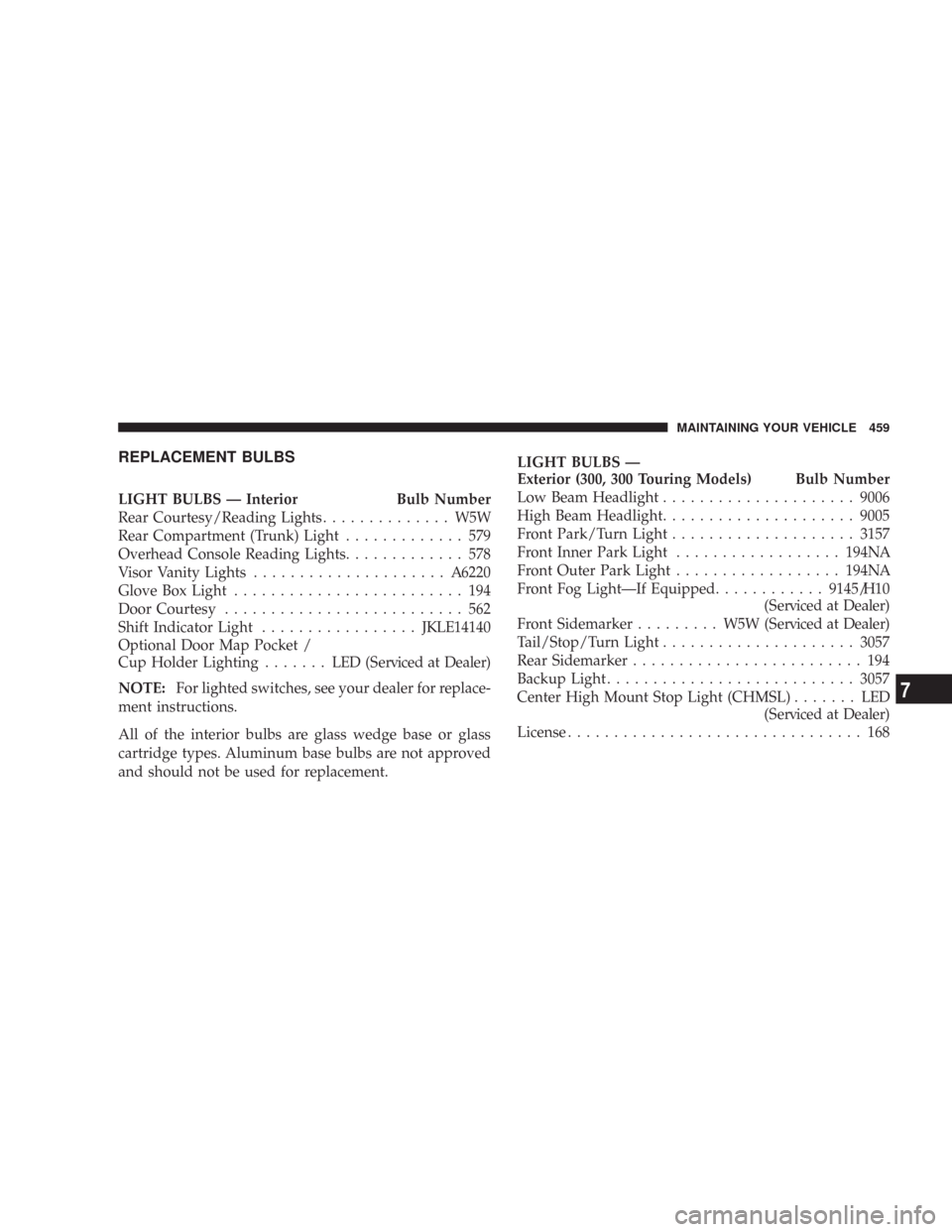
REPLACEMENT BULBS
LIGHT BULBS — Interior Bulb Number
Rear Courtesy/Reading Lights.............. W5W
Rear Compartment (Trunk) Light............. 579
Overhead Console Reading Lights............. 578
Visor Vanity Lights.....................A6220
Glove Box Light......................... 194
Door Courtesy.......................... 562
Shift Indicator Light.................JKLE14140
Optional Door Map Pocket /
Cup Holder Lighting....... LED(Serviced at Dealer)
NOTE:For lighted switches, see your dealer for replace-
ment instructions.
All of the interior bulbs are glass wedge base or glass
cartridge types. Aluminum base bulbs are not approved
and should not be used for replacement.LIGHT BULBS —
Exterior (300, 300 Touring Models) Bulb Number
Low Beam Headlight.....................9006
High Beam Headlight.....................9005
Front Park/Turn Light....................3157
Front Inner Park Light..................194NA
Front Outer Park Light..................194NA
Front Fog Light—If Equipped............9145/H10
(Serviced at Dealer)
Front Sidemarker......... W5W(Serviced at Dealer)
Tail/Stop/Turn Light.....................3057
Rear Sidemarker......................... 194
Backup Light...........................3057
Center High Mount Stop Light (CHMSL)....... LED
(Serviced at Dealer)
License................................ 168
MAINTAINING YOUR VEHICLE 459
7