radio CHRYSLER 300 C 2008 1.G User Guide
[x] Cancel search | Manufacturer: CHRYSLER, Model Year: 2008, Model line: 300 C, Model: CHRYSLER 300 C 2008 1.GPages: 520, PDF Size: 5.43 MB
Page 107 of 520
Barge In - Overriding Prompts
The “Voice Recognition” button can be used when you
wish to skip part of a prompt and issue your voice
recognition command immediately. For example, if a
prompt is playing\4Would you like to pair a phone, clear
a\6,\4you could press the “Voice Recognition” button and
say\4Pair a Phone\4to select that option without having to
listen to the rest of the voice prompt.
Turning Confirmation Prompts On/Off
Turning confirmation prompts off will stop the system
from confirming your choices (e.g., the UConnect™
system will not repeat a phone number before you dial
it).
•Press the “Phone” button to begin.
•After the\4Ready\4prompt and the following beep, say
\4Setup Confirmations.\4The UConnect™ system will
play the current confirmation prompt status and you
will be given the choice to change it.
Phone and Network Status Indicators
If available on the radio and/or on a premium display
such as the instrument panel cluster, and supported by
your cell phone, the UConnect™ system will provide
notification to inform you of your phone and network
status when you are attempting to make a phone call
using UConnect™. The status is given for roaming,
network signal strength, phone battery strength, etc.
Dialing Using the Cellular Phone Keypad
You can dial a phone number with your cellular phone
keypad and still use the UConnect™ system (while
dialing via the cell phone keypad, the user must exercise
caution and take precautionary safety measures). By
dialing a number with your paired Bluetooth™ cellular
phone, the audio will be played through your vehicle’s
audio system. The UConnect™ system will work the
same as if you dial the number using voice recognition.
106 UNDERSTANDING THE FEATURES OF YOUR VEHICLE
Page 110 of 520
•At the next prompt, say\4Delete\4and follow the
prompts.
•You can also press the “Voice Recognition” button
anytime while the list is being played, and then choose
the phone you wish to delete.
Things You Should Know About Your UConnect™
System
UConnect™ Tutorial
To hear a brief tutorial of the system features, press the
“Phone” button and say “UConnect™ Tutorial.”
Voice Training
For users experiencing difficulty with the system recog-
nizing their voice commands or numbers, the UCon-
nect™ system Voice Training feature may be used. To
enter this training mode, follow one of the two proce-
dures:From outside the UConnect™ mode (e.g. from radio
mode)
•Press and hold the “Voice Recognition” button for 5
seconds until the session begins, or,
•Press the “Voice Recognition” button and say\4Setup,
Voice Training\4command.
Repeat the words and phrases when prompted by the
UConnect™ system. For best results, the Voice Training
session should be completed when the vehicle is parked,
engine running, all windows closed, and the blower fan
switched off.
This procedure may be repeated with a new user. The
system will adapt to the last trained voice only.
To restore the Voice Recognition system to factory default
settings, enter the Voice Training session via the above
procedure and follow the prompts.
UNDERSTANDING THE FEATURES OF YOUR VEHICLE 109
3
Page 125 of 520
DRIVER MEMORY SEAT — IF EQUIPPED
This feature allows the driver to store up to two different
memory profiles, for easy recall through a memory
switch. Each memory profile contains desired position
settings for the driver seat, side mirror, adjustable pedals
(if equipped), and power tilt and telescopic steering
column (if equipped), and a set of desired radio station
presets.
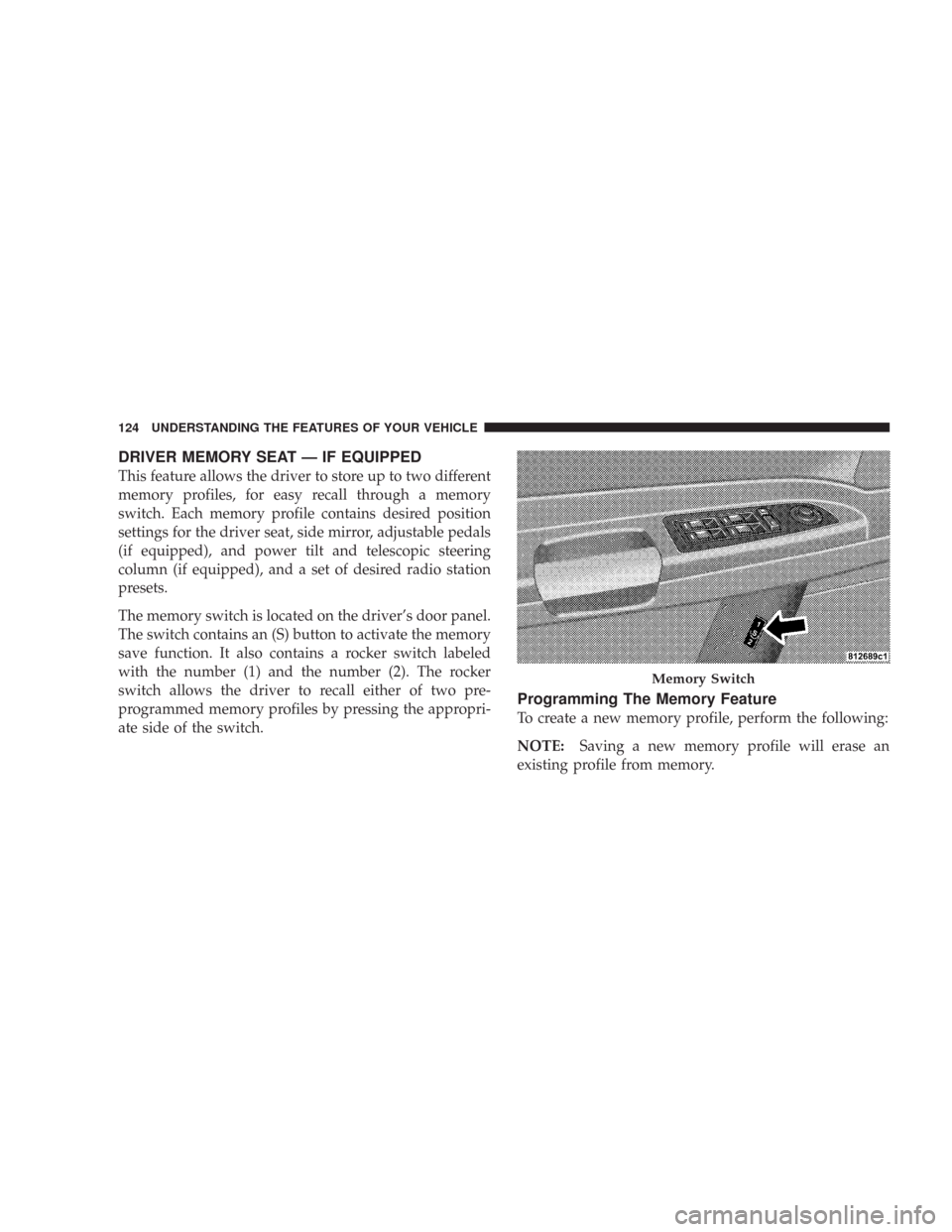
The memory switch is located on the driver’s door panel.
The switch contains an (S) button to activate the memory
save function. It also contains a rocker switch labeled
with the number (1) and the number (2). The rocker
switch allows the driver to recall either of two pre-
programmed memory profiles by pressing the appropri-
ate side of the switch.
Programming The Memory Feature
To create a new memory profile, perform the following:
NOTE:Saving a new memory profile will erase an
existing profile from memory.
Memory Switch
124 UNDERSTANDING THE FEATURES OF YOUR VEHICLE
Page 126 of 520
![CHRYSLER 300 C 2008 1.G User Guide 1. Adjust all memory profile settings to desired prefer-
ences (i.e. seat, side mirror, adjustable pedals [if
equipped], power tilt and telescopic steering column [if
equipped], and radio station pres](/img/25/8458/w960_8458-125.png "CHRYSLER 300 C 2008 1.G User Guide 1. Adjust all memory profile settings to desired prefer-
ences (i.e. seat, side mirror, adjustable pedals [if
equipped], power tilt and telescopic steering column [if
equipped], and radio station pres")
1. Adjust all memory profile settings to desired prefer-
ences (i.e. seat, side mirror, adjustable pedals [if
equipped], power tilt and telescopic steering column [if
equipped], and radio station presets).
2. Press and release the Set (S) button on the memory
switch, then press the side of the rocker switch labeled (1)
within 5 seconds. The Electronic Vehicle Information
Center (EVIC) — if equipped will display which memory
position is being set.
If desired, a second memory profile can be stored into
memory as follows:
1. Adjust all memory profile settings to desired prefer-
ences (i.e. seat, side mirror, adjustable pedals [if
equipped], power tilt and telescopic steering column [if
equipped], and radio station presets).
2. Press and release the Set (S) button on the memory
switch, then press the side of the rocker switch labeled (2)within 5 seconds. The Electronic Vehicle Information
Center (EVIC) — if equipped will display which memory
position is being set.
NOTE:Memory profiles can be set without the vehicle
in Park, but the vehicle must be in Park to recall a
memory profile.
NOTE:The Recall Memory with Remote Key Unlock
feature can be enabled through the Electronic Vehicle
Information Center (EVIC) — if equipped. For details,
refer to “Personal Settings (Customer Programmable
Features)” under “Electronic Vehicle Information Center
(EVIC)” in Section 4 of this manual.
Linking & Unlinking the Remote Keyless
Transmitter to the Memory Feature
Your Remote Keyless Entry Transmitters can be pro-
grammed to recall one of two pre-programmed memory
profiles by pressing the UNLOCK button on the Remote
Keyless Entry Transmitter.
UNDERSTANDING THE FEATURES OF YOUR VEHICLE 125
3
Page 138 of 520

because a door is open. This includes the glove box light,
but not the trunk light. To restore interior light operation,
either turn the ignition switch ON or cycle the light
switch.
Dimmer Control
The dimmer control is part of the
headlight switch, and is located on the
left side of the instrument panel. With
the parking lights or headlights on,
rotating the dimmer control upward
will increase the brightness of the in-
strument panel lights and, if so
equipped, the lighting in the door map pockets and cup
holders.
Dome Light Position
Rotate the dimmer control completely upward to the
second detent to turn on the interior lights. The interior
lights will remain on when the dimmer control is in this
position.
Interior light Defeat (OFF)
Rotate the dimmer control to the extreme bottom “OFF”
position. The interior lights will remain off when the
doors are open.
Parade Mode (Daytime Brightness Feature)
Rotate the dimmer control upward to the first detent.
This feature brightens all text displays such as the
odometer, Electronic Vehicle Information Center (EVIC)
— if equipped, and radio when the parking lights or
headlights are on.
UNDERSTANDING THE FEATURES OF YOUR VEHICLE 137
3
Page 175 of 520

WARNING DISPLAY DISTANCES
DISPLAY LED OBSTACLE DISTANCE FROM: LED COLOR AUDIBLE SIGNAL
REAR CORNERS REAR CENTER
1st LED 59 in. (150 cm) Yellow None
2nd LED 47 in. (120 cm) Yellow None
3rd LED 39 in. (100 cm) Yellow None
4th LED 31.5 in. (80 cm) 31.5 in. (80 cm) Yellow None
5th LED 25.5 in. (65 cm) 25.5 in. (65 cm) Yellow None
6th LED 20 in. (50 cm) 20 in. (50 cm) Yellow None
7th LED 16 in. (40 cm) 16 in. (40 cm) Red at 12 in. (30 cm)
Intermittent
8th LED 6 in. (15 cm) 12 in. (30 cm) Red at 8 in. (20 cm)
Continuous
NOTE:The Rear Park Assist system will MUTE the
radio, if on, when the system is sounding an audio tone.
174 UNDERSTANDING THE FEATURES OF YOUR VEHICLE
Page 179 of 520

WARNING!
Vehicle exhaust contains carbon monoxide, a danger-
ous gas. Do not run your vehicle in the garage while
training the transceiver. Exhaust gas can cause seri-
ous injury or death.
Programming HomeLink\5
Before You Begin
If you have not trained any of the HomeLink\2buttons,
erase all channels before you begin training.
To do this, press and hold the two outside buttons for 20
seconds. The EVIC will display “CLEARING CHAN-
NELS.” Release the buttons when the EVIC message
states “CHANNELS CLEARED.”It is recommended that a new battery be placed in the
hand-held transmitter of the device being programmed
to HomeLink\2for more efficient training and accurate
transmission of the radio-frequency signal.
Your vehicle should be parked outside of the garage
while training.
1. Turn the ignition switch to the ON/RUN position.
2. Place the hand-held transmitter 1–3 inches (3–8 cm)
from the HomeLink\2buttons while keeping the EVIC
display in view.
For optimal training, point the battery end of the hand-
held transmitter away from the HomeLink\2.
3. Simultaneously press and hold both the chosen
HomeLink\2button and the hand-held transmitter button
until the EVIC display changes from “CHANNEL #
TRAINING” to “CHANNEL # TRAINED.”
178 UNDERSTANDING THE FEATURES OF YOUR VEHICLE
Page 182 of 520
7. Return to the vehicle and press the programmed
HomeLink\2button twice (holding the button for 2 sec-
onds each time). If the device is plugged in and activates,
programming is complete.
If the device does not activate, press the button a third
time (for 2 seconds) to complete the training.
If you are have any problems, or require assistance,
please call toll-free 1–800–355–3515 or, on the Internet at
www.HomeLink.com for information or assistance.
To program the remaining two HomeLink\2buttons,
repeat each step for each remaining button. DO NOT
erase the channels.
Gate Operator/Canadian Programming
Canadian radio-frequency laws require transmitter sig-
nals to “time-out” (or quit) after several seconds of
transmission – which may not be long enough for
HomeLink\2to pick up the signal during programming.Similar to this Canadian law, some U.S. gate operators are
designed to “time-out” in the same manner.
It may be helpful to unplug the device during the cycling
process to prevent possible overheating of the garage
door or gate motor.
If you are having difficulties programming a garage door
opener or a gate operator, replace “Programming
HomeLink” Step 3 with the following:
3. Continue to press and hold the HomeLink\2button
while you press and release - every two seconds
(“cycle”) your hand-held transmitter until HomeLink\2
has successfully accepted the frequency signal. The
EVIC display will change from “CHANNEL # TRAIN-
ING” to “CHANNEL # TRAINED.”
If you unplugged the device for training, plug it back in
at this time.
UNDERSTANDING THE FEATURES OF YOUR VEHICLE 181
3
Page 191 of 520

STORAGE
Console Features
The center console contains two shift bezel cubby bins
with rubber mats for holding small items. For vehicles
not equipped with navigation radio, the console also
contains an extra storage bin located below the climate
control, which holds up to four CD jewel cases.
Without Vehicle Entertainment System (VES)
Two separate storage compartments are also located
underneath the armrest.
Rear Seat Cup Holders
190 UNDERSTANDING THE FEATURES OF YOUR VEHICLE
Page 196 of 520
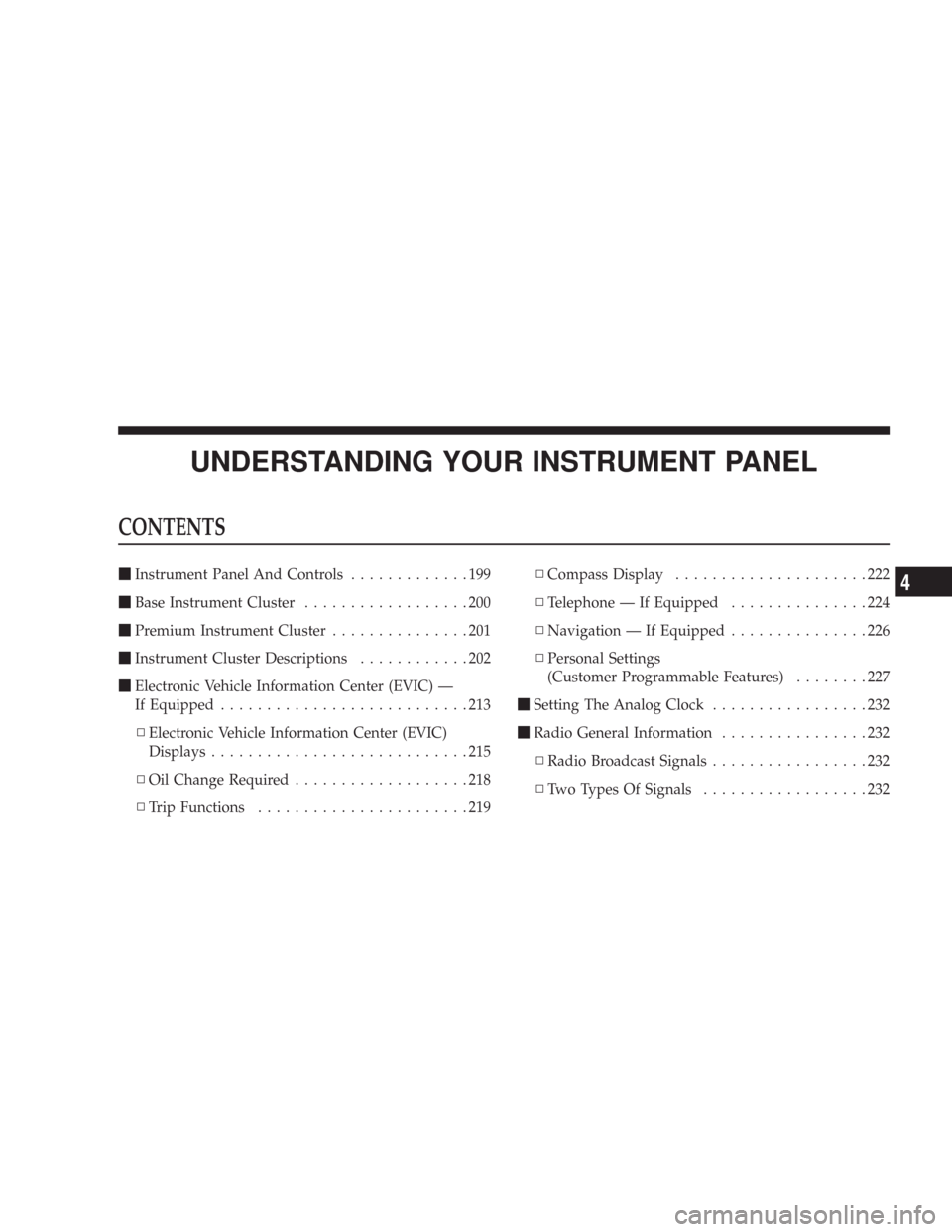
UNDERSTANDING YOUR INSTRUMENT PANEL
CONTENTS
\1Instrument Panel And Controls.............199
\1Base Instrument Cluster..................200
\1Premium Instrument Cluster...............201
\1Instrument Cluster Descriptions............202
\1Electronic Vehicle Information Center (EVIC) —
If Equipped...........................213
\3Electronic Vehicle Information Center (EVIC)
Displays............................215
\3Oil Change Required...................218
\3Trip Functions.......................219\3Compass Display.....................222
\3Telephone — If Equipped...............224
\3Navigation — If Equipped...............226
\3Personal Settings
(Customer Programmable Features)........227
\1Setting The Analog Clock.................232
\1Radio General Information................232
\3Radio Broadcast Signals.................232
\3Two Types Of Signals..................2324