audio CHRYSLER 300 C 2008 1.G Owner's Guide
[x] Cancel search | Manufacturer: CHRYSLER, Model Year: 2008, Model line: 300 C, Model: CHRYSLER 300 C 2008 1.GPages: 520, PDF Size: 5.43 MB
Page 271 of 520

Reception Quality
Satellite reception may be interrupted due to one of the
following reasons:
•The vehicle is parked in an underground parking
structure or under a physical obstacle.
•Dense tree coverage may interrupt reception in the
form of short audio mutes.
•Driving under wide bridges or along tall buildings can
cause intermittent reception.
•Placing objects over or too close to the antenna can
cause signal blockage.
Operating Instructions - Satellite Mode
NOTE:The ignition switch must be in the ON or ACC
position to operate the radio.
SEEK Buttons
Press and release the SEEK buttons to search for the next
channel in Satellite mode. Press the right switch to seek
up and the left switch to seek down. The radio will
remain tuned to the new channel until you make another
selection. Holding either button will bypass channels
without stopping until you release it.
SCAN Button
Pressing the SCAN button causes the tuner to search for
the next channel, pausing for 8 seconds before continuing
to the next. To stop the search, press the SCAN button a
second time.
INFO Button
Pressing the INFO button will cycle between Artist, Song
Title, and Composer (if available) information. Also,
pressing and holding the INFO button for an additional
270 UNDERSTANDING YOUR INSTRUMENT PANEL
Page 275 of 520

•A battery-powered infrared remote control that snaps
into a molded compartment in the center console
armrest upper storage bin.
•Two wireless infrared headsets allow rear seat passen-
gers to listen to the same or individual audio sources.Audio/Video RCA Jacks (AUX Jacks)
on the rear of the center console enable
the monitor to display video directly
from a video camera, connect video
games for display on the screen, or
play music directly from an MP3
player.
1. Video in (yellow)
2. Left audio in (white)
3. Right audio in (red)
NOTE:Refer to your “Vehicle Entertainment System
(VES™) User Manual” for detailed operating instruc-
tions.
VES Remote Control
274 UNDERSTANDING YOUR INSTRUMENT PANEL
Page 276 of 520

UNIVERSAL CONSUMER INTERFACE (UCI) — IF
EQUIPPED
NOTE:This section is for sales code RES and REQ
radios only with UConnect.™ For sales code REN touch
screen radio, refer to the separate User’s Manual.
This feature allows you to plug in an iPod\2into the
vehicle’s sound system through a connector (UCI connec-
tor) using an optional connection cable (available
through Mopar\2). See your authorized dealer for details.
Using this feature,
•the iPod\2audio can be played on the vehicle’s sound
system, providing metadata (Track Title, Artist, Al-
bum, etc.) information display on radio.
•the iPod\2can be controlled using the radio buttons to
Play, Browse and List the iPod\2contents.
•the iPod\2battery charges when plugged into the UCI
connector.
Connecting the iPod\5
Use the optional connection cable to connect an iPod\2to
the vehicle’s UCI connector (which is located in the glove
box on some vehicles. This location may vary with
vehicle). Once the iPod\2is connected and synchronized
to the vehicle system (this may take a few seconds to
connect), the vehicle brand logo appears on the iPod\2
display, and it starts charging and is ready for use by
pressing radio switches as described below.
Controlling the iPod\5using Radio Buttons
To get into the UCI (iPod\2) mode and access a connected
iPod\2, press the “AUX” button on the radio faceplate.
Once in the UCI (iPod\2) mode, the iPod\2audio track (if
available from iPod\2) will start playing over the vehicle
audio system.
UNDERSTANDING YOUR INSTRUMENT PANEL 275
4
Page 279 of 520

List or Browse Mode
DuringPlaymode, pressing any of the following buttons
will take you toListmode.Listmode enables you to
scroll through the list of menus and tracks on the iPod\2.
TUNE/SCROLL Knob
In theListmode, the “TUNE/SCROLL” knob functions
in a similar manner as the scroll wheel on the iPod\2.
Turning the “TUNE/SCROLL” knob clockwise (forward)
and counter-clockwise (backward) scrolls through lists,
displaying the track detail on the radio display. Once you
have the track to be played highlighted on the radio
display, press the “TUNE/SCROLL” knob to select and
start playing the track. By turning the “TUNE/SCROLL”
knob fast, you can jump through the list faster. During
fast scroll, you may notice a slight delay in updating the
information on the radio display.
During all List modes, the iPod\2will display all lists in
“wrap-around” mode. So if the track you wish to select isat the bottom of the list, you just turn the “TUNE/
SCROLL” knob backwards (counter-clockwise) to get to
the track faster.
Radio Preset Buttons
In theListmode, the radio preset buttons are used as
shortcuts to the following lists on the iPod\2.
•1 – Playlists
•2 – Artists
•3 – Albums
•4 – Genres
•5 - Audiobooks
•6 – Podcasts
After pressing a preset button, you will see the list you
are in on the top line and the first item in that list on the
second line.
278 UNDERSTANDING YOUR INSTRUMENT PANEL
Page 281 of 520
Vehicles equipped with steering wheel mounted buttons
are also equipped with the Electronic Vehicle Information
Center (EVIC). The EVIC features a driver-interactive
display. This is located in the upper part of the instru-
ment cluster between the speedometer and tachometer.
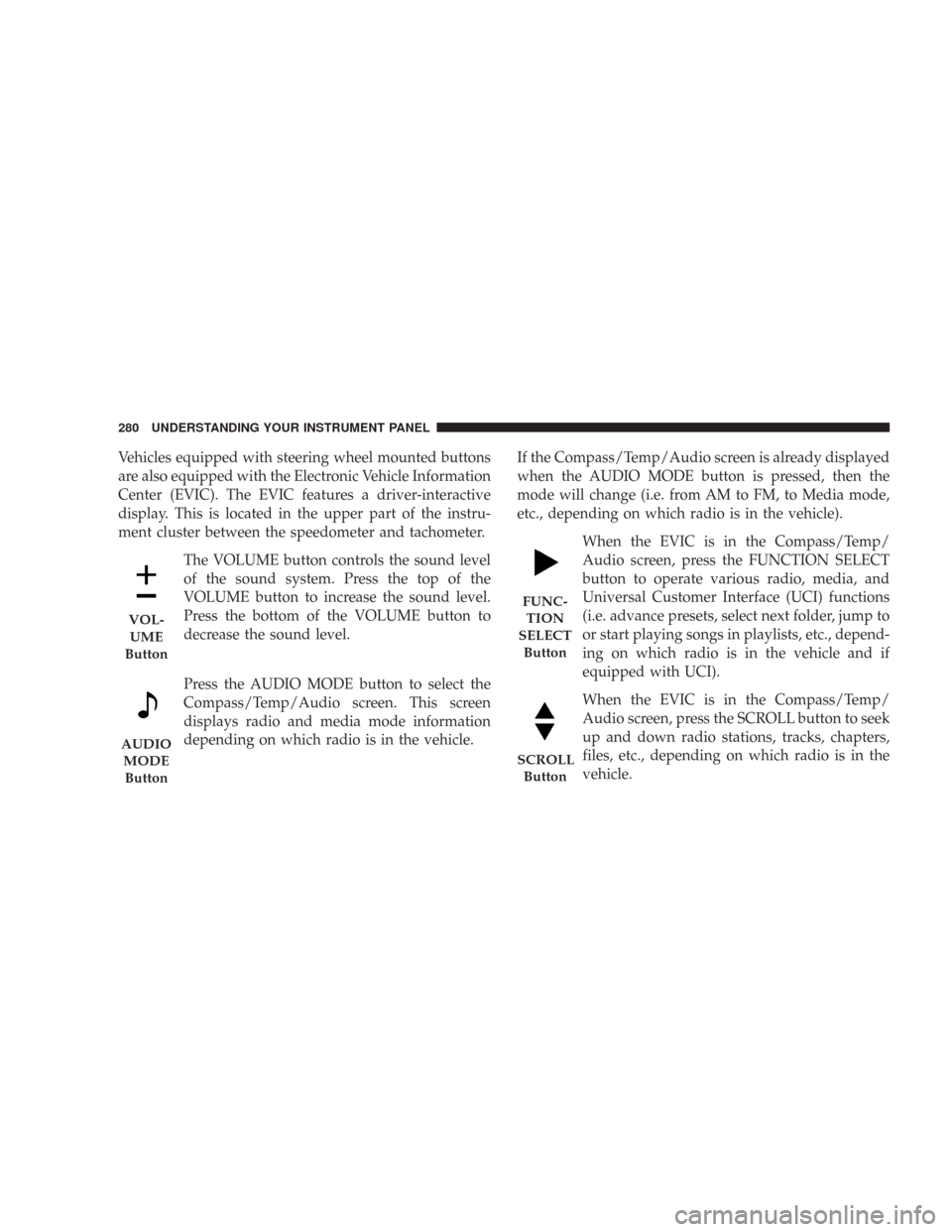
The VOLUME button controls the sound level
of the sound system. Press the top of the
VOLUME button to increase the sound level.
Press the bottom of the VOLUME button to
decrease the sound level.
Press the AUDIO MODE button to select the
Compass/Temp/Audio screen. This screen
displays radio and media mode information
depending on which radio is in the vehicle.If the Compass/Temp/Audio screen is already displayed
when the AUDIO MODE button is pressed, then the
mode will change (i.e. from AM to FM, to Media mode,
etc., depending on which radio is in the vehicle).
When the EVIC is in the Compass/Temp/
Audio screen, press the FUNCTION SELECT
button to operate various radio, media, and
Universal Customer Interface (UCI) functions
(i.e. advance presets, select next folder, jump to
or start playing songs in playlists, etc., depend-
ing on which radio is in the vehicle and if
equipped with UCI).
When the EVIC is in the Compass/Temp/
Audio screen, press the SCROLL button to seek
up and down radio stations, tracks, chapters,
files, etc., depending on which radio is in the
vehicle.
VOL-
UME
Button
AUDIO
MODE
Button
FUNC-
TION
SELECT
Button
SCROLL
Button
280 UNDERSTANDING YOUR INSTRUMENT PANEL
Page 498 of 520
Audio Systems (Radio).................234,252
Auto Down Power Windows................ 36
Auto Unlock, Doors....................... 32
Auto Up Power Windows.................. 37
Automatic Dimming Mirror................. 86
Automatic Door Locks...................31,32
Automatic Headlights.................... 131
Automatic Oil Change Indicator..........203,218
Automatic Temperature Control (ATC)......... 284
Automatic Transaxle
Special Additives...................... 445
Automatic Transmission...........307,312,444,445
Adding Fluid......................445,476
Autostick.........................315,318
Fluid and Filter Changes................. 445
Fluid Change......................... 445
Fluid Level Check...................... 444
Fluid Type........................... 476
Gear Ranges.......................307,313Overdrive........................... 309
Shifting..........................307,312
Special Additives...................... 445
Torque Converter...................... 311
Automatic Transmission Limp Home
Mode...........................312,316,317
Autostick...........................315,318
Axle Fluid............................. 476
Axle Lubrication (Axle Fluid)............... 476
Ball Joints............................. 432
Battery............................... 428
Emergency Starting..................... 404
Jump Starting......................... 404
Keyless Transmitter Replacement (RKE)....... 25
Location..........................405,428
Bearings.............................. 446
Belts, Drive............................ 425
Belts, Seat............................43,79
INDEX 497
10