automatic transmission CHRYSLER 300 LX 2005 User Guide
[x] Cancel search | Manufacturer: CHRYSLER, Model Year: 2005, Model line: 300 LX, Model: CHRYSLER 300 LX 2005Pages: 374, PDF Size: 7.09 MB
Page 213 of 374
NOTE:
²
The torque converter clutch will not engage until the
transmission fluid and engine coolant is warm (usu-
ally after 1±3 miles (1.6±4.8 km) of driving). Because
engine speed is higher when the torque converter
clutch is not engaged, it may seem as if the transmis-
sion is not shifting into ªOverdriveº when cold. This is
considered a normal condition. Pulling the shift lever
into the ª3º position will show that the transmission is
able to shift into and out of ªOverdrive.º
²If the vehicle has not been driven for several days, the
first few seconds of operation after shifting the trans-
mission into gear may seem sluggish. This is due to the
transmission fluid partially draining from the torque
converter into the transmission. This is considered a
normal condition and will not cause damage to the
transmission. The torque converter will refill within 5
seconds of shifting from P (Park) into any other gear
position.
Transmission Limp Home Mode
The transmission is monitored for abnormal conditions.
If a condition is detected that could cause damage, the
transmission automatically shifts into second gear. The
transmission remains in second gear despite the forward
gear selected. Park (P), Reverse (R), and Neutral (N) will
continue to operate. This Reset feature allows the vehicle
to be driven to a dealer for service without damaging the
transmission.
If the problem has been momentary, the transmission can
be reset to regain all forward gears.
²Stop the vehicle and shift into PARK (P).
²Turn the key to LOCK then start the engine.
²Shift into ªDº and resume driving.
NOTE:Even if the transmission can be reset, we
recommend that you visit a dealer at your earliest
possible convenience. Your dealer has diagnostic equip-
ment to determine if the problem could recur.
If the transmission cannot be reset, dealer service is
required.
STARTING AND OPERATING 213
5
ProCarManuals.com
Page 214 of 374
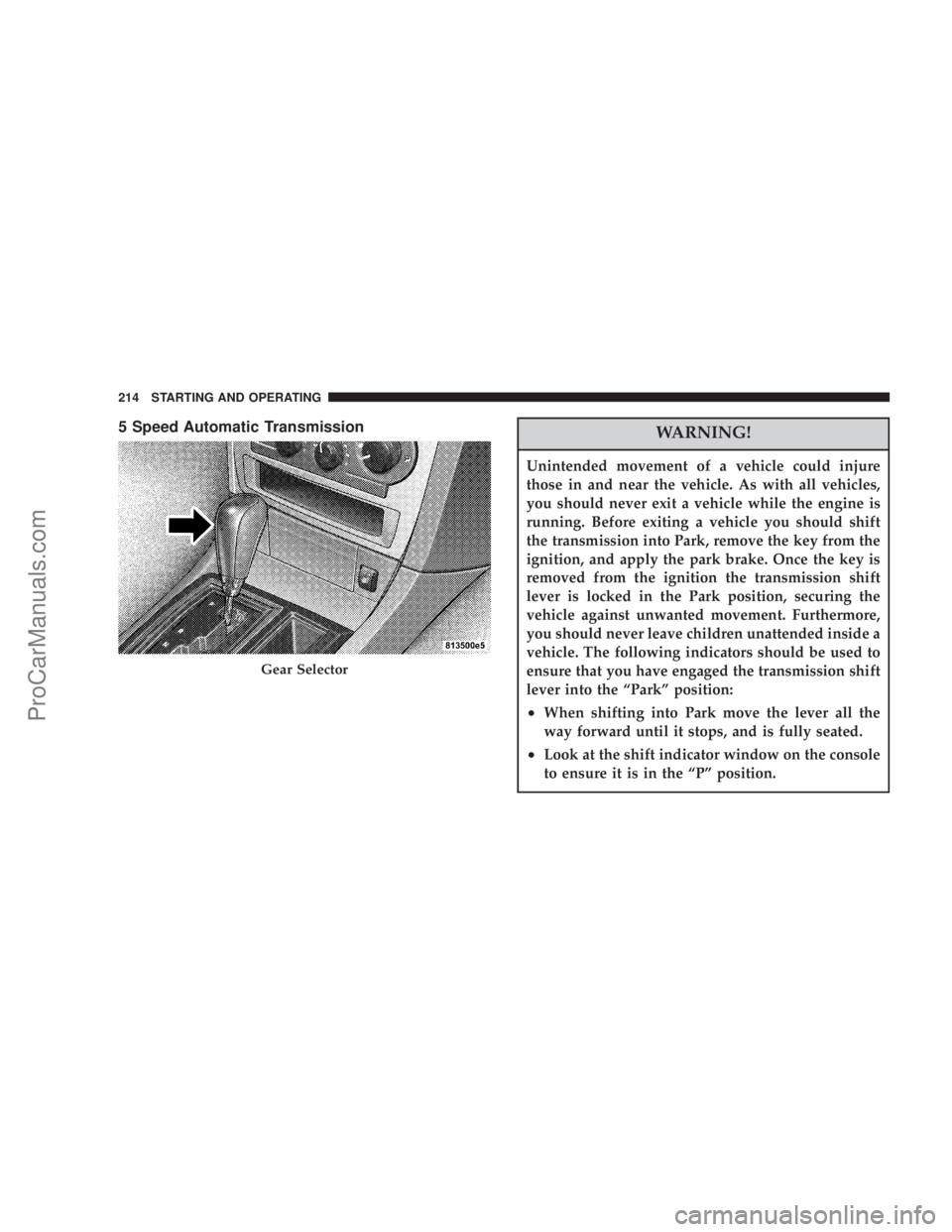
5 Speed Automatic TransmissionWARNING!
Unintended movement of a vehicle could injure
those in and near the vehicle. As with all vehicles,
you should never exit a vehicle while the engine is
running. Before exiting a vehicle you should shift
the transmission into Park, remove the key from the
ignition, and apply the park brake. Once the key is
removed from the ignition the transmission shift
lever is locked in the Park position, securing the
vehicle against unwanted movement. Furthermore,
you should never leave children unattended inside a
vehicle. The following indicators should be used to
ensure that you have engaged the transmission shift
lever into the ªParkº position:
²When shifting into Park move the lever all the
way forward until it stops, and is fully seated.
²Look at the shift indicator window on the console
to ensure it is in the ªPº position.
Gear Selector
214 STARTING AND OPERATING
ProCarManuals.com
Page 216 of 374
Neutral
No power is transmitted from the engine to the drive
axle. When the brakes are released, the vehicle can be
moved freely (pushed or towed). Do not engage in
NEUTRAL position while driving except to coast when
the vehicle is in danger of skidding (e.g., on icy roads).
The engine may be started in this range. Use this range
for starting your vehicle if it is moving or being towed.
CAUTION!
Coasting the vehicle, or driving for any other reason
with selector lever in NEUTRAL can result in trans-
mission damage that is not covered by the Limited
Warranty.
Drive
This range should be used for most city and highway
driving. It provides the smoothest upshifts and down-
shifts and best fuel economy.The transmission automatically upshifts through fifth
gear. The DRIVE position provides optimum driving
characteristics under all normal operating conditions.
When frequent transmission shifting occurs when using
the Overdrive range, such as when operating the vehicle
under heavy loading conditions (in hilly terrain, travel-
ing into strong head winds, or while towing heavy
trailers, use the AutoStick mode and select the ª3º range.
AutoSticktGear selection
The transmission gear can be selected by pressing the
selector lever to the right or the left with the selector lever
in the DRIVE position. The gear currently selected is
indicated in the instrument cluster display. Briefly press
selector lever in the ªD -º direction. The transmission will
shift from the current gear to the next lower gear. Shifting
into another gear that allows for quicker acceleration or
to slow the vehicle down is possible. Downshifts can also
be performed.
Press and hold the selector lever in the ªD-º direction.
The transmission will shift from the current gear directly
to the best gear for acceleration.
216 STARTING AND OPERATING
ProCarManuals.com
Page 219 of 374
Automatic Transmission Ð General Information
CAUTION!
Damage to the transmission may occur if the follow-
ing precautions are not observed:
²Shift into PARK only after the vehicle has come to
a complete stop.
²Shift into or out of REVERSE only after the
vehicle has come to a complete stop and the
engine is at idle speed.
²Do not shift from REVERSE, PARK or NEUTRAL
into any forward gear when the engine is above
idle speed.
²Before shifting into any gear, make sure your foot
is firmly on the brake pedal.
The automatic transmission selects individual gears au-
tomatically, dependent upon:
²Altitude
²Vehicle Loading
²Driving Style
²Selector lever position
²Accelerator position
²Vehicle speed
The gear shifting process is continuously adapted, de-
pendent on the driving style, the driving situation and
the road characteristics.
NOTE:
²
After selecting any driving position, wait a moment to
allow the gear to fully engage before accelerating,
especially when the engine is cold.
STARTING AND OPERATING 219
5
ProCarManuals.com
Page 220 of 374
²If there is a need to restart your engine be sure to cycle
the key to the LOCK position before restarting. Trans-
mission engagement may be delayed up to 10 seconds
after restart if the key is not cycled to the LOCK
position first.
²The electronically controlled transmission provides a
precise shift schedule. The transmission electronics are
self-calibrating. Therefore, the first few shifts on a new
vehicle may be somewhat abrupt or soft until after the
break-in period. This is a normal condition, and pre-
cision shifts will develop within a few shift cycles.
WARNING!
It is dangerous to shift the selector lever out of PARK
or NEUTRAL if the engine speed is higher than idle
speed. If your foot is not firmly on the brake pedal,
the vehicle could accelerate quickly forward or in
reverse. You could lose control of the vehicle and hit
someone or something. Only shift into gear when
the engine is idling normally and when your foot is
firmly on the brake pedal.
The selector lever is automatically locked while in the
PARK position. To move the selector lever out of the
PARK position, the brake pedal must be firmly depressed
before the shift lock will release.
Shift the selector lever to the desired position only when
the engine is idling normally and the brake pedal is
applied. Do not release the brake until ready to drive. The
vehicle may otherwise accelerate quickly when the selec-
tor lever is in DRIVE or REVERSE position.
220 STARTING AND OPERATING
ProCarManuals.com
Page 222 of 374
AUTOSTICK Ð If Equipped
Autostick is a driver-interactive transmission that offers
manual gear shifting capability to provide you with more
control. Autostick allows you to maximize engine brak-
ing, eliminate undesirable upshifts and downshifts, and
improve overall vehicle performance. This system can
also provide you with more control during passing, city
driving, cold slippery conditions, mountain driving,
trailer towing, and many other situations.
Autostick Operation
By placing the shift lever in the DRIVE position it can be
moved from side to side. This allows the driver to select
a higher or lower range of gear ratios. Moving the lever
to the left (-) triggers a downshift and to the right (+) an
upshift. The gear position will be shown in the transmis-
sion gear display, located in the instrument cluster.You can shift in or out of the autostick mode at any time
without taking your foot off the accelerator pedal. If you
choose the Overdrive mode, the transmission will oper-
ate automatically; shifting between the five available
gears. When you wish to engage autostick, simply move
the shift lever to the Right or Left (D+/D-) position while
in DRIVE. The transmission will remain in the current
gear until an upshift or downshift is chosen.
PARKING BRAKE
When the parking brake is applied with the ignition
switch on, the brake light in the instrument cluster will
turn on.
NOTE:This light only shows that the parking brake is
applied. It does not show the degree of brake application.
222 STARTING AND OPERATING
ProCarManuals.com
Page 260 of 374
WARNING!
Connecting trailer brakes to your vehicle's hydraulic
brake lines can overload your brake system and
cause it to fail. You might not have brakes when you
need them and could have an accident.
²Do not attempt to tow a trailer while using a compact
spare tire.
²Whenever you pull a trailer, regardless of the trailer
size, stop lights and turn signals on the trailer are
recommended for motoring safety.
²The automatic transmission fluid and filter should be
changed if you REGULARLY tow a trailer for more
than 45 minutes of continuous operation. See Schedule
ªBº in section 8 of this manual for transmission fluid
change intervals.
NOTE:
²
For vehicles equipped with Autostick. By using the
Autostick modes, and selecting a specific gear range,
frequent shifting can be avoided. The highest gear
range should be selected that allows for adequate
performance. For example, choose ª4º if the desired
speed can be maintained. Choose ª3º or ª2º if needed
to maintain the desired speed.
²Extended driving at high RPM should be avoided to
prevent excess heat generation. A reduction in vehicle
speed may be required to avoid extended driving at
high RPM. Return to a higher gear range or vehicle
speed when road conditions and RPM level allows.
260 STARTING AND OPERATING
ProCarManuals.com
Page 274 of 374

WARNING!
²Do not attempt to push or tow your vehicle to get it
started. Vehicles equipped with an automatic trans-
mission cannot be started this way. Unburned fuel
could enter the catalytic converter and once the
engine has started, ignite and damage the converter
and vehicle. If the vehicle has a discharged battery,
booster cables may be used to obtain a start from
another vehicle. This type of start can be dangerous
if done improperly, so follow this procedure care-
fully.
²Battery fluid is a corrosive acid solution; do not
allow battery fluid to contact eyes, skin or clothing.
Don't lean over battery when attaching clamps or
allow the clamps to touch each other. If acid splashes
in eyes or on skin, flush contaminated area immedi-
ately with large quantities of water.
²A battery generates hydrogen gas which is flam-
mable and explosive. Keep flame or spark away from
the vent holes. Do not use a booster battery or any
other booster source with an output that exceeds 12
volts.
NOTE:The battery is stored under an access cover in
the trunk. Remote battery terminals are located in the
engine compartment for jump starting.
NOTE:The battery in this vehicle has a vent hose that
should not be disconnected and should only be replaced
with a battery of the same type (vented).
1. Wear eye protection and remove any metal jewelry
such as watch bands or bracelets that might make an
inadvertent electrical contact.
2. When boost is provided by a battery in another
vehicle, park that vehicle within booster cable reach and
without letting the vehicles touch. Set the parking brake,
place the automatic transmission in PARK and turn the
ignition switch to the OFF (or LOCK) position for both
vehicles.
3. Turn off the heater, radio and all unnecessary electrical
loads.
274 WHAT TO DO IN EMERGENCIES
ProCarManuals.com
Page 279 of 374
Without The Ignition Key
Special care must be taken when the vehicle is towed
with the ignition in the LOCK position. The only ap-
proved method of towing with out the ignition key is
with a flat bed truck. Proper towing equipment is neces-
sary to prevent damage to the vehicle.
TOWING THIS VEHICLE BEHIND ANOTHER
VEHICLE (Flat towing with all four wheels on the
ground)
Flat towing of vehicles equipped with an automatic
transmission, is only permitted within the limitations
described in this section.
TOWING THIS VEHICLE BEHIND ANOTHER
VEHICLE WITH A TOW DOLLEY
The manufacturedoes not recommendthat you tow this
vehicle on a tow dolley. Vehicle damage may occur.
WHAT TO DO IN EMERGENCIES 279
6
ProCarManuals.com
Page 282 of 374
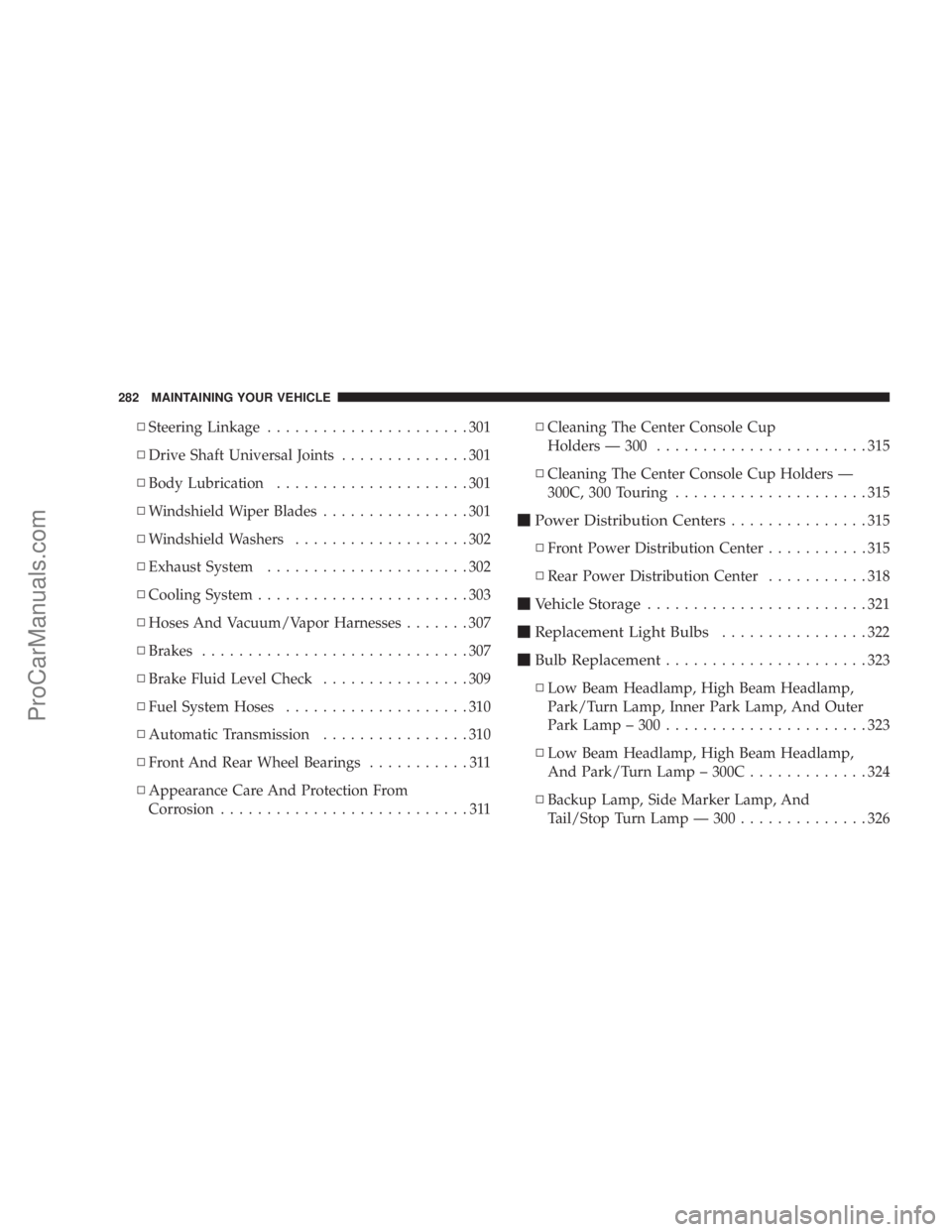
NSteering Linkage......................301
NDrive Shaft Universal Joints..............301
NBody Lubrication.....................301
NWindshield Wiper Blades................301
NWindshield Washers...................302
NExhaust System......................302
NCooling System.......................303
NHoses And Vacuum/Vapor Harnesses.......307
NBrakes.............................307
NBrake Fluid Level Check................309
NFuel System Hoses....................310
NAutomatic Transmission................310
NFront And Rear Wheel Bearings...........311
NAppearance Care And Protection From
Corrosion...........................311NCleaning The Center Console Cup
Holders Ð 300.......................315
NCleaning The Center Console Cup Holders Ð
300C, 300 Touring.....................315
mPower Distribution Centers...............315
NFront Power Distribution Center...........315
NRear Power Distribution Center...........318
mVehicle Storage........................321
mReplacement Light Bulbs................322
mBulb Replacement......................323
NLow Beam Headlamp, High Beam Headlamp,
Park/Turn Lamp, Inner Park Lamp, And Outer
Park Lamp ± 300......................323
NLow Beam Headlamp, High Beam Headlamp,
And Park/Turn Lamp ± 300C.............324
NBackup Lamp, Side Marker Lamp, And
Tail/Stop Turn Lamp Ð 300..............326
282 MAINTAINING YOUR VEHICLE
ProCarManuals.com