door lock CHRYSLER 300 LX 2005 Owners Manual
[x] Cancel search | Manufacturer: CHRYSLER, Model Year: 2005, Model line: 300 LX, Model: CHRYSLER 300 LX 2005Pages: 374, PDF Size: 7.09 MB
Page 9 of 374
THINGS TO KNOW BEFORE STARTING YOUR VEHICLE
CONTENTS
mA Word About Your Keys.................11
NIgnition Key Removal...................11
NKey-In-Ignition Reminder................12
mSentry Key............................12
NReplacement Keys......................13
NCustomer Key Programming..............14
NGeneral Information....................14
mIlluminated Entry System.................15
mDoor Locks...........................15
NManual Door Locks.....................15
NPower Door Locks.....................16NChild Protection Door Lock...............19
mRemote Keyless Entry....................20
NTo Unlock The Doors...................21
NTo Lock The Doors.....................21
NTo Unlock The Trunk....................22
NUsing The Panic Alarm..................22
NGeneral Information....................23
NTransmitter Battery Service...............23
mVehicle Theft Alarm Ð If Equipped..........24
mWindows.............................25
NPower Windows.......................25
2
ProCarManuals.com
Page 11 of 374
A WORD ABOUT YOUR KEYS
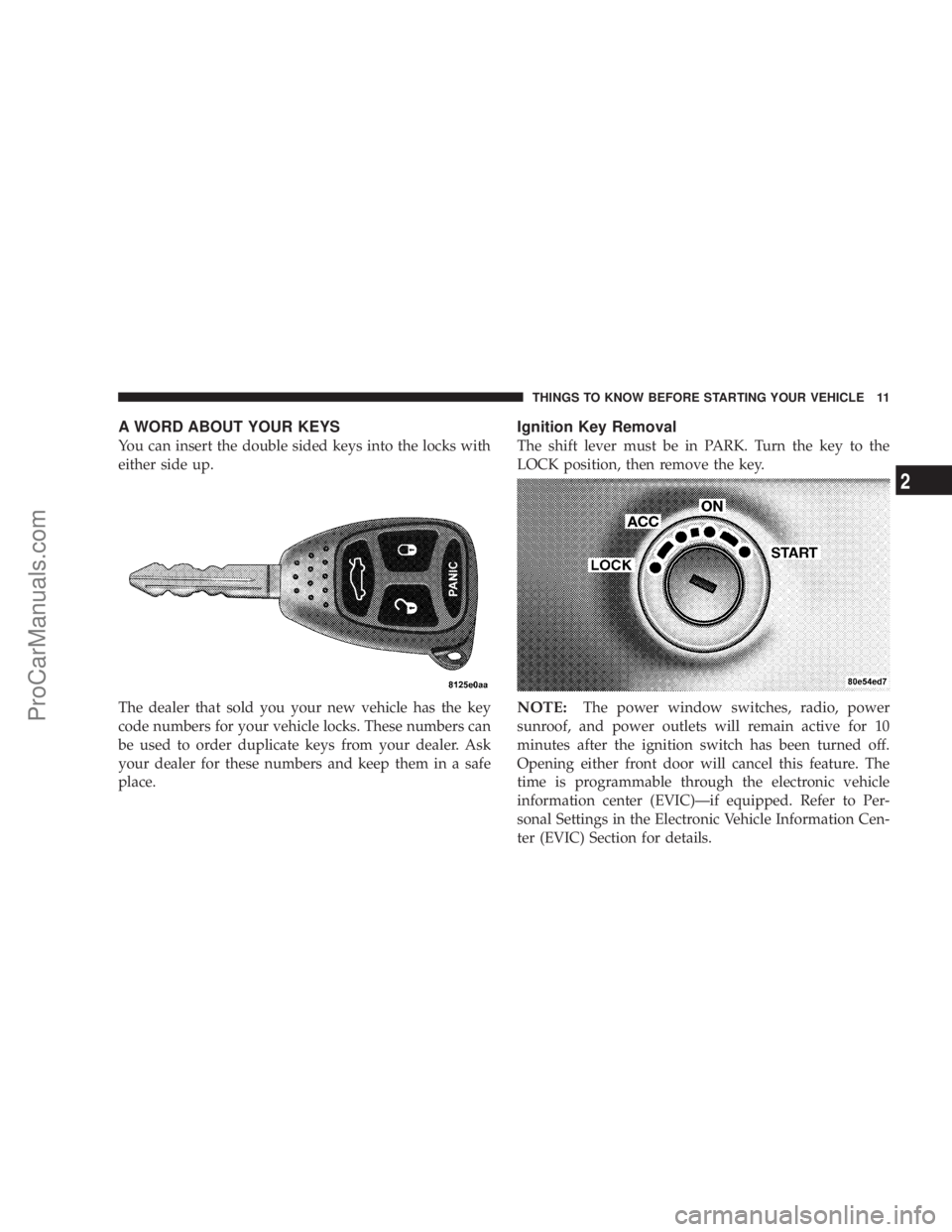
You can insert the double sided keys into the locks with
either side up.
The dealer that sold you your new vehicle has the key
code numbers for your vehicle locks. These numbers can
be used to order duplicate keys from your dealer. Ask
your dealer for these numbers and keep them in a safe
place.
Ignition Key Removal
The shift lever must be in PARK. Turn the key to the
LOCK position, then remove the key.
NOTE:The power window switches, radio, power
sunroof, and power outlets will remain active for 10
minutes after the ignition switch has been turned off.
Opening either front door will cancel this feature. The
time is programmable through the electronic vehicle
information center (EVIC)Ðif equipped. Refer to Per-
sonal Settings in the Electronic Vehicle Information Cen-
ter (EVIC) Section for details.
THINGS TO KNOW BEFORE STARTING YOUR VEHICLE 11
2
ProCarManuals.com
Page 12 of 374
WARNING!
Leaving children in a vehicle unattended is danger-
ous for a number of reasons. A child or others could
be injured. Children should be warned not to touch
the parking brake, brake pedal or the gear selector
lever. Don't leave the keys in the ignition. A child
could operate power windows, other controls, or
move the vehicle.
CAUTION!
An unlocked car is an invitation to thieves. Always
remove key from the ignition and lock all doors
when leaving the vehicle unattended.
Key-In-Ignition Reminder
If you open the driver's door and the key is in the ignition
switch, a chime will sound to remind you to remove the
key.
NOTE:The Key-In-Ignition reminder only occurs when
the ignition key is placed in the LOCK or ACC positions.
SENTRY KEY
The Sentry Key Immobilizer System prevents unautho-
rized operation of the vehicle by disabling the engine.
The system will shut the engine off after 2 seconds of
running if an invalid key is used to start the vehicle. This
system utilizes ignition keys which have an electronic
chip (transponder) embedded into them. Only keys that
have been programmed to the vehicle can be used to start
and operate the vehicle.
The Sentry Key Immobilizer System does not need to be
armed or activated. Operation of the system is automatic
regardless of whether or not the vehicle is locked or
unlocked. During normal operation, the Theft Alarm/
Immobilizer Light will come on for three (3) seconds
immediately after the ignition switch is turned on for a
bulb check. Afterwards, if the bulb remains on, this
indicates a problem with the electronics.
12 THINGS TO KNOW BEFORE STARTING YOUR VEHICLE
ProCarManuals.com
Page 15 of 374
ILLUMINATED ENTRY SYSTEM
The courtesy lights will turn on when you use the keyless
entry transmitter or open the doors.
The lights will fade to off after about 30 seconds or they
will immediately fade to off once the ignition switch is
turned on from the LOCK position.
NOTE:
²
None of the courtesy lights will operate if the dimmer
control is in the ªdefeatº position (extreme downward
position).
DOOR LOCKS
Manual Door Locks
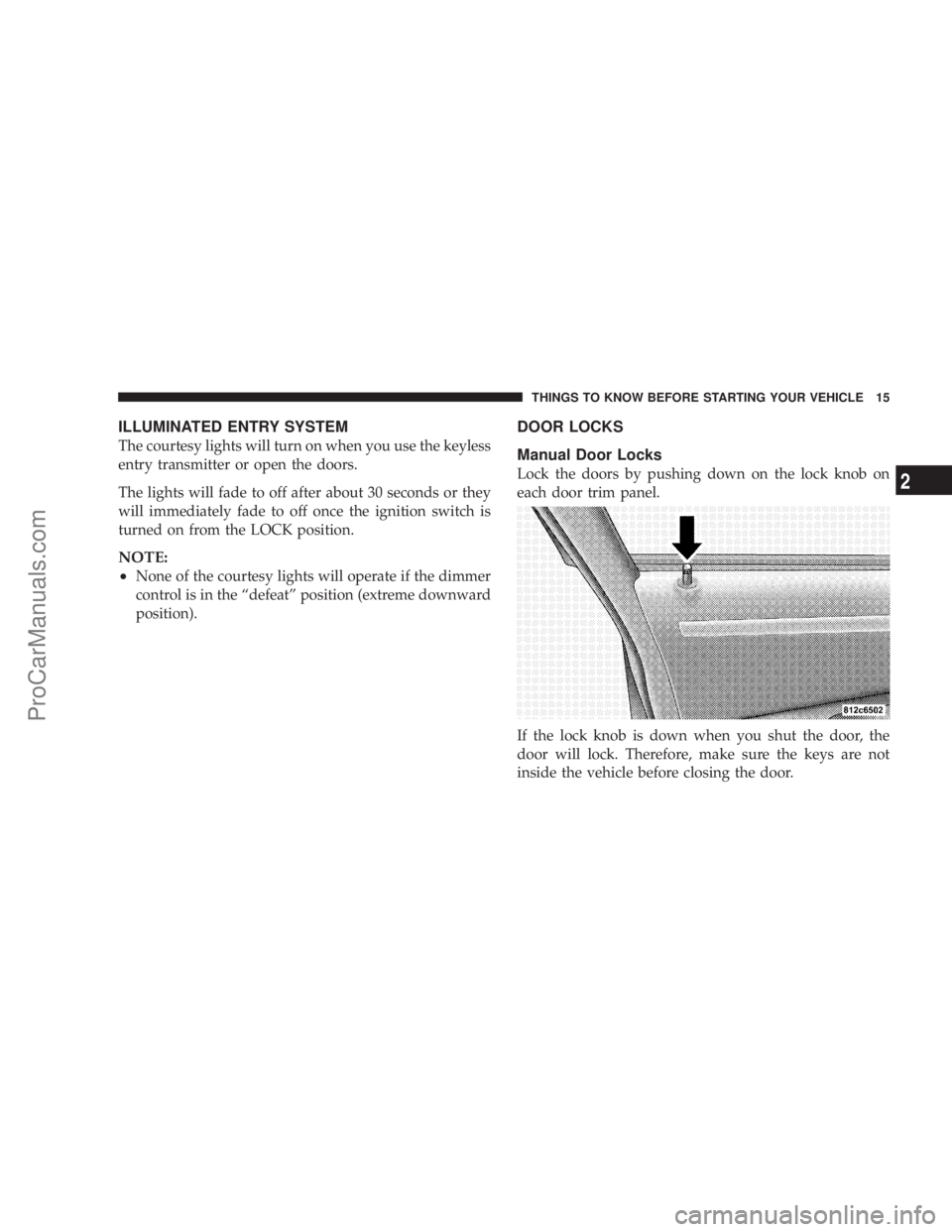
Lock the doors by pushing down on the lock knob on
each door trim panel.
If the lock knob is down when you shut the door, the
door will lock. Therefore, make sure the keys are not
inside the vehicle before closing the door.
THINGS TO KNOW BEFORE STARTING YOUR VEHICLE 15
2
ProCarManuals.com
Page 16 of 374
WARNING!
²For personal security and safety in the event of an
accident, lock the vehicle doors as you drive as
well as when you park and leave the vehicle.
²When leaving the vehicle always remove the key
from the ignition lock, and lock your vehicle. Do
not leave children unattended in the vehicle, or
with access to an unlocked vehicle. Unsupervised
use of vehicle equipment may cause severe per-
sonal injuries and death.
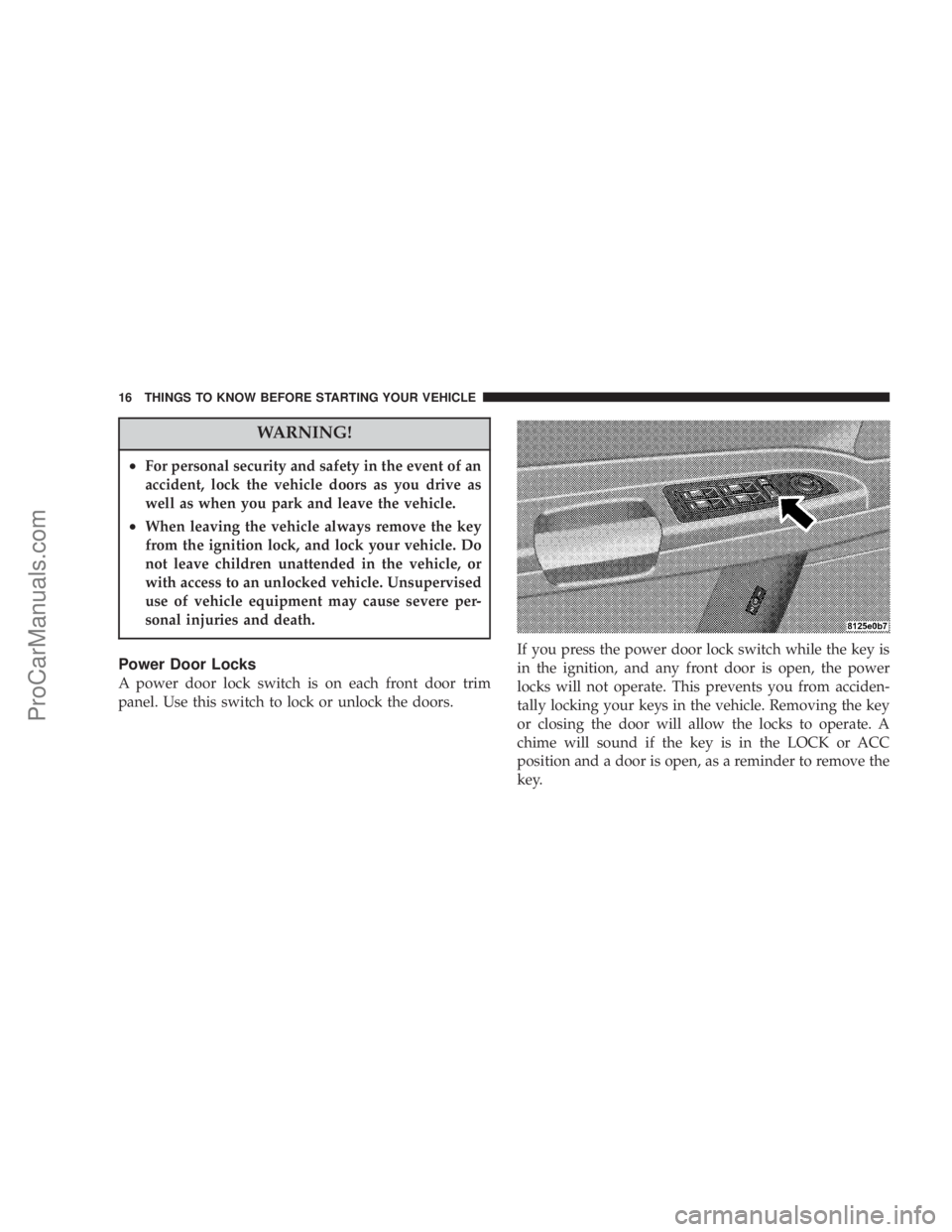
Power Door Locks
A power door lock switch is on each front door trim
panel. Use this switch to lock or unlock the doors.If you press the power door lock switch while the key is
in the ignition, and any front door is open, the power
locks will not operate. This prevents you from acciden-
tally locking your keys in the vehicle. Removing the key
or closing the door will allow the locks to operate. A
chime will sound if the key is in the LOCK or ACC
position and a door is open, as a reminder to remove the
key.
16 THINGS TO KNOW BEFORE STARTING YOUR VEHICLE
ProCarManuals.com
Page 17 of 374
Automatic Door Locks
The doors will lock automatically on vehicles with power
door locks if all of the following conditions are met:
1. The Auto Lock feature is enabled.
2. The transmission is in gear.
3. All doors are closed.
4. The throttle is pressed.
5. The vehicle speed is above 15 mph (24 km/h).
6. The doors were not previously locked using the power
door lock switch or remote keyless entry transmitter.
The Automatic Door Lock feature can be enabled or
disabled. Refer to ªPersonal Settingsº (Customer Pro-
grammable Features) in the Electronic Vehicle Informa-
tion Center (EVIC) Ð if equipped section of this manual
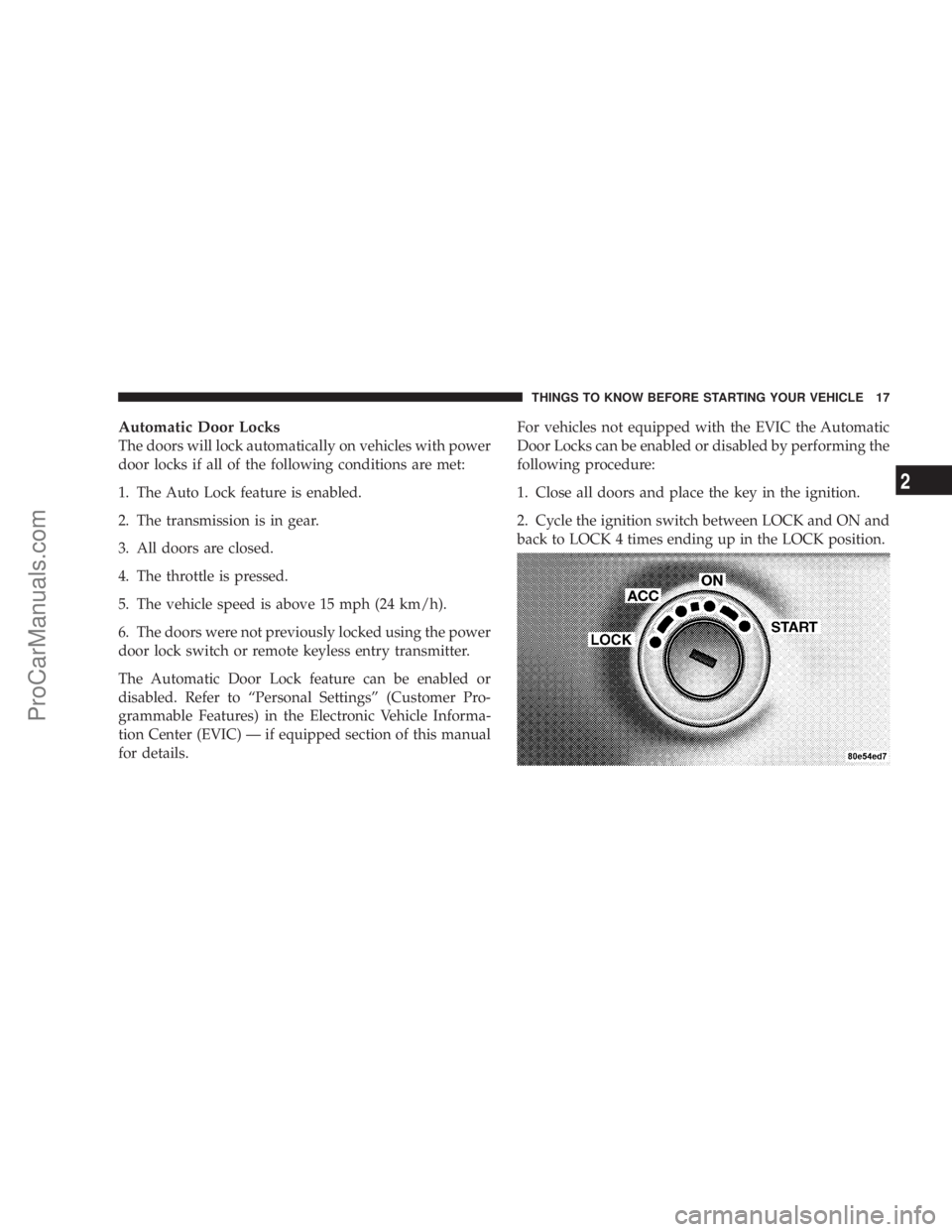
for details.For vehicles not equipped with the EVIC the Automatic
Door Locks can be enabled or disabled by performing the
following procedure:
1. Close all doors and place the key in the ignition.
2. Cycle the ignition switch between LOCK and ON and
back to LOCK 4 times ending up in the LOCK position.
THINGS TO KNOW BEFORE STARTING YOUR VEHICLE 17
2
ProCarManuals.com
Page 18 of 374
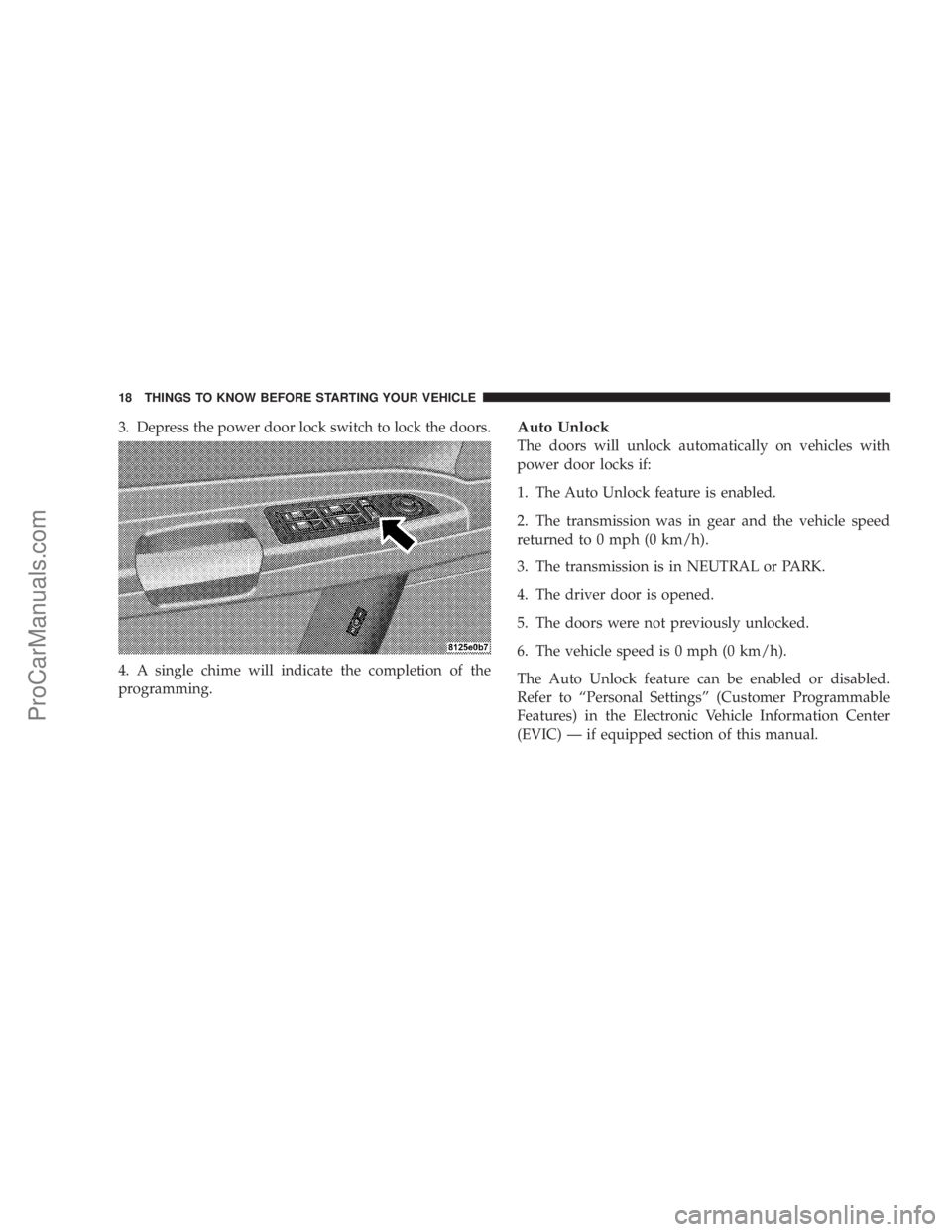
3. Depress the power door lock switch to lock the doors.
4. A single chime will indicate the completion of the
programming.Auto Unlock
The doors will unlock automatically on vehicles with
power door locks if:
1. The Auto Unlock feature is enabled.
2. The transmission was in gear and the vehicle speed
returned to 0 mph (0 km/h).
3. The transmission is in NEUTRAL or PARK.
4. The driver door is opened.
5. The doors were not previously unlocked.
6. The vehicle speed is 0 mph (0 km/h).
The Auto Unlock feature can be enabled or disabled.
Refer to ªPersonal Settingsº (Customer Programmable
Features) in the Electronic Vehicle Information Center
(EVIC) Ð if equipped section of this manual.
18 THINGS TO KNOW BEFORE STARTING YOUR VEHICLE
ProCarManuals.com
Page 19 of 374
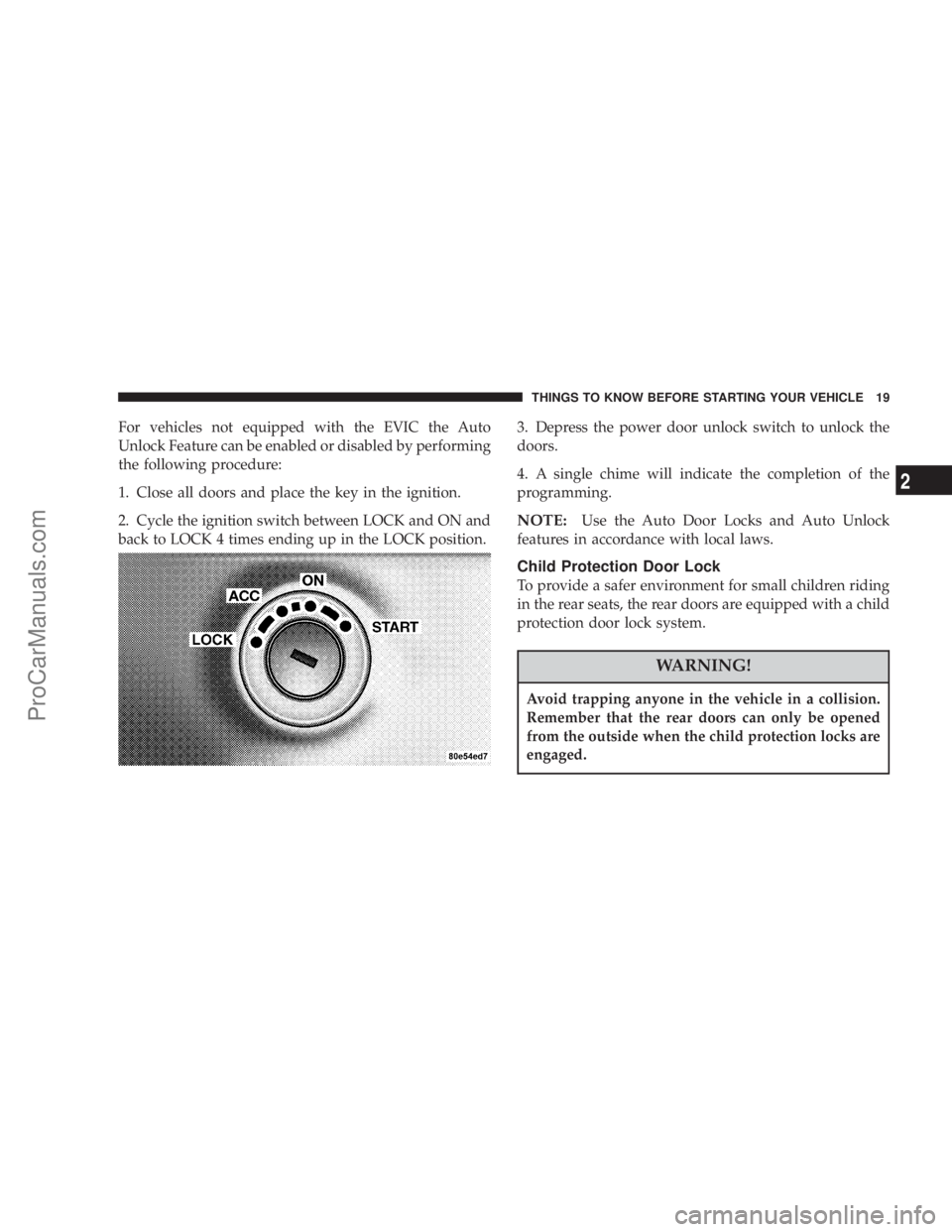
For vehicles not equipped with the EVIC the Auto
Unlock Feature can be enabled or disabled by performing
the following procedure:
1. Close all doors and place the key in the ignition.
2. Cycle the ignition switch between LOCK and ON and
back to LOCK 4 times ending up in the LOCK position.3. Depress the power door unlock switch to unlock the
doors.
4. A single chime will indicate the completion of the
programming.
NOTE:Use the Auto Door Locks and Auto Unlock
features in accordance with local laws.
Child Protection Door Lock
To provide a safer environment for small children riding
in the rear seats, the rear doors are equipped with a child
protection door lock system.
WARNING!
Avoid trapping anyone in the vehicle in a collision.
Remember that the rear doors can only be opened
from the outside when the child protection locks are
engaged.
THINGS TO KNOW BEFORE STARTING YOUR VEHICLE 19
2
ProCarManuals.com
Page 20 of 374

To activate the system, open the rear door and move the
child lock control, located near the door's rear latch, to
the ON position.
When the child lock system is engaged the door can be
opened only by using the outside door handle even
though the inside door lock is in the unlocked position.
REMOTE KEYLESS ENTRY
This system allows you to lock or unlock the doors, open
the trunk, or activate the panic alarm from distances up
to about 23 feet (7 meters) using a hand held radio
transmitter. The transmitter need not be pointed at the
vehicle to activate the system.
NOTE:If the key is in the ignition switch, then all
buttons on that transmitter will be disabled. The buttons
on the remaining transmitters will work. If the vehicle is
shifted out of PARK, all the transmitter buttons are
disabled for all keys.
20 THINGS TO KNOW BEFORE STARTING YOUR VEHICLE
ProCarManuals.com
Page 21 of 374

To unlock the doors:
Press and release the UNLOCK button on the transmitter
once to unlock the driver's door, or twice to unlock all
doors. The turn signal lights will flash twice to acknowl-
edge the unlock signal. The illuminated entry system also
turns on.
The headlights will also activate and remain on for 90
seconds (programmable) when the doors are unlocked
using the remote keyless entry transmitter. The time for
this feature is programmable on vehicles equipped with
the Electronic Vehicle Information Center (EVIC). Refer
to ªTurn Headlamps on with Remote Key Unlockº under
ªPersonal Settingsº in the Electronic Vehicle Information
Center (EVIC) section of this manual for details.
NOTE:The system can also be programmed to unlock
all doors on the first press of the UNLOCK button. Refer
to ªRemote Unlock Driver's Door 1stº under ªPersonal
Settingsº in the Electronic Vehicle Information Center
(EVIC) section of this manual, or simply follow these
steps:
1. Press the UNLOCK button for 4 to 10 seconds.2. While the UNLOCK button is pressed, (after 4 sec-
onds) press the LOCK button. Release both buttons.
The ªRemote Unlock Driver's Door 1stº feature can be
reactivated by repeating this procedure.
To lock the doors:
Press and release the LOCK button on the transmitter to
lock all doors. The turn signal lights will flash once to
acknowledge the lock signal. The horn will chirp once to
acknowledge the signal. If desired, the ªSound Horn On
Lockº feature can be turned on and off by referring to
Personal Settings in the ªElectronic Vehicle Information
Center (EVIC)º section of this manual, or by following
these steps:
1. Press the LOCK button for 4 to 10 seconds.
2. While the LOCK button is pressed (after 4 seconds),
press the PANIC button. Release both buttons.
The ªSound Horn On Lockº feature can be reactivated by
repeating this procedure.
THINGS TO KNOW BEFORE STARTING YOUR VEHICLE 21
2
ProCarManuals.com