clock setting CHRYSLER 300 SRT 2008 1.G User Guide
[x] Cancel search | Manufacturer: CHRYSLER, Model Year: 2008, Model line: 300 SRT, Model: CHRYSLER 300 SRT 2008 1.GPages: 482, PDF Size: 6.28 MB
Page 256 of 482
4. Touch the screen where the words “Set Time Zone” are
displayed. The time zone selection menu will appear on
the screen.
5. Select a time zone by touching the screen where your
selection appears. If you do not see a time zone that you
want to select, touch the screen where the word “Page” is
displayed to view additional time zones in the menu.
Changing Daylight Savings Time
When selected, this feature will display the time of day in
daylight savings time. Proceed as follows to change the
current setting:
1. Turn on the multimedia system.
2. Touch the screen where the time is displayed. The
clock setting menu will appear on the screen.3. When this feature is on, a check mark will appear in
the box next to the words “Daylight Savings.” Touch the
screen where the words “Daylight Savings” are dis-
played to change the current setting.
Setting the User Clock
If you wish to set the clock to a time different from the
system clock, you can manually adjust the time by
performing the following:
1. Turn on the multimedia system.
2. Touch the screen where the time is displayed. The
clock setting menu will appear on the screen. If the words
“Time: User Clock” are displayed at the top of the screen,
proceed to Step 4. Otherwise, proceed to Step 3.
254 UNDERSTANDING YOUR INSTRUMENT PANEL
Page 257 of 482
3. If the words “Time: GPS Time” are displayed at the top
of the screen, touch the bottom of the screen where the
words “GPS Time” are displayed. The user clock time
setting menu will appear on the screen.
4. To move the hour forward, touch the screen where the
word “Hour” with the arrow pointing upward is dis-
played. To move the hour backward, touch the screen
where the word “Hour” with the arrow pointing down-
ward is displayed.
5. To move the minute forward, touch the screen where
the word “Min” with the arrow pointing upward is
displayed. To move the minute backward, touch the
screen where the word “Min” with the arrow pointing
downward is displayed.
6. To save the new time setting, touch the screen where
the word “Save” is displayed.Show Time if Radio is Off
When selected, this feature will display the time of day
on the touch screen when the system is turned off.
Proceed as follows to change the current setting:
1. Turn on the multimedia system.
2. Touch the screen where the time is displayed. The
clock setting menu will appear on the screen.
3. When this feature is on, a check mark will appear in
the box next to the words “Show Time if Radio is Off.”
Touch the screen where the words “Show Time if Radio is
Off” are displayed to change the current setting.
UNDERSTANDING YOUR INSTRUMENT PANEL 255
4
Page 260 of 482
TIME Button
Press the TIME button and the time of day will display. In
AM or FM mode, pressing the TIME button will switch
between the time and frequency displays.
Clock Setting Procedure
1. Press and hold the TIME button, until the hours blink.
2. Adjust the hours by turning the right side TUNE/
SCROLL control knob.
3. After adjusting the hours, press the right side TUNE/
SCROLL control knob to set the minutes. The minutes
will begin to blink.
4. Adjust the minutes using the right side TUNE/
SCROLL control knob. Press the TUNE/SCROLL control
knob to save time change.
5. To exit, press any button/knob or wait five seconds.The clock can also be set by pressing the SETUP button.
For vehicles equipped with satellite radio, press the
SETUP button, use the TUNE/SCROLL control to select
SET CLOCK, and then follow the above procedure,
starting at Step 2. For vehicles not equipped with satellite
radio, press the SETUP button and then follow the above
procedure, starting at Step 2.
INFO Button
Press the INFO button for an RDS station (one with call
letters displayed). The radio will return a Radio Text
message broadcast from an FM station (FM mode only).
RW/FF
Pressing the RW (Rewind) or FF (Fast Forward) buttons
causes the tuner to search for the next frequency in the
direction of the arrows. This feature operates in either
AM or FM frequencies.
258 UNDERSTANDING YOUR INSTRUMENT PANEL
Page 261 of 482
TUNE Control
Turn the rotary TUNE/SCROLL control knob clockwise
to increase or counterclockwise to decrease the frequency.
Setting the Tone, Balance, and Fade
Push the rotary TUNE/SCROLL control knob and BASS
will display. Turn the TUNE/SCROLL control knob to
the right or left to increase or decrease the bass tones.
Push the rotary TUNE/SCROLL control knob a second
time and MID will display. Turn the TUNE/SCROLL
control knob to the right or left to increase or decrease the
mid range tones.
Push the rotary TUNE/SCROLL control knob a third
time and TREBLE will display. Turn the TUNE/SCROLL
control knob to the right or left to increase or decrease the
treble tones.
Push the rotary TUNE/SCROLL control knob a fourth
time and BALANCE will display. Turn the TUNE/SCROLL control knob to the right or left to adjust the
sound level from the right or left side speakers.
Push the rotary TUNE/SCROLL control knob a fifth time
and FADE will display. Turn the TUNE/SCROLL control
knob to the left or right to adjust the sound level between
the front and rear speakers.
Push the rotary TUNE/SCROLL control knob again to
exit setting tone, balance, and fade.
MUSIC TYPE Button
Pressing this button once will turn on the Music Type
mode for five seconds. Pressing the MUSIC TYPE button
or turning the TUNE/SCROLL control knob within five
seconds will allow the program format type to be se-
lected. Many radio stations do not currently broadcast
Music Type information.
UNDERSTANDING YOUR INSTRUMENT PANEL 259
4
Page 475 of 482
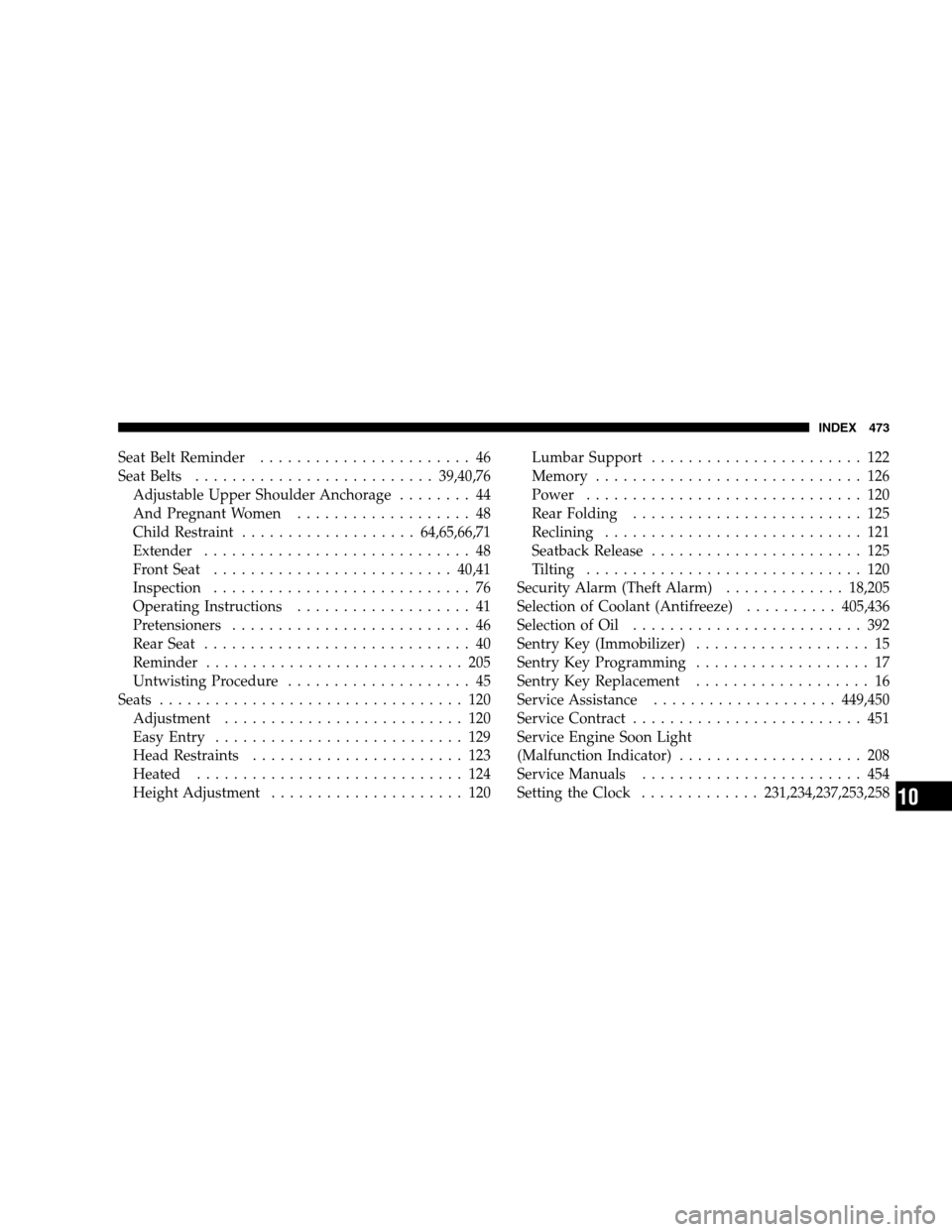
Seat Belt Reminder....................... 46
Seat Belts.......................... 39,40,76
Adjustable Upper Shoulder Anchorage........ 44
And Pregnant Women................... 48
Child Restraint................... 64,65,66,71
Extender............................. 48
Front Seat.......................... 40,41
Inspection............................ 76
Operating Instructions................... 41
Pretensioners.......................... 46
Rear Seat............................. 40
Reminder............................ 205
Untwisting Procedure.................... 45
Seats................................. 120
Adjustment.......................... 120
Easy Entry........................... 129
Head Restraints....................... 123
Heated............................. 124
Height Adjustment..................... 120Lumbar Support....................... 122
Memory............................. 126
Power.............................. 120
Rear Folding......................... 125
Reclining ............................ 121
Seatback Release....................... 125
Tilting .............................. 120
Security Alarm (Theft Alarm)............. 18,205
Selection of Coolant (Antifreeze)..........405,436
Selection of Oil......................... 392
Sentry Key (Immobilizer)................... 15
Sentry Key Programming................... 17
Sentry Key Replacement................... 16
Service Assistance....................449,450
Service Contract......................... 451
Service Engine Soon Light
(Malfunction Indicator).................... 208
Service Manuals........................ 454
Setting the Clock.............231,234,237,253,258
INDEX 473
10