steering CHRYSLER 300 SRT 2008 1.G User Guide
[x] Cancel search | Manufacturer: CHRYSLER, Model Year: 2008, Model line: 300 SRT, Model: CHRYSLER 300 SRT 2008 1.GPages: 482, PDF Size: 6.28 MB
Page 129 of 482
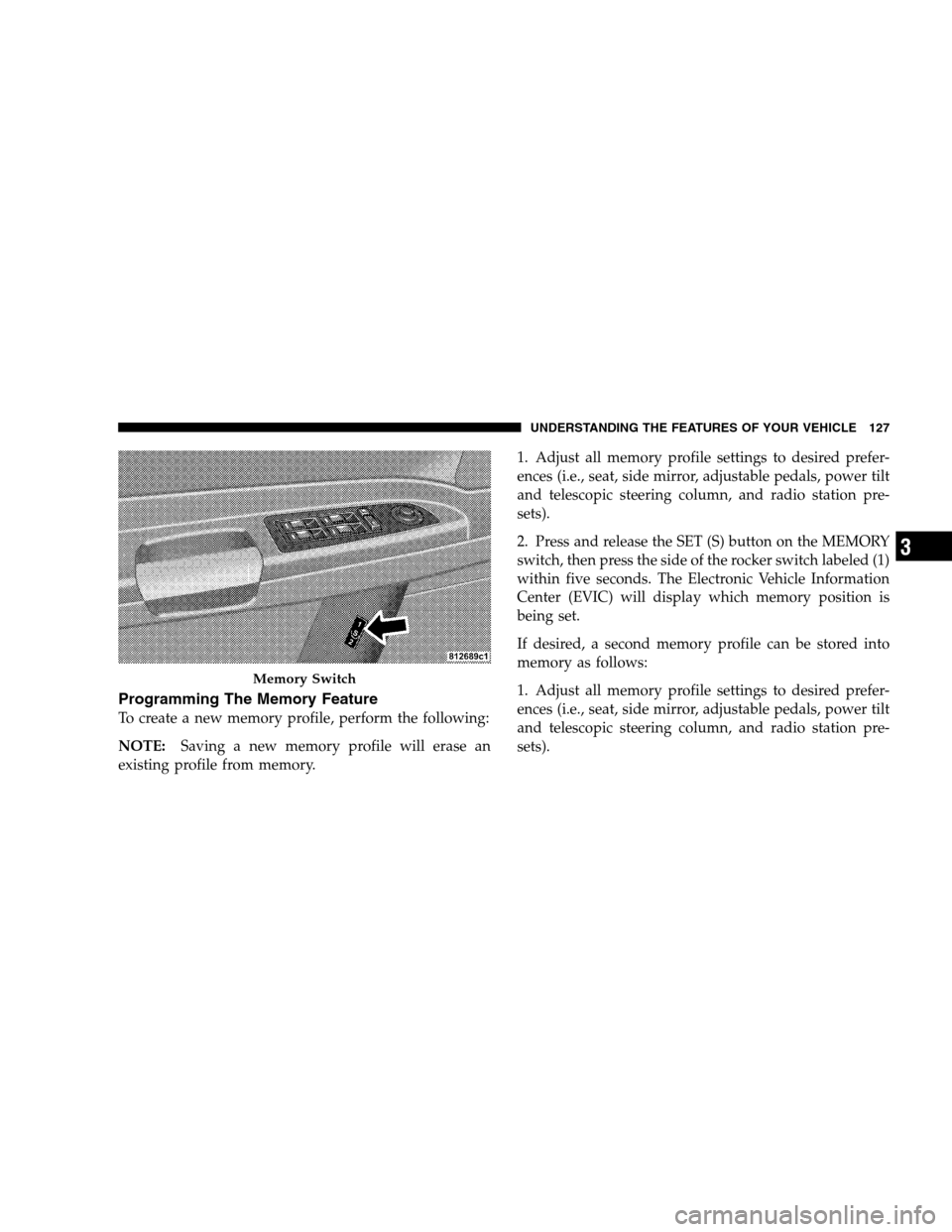
Programming The Memory Feature
To create a new memory profile, perform the following:
NOTE:Saving a new memory profile will erase an
existing profile from memory.1. Adjust all memory profile settings to desired prefer-
ences (i.e., seat, side mirror, adjustable pedals, power tilt
and telescopic steering column, and radio station pre-
sets).
2. Press and release the SET (S) button on the MEMORY
switch, then press the side of the rocker switch labeled (1)
within five seconds. The Electronic Vehicle Information
Center (EVIC) will display which memory position is
being set.
If desired, a second memory profile can be stored into
memory as follows:
1. Adjust all memory profile settings to desired prefer-
ences (i.e., seat, side mirror, adjustable pedals, power tilt
and telescopic steering column, and radio station pre-
sets).
Memory Switch
UNDERSTANDING THE FEATURES OF YOUR VEHICLE 127
3
Page 131 of 482
NOTE:Your transmitters can be unlinked to your
memory settings by pressing the SET (S) button followed
by the UNLOCK button on the transmitter in Step 4
above.
Memory Position Recall
NOTE:The vehicle must be in PARK to recall memory
positions. If a recall is attempted when the vehicle is not
in PARK, a message will display in the EVIC.
To recall the memory settings for driver one, press
MEMORY button number 1 on the driver’s door or the
UNLOCK button on the RKE transmitter linked to
memory position 1.
To recall the memory setting for driver two, press
MEMORY button number 2 on the driver’s door or the
UNLOCK button on the RKE transmitter linked to
memory position 2.A recall can be cancelled by pressing any of the
MEMORY buttons (S, 1, or 2) on the driver’s door during
a recall. When a recall is cancelled, the driver seat, side
mirror, adjustable pedals, and power tilt and telescopic
steering column stop moving. A delay of one second will
occur before another recall can be selected.Easy Entry/Exit Seat (Available with Memory Seat
Only)
This feature provides automatic driver seat positioning to
enhance driver mobility when entering and exiting the
vehicle.
The distance the driver seat moves depends on where
you have the driver seat positioned when you remove the
key from the ignition switch.
UNDERSTANDING THE FEATURES OF YOUR VEHICLE 129
3
Page 139 of 482
Fog Lights
The front FOG LIGHT switch is on the HEAD-
LIGHT switch below the dimmer control. To acti-
vate the front fog lights, turn ON the parking
lights or the low beam headlights and press the FOG
LIGHT switch.
An indicator light in the instrument cluster illuminates
when the fog lights are turned ON.
NOTE:The fog lights will operate with the low beam
headlights or parking lights on. However, selecting the
high beam headlights will turn off the fog lights.
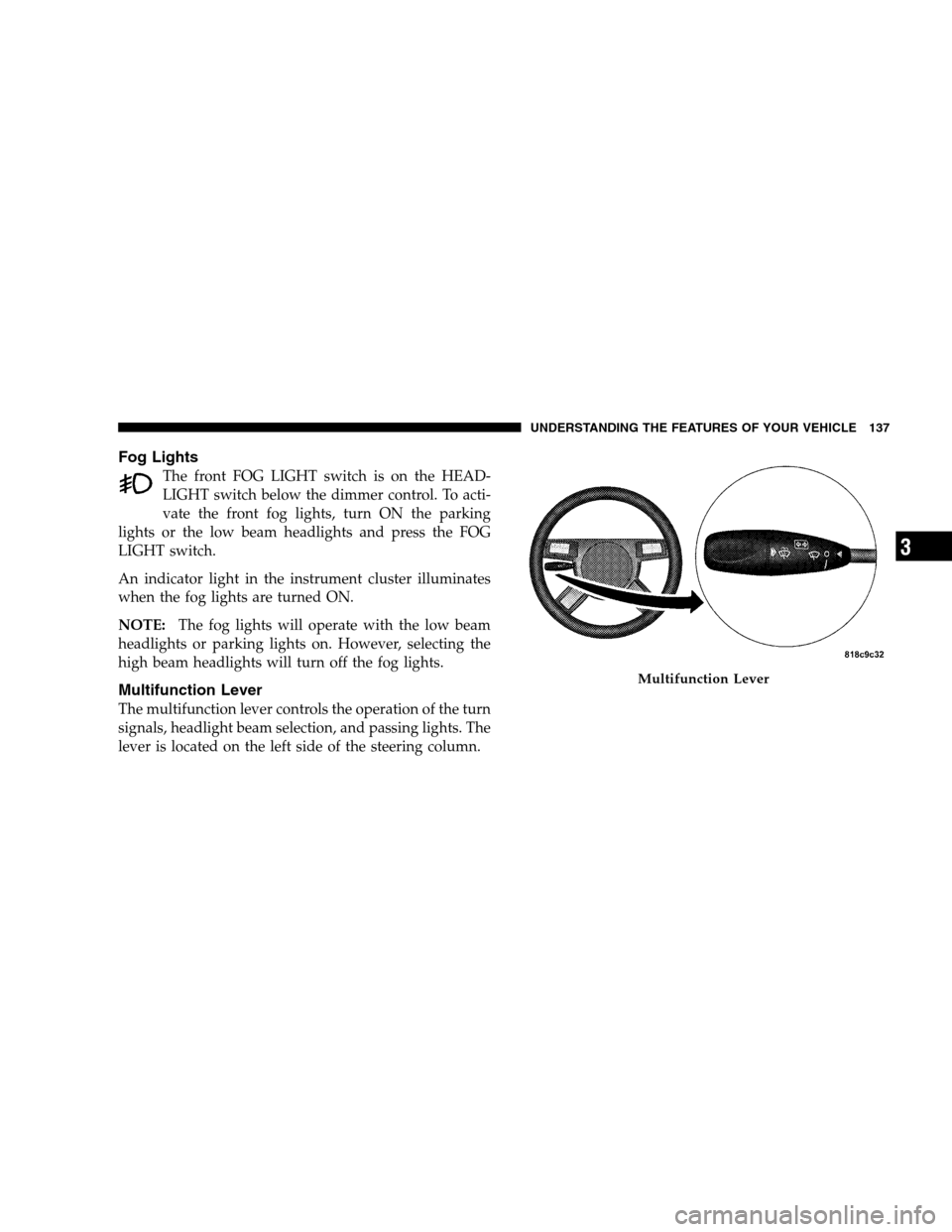
Multifunction Lever
The multifunction lever controls the operation of the turn
signals, headlight beam selection, and passing lights. The
lever is located on the left side of the steering column.
Multifunction Lever
UNDERSTANDING THE FEATURES OF YOUR VEHICLE 137
3
Page 142 of 482
Dome Light Position
Rotate the dimmer control completely upward to the
second detent to turn on the interior lights. The interior
lights will remain on when the dimmer control is in this
position.
Interior Light Defeat (OFF)
Rotate the dimmer control to the extreme bottom OFF
position. The interior lights will remain off when the
doors are open.
Parade Mode (Daytime Brightness Feature)
Rotate the dimmer control upward to the first detent.
This feature brightens all text displays such as the
odometer, EVIC, and radio when the parking lights or
headlights are on.
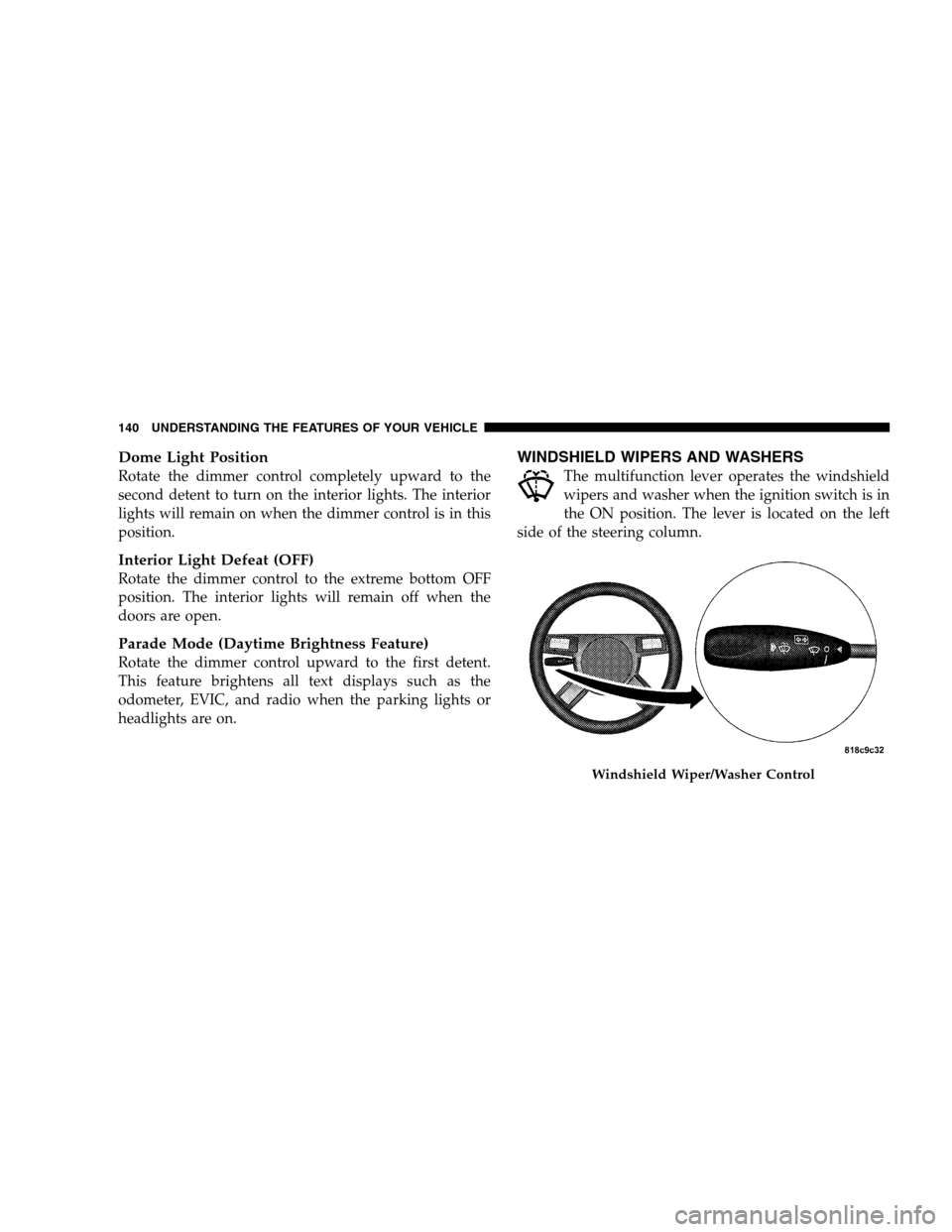
WINDSHIELD WIPERS AND WASHERS
The multifunction lever operates the windshield
wipers and washer when the ignition switch is in
the ON position. The lever is located on the left
side of the steering column.
Windshield Wiper/Washer Control
140 UNDERSTANDING THE FEATURES OF YOUR VEHICLE
Page 143 of 482
Rotate the end of the multifunction lever to the first
detent past the intermittent settings for low speed wiper
operation, or to the second detent past the intermittent
settings for high speed wiper operation.
CAUTION!
Turn the windshield wipers off when driving
through an automatic car wash. Damage to the wind-
shield wipers may result if the WIPER switch is left
in any position other than OFF.
Intermittent Wiper System
Use the intermittent wiper when weather conditions
make a single wiping cycle with a variable pause be-
tween cycles desirable. Rotate the end of the multifunc-
tion lever to the first detent position, and then turn the
end of the lever to select the desired delay interval. There
are six delay settings, which allow you to regulate thewipe interval from a minimum of one cycle every second
to a maximum of approximately 23 seconds between
cycles.
WARNING!
Sudden loss of visibility through the windshield
could lead to an accident. You might not see other
vehicles or other obstacles. To avoid sudden icing of
the windshield during freezing weather, warm the
windshield with the defroster before and during
windshield washer use.
Mist Feature
Push the multifunction lever inward (toward the steering
column) to the first detent to activate a single wipe cycle
to clear off road mist or spray from a passing vehicle. The
wipers will continue to operate until you release the
lever.
UNDERSTANDING THE FEATURES OF YOUR VEHICLE 141
3
Page 144 of 482
Windshield Washers
To use the washer, push the multifunction lever inward
(toward the steering column) to the second detent and
hold it for as long as washer spray is desired.
If you activate the washer while the windshield wiper
control is in the delay range, the wipers will operate for
two wipe cycles after releasing the lever and then resume
the intermittent interval previously selected.
If you activate the washer while the windshield wiper is
turned OFF, the wipers will operate for three wipe cycles
and then turn OFF.
Headlights On with Wipers
When this feature is active, the headlights will turn on
approximately 10 seconds after the wipers are turned ON
if the HEADLIGHT switch is placed in the AUTO posi-
tion. In addition, the headlights will turn off when the
wipers are turned OFF if they were turned ON by this
feature.The Headlights On with Wipers feature can be enabled or
disabled. Refer to ”Headlights On with Wipers,” under
“Personal Settings (Customer Programmable Features),”
under “Electronic Vehicle Information Center” in Section
4.
Rain Sensing Wipers
This feature senses moisture on the windshield and
automatically activates the wipers for the driver. This
feature is especially useful for road splash or over spray
from the windshield washers of the vehicle ahead. Rotate
the end of the multifunction lever to one of the six
intermittent wiper settings to activate this feature.
The sensitivity of the system is adjustable from the
multifunction lever. Wiper delay position 1 is the least
sensitive and wiper delay position 6 is the most sensitive.
Choose setting 3 or 4 for normal rain conditions. Choose
setting 2 or 1 if you desire less wiper sensitivity. Choose
142 UNDERSTANDING THE FEATURES OF YOUR VEHICLE
Page 147 of 482
WARNING!
Commercially available windshield washer solvents
are flammable. They could ignite and burn you. Care
must be exercised when filling or working around
the washer solution.
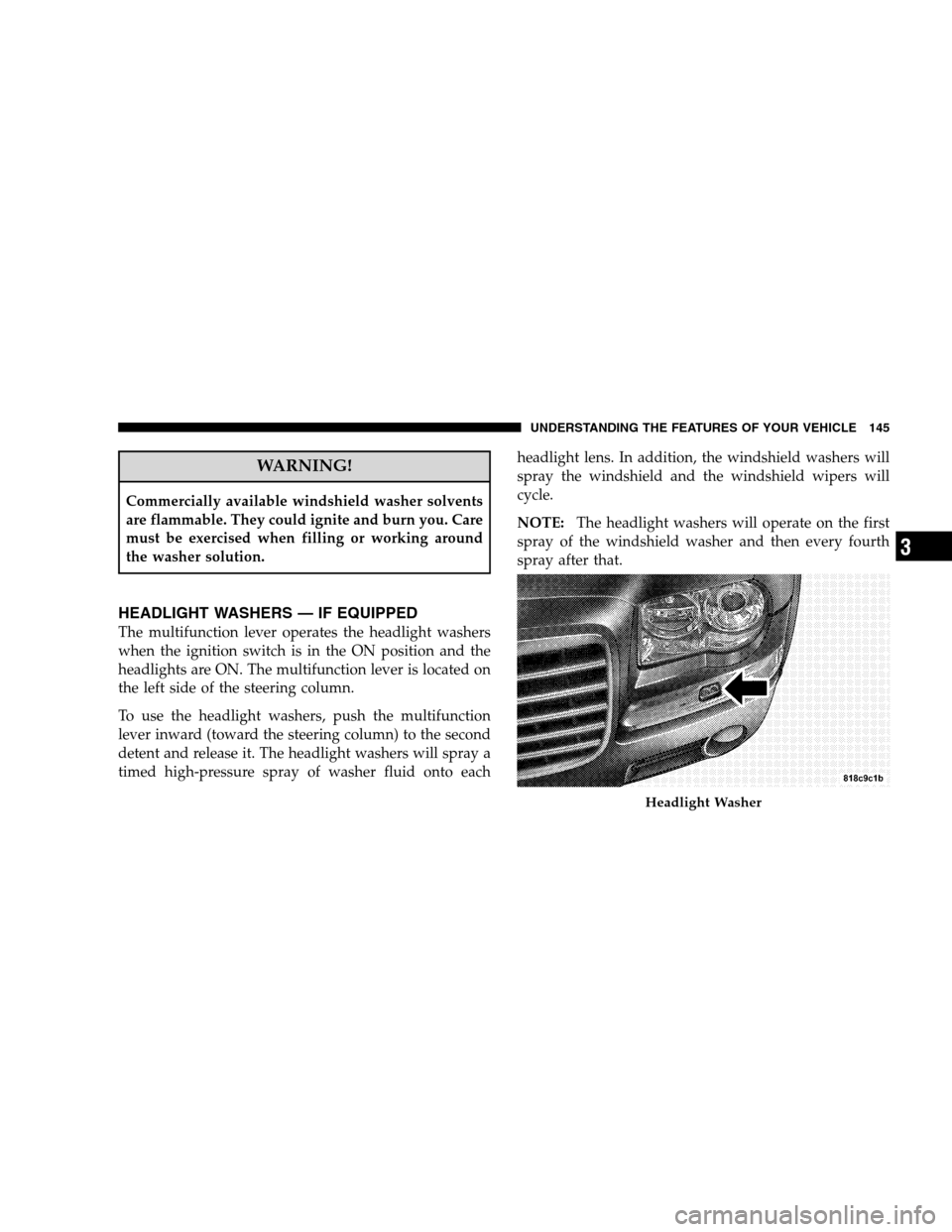
HEADLIGHT WASHERS — IF EQUIPPED
The multifunction lever operates the headlight washers
when the ignition switch is in the ON position and the
headlights are ON. The multifunction lever is located on
the left side of the steering column.
To use the headlight washers, push the multifunction
lever inward (toward the steering column) to the second
detent and release it. The headlight washers will spray a
timed high-pressure spray of washer fluid onto eachheadlight lens. In addition, the windshield washers will
spray the windshield and the windshield wipers will
cycle.
NOTE:The headlight washers will operate on the first
spray of the windshield washer and then every fourth
spray after that.
Headlight Washer
UNDERSTANDING THE FEATURES OF YOUR VEHICLE 145
3
Page 149 of 482
WARNING!
Commercially available windshield washer solvents
are flammable. They could ignite and burn you. Care
must be exercised when filling or working around
the washer solution.
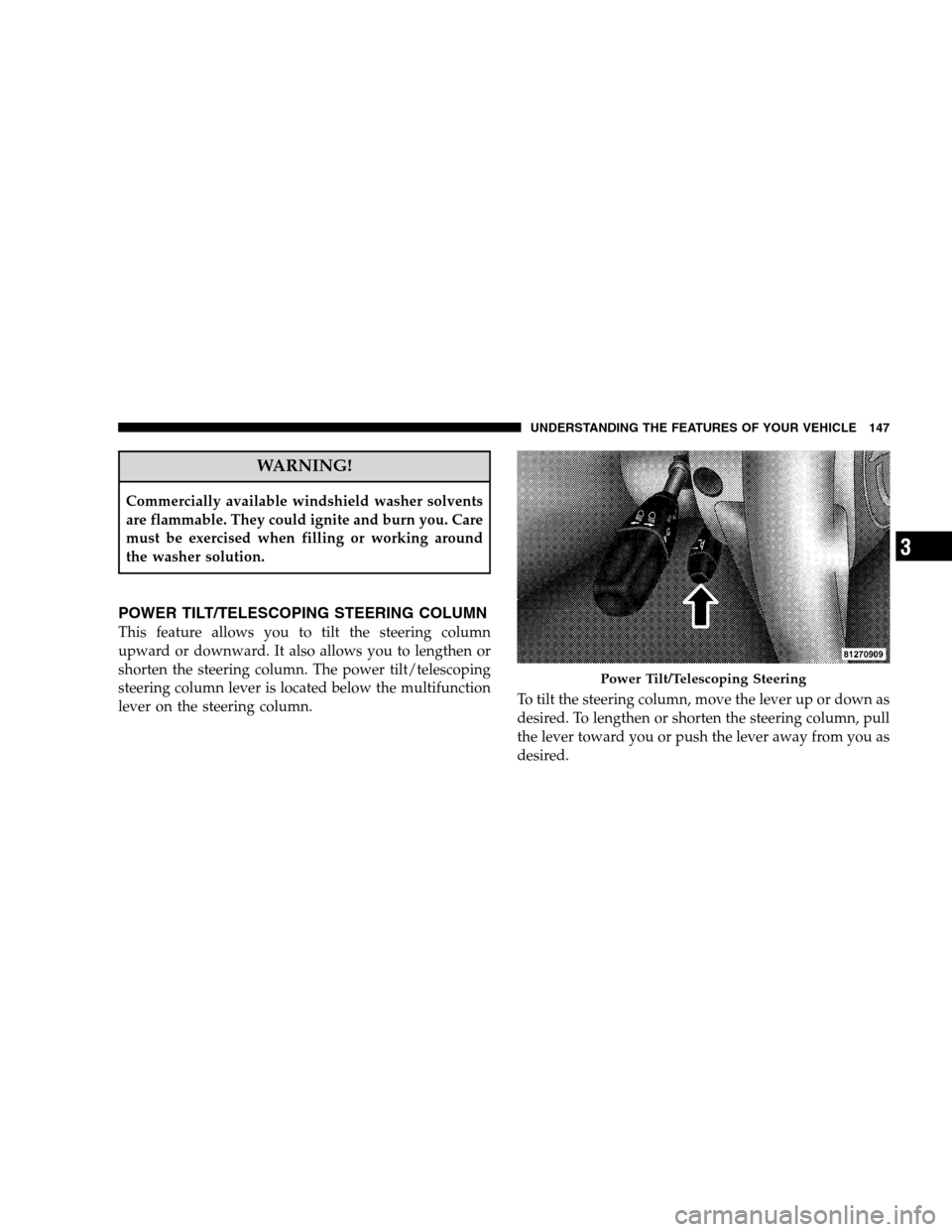
POWER TILT/TELESCOPING STEERING COLUMN
This feature allows you to tilt the steering column
upward or downward. It also allows you to lengthen or
shorten the steering column. The power tilt/telescoping
steering column lever is located below the multifunction
lever on the steering column.To tilt the steering column, move the lever up or down as
desired. To lengthen or shorten the steering column, pull
the lever toward you or push the lever away from you as
desired.
Power Tilt/Telescoping Steering
UNDERSTANDING THE FEATURES OF YOUR VEHICLE 147
3
Page 150 of 482
NOTE:For vehicles equipped with Driver Memory
Seat, you can use your Remote Keyless Entry (RKE)
transmitter or the MEMORY switch on the driver’s door
trim panel to return the tilt/telescopic steering column to
pre-programmed positions. Refer to “Driver Memory
Seat” in this section.
WARNING!
Moving the steering column while the vehicle is
moving is dangerous. Without a stable steering col-
umn, you could lose control of the vehicle and have
an accident. Adjust the column only while the ve-
hicle is stopped.
ADJUSTABLE PEDALS
The adjustable pedals system is designed to allow a
greater range of driver comfort for steering wheel tilt and
seat position. This feature allows both the brake and
accelerator pedal to move toward or away from the
driver to provide improved position with the steering
wheel. The switch is located on the front side of the
driver’s seat cushion side shield.
148 UNDERSTANDING THE FEATURES OF YOUR VEHICLE
Page 152 of 482
CAUTION!
Do not place any article under the adjustable pedals
or impede its ability to move as it may cause damage
to the pedal controls. Pedal travel may become lim-
ited if movement is stopped by an obstruction in the
adjustable pedal’s path.
ELECTRONIC SPEED CONTROL
When engaged, this device takes over the accelerator
operation at speeds greater than 25 mph (40 km/h).
Electronic Speed Control Operation
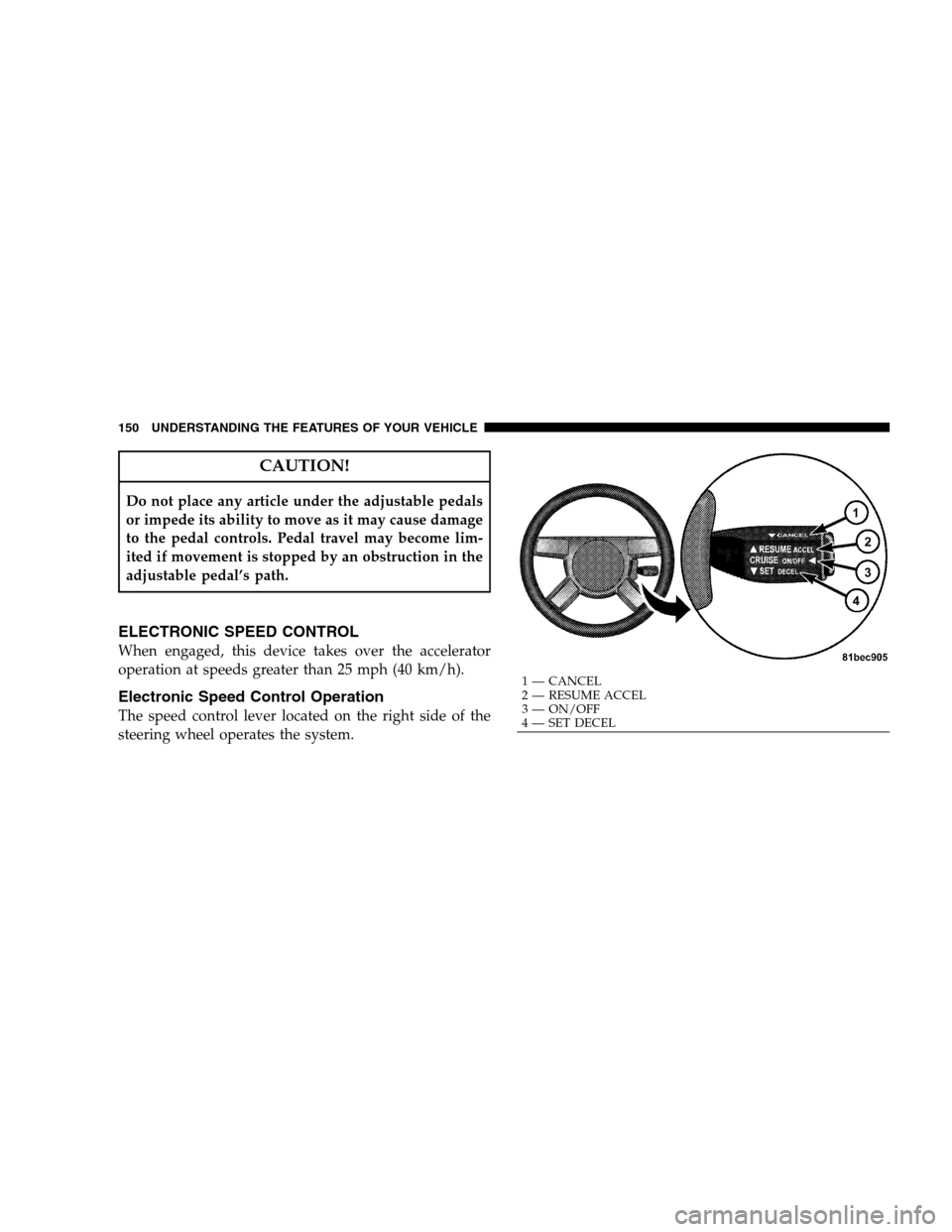
The speed control lever located on the right side of the
steering wheel operates the system.
1 — CANCEL
2 — RESUME ACCEL
3 — ON/OFF
4 — SET DECEL 150 UNDERSTANDING THE FEATURES OF YOUR VEHICLE