clock CHRYSLER 300 SRT 2009 1.G Owner's Manual
[x] Cancel search | Manufacturer: CHRYSLER, Model Year: 2009, Model line: 300 SRT, Model: CHRYSLER 300 SRT 2009 1.GPages: 493, PDF Size: 7.53 MB
Page 293 of 493
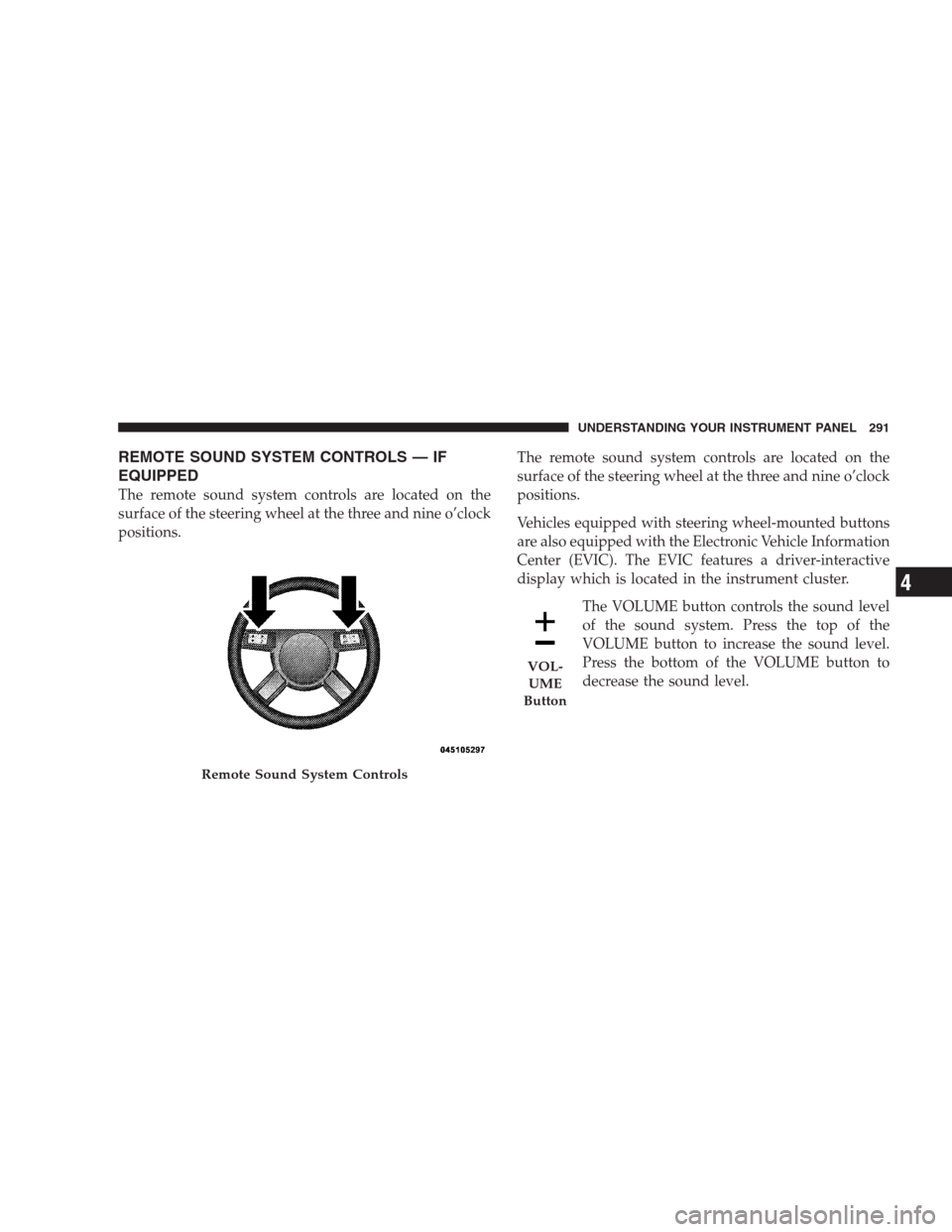
REMOTE SOUND SYSTEM CONTROLS — IF
EQUIPPED
The remote sound system controls are located on the
surface of the steering wheel at the three and nine o’clock
positions.The remote sound system controls are located on the
surface of the steering wheel at the three and nine o’clock
positions.
Vehicles equipped with steering wheel-mounted buttons
are also equipped with the Electronic Vehicle Information
Center (EVIC). The EVIC features a driver-interactive
display which is located in the instrument cluster.
The VOLUME button controls the sound level
of the sound system. Press the top of the
VOLUME button to increase the sound level.
Press the bottom of the VOLUME button to
decrease the sound level.
Remote Sound System Controls
VOL-
UME
Button
UNDERSTANDING YOUR INSTRUMENT PANEL 291
4
Page 310 of 493
Automatic Transmission
The shift lever must be in the NEUTRAL or PARK
position before you can start the engine. Apply the brakes
before shifting into any driving gear.
CAUTION!
Damage to the transmission may occur if the follow-
ing precautions are not observed:
•Shift into PARK only after the vehicle has come to
a complete stop.
•Shift into or out of REVERSE only after the
vehicle has come to a complete stop and the engine
is at idle speed.
•Do not shift from REVERSE, PARK, or NEUTRAL
into any forward gear when the engine is above
idle speed.
•Before shifting into any gear, make sure your foot
is firmly on the brake pedal.
Keyless Go (If Equipped)
This function allows the driver to op-
erate the ignition switch with the push
of a button, as long as the ENGINE
START/STOP button is installed and
the Keyless Go ignition key (FOBIK)
can be detected inside of the vehicle.
Removing and Re-Installing the Engine Start/Stop
Button
The ENGINE START/STOP button may be removed
from the receptacle to allow the vehicle ignition to be
controlled conventionally by inserting the FOBIK. The
button may be removed using the valet key from the
FOBIK as a thin tool. Insert the metal part of the valet key
under the chrome bezel at the 6 o’clock position, and
gently pry the button loose.
308 STARTING AND OPERATING
Page 436 of 493
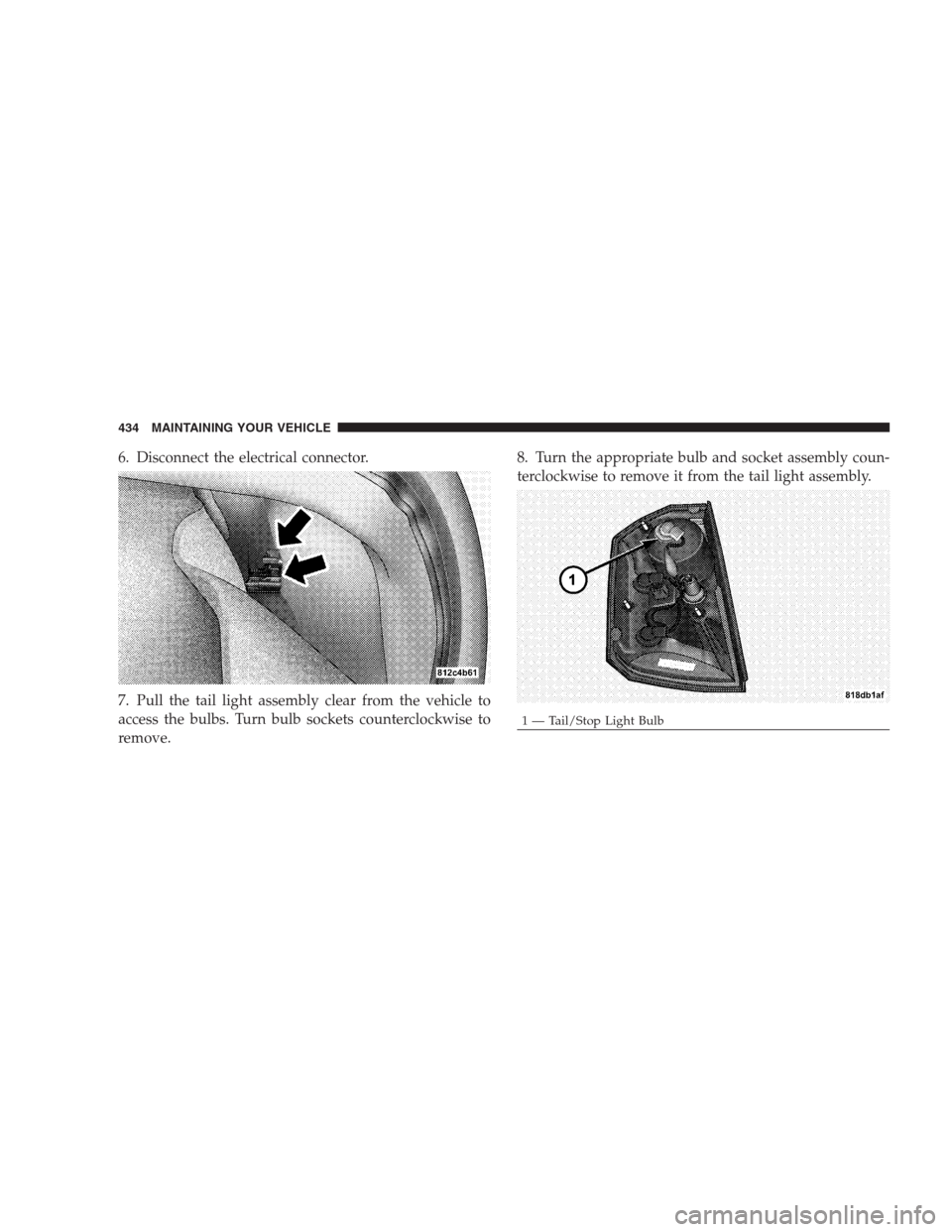
6. Disconnect the electrical connector.
7. Pull the tail light assembly clear from the vehicle to
access the bulbs. Turn bulb sockets counterclockwise to
remove.8. Turn the appropriate bulb and socket assembly coun-
terclockwise to remove it from the tail light assembly.
1 — Tail/Stop Light Bulb 434 MAINTAINING YOUR VEHICLE
Page 438 of 493
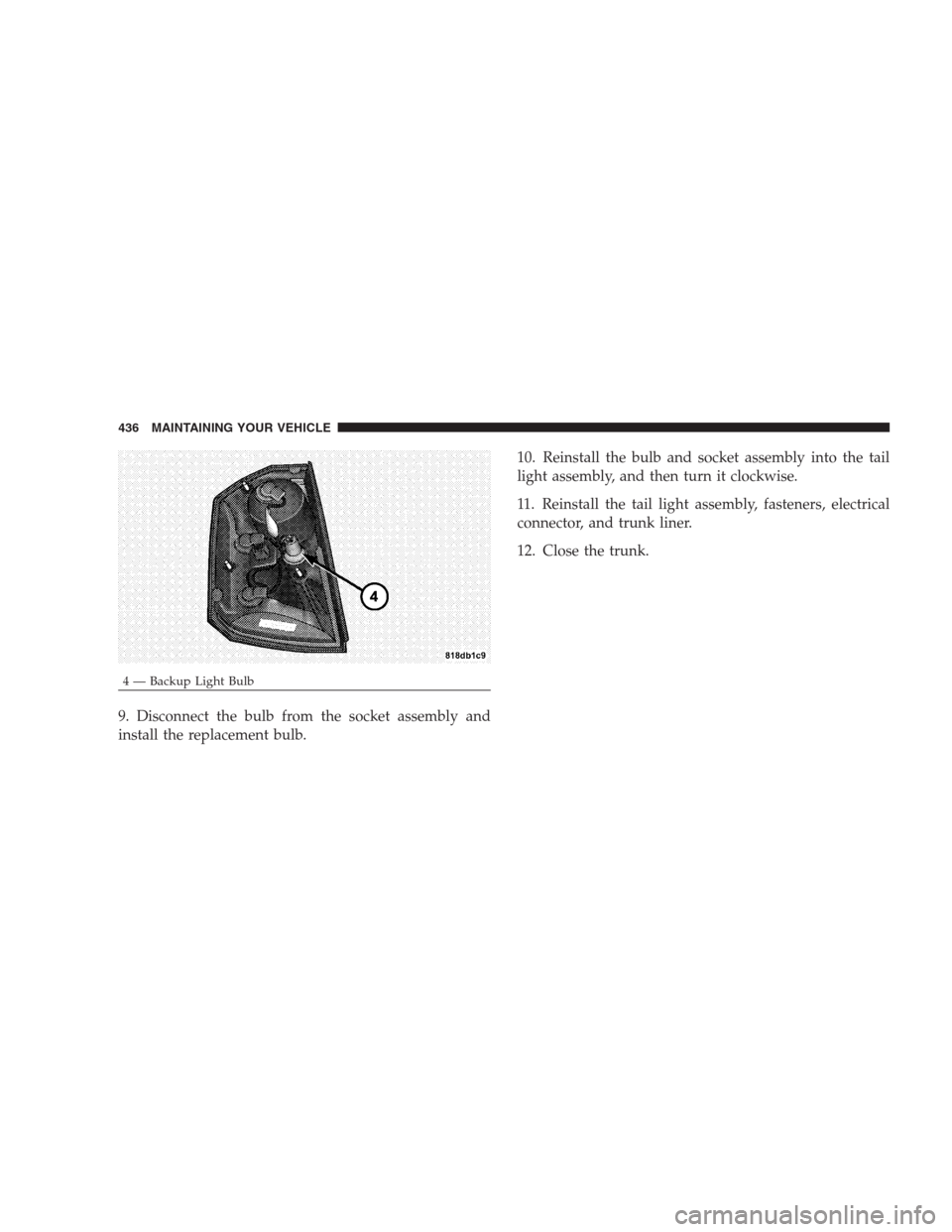
9. Disconnect the bulb from the socket assembly and
install the replacement bulb.10. Reinstall the bulb and socket assembly into the tail
light assembly, and then turn it clockwise.
11. Reinstall the tail light assembly, fasteners, electrical
connector, and trunk liner.
12. Close the trunk.
4 — Backup Light Bulb 436 MAINTAINING YOUR VEHICLE
Page 474 of 493
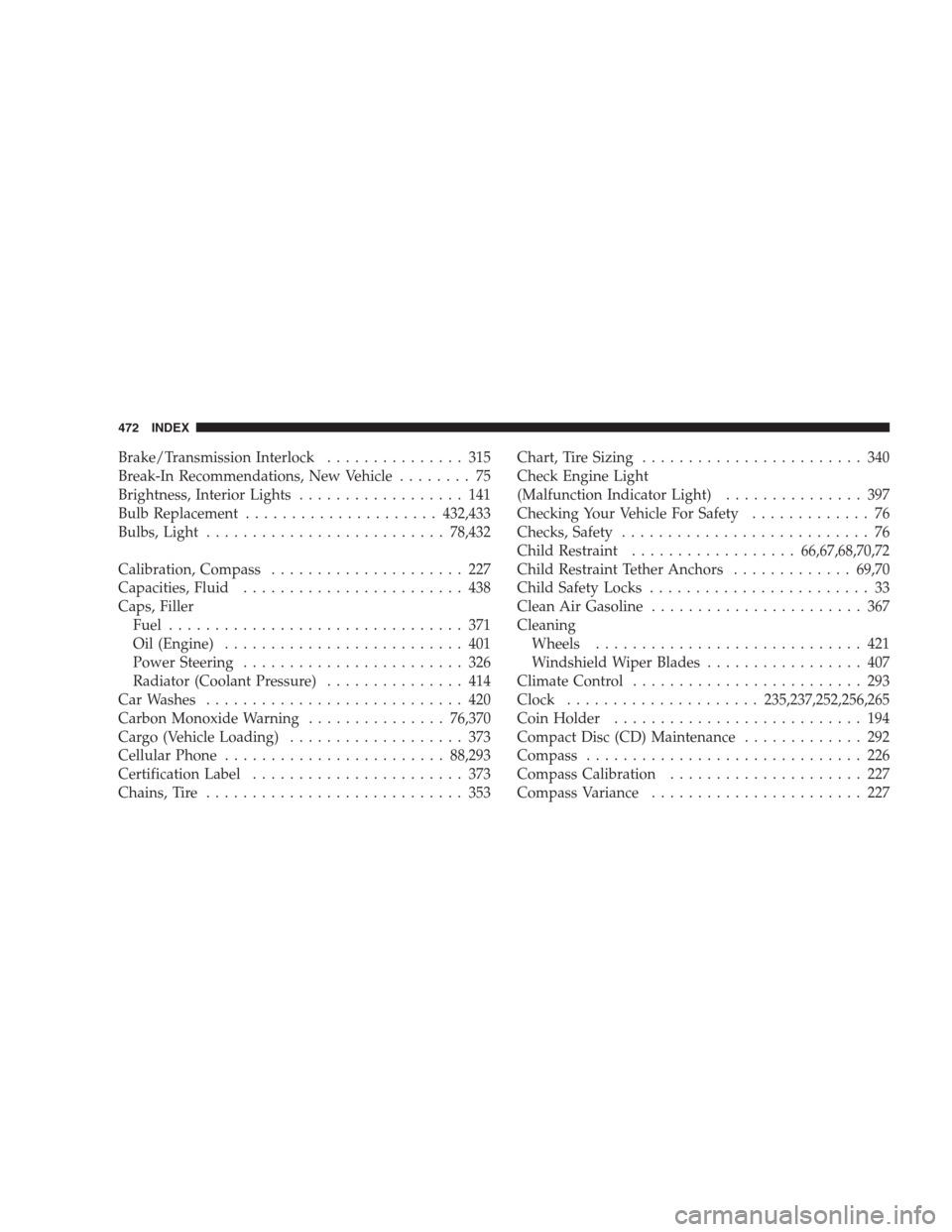
Brake/Transmission Interlock............... 315
Break-In Recommendations, New Vehicle........ 75
Brightness, Interior Lights.................. 141
Bulb Replacement.....................432,433
Bulbs, Light..........................78,432
Calibration, Compass..................... 227
Capacities, Fluid........................ 438
Caps, Filler
Fuel................................ 371
Oil (Engine).......................... 401
Power Steering........................ 326
Radiator (Coolant Pressure)............... 414
Car Washes............................ 420
Carbon Monoxide Warning...............76,370
Cargo (Vehicle Loading)................... 373
Cellular Phone........................88,293
Certification Label....................... 373
Chains, Tire............................ 353Chart, Tire Sizing........................ 340
Check Engine Light
(Malfunction Indicator Light)............... 397
Checking Your Vehicle For Safety............. 76
Checks, Safety........................... 76
Child Restraint..................66,67,68,70,72
Child Restraint Tether Anchors.............69,70
Child Safety Locks........................ 33
Clean Air Gasoline....................... 367
Cleaning
Wheels............................. 421
Windshield Wiper Blades................. 407
Climate Control......................... 293
Clock.....................235,237,252,256,265
Coin Holder........................... 194
Compact Disc (CD) Maintenance............. 292
Compass.............................. 226
Compass Calibration..................... 227
Compass Variance....................... 227
472 INDEX
Page 487 of 493
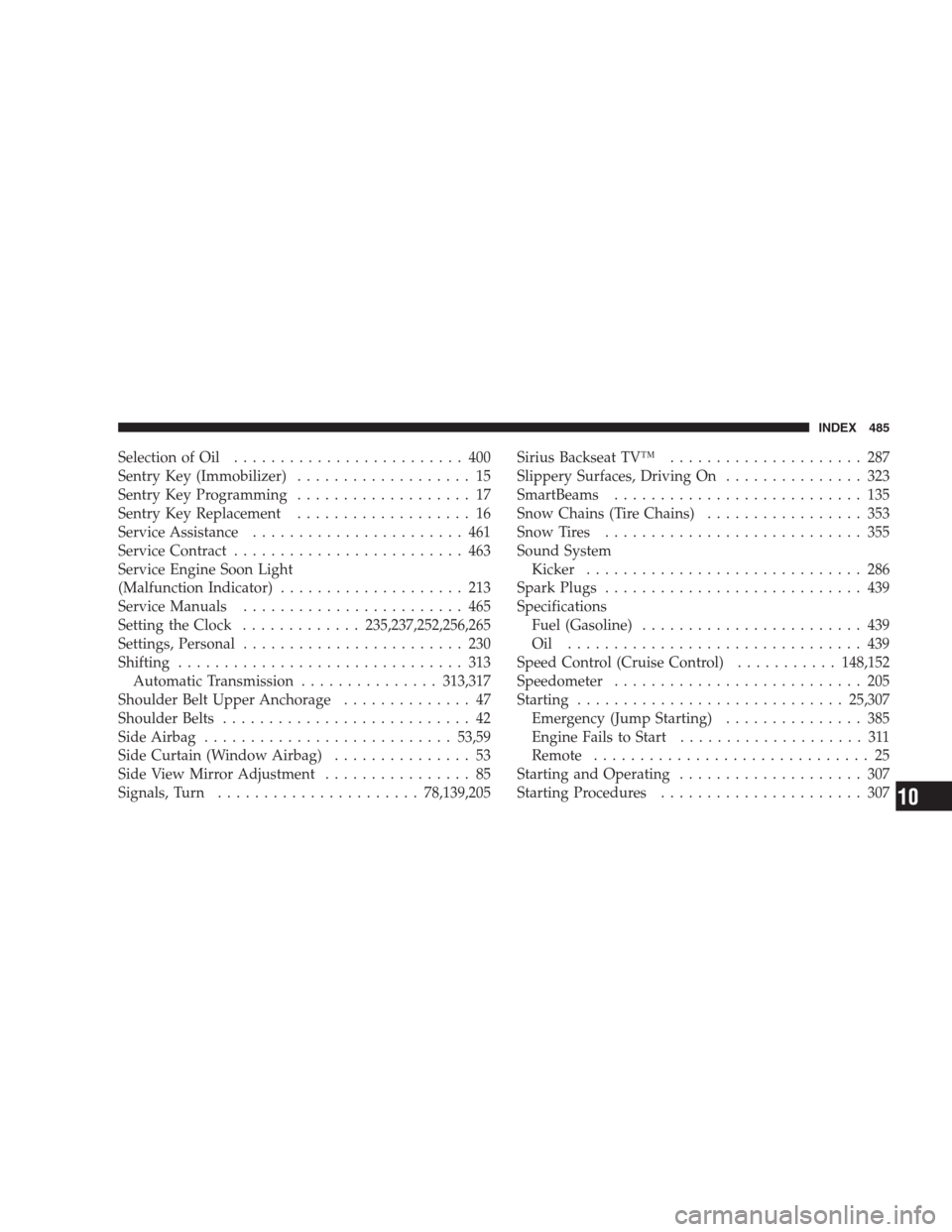
Selection of Oil......................... 400
Sentry Key (Immobilizer)................... 15
Sentry Key Programming................... 17
Sentry Key Replacement................... 16
Service Assistance....................... 461
Service Contract......................... 463
Service Engine Soon Light
(Malfunction Indicator).................... 213
Service Manuals........................ 465
Setting the Clock.............235,237,252,256,265
Settings, Personal........................ 230
Shifting............................... 313
Automatic Transmission...............313,317
Shoulder Belt Upper Anchorage.............. 47
Shoulder Belts........................... 42
Side Airbag...........................53,59
Side Curtain (Window Airbag)............... 53
Side View Mirror Adjustment................ 85
Signals, Turn......................78,139,205Sirius Backseat TV™..................... 287
Slippery Surfaces, Driving On............... 323
SmartBeams........................... 135
Snow Chains (Tire Chains)................. 353
Snow Tires............................ 355
Sound System
Kicker.............................. 286
Spark Plugs............................ 439
Specifications
Fuel (Gasoline)........................ 439
Oil ................................ 439
Speed Control (Cruise Control)...........148,152
Speedometer........................... 205
Starting.............................25,307
Emergency (Jump Starting)............... 385
Engine Fails to Start.................... 311
Remote.............................. 25
Starting and Operating.................... 307
Starting Procedures...................... 307
INDEX 485
10