ad blue CHRYSLER 300 SRT 2013 2.G User Guide
[x] Cancel search | Manufacturer: CHRYSLER, Model Year: 2013, Model line: 300 SRT, Model: CHRYSLER 300 SRT 2013 2.GPages: 580, PDF Size: 4.26 MB
Page 147 of 580
•Some paging and voice mail systems have system time
out settings that are too short and may not allow the
use of this feature.
• Pauses, wait or other characters that are supported by
some phones are not supported over Bluetooth®.
These additional symbols will be ignored in the dialing
a numbered sequence.
Barge In — Overriding Prompts
Thebutton can be used when you wish to skip part
of a prompt and issue your voice command immediately.
For example, if a prompt is asking “There are two
numbers with the name John. Say the full name” you
could press the
button and say, “John Smith” to
select that option without having to listen to the rest of
the voice prompt.
Voice Response Length
It is possible for you to choose between Brief and
Detailed Voice Response Length.
• Touch the “More” soft-key (where available), then
touch the “Settings” soft-key,
• Touch the “Display” soft-key, then scroll down to Voice
Response Length,
• Select either “Brief” or “Detailed” by touching the box
next to the selection. A check-mark will appear to
show your selection.
Phone And Network Status Indicators
Uconnect® Phone will provide notification to inform you
of your phone and network status when you are attempt-
ing to make a phone call using Uconnect® Phone. The
status is given for network signal strength and phone
battery strength.
3
UNDERSTANDING THE FEATURES OF YOUR VEHICLE 145
Page 148 of 580
Dialing Using The Mobile Phone Keypad
WARNING!
Your new vehicle has many features for the comfort
and convenience of you and your passengers. Only
use such features when it is safe to do so. Failure to
follow this Warning may result in an accident involv-
ing serious injury or death.
You can dial a phone number with your mobile phone
keypad and still use the Uconnect® Phone (while dialing
via the mobile phone keypad, the user must exercise
caution and take precautionary safety measures). By
dialing a number with your paired Bluetooth® mobile
phone, the audio will be played through your vehicle’s
audio system. The Uconnect® Phone will work the same
as if you dial the number using voice a command. NOTE:
Certain brands of mobile phones do not send the
dial ring to the Uconnect® Phone to play it on the vehicle
audio system, so you will not hear it. Under this situa-
tion, after successfully dialing a number the user may feel
that the call did not go through even though the call is in
progress. Once your call is answered, you will hear the
audio.
Mute/Un-Mute (Mute ON/OFF)
When you mute the Uconnect® Phone, you will still be
able to hear the conversation coming from the other
party, but the other party will not be able to hear you. To
mute the Uconnect® Phone simply touch the Mute
button on the Phone main screen.
146 UNDERSTANDING THE FEATURES OF YOUR VEHICLE
Page 149 of 580
Advanced Phone Connectivity
Transfer Call To And From Mobile Phone
The Uconnect® Phone allows ongoing calls to be trans-
ferred from your mobile phone to the Uconnect® Phone
without terminating the call. To transfer an ongoing call
from your paired mobile phone to the Uconnect® Phone
or vice versa, press the Transfer button on the Phone
main screen.
Connect Or Disconnect Link Between The
Uconnect® Phone And Mobile Phone
If you would like to connect or disconnect the Bluetooth®
connection between a Uconnect® Phone paired mobile
phone and the Uconnect® Phone, follow the instructions
described in your mobile phone User’s Manual.
Things You Should Know About Your Uconnect®
Phone
Voice Command
•For best performance, adjust the rearview mirror to
provide at least ½ in (1 cm) gap between the overhead
console (if equipped) and the mirror.
• Always wait for the beep before speaking.
•
Speak normally, without pausing, just as you would speak
to a person sitting a few feet/meters away from you.
• Make sure that no one other than you is speaking
during a voice command period.
3
UNDERSTANDING THE FEATURES OF YOUR VEHICLE 147
Page 151 of 580
•Performance, such as audio clarity, echo, and loudness
to a large degree rely on the phone and network, and
not the Uconnect® Phone.
• Echo at the far end can sometimes be reduced by
lowering the in-vehicle audio volume.
• In a convertible vehicle, system performance may be
compromised with the convertible top down.
Voice Text Reply
Uconnect® Phone can read or send new messages on
your phone.
Your phone must support SMS over Bluetooth® in order
to use this feature. If the Uconnect® Phone determines
your phone is not compatible with SMS messaging over
Bluetooth® the “Messaging” button will be greyed out
and the feature will not be available for use. NOTE:
Uconnect® Phone SMS is only available when the
vehicle is not in moving.
3
UNDERSTANDING THE FEATURES OF YOUR VEHICLE 149
Page 155 of 580
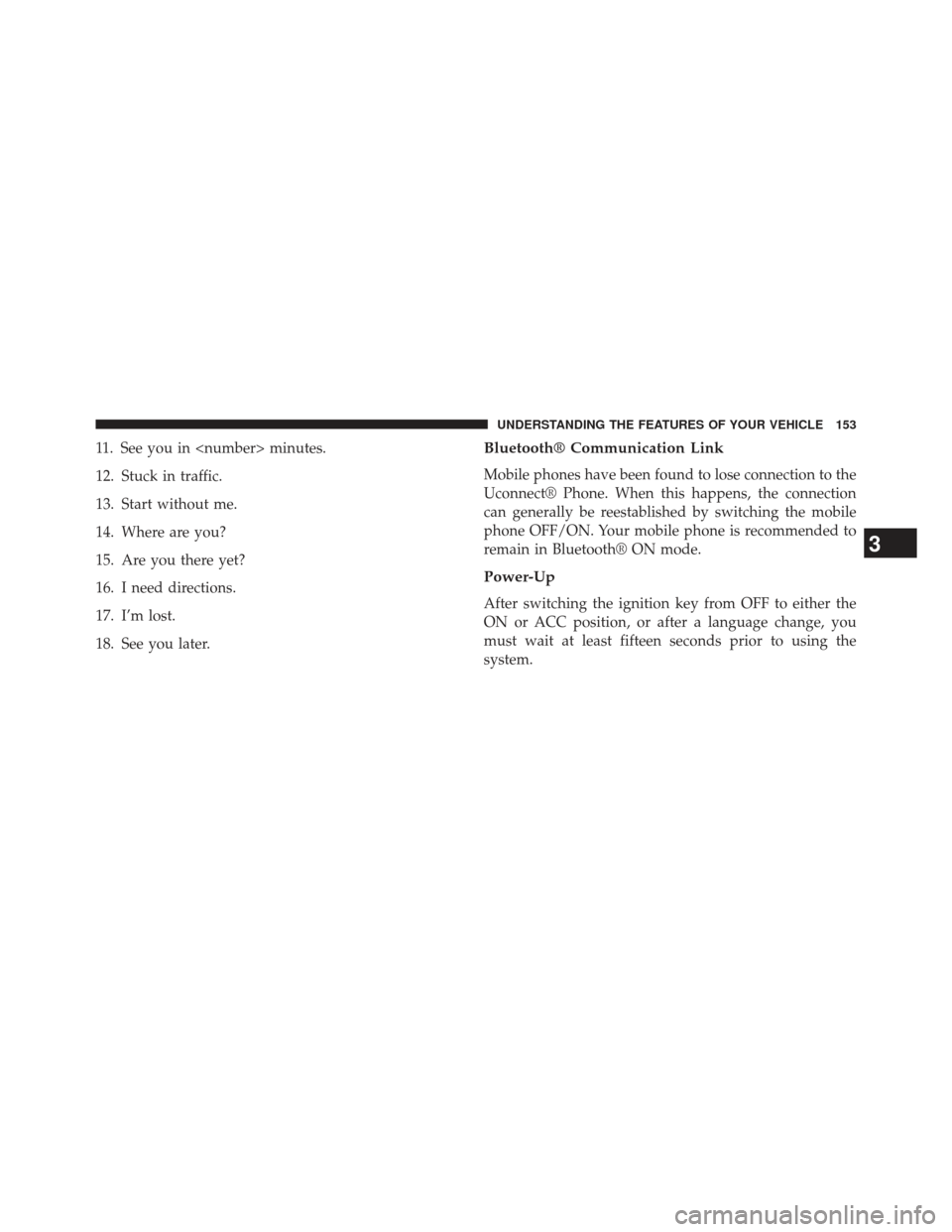
11. See you in
12. Stuck in traffic.
13. Start without me.
14. Where are you?
15. Are you there yet?
16. I need directions.
17. I’m lost.
18. See you later.Bluetooth® Communication Link
Mobile phones have been found to lose connection to the
Uconnect® Phone. When this happens, the connection
can generally be reestablished by switching the mobile
phone OFF/ON. Your mobile phone is recommended to
remain in Bluetooth® ON mode.
Power-Up
After switching the ignition key from OFF to either the
ON or ACC position, or after a language change, you
must wait at least fifteen seconds prior to using the
system.
3
UNDERSTANDING THE FEATURES OF YOUR VEHICLE 153
Page 163 of 580
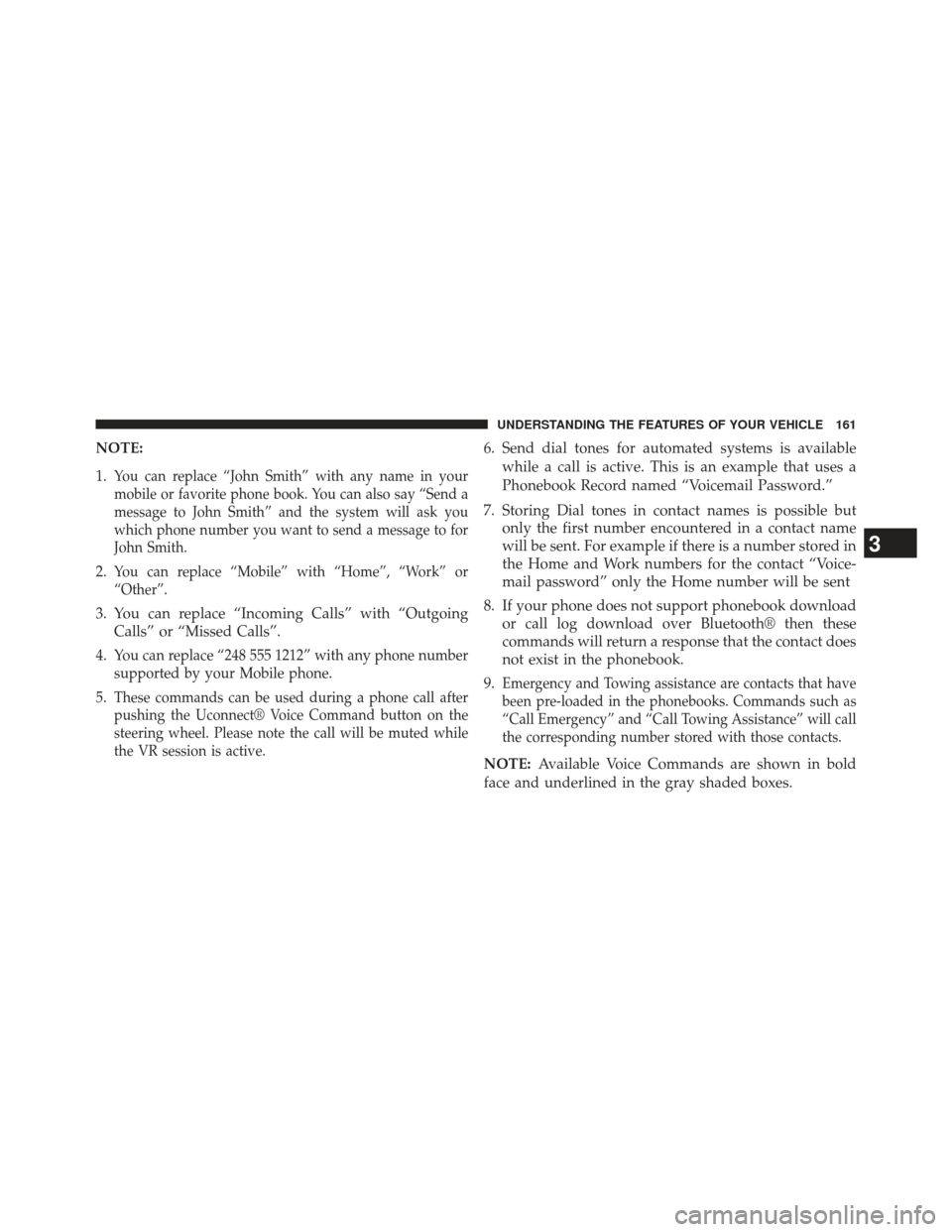
NOTE:
1.
You can replace “John Smith” with any name in your
mobile or favorite phone book. You can also say “Send a
message to John Smith” and the system will ask you
which phone number you want to send a message to for
John Smith.
2.You can replace “Mobile” with “Home”, “Work” or
“Other”.
3. You can replace “Incoming Calls” with “OutgoingCalls” or “Missed Calls”.
4.
You can replace “248 555 1212” with any phone number
supported by your Mobile phone.
5.These commands can be used during a phone call after
pushing the Uconnect® Voice Command button on the
steering wheel. Please note the call will be muted while
the VR session is active.
6. Send dial tones for automated systems is available while a call is active. This is an example that uses a
Phonebook Record named “Voicemail Password.”
7. Storing Dial tones in contact names is possible but only the first number encountered in a contact name
will be sent. For example if there is a number stored in
the Home and Work numbers for the contact “Voice-
mail password” only the Home number will be sent
8. If your phone does not support phonebook download or call log download over Bluetooth® then these
commands will return a response that the contact does
not exist in the phonebook.
9.
Emergency and Towing assistance are contacts that have
been pre-loaded in the phonebooks. Commands such as
“Call Emergency” and “Call Towing Assistance” will call
the corresponding number stored with those contacts.
NOTE: Available Voice Commands are shown in bold
face and underlined in the gray shaded boxes.
3
UNDERSTANDING THE FEATURES OF YOUR VEHICLE 161
Page 165 of 580
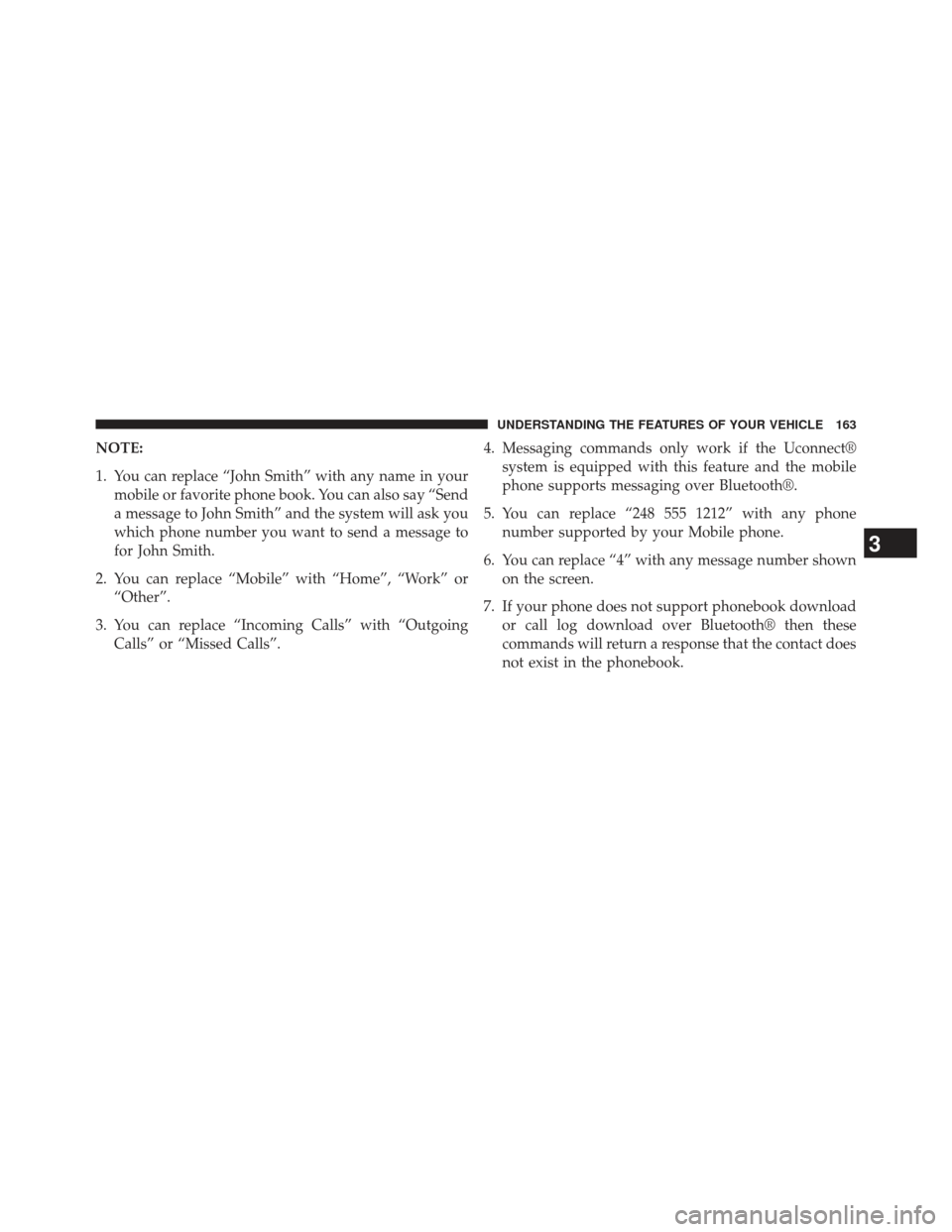
NOTE:
1. You can replace “John Smith” with any name in yourmobile or favorite phone book. You can also say “Send
a message to John Smith” and the system will ask you
which phone number you want to send a message to
for John Smith.
2. You can replace “Mobile” with “Home”, “Work” or “Other”.
3. You can replace “Incoming Calls” with “Outgoing Calls” or “Missed Calls”. 4. Messaging commands only work if the Uconnect®
system is equipped with this feature and the mobile
phone supports messaging over Bluetooth®.
5. You can replace “248 555 1212” with any phone number supported by your Mobile phone.
6. You can replace “4” with any message number shown on the screen.
7. If your phone does not support phonebook download or call log download over Bluetooth® then these
commands will return a response that the contact does
not exist in the phonebook.
3
UNDERSTANDING THE FEATURES OF YOUR VEHICLE 163
Page 332 of 580
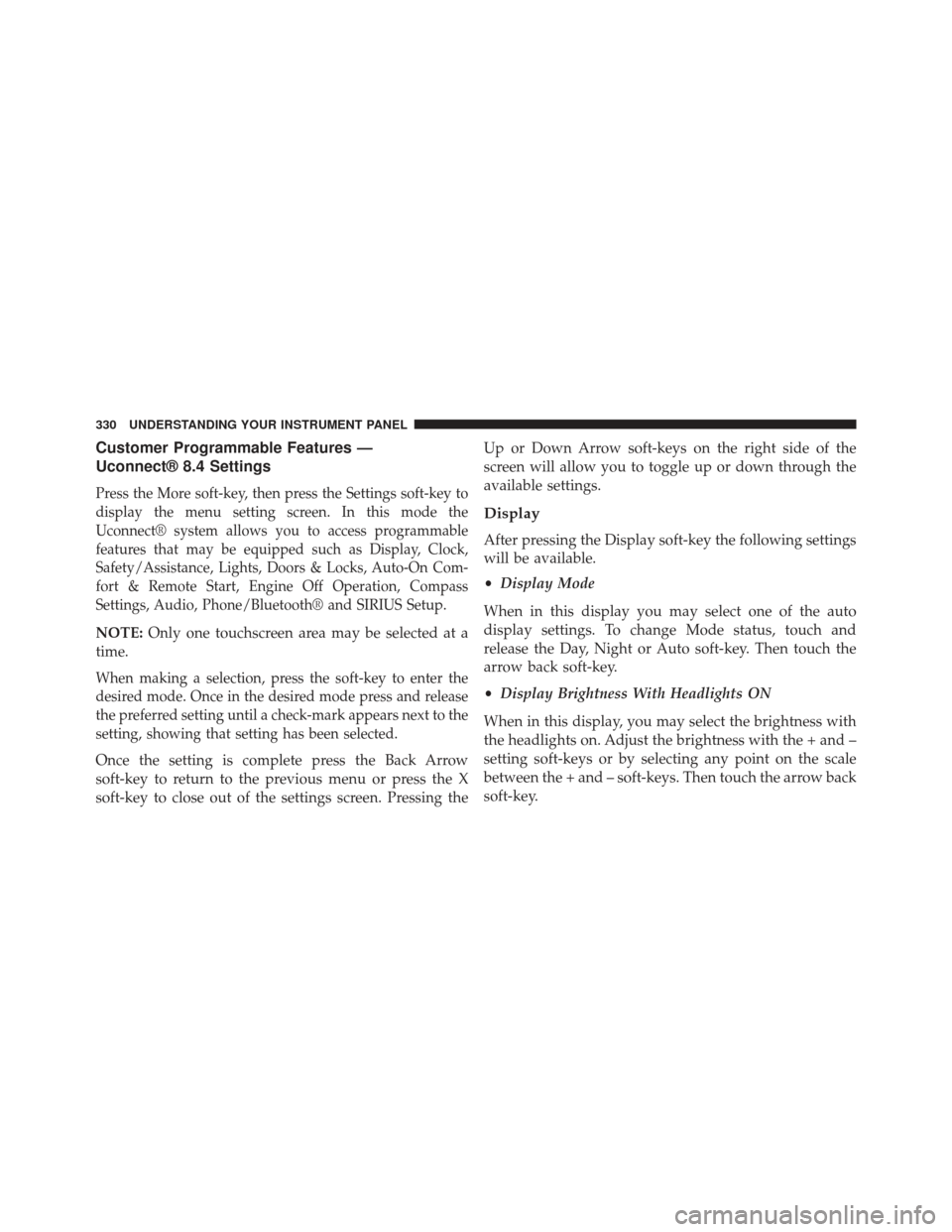
Customer Programmable Features —
Uconnect® 8.4 Settings
Press the More soft-key, then press the Settings soft-key to
display the menu setting screen. In this mode the
Uconnect® system allows you to access programmable
features that may be equipped such as Display, Clock,
Safety/Assistance, Lights, Doors & Locks, Auto-On Com-
fort & Remote Start, Engine Off Operation, Compass
Settings, Audio, Phone/Bluetooth® and SIRIUS Setup.
NOTE:Only one touchscreen area may be selected at a
time.
When making a selection, press the soft-key to enter the
desired mode. Once in the desired mode press and release
the preferred setting until a check-mark appears next to the
setting, showing that setting has been selected.
Once the setting is complete press the Back Arrow
soft-key to return to the previous menu or press the X
soft-key to close out of the settings screen. Pressing the Up or Down Arrow soft-keys on the right side of the
screen will allow you to toggle up or down through the
available settings.
Display
After pressing the Display soft-key the following settings
will be available.
•
Display Mode
When in this display you may select one of the auto
display settings. To change Mode status, touch and
release the Day, Night or Auto soft-key. Then touch the
arrow back soft-key.
• Display Brightness With Headlights ON
When in this display, you may select the brightness with
the headlights on. Adjust the brightness with the + and –
setting soft-keys or by selecting any point on the scale
between the + and – soft-keys. Then touch the arrow back
soft-key.
330 UNDERSTANDING YOUR INSTRUMENT PANEL
Page 346 of 580
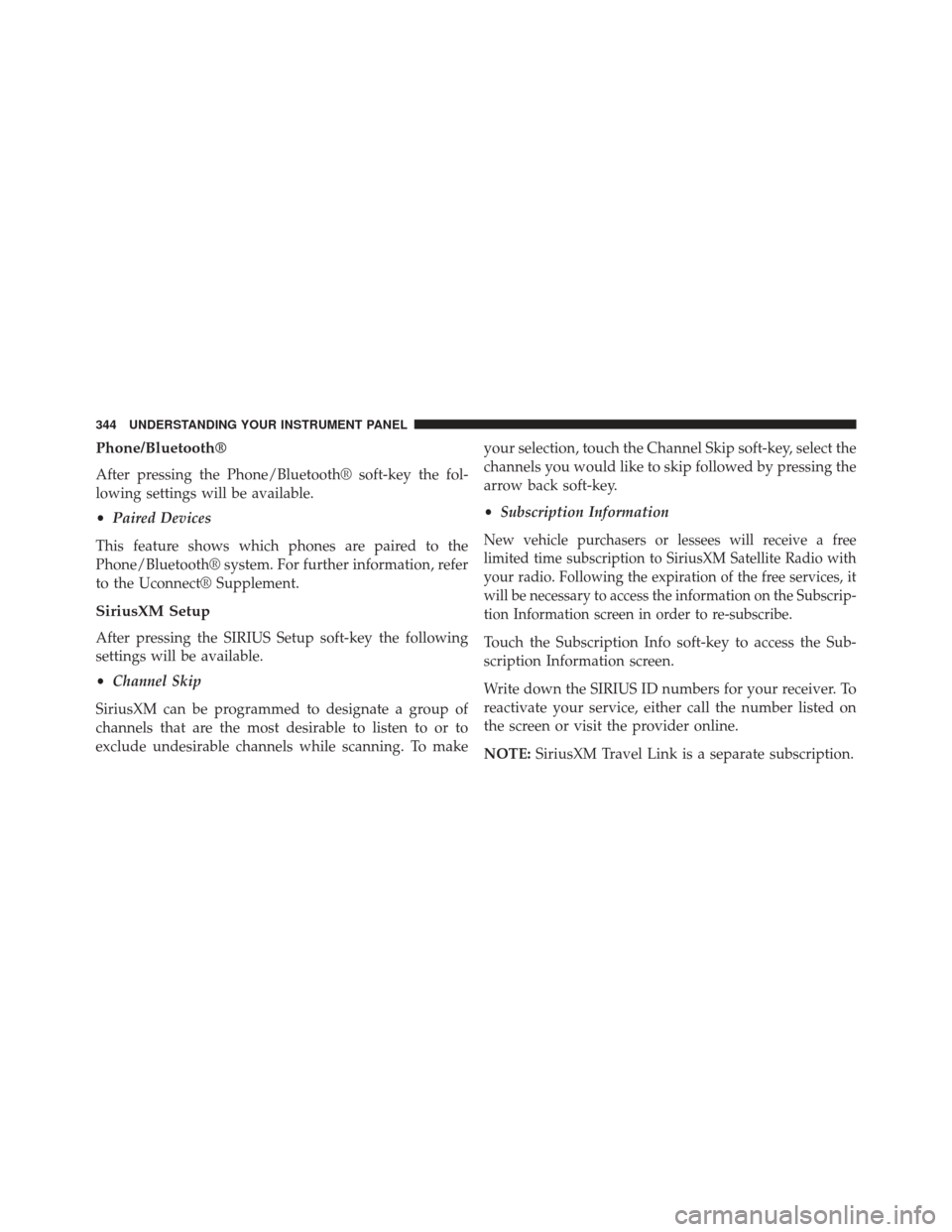
Phone/Bluetooth®
After pressing the Phone/Bluetooth® soft-key the fol-
lowing settings will be available.
•Paired Devices
This feature shows which phones are paired to the
Phone/Bluetooth® system. For further information, refer
to the Uconnect® Supplement.
SiriusXM Setup
After pressing the SIRIUS Setup soft-key the following
settings will be available.
• Channel Skip
SiriusXM can be programmed to designate a group of
channels that are the most desirable to listen to or to
exclude undesirable channels while scanning. To make your selection, touch the Channel Skip soft-key, select the
channels you would like to skip followed by pressing the
arrow back soft-key.
•
Subscription Information
New vehicle purchasers or lessees will receive a free
limited time subscription to SiriusXM Satellite Radio with
your radio. Following the expiration of the free services, it
will be necessary to access the information on the Subscrip-
tion Information screen in order to re-subscribe.
Touch the Subscription Info soft-key to access the Sub-
scription Information screen.
Write down the SIRIUS ID numbers for your receiver. To
reactivate your service, either call the number listed on
the screen or visit the provider online.
NOTE: SiriusXM Travel Link is a separate subscription.
344 UNDERSTANDING YOUR INSTRUMENT PANEL
Page 514 of 580
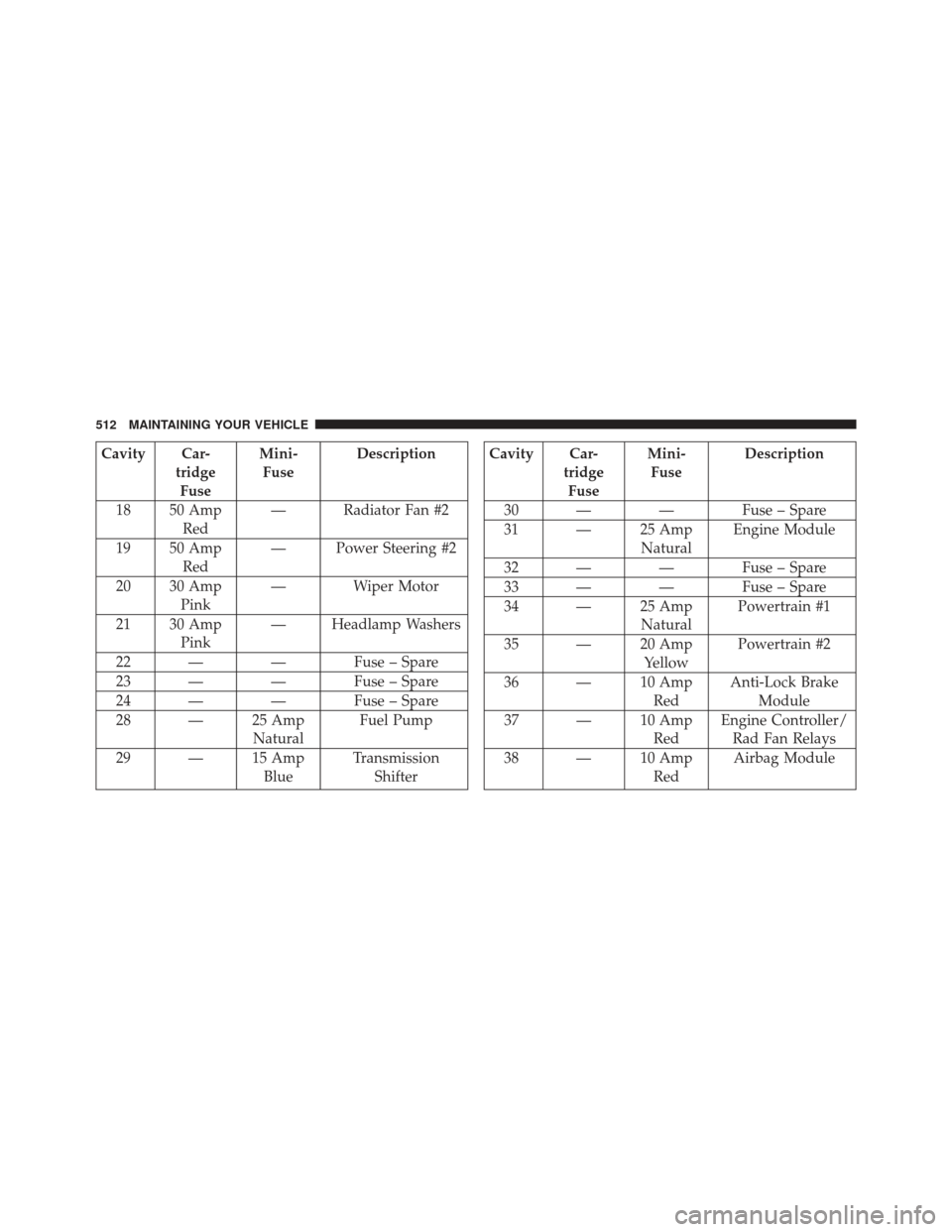
Cavity Car-tridgeFuse Mini-
Fuse Description
18 50 Amp Red — Radiator Fan #2
19 50 Amp Red — Power Steering #2
20 30 Amp Pink — Wiper Motor
21 30 Amp Pink — Headlamp Washers
22 — — Fuse – Spare
23 — — Fuse – Spare
24 — — Fuse – Spare
28 — 25 Amp NaturalFuel Pump
29 — 15 Amp BlueTransmission
ShifterCavity Car- tridgeFuse Mini-
Fuse Description
30 — — Fuse – Spare
31 — 25 Amp NaturalEngine Module
32 — — Fuse – Spare
33 — — Fuse – Spare
34 — 25 Amp NaturalPowertrain #1
35 — 20 Amp YellowPowertrain #2
36 — 10 Amp RedAnti-Lock Brake
Module
37 — 10 Amp RedEngine Controller/
Rad Fan Relays
38 — 10 Amp RedAirbag Module
512 MAINTAINING YOUR VEHICLE