door lock CHRYSLER 300 SRT 2013 2.G Owner's Manual
[x] Cancel search | Manufacturer: CHRYSLER, Model Year: 2013, Model line: 300 SRT, Model: CHRYSLER 300 SRT 2013 2.GPages: 580, PDF Size: 4.26 MB
Page 38 of 580
If one of the vehicle doors is open and the door panel
switch is used to lock the vehicle, once all open doors
have been closed the vehicle checks the inside and
outside of the vehicle for any valid Passive Entry RKE
transmitters. If one of the vehicle’s Passive Entry RKE
transmitters is detected inside the vehicle, and no other
valid Passive Entry RKE transmitters are detected out-
side the vehicle, the Passive Entry System automatically
unlocks all vehicle doors and chirps the horn three times
(on the third attempt ALL doors will lock and the Passive
Entry RKE transmitter can be locked in the vehicle).
NOTE:The vehicle will only unlock the doors when the
doors are locked using the door panel switch, a valid
Passive Entry RKE transmitter is detected inside the
vehicle, and no valid Passive Entry RKE transmitter is detected outside the vehicle. The vehicle will not unlock
the doors when any of the following conditions are true:
•
The doors are locked using the RKE transmitter
• The doors are locked using the LOCK button on the
Passive Entry door handles
• The doors are manually locked using the door lock
knobs
• There is a valid Passive Entry RKE transmitter outside
the vehicle and within 5 ft (1.5 m) of either Passive
Entry door handle
• Three attempts are made to lock the doors using the
door panel switch and then close the doors
36 THINGS TO KNOW BEFORE STARTING YOUR VEHICLE
Page 39 of 580
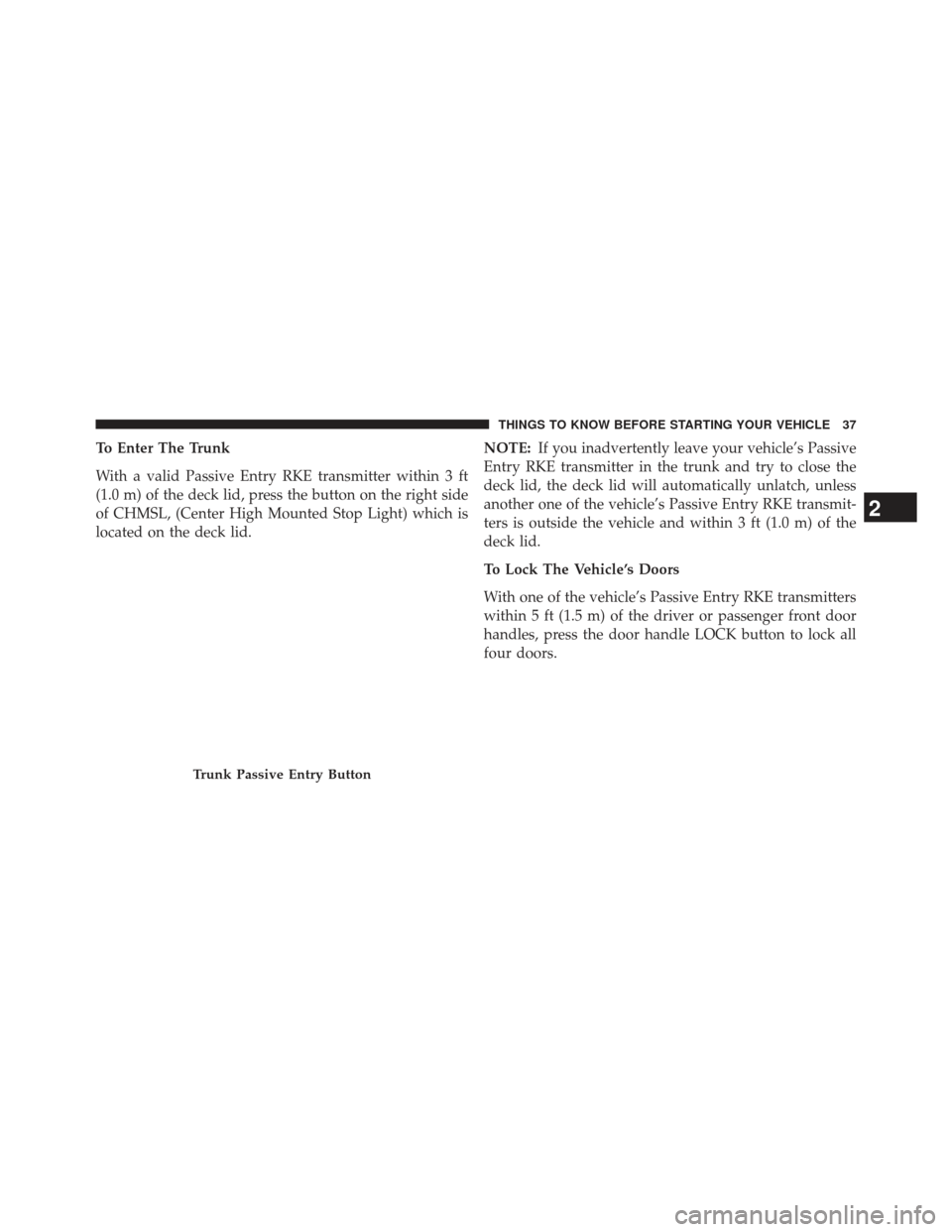
To Enter The Trunk
With a valid Passive Entry RKE transmitter within 3 ft
(1.0 m) of the deck lid, press the button on the right side
of CHMSL, (Center High Mounted Stop Light) which is
located on the deck lid.NOTE:
If you inadvertently leave your vehicle’s Passive
Entry RKE transmitter in the trunk and try to close the
deck lid, the deck lid will automatically unlatch, unless
another one of the vehicle’s Passive Entry RKE transmit-
ters is outside the vehicle and within 3 ft (1.0 m) of the
deck lid.
To Lock The Vehicle’s Doors
With one of the vehicle’s Passive Entry RKE transmitters
within 5 ft (1.5 m) of the driver or passenger front door
handles, press the door handle LOCK button to lock all
four doors.
Trunk Passive Entry Button
2
THINGS TO KNOW BEFORE STARTING YOUR VEHICLE 37
Page 40 of 580
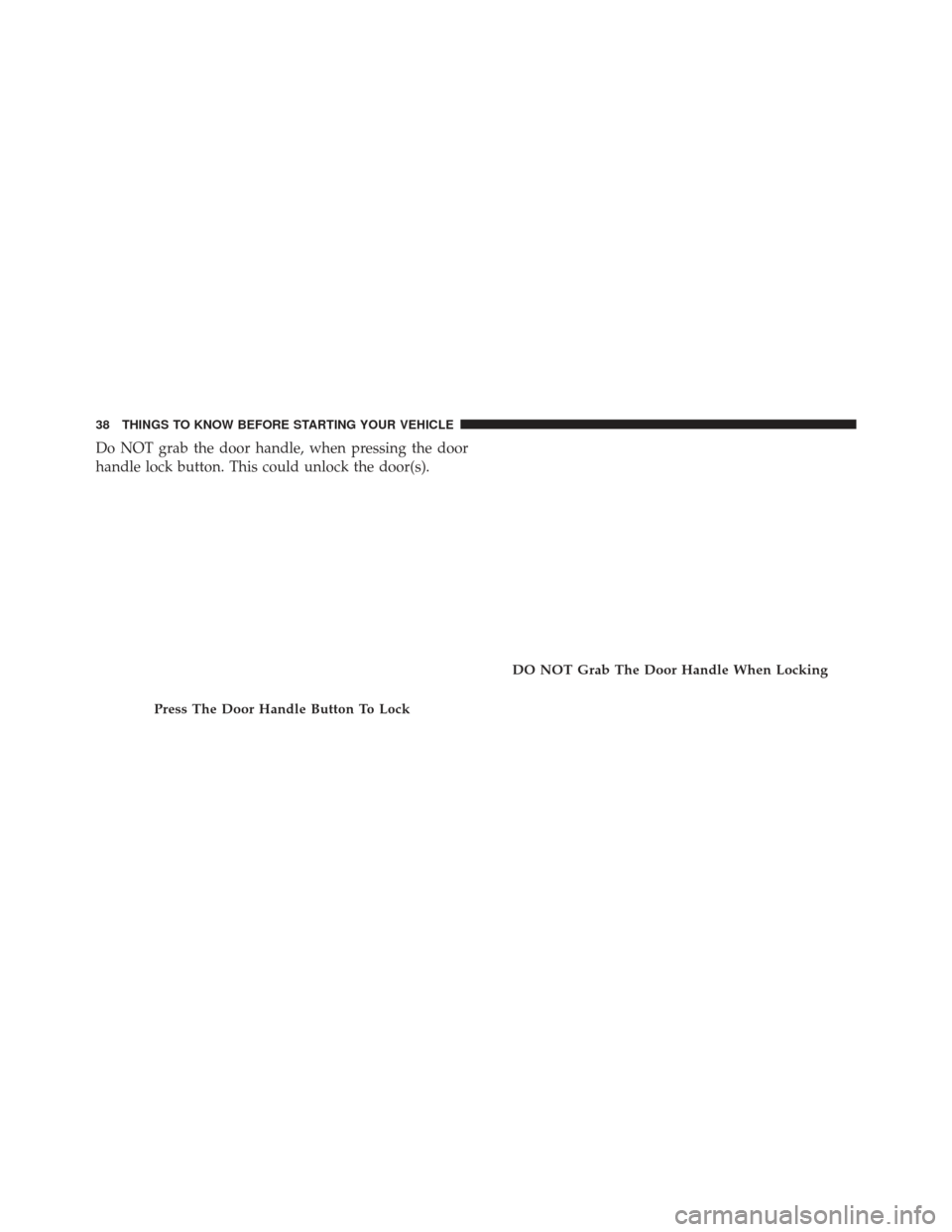
Do NOT grab the door handle, when pressing the door
handle lock button. This could unlock the door(s).
Press The Door Handle Button To Lock
DO NOT Grab The Door Handle When Locking
38 THINGS TO KNOW BEFORE STARTING YOUR VEHICLE
Page 41 of 580
NOTE:
•After pressing the door handle LOCK button, you
must wait two seconds before you can lock or unlock
the doors, using either Passive Entry door handle. This
is done to allow you to check if the vehicle is locked by
pulling the door handle, without the vehicle reacting
and unlocking.
• The Passive Entry system will not operate if the RKE
transmitter battery is dead.
The vehicle doors can also be locked by using the lock
button located on the vehicle’s interior door panel.
WINDOWS
Power Windows
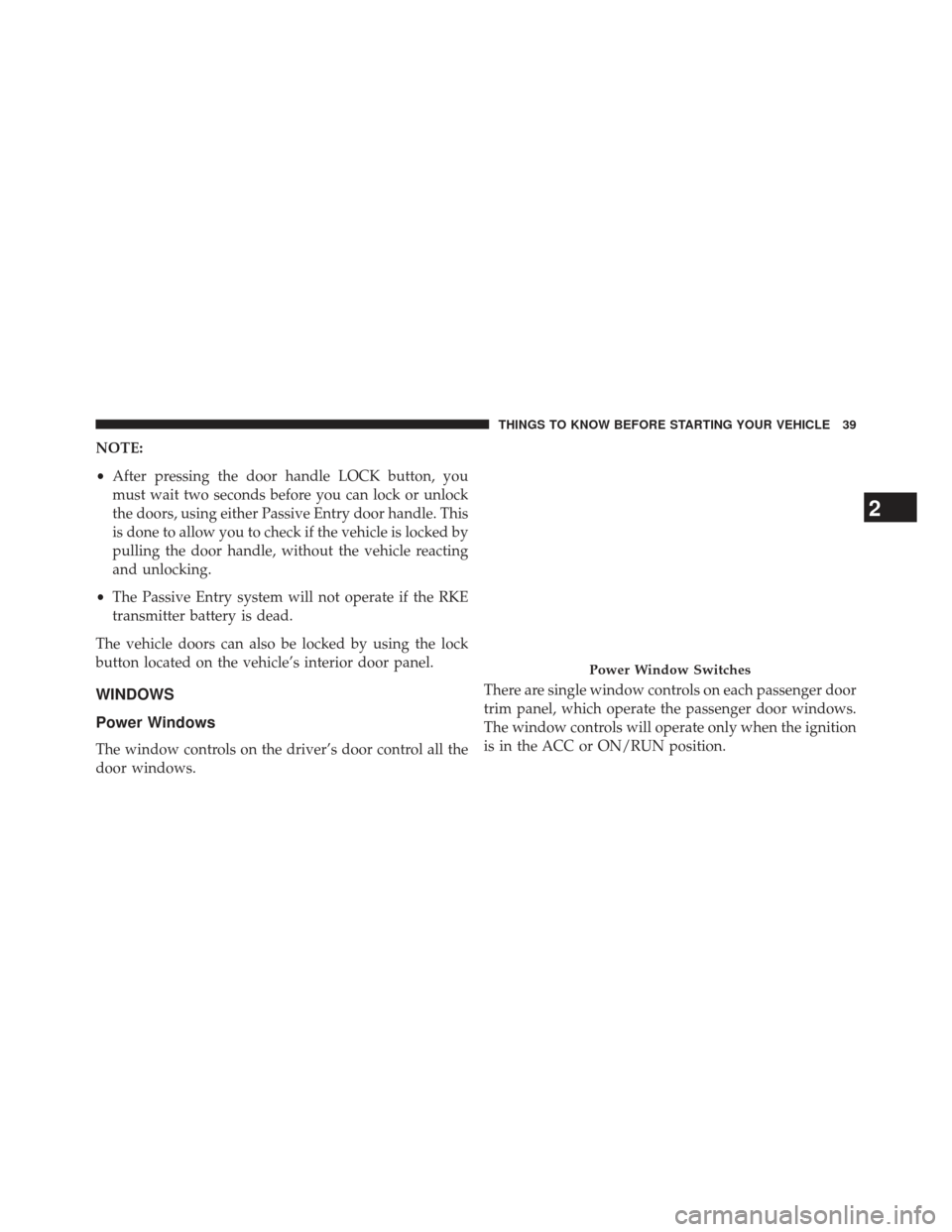
The window controls on the driver’s door control all the
door windows. There are single window controls on each passenger door
trim panel, which operate the passenger door windows.
The window controls will operate only when the ignition
is in the ACC or ON/RUN position.
Power Window Switches
2
THINGS TO KNOW BEFORE STARTING YOUR VEHICLE 39
Page 43 of 580
To close the window part way, lift the window switch to
the first detent and release it when you want the window
to stop.
NOTE:
•If the window runs into any obstacle during auto-
closure, it will reverse direction and then go back
down. Remove the obstacle and use the window
switch again to close the window.
• Any impact due to rough road conditions may trigger
the auto-reverse function unexpectedly during auto-
closure. If this happens, pull the switch lightly to the
first detent and hold to close the window manually.
WARNING!
There is no anti-pinch protection when the window
is almost closed. Be sure to clear all objects from the
window before closing.
Reset Auto-Up
Should the Auto Up feature stop working, the window
probably needs to be reset. To reset Auto Up:
1. Pull the window switch up to close the window completely and continue to hold the switch up for an
additional two seconds after the window is closed.
2. Push the window switch down firmly to the second detent to open the window completely and continue
to hold the switch down for an additional two seconds
after the window is fully open.
Window Lockout Switch
The window lockout switch on the driver’s door trim panel
allows you to disable the window controls on the rear
passenger doors and the rear sunscreen (if equipped).
2
THINGS TO KNOW BEFORE STARTING YOUR VEHICLE 41
Page 70 of 580
Because air bag sensors estimate deceleration over time,
vehicle speed and damage are not good indicators of
whether or not an air bag should have deployed.
Front And Side Impact Sensors
In front and side impacts, impact sensors can aid the
ORC in determining appropriate response to impact
events.
Enhanced Accident Response System
In the event of an impact causing air bag deployment, if
the communication network remains intact, and the
power remains intact, depending on the nature of the
event the ORC will determine whether to have the
Enhanced Accident Response System perform the follow-
ing functions:
•Cut off fuel to the engine.
• Flash hazard lights as long as the battery has power or
until the ignition key is turned off. •
Turn on the interior lights, which remain on as long as
the battery has power, until the ignition key is re-
moved or the ignition switch is changed to OFF using
the Keyless Go Start/Stop button.
• Unlock the doors automatically.
In order to reset the Enhanced Accident Response System
functions after an event, the ignition switch must be
changed from IGN ON to IGN OFF.If A Deployment Occurs
The Advanced Front Air Bags are designed to deflate
immediately after deployment.
NOTE: Front and/or side air bags will not deploy in all
collisions. This does not mean something is wrong with
the air bag system.
68 THINGS TO KNOW BEFORE STARTING YOUR VEHICLE
Page 101 of 580
Door Latches
Check for positive closing, latching, and locking.
Fluid Leaks
Check area under vehicle after overnight parking for fuel,
engine coolant, oil, or other fluid leaks. Also, if gasoline
fumes are detected or if fuel, power steering fluid, or
brake fluid leaks are suspected, the cause should be
located and corrected immediately.
2
THINGS TO KNOW BEFORE STARTING YOUR VEHICLE 99
Page 193 of 580
WARNING!
•Be certain that the seatback is securely locked into
position. If the seatback is not securely locked into
position, the seat will not provide the proper sta-
bility for child seats and/or passengers. An improp-
erly latched seat could cause serious injury.
• The cargo area in the rear of the vehicle (with the
rear seatbacks in the locked-up or folded down
position) should not be used as a play area by
children when the vehicle is in motion. They could
be seriously injured in a collision. Children should
be seated and using the proper restraint system.
DRIVER MEMORY SEAT — IF EQUIPPED
This feature allows the driver to store up to two different
memory profiles for easy recall through a memory
switch. Each memory profile contains desired position
settings for the driver seat, side mirrors, adjustable
pedals (if equipped), and power tilt and telescopic steer-
ing column (if equipped) and a set of desired radio
station presets. Your Remote Keyless Entry (RKE) trans-
mitter can also be programmed to recall the same posi-
tions when the UNLOCK button is pressed.
NOTE:
• Only one RKE transmitter can be linked to each of the
memory positions.
• Passive Entry door handles cannot be linked to the
memory function. Use either the memory recall switch
or the RKE transmitter (if linked to the memory
feature) to recall memory positions 1 or 2.
3
UNDERSTANDING THE FEATURES OF YOUR VEHICLE 191
Page 196 of 580
NOTE:Your RKE transmitters can be unlinked to your
memory settings by following steps 1-4 above and press-
ing the UNLOCK button (instead of LOCK) on the RKE
transmitter in Step 4.
Memory Position Recall
NOTE:The vehicle must be in PARK to recall memory
positions. If a recall is attempted when the vehicle is not in
PARK, a message will display in the EVIC (if equipped).
To recall the memory settings for driver one, press
MEMORY button number (1) on the driver’s door or the
UNLOCK button on the RKE transmitter linked to
memory position 1. To recall the memory setting for driver two, press
MEMORY button number (2) on the driver’s door or the
UNLOCK button on the RKE transmitter linked to
memory position 2.
A recall can be cancelled by pressing any of the
MEMORY buttons (S, 1, or 2) on the driver’s door during
a recall. When a recall is cancelled, the driver seat, side
mirror, adjustable pedals (if equipped), and power tilt
and telescopic steering column (if equipped) stop mov-
ing. A delay of one second will occur before another recall
can be selected.
194 UNDERSTANDING THE FEATURES OF YOUR VEHICLE
Page 209 of 580
Interior Lights
The interior lights come on when a door is opened.
To protect the battery, the interior lights will turn off
automatically 10 minutes after the ignition is moved to
the LOCK position. This will occur if the interior lights
were switched on manually or are on because a door is
open. This includes the glove box light, but not the trunk
light. To restore interior light operation, either turn the
ignition switch ON or cycle the light switch.
Dimmer Controls
The dimmer control is part of the headlight switch and is
located on the left side of the instrument panel.Dimmer Controls
3
UNDERSTANDING THE FEATURES OF YOUR VEHICLE 207