engine CHRYSLER 300 SRT 2014 2.G Owner's Manual
[x] Cancel search | Manufacturer: CHRYSLER, Model Year: 2014, Model line: 300 SRT, Model: CHRYSLER 300 SRT 2014 2.GPages: 590, PDF Size: 4.08 MB
Page 210 of 590
CAUTION!
•Turn the windshield wipers off when driving
through an automatic car wash. Damage to the
windshield wipers may result if the wiper control
is left in any position other than off.
• In cold weather, always turn off the wiper switch
and allow the wipers to return to the “Park” posi-
tion before turning off the engine. If the wiper
switch is left on and the wipers freeze to the
windshield, damage to the wiper motor may occur
when the vehicle is restarted.
• Always remove any buildup of snow that prevents
the windshield wiper blades from returning to the
off position. If the windshield wiper control is
turned off and the blades cannot return to the off
position, damage to the wiper motor may occur.
Mist Feature
Rotate the end of the lever downward to the Mist
position to activate a single wipe cycle to clear off road
mist or spray from a passing vehicle. The wipers will
continue to operate until you release the multifunction
lever.
NOTE: The mist feature does not activate the washer
pump; therefore, no washer fluid will be sprayed on the
windshield. The wash function must be used in order to
spray the windshield with washer fluid.
Windshield Washers
To use the washer, push the multifunction lever inward
(toward the steering column) and hold it for as long as
washer spray is desired.
208 UNDERSTANDING THE FEATURES OF YOUR VEHICLE
Page 216 of 590

NOTE:The engine must be running for the heated
steering wheel to operate.
Controls Soft-KeyHeated Steering Wheel Soft-Key
214 UNDERSTANDING THE FEATURES OF YOUR VEHICLE
Page 233 of 590
The speed decrement shown is dependant on the speed
of U.S. (mph) or Metric (km/h) units:
U.S. Speed (mph)
•Pressing the SET -button once will result ina1mph
decrease in set speed. Each subsequent tap of the
button results in a decrease of 1 mph.
• If the button is continually pressed, the set speed will
continue to decrease in 5 mph increments until the
button is released. The decrease in set speed is re-
flected in the EVIC display.
Metric Speed (km/h)
• Pressing the SET -button once will result in a 2 km/h
decrease in set speed. Each subsequent tap of the
button results in a decrease of 2 km/h. •
If the button is continually pressed, the set speed will
continue to decrease in 10 km/h increments until the
button is released. The decrease in set speed is re-
flected in the EVIC display.
NOTE:
• When you use the SET -button to decelerate, if the
engine’s braking power does not slow the vehicle
sufficiently to reach the set speed, the brake system
will automatically slow the vehicle.
• The ACC system can only apply a maximum of 25% of
the vehicle’s braking capability and will not bring the
vehicle to a complete stop.
• The ACC system maintains set speed when driving up
hill and down hill. However, a slight speed change on
moderate hills is normal. In addition, downshifting
may occur while climbing uphill or descending down-
hill. This is normal operation and necessary to main-
tain set speed.
3
UNDERSTANDING THE FEATURES OF YOUR VEHICLE 231
Page 286 of 590

The center console outlet is powered directly from the
battery (power available at all times). Items plugged into
this outlet may discharge the battery and/or prevent the
engine from starting.There is also a 12 Volt power outlet located on the back of
the center console for rear passengers. This power outlet
has power available only when the ignition is placed in
the ACC or RUN position.
Center Console Power OutletRear Center Console Power Outlet
284 UNDERSTANDING THE FEATURES OF YOUR VEHICLE
Page 288 of 590
CAUTION!
•Many accessories that can be plugged in draw
power from the vehicle’s battery even when not in
use (i.e., cellular phones, etc.). Eventually, if
plugged in long enough, the vehicle’s battery will
discharge sufficiently to degrade battery life and/or
prevent the engine from starting.
• Accessories that draw higher power (i.e., coolers,
vacuum cleaners, lights, etc.) will degrade the bat-
tery even more quickly. Only use these intermit-
tently and with greater caution.
• After the use of high power draw accessories or
long periods of the vehicle not being started (with
accessories still plugged in), the vehicle must be
driven a sufficient length of time to allow the
alternator to recharge the vehicle’s battery.
(Continued)
CAUTION! (Continued)
•Power outlets are designed for accessory plugs
only. Do not hang any type of accessory or acces-
sory bracket from the plug. Improper use of the
power outlet can cause damage.
CUPHOLDERS
Front Seat Cupholders
The cupholders are located in the forward edge of the
center console.
286 UNDERSTANDING THE FEATURES OF YOUR VEHICLE
Page 303 of 590
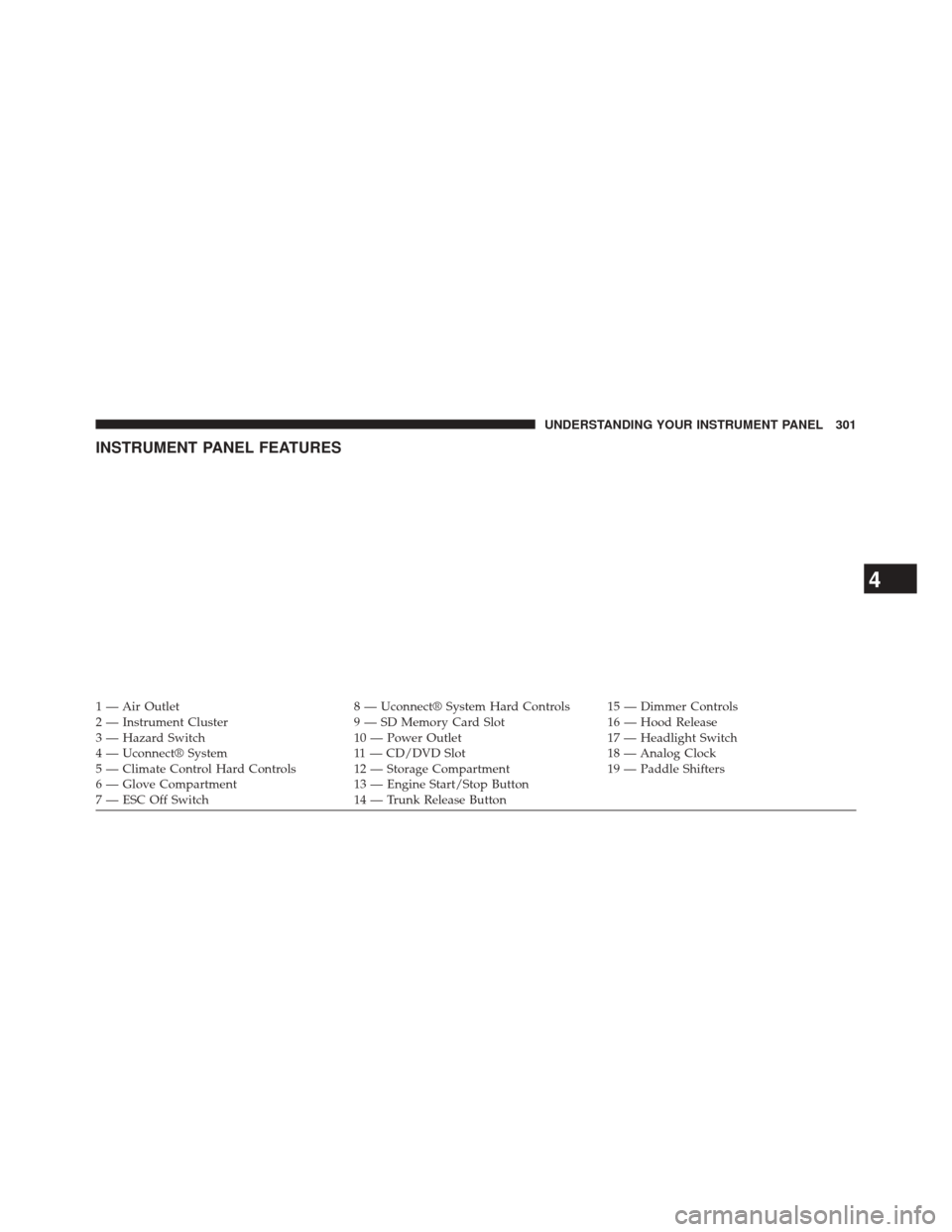
INSTRUMENT PANEL FEATURES
1 — Air Outlet8 — Uconnect® System Hard Controls 15 — Dimmer Controls
2 — Instrument Cluster 9 — SD Memory Card Slot16 — Hood Release
3 — Hazard Switch 10 — Power Outlet17 — Headlight Switch
4 — Uconnect® System 11 — CD/DVD Slot18 — Analog Clock
5 — Climate Control Hard Controls 12 — Storage Compartment 19 — Paddle Shifters
6 — Glove Compartment 13 — Engine Start/Stop Button
7 — ESC Off Switch 14 — Trunk Release Button
4
UNDERSTANDING YOUR INSTRUMENT PANEL 301
Page 305 of 590
INSTRUMENT CLUSTER DESCRIPTIONS
1. Tachometer
The red segments indicate the maximum permissible engine
revolutions per minute (RPM x 1000) for each gear range.
Before reaching the red area, ease up on the accelerator.
2. Park/Headlight ON Indicator — If EquippedThis indicator will illuminate when the park
lights or headlights are turned on.
3. Turn SignalIndicators The arrow will flash with the exterior turn
signal when the turn signal lever is operated.
If the vehicle electronics sense that the vehicle
is driven more than 1 mile (1.6 km) with either
turn signal on, a continuous chime will sound to alert
you to turn the signals off. If either indicator flashes at a
rapid rate, check for a defective outside light bulb. 4. Front Fog Light Indicator — If Equipped
This indicator will illuminate when the front
fog lights are on.
5. High Beam Indicator This indicator shows that the high beam head-
lights are on. Push the multifunction lever for-
ward to switch the headlights to high beam, and pull
toward yourself (normal position) to return to low beam.
6. Odometer Display / Electronic Vehicle Information
Center (EVIC) Display
•Odometer Display
The odometer display shows the total distance the
vehicle has been driven.
U.S. Federal regulations require that upon transfer of
vehicle ownership, the seller certify to the purchaser
the correct mileage that the vehicle has been driven. If
4
UNDERSTANDING YOUR INSTRUMENT PANEL 303
Page 308 of 590
replacement or alternate tires and wheels allow the TPMS
to continue to function properly.
CAUTION!
The TPMS has been optimized for the original
equipment tires and wheels. TPMS pressures and
warning have been established for the tire size
equipped on your vehicle. Undesirable system opera-
tion or sensor damage may result when using re-
placement equipment that is not of the same size,
type, and/or style. Aftermarket wheels can cause
sensor damage. Do not use tire sealant from a can or
balance beads if your vehicle is equipped with a
TPMS, as damage to the sensors may result.
8. Malfunction Indicator Light (MIL) The Malfunction Indicator Light (MIL) is part of
an onboard diagnostic system, called OBD, that monitors engine and automatic transmission control sys-
tems. The light will illuminate when the key is in the
ON/RUN position, before engine start. If the bulb does
not come on when turning the key from OFF to ON/
RUN, have the condition checked promptly.
Certain conditions, such as poor fuel quality, etc., may
illuminate the MIL after engine start. The vehicle should
be serviced if the light stays on through several of your
typical driving cycles. In most situations, the vehicle will
drive normally and will not require towing.
CAUTION!
Prolonged driving with the Malfunction Indicator
Light (MIL) on could cause damage to the engine
control system. It also could affect fuel economy and
driveability. If the MIL is flashing, severe catalytic
converter damage and power loss will soon occur.
Immediate service is required.
306 UNDERSTANDING YOUR INSTRUMENT PANEL
Page 313 of 590
The light also will turn on when the parking brake is
applied with the ignition switch in the ON/RUN posi-
tion.
NOTE:This light shows only that the parking brake is
applied. It does not show the degree of brake application.
19. Electronic Stability Control (ESC) Activation/
Malfunction Indicator Light — If Equipped
The “ESC Activation/Malfunction Indicator
Light” in the instrument cluster will come on
when the ignition switch is turned to the
ON/RUN position. It should go out with the
engine running. If the “ESC Activation/Malfunction In-
dicator Light” comes on continuously with the engine
running, a malfunction has been detected in the ESC
system. If this light remains on after several ignition
cycles, and the vehicle has been driven several miles (kilometers) at speeds greater than 30 mph (48 km/h), see
your authorized dealer as soon as possible to have the
problem diagnosed and corrected.
NOTE:
•The “ESC Off Indicator Light” and the “ESC
Activation/Malfunction Indicator Light” come on
momentarily each time the ignition switch is turned
to ON/RUN.
• Each time the ignition is turned to ON/RUN, the
ESC system will be ON, even if it was turned off
previously.
• The ESC system will make buzzing or clicking
sounds when it is active. This is normal; the sounds
will stop when ESC becomes inactive following the
maneuver that caused the ESC activation.
4
UNDERSTANDING YOUR INSTRUMENT PANEL 311
Page 314 of 590
20. Seat Belt Reminder LightWhen the ignition switch is first turned to ON/
RUN, this light will turn on for four to eight
seconds as a bulb check. During the bulb check, if
the driver’s seat belt is unbuckled, a chime will sound.
After the bulb check or when driving, if the driver’s seat
belt remains unbuckled, the Seat Belt Reminder Light
will illuminate and the chime will sound. Refer to
“Occupant Restraints” in “Things To Know Before Start-
ing Your Vehicle” for further information.
21. Temperature Gauge
The temperature gauge shows engine coolant tempera-
ture. Any reading within the normal range indicates that
the engine cooling system is operating satisfactorily. The gauge pointer will likely indicate a higher tempera-
ture when driving in hot weather, up mountain grades,
or when towing a trailer. It should not be allowed to
exceed the upper limits of the normal operating range.
CAUTION!
Driving with a hot engine cooling system could
damage your vehicle. If the temperature gauge reads
“260” pull over and stop the vehicle. Idle the vehicle
with the air conditioner turned off until the pointer
drops back into the normal range. If the pointer
remains on the “260” and you hear continuous
chimes, turn the engine off immediately and call an
authorized dealer for service.
312 UNDERSTANDING YOUR INSTRUMENT PANEL