tow CHRYSLER ASPEN 2008 2.G User Guide
[x] Cancel search | Manufacturer: CHRYSLER, Model Year: 2008, Model line: ASPEN, Model: CHRYSLER ASPEN 2008 2.GPages: 479, PDF Size: 4.3 MB
Page 151 of 479
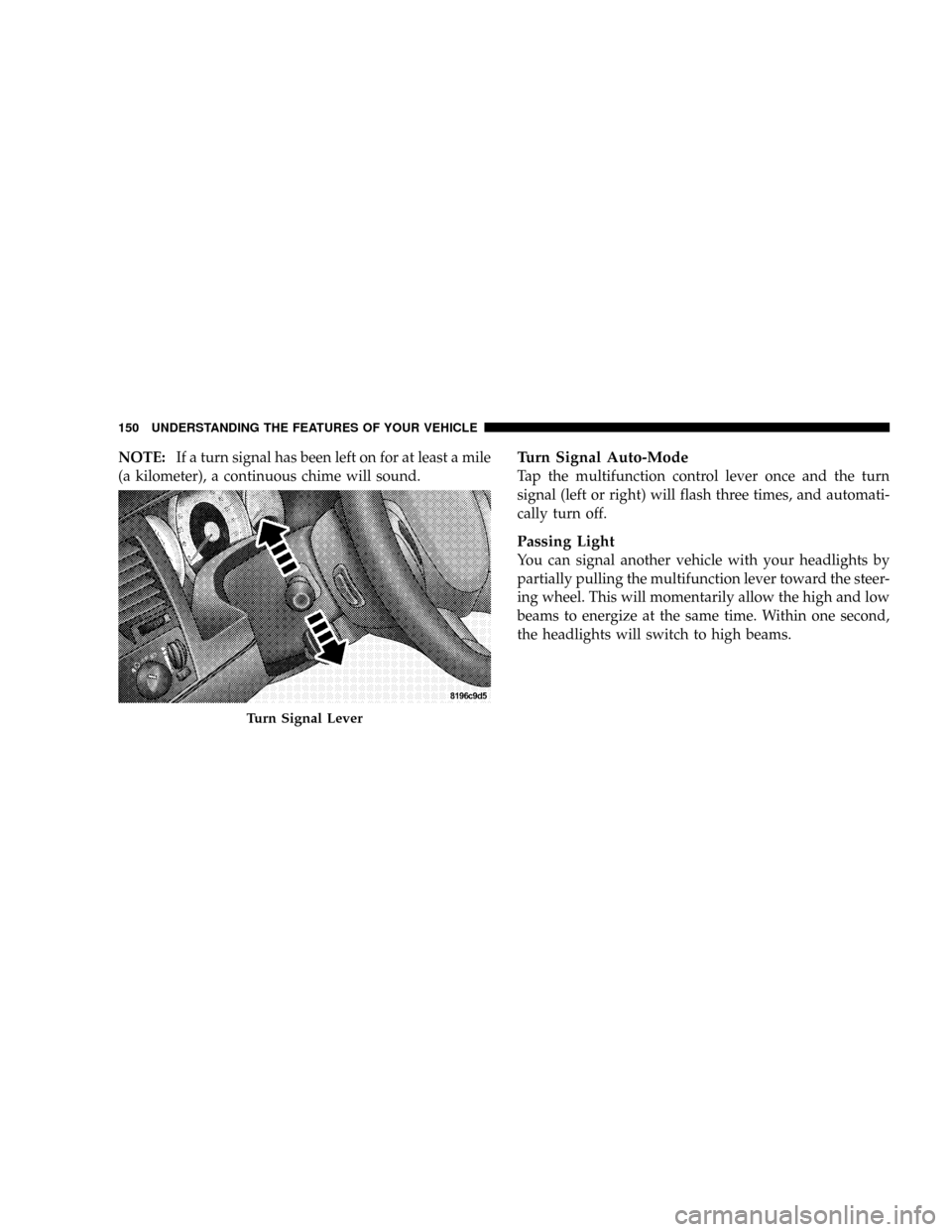
NOTE:If a turn signal has been left on for at least a mile
(a kilometer), a continuous chime will sound.Turn Signal Auto-Mode
Tap the multifunction control lever once and the turn
signal (left or right) will flash three times, and automati-
cally turn off.
Passing Light
You can signal another vehicle with your headlights by
partially pulling the multifunction lever toward the steer-
ing wheel. This will momentarily allow the high and low
beams to energize at the same time. Within one second,
the headlights will switch to high beams.
Turn Signal Lever
150 UNDERSTANDING THE FEATURES OF YOUR VEHICLE
Page 152 of 479
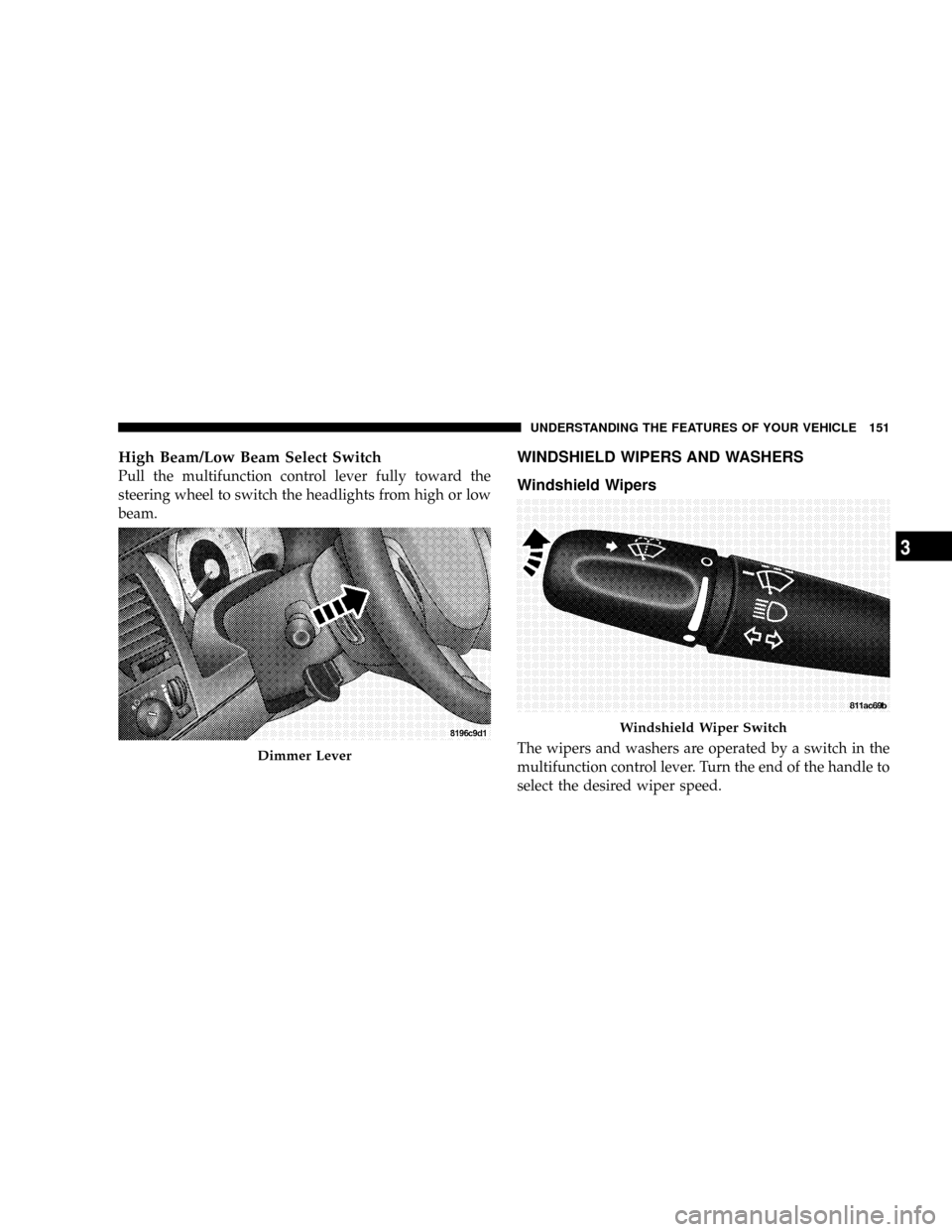
High Beam/Low Beam Select Switch
Pull the multifunction control lever fully toward the
steering wheel to switch the headlights from high or low
beam.
WINDSHIELD WIPERS AND WASHERS
Windshield Wipers
The wipers and washers are operated by a switch in the
multifunction control lever. Turn the end of the handle to
select the desired wiper speed.Dimmer Lever
Windshield Wiper Switch
UNDERSTANDING THE FEATURES OF YOUR VEHICLE 151
3
Page 156 of 479
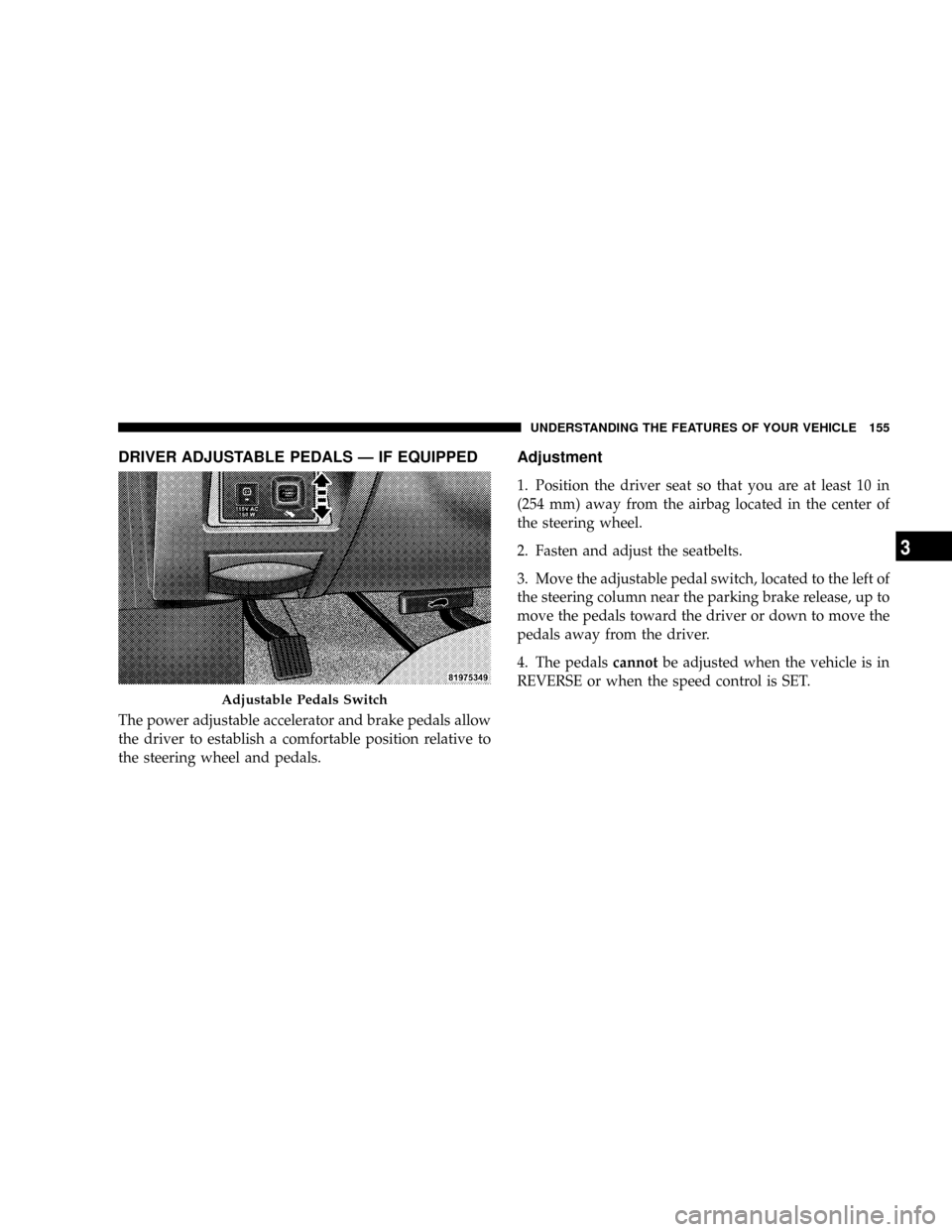
DRIVER ADJUSTABLE PEDALS Ð IF EQUIPPED
The power adjustable accelerator and brake pedals allow
the driver to establish a comfortable position relative to
the steering wheel and pedals.
Adjustment
1. Position the driver seat so that you are at least 10 in
(254 mm) away from the airbag located in the center of
the steering wheel.
2. Fasten and adjust the seatbelts.
3. Move the adjustable pedal switch, located to the left of
the steering column near the parking brake release, up to
move the pedals toward the driver or down to move the
pedals away from the driver.
4. The pedalscannotbe adjusted when the vehicle is in
REVERSE or when the speed control is SET.
Adjustable Pedals Switch
UNDERSTANDING THE FEATURES OF YOUR VEHICLE 155
3
Page 160 of 479
To Accelerate For Passing
Depress the accelerator as you would normally. When the
pedal is released, the vehicle will return to the set speed.
NOTE:When driving uphill, at elevations above 2,000 ft
(610 m), or when the vehicle is heavily loaded (especially
when towing) the vehicle may slow below the SET speed.
If the vehicle speed drops below (refer to the previous
table for the speed for your specific engine), the speed
control will automatically disengage. If this happens, you
can push down on the accelerator pedal to maintain the
desired speed.Vehicles equipped with an automatic transmission may
exhibit several downshifts under the above conditions.
To reduce the frequency of the downshifts and to im-
prove vehicle performance, it is advisable to lock out
OVERDRIVE by pressing the ªTOW/HAULº button
located at the end of the gear shifter.
WARNING!
Speed Control can be dangerous where the system
can't maintain a constant speed. Your vehicle could
go too fast for the conditions, and you could lose
control. An accident could be the result. Don't use
Speed Control in heavy traffic or on roads that are
winding, icy, snow-covered, or slippery.
UNDERSTANDING THE FEATURES OF YOUR VEHICLE 159
3
Page 161 of 479
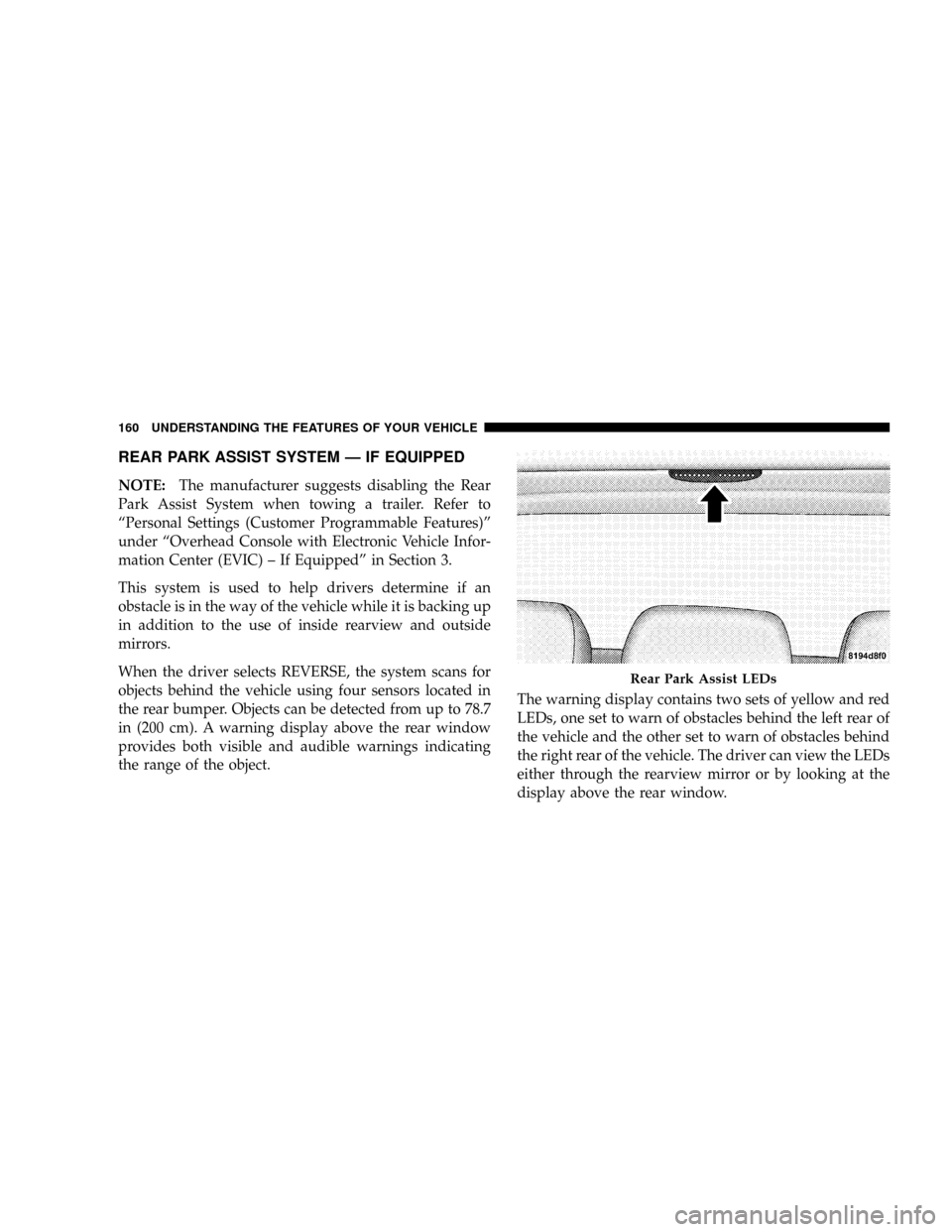
REAR PARK ASSIST SYSTEM Ð IF EQUIPPED
NOTE:The manufacturer suggests disabling the Rear
Park Assist System when towing a trailer. Refer to
ªPersonal Settings (Customer Programmable Features)º
under ªOverhead Console with Electronic Vehicle Infor-
mation Center (EVIC) ± If Equippedº in Section 3.
This system is used to help drivers determine if an
obstacle is in the way of the vehicle while it is backing up
in addition to the use of inside rearview and outside
mirrors.
When the driver selects REVERSE, the system scans for
objects behind the vehicle using four sensors located in
the rear bumper. Objects can be detected from up to 78.7
in (200 cm). A warning display above the rear window
provides both visible and audible warnings indicating
the range of the object.The warning display contains two sets of yellow and red
LEDs, one set to warn of obstacles behind the left rear of
the vehicle and the other set to warn of obstacles behind
the right rear of the vehicle. The driver can view the LEDs
either through the rearview mirror or by looking at the
display above the rear window.
Rear Park Assist LEDs
160 UNDERSTANDING THE FEATURES OF YOUR VEHICLE
Page 163 of 479
WARNING!
²Drivers must be careful when backing up, even when
using the Rear Park Assist System. Always check
carefully behind your vehicle, look behind you, and
be sure to check for pedestrians, animals, other ve-
hicles, obstructions, and blind spots before backing
up. You are responsible for safety and must continue
to pay attention to your surroundings. Failure to do so
can result in serious injury or death.
²Before using the Rear Park Assist System, it is
strongly recommended that the ball mount and hitch
ball assembly is disconnected from the vehicle when
the vehicle is not used for towing. Failure to do so can
result in injury or damage to vehicles or obstacles
because the hitch ball will be much closer to the
obstacle than the rear fascia when the warning dis-
play turns the red LEDs ON. Also, the sensors could
detect the ball mount and hitch ball assembly, de-
pending on its size and shape, giving a false indica-
tion that an obstacle is behind the vehicle.
CAUTION!
²The Rear Park Assist System is only a parking aid
and it is unable to recognize every obstacle, in-
cluding small obstacles. Parking curbs might be
temporarily detected or not detected at all. Ob-
stacles located above or below the sensors will not
be detected when they are in close proximity.
²The vehicle must be driven slowly when using the
Rear Park Assist System to be able to stop in time
when the obstacle is detected. It is recommended
that the driver look over his/her shoulder when
using the Rear Park Assist System.
162 UNDERSTANDING THE FEATURES OF YOUR VEHICLE
Page 196 of 479
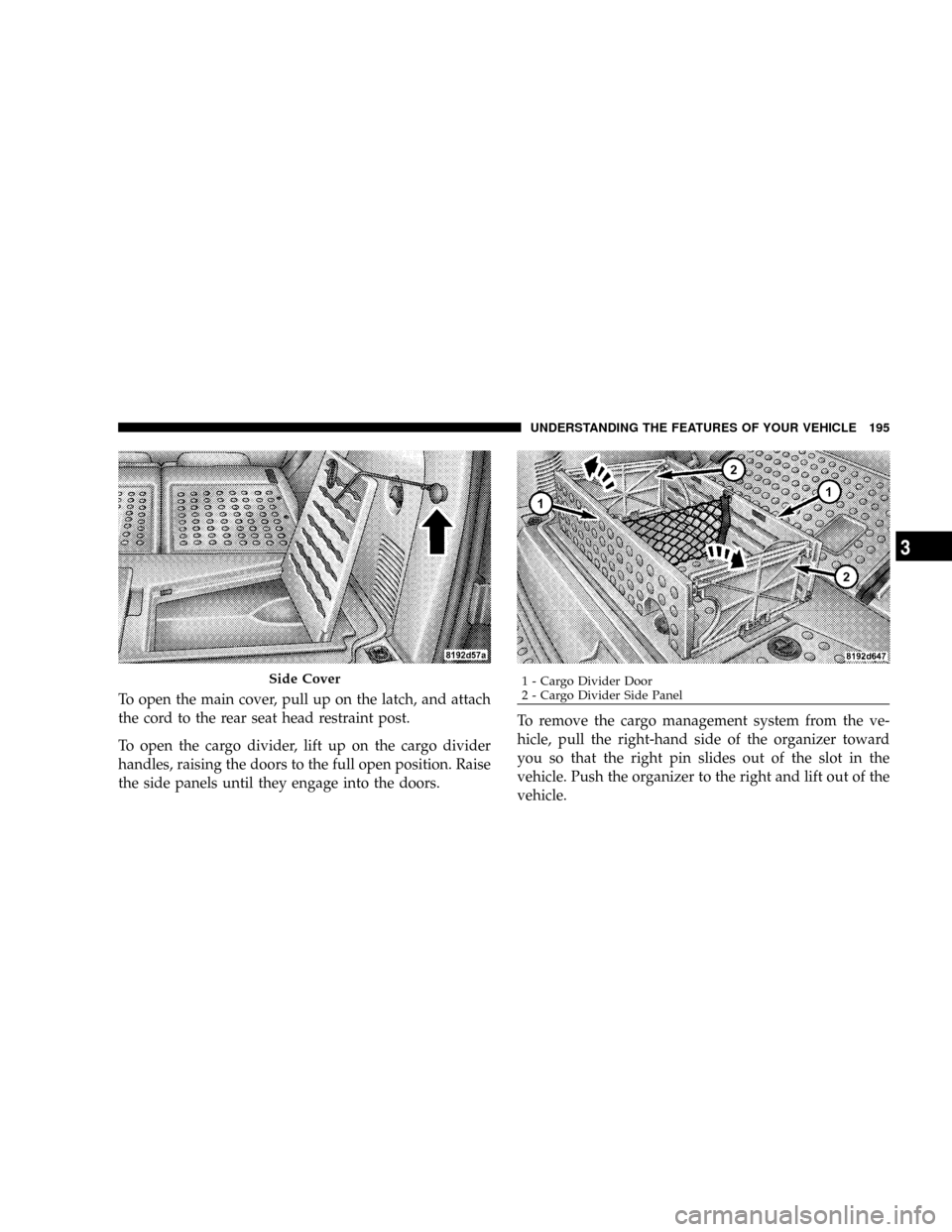
To open the main cover, pull up on the latch, and attach
the cord to the rear seat head restraint post.
To open the cargo divider, lift up on the cargo divider
handles, raising the doors to the full open position. Raise
the side panels until they engage into the doors.To remove the cargo management system from the ve-
hicle, pull the right-hand side of the organizer toward
you so that the right pin slides out of the slot in the
vehicle. Push the organizer to the right and lift out of the
vehicle.
Side Cover1 - Cargo Divider Door
2 - Cargo Divider Side PanelUNDERSTANDING THE FEATURES OF YOUR VEHICLE 195
3
Page 204 of 479
INSTRUMENT CLUSTER DESCRIPTION
1. Fuel Gage
The fuel gage shows level of fuel in the tank when
ignition switch is in the ON position.
2. Temperature Gage
The temperature gage indicates engine coolant
temperature. Any reading within the normal
range indicates that the cooling system is operat-
ing satisfactorily. The gage needle in V6 and V8 engines
will likely indicate a high temperature when driving in
hot weather, up mountain grades, in heavy traffic, or
when towing a trailer. If the needle rises to the ªHº mark,
stop the vehicle, shift into NEUTRAL and increase engine
speed for two to three minutes. If the temperature
reading does not return to normal, see your authorized
dealer for service immediately..
CAUTION!
Do not leave your vehicle unattended with the en-
gine running as you would not be able to react to the
temperature indicator if the engine overheats.
The gage pointer will remain near its last reading when
the engine is turned off. It will return to a true reading
when the engine is restarted.
3. Turn Signal Indicators
When a turn signal is activated, a right-pointing or
left-pointing arrow lights up and flashes to indicate the
direction of the turn. These indicators also indicate
proper operation of the front and rear turn signal lights.
If either indicator flashes at a faster rate than normal,
check for a defective bulb. If either indicator fails to light
up when the lever is moved, check for a defective fuse or
turn signal LED. A single chime is activated when the
INSTRUMENT PANEL AND CONTROLS 203
4
Page 210 of 479
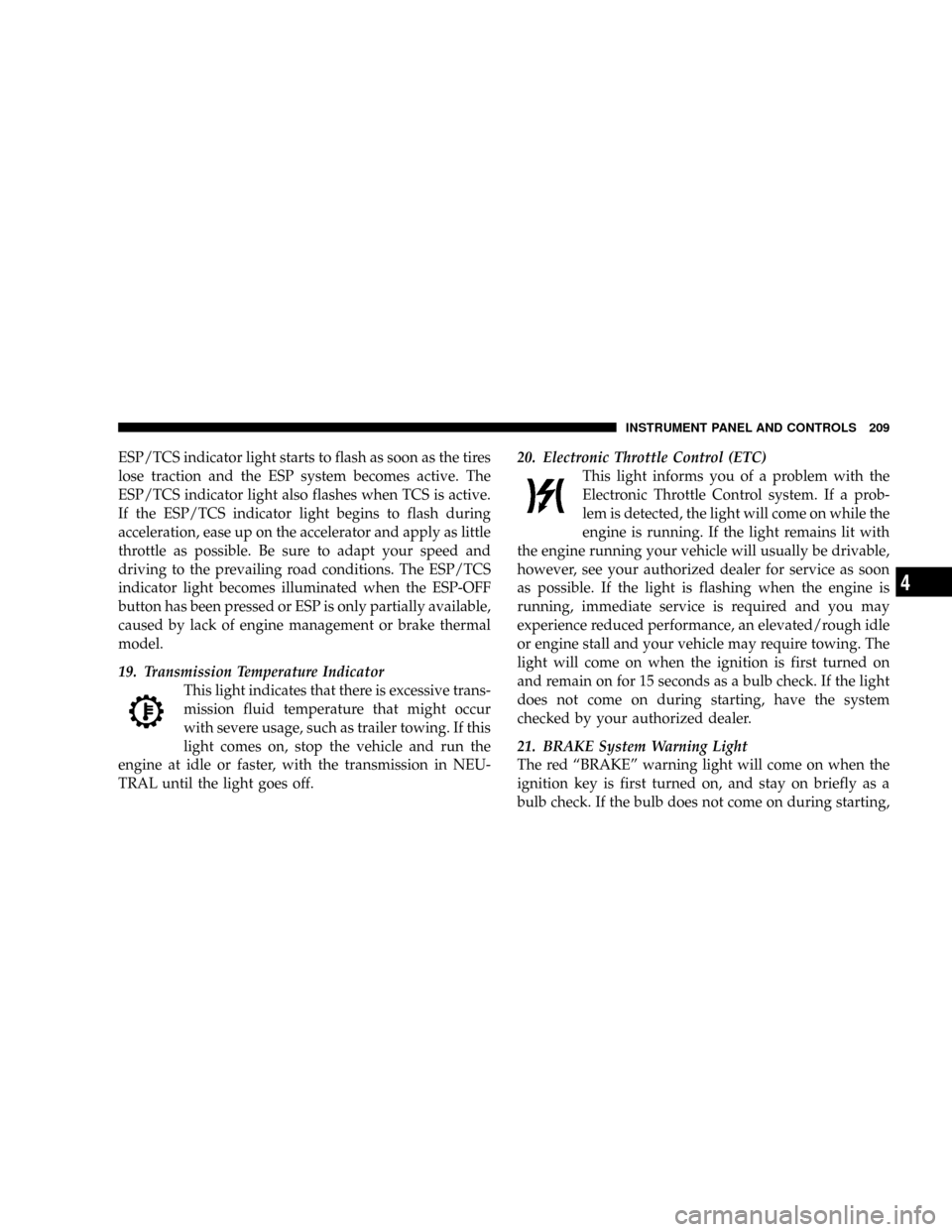
ESP/TCS indicator light starts to flash as soon as the tires
lose traction and the ESP system becomes active. The
ESP/TCS indicator light also flashes when TCS is active.
If the ESP/TCS indicator light begins to flash during
acceleration, ease up on the accelerator and apply as little
throttle as possible. Be sure to adapt your speed and
driving to the prevailing road conditions. The ESP/TCS
indicator light becomes illuminated when the ESP-OFF
button has been pressed or ESP is only partially available,
caused by lack of engine management or brake thermal
model.
19. Transmission Temperature Indicator
This light indicates that there is excessive trans-
mission fluid temperature that might occur
with severe usage, such as trailer towing. If this
light comes on, stop the vehicle and run the
engine at idle or faster, with the transmission in NEU-
TRAL until the light goes off.20. Electronic Throttle Control (ETC)
This light informs you of a problem with the
Electronic Throttle Control system. If a prob-
lem is detected, the light will come on while the
engine is running. If the light remains lit with
the engine running your vehicle will usually be drivable,
however, see your authorized dealer for service as soon
as possible. If the light is flashing when the engine is
running, immediate service is required and you may
experience reduced performance, an elevated/rough idle
or engine stall and your vehicle may require towing. The
light will come on when the ignition is first turned on
and remain on for 15 seconds as a bulb check. If the light
does not come on during starting, have the system
checked by your authorized dealer.
21. BRAKE System Warning Light
The red ªBRAKEº warning light will come on when the
ignition key is first turned on, and stay on briefly as a
bulb check. If the bulb does not come on during starting,
INSTRUMENT PANEL AND CONTROLS 209
4
Page 212 of 479
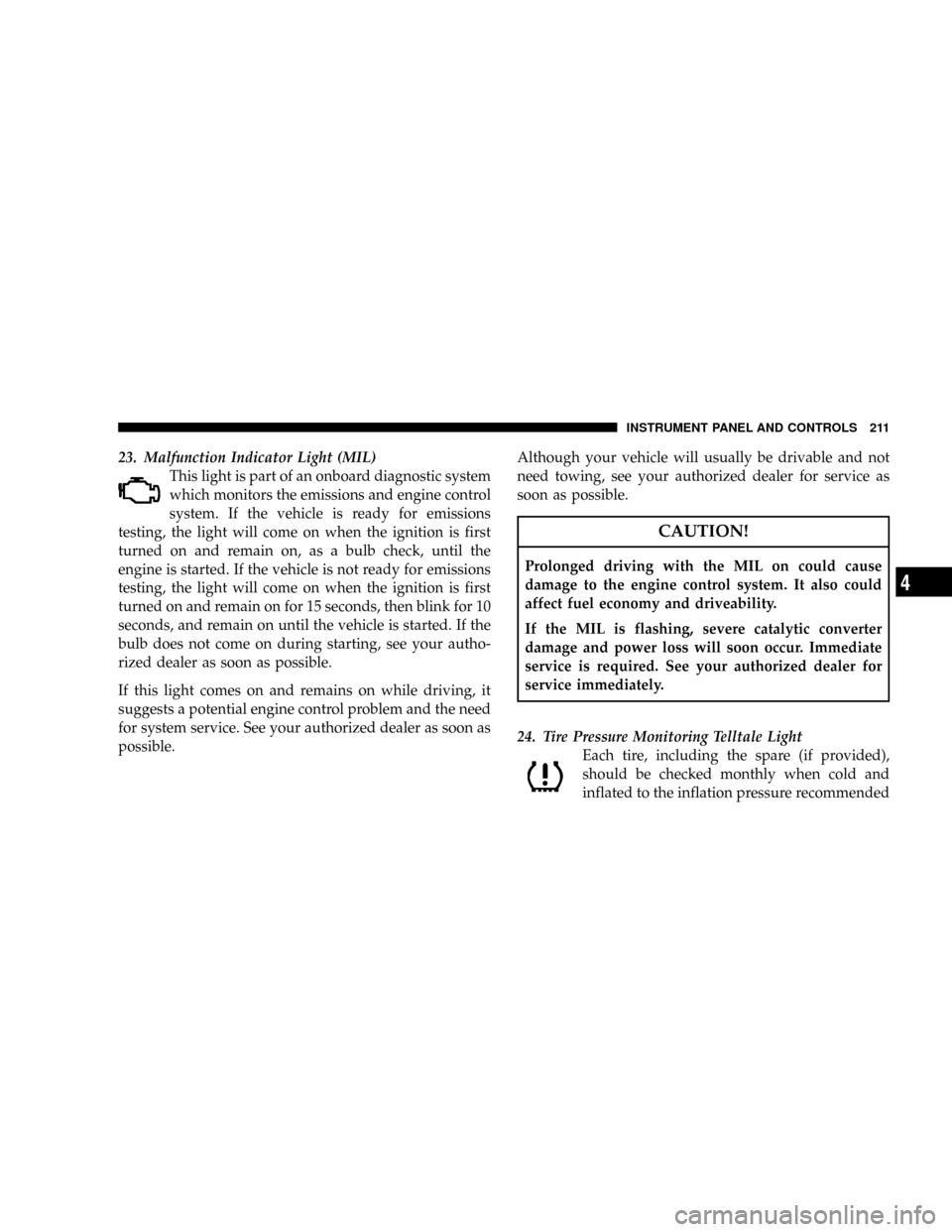
23. Malfunction Indicator Light (MIL)
This light is part of an onboard diagnostic system
which monitors the emissions and engine control
system. If the vehicle is ready for emissions
testing, the light will come on when the ignition is first
turned on and remain on, as a bulb check, until the
engine is started. If the vehicle is not ready for emissions
testing, the light will come on when the ignition is first
turned on and remain on for 15 seconds, then blink for 10
seconds, and remain on until the vehicle is started. If the
bulb does not come on during starting, see your autho-
rized dealer as soon as possible.
If this light comes on and remains on while driving, it
suggests a potential engine control problem and the need
for system service. See your authorized dealer as soon as
possible.Although your vehicle will usually be drivable and not
need towing, see your authorized dealer for service as
soon as possible.
CAUTION!
Prolonged driving with the MIL on could cause
damage to the engine control system. It also could
affect fuel economy and driveability.
If the MIL is flashing, severe catalytic converter
damage and power loss will soon occur. Immediate
service is required. See your authorized dealer for
service immediately.
24. Tire Pressure Monitoring Telltale Light
Each tire, including the spare (if provided),
should be checked monthly when cold and
inflated to the inflation pressure recommended
INSTRUMENT PANEL AND CONTROLS 211
4