steering CHRYSLER ASPEN 2009 2.G User Guide
[x] Cancel search | Manufacturer: CHRYSLER, Model Year: 2009, Model line: ASPEN, Model: CHRYSLER ASPEN 2009 2.GPages: 481, PDF Size: 9.28 MB
Page 144 of 481
LIGHTS
Headlight Switch
Headlights, Parking Lights and Instrument Panel
Lights
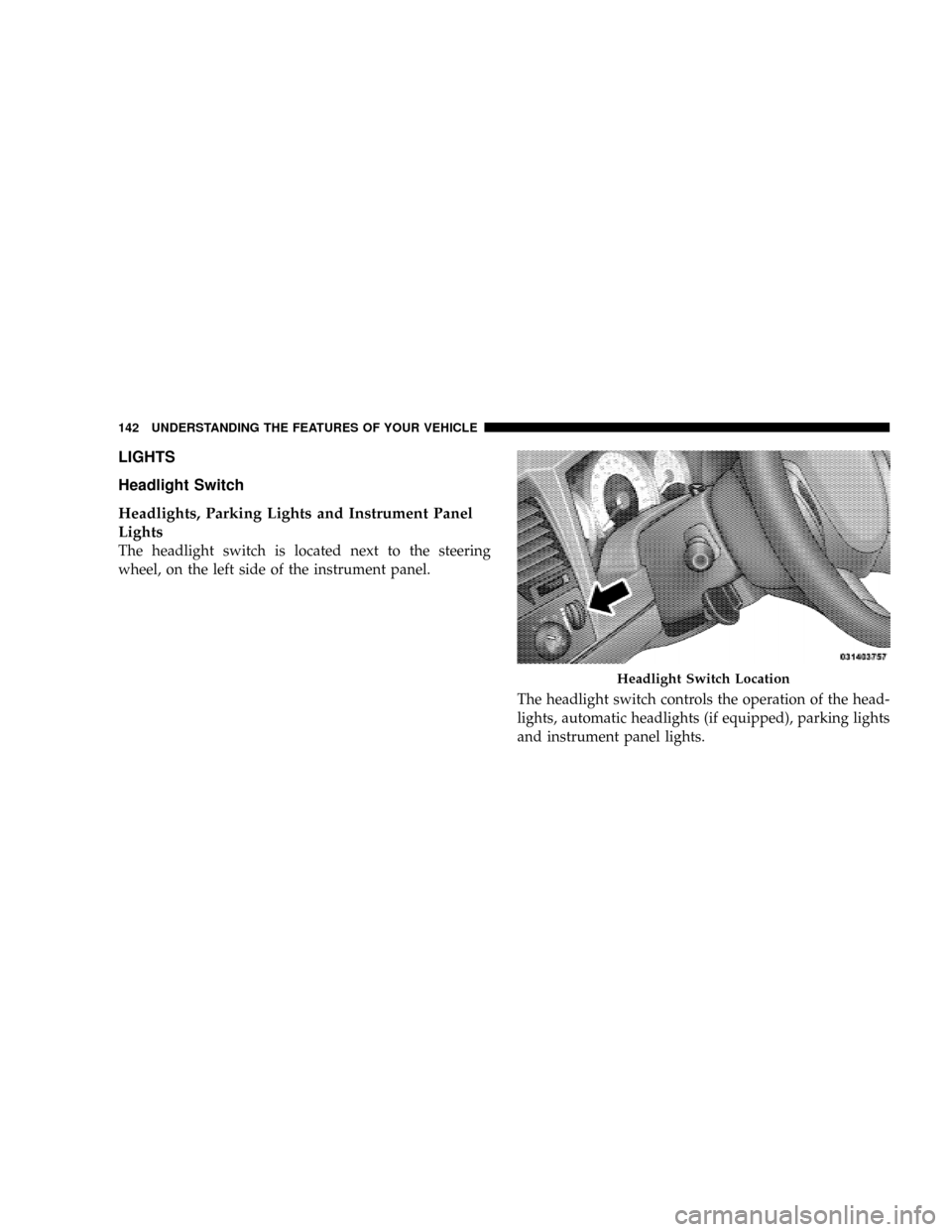
The headlight switch is located next to the steering
wheel, on the left side of the instrument panel.
The headlight switch controls the operation of the head-
lights, automatic headlights (if equipped), parking lights
and instrument panel lights.
Headlight Switch Location
142 UNDERSTANDING THE FEATURES OF YOUR VEHICLE
Page 150 of 481
Multifunction Lever
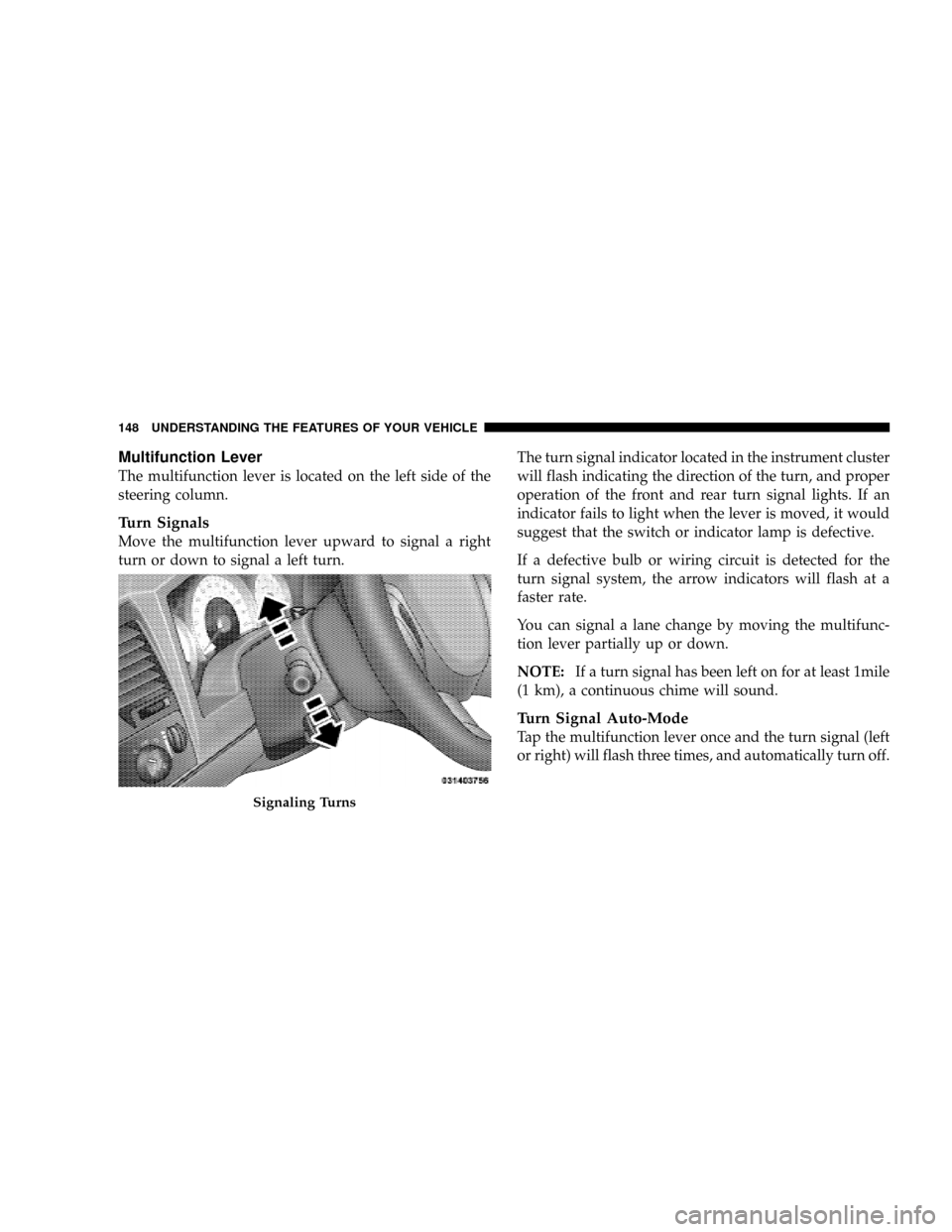
The multifunction lever is located on the left side of the
steering column.
Turn Signals
Move the multifunction lever upward to signal a right
turn or down to signal a left turn.The turn signal indicator located in the instrument cluster
will flash indicating the direction of the turn, and proper
operation of the front and rear turn signal lights. If an
indicator fails to light when the lever is moved, it would
suggest that the switch or indicator lamp is defective.
If a defective bulb or wiring circuit is detected for the
turn signal system, the arrow indicators will flash at a
faster rate.
You can signal a lane change by moving the multifunc-
tion lever partially up or down.
NOTE:If a turn signal has been left on for at least 1mile
(1 km), a continuous chime will sound.
Turn Signal Auto-Mode
Tap the multifunction lever once and the turn signal (left
or right) will flash three times, and automatically turn off.
Signaling Turns
148 UNDERSTANDING THE FEATURES OF YOUR VEHICLE
Page 151 of 481
Flash-To-Pass
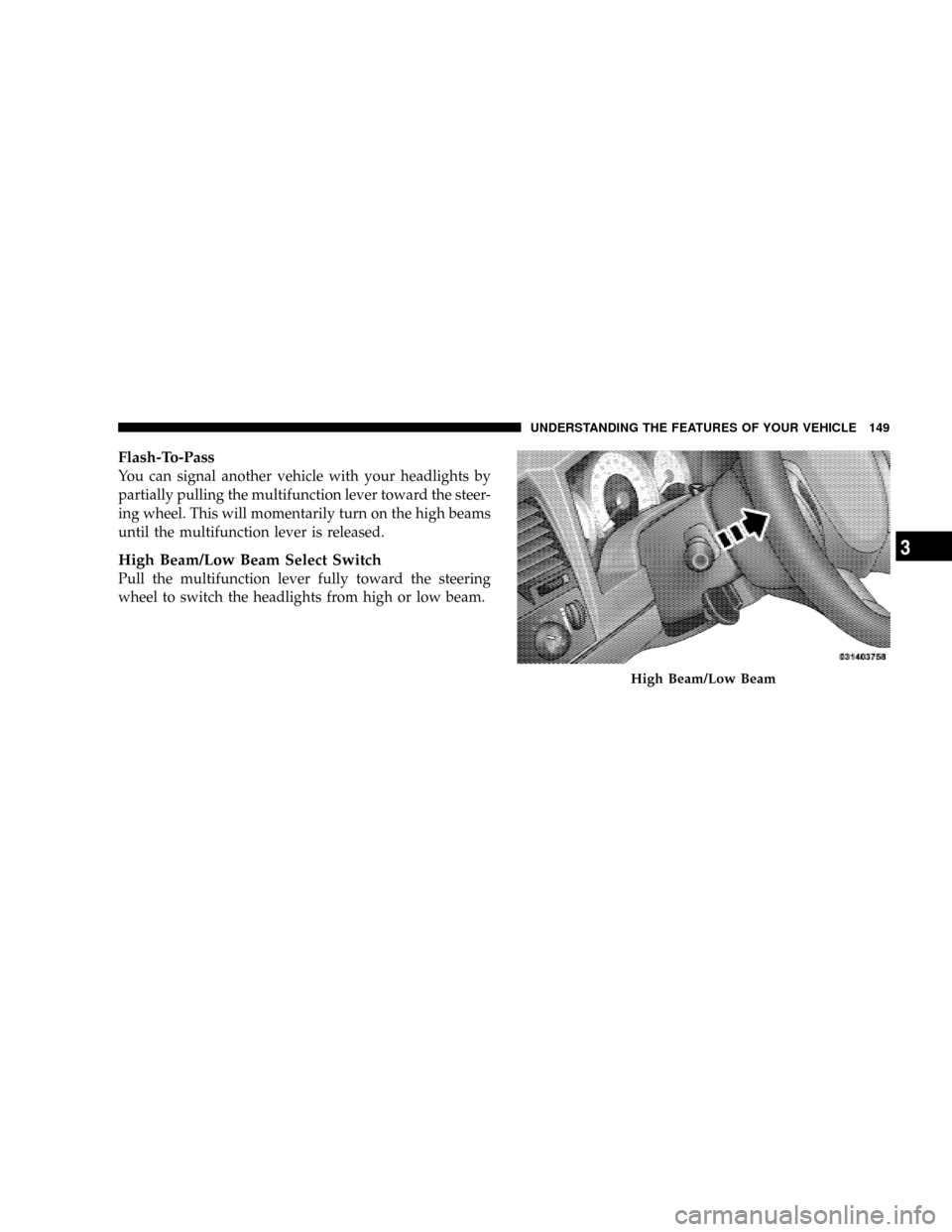
You can signal another vehicle with your headlights by
partially pulling the multifunction lever toward the steer-
ing wheel. This will momentarily turn on the high beams
until the multifunction lever is released.
High Beam/Low Beam Select Switch
Pull the multifunction lever fully toward the steering
wheel to switch the headlights from high or low beam.
High Beam/Low Beam
UNDERSTANDING THE FEATURES OF YOUR VEHICLE 149
3
Page 154 of 481
NOTE:To prevent freeze-up of your windshield washer
system in cold weather, select a solution or mixture that
meets or exceeds the temperature range of your climate.
This rating information can be found on most washer
fluid containers.
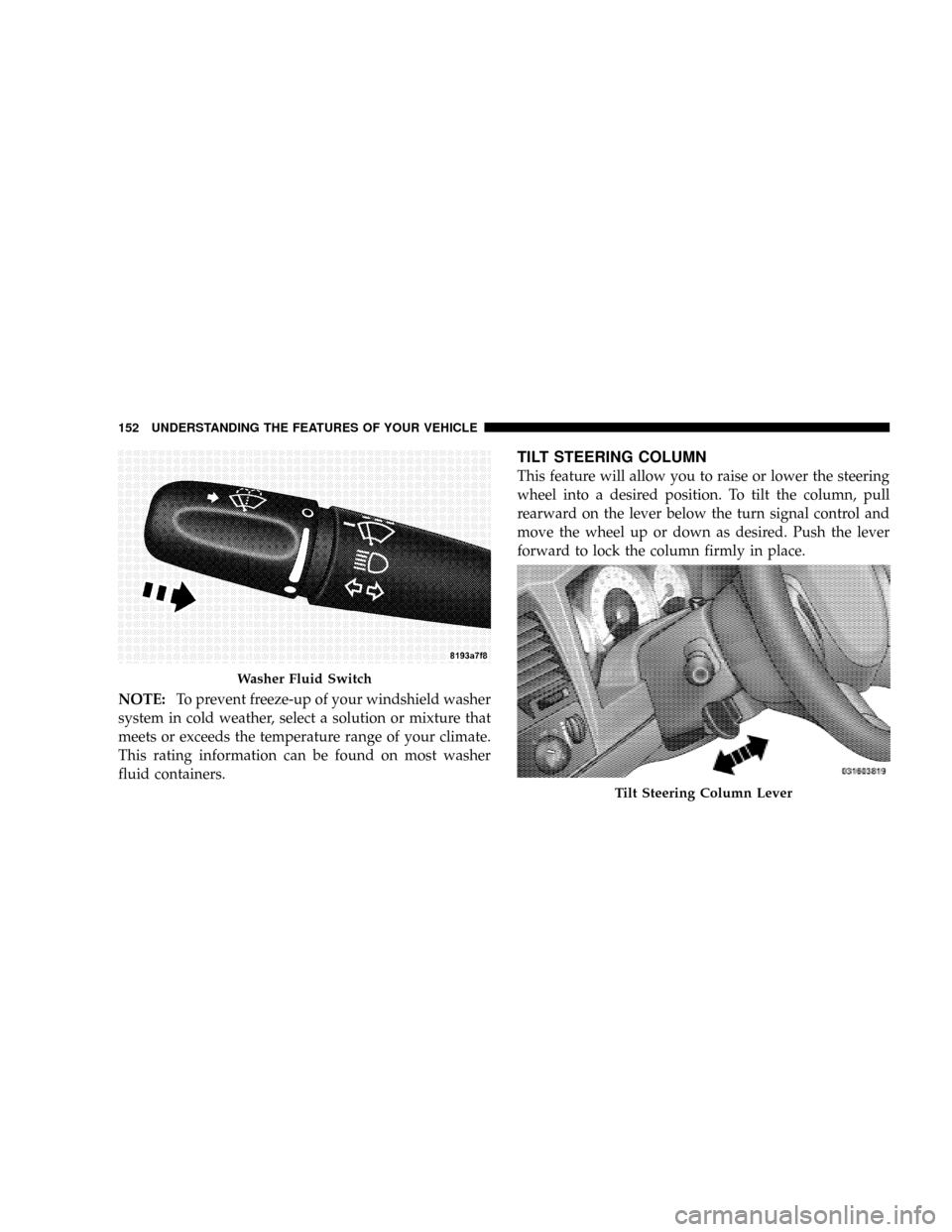
TILT STEERING COLUMN
This feature will allow you to raise or lower the steering
wheel into a desired position. To tilt the column, pull
rearward on the lever below the turn signal control and
move the wheel up or down as desired. Push the lever
forward to lock the column firmly in place.
Washer Fluid Switch
Tilt Steering Column Lever
152 UNDERSTANDING THE FEATURES OF YOUR VEHICLE
Page 155 of 481
WARNING!
Tilting the steering column while the vehicle is
moving is dangerous. Without a stable steering col-
umn, you could lose control of the vehicle and have
an accident. Adjust the column only while the ve-
hicle is stopped. Be sure it is locked before driving.
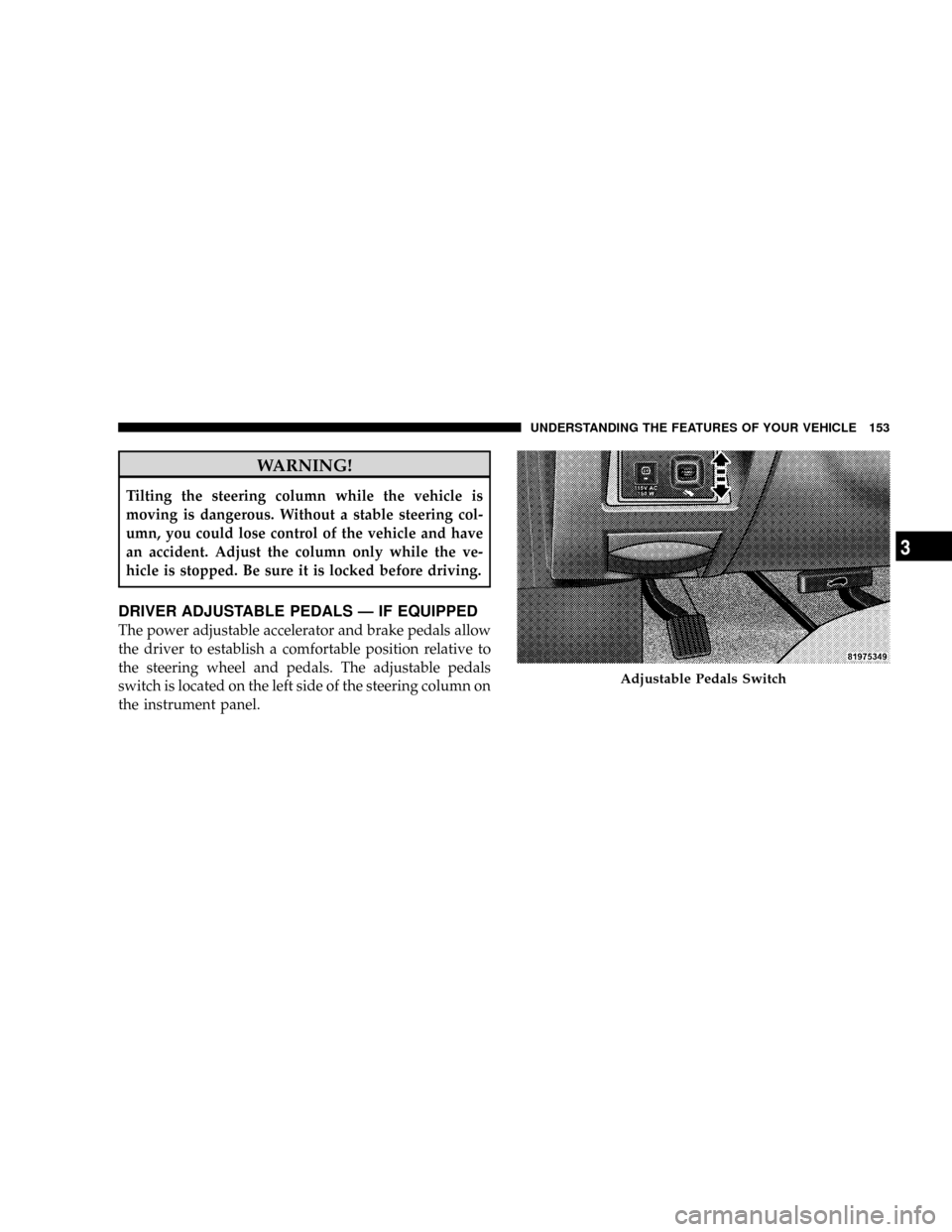
DRIVER ADJUSTABLE PEDALS Ð IF EQUIPPED
The power adjustable accelerator and brake pedals allow
the driver to establish a comfortable position relative to
the steering wheel and pedals. The adjustable pedals
switch is located on the left side of the steering column on
the instrument panel.
Adjustable Pedals Switch
UNDERSTANDING THE FEATURES OF YOUR VEHICLE 153
3
Page 156 of 481
Adjustment
1. Position the driver seat so that you are at least 10 in
(254 mm) away from the airbag located in the center of
the steering wheel.
2. Fasten and adjust the seatbelts.
3. Move the adjustable pedal switch, located to the left of
the steering column near the parking brake release, up to
move the pedals toward the driver or down to move the
pedals away from the driver.
4. The pedalscannotbe adjusted when the vehicle is in
REVERSE or when the speed control is SET.
CAUTION!
Do not place any article under the adjustable pedals
or impede its ability to move as it may cause damage
to the pedal controls. Pedal travel may become lim-
ited if movement is stopped by an obstruction in the
adjustable pedal's path.
154 UNDERSTANDING THE FEATURES OF YOUR VEHICLE
Page 157 of 481
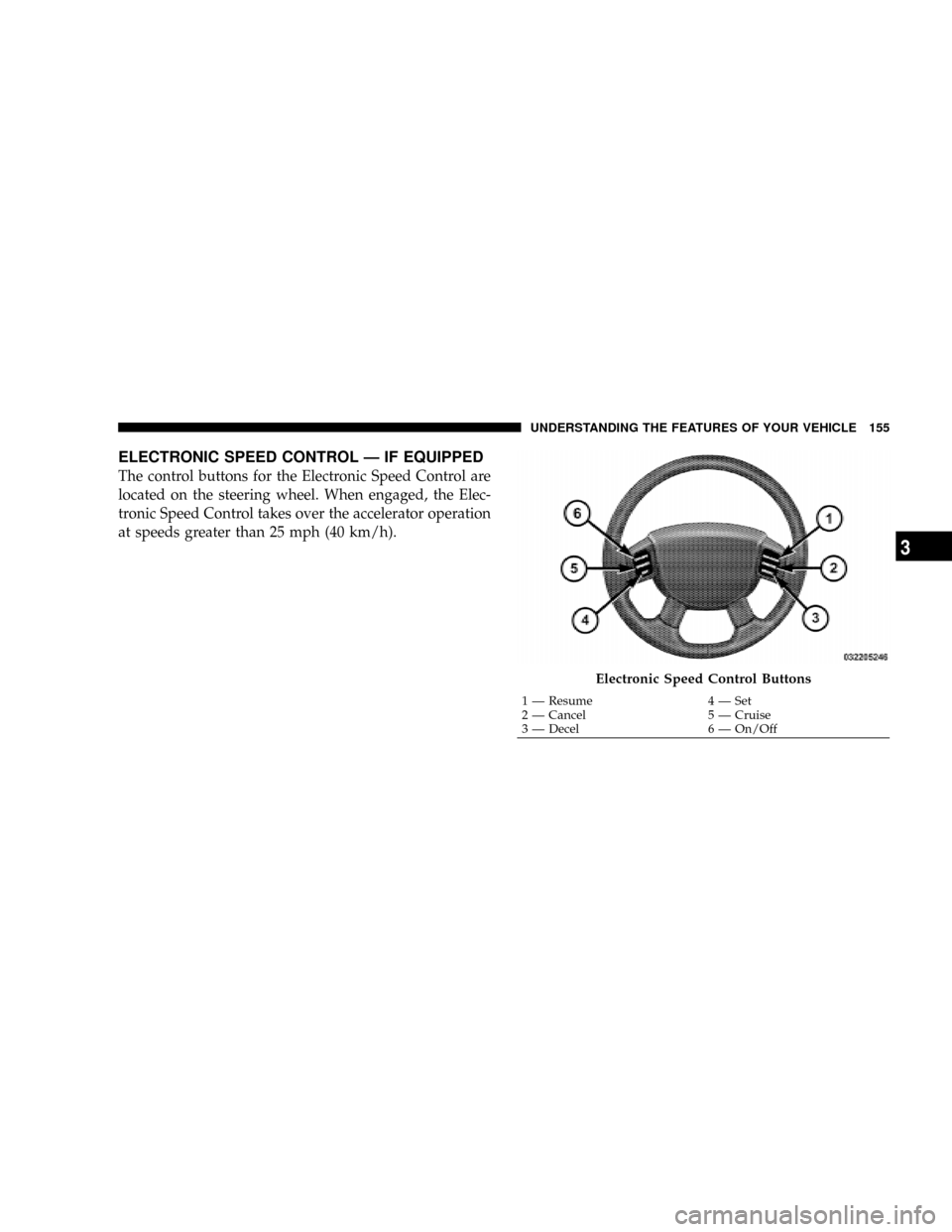
ELECTRONIC SPEED CONTROL Ð IF EQUIPPED
The control buttons for the Electronic Speed Control are
located on the steering wheel. When engaged, the Elec-
tronic Speed Control takes over the accelerator operation
at speeds greater than 25 mph (40 km/h).
Electronic Speed Control Buttons
1 Ð Resume 4 Ð Set
2 Ð Cancel 5 Ð Cruise
3 Ð Decel 6 Ð On/OffUNDERSTANDING THE FEATURES OF YOUR VEHICLE 155
3
Page 254 of 481
VIDEO ENTERTAINMENT SYSTEM (SALES CODE
XRV) Ð IF EQUIPPED
The optional Video Entertainment System (VES)Ÿ con-
sists of a DVD player and LCD (liquid crystal display)
screen, a battery-powered remote control, and two head-
sets. The system is located in the headliner behind the
front row seat. Refer to your VESŸ User's Manual for
detailed operating instructions.
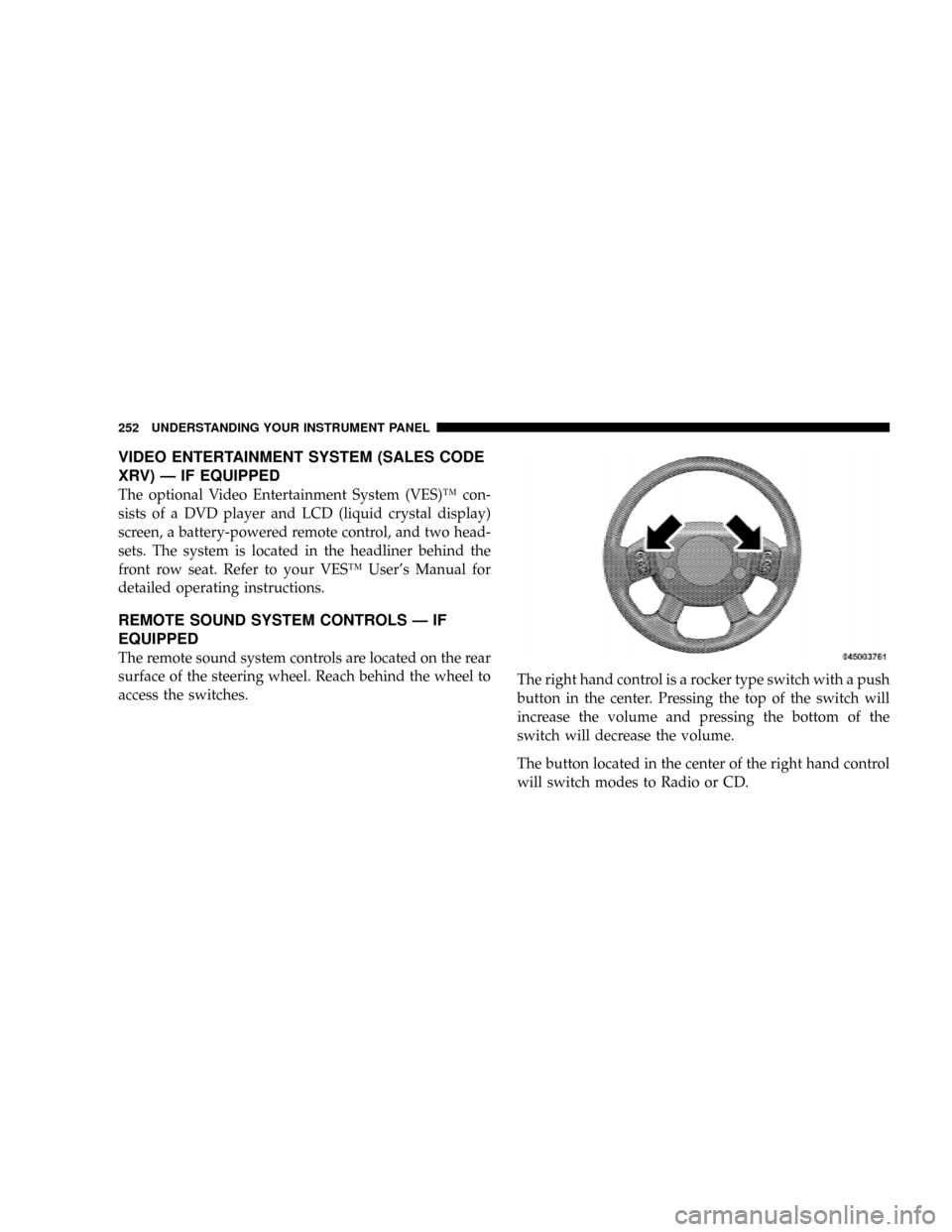
REMOTE SOUND SYSTEM CONTROLS Ð IF
EQUIPPED
The remote sound system controls are located on the rear
surface of the steering wheel. Reach behind the wheel to
access the switches.The right hand control is a rocker type switch with a push
button in the center. Pressing the top of the switch will
increase the volume and pressing the bottom of the
switch will decrease the volume.
The button located in the center of the right hand control
will switch modes to Radio or CD.
252 UNDERSTANDING YOUR INSTRUMENT PANEL
Page 274 of 481
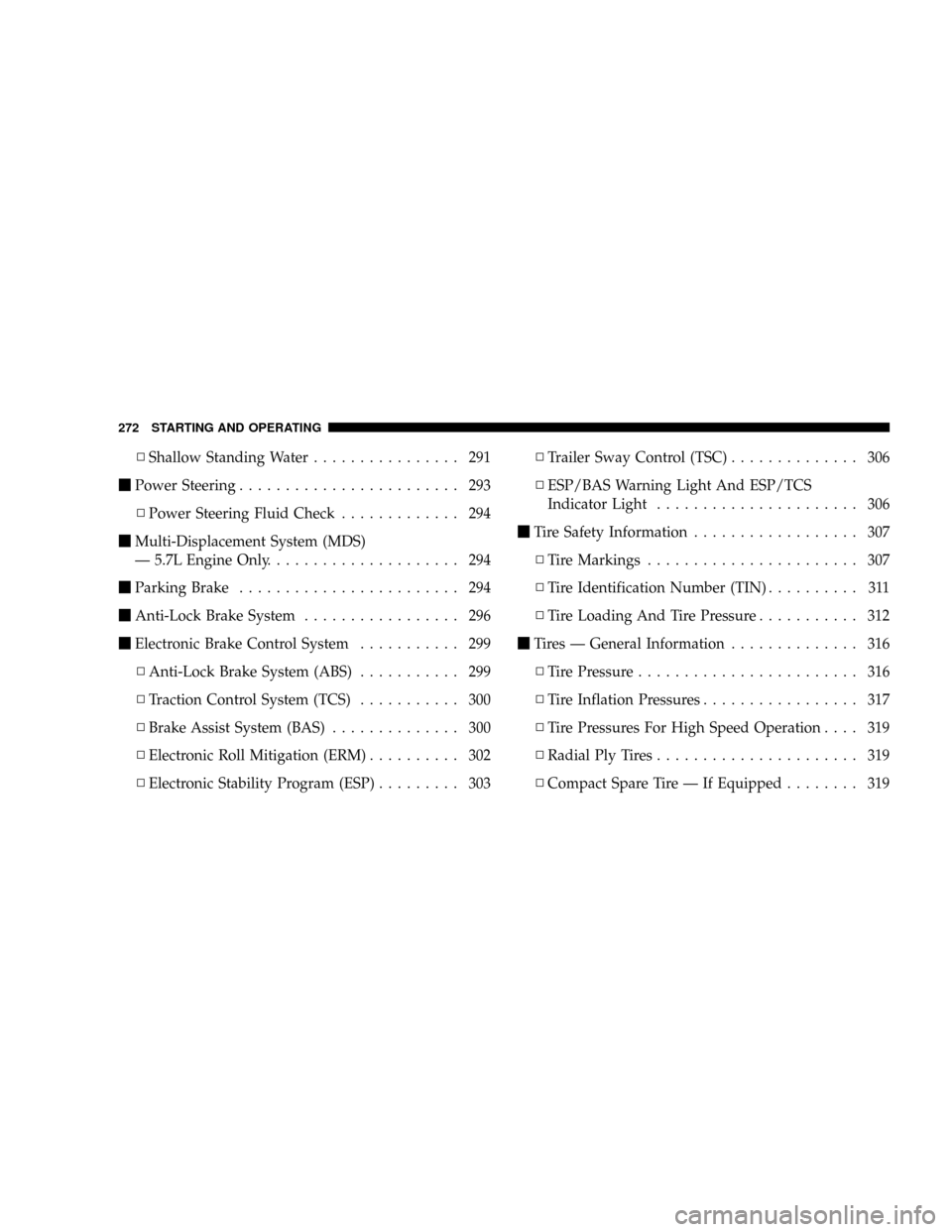
NShallow Standing Water................ 291
mPower Steering........................ 293
NPower Steering Fluid Check............. 294
mMulti-Displacement System (MDS)
Ð 5.7L Engine Only..................... 294
mParking Brake........................ 294
mAnti-Lock Brake System................. 296
mElectronic Brake Control System........... 299
NAnti-Lock Brake System (ABS)........... 299
NTraction Control System (TCS)........... 300
NBrake Assist System (BAS).............. 300
NElectronic Roll Mitigation (ERM).......... 302
NElectronic Stability Program (ESP)......... 303NTrailer Sway Control (TSC).............. 306
NESP/BAS Warning Light And ESP/TCS
Indicator Light...................... 306
mTire Safety Information.................. 307
NTire Markings....................... 307
NTire Identification Number (TIN).......... 311
NTire Loading And Tire Pressure........... 312
mTires Ð General Information.............. 316
NTire Pressure........................ 316
NTire Inflation Pressures................. 317
NTire Pressures For High Speed Operation.... 319
NRadial Ply Tires...................... 319
NCompact Spare Tire Ð If Equipped........ 319
272 STARTING AND OPERATING
Page 295 of 481
POWER STEERING
The standard power steering system will give you good
vehicle response and increased ease of maneuverability
in tight spaces. The system will provide mechanical
steering capability if power assist is lost.
If for some reason the power assist is interrupted, it will
still be possible to steer your vehicle. Under these condi-
tions, you will observe a substantial increase in steering
effort, especially at very low vehicle speeds and during
parking maneuvers.
NOTE:Increased noise levels at the end of the steering
wheel travel are considered normal and do not indicate
that there is a problem with the power steering system.
Upon initial start-up in cold weather, the power steering
pump may make noise for a short amount of time. This is
due to the cold, thick fluid in the steering system. This
noise should be considered normal, and it does not in any
way damage the steering system.WARNING!
Continued operation with reduced power steering
assist could pose a safety risk to yourself and others.
Service should be obtained as soon as possible.
CAUTION!
Prolonged operation of the steering system at the end
of the steering wheel travel will increase the steering
fluid temperature and it should be avoided when
possible. Damage to the power steering pump may
occur.
STARTING AND OPERATING 293
5