reset CHRYSLER ASPEN 2009 2.G Owner's Manual
[x] Cancel search | Manufacturer: CHRYSLER, Model Year: 2009, Model line: ASPEN, Model: CHRYSLER ASPEN 2009 2.GPages: 481, PDF Size: 9.28 MB
Page 247 of 481
the track to be played highlighted on the radio
display, press theTUNEcontrol knob to select and
start playing the track. Turning theTUNEcontrol
knob fast will scroll through the list faster. During
fast scroll, you may notice a slight delay in updating
the information on the radio display.
²During all List modes, the iPodtdisplays all lists in
ªwrap-aroundº mode. So if the track is at the
bottom of the list just turn the wheel backwards
(counter-clockwise) to get to the track faster.
²In List mode, the radioPRESETButtons are used as
shortcuts to the following lists on the iPodt.
²Preset 1 ± Playlists
²Preset 2 ± Artists
²Preset 3 ± Albums
²Preset 4 ± Genres
²Preset 5 - Audiobooks
²Preset 6 ± Podcasts
²Pressing a PRESET button, will display the current
list on the top line and the first item in that list on
the second line.
²To Exit List mode without selecting a track, press the
samePRESETbutton again to go back toPlay
mode.
²LISTbutton: TheLISTbutton will display the top
level menu of the iPodt. Turn theTUNEcontrol knob
to list the top-menu item you wish to select and press
theTUNEcontrol knob. This will display the next
sub-menu list item on the iPodtthen you can follow
the same steps to go to the desired track in that list.
Not all iPodtsub-menu levels are available on this
system.
UNDERSTANDING YOUR INSTRUMENT PANEL 245
4
Page 252 of 481
By pressing the SEEK button when the Music Type
function is active, the radio will be tuned to the next
channel with the same selected Music Type name.
If a preset button is activated while in the Music Type
(Program Type) mode, the Music Type mode will be
exited and the radio will tune to the preset channel.
MUSIC TYPE Button Ð REU Radio
Pressing this button provides a MUSIC TYPES list from
which you can make a selection. Once a selection is
made, you can seek up, or down, or scan the channels
and the radio will tune to the next station matching the
selected format. There is no time-out for this screen.
Pressing the MUSIC TYPE button again will close the
MUSIC TYPE screen. Once closed, seek up, seek down,
and scan will no longer be based on your selection.
SETUP Button
Pressing the SETUP button allows you to select the
following items:
²Display Sirius ID number Ð Press the AUDIO/
SELECT button to display the Sirius ID number. This
number is used to activate, deactivate, or change the
Sirius subscription.
SET Button ± To Set the Pushbutton Memory
When you are receiving a channel that you wish to
commit to pushbutton memory, press the SET button.
The symbol SET 1 will now show in the display window.
Select the button (1-6) you wish to lock onto this channel
and press and release that button. If a button is not
selected within five seconds after pressing the SET but-
ton, the channel will continue to play but will not be
stored into pushbutton memory.
250 UNDERSTANDING YOUR INSTRUMENT PANEL
Page 253 of 481
You may add a second channel to each pushbutton by
repeating the above procedure with this exception: Press
the SET button twice and SET 2 will show in the display
window. Each button can be set for SET 1 and SET 2. This
allows a total of 12 Satellite channels to be stored into
pushbutton memory. The channels stored in SET 2
memory can be selected by pressing the pushbutton
twice.
Every time a preset button is used, a corresponding
button number will display.
Buttons1-6
These buttons tune the radio to the channels that you
commit to pushbutton memory (12 Satellite stations).
Operating Instructions - Hands-Free Phone (If
Equipped)
Refer to ªHands-Free Communication (UConnectt)º in
Section 3.
Operating Instructions - Video Entertainment
System (VEST) (If Equipped)
Refer to separate ªVideo Entertainment System (VESt)
Guide.º
SIRIUS BACKSEAT TVŸ Ð IF EQUIPPED
Satellite video uses direct satellite receiver broadcasting
technology to provide streaming video coast to coast. The
subscription service provider is SIRIUS Satellite Radio.
SIRIUS Backseat TVŸ offers three video channels for
family entertainment, directly from its satellites and
broadcasting studios.
NOTE:SIRIUS service is not available in Hawaii and
has limited coverage in Alaska.
Refer to your Video Entertainment System (VES)t, RER
Navigation or REN Multimedia User Manuals for de-
tailed operating instructions.
UNDERSTANDING YOUR INSTRUMENT PANEL 251
4
Page 339 of 481
CAUTION!
DO NOT use gasoline containing Methanol or E85
Ethanol. Use of these blends may result in starting
and driveability problems and may damage critical
fuel system components.
Problems that result from using methanol/gasoline
blends are not the responsibility of the manufacturer.
While MTBE is an oxygenate made from Methanol, it
does not have the negative effects of Methanol.
E-85 Usage In Non-Flex Fuel Vehicles
Non-FFV vehicles are compatible with gasoline contain-
ing 10% ethanol (E10). Gasoline with higher ethanol
content may void the vehicle's warranty.
If a Non-FFV vehicle is inadvertently fueled with E-85
fuel, the engine will have some or all of these symptoms:
²operate in a lean mode
²OBD II ªMalfunction Indicator Lightº on
²poor engine performance
²poor cold start and cold drivability
²increased risk for fuel system component corrosion
To fix a Non-FFV vehicle inadvertently fueled once with
E-85 perform the following:
²drain the fuel tank (see your authorized dealer)
²change the engine oil and oil filter
²disconnect and reconnect the battery to reset the
engine controller memory
More extensive repairs will be required for prolonged
exposure to E-85 fuel.
STARTING AND OPERATING 337
5
Page 347 of 481
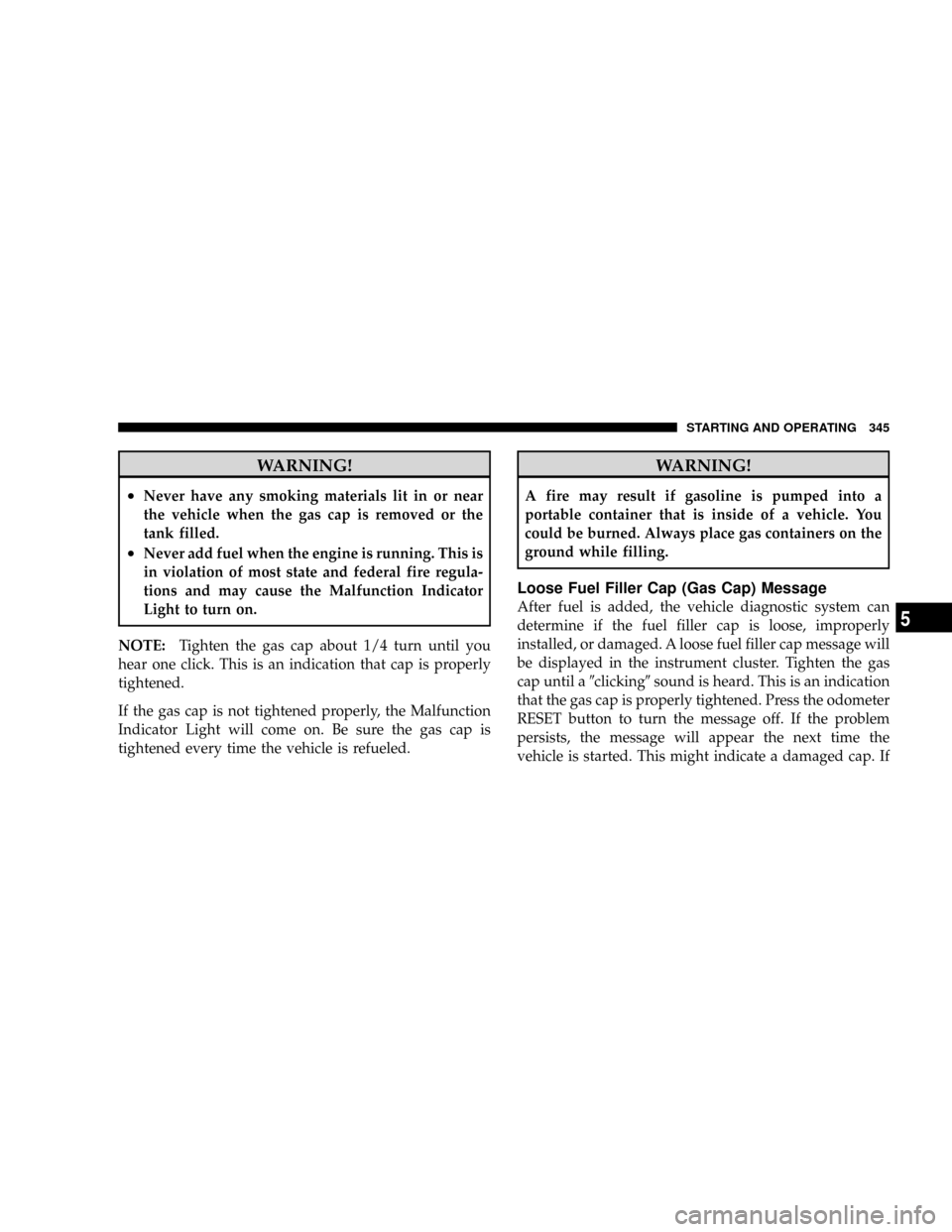
WARNING!
²Never have any smoking materials lit in or near
the vehicle when the gas cap is removed or the
tank filled.
²Never add fuel when the engine is running. This is
in violation of most state and federal fire regula-
tions and may cause the Malfunction Indicator
Light to turn on.
NOTE:Tighten the gas cap about 1/4 turn until you
hear one click. This is an indication that cap is properly
tightened.
If the gas cap is not tightened properly, the Malfunction
Indicator Light will come on. Be sure the gas cap is
tightened every time the vehicle is refueled.
WARNING!
A fire may result if gasoline is pumped into a
portable container that is inside of a vehicle. You
could be burned. Always place gas containers on the
ground while filling.
Loose Fuel Filler Cap (Gas Cap) Message
After fuel is added, the vehicle diagnostic system can
determine if the fuel filler cap is loose, improperly
installed, or damaged. A loose fuel filler cap message will
be displayed in the instrument cluster. Tighten the gas
cap until a9clicking9sound is heard. This is an indication
that the gas cap is properly tightened. Press the odometer
RESET button to turn the message off. If the problem
persists, the message will appear the next time the
vehicle is started. This might indicate a damaged cap. If
STARTING AND OPERATING 345
5
Page 389 of 481
ONBOARD DIAGNOSTIC SYSTEM Ð OBD II
Your vehicle is equipped with a sophisticated onboard
diagnostic system called OBD II. This system monitors
the performance of the emissions, engine, and automatic
transmission control systems. When these systems are
operating properly, your vehicle will provide excellent
performance and fuel economy, as well as engine emis-
sions well within current government regulations.
If any of these systems require service, the OBD II system
will turn on the Malfunction Indicator Light (MIL). It will
also store diagnostic codes and other information to
assist your service technician in making repairs. Al-
though your vehicle will usually be drivable and not
need towing, see your authorized dealer for service as
soon as possible.CAUTION!
²Prolonged driving with the MIL on could cause
further damage to the emission control system. It
could also affect fuel economy and driveability.
The vehicle must be serviced before any emissions
tests can be performed.
²If the MIL is flashing while the engine is running,
severe catalytic converter damage and power loss
will soon occur. Immediate service is required.
Loose Fuel Filler Cap Message
After fuel is added, the vehicle diagnostic system can
determine if the fuel filler cap is possibly loose, improp-
erly installed, or damaged. A loose fuel filler cap message
will be displayed in the instrument cluster. Tighten the
gas cap until a9clicking9sound is heard. This is an
indication that the gas cap is properly tightened. Press
the odometer RESET button to turn the message off. If the
MAINTAINING YOUR VEHICLE 387
7
Page 439 of 481
NOTE:
²The oil change indicator message will not monitor the
time since the last oil change. Change your vehicle's
oil if it has been 6 months since your last oil change
even if the oil change indicator message is NOT
illuminated.
²Change your engine oil more often if you drive your
vehicle off-road for an extended period of time.
²Under no circumstances should oil change intervals
exceed 6,000 miles (10 000 km) or 6 months, whichever
comes first.
Your authorized dealer will reset the oil change indicator
message after completing the scheduled oil change. If this
scheduled oil change is performed by someone other
than your authorized dealer the message can be reset by
referring to the steps described under ªOIL CHANGE
REQUIRED ± If Equippedº under ªSystem Status (EVICDisplays)º in Section 3, or under ªOdometer/Trip Odom-
eterº under ªInstrument Cluster Descriptionº in Section
4.
At Each Stop for Fuel
²Check the engine oil level about five minutes after a
fully warmed engine is shut off. Checking the oil level
while the vehicle is on level ground will improve the
accuracy of the oil level reading. Add oil only when
the level is at or below the ADD or MIN mark.
²Check the windshield washer solvent and add if
required.
Once a Month
²Check tire pressure and look for unusual wear or
damage.
²Inspect the battery and clean and tighten the terminals
as required.
MAINTENANCE SCHEDULES 437
8
M
A
I
N
T
E
N
A
N
C
E
S
C
H
E
D
U
L
E
S
Page 472 of 481
Mopar Parts.........................389,454
Multi-Displacement Engine System........... 294
Multi-Function Control Lever............... 148
Navigation System....................... 163
New Vehicle Break-In Period................ 74
Occupant Restraints....................... 40
Octane Rating, Gasoline (Fuel).............. 335
Oil Change Indicator..................169,208
Oil Change Indicator, Reset................. 208
Oil, Engine.........................390,432
Capacity............................ 431
Change Interval....................... 391
Dipstick............................. 390
Disposal............................ 392
Filter............................392,432
Filter Disposal........................ 392
Identification Logo..................... 391Materials Added to..................... 392
Recommendation...................391,431
Synthetic............................ 392
Viscosity..........................391,431
Onboard Diagnostic System..............387,388
Opener, Garage Door (HomeLinkt) ........... 176
Operator Manual (Owner's Manual)............ 5
Outside Rearview Mirrors.................. 85
Overdrive..........................207,281
Overdrive OFF Switch.................... 281
Overhead Console....................165,166
Overheating, Engine...................... 205
Owner's Manual (Operator Manual).........5,455
Panic Alarm............................ 24
Park Sense System, Rear................... 158
Parking Brake.......................... 294
Parking On Hill......................... 294
Passing Light........................... 149
470 INDEX
Page 474 of 481
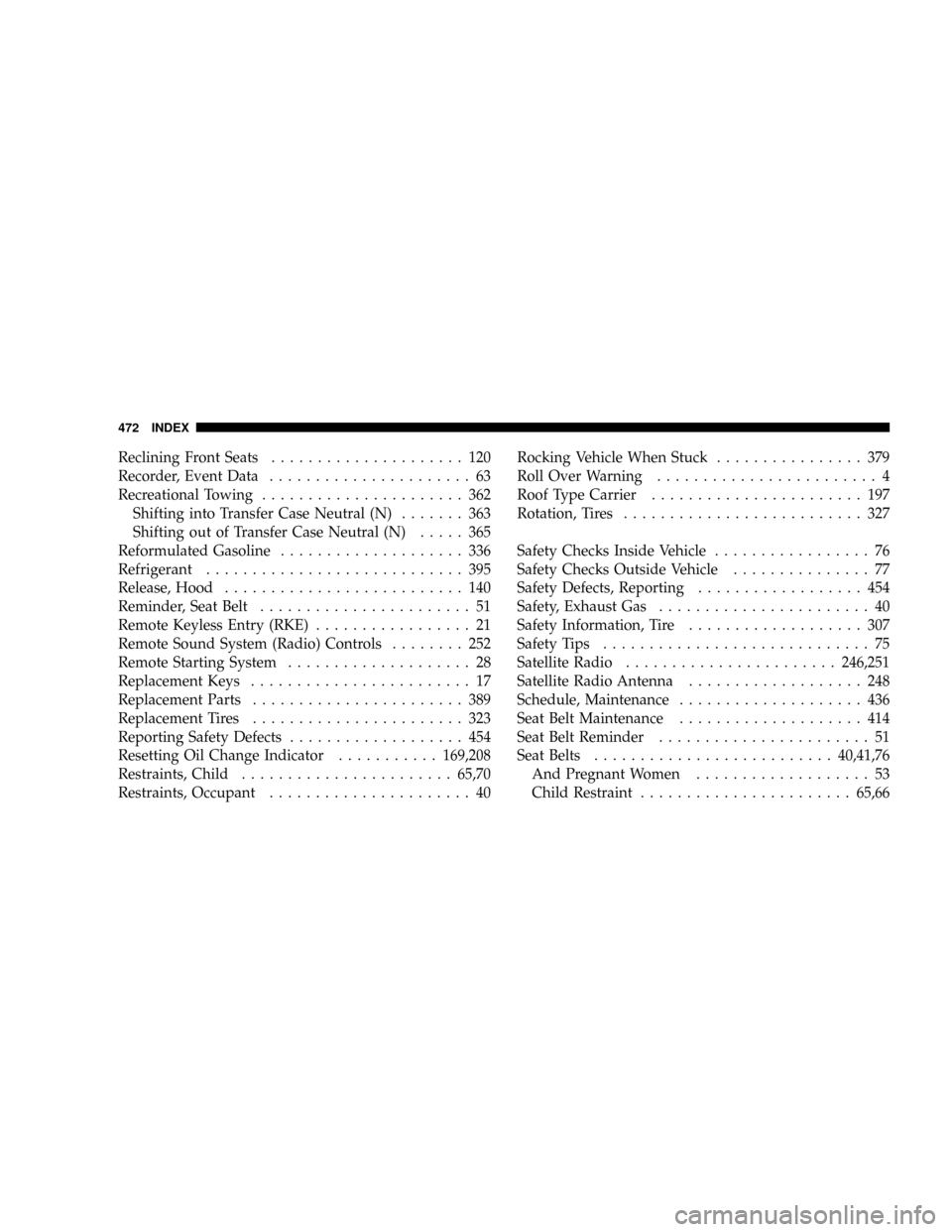
Reclining Front Seats..................... 120
Recorder, Event Data...................... 63
Recreational Towing...................... 362
Shifting into Transfer Case Neutral (N)....... 363
Shifting out of Transfer Case Neutral (N)..... 365
Reformulated Gasoline.................... 336
Refrigerant............................ 395
Release, Hood.......................... 140
Reminder, Seat Belt....................... 51
Remote Keyless Entry (RKE)................. 21
Remote Sound System (Radio) Controls........ 252
Remote Starting System.................... 28
Replacement Keys........................ 17
Replacement Parts....................... 389
Replacement Tires....................... 323
Reporting Safety Defects................... 454
Resetting Oil Change Indicator...........169,208
Restraints, Child.......................65,70
Restraints, Occupant...................... 40Rocking Vehicle When Stuck................ 379
Roll Over Warning........................ 4
Roof Type Carrier....................... 197
Rotation, Tires.......................... 327
Safety Checks Inside Vehicle................. 76
Safety Checks Outside Vehicle............... 77
Safety Defects, Reporting.................. 454
Safety, Exhaust Gas....................... 40
Safety Information, Tire................... 307
Safety Tips............................. 75
Satellite Radio.......................246,251
Satellite Radio Antenna................... 248
Schedule, Maintenance.................... 436
Seat Belt Maintenance.................... 414
Seat Belt Reminder....................... 51
Seat Belts..........................40,41,76
And Pregnant Women................... 53
Child Restraint.......................65,66
472 INDEX
Page 478 of 481
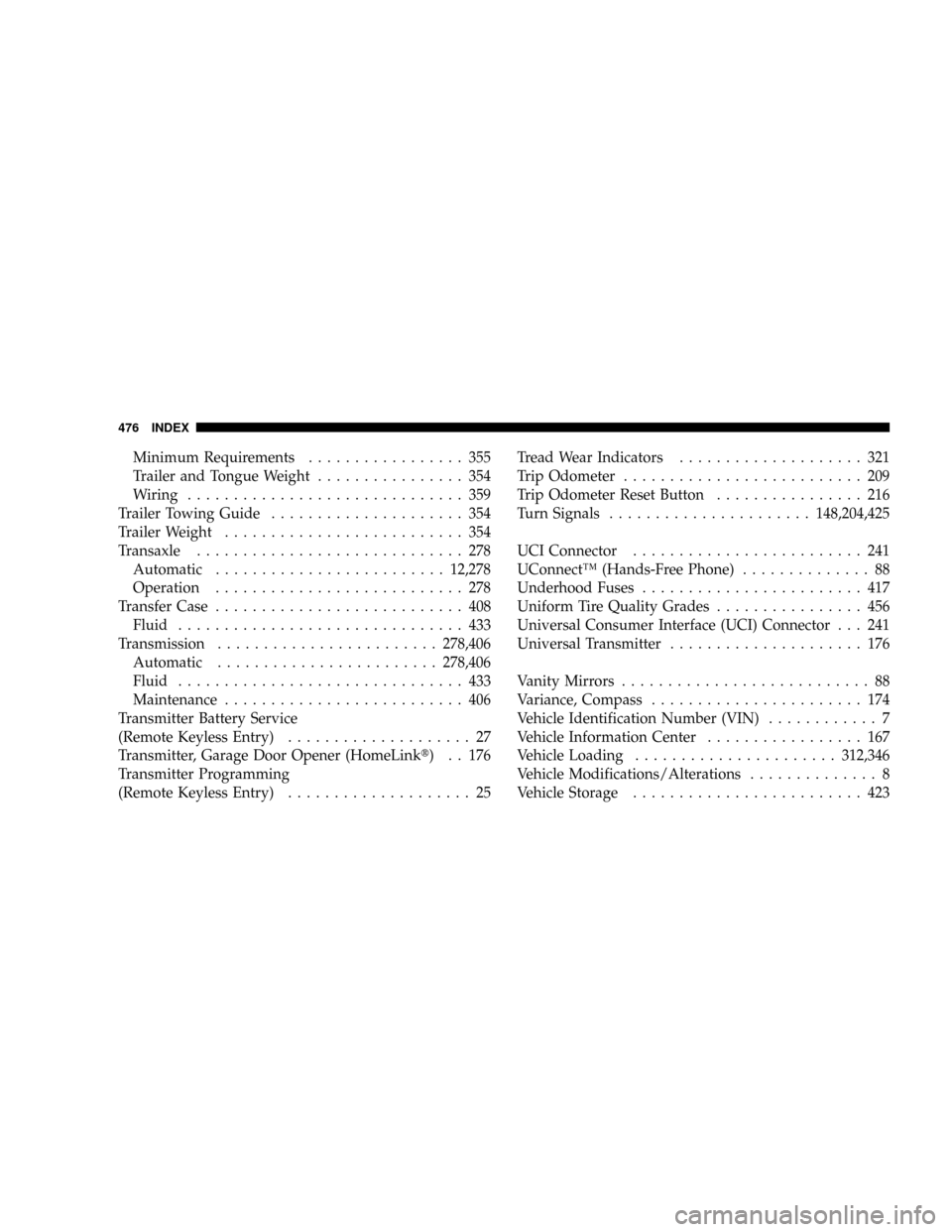
Minimum Requirements................. 355
Trailer and Tongue Weight................ 354
Wiring.............................. 359
Trailer Towing Guide..................... 354
Trailer Weight.......................... 354
Transaxle............................. 278
Automatic.........................12,278
Operation........................... 278
Transfer Case........................... 408
Fluid............................... 433
Transmission........................278,406
Automatic........................278,406
Fluid............................... 433
Maintenance.......................... 406
Transmitter Battery Service
(Remote Keyless Entry).................... 27
Transmitter, Garage Door Opener (HomeLinkt) . . 176
Transmitter Programming
(Remote Keyless Entry).................... 25Tread Wear Indicators.................... 321
Trip Odometer.......................... 209
Trip Odometer Reset Button................ 216
Turn Signals......................148,204,425
UCI Connector......................... 241
UConnectŸ (Hands-Free Phone).............. 88
Underhood Fuses........................ 417
Uniform Tire Quality Grades................ 456
Universal Consumer Interface (UCI) Connector . . . 241
Universal Transmitter..................... 176
Vanity Mirrors........................... 88
Variance, Compass....................... 174
Vehicle Identification Number (VIN)............ 7
Vehicle Information Center................. 167
Vehicle Loading......................312,346
Vehicle Modifications/Alterations.............. 8
Vehicle Storage......................... 423
476 INDEX