light CHRYSLER PACIFICA 2004 1.G Owner's Manual
[x] Cancel search | Manufacturer: CHRYSLER, Model Year: 2004, Model line: PACIFICA, Model: CHRYSLER PACIFICA 2004 1.GPages: 361, PDF Size: 5.21 MB
Page 71 of 361
Outside Mirror Ð Driver's Side
Adjust the outside mirror to center on the adjacent lane of
traffic, with a slight overlap of the view obtained on the
inside mirror.
Outside Mirror Ð Passenger's Side
Adjust the convex outside mirror so you can just see the
side of your vehicle in the portion of the mirror closest to
the vehicle. This type of mirror will give a much wider
view to the rear, and especially of the lane next to your
vehicle.
WARNING!
Vehicles and other objects seen in the right side
convex mirror will look smaller and farther away
than they really are. Relying too much on your right
side mirror could cause you to collide with another
vehicle or other object.
Use your inside mirror when judging the size or
distance of a vehicle seen in this convex mirror.
UNDERSTANDING THE FEATURES OF YOUR VEHICLE 71
3
Page 73 of 361

Illuminated Vanity Mirrors
An illuminated vanity mirror is on the sun visor. To use
the mirror, rotate the sun visor down and swing the
mirror cover upward. The lights turn on automatically.
Closing the mirror cover turns off the lights.
Sun Visor Extension
This feature has a pull out extension on the sun visor for
increased coverage.
HANDS±FREE COMMUNICATION (UConnectŸ) Ð
IF EQUIPPED
UConnectŸ is a voice-activated, hands-free, in-vehicle
communications system. UConnectŸ; allows you to dial
your cellular phone using simple voice commands (e.g.,
ªCall Mike Workº or ªDial 248-555-1212º). Your cellular
phone's audio is transmitted through your vehicle's
stereo system; the system will automatically mute your
radio before receiving or sending a call.
UConnectŸ allows you to transfer calls between the
system and your cellular phone as you enter or exit your
vehicle, and enables you to mute the system's micro-
phone for private conversations.
UNDERSTANDING THE FEATURES OF YOUR VEHICLE 73
3
Page 87 of 361

Press the switch once to select a heat setting (high or low)
and press the switch a second time in the same direction
to turn the heated seat off. The indicator light will show
when LOW or HIGH heat is ON.The controls for the second row heated seats are located
on the center console between the seats. Press the switch
once to select a heat setting (high or low) and press the
switch a second time in the same direction to turn the
heated seat off. The indicator light will show when LOW
or HIGH heat is ON.
UNDERSTANDING THE FEATURES OF YOUR VEHICLE 87
3
Page 88 of 361

NOTE:
²If the lights in the second row heated seat switch begin
to flash when the switch is pressed, it indicates that the
heated seat is not functioning properly and that ser-
vice is required. See your authorized dealer for service.
²Once a heat setting is selected, heat will be felt within
2 to 3 minutes.
²The heated seats will turn off when the ignition switch
is turned to the OFF position.
Memory Seat Ð If Equipped
If your vehicle is equipped with memory systems, your
remote keyless entry transmitter or memory seat buttons
on the driver's door panel can be used to recall the
driver's seat, outside mirrors, adjustable pedals (if
equipped) and radio station presets to saved positions.The memory seat buttons located on the driver's door
will always recall stored settings. The remote keyless
entry transmitter can be programmed to recall positions
when the UNLOCK button is pressed. Refer to the
following procedure on how to link a remote keyless
entry transmitter to a position.
88 UNDERSTANDING THE FEATURES OF YOUR VEHICLE
Page 90 of 361

6. Press and release the SET (S) button located on the
driver's door. A light in the button will flash telling you
that you are in the set memory mode. You have five
seconds to complete the next step.
7. Within 5 seconds, press and release button 1 or 2 on
the driver's door. A chime will sound signaling you that
the driver memory has been set. A message will also be
displayed in the Electronic Vehicle Information Center
(EVIC), indicating a position has been set.
8. Within 5 seconds, press and release the LOCK button
on one of the Remote Keyless Entry Transmitters. A
chime will sound signaling you that the transmitter has
been successfully linked. A message will also be dis-
played in the Electronic Vehicle Information Center
(EVIC), indicating the transmitter has been linked.
Repeat the above steps for the second position using the
other driver's door numbered button and Remote Key-
less Entry Transmitter.Each time the SET (S) button and a numbered button are
pressed, you erase the old memory and store a new one.
To Disable A Transmitter Link, Follow These Steps:
1. Select ªRemote Linked To Memoryº from the Elec-
tronic Vehicle Information Center, Customer Program-
mable features.
2. Turn the ignition switch to the OFF position and
remove the key.
3. Press and release the SET (S) button located on the
driver's door. A light in the button will flash telling you
that you are in the set memory mode. You have five
seconds to complete the next step.
4. Within 5 seconds, press and release button 1 or 2 on
the driver's door. A chime will sound signaling you that
the driver memory has been set. A message will also be
displayed in the Electronic Vehicle Information Center
(EVIC), indicating a position has been set.
90 UNDERSTANDING THE FEATURES OF YOUR VEHICLE
Page 91 of 361

5. Within 5 seconds, press and release the UNLOCK
button on the remote keyless entry transmitters. A chime
will sound signaling you that the transmitter link has
been successfully disabled. A message will also be dis-
played in the Electronic Vehicle Information Center
(EVIC), indicating the transmitter has been disabled.
To disable another transmitter from memory positions 1
or 2, repeat steps 1± 4 for each transmitter.
NOTE:This function can be selected using the ªCus-
tomer Programmable Featuresº in the Electronic Vehicle
Information Center (EVIC) section, Otherwise see your
authorized dealer.
Second Row Manual Seat Recliner
The recliner mechanism control is on the outboard side of
the seat. To recline, lean forward slightly, lift the lever,
then push back to the desired position and release the
lever. Lean forward and lift the lever to return theseatback to its normal position. Using body pressure, lean
forward and rearward on the seat to be sure the seatback
has latched.
NOTE:When using the recliner mechanism with the 3rd
row seat folded down, the second row seat may need to
be adjusted forward to achieve full recline.
UNDERSTANDING THE FEATURES OF YOUR VEHICLE 91
3
Page 102 of 361
WARNING!
If the hood is not fully latched, it could fly up when
the vehicle is moving and block your forward vision.
You could have a collision. Be sure all hood latches
are fully latched before driving.
LIGHTS
Overhead Console Map/Reading Lights
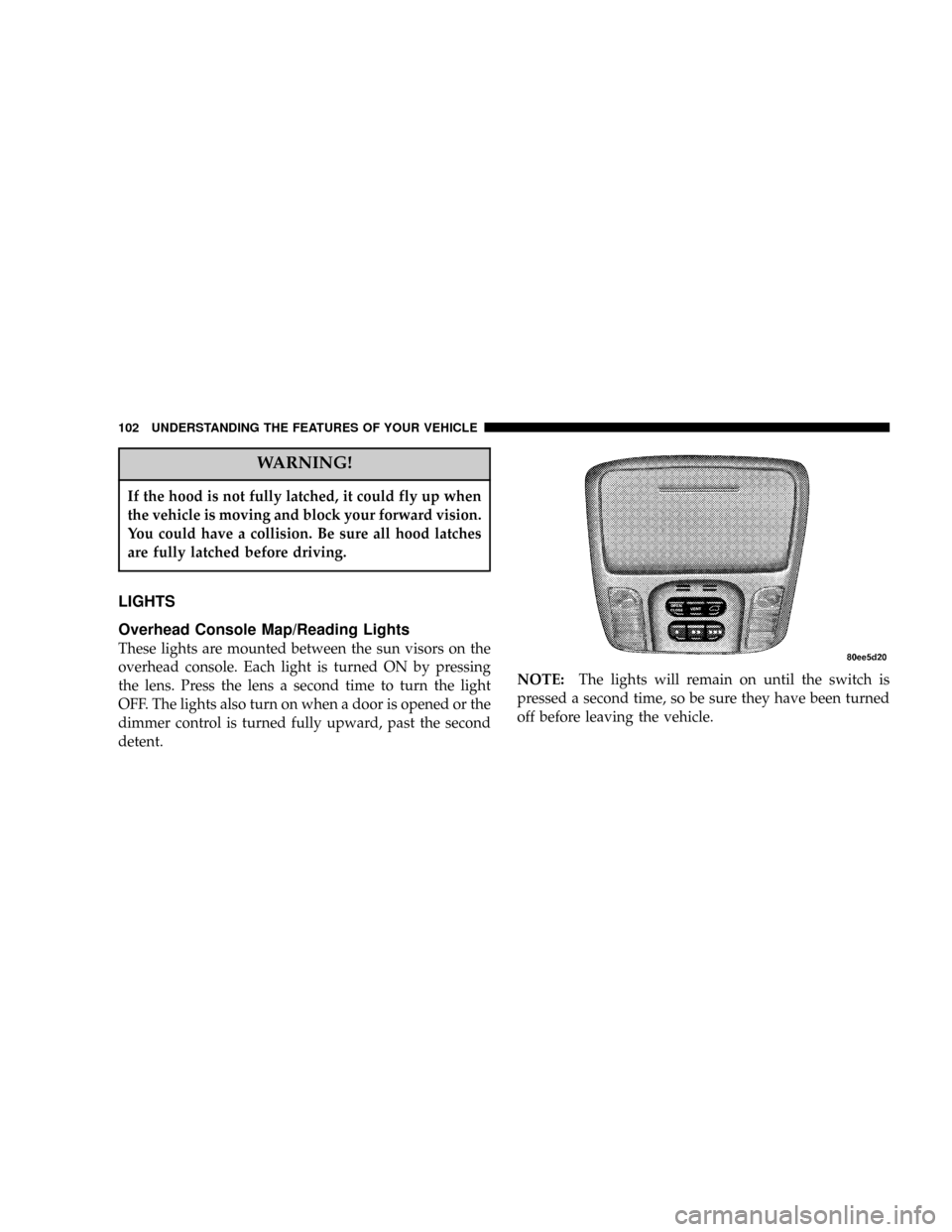
These lights are mounted between the sun visors on the
overhead console. Each light is turned ON by pressing
the lens. Press the lens a second time to turn the light
OFF. The lights also turn on when a door is opened or the
dimmer control is turned fully upward, past the second
detent.NOTE:The lights will remain on until the switch is
pressed a second time, so be sure they have been turned
off before leaving the vehicle.
102 UNDERSTANDING THE FEATURES OF YOUR VEHICLE
Page 103 of 361

Interior Lights
The interior lights come on when a door is opened.
The interior lights will automatically turn off in about 15
minutes if a door is left open or the dimmer control is left
in the Dome light position. Turn the ignition switch ON
to restore the interior light operation.
Multi-Function Lever
The Multi-Function Lever controls the operation of the
headlights, parking lights, turn signals, headlight beam
selection, instrument panel light dimming, interior lights,
the passing lights, and fog lights. The lever is located on
the left side of the steering column.
Headlights, Parking Lights, Instrument Panel
Lights
Turn the end of the Multi-Function Lever to the first
detent for parking light and instrument panel light
operation. Turn to the second detent for headlight, park
light and instrument panel light operation.
UNDERSTANDING THE FEATURES OF YOUR VEHICLE 103
3
Page 104 of 361

To change the brightness of the instrument panel lights,
rotate the center portion of the Multi-Function Lever up
or down.
Dimmer Control
With the parking lights or headlights
on, rotating the dimmer control for the
interior lights on the Multi-Function
Lever upward will increase the bright-
ness of the instrument panel lights.
Dome Light Position
Rotate the dimmer control completely
upward to the second detent to turn
on the interior lights. The interior
lights will remain on when the dim-
mer control is in this position.
Interior light Defeat (OFF)
Rotate the dimmer control to the ex-
treme bottom ªOFFº position. The in-
terior lights will remain off when the
doors are open.
104 UNDERSTANDING THE FEATURES OF YOUR VEHICLE
Page 105 of 361

Parade Mode (Daytime Brightness Feature)
Rotate the dimmer control upward to
the first detent. This feature brightens
the odometer and radio display when
the parking lights or headlights are on
during daylight conditions.
Automatic Headlights
This system automatically turns your headlights ON or
OFF based on ambient light levels. To turn the system
ON, turn the end of the Multi-Function Lever to the third
detent position. When the system is ON, the Headlight
Time Delay feature is also ON. This means your head-
lights will stay ON for up to 90 seconds after you turn the
ignition switch OFF. To turn the Automatic System OFF,
turn the end of the Multi-Function Lever to the OFF
position.NOTE:The engine must be running before the head-
lights will come ON in the Automatic mode.
Daytime Running Lights (Canada Only)
The high beam headlights will come on as Daytime
Running Lights whenever the ignition switch is on, the
headlights are off, and the parking brake is off. The
headlight switch must be used for normal night time
driving.
Lights-on Reminder
If the headlights or parking lights are on after the ignition
is turned OFF, a chime will sound to alert the driver
when the driver's door is opened.
Headlight Time Delay
This feature provides the safety of headlight illumination
for up to 90 seconds, when leaving your vehicle in an
unlighted area.
UNDERSTANDING THE FEATURES OF YOUR VEHICLE 105
3