CD player CHRYSLER PACIFICA 2007 1.G User Guide
[x] Cancel search | Manufacturer: CHRYSLER, Model Year: 2007, Model line: PACIFICA, Model: CHRYSLER PACIFICA 2007 1.GPages: 464, PDF Size: 5.92 MB
Page 221 of 464
RW/FF (CD Mode For MP3 Play)
Press the FF side of the button to move forward through
the MP3 selection. Press the RW side of the button to
move back through the MP3 selection.
AM/FM Button (CD Mode For MP3 Play)
Switches back to Radio mode.
RND Button (CD Mode For MP3 Play)
Pressing this button plays files randomly.
DIR Button (CD Mode For MP3 Play)
Press the DIR Button to display folders, when playing an
MP3 discs that have a file/folder structure. Press DISC
up (button 1) or DISC down (button 5) to move through
the folders. Press the SET button to select a folder.
Operating Instructions - Hands Free Phone (If
Equipped)
Refer to Hands Free Phone section of the Owner’s
Manual.
Operating Instructions - Satellite Radio Mode (If
Equipped)
Refer to the Satellite Radio section of the Owner’s
Manual.
6 DISC CD/DVD CHANGER (RDV) — IF EQUIPPED
The Rear Seat Audio/Video System allows passengers to
listen to a CD or DVD from the 6 disc CD/DVD changer
through wireless headphones, while the front seat pas-
sengers listen to either AM/FM, Cassette or CDs from the
radio speakers. A remote control is provided for func-
tions such as changing tracks or DVD functions, as well
as selecting discs loaded in the 6 disc CD/DVD changer
while listening to the Rear Audio/Video System.
The Rear Seat Audio/Video System may be available in a
base and premium version. The premium version in-
cludes a six disc changer, remote control and two sets of
wireless headphones. The base version includes a single
disc player and remote control.
UNDERSTANDING YOUR INSTRUMENT PANEL 221
4
Page 222 of 464
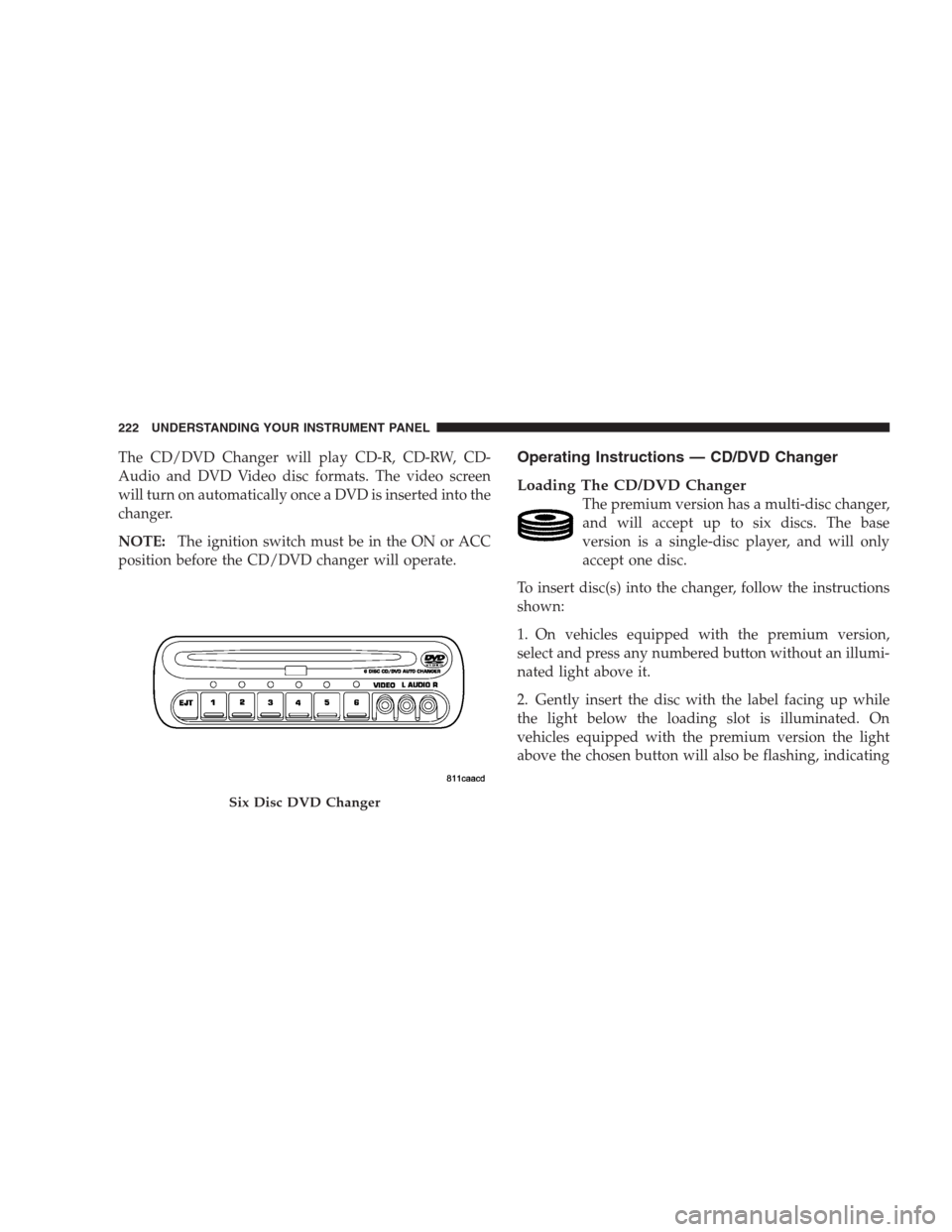
The CD/DVD Changer will play CD-R, CD-RW, CD-
Audio and DVD Video disc formats. The video screen
will turn on automatically once a DVD is inserted into the
changer.
NOTE:The ignition switch must be in the ON or ACC
position before the CD/DVD changer will operate.Operating Instructions — CD/DVD Changer
Loading The CD/DVD Changer
The premium version has a multi-disc changer,
and will accept up to six discs. The base
version is a single-disc player, and will only
accept one disc.
To insert disc(s) into the changer, follow the instructions
shown:
1. On vehicles equipped with the premium version,
select and press any numbered button without an illumi-
nated light above it.
2. Gently insert the disc with the label facing up while
the light below the loading slot is illuminated. On
vehicles equipped with the premium version the light
above the chosen button will also be flashing, indicating
Six Disc DVD Changer
222 UNDERSTANDING YOUR INSTRUMENT PANEL
Page 223 of 464
which numbered position the disc will be loaded into.
The disc will automatically be pulled into the CD/DVD
changer.
3. Upon insertion, the disc will begin to play, and the
light below the loading slot will turn off. On vehicles
equipped with the premium version the light above the
chosen button will remain illuminated.
4. Repeat the process for loading any additional CD/
DVDs into the premium version multi-disc changer. The
CD/DVD changer will stop while additional CD/DVDs
are loaded.
If the radio volume control is ON, the unit will switch
from radio to CD/DVD mode and the video screen will
turn on. If the DVD supports the autoplay feature, play
will begin automatically in approximately 10 seconds,
after the DVD disc menu is displayed. If the DVD does
not play automatically, press the ENTER button on the
remote control or on the side of the video screen to selectplay from the menu options. The radio display will show
the chapter number and index time in hours and minutes
of the DVD, or the track number, minutes and second of
the CD.
NOTE:
•You may eject a disc with the radio OFF.
•If you insert a disc with the ignition ON and the radio
OFF, the DVD will automatically be pulled into the
DVD changer and the display will show the time of
day.
•It is recommended to label home made burned discs
with a permanent marker instead of adhesive labels.
These types of labels may become loose and cause the
disc to be stuck in the DVD player. This may cause
permanent damage to the DVD mechanism.
UNDERSTANDING YOUR INSTRUMENT PANEL 223
4
Page 232 of 464
3. Direct sunlight or objects blocking the line of sight
between the headphone transmitter on the video screen
and the headphones.
Operating Instructions — MP3 Player, Portable
Walkman
An MP3 player can be connected to the audio system.
Connect the cables to the RCA jacks located on the front
of the CD/DVD changer.
NOTE:Follow the manufactures instructions for the
correct colors when connecting the RCA cables.
Operating Instructions — Video
Games/Camcorders
A video game unit or camcorder can be connected to the
rear audio/video system. Connect the cables to the RCA
jacks located on the front of the CD/DVD changer.NOTE:To operate a video game unit a DC to AC
adapter may be required, plug the adapter into any
power outlet.
Follow the manufactures instructions for the correct
colors when connecting the RCA cables.
NOTE:MP3 player’s, video game systems, camcorders
connected to the RCA jacks and CD’s or DVD’s inserted
into the radio, can be heard through the headphones or
the cabin when AUX Mode is selected.
NAVIGATION SYSTEM — IF EQUIPPED
The navigation system provides maps, turn identifica-
tion, selection menus and instructions for selecting a
variety of destinations and routes. The buttons to operate
the system are located on the instrument panel next to the
analog clock.
Refer to your Navigation User’s Manual for detailed
operating instructions.
232 UNDERSTANDING YOUR INSTRUMENT PANEL
Page 238 of 464
The left hand rocker switch has a push button in the
center. The function of the left hand switch is different
depending on which mode you are in.
The following describes the left hand rocker switch
operation in each mode:
Radio Operation
Pressing the top of the switch will SEEK up for the next
listenable station and pressing the bottom of the switch
will SEEK down for the next listenable station.
The button located in the center of the left hand switch
will tune to the next pre-set station that you have
programmed in the radio pre-set push-button.
Tape Player
Pressing the top of the switch once will go to the next
selection on the cassette. Pressing the bottom of the
switch once will go to the beginning of the currentselection or to the beginning of the previous selection if it
is within the first 5 seconds of the current selection.
If you press the switch up or down twice it plays the
second selection, three times, it will play the third, etc.
The button in the center of the left hand switch has no
function in this mode.
CD Player
Pressing the top of the switch once will go to the next
track on the CD. Pressing the bottom of the switch once
will go to the beginning of the current track or to the
beginning of the previous track if it is within one second
after the current track begins to play.
If you press the switch up or down twice it plays the
second track, three times, it will play the third, etc.
The button in the center of the left hand switch has no
function in this mode.
238 UNDERSTANDING YOUR INSTRUMENT PANEL
Page 239 of 464
CASSETTE TAPE AND PLAYER MAINTENANCE
To keep the cassette tapes and player in good condition,
take the following precautions:
1. Do not use cassette tapes longer than C-90; otherwise,
sound quality and tape durability will be greatly dimin-
ished.
2. Keep the cassette tape in its case to protect from
slackness and dust when it is not in use.
3. Keep the cassette tape away from direct sunlight, heat
and magnetic fields such as the radio speakers.
4. Before inserting a tape, make sure that the label is
adhering flat to the cassette.
5. A loose tape should be corrected before use. To rewind
a loose tape, insert the eraser end of a pencil into the tape
drive gear and twist the pencil in the required directions.Maintain your cassette tape player. The head and capstan
shaft in the cassette player can pick up dirt or tape
deposits each time a cassette is played. The result of
deposits on the capstan shaft may cause the tape to wrap
around and become lodged in the tape transport. The
other adverse condition is low or “muddy” sound from
one or both channels, as if the treble tone control were
turned all the way down. To prevent this, you should
periodically clean the head with a commercially available
WET cleaning cassette.
As preventive maintenance, clean the head about every
30 hours of use. If you wait until the head becomes very
dirty (noticeably poor sound), it may not be possible to
remove all deposits with a simple WET cleaning cassette.
UNDERSTANDING YOUR INSTRUMENT PANEL 239
4
Page 448 of 464
Radiator (Coolant Pressure)............... 386
Car Washes............................ 397
Carbon Monoxide Warning................. 321
Cargo Area Cover....................... 167
Cargo Compartment
Luggage Carrier....................... 169
Cargo Tie-Downs........................ 168
Cassette Tape and Player Maintenance......... 239
Catalytic Converter...................... 375
Caution, Exhaust Gas...................79,382
CD (Compact Disc) Changer..........208,218,221
CD (Compact Disc) Player......202,206,212,216,221
CD (Compact Disc) Player Maintenance........ 240
Cellular Phone........................91,240
Chains, Tire............................ 306
Changing A Flat Tire..................... 346
Chart, Tire Sizing........................ 290
Check Engine Light (Malfunction
Indicator Light)......................185,367Child Restraint........................67,69
Child Restraint Tether Anchors.............71,74
Child Safety Locks........................ 31
Child Seat.............................. 76
Clean Air Gasoline....................... 318
Cleaning
Wheels............................. 398
Climate Control......................... 240
Clock.............................199,200
Compact Disc (CD) Maintenance............. 240
Compact Spare Tire...................... 301
Compass.............................. 197
Compass Calibration..................... 197
Compass Variance....................... 198
Computer, Trip/Travel.................... 199
Console.............................. 166
Console, Floor.......................... 166
Console, Overhead....................... 153
Contract, Service........................ 440
448 INDEX
Page 449 of 464
Coolant Pressure Cap (Radiator Cap).......... 386
Cooling System......................... 383
Adding Coolant (Antifreeze).............. 385
Coolant Capacity...................... 411
Coolant Level......................384,387
Disposal of Used Coolant................ 386
Drain, Flush, and Refill.................. 384
Inspection........................... 387
Points to Remember.................... 387
Pressure Cap......................... 386
Radiator Cap......................... 386
Selection of Coolant (Antifreeze)......384,411,412
Cruise Control (Speed Control).............. 150
Cruise Light........................... 185
Cup Holder.........................165,401
Customer Assistance..................... 438
Data Recorder, Event...................... 65
Dealer Service.......................... 369Defroster, Rear Window................... 259
Defroster, Windshield................80,246,255
Delay (Intermittent) Wipers................. 139
Diagnostic System, Onboard................ 366
Digital Video Disc (DVD) Player............. 221
Dimmer Switch, Headlight................. 138
Dipsticks
Automatic Transmission................. 393
Oil (Engine).......................... 369
Disabled Vehicle Towing................... 357
Disposal
Antifreeze (Engine Coolant)............... 386
Engine Oil........................... 373
Door Ajar Light......................... 189
Door Locks............................. 27
Door Locks, Automatic.................... 28
Door Opener, Garage..................... 154
Drive Belts............................ 374
Drive Shaft Universal Joints................ 380
INDEX 449
10
Page 450 of 464
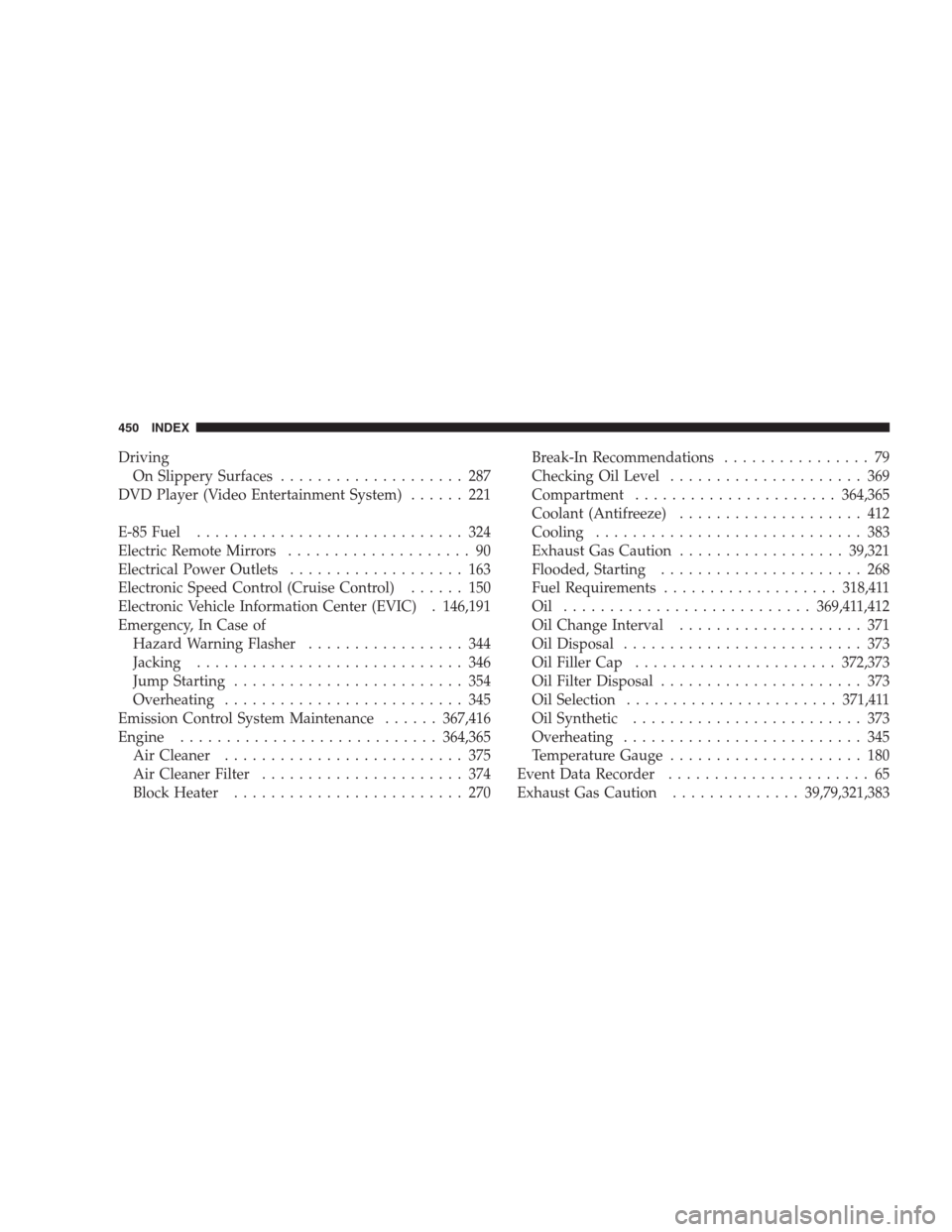
Driving
On Slippery Surfaces.................... 287
DVD Player (Video Entertainment System)...... 221
E-85 Fuel............................. 324
Electric Remote Mirrors.................... 90
Electrical Power Outlets................... 163
Electronic Speed Control (Cruise Control)...... 150
Electronic Vehicle Information Center (EVIC) . 146,191
Emergency, In Case of
Hazard Warning Flasher................. 344
Jacking............................. 346
Jump Starting......................... 354
Overheating.......................... 345
Emission Control System Maintenance......367,416
Engine............................364,365
Air Cleaner.......................... 375
Air Cleaner Filter...................... 374
Block Heater......................... 270Break-In Recommendations................ 79
Checking Oil Level..................... 369
Compartment......................364,365
Coolant (Antifreeze).................... 412
Cooling............................. 383
Exhaust Gas Caution..................39,321
Flooded, Starting...................... 268
Fuel Requirements...................318,411
Oil ...........................369,411,412
Oil Change Interval.................... 371
Oil Disposal.......................... 373
Oil Filler Cap......................372,373
Oil Filter Disposal...................... 373
Oil Selection.......................371,411
Oil Synthetic......................... 373
Overheating.......................... 345
Temperature Gauge..................... 180
Event Data Recorder...................... 65
Exhaust Gas Caution..............39,79,321,383
450 INDEX