wipers CHRYSLER PACIFICA 2017 2.G User Guide
[x] Cancel search | Manufacturer: CHRYSLER, Model Year: 2017, Model line: PACIFICA, Model: CHRYSLER PACIFICA 2017 2.GPages: 828, PDF Size: 7.58 MB
Page 709 of 828
•Hill Start Assist — If Equipped
When this feature is selected, the Hill Start Assist (HSA)
system is active. Refer to “Electronic Brake Control
System” in “Safety” for system function and operating
information. To make your selection, press the “Hill Start
Assist” button on the touchscreen and make your selec-
tion. Press the back arrow button on the touchscreen to
return to the previous menu.
• Rain Sensing Auto Wipers
When this feature is selected, the system will automati-
cally activate the windshield wipers if it senses moisture
on the windshield. To make your selection, press the
“Rain Sensing” button on the touchscreen and make your
selection. Press the back arrow button on the touchscreen
to return to the previous menu. •
Tilt Side Mirrors In Reverse
When this feature is selected, the exterior sideview
mirrors will tilt downward when the ignition is in the
RUN position and the gear selector is in the REVERSE
position. The mirrors will move back to their previous
position when the transmission is shifted out of RE-
VERSE. To make your selection, press the “Tilt Mirrors In
Reverse” button on the touchscreen and make your
selection. Press the back arrow button on the touchscreen
to return to the previous menu.
Lights
After pressing the “Lights” button on the touchscreen the
following settings will be available.
• Headlight Off Delay
When this feature is selected, it allows the adjustment of
the amount of time the headlights remain on after the
engine is shut off. To change the Headlights Off Delay
10
MULTIMEDIA 707
Page 710 of 828
setting, press the Headlights Off Delay button on the
touchscreen, and choose either 0 sec, 30 sec, 60 sec or 90
seconds. The selected button will highlight indicating
that the setting has been selected.
•Flash Lights With Sliding Door
When this feature is selected, the hazard lights will flash
when the sliding doors are opened or closed with the
Remote Keyless Entry (RKE) transmitter, or when using
the passive entry feature. To make your selection, press
the “Flash Lights With Sliding Door” button on the
touchscreen, then select from “On” or “Off.”
• Headlights With Wipers — If Equipped
When this feature is selected, and the headlight switch is
in the AUTO position, the headlights will turn on ap-
proximately 10 seconds after the wipers are turned on.
The headlights will also turn off when the wipers are turned off if they were turned on by this feature. To make
your selection, press the “Lights w/Wipers” button on
the touchscreen and make your selection.
•
Illuminated Approach
When this feature is selected, it allows the adjustment of
the amount of time the headlights remain on after the
doors are unlocked with the Remote Keyless Entry (RKE)
transmitter. To change the Illuminated Approach status,
press the “Illuminated Approach” button and choose
either 0 sec, 30 sec, 60 sec or 90 seconds.
• Automatic High Beam Headlamps — If Equipped
When this feature is selected, the high beam headlights
will activate/deactivate automatically under certain con-
ditions. To make your selection, press the “Auto High
Beams” button on the touchscreen, then select from “On”
or “Off.”
708 MULTIMEDIA
Page 733 of 828
remains less than 8 mph (12 km/h). When vehicle is
shifted into a different gear (other than ‘REVERSE’), the
image will remain displayed for 10 seconds or until
vehicle speed exceeds 8 mph (12 km/h), at which point it
will immediately cancel and return to the last viewed
screen.
•Surround View Camera Guidelines
Your vehicle may be equipped with the Surround View
Rear Back Up Camera Active Guidelines that allows you
to see active guidelines over the Surround View camera
display whenever the gear selector is put into REVERSE
or the Surround View button on the touchscreen is
pushed. The image will be displayed on the radio touch-
screen display. To make your selection, press the “Sur-
round View Camera Active Guidelines” button on the
touchscreen, until a check-mark appears next to setting,
indicating that the setting had been selected. •
Sliding Door Alert
When this feature is selected, a chime plays when the
sliding door reverses or an obstacle is sensed. To make
your selection, press the “Sliding Door Alert” button on
the touchscreen until a check-mark appears next to
setting, indicating that the setting had been selected.
• Rain Sensing Auto Wipers
When this feature is selected and the wipers are on, the
system will automatically activate the windshield wipers
if it senses moisture on the windshield. To make your
selection, press the “Rain Sensing Auto Wipers” button
on the touchscreen, until a check-mark appears next to
setting, indicating that the setting had been selected.
10
MULTIMEDIA 731
Page 735 of 828
•Headlights With Wipers — If Equipped
When this feature is selected, and the headlight switch is
in the AUTO position, the headlights will turn on ap-
proximately 10 seconds after the wipers are turned on.
The headlights will also turn off when the wipers are
turned off if they were turned on by this feature. To make
your selection, press the “Headlights With Wipers” but-
ton on the touchscreen, until a check-mark appears next
to setting, showing that the setting has been selected.
• Auto Dim High Beams — If Equipped
When this feature is selected, the high beam headlights
will activate/deactivate automatically under certain con-
ditions. To make your selection, press the “Auto High
Beams” button on the touchscreen, until a check-mark
appears next to setting, showing that the setting has been
selected. •
Daytime Running Lights — If Equipped
When this feature is selected, the headlights will turn on
whenever the engine is running. To make your selection,
press the “Daytime Running Lights” button on the touch-
screen, until a check-mark appears next to setting, show-
ing that the setting has been selected.
• Flash Lights With Lock
When this feature is selected, the hazard lights will flash
when the doors are locked or unlocked with the Remote
Keyless Entry (RKE) transmitter, or when using the
passive entry feature. This feature may be selected with
or without the “Sound Horn on Lock” feature selected. To
make your selection, press the “Flash Lights with Lock”
button on the touchscreen, until a check-mark appears
next to setting, showing that the setting has been se-
lected.
10
MULTIMEDIA 733
Page 812 of 828
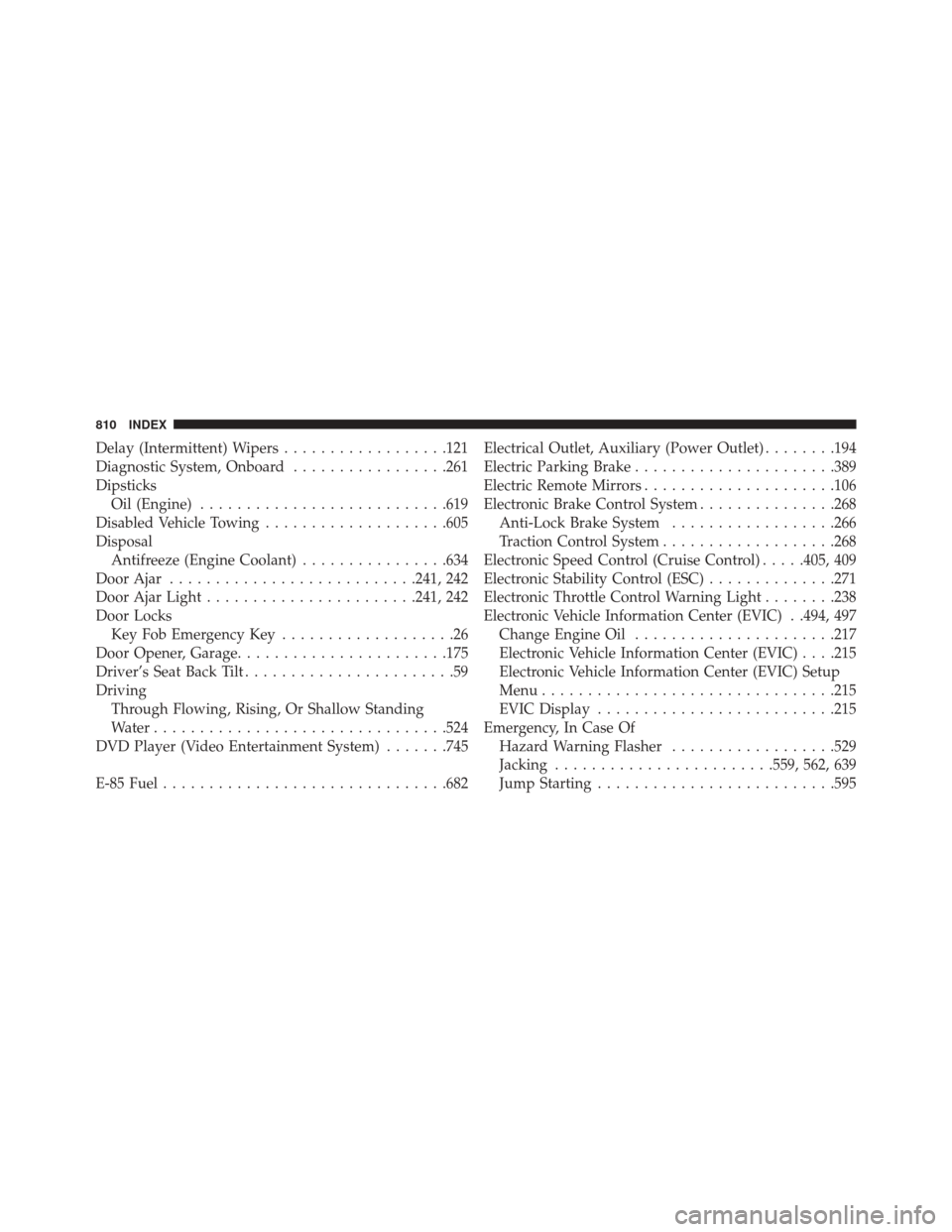
Delay (Intermittent) Wipers..................121
Diagnostic System, Onboard .................261
Dipsticks Oil (Engine) .......................... .619
Disabled Vehicle Towing ....................605
Disposal Antifreeze (Engine Coolant) ................634
Door Ajar .......................... .241, 242
Door Ajar Light ...................... .241, 242
Door Locks Key Fob Emergency Key ...................26
Door Opener, Garage ...................... .175
Driver’s Seat Back Tilt .......................59
Driving Through Flowing, Rising, Or Shallow Standing
Water ............................... .524
DVD Player (Video Entertainment System) .......745
E-85 Fuel .............................. .682Electrical Outlet, Auxiliary (Power Outlet)
........194
Electric Parking Brake ..................... .389
Electric Remote Mirrors .....................106
Electronic Brake Control System ...............268
Anti-Lock Brake System ..................266
Traction Control System ...................268
Electronic Speed Control (Cruise Control) .....405, 409
Electronic Stability Control (ESC) ..............271
Electronic Throttle Control Warning Light ........238
Electronic Vehicle Information Center (EVIC) . .494, 497 Change Engine Oil ..................... .217
Electronic Vehicle Information Center (EVIC) . . . .215
Electronic Vehicle Information Center (EVIC) Setup
Menu ............................... .215
EVIC Display ......................... .215
Emergency, In Case Of Hazard Warning Flasher ..................529
Jacking ....................... .559, 562, 639
Jump Starting ......................... .595
810 INDEX
Page 816 of 828
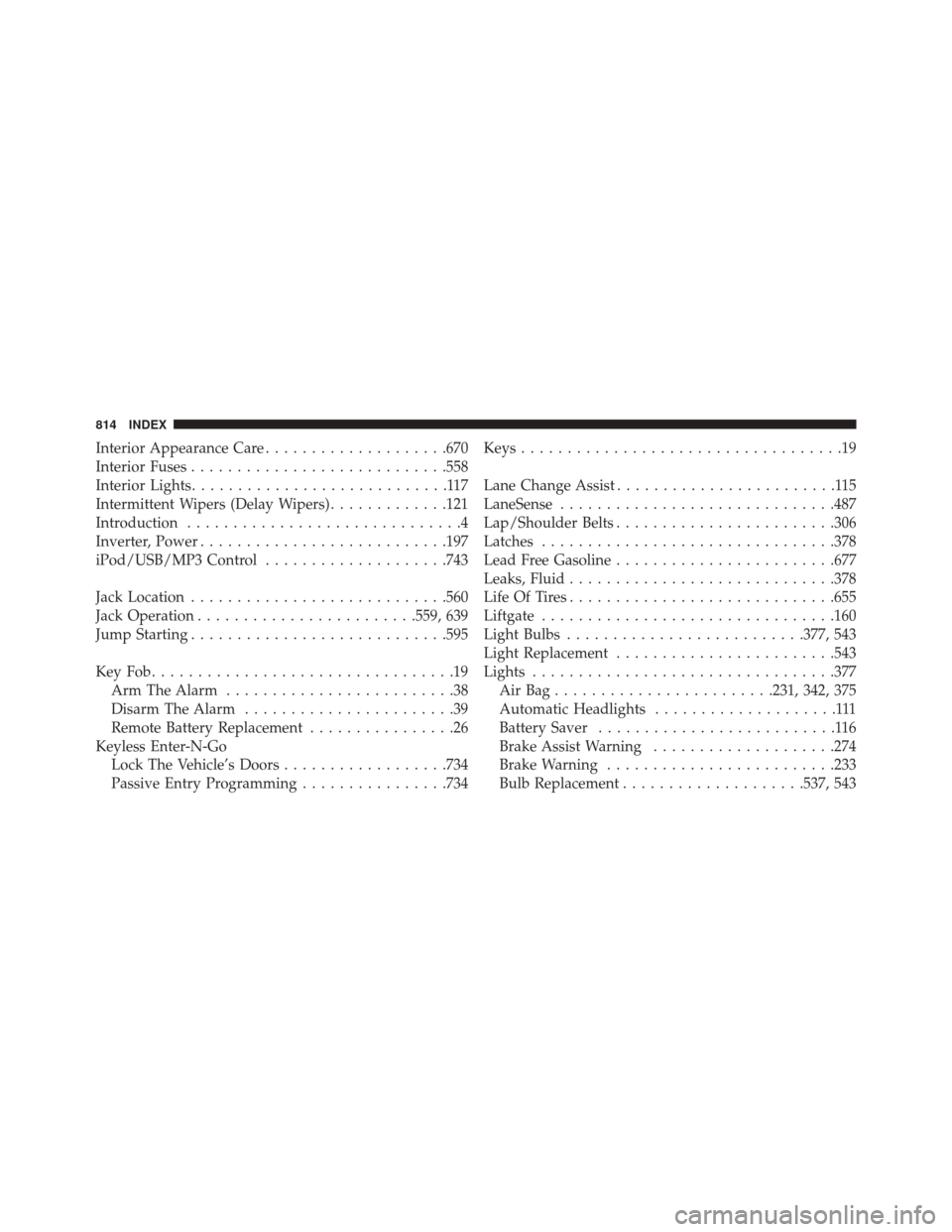
Interior Appearance Care....................670
Interior Fuses ........................... .558
Interior Lights ............................117
Intermittent Wipers (Delay Wipers) .............121
Introduction ..............................4
Inverter, Power .......................... .197
iPod/USB/MP3 Control ....................743
Jack Location ........................... .560
Jack Operation ....................... .559, 639
Jump Starting ........................... .595
KeyFob.................................19 Arm The Alarm .........................38
Disarm The Alarm .......................39
Remote Battery Replacement ................26
Keyless Enter-N-Go Lock The Vehicle’s Doors ..................734
Passive Entry Programming ................734Keys
...................................19
Lane Change Assist ........................115
LaneSense ............................. .487
Lap/Shoulder Belts ....................... .306
Latches ............................... .378
Lead Free Gasoline ....................... .677
Leaks, Fluid ............................ .378
Life Of Tires ............................ .655
Liftgate ............................... .160
Light Bulbs ......................... .377, 543
Light Replacement ....................... .543
Lights ................................ .377
AirBag........................231, 342, 375
Automatic Headlights ....................111
Battery Saver ..........................116
Brake Assist Warning ....................274
Brake Warning ........................ .233
Bulb Replacement ....................537, 543
814 INDEX
Page 826 of 828
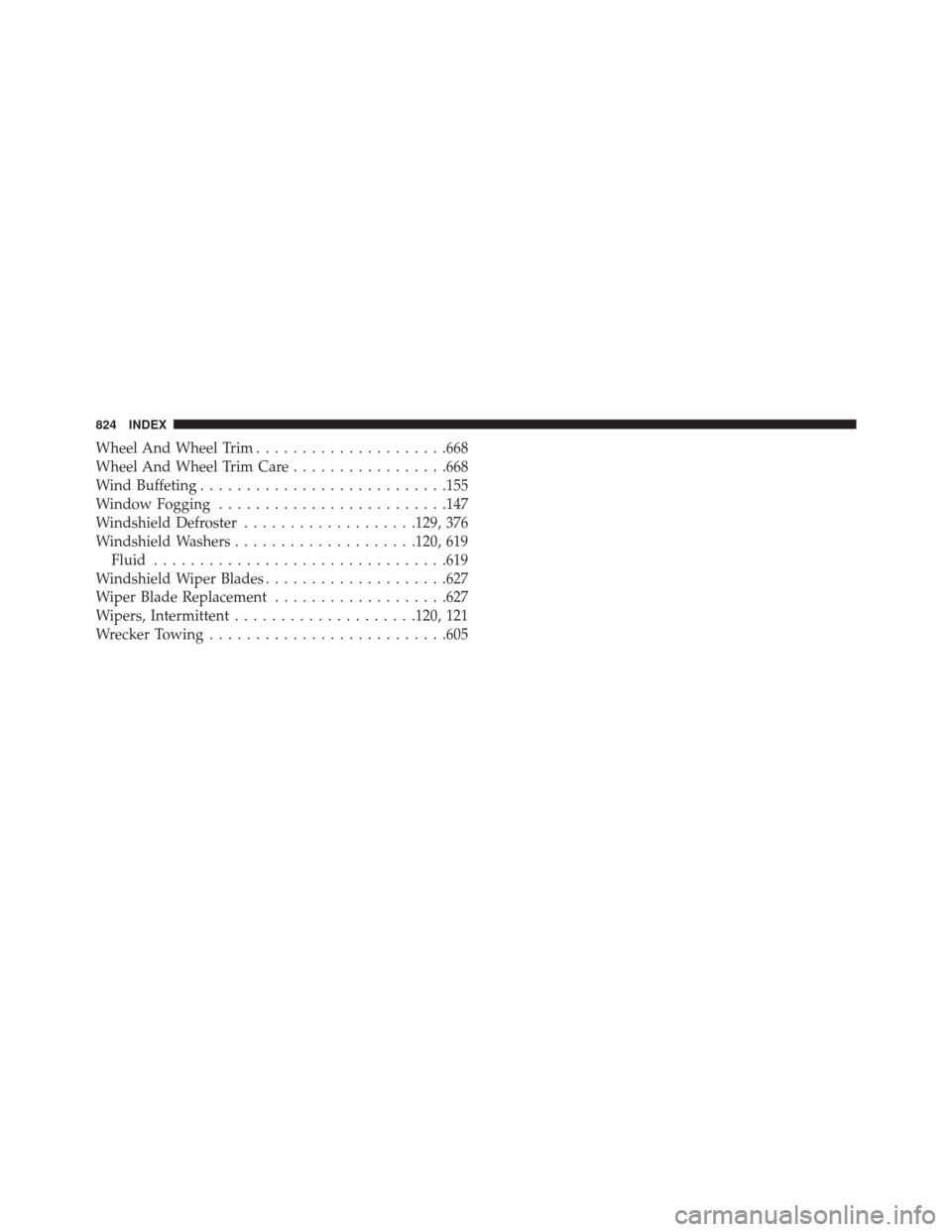
Wheel And Wheel Trim.....................668
Wheel And Wheel Trim Care .................668
Wind Buffeting .......................... .155
Window Fogging ........................ .147
Windshield Defroster ...................129, 376
Windshield Washers ....................120, 619
Fluid ............................... .619
Windshield Wiper Blades ....................627
Wiper Blade Replacement ...................627
Wipers, Intermittent ....................120, 121
Wrecker Towing ......................... .605
824 INDEX