Start CHRYSLER PACIFICA 2017 2.G Owner's Manual
[x] Cancel search | Manufacturer: CHRYSLER, Model Year: 2017, Model line: PACIFICA, Model: CHRYSLER PACIFICA 2017 2.GPages: 828, PDF Size: 7.58 MB
Page 126 of 828
•Neutral Wipe Inhibit — The Rain Sensing feature will
not operate when the ignition is ON, and the transmis-
sion gear selector is in the NEUTRAL position, and the
vehicle speed is less than 3 mph (5 km/h), unless the
wiper control on the multifunction lever is moved, the
vehicle speed is greater than 3 mph (5 km/h), or the
gear selector is moved out of the NEUTRAL position.
• Remote Start Mode Inhibit — On vehicles equipped
with Remote Starting system, Rain Sensing wipers are
not operational when the vehicle is in the remote start
mode. Once the operator is in the vehicle and has
placed the ignition switch in the RUN position, rain
sensing wiper operation can resume, if it has been
selected, and no other inhibit conditions (mentioned
previously) exist.CLIMATE CONTROLS
Manual Climate Controls – 3 Zone — If Equipped
Manual Temperature Controls (MTC) Touchscreen
124 GETTING TO KNOW YOUR VEHICLE
Page 143 of 828
Automatic Temperature Control (ATC)
Automatic Operation
1. Push the AUTO button on the front ATC Panel and theword “AUTO” will illuminate in the front ATC dis-
play, along with two temperatures for the driver and
front passenger. The system will then automatically
regulate the amount of airflow.
2. Adjust the temperature you would like the system to maintain, by adjusting the driver, passenger, and rear
temperatures. Once the desired temperature is dis-
played, the system will achieve and automatically
maintain that comfort level.
3. When the system is set up for your comfort level, it is not necessary to change the settings. You will experi-
ence the greatest efficiency by simply allowing the
system to function automatically. NOTE:
•
It is not necessary to move the temperature settings.
The system automatically adjusts the temperature,
mode and fan speed to provide comfort as quickly as
possible.
To provide you with maximum comfort in the automatic
mode, during cold start-ups, the blower fan will remain
on low until the engine warms up. The fan will engage
immediately if the Defrost mode is selected, or by chang-
ing the front blower knob setting.
Manual Operation Override
This system offers a full complement of manual override
features. The AUTO symbol in the front ATC display will
be turned off when the system is being used in the
manual mode.
3
GETTING TO KNOW YOUR VEHICLE 141
Page 149 of 828
Lubricants” in “Technical Data” for proper coolant selec-
tion. Use of the air Recirculation mode during Winter
months is not recommended, because it may cause
window fogging.
Vacation/Storage
Before you store your vehicle, or keep it out of service
(i.e., vacation) for two weeks or more, run the air
conditioning system at idle for about five minutes, in
fresh air with the blower setting on high. This will ensure
adequate system lubrication to minimize the possibility
of compressor damage when the system is started again.
Window Fogging
Vehicle windows tend to fog on the inside in mild, rainy
and/or humid weather. To clear the windows, select
Defrost or Mix mode and increase the front blower speed.
Do not use the Recirculation mode without A/C for long
periods, as fogging may occur.
Outside Air Intake
Make sure the air intake, located directly in front of the
windshield, is free of obstructions such as leaves. Leaves
collected in the air intake may reduce airflow, and if they
enter the plenum, they could plug the water drains. In
winter months, make sure the air intake is clear of ice,
slush, and snow.
A/C Air Filter
The climate control system filters out dust and pollen
from the air. Contact your authorized dealer to service
your A/C air filter, and to have it replaced when needed.
3
GETTING TO KNOW YOUR VEHICLE 147
Page 199 of 828
WARNING!
To avoid serious injury or death:
•Only devices designed for use in this type of outlet
should be inserted into any 12 Volt outlet.
• Do not touch with wet hands.
• Close the lid when not in use and while driving the
vehicle.
• If this outlet is mishandled, it may cause an electric
shock and failure.
CAUTION!
• Many accessories that can be plugged in draw
power from the vehicle’s battery, even when not in
use (i.e., cellular phones, etc.). Eventually, if
plugged in long enough, the vehicle’s battery will
(Continued)
CAUTION! (Continued)
discharge sufficiently to degrade battery life and/or
prevent the engine from starting.
• Accessories that draw higher power (i.e., coolers,
vacuum cleaners, lights, etc.) will degrade the bat-
tery even more quickly. Only use these intermit-
tently and with greater caution.
• After the use of high power draw accessories, or
long periods of the vehicle not being started (with
accessories still plugged in), the vehicle must be
driven a sufficient length of time to allow the
generator to recharge the vehicle’s battery.
Power Inverter — If Equipped
There is a 115 Volt, 150 Watt Power Inverter outlet located
on the right side of the vehicle, before the third row of
seats to convert DC current to AC current. The Power
Inverter can power cellular phones, electronics and other
3
GETTING TO KNOW YOUR VEHICLE 197
Page 207 of 828
Stowing The Crossbars
Starting with one crossbar, completely loosen the thumb
screws at both ends. Lift the crossbar away from the
matching letter to remove it from the deployed position.
Repeat with the other crossbar.
CAUTION!
Use care when removing and handling the crossbars
to prevent damage to the vehicle.
Starting with the one crossbar, bend up the pivot sup-
ports at each end.
Crossbar Pivot
3
GETTING TO KNOW YOUR VEHICLE 205
Page 220 of 828
•To reset the oil change indicator after performing the
scheduled maintenance, refer to the following proce-
dure.
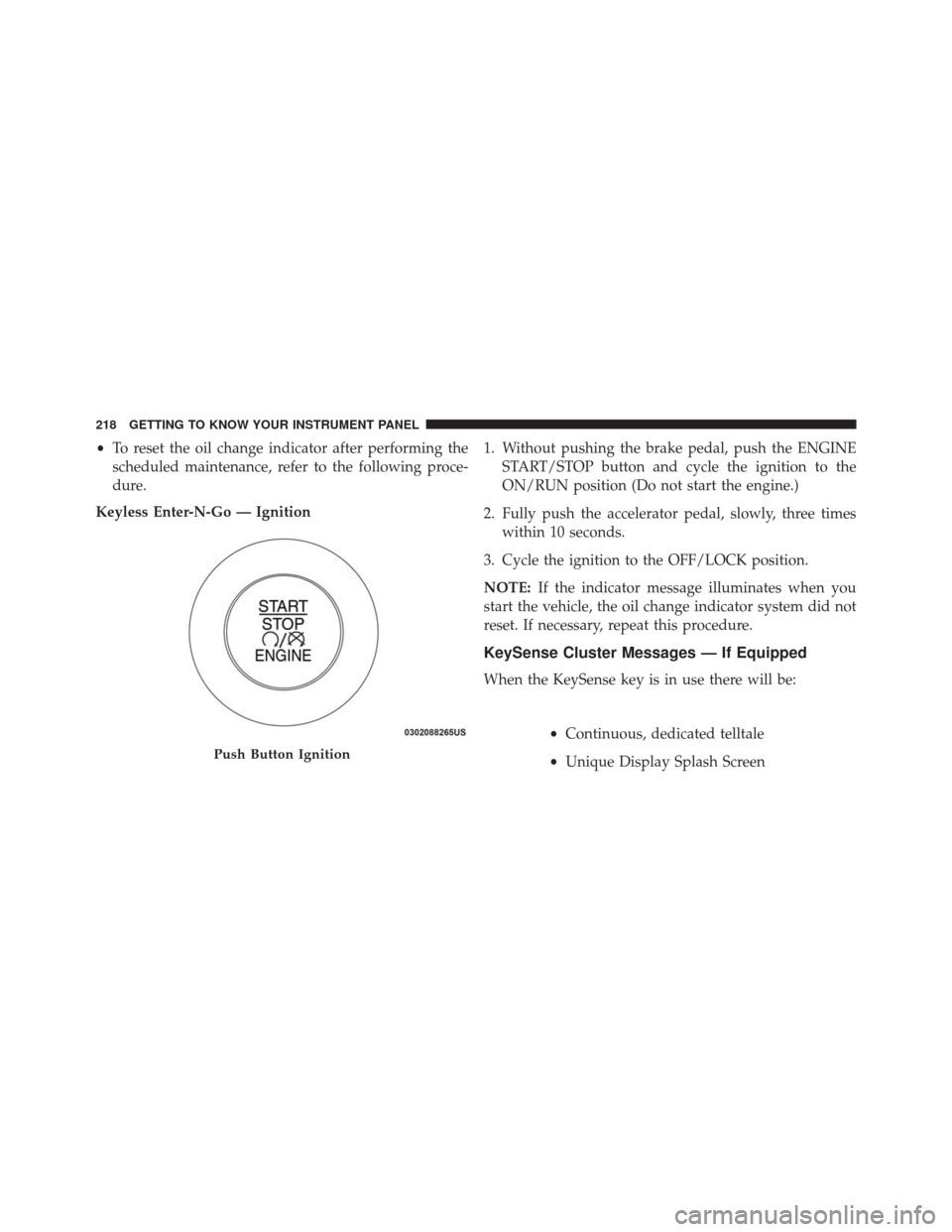
Keyless Enter-N-Go — Ignition 1. Without pushing the brake pedal, push the ENGINE
START/STOP button and cycle the ignition to the
ON/RUN position (Do not start the engine.)
2. Fully push the accelerator pedal, slowly, three times within 10 seconds.
3. Cycle the ignition to the OFF/LOCK position.
NOTE: If the indicator message illuminates when you
start the vehicle, the oil change indicator system did not
reset. If necessary, repeat this procedure.
KeySense Cluster Messages — If Equipped
When the KeySense key is in use there will be:
•Continuous, dedicated telltale
• Unique Display Splash Screen
Push Button Ignition
218 GETTING TO KNOW YOUR INSTRUMENT PANEL
Page 221 of 828
With KeySense in use there will be multiple associated
messages shown in the following table:
SettingCluster Display Message
None – With vehicle igni- tion ON “KeySense in use. Max vehicle speed
set to xx MPH/or km/h”
Max Vehicle Speed
•“Max speed reached. KeySense in
use” supported by a chime
• “Approaching max speed xx
MPH/km” supported by a chime
Start Up Fuel
Alert message “Range to empty xxx miles or km”
Early Low
Fuel Alert
Message “Fuel Low”
ParkSense “Feature cannot be disabled. Key- Sense in use”
Setting Cluster Display Message
Blind Spot “Feature cannot be disabled. Key- Sense in use”
Forward Col- lision Warn- ing “Feature cannot be disabled. Key-
Sense in use”
EVIC/DID Display Menu Items
NOTE:The EVIC/DID menu items display in the center
of the instrument cluster. Menu items may vary depend-
ing on your vehicle features.
Speedometer
Push and release the UPorDOWNarrow button
until the Speedometer Menu displays in the EVIC/
DID. Push and release the OKbutton to toggle be-
tween MPH and km/h. 4
GETTING TO KNOW YOUR INSTRUMENT PANEL 219
Page 223 of 828
Oil Life (Hold OK Button To Reset)
The “Hold OK to Reset” instruction will be displayed at
all times, but the following conditions will need to be met
in order to reset Oil Life:
The vehicle’s engine must be off
The ignition must be in the ON/RUN position
•If the conditions are met, holding the OK button will
reset the gauge and the numeric display will return to
100%.
• If the conditions are not met, a popup message will
display for 5 seconds, describing the required condi-
tions, and then the Oil Life screen will reappear.
• Battery Voltage
Displays the actual battery voltage.Driver Assist (7” DID)
Push and release the UPorDOWNarrow button
until the Driver Assist display icon is highlighted in
the DID cluster display. Refer to “Adaptive Cruise
Control (ACC) — If Equipped” in “Starting And
Operating” for further information.
Fuel Economy
Push and release the UPorDOWNarrow button
until the Fuel Economy Menu item is highlighted in
the EVIC/DID. The Fuel Economy Menu will display
the following:
• Two sub menu pages that can be toggled between
using the LEFT
andRIGHTarrow buttons;
one with Current value displayed and one without
the Current Value displayed (for DID only):
– Average Fuel Economy (MPG, L/100 km, or km/l)
– Range To Empty (miles or km)
4
GETTING TO KNOW YOUR INSTRUMENT PANEL 221
Page 228 of 828
the instrument cluster, with a number matching the set
speed, with a pop up message to inform the driver
that the speed warning has been set to the desired
speed. Each time the set speed is exceeded, an audible
chime will sound for up to 10 seconds, or until the
speed is no longer exceeded. The telltale in the instru-
ment cluster will also change from white to yellow,
and a pop up warning message will pop up on the 7”
DID screen.
NOTE:Speed Warning is unavailable while KeySense is
in use.
Battery Saver On/Battery Saver Mode Message —
Electrical Load Reduction Actions — If Equipped
This vehicle is equipped with an Intelligent Battery
Sensor (IBS) to perform additional monitoring of the
electrical system and status of the vehicle battery.
In cases when the IBS detects charging system failure, or
the vehicle battery conditions are deteriorating, electrical load reduction actions will take place to extend the
driving time and distance of the vehicle. This is done by
reducing power to or turning off non-essential electrical
loads.
Load reduction is only active when the engine is running.
It will display a message if there is a risk of battery
depletion to the point where the vehicle may stall due to
lack of electrical supply, or will not restart after the
current drive cycle.
When load reduction is activated, the message “Battery
Saver On” or “Battery Saver Mode” will appear in the
Electronic Vehicle Information Center (EVIC) or Driver
Information Display (DID).
These messages indicate the vehicle battery has a low
state of charge and continues to lose electrical charge at a
rate that the charging system cannot sustain.
226 GETTING TO KNOW YOUR INSTRUMENT PANEL
Page 231 of 828
•Evaluate the latest driving cycles (distance, driving
time and parking time).
• The vehicle should have service performed if the
message is still present during consecutive trips and
the evaluation of the vehicle and driving pattern did
not help to identify the cause.
TRIP COMPUTER
The Trip Computer is located in the Electronic Vehicle
Information Center (EVIC) or Driver Information Display
(DID). Push and release the UP
orDOWNarrow
button until “Trip Info” is highlighted in the EVIC and
push the RIGHT
arrow button. Push and release
the UP
orDOWNarrow buttons to highlight
one of the following functions if you want to reset it:
Trip A
• Shows the total distance traveled for Trip A since the
last reset. •
Shows the elapsed time traveled for Trip A since the
last reset.
Trip B
• Shows the total distance traveled for Trip B since the
last reset.
• Shows the elapsed time traveled for Trip B since the
last reset.
Elapsed Time
Shows the total elapsed time of travel since the last reset
when the ignition switch is in the ACC position. Elapsed
time will increment when the ignition switch is in the ON
or START position.
To Reset A Trip Function
Reset will only occur while a resettable function is
selected (highlighted). Push and hold the OKbutton to
clear the resettable function being displayed.
4
GETTING TO KNOW YOUR INSTRUMENT PANEL 229