ignition CHRYSLER PACIFICA HYBRID 2017 2.G Owner's Guide
[x] Cancel search | Manufacturer: CHRYSLER, Model Year: 2017, Model line: PACIFICA HYBRID, Model: CHRYSLER PACIFICA HYBRID 2017 2.GPages: 592, PDF Size: 6.73 MB
Page 128 of 592
and stop automatically. This is called “Express Close”.
During Express Close operation, any other actuation of the
switch will stop the shade.
NOTE:If the sunroof is open, the shade will close to the
half-open position. Pushing the shade close button again
will automatically close both the sunroof and shade com-
pletely.
Closing Power Shade — Manual Mode
To close the shade, push and hold the switch in the forward
position. Any release of the switch will stop the movement
and the shade will remain in a partially closed condition
until the switch is pushed again.
Pinch Protect Feature
This feature will detect an obstruction in the opening of the
sunroof during Express Close operation. If an obstruction
in the path of the sunroof is detected, the sunroof will
automatically retract. Remove the obstruction if this oc-
curs.
NOTE: If three consecutive sunroof close attempts result in
Pinch Protect reversals, Pinch Protect will disable and the
sunroof must be closed in Manual Mode.
Sunroof Maintenance
Use only a non-abrasive cleaner and a soft cloth to clean the
glass panel.
Ignition Off Operation
The power sunroof switch will remain active for up to
approximately ten minutes after the ignition switch is
turned to the OFF/LOCK position. Opening either front
door will cancel this feature.
NOTE: Ignition Off time is programmable through the
Uconnect System. Refer to “Uconnect Settings” in “Multi-
media” for further information.
HOOD
Opening
The hood release lever (to open the primary latch) and
safety latch (to open the secondary latch) must be released
to open the hood.
1. Pull the hood release lever located under the driver ’s side of the instrument panel.
126 GETTING TO KNOW YOUR VEHICLE
Page 140 of 592
Coat Hooks — If Equipped
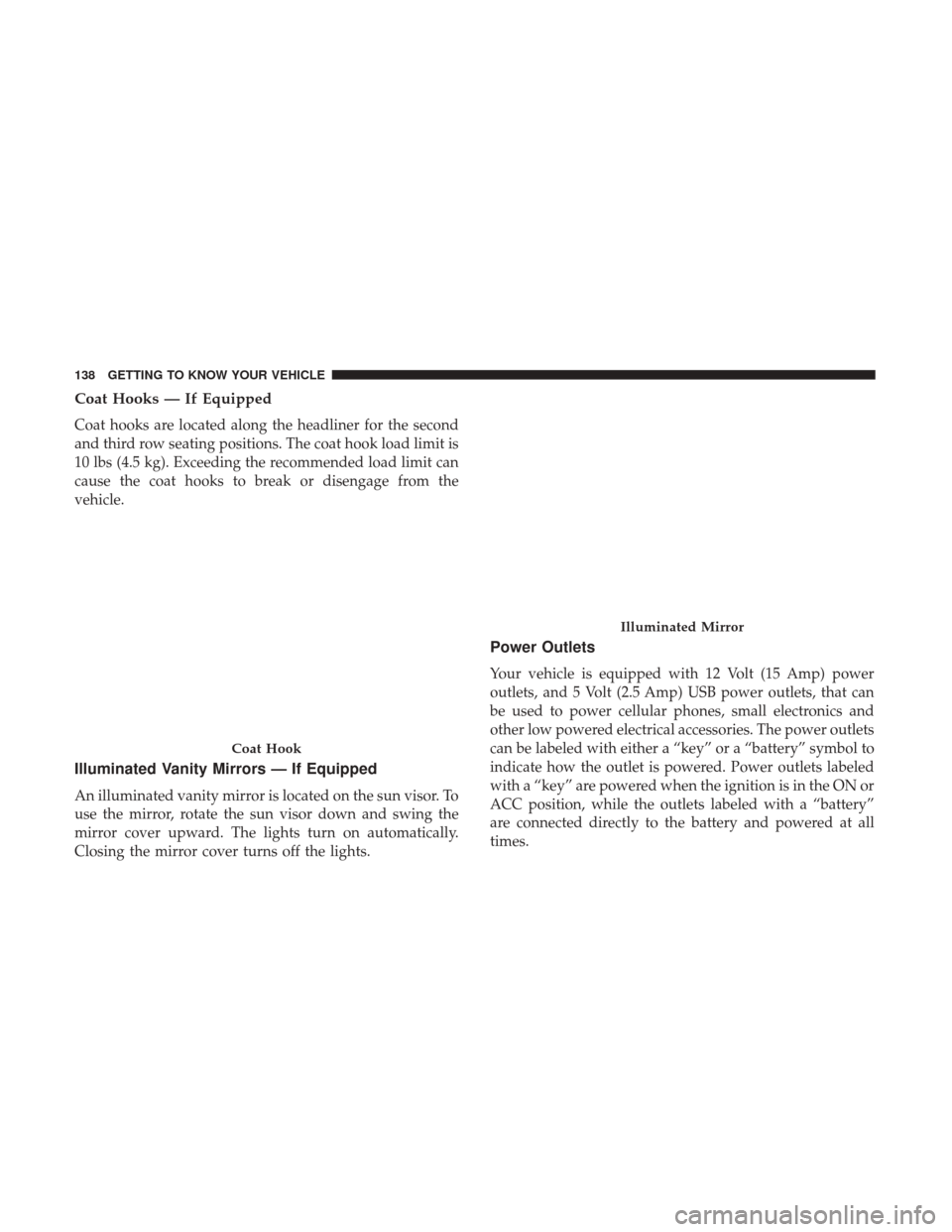
Coat hooks are located along the headliner for the second
and third row seating positions. The coat hook load limit is
10 lbs (4.5 kg). Exceeding the recommended load limit can
cause the coat hooks to break or disengage from the
vehicle.
Illuminated Vanity Mirrors — If Equipped
An illuminated vanity mirror is located on the sun visor. To
use the mirror, rotate the sun visor down and swing the
mirror cover upward. The lights turn on automatically.
Closing the mirror cover turns off the lights.
Power Outlets
Your vehicle is equipped with 12 Volt (15 Amp) power
outlets, and 5 Volt (2.5 Amp) USB power outlets, that can
be used to power cellular phones, small electronics and
other low powered electrical accessories. The power outlets
can be labeled with either a “key” or a “battery” symbol to
indicate how the outlet is powered. Power outlets labeled
with a “key” are powered when the ignition is in the ON or
ACC position, while the outlets labeled with a “battery”
are connected directly to the battery and powered at all
times.
Coat Hook
Illuminated Mirror
138 GETTING TO KNOW YOUR VEHICLE
Page 142 of 592

In addition to the front power outlets, there is also a power
outlet located in the rear cargo area.
The rear power outlet is located in the right rear cargo area.NOTE:
The USB outlet in the bottom of the instrument
panel can be switched from “ignition” only to constant
“battery” powered all the time. See your local authorized
dealer for details.
Front USB Charge Only PortRear Power Outlet
140 GETTING TO KNOW YOUR VEHICLE
Page 157 of 592
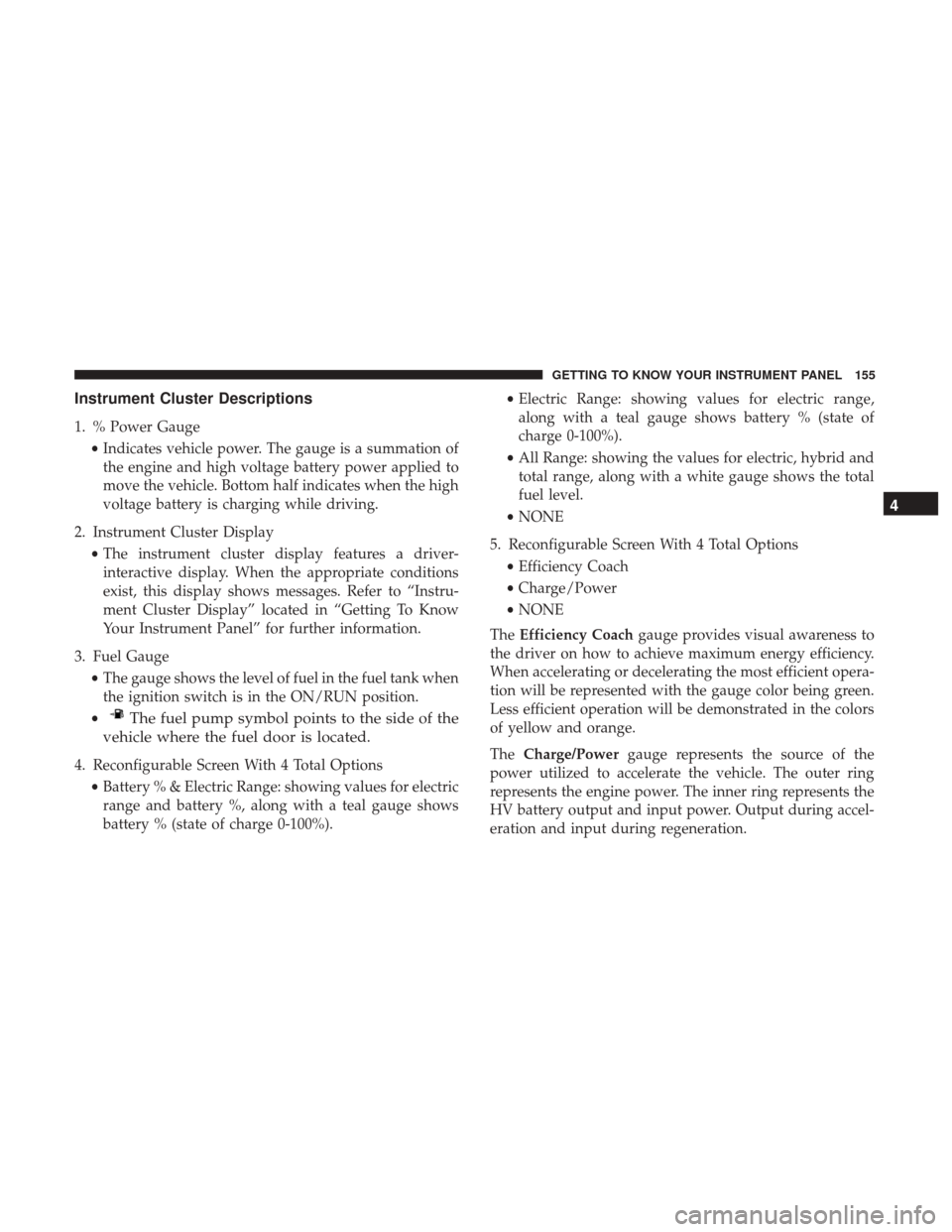
Instrument Cluster Descriptions
1. % Power Gauge•Indicates vehicle power. The gauge is a summation of
the engine and high voltage battery power applied to
move the vehicle. Bottom half indicates when the high
voltage battery is charging while driving.
2. Instrument Cluster Display •The instrument cluster display features a driver-
interactive display. When the appropriate conditions
exist, this display shows messages. Refer to “Instru-
ment Cluster Display” located in “Getting To Know
Your Instrument Panel” for further information.
3. Fuel Gauge •The gauge shows the level of fuel in the fuel tank when
the ignition switch is in the ON/RUN position.
•
The fuel pump symbol points to the side of the
vehicle where the fuel door is located.
4. Reconfigurable Screen With 4 Total Options
•Battery % & Electric Range: showing values for electric
range and battery %, along with a teal gauge shows
battery % (state of charge 0-100%). •
Electric Range: showing values for electric range,
along with a teal gauge shows battery % (state of
charge 0-100%).
• All Range: showing the values for electric, hybrid and
total range, along with a white gauge shows the total
fuel level.
• NONE
5. Reconfigurable Screen With 4 Total Options •Efficiency Coach
• Charge/Power
• NONE
The Efficiency Coach gauge provides visual awareness to
the driver on how to achieve maximum energy efficiency.
When accelerating or decelerating the most efficient opera-
tion will be represented with the gauge color being green.
Less efficient operation will be demonstrated in the colors
of yellow and orange.
The Charge/Power gauge represents the source of the
power utilized to accelerate the vehicle. The outer ring
represents the engine power. The inner ring represents the
HV battery output and input power. Output during accel-
eration and input during regeneration.
4
GETTING TO KNOW YOUR INSTRUMENT PANEL 155
Page 158 of 592
INSTRUMENT CLUSTER DISPLAY
Your vehicle is equipped with an Instrument Cluster
Display, which offers useful information to the driver. With
the ignition in the STOP/OFF position (and the key
removed, for vehicles with mechanical key), opening/
closing of a door will activate the display for viewing, and
display the total miles or kilometers in the odometer. Your
Instrument Cluster Display is designed to display impor-
tant information about your vehicle’s systems and features.
Using a driver interactive display located on the instru-
ment panel, your Instrument Cluster Display can show you
how systems are working and give you warnings when
they aren’t. The steering wheel mounted controls allow
you to scroll through and enter the main menus and
sub-menus. You can access the specific information you
want and make selections and adjustments.
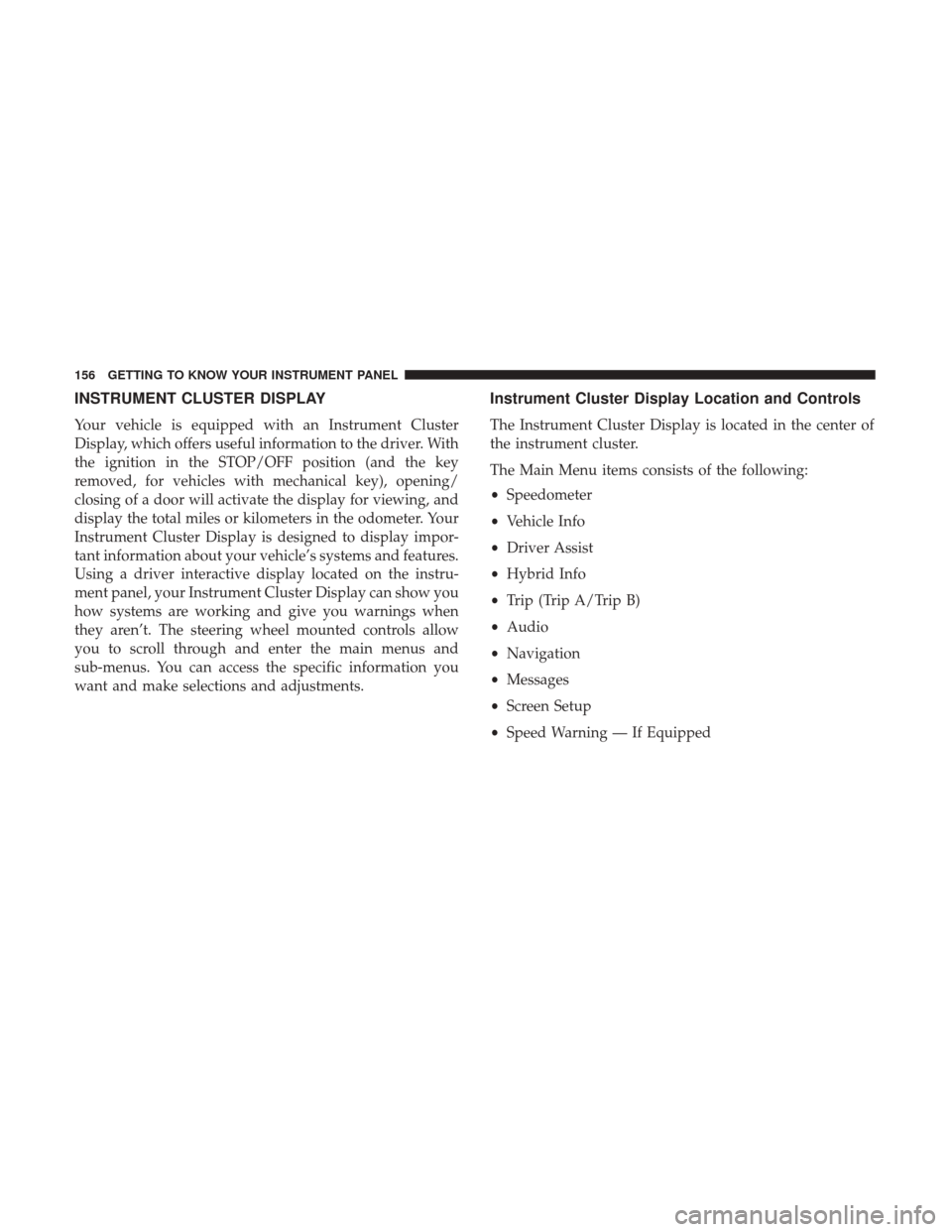
Instrument Cluster Display Location and Controls
The Instrument Cluster Display is located in the center of
the instrument cluster.
The Main Menu items consists of the following:
•Speedometer
• Vehicle Info
• Driver Assist
• Hybrid Info
• Trip (Trip A/Trip B)
• Audio
• Navigation
• Messages
• Screen Setup
• Speed Warning — If Equipped
156 GETTING TO KNOW YOUR INSTRUMENT PANEL
Page 160 of 592
Oil Life Reset
•Your vehicle is equipped with an engine oil change
indicator system. The “Oil Change Due” message will
display for approximately five seconds after a single
chime has sounded, to indicate the next scheduled oil
change interval. The engine oil change indicator system
is duty cycle based, which means the engine oil change
interval may fluctuate, dependent upon your personal
driving style.
• Unless reset, this message will continue to display each
time the ignition is cycled to the ON/RUN position. To
reset the oil change indicator system (after performing
the scheduled maintenance) refer to the following pro-
cedure.
• To reset the oil change indicator after performing the
scheduled maintenance, refer to the following proce-
dure. Keyless Enter-N-Go — Ignition
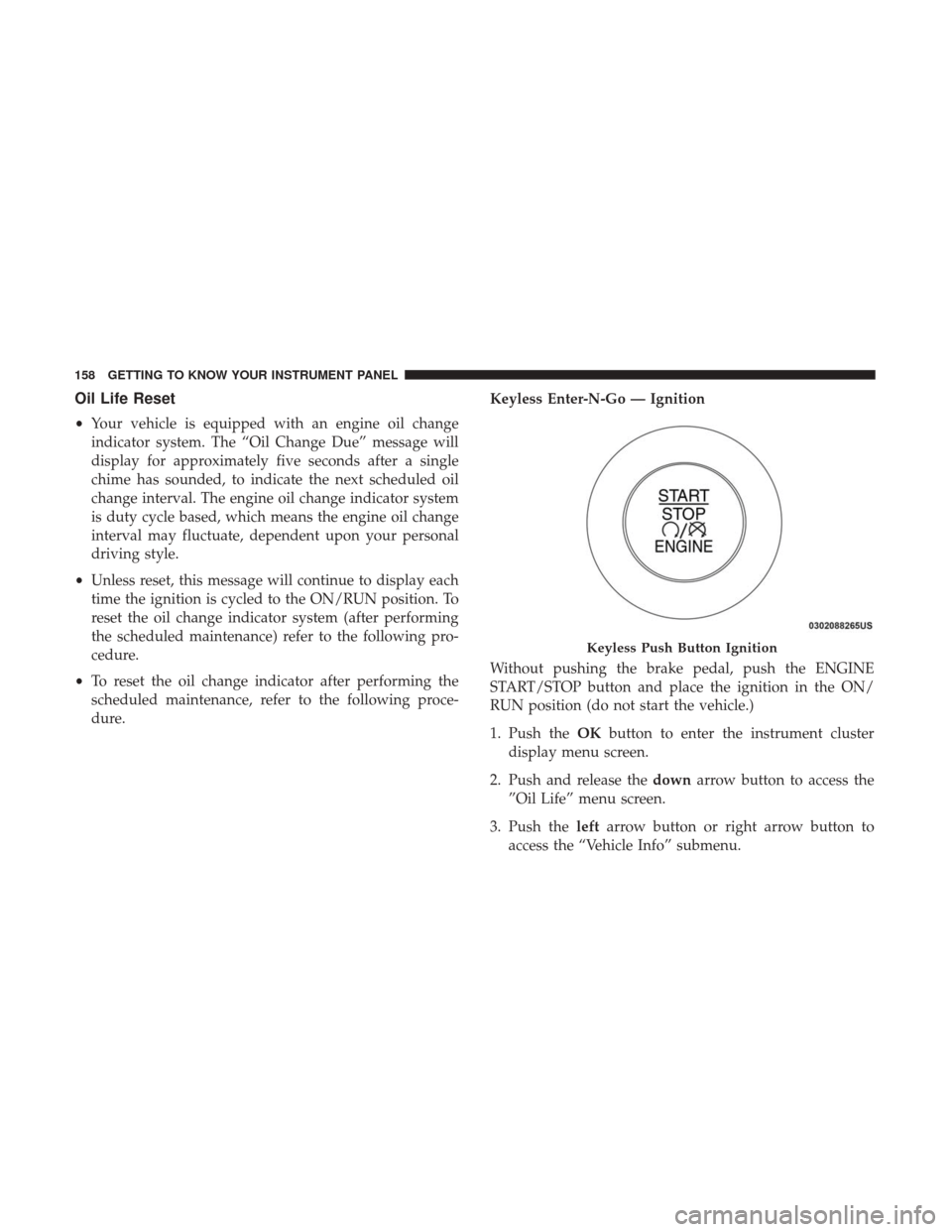
Without pushing the brake pedal, push the ENGINE
START/STOP button and place the ignition in the ON/
RUN position (do not start the vehicle.)
1. Push the
OKbutton to enter the instrument cluster
display menu screen.
2. Push and release the downarrow button to access the
”Oil Life” menu screen.
3. Push the leftarrow button or right arrow button to
access the “Vehicle Info” submenu.
Keyless Push Button Ignition
158 GETTING TO KNOW YOUR INSTRUMENT PANEL
Page 161 of 592
4. Hold theOKbutton to reset the “Oil Life” to 100%.
5. Push the uparrow button to exit the instrument cluster
display menu screen.
NOTE: If the indicator message illuminates when you
start the vehicle, the oil change indicator system did not
reset. If necessary, repeat this procedure.KeySense Cluster Messages — If Equipped
When the KeySense key is in use there will be:
•Continuous, dedicated telltale
• Unique Display Splash Screen
With KeySense in use there will be multiple associated
messages shown in the following table:
Setting Instrument Cluster Display Message
None – With vehicle ignition ON “KeySense in use. Max vehicle speed set to xx MPH/or km/h”
Max Vehicle Speed
• “Max speed reached. KeySense in use” supported by a chime
• “Approaching max speed xx MPH/km” supported by a chime
Start Up Fuel Alert message “Range to empty xxx miles or km”
Early Low Fuel Alert Message “Fuel Low”
ParkSense “Feature cannot be disabled. KeySense in use”
Blind Spot “Feature cannot be disabled. KeySense in use”
Forward Collision Warning “Feature cannot be disabled. KeySense in use”
4
GETTING TO KNOW YOUR INSTRUMENT PANEL 159
Page 163 of 592
The ignition must be in the ON/RUN position
•If the conditions are met, holding the OKbutton will
reset the gauge and the numeric display will return to
100%.
• If the conditions are not met, a popup message will
display for 5 seconds, describing the required condi-
tions, and then the Oil Life screen will reappear.
• Battery Voltage
Displays the actual battery voltage.
• Engine Hours — If Equipped
Displays the number of hours of engine operation.
Driver Assist — If Equipped
Push and release the upordown arrow button until Driver
Assist is highlighted in the instrument cluster display.
• Adaptive Cruise Control and LaneSense:
• Driver Assist Screen shows the current status of both
the ACC and the LaneSense systems
• Popup messages also indicate the status of the system
and/or the conditions that need to be met
Hybrid Info
Push and release the upordown arrow button until
Hybrid Info is highlighted in the instrument cluster dis-
play. Push the leftorright arrow button to scroll through
the following information submenus:
• Energy Economy
• Average Energy Economy gauge + value (hold OK to
reset)
• Current Energy Economy gauge + value
• Total Range
• Range to Empty
• Electric Range
• Hybrid Range
• Total Range
• Efficiency Coach
• Refer to “Instrument Cluster Descriptions” in “Getting
To Know Your Instrument Panel” for gauge descrip-
tion.
• Charge/Power
• Refer to “Instrument Cluster Descriptions” in “Getting
To Know Your Instrument Panel” for gauge descrip-
tion.
4
GETTING TO KNOW YOUR INSTRUMENT PANEL 161
Page 169 of 592
What to do when an electrical load reduction action
message is present (“Battery Saver On” or “Battery Saver
Mode”)
During a trip:
•Reduce power to unnecessary loads if possible:
– Turn off redundant lights (interior or exterior)
– Check what may be plugged in to power outlets +12V, 115V AC, USB ports
– Check HVAC settings (blower, temperature)
– Check the audio settings (volume)
After a trip:
• Check if any aftermarket equipment was installed (ad-
ditional lights, upfitter electrical accessories, audio sys-
tems, alarms) and review specifications if any (load and
Ignition Off Draw currents).
• Evaluate the latest driving cycles (distance, driving time
and parking time).
• The vehicle should have service performed if the mes-
sage is still present during consecutive trips and the
evaluation of the vehicle and driving pattern did not
help to identify the cause.WARNING/INDICATOR LIGHTS AND MESSAGES
The warning/indicator light switches on in the instrument
panel together with a dedicated message and/or acoustic
signal when applicable. These indications are indicative
and precautionary and as such must not be considered as
exhaustive and/or alternative to the information contained
in the Owner Manual, which you are advised to read
carefully in all cases. Always refer to the information in this
chapter in the event of a failure indication.
All active telltales will display first, if applicable. The
system check menu may appear different based upon
equipment options and current vehicle status. Some tell-
tales are optional and may not appear.
The following warning lamps and indicators will alert you
to a vehicle condition that may become serious. Some
lamps will illuminate when you start your vehicle to make
sure they work. If any lamps remain on after starting your
vehicle, refer to the respective system warning lamp for
further information.
4
GETTING TO KNOW YOUR INSTRUMENT PANEL 167
Page 170 of 592
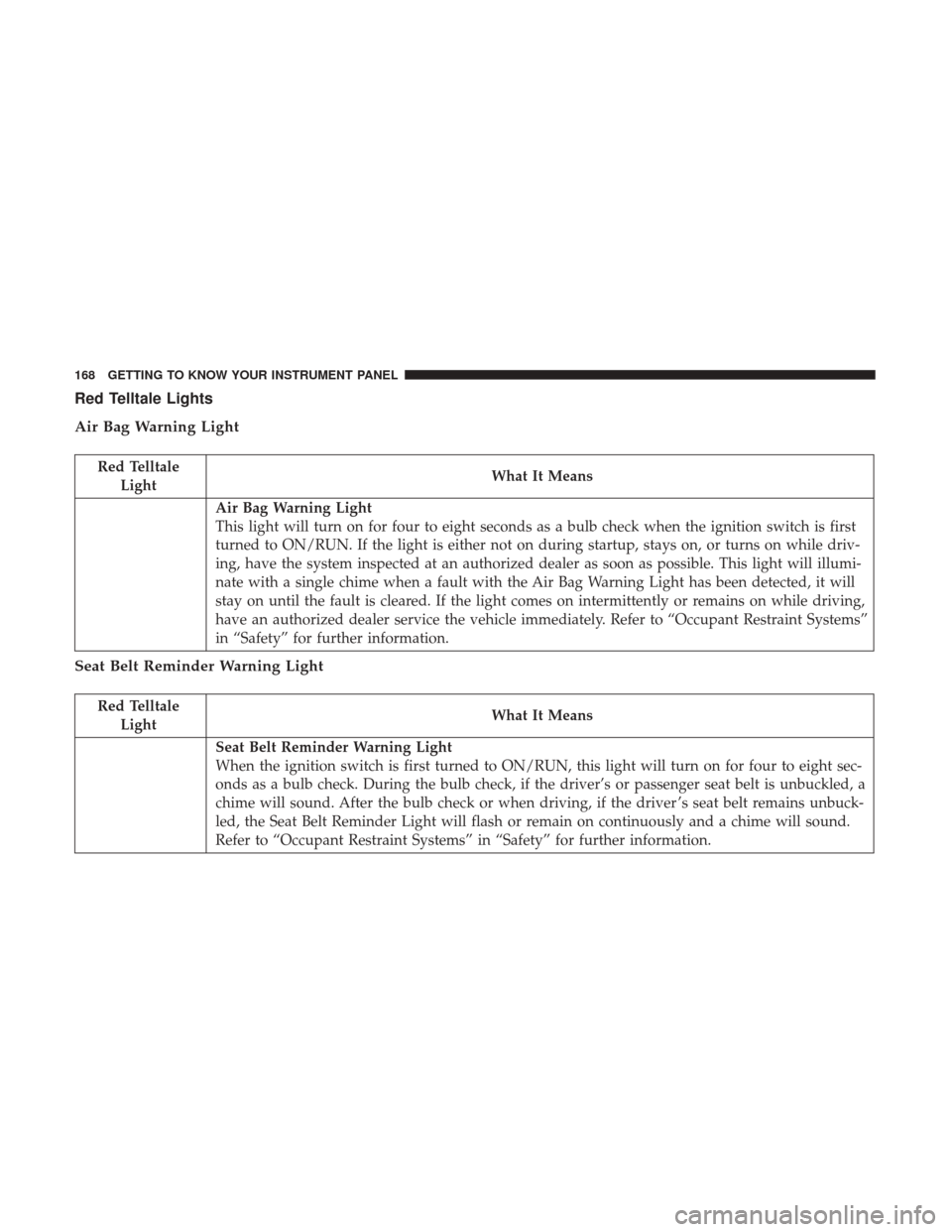
Red Telltale Lights
Air Bag Warning Light
Red TelltaleLight What It Means
Air Bag Warning Light
This light will turn on for four to eight seconds as a bulb check when the ignition switch is first
turned to ON/RUN. If the light is either not on during startup, stays on, or turns on while driv-
ing, have the system inspected at an authorized dealer as soon as possible. This light will illumi-
nate with a single chime when a fault with the Air Bag Warning Light has been detected, it will
stay on until the fault is cleared. If the light comes on intermittently or remains on while driving,
have an authorized dealer service the vehicle immediately. Refer to “Occupant Restraint Systems”
in “Safety” for further information.
Seat Belt Reminder Warning Light
Red Telltale
Light What It Means
Seat Belt Reminder Warning Light
When the ignition switch is first turned to ON/RUN, this light will turn on for four to eight sec-
onds as a bulb check. During the bulb check, if the driver’s or passenger seat belt is unbuckled, a
chime will sound. After the bulb check or when driving, if the driver ’s seat belt remains unbuck-
led, the Seat Belt Reminder Light will flash or remain on continuously and a chime will sound.
Refer to “Occupant Restraint Systems” in “Safety” for further information.
168 GETTING TO KNOW YOUR INSTRUMENT PANEL