rear panel CHRYSLER PACIFICA HYBRID 2017 2.G Owner's Guide
[x] Cancel search | Manufacturer: CHRYSLER, Model Year: 2017, Model line: PACIFICA HYBRID, Model: CHRYSLER PACIFICA HYBRID 2017 2.GPages: 592, PDF Size: 6.73 MB
Page 534 of 592
Play A DVD/Blu-ray Or USB Media File From
Uconnect System
1. Insert a Blu-ray disc or DVD disc into the disc playerwith the label facing up. Or insert a USB drive into rear
Video USB port.
NOTE: The DVD/Blu-ray Disc player and Video USB port
are both located under the radio controls in the instrument
panel.
2. Press the “Uconnect Theater” button on the radio touch- screen.
Refer to “Accessing The System From The Uconnect Ra-
dio” in this section for further information.
3. Select Disc or USB from the source controls on the desired screen (1 or 2).
NOTE: To play a DVD/Blu-ray disc on both screens
simultaneously, select disc from both screen drop downs,
or choose disc source on one screen and push “View
Screen” button on the other.
4. For DVD/Blu-ray disc – press Movie Snapshot on radio touchscreen, then press “OK” on following screen. For
USB Media Files - Press Music, Movie, or Folders, then
select media title from list(s).
DVD Blu-ray Disc Player
1 — Disc Player (Rear)
2 — Rear Video USB Port
532 MULTIMEDIA
Page 539 of 592
Using The Rear Video USB Port
Plug in a jump drive, iPhone, iPod or mass storage device
and play your favorite music or movies.
NOTE:To view USB media on the rear theater screens,
insert a USB jump drive into the port next to the DVD/
Blu-ray disc player. The USB jump drive port is located
under the radio controls in the instrument panel. Use the search feature to find your music faster.
Rear Video USB Port
Search Screen
10
MULTIMEDIA 537
Page 545 of 592
IconDescription
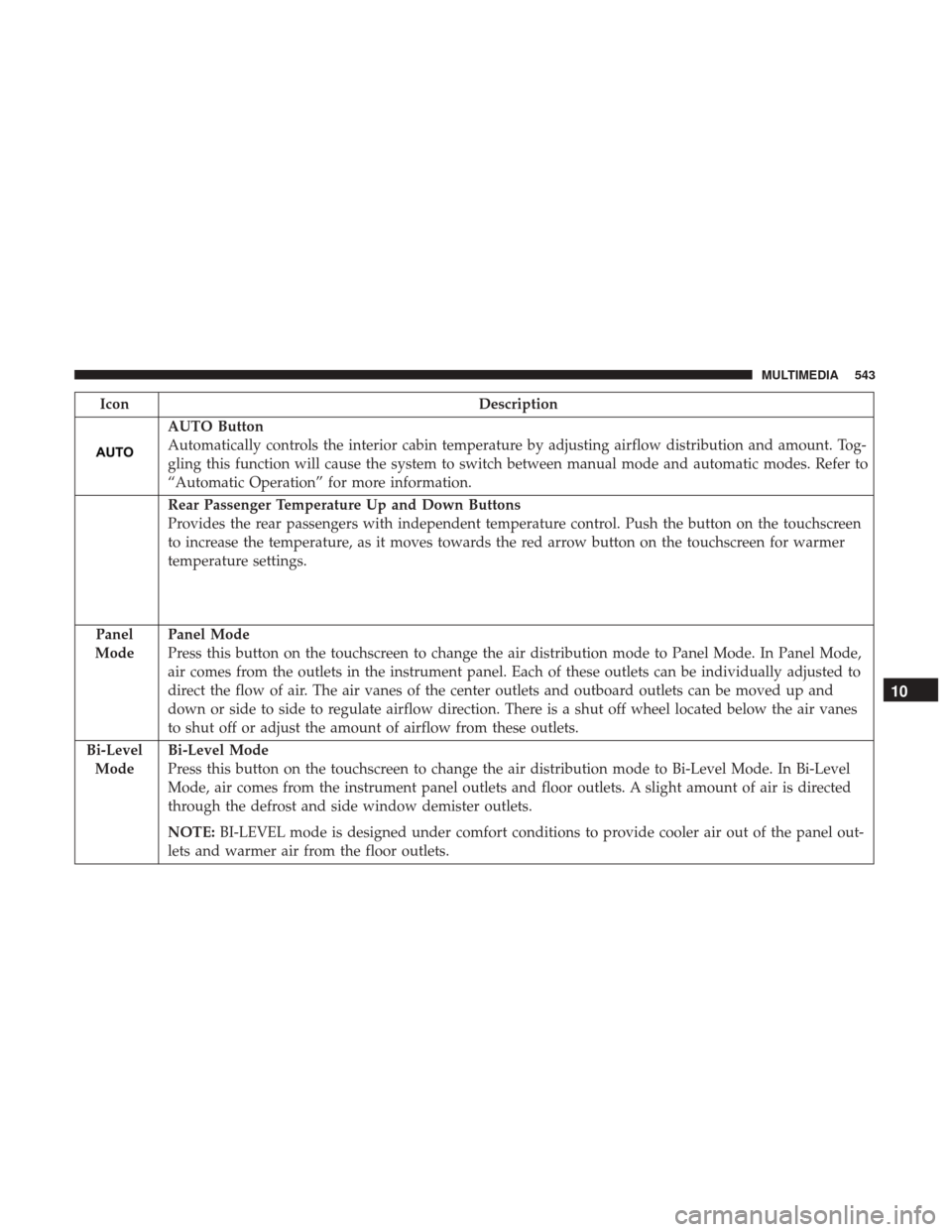
AUTO Button
Automatically controls the interior cabin temperature by adjusting airflow distribution and amount. Tog-
gling this function will cause the system to switch between manual mode and automatic modes. Refer to
“Automatic Operation” for more information.
Rear Passenger Temperature Up and Down Buttons
Provides the rear passengers with independent temperature control. Push the button on the touchscreen
to increase the temperature, as it moves towards the red arrow button on the touchscreen for warmer
temperature settings.
Panel
Mode
Panel Mode
Press this button on the touchscreen to change the air distribution mode to Panel Mode. In Panel Mode,
air comes from the outlets in the instrument panel. Each of these outlets can be individually adjusted to
direct the flow of air. The air vanes of the center outlets and outboard outlets can be moved up and
down or side to side to regulate airflow direction. There is a shut off wheel located below the air vanes
to shut off or adjust the amount of airflow from these outlets.
Bi-Level Mode
Bi-Level Mode
Press this button on the touchscreen to change the air distribution mode to Bi-Level Mode. In Bi-Level
Mode, air comes from the instrument panel outlets and floor outlets. A slight amount of air is directed
through the defrost and side window demister outlets.
NOTE: BI-LEVEL mode is designed under comfort conditions to provide cooler air out of the panel out-
lets and warmer air from the floor outlets.
10
MULTIMEDIA 543
Page 583 of 592
Hood Prop.............................. .126
Hood Release ............................ .126
Hook, Coat .............................. .138
Inside Rearview Mirror ....................89, 386
Instrument Cluster ................155, 173, 179, 185
Instrument Cluster Display Information Display ...................... .156
Instrument Panel Lens Cleaning ................481
Interior And Instrument Lights ..................98
Interior Appearance Care .....................480
Interior Lights ..............................98
Intermittent Wipers (Delay Wipers) ..............101
Introduction ................................4
Inverter, Power ........................... .142
iPod/USB/MP3 Control ..................... .521
Jack Operation ........................... .455
Jump Starting ............................ .417
KeyFob..................................37 Arm The Alarm ..........................53
Disarm The Alarm ........................54
Remote Battery Replacement .................43
Key Fob Battery Service (Remote Keyless Entry) .....43Keyless Enter-N-Go
Lock The Vehicle’s Doors ...................511
Passive Entry Programming .................511
Keys ....................................37
Lane Change Assist ..........................97
LaneSense ............................... .363
Lap/Shoulder Belts ........................ .222
Latches ................................. .278
Lead Free Gasoline ........................ .486
Leaks, Fluid ............................. .278
Life Of Tires ............................. .467
Liftgate ................................. .128
Light Bulbs .......................... .278, 396
Light Replacement ......................... .396
Lights .................................. .278
AirBag .........................168, 235, 276
Automatic Headlights ......................94
Battery Saver ............................98
Brake Assist Warning ..................... .200
Brake
Warning ......................... .169
Bulb Replacement .....................392, 396
Center Mounted Stop ..................... .398
Cruise ...................186, 187, 188, 189, 190
Daytime Running .........................9512
INDEX 581