lights CHRYSLER PT CRUISER 2009 1.G User Guide
[x] Cancel search | Manufacturer: CHRYSLER, Model Year: 2009, Model line: PT CRUISER, Model: CHRYSLER PT CRUISER 2009 1.GPages: 410, PDF Size: 5.24 MB
Page 127 of 410

CAUTION!
To prevent possible damage, do not slam the hood to
close it. Lower the hood until it is open approxi-
mately 8 in (20 cm) and then drop it. This should
secure both latches. Never drive your vehicle unless
the hood is fully closed, with both latches engaged.
WARNING!
If the hood is not fully latched it could fly up when
the vehicle is moving and block your forward vision.
You could have a collision. Be sure all hood latches
are fully latched before driving.
LIGHTS
Map/Reading Lights
These lights are mounted between the sun visors above
the rearview mirror. Each light is turned on by pressingthe button. Press the button a second time to turn the
light off. The lights also come on when a door is opened
or the dimmer control is turned fully upward, past the
second detent.
Map Reading Lights
3
UNDERSTANDING THE FEATURES OF YOUR VEHICLE 125
Page 128 of 410

NOTE:The lights will remain on until the switch is
pressed a second time, so be sure they have been turned
off before leaving the vehicle. These lights will automati-
cally shut off 10 minutes after the ignition is OFF. Further
use of the lights, without starting the vehicle, will pro-
vide 90 seconds of activity prior to automatic shut off.
Headlights
The headlight multifunction lever controls the operation
of the headlights, parking lights, turn signals, headlight
beam selection, instrument panel light dimming, interior
lights, the passing lights and fog lights. The lever is
located on the left side of the steering column.
Parking and Instrument Panel Lights
Turn the end of the multifunction lever to the first detent
for parking light operation. Turn to the second detent for
headlight operation.
Headlight Control
126 UNDERSTANDING THE FEATURES OF YOUR VEHICLE
Page 129 of 410
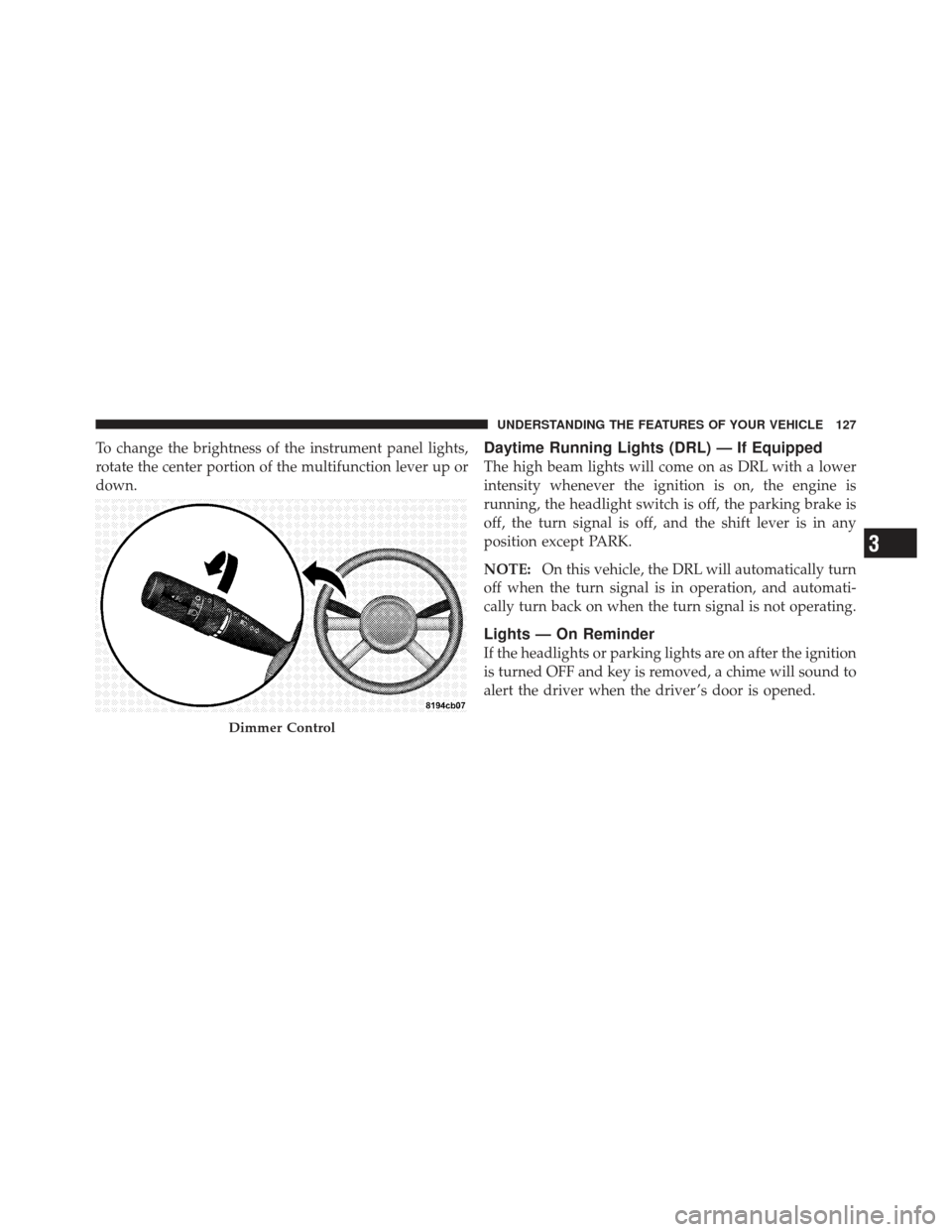
To change the brightness of the instrument panel lights,
rotate the center portion of the multifunction lever up or
down.Daytime Running Lights (DRL) — If Equipped
The high beam lights will come on as DRL with a lower
intensity whenever the ignition is on, the engine is
running, the headlight switch is off, the parking brake is
off, the turn signal is off, and the shift lever is in any
position except PARK.
NOTE:On this vehicle, the DRL will automatically turn
off when the turn signal is in operation, and automati-
cally turn back on when the turn signal is not operating.
Lights — On Reminder
If the headlights or parking lights are on after the ignition
is turned OFF and key is removed, a chime will sound to
alert the driver when the driver ’s door is opened.
Dimmer Control
3
UNDERSTANDING THE FEATURES OF YOUR VEHICLE 127
Page 130 of 410

Fog Lights — If Equipped
The front fog light switch is on the multifunction
lever. To activate the front fog lights, turn on the
parking lights or the low beam headlights and pull
out the end of the control lever. NOTE:
The fog lights will only operate with the head-
lights on low beam. Selecting high beam headlights will
turn off the fog lights.
Turn Signal Operation
Move the multifunction lever up or down and the arrows
on each side of the instrument cluster flash to show
proper operation of the front and rear turn signal lights.
You can signal a lane change by moving the lever
partially up or down without moving beyond the detent.
Fog Lamp Control
128 UNDERSTANDING THE FEATURES OF YOUR VEHICLE
Page 131 of 410
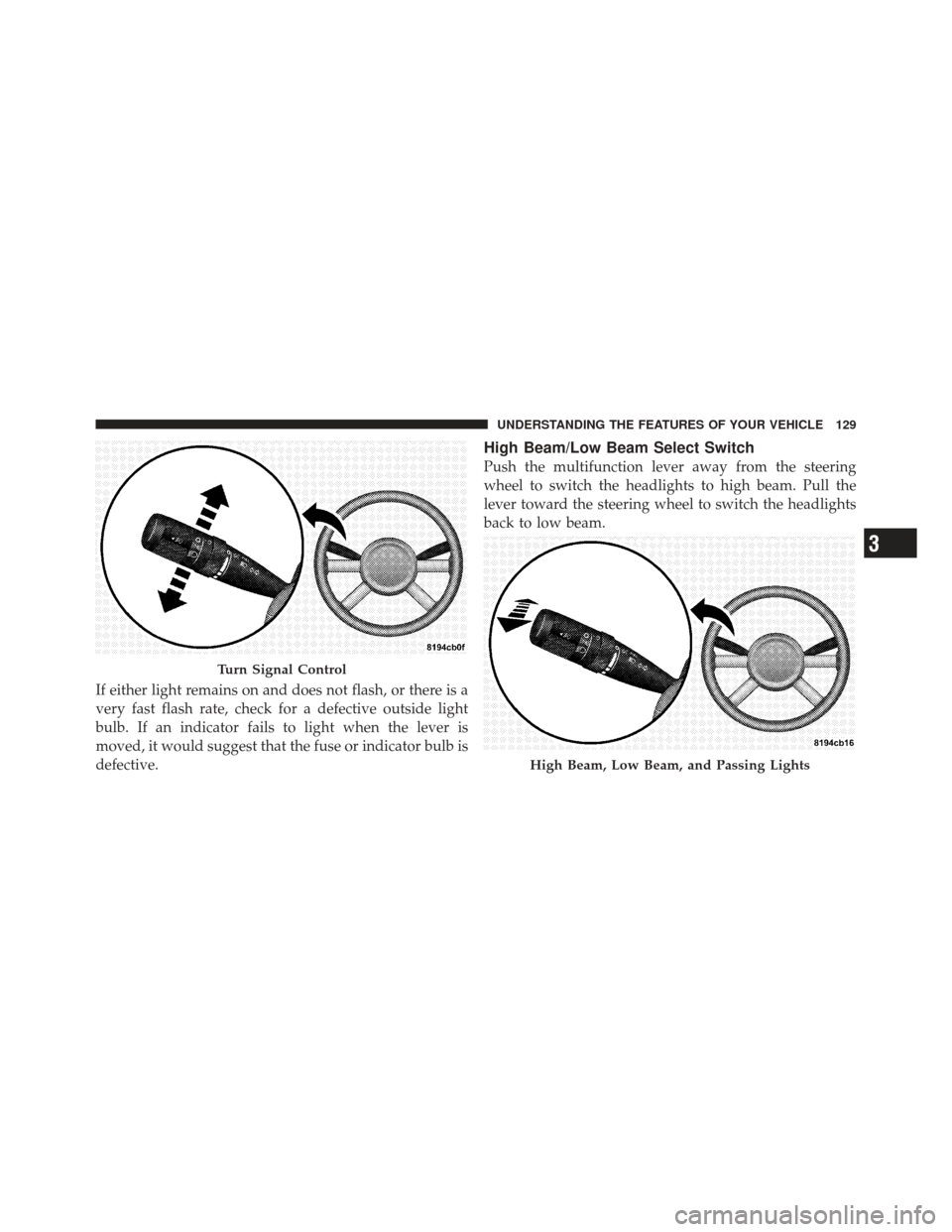
If either light remains on and does not flash, or there is a
very fast flash rate, check for a defective outside light
bulb. If an indicator fails to light when the lever is
moved, it would suggest that the fuse or indicator bulb is
defective.
High Beam/Low Beam Select Switch
Push the multifunction lever away from the steering
wheel to switch the headlights to high beam. Pull the
lever toward the steering wheel to switch the headlights
back to low beam.
Turn Signal Control
High Beam, Low Beam, and Passing Lights
3
UNDERSTANDING THE FEATURES OF YOUR VEHICLE 129
Page 132 of 410
Flash-to-Pass
You can signal another vehicle with your headlights by
lightly pulling the multifunction lever toward the steer-
ing wheel. This will turn on the high beam headlights
until the lever is released.
NOTE:If the multifunction lever is held in the flash-to-
pass position for more than 15 seconds, the high beams
will shut off. If this occurs, wait 30 seconds for the next
flash-to-pass operation.
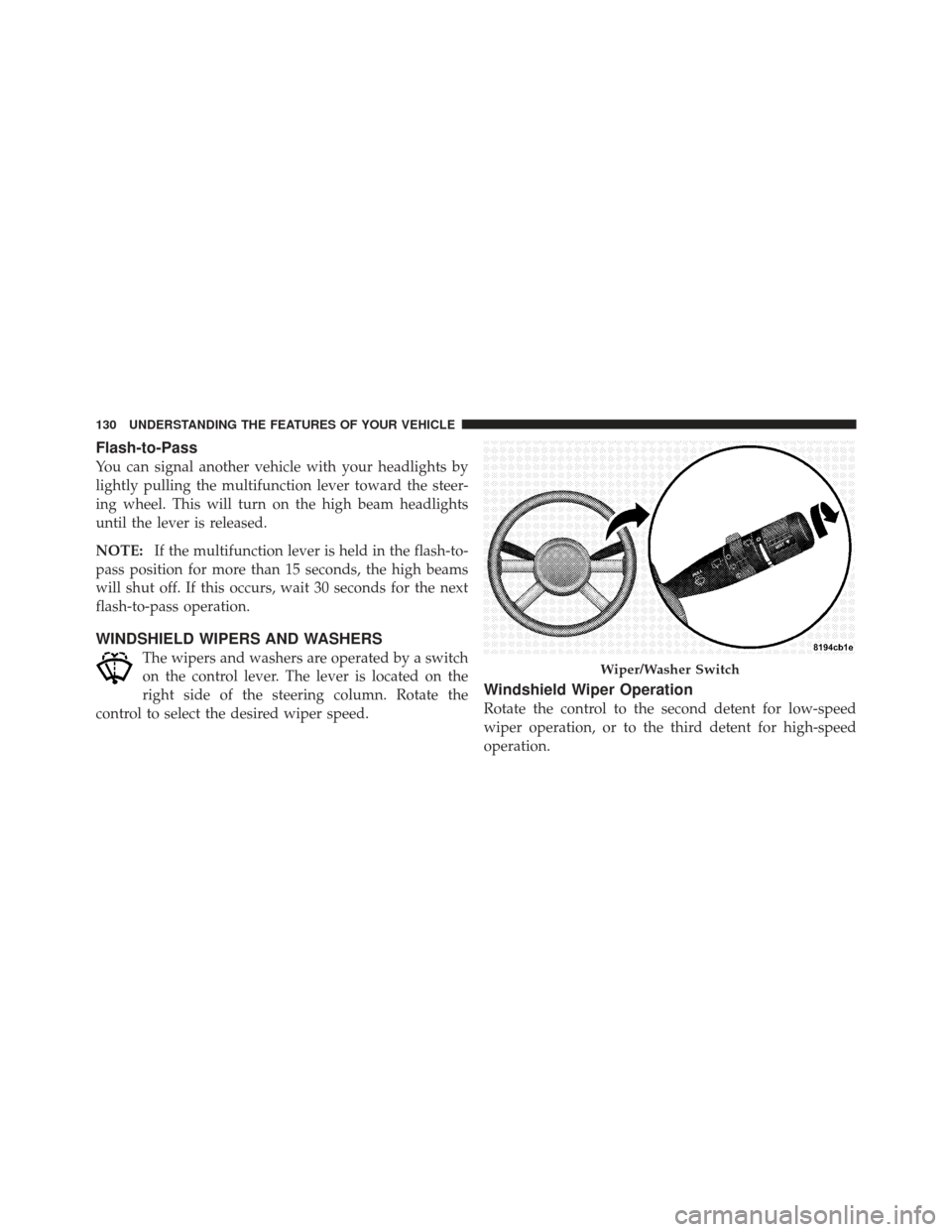
WINDSHIELD WIPERS AND WASHERS
The wipers and washers are operated by a switch
on the control lever. The lever is located on the
right side of the steering column. Rotate the
control to select the desired wiper speed.
Windshield Wiper Operation
Rotate the control to the second detent for low-speed
wiper operation, or to the third detent for high-speed
operation.
Wiper/Washer Switch
130 UNDERSTANDING THE FEATURES OF YOUR VEHICLE
Page 149 of 410

CAUTION!
•Many accessories that can be plugged in draw
power from the vehicle’s battery, even when not in
use (i.e., cellular phones, etc.). Eventually, if
plugged in long enough, the vehicle’s battery will
discharge sufficiently to degrade battery life
and/or prevent the engine from starting.
•Accessories that draw higher power (i.e., coolers,
vacuum cleaners, lights, etc.), will discharge the
battery even more quickly. Only use these inter-
mittently and with greater caution.
•After the use of high-power draw accessories, or
long periods of the vehicle not being started (with
accessories still plugged in), the vehicle must be
driven a sufficient length of time to allow the
generator to recharge the vehicle’s battery.
STORAGE
Center Console/Armrest Storage Bin
The center console provides a sliding armrest with two
storage compartments under the lid.
Push the upper button on the front of the armrest to raise
the upper cover. Inside is an area to store a cellular phone
Sliding Armrest
3
UNDERSTANDING THE FEATURES OF YOUR VEHICLE 147
Page 151 of 410

CAUTION!
•Many accessories that can be plugged in draw
power from the vehicle’s battery, even when not in
use (i.e., cellular phones, etc.). Eventually, if
plugged in long enough, the vehicle’s battery will
discharge sufficiently to degrade battery life
and/or prevent engine starting.
•Accessories that draw higher power (i.e., coolers,
vacuum cleaners, lights, etc.), will discharge the
battery even more quickly. Only use these inter-
mittently and with greater caution.
•After the use of high-power draw accessories, or
long periods of the vehicle not being started (with
accessories still plugged in), the vehicle must be
driven a sufficient length of time to allow the
generator to recharge the vehicle’s battery.
REAR SHELF PANEL — IF EQUIPPED
The Rear Shelf Panel attaches to guides in the rear cargo
area. The rear shelf panel may be installed in one of five
different positions.
NOTE:The liftgate may be opened or closed with the
rear cargo shelf panel in position 1, position 2, position 3
or position 4.
WARNING!
•To avoid tipping, lock the shelf securely in all
positions.
•Do not drive this vehicle with the liftgate open, or
use the shelf as a seat.
•Failure to follow these warnings could result in
serious or fatal injury.
3
UNDERSTANDING THE FEATURES OF YOUR VEHICLE 149
Page 162 of 410

INSTRUMENT PANEL FEATURES
1 — Air Vent5 — Radio9 — TRAC Off 13 — Hazard Lights
2 — Instrument Cluster 6 — Assist Handle 10 — Climate Controls 14 — Rear Window Defrost *
3 — Power Windows 7 — Glove Compartment 11 — Storage Cubby 15 — Side Mirror Control *
4 — Analog Clock 8 — Heated Seats * 12 — Pass Air Bag Off — If Equipped
* If Equipped
160 UNDERSTANDING YOUR INSTRUMENT PANEL
Page 174 of 410

normal, turn the engine off immediately and call for
service. Refer to “If Your Engine Overheats” in Section 6
for more information.
18. Low Fuel LightWhen the fuel level reaches approximately 2.0 gal
(7.8 L) this light will turn on, and remain on until
fuel is added.
19. Vehicle Security Light — If Equipped This light will flash at a fast rate for approxi-
mately 15 seconds while the Vehicle Security
Alarm is arming, and then will flash slowly
until the vehicle is disarmed.
20. Front Fog Light Indicator — If Equipped This indicator will illuminate when the front fog
lights are on. 21. Anti-Lock Brake (ABS) Light
This light monitors the Anti-Lock Brake System
(ABS). The light will turn on when the ignition
switch is turned to the ON position and may
stay on for as long as four seconds.
If the ABS light remains on or turns on while driving, it
indicates that the Anti-Lock portion of the brake system
is not functioning and that service is required. However,
the conventional brake system will continue to operate
normally if the BRAKE warning light is not on.
If the ABS light is on, the brake system should be serviced
as soon as possible to restore the benefits of Anti-Lock
brakes. If the ABS light does not turn on when the
Ignition switch is turned to the ON position, have the
light inspected by an authorized dealer.
172 UNDERSTANDING YOUR INSTRUMENT PANEL