light CHRYSLER PT CRUISER 2009 1.G Service Manual
[x] Cancel search | Manufacturer: CHRYSLER, Model Year: 2009, Model line: PT CRUISER, Model: CHRYSLER PT CRUISER 2009 1.GPages: 410, PDF Size: 5.24 MB
Page 147 of 410
together to minimize the buffeting. If the buffeting occurs
with the sunroof open, adjust the sunroof opening to
minimize the buffeting or open any window.
Sunroof Maintenance
Use only a non-abrasive cleaner and a soft cloth to clean
the glass panel.
ELECTRICAL POWER OUTLETS
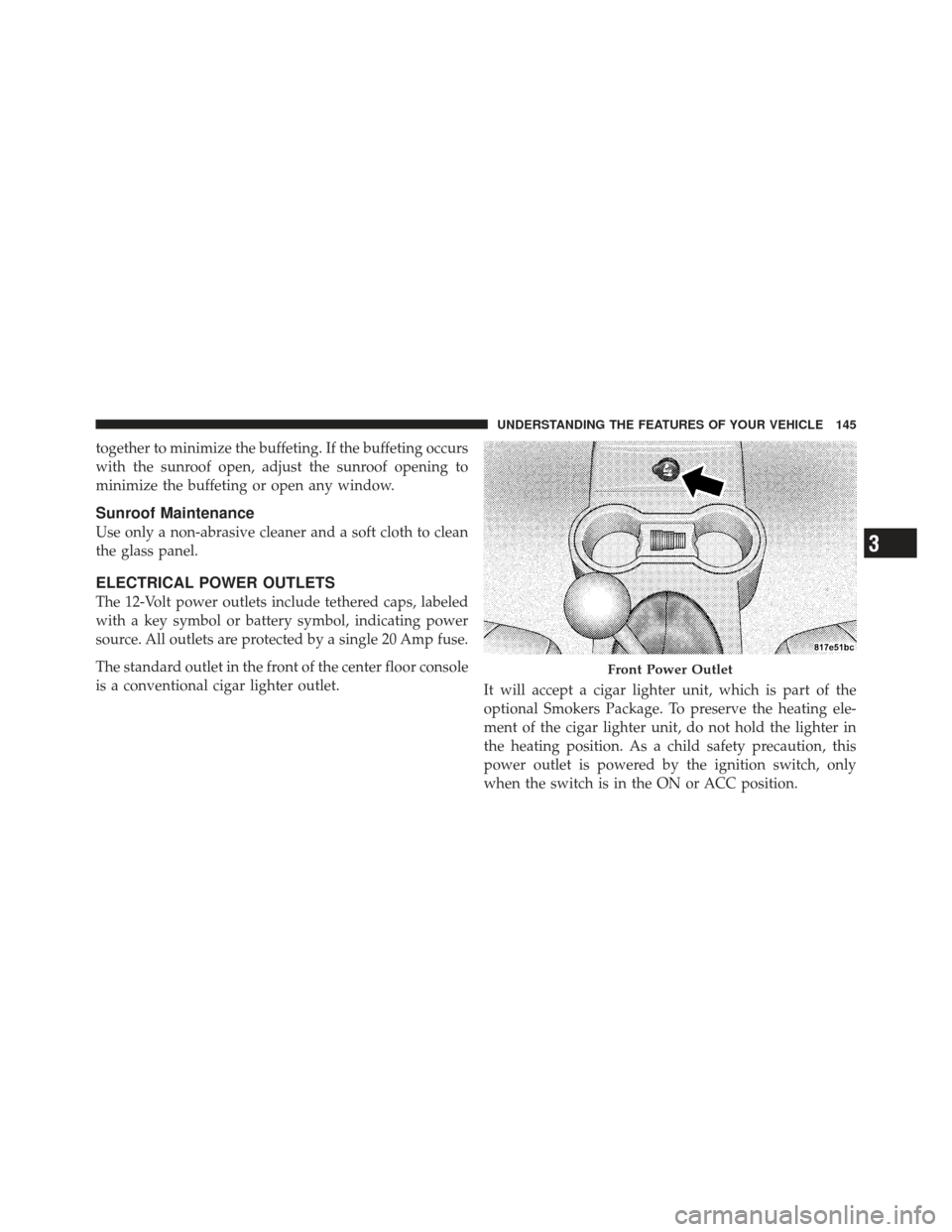
The 12-Volt power outlets include tethered caps, labeled
with a key symbol or battery symbol, indicating power
source. All outlets are protected by a single 20 Amp fuse.
The standard outlet in the front of the center floor console
is a conventional cigar lighter outlet.It will accept a cigar lighter unit, which is part of the
optional Smokers Package. To preserve the heating ele-
ment of the cigar lighter unit, do not hold the lighter in
the heating position. As a child safety precaution, this
power outlet is powered by the ignition switch, only
when the switch is in the ON or ACC position.
Front Power Outlet
3
UNDERSTANDING THE FEATURES OF YOUR VEHICLE 145
Page 148 of 410

There is one optional power outlet located in the right
rear cargo area.The rear power outlet is powered directly by the battery.
As an option, fuse #11 in the Integrated Power Module
(IPM), may be repositioned to allow power to come from
the ignition switch only, when in the ON or ACC
position.
NOTE:
The rear power outlet will not accept a cigar
lighter unit as it is intended only for accessory items.
WARNING!
To avoid serious injury or death:
•Do not use a three-prong adapter.
•Do not insert any objects into the receptacles.
•Do not touch with wet hands.
•Close the lid when not in use and while driving
the vehicle.
•If this outlet is mishandled, it may cause an
electric shock and failure.
Rear Power Outlet
146 UNDERSTANDING THE FEATURES OF YOUR VEHICLE
Page 149 of 410

CAUTION!
•Many accessories that can be plugged in draw
power from the vehicle’s battery, even when not in
use (i.e., cellular phones, etc.). Eventually, if
plugged in long enough, the vehicle’s battery will
discharge sufficiently to degrade battery life
and/or prevent the engine from starting.
•Accessories that draw higher power (i.e., coolers,
vacuum cleaners, lights, etc.), will discharge the
battery even more quickly. Only use these inter-
mittently and with greater caution.
•After the use of high-power draw accessories, or
long periods of the vehicle not being started (with
accessories still plugged in), the vehicle must be
driven a sufficient length of time to allow the
generator to recharge the vehicle’s battery.
STORAGE
Center Console/Armrest Storage Bin
The center console provides a sliding armrest with two
storage compartments under the lid.
Push the upper button on the front of the armrest to raise
the upper cover. Inside is an area to store a cellular phone
Sliding Armrest
3
UNDERSTANDING THE FEATURES OF YOUR VEHICLE 147
Page 150 of 410

and other miscellaneous items. Push the lower button on
the front of the armrest, and raise the armrest for access
to the lower storage bin. The lower storage area can be
used for storing up to six compact discs (CDs) and other
miscellaneous items.Storage Pockets
There are storage pockets located on each door trim
panel.
CONSOLE FEATURES
The console has two front cupholders, a removable coin
holder, 12-Volt power outlet and a front storage tray.
There are three additional cupholders; one is molded in
the center of the console to hold large cups, and the
others are in the rear of the console to serve passengers in
the rear seat. The floor console power outlet will also
operate a conventional cigar lighter unit (if equipped
with an optional Smoker’s Package).
Sliding Armrest Storage Bins
148 UNDERSTANDING THE FEATURES OF YOUR VEHICLE
Page 151 of 410

CAUTION!
•Many accessories that can be plugged in draw
power from the vehicle’s battery, even when not in
use (i.e., cellular phones, etc.). Eventually, if
plugged in long enough, the vehicle’s battery will
discharge sufficiently to degrade battery life
and/or prevent engine starting.
•Accessories that draw higher power (i.e., coolers,
vacuum cleaners, lights, etc.), will discharge the
battery even more quickly. Only use these inter-
mittently and with greater caution.
•After the use of high-power draw accessories, or
long periods of the vehicle not being started (with
accessories still plugged in), the vehicle must be
driven a sufficient length of time to allow the
generator to recharge the vehicle’s battery.
REAR SHELF PANEL — IF EQUIPPED
The Rear Shelf Panel attaches to guides in the rear cargo
area. The rear shelf panel may be installed in one of five
different positions.
NOTE:The liftgate may be opened or closed with the
rear cargo shelf panel in position 1, position 2, position 3
or position 4.
WARNING!
•To avoid tipping, lock the shelf securely in all
positions.
•Do not drive this vehicle with the liftgate open, or
use the shelf as a seat.
•Failure to follow these warnings could result in
serious or fatal injury.
3
UNDERSTANDING THE FEATURES OF YOUR VEHICLE 149
Page 162 of 410

INSTRUMENT PANEL FEATURES
1 — Air Vent5 — Radio9 — TRAC Off 13 — Hazard Lights
2 — Instrument Cluster 6 — Assist Handle 10 — Climate Controls 14 — Rear Window Defrost *
3 — Power Windows 7 — Glove Compartment 11 — Storage Cubby 15 — Side Mirror Control *
4 — Analog Clock 8 — Heated Seats * 12 — Pass Air Bag Off — If Equipped
* If Equipped
160 UNDERSTANDING YOUR INSTRUMENT PANEL
Page 167 of 410
WARNING!
A hot engine cooling system is dangerous. You or
others could be badly burned by steam or boiling
coolant. You may want to call an authorized dealer-
ship for service if your vehicle overheats. If you
decide to look under the hood yourself, see Section 7
of this manual. Follow the warnings under the Cool-
ing System Pressure Cap paragraph.
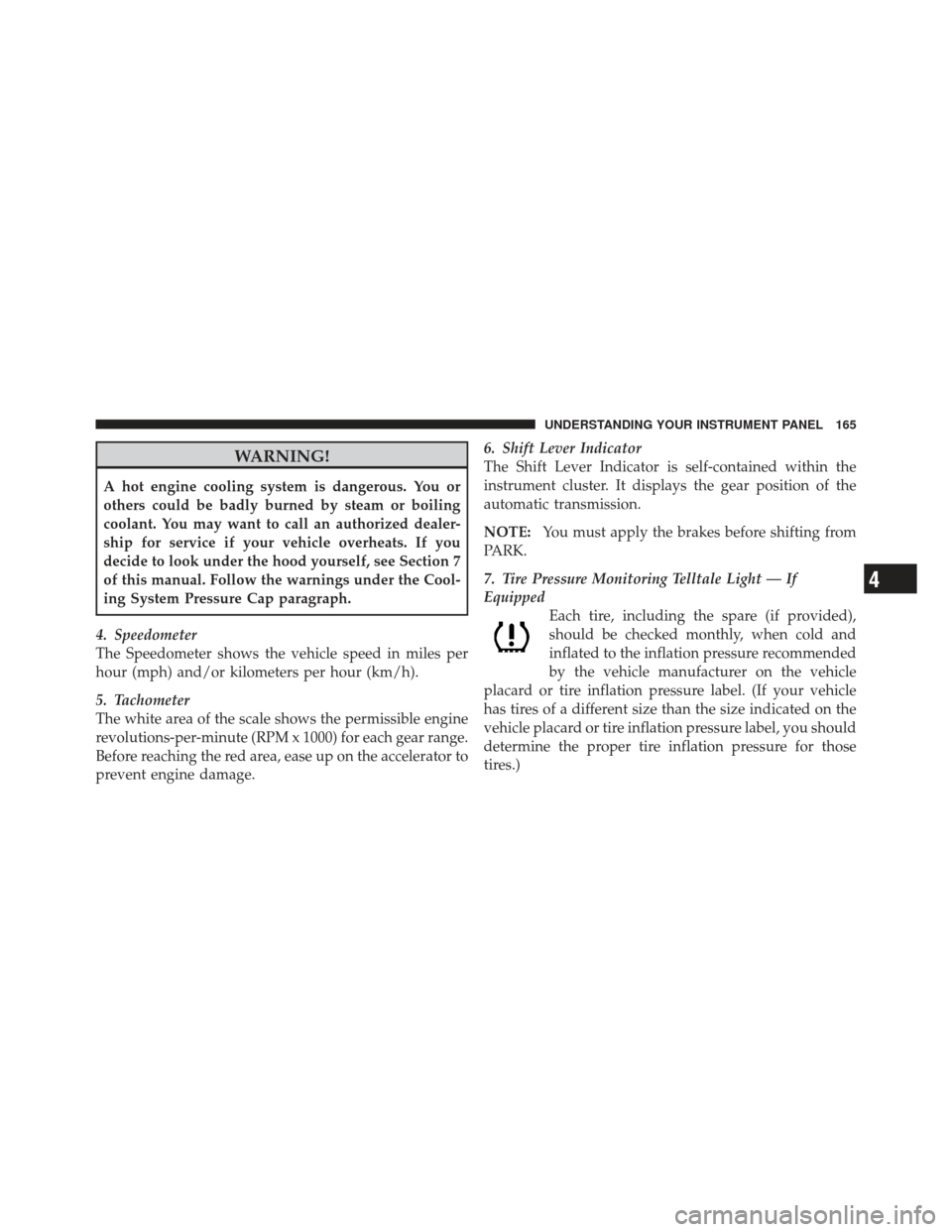
4. Speedometer
The Speedometer shows the vehicle speed in miles per
hour (mph) and/or kilometers per hour (km/h).
5. Tachometer
The white area of the scale shows the permissible engine
revolutions-per-minute (RPM x 1000) for each gear range.
Before reaching the red area, ease up on the accelerator to
prevent engine damage. 6. Shift Lever Indicator
The Shift Lever Indicator is self-contained within the
instrument cluster. It displays the gear position of the
automatic transmission.
NOTE:
You must apply the brakes before shifting from
PARK.
7. Tire Pressure Monitoring Telltale Light — If
Equipped Each tire, including the spare (if provided),
should be checked monthly, when cold and
inflated to the inflation pressure recommended
by the vehicle manufacturer on the vehicle
placard or tire inflation pressure label. (If your vehicle
has tires of a different size than the size indicated on the
vehicle placard or tire inflation pressure label, you should
determine the proper tire inflation pressure for those
tires.)
4
UNDERSTANDING YOUR INSTRUMENT PANEL 165
Page 170 of 410
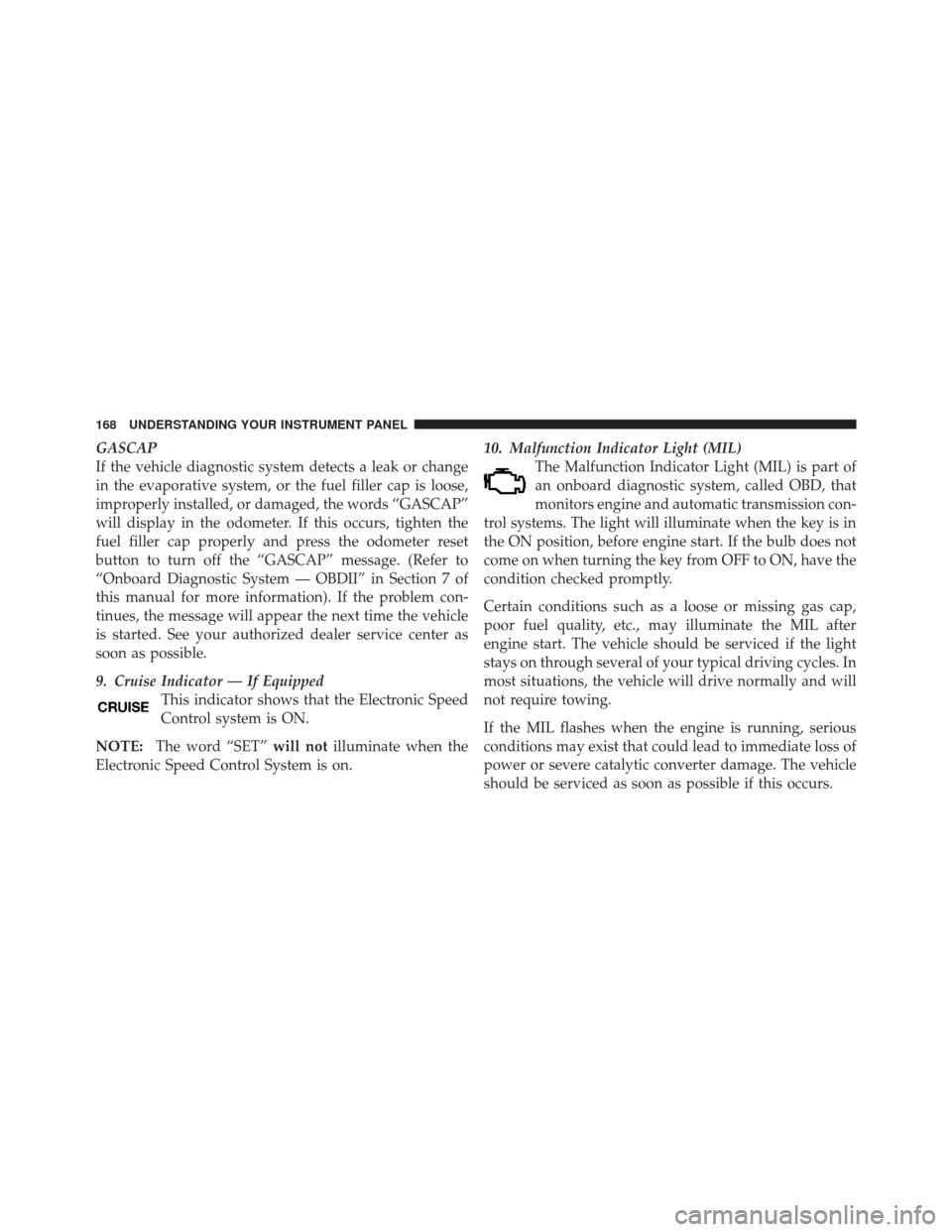
GASCAP
If the vehicle diagnostic system detects a leak or change
in the evaporative system, or the fuel filler cap is loose,
improperly installed, or damaged, the words “GASCAP”
will display in the odometer. If this occurs, tighten the
fuel filler cap properly and press the odometer reset
button to turn off the “GASCAP” message. (Refer to
“Onboard Diagnostic System — OBDII” in Section 7 of
this manual for more information). If the problem con-
tinues, the message will appear the next time the vehicle
is started. See your authorized dealer service center as
soon as possible.
9. Cruise Indicator — If EquippedThis indicator shows that the Electronic Speed
Control system is ON.
NOTE: The word “SET” will notilluminate when the
Electronic Speed Control System is on. 10. Malfunction Indicator Light (MIL)
The Malfunction Indicator Light (MIL) is part of
an onboard diagnostic system, called OBD, that
monitors engine and automatic transmission con-
trol systems. The light will illuminate when the key is in
the ON position, before engine start. If the bulb does not
come on when turning the key from OFF to ON, have the
condition checked promptly.
Certain conditions such as a loose or missing gas cap,
poor fuel quality, etc., may illuminate the MIL after
engine start. The vehicle should be serviced if the light
stays on through several of your typical driving cycles. In
most situations, the vehicle will drive normally and will
not require towing.
If the MIL flashes when the engine is running, serious
conditions may exist that could lead to immediate loss of
power or severe catalytic converter damage. The vehicle
should be serviced as soon as possible if this occurs.
168 UNDERSTANDING YOUR INSTRUMENT PANEL
Page 171 of 410
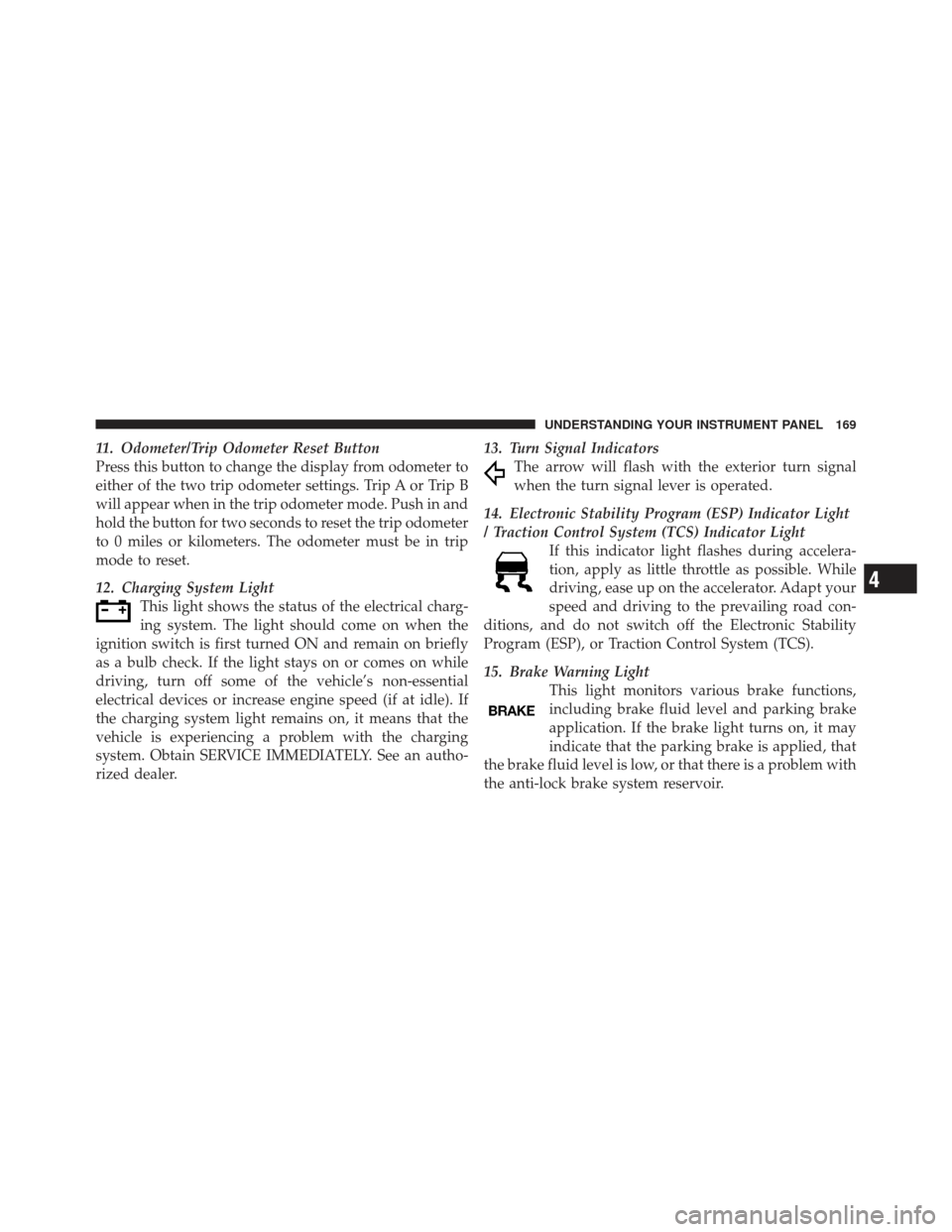
11. Odometer/Trip Odometer Reset Button
Press this button to change the display from odometer to
either of the two trip odometer settings. Trip A or Trip B
will appear when in the trip odometer mode. Push in and
hold the button for two seconds to reset the trip odometer
to 0 miles or kilometers. The odometer must be in trip
mode to reset.
12. Charging System LightThis light shows the status of the electrical charg-
ing system. The light should come on when the
ignition switch is first turned ON and remain on briefly
as a bulb check. If the light stays on or comes on while
driving, turn off some of the vehicle’s non-essential
electrical devices or increase engine speed (if at idle). If
the charging system light remains on, it means that the
vehicle is experiencing a problem with the charging
system. Obtain SERVICE IMMEDIATELY. See an autho-
rized dealer. 13. Turn Signal Indicators
The arrow will flash with the exterior turn signal
when the turn signal lever is operated.
14. Electronic Stability Program (ESP) Indicator Light
/ Traction Control System (TCS) Indicator Light If this indicator light flashes during accelera-
tion, apply as little throttle as possible. While
driving, ease up on the accelerator. Adapt your
speed and driving to the prevailing road con-
ditions, and do not switch off the Electronic Stability
Program (ESP), or Traction Control System (TCS).
15. Brake Warning Light This light monitors various brake functions,
including brake fluid level and parking brake
application. If the brake light turns on, it may
indicate that the parking brake is applied, that
the brake fluid level is low, or that there is a problem with
the anti-lock brake system reservoir.
4
UNDERSTANDING YOUR INSTRUMENT PANEL 169
Page 172 of 410
If the light remains on when the parking brake has been
disengaged, and the fluid level is at the full mark on the
master cylinder reservoir, it indicates a possible brake
hydraulic system malfunction or that a problem with the
Brake Booster has been detected by the Anti-Lock Brake
System (ABS) / Electronic Stability Program (ESP) sys-
tem. In this case, the light will remain on until the
condition has been corrected. If the problem is related to
the brake booster, the ABS pump will run when applying
the brake and a brake pedal pulsation may be felt during
each stop.
The dual brake system provides a reserve braking capac-
ity in the event of a failure to a portion of the hydraulic
system. A leak in either half of the dual brake system is
indicated by the Brake Warning Light, which will turn on
when the brake fluid level in the master cylinder has
dropped below a specified level.
The light will remain on until the cause is corrected.NOTE:
The light may flash momentarily during sharp
cornering maneuvers, which change fluid level condi-
tions. The vehicle should have service performed, and
the brake fluid level checked.
If brake failure is indicated, immediate repair is neces-
sary.
WARNING!
Driving a vehicle with the red brake light on is
dangerous. Part of the brake system may have failed.
It will take longer to stop the vehicle. You could have
an accident. Have the vehicle checked immediately.
Vehicles equipped with the Anti-Lock Brake System
(ABS), are also equipped with Electronic Brake Force
Distribution (EBD). In the event of an EBD failure, the
Brake Warning Light will turn on along with the ABS
Light. Immediate repair to the ABS system is required.
170 UNDERSTANDING YOUR INSTRUMENT PANEL