brakes CHRYSLER PT CRUISER 2010 1.G Owners Manual
[x] Cancel search | Manufacturer: CHRYSLER, Model Year: 2010, Model line: PT CRUISER, Model: CHRYSLER PT CRUISER 2010 1.GPages: 368, PDF Size: 5.61 MB
Page 145 of 368
WARNING!
A hot engine cooling system is dangerous. You or
others could be badly burned by steam or boiling
coolant. You may want to call an authorized dealer-
ship for service if your vehicle overheats. If you
decide to look under the hood yourself, see “Main-
taining Your Vehicle”. Follow the warnings under the
Cooling System Pressure Cap paragraph.
4. Speedometer
The Speedometer shows the vehicle speed in miles per
hour (mph) and/or kilometers per hour (km/h).
5. Tachometer
The white area of the scale shows the permissible engine
revolutions-per-minute (RPM x 1000) for each gear range.
Before reaching the red area, ease up on the accelerator to
prevent engine damage. 6. Shift Lever Indicator
The Shift Lever Indicator is self-contained within the
instrument cluster. It displays the gear position of the
automatic transmission.
NOTE:
You must apply the brakes before shifting from
PARK.
7. Tire Pressure Monitoring Telltale Light — If
Equipped Each tire, including the spare (if provided),
should be checked monthly, when cold and
inflated to the inflation pressure recommended
by the vehicle manufacturer on the vehicle
placard or tire inflation pressure label. (If your vehicle
has tires of a different size than the size indicated on the
vehicle placard or tire inflation pressure label, you should
determine the proper tire inflation pressure for those
tires.)
144 UNDERSTANDING YOUR INSTRUMENT PANEL
Page 154 of 368
21. Anti-Lock Brake (ABS) LightThis light monitors the Anti-Lock Brake System
(ABS). The light will turn on when the ignition
switch is turned to the ON position and may
stay on for as long as four seconds.
If the ABS light remains on or turns on while driving, it
indicates that the Anti-Lock portion of the brake system
is not functioning and that service is required. However,
the conventional brake system will continue to operate
normally if the BRAKE warning light is not on.
If the ABS light is on, the brake system should be serviced
as soon as possible to restore the benefits of Anti-Lock
brakes. If the ABS light does not turn on when the
Ignition switch is turned to the ON position, have the
light inspected by an authorized dealer.
22. Oil Pressure Warning Light This light indicates low engine oil pressure. The
light should turn on momentarily when the engine is started. If the light turns on while driving, stop the
vehicle and shut off the engine as soon as possible. A
chime will sound for four minutes when this light turns
on.
Do not operate the vehicle until the cause is corrected.
This light does not indicate how much oil is in the engine.
The engine oil level must be checked under the hood.
23. Airbag Warning Light
This light turns on and remains on for seven
seconds as a bulb check when the ignition
switch is first turned ON. If the light is not on
during starting, stays on, or turns on while
driving, have the system inspected by an authorized
dealer as soon as possible. Refer to “Occupant Restraints”
in “Things To Know Before Starting Your Vehicle” for
further information.
4
UNDERSTANDING YOUR INSTRUMENT PANEL 153
Page 193 of 368
STARTING PROCEDURES
Before starting your vehicle, adjust your seat, adjust both
inside and outside mirrors, and fasten your seat belts.
WARNING!
Never leave children alone in a vehicle. Leaving
unattended children in a vehicle is dangerous for a
number of reasons. A child or others could be seri-
ously or fatally injured. Do not leave the key in the
ignition. A child could operate power windows,
other controls, or move the vehicle.
Automatic Transmission
The shift lever must be in the NEUTRAL or PARK
position before you can start the engine. Apply the brakes
and press the shift lever knob button before shifting to
any driving gear.NOTE:
You must press the brake pedal before shifting
out of PARK.
Normal Starting
Normal starting of either a cold or a warm engine does
not require pumping or pressing the accelerator pedal.
Simply turn the ignition switch to the START position
and release when the engine starts. If the engine has not
started within three seconds, slightly press the accelera-
tor pedal while continuing to crank. If the engine fails to
start within 15 seconds, turn the ignition switch to the
OFF position, wait 10 to 15 seconds, then repeat the
“Normal Starting” procedure above.
192 STARTING AND OPERATING
Page 206 of 368
WARNING!
•Driving through standing water limits your vehi-
cle’s traction capabilities. Do not exceed 5 mph
(8 km/h) when driving through standing water.
•Driving through standing water limits your vehi-
cle’s braking capabilities, which increases stop-
ping distances. Therefore, after driving through
standing water, drive slowly and lightly press on
the brake pedal several times to dry the brakes.
•Getting water inside your vehicle’s engine can
cause it to lock up and stall out, and leave you
stranded.
•Failure to follow these warnings may result in
injuries that are serious or fatal to you, your
passengers, and others around you.
POWER STEERING
The standard power steering system will give you good
vehicle response and increased ease of maneuverability
in tight spaces. The system will provide mechanical
steering capability if power assist is lost.
If for some reason the power assist is interrupted, it will
still be possible to steer your vehicle. Under these condi-
tions, you will observe a substantial increase in steering
effort, especially at very low vehicle speeds and during
parking maneuvers.
NOTE:
•Increased noise levels at the end of the steering wheel
travel are considered normal and do not indicate that
there is a problem with the power steering system.
•Upon initial start-up in cold weather, the power steer-
ing pump may make noise for a short amount of time.
This is due to the cold, thick fluid in the steering
5
STARTING AND OPERATING 205
Page 210 of 368
WARNING! (Continued)
•Always fully apply the parking brake when leav-
ing your vehicle or it may roll and cause damage or
injury. Also, be certain to leave the transmission in
PARK. Failure to do so may cause the vehicle to
roll and cause damage or injury.
CAUTION!
If the “Brake Warning Light” remains on with the
parking brake released, a brake system malfunction
is indicated. Have the brake system serviced by an
authorized dealer immediately.
BRAKE SYSTEM
Your vehicle is equipped with power-assisted brakes as
standard equipment. In the event power-assist is lost for
any reason (for example, repeated brake applicationswith the engine off), the brakes will still function. How-
ever, the effort required to brake the vehicle will be much
greater than that required with the power system oper-
ating.
WARNING!
Riding the brakes can lead to brake failure and
possibly an accident. Driving with your foot resting
or riding on the brake pedal can result in abnormally
high brake temperatures, excessive lining wear, and
possible brake damage. You would not have your full
braking capacity in an emergency.
If either of the two hydraulic systems lose normal capa-
bility, the remaining system will still function with some
loss of overall braking effectiveness. This will be evident
by increased pedal travel during application and greater
pedal force required to slow or stop. In addition, if the
5
STARTING AND OPERATING 209
Page 211 of 368
malfunction is caused by an internal leak, as the brake
fluid in the master cylinder drops, the “Brake Warning
Light” will illuminate.
WARNING!
Driving a vehicle with the brake light on is danger-
ous. A significant decrease in braking performance or
vehicle stability during braking may occur. It will
take you longer to stop the vehicle or will make your
vehicle harder to control. You could have an accident.
Have the vehicle checked immediately.
Anti-Lock Brake System (ABS) — If Equipped
The ABS provides increased vehicle stability and brake
performance under most braking conditions. The system
automatically “pumps” the brakes during severe braking
conditions to prevent wheel lock-up.
WARNING!
•Pumping of the ABS will diminish their effective-
ness and may lead to an accident. Pumping makes
the stopping distance longer. Just press firmly on
your brake pedal when you need to slow down or
stop.
•The ABS cannot prevent the natural laws of phys-
ics from acting on the vehicle, nor can it increase
braking or steering efficiency beyond that af-
forded by the condition of the vehicle brakes and
tires or the traction afforded.
•The ABS cannot prevent accidents, including
those resulting from excessive speed in turns,
following another vehicle too closely, or hydro-
planing. Only a safe, attentive, and skillful driver
can prevent accidents.(Continued)
210 STARTING AND OPERATING
Page 212 of 368
WARNING! (Continued)
•The capabilities of an ABS-equipped vehicle must
never be exploited in a reckless or dangerous
manner that could jeopardize the user’s safety or
the safety of others.The ABS Telltale Light monitors the Anti-Lock
Brake System. The light will come on when the
ignition switch is turned to the ON position
and may stay on for as long as four seconds.
If the ABS light remains on or comes on while driving, it
indicates that the anti-lock portion of the brake system is
not functioning and that service is required. However,
the conventional brake system will continue to operate
normally if the “Brake Warning Light” is not on.
If the ABS light is on, the brake system should be serviced
as soon as possible to restore the benefits of anti-lock brakes. If the ABS light does not come on when the
ignition switch is turned to the ON position, have the
bulb repaired as soon as possible.
If both the “Brake Warning Light” and the “ABS Light”
remain on, the Anti-Lock Brake (ABS) and Electronic
Brake Force Distribution (EBD) Systems are not function-
ing properly. Immediate repair to the ABS system at an
authorized dealer is required.
When the vehicle is driven over 7 mph (11 km/h), you
may also hear a slight clicking sound as well as some
related motor noises. These noises are the system per-
forming its self-check cycle to ensure that the ABS system
is working properly. This self-check occurs each time the
vehicle is started and accelerated past 7 mph (11 km/h).
ABS is activated during braking under certain road or
stopping conditions. ABS-inducing conditions can in-
clude ice, snow, gravel, bumps, railroad tracks, loose
debris, or panic stops.
5
STARTING AND OPERATING 211
Page 214 of 368

occurs the “TCS Indicator Light” located above the
instrument cluster odometer will flash. The system oper-
ates at speeds below 35 mph (56 km/h).
A pushbutton at the center of the instrument panel,
below the radio, turns the Traction Control System ON or
OFF.
The system is always in the “ON” mode unless:
•The TCS OFF switch has been used to turn the system
off;
•There is a Anti-Lock Brake System malfunction;
•There is a Traction Control System malfunction;
•The system has been automatically deactivated to
prevent damage to the brake system due to overheated
brake temperatures.
NOTE: Extended heavy use of Traction Control may
cause the system to deactivate and turn on the “TCS
Indicator Light” located in the instrument cluster.
This is to prevent overheating of the brake system and is
a normal condition. The system will remain disabled for
about four minutes until the brakes have cooled. The
system will automatically reactivate and turn off the
“TCS Indicator Light.”
If your vehicle becomes stuck in mud, ice, or snow, turn
the Traction Control System off before attempting to
“rock” the vehicle free.
TCS OFF Switch5
STARTING AND OPERATING 213
Page 246 of 368
Curb Weight
The curb weight of a vehicle is defined as the total weight
of the vehicle with all fluids, including vehicle fuel, at full
capacity conditions, and with no occupants or cargo
loaded into the vehicle. The front and rear curb weight
values are determined by weighing your vehicle on a
commercial scale before any occupants or cargo are
added.
Overloading
The load carrying components (springs, tires, wheels,
etc.) of your vehicle will provide satisfactory service as
long as you do not exceed the GVWR.
The best way to figure out the total weight of your
vehicle is to weigh it when it is fully loaded and ready for
operation. Weigh it on a commercial scale to ensure that
it is not over the GVWR.Overloading can cause potential safety hazards and
shorten useful service life. Heavier suspension compo-
nents do not necessarily increase the vehicle’s GVWR.
Loading
To load your vehicle properly, first figure out its empty
weight. Store heavier items down low and be sure you
distribute their weight as evenly as possible. Stow all
loose items securely before driving. Improper weight
distribution can have an adverse effect on the way your
vehicle steers and handles, and the way the brakes
operate.
CAUTION!
Do not load your vehicle any heavier than the
GVWR. If you do, parts on your vehicle can break, or
it can change the way your vehicle handles. This
could cause you to lose control. Also, overloading can
shorten the life of your vehicle.
5
STARTING AND OPERATING 245
Page 253 of 368
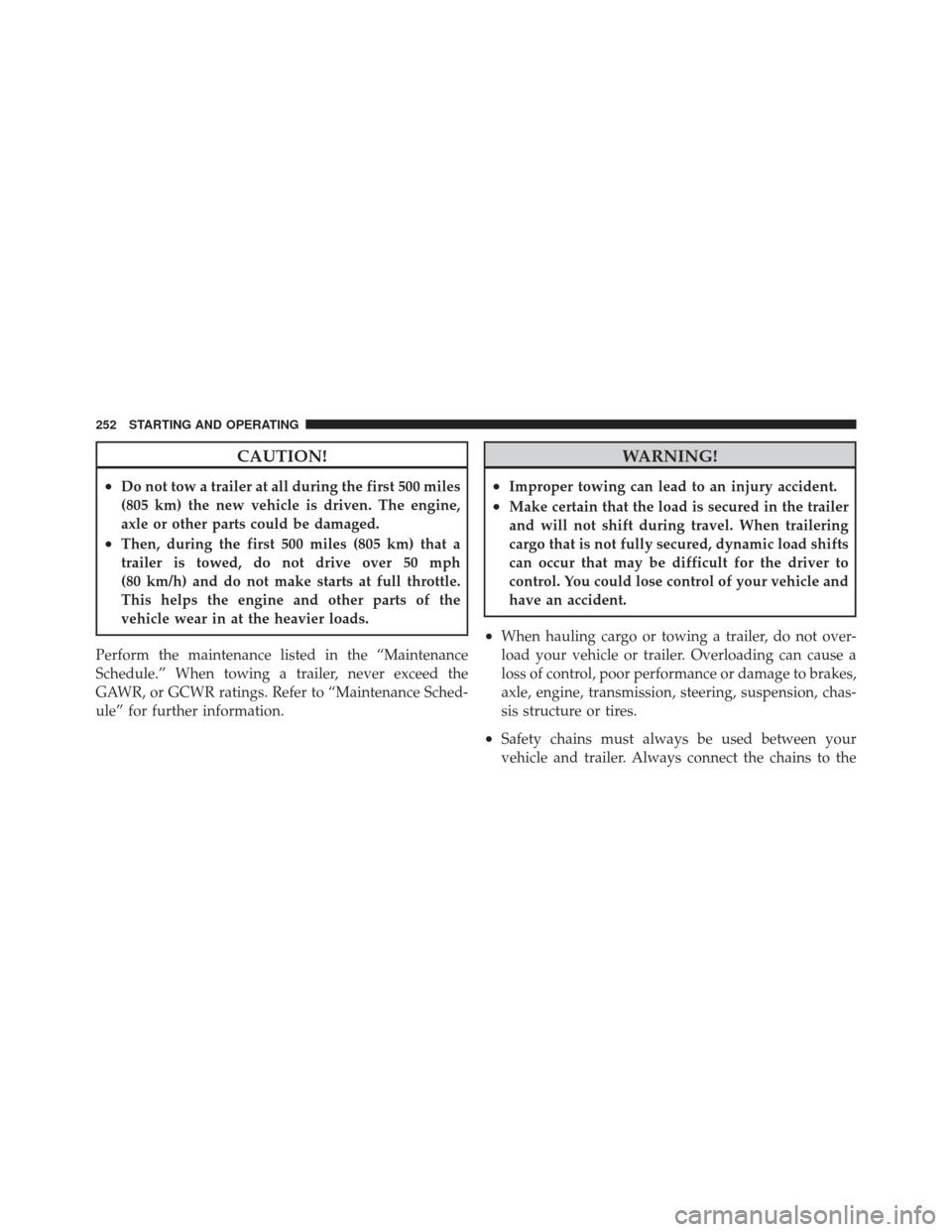
CAUTION!
•Do not tow a trailer at all during the first 500 miles
(805 km) the new vehicle is driven. The engine,
axle or other parts could be damaged.
•Then, during the first 500 miles (805 km) that a
trailer is towed, do not drive over 50 mph
(80 km/h) and do not make starts at full throttle.
This helps the engine and other parts of the
vehicle wear in at the heavier loads.
Perform the maintenance listed in the “Maintenance
Schedule.” When towing a trailer, never exceed the
GAWR, or GCWR ratings. Refer to “Maintenance Sched-
ule” for further information.
WARNING!
•Improper towing can lead to an injury accident.
•Make certain that the load is secured in the trailer
and will not shift during travel. When trailering
cargo that is not fully secured, dynamic load shifts
can occur that may be difficult for the driver to
control. You could lose control of your vehicle and
have an accident.
•When hauling cargo or towing a trailer, do not over-
load your vehicle or trailer. Overloading can cause a
loss of control, poor performance or damage to brakes,
axle, engine, transmission, steering, suspension, chas-
sis structure or tires.
•Safety chains must always be used between your
vehicle and trailer. Always connect the chains to the
252 STARTING AND OPERATING