display CHRYSLER TOWN AND COUNTRY 2008 5.G User Guide
[x] Cancel search | Manufacturer: CHRYSLER, Model Year: 2008, Model line: TOWN AND COUNTRY, Model: CHRYSLER TOWN AND COUNTRY 2008 5.GPages: 531, PDF Size: 4.51 MB
Page 177 of 531
If(SERVICE PARK ASSIST SYSTEM(appears in the
Electronic Vehicle Information Center (EVIC), after mak-
ing sure the rear bumper is clean, please see your
authorized dealer.
Should this wrench symbol display with the
letterPnext to it, your Park Sense System
needs servicing. Contact your authorized
dealer.
Cleaning The Rear Park Assist System
Clean the Rear Park Assist Sensors with water, car wash
soap and a soft cloth. Do not use rough or hard cloths. Do
not scratch or poke the sensors, otherwise, you could
damage the sensors.
ADJUSTABLE PEDALS Ð IF EQUIPPED
This feature allows both the brake and accelerator pedals to
move toward or away from the driver to provide improved
position with the steering wheel. The adjustable pedal
system is designed to allow a greater range of driver
comfort for steering wheel tilt and seat positions. The
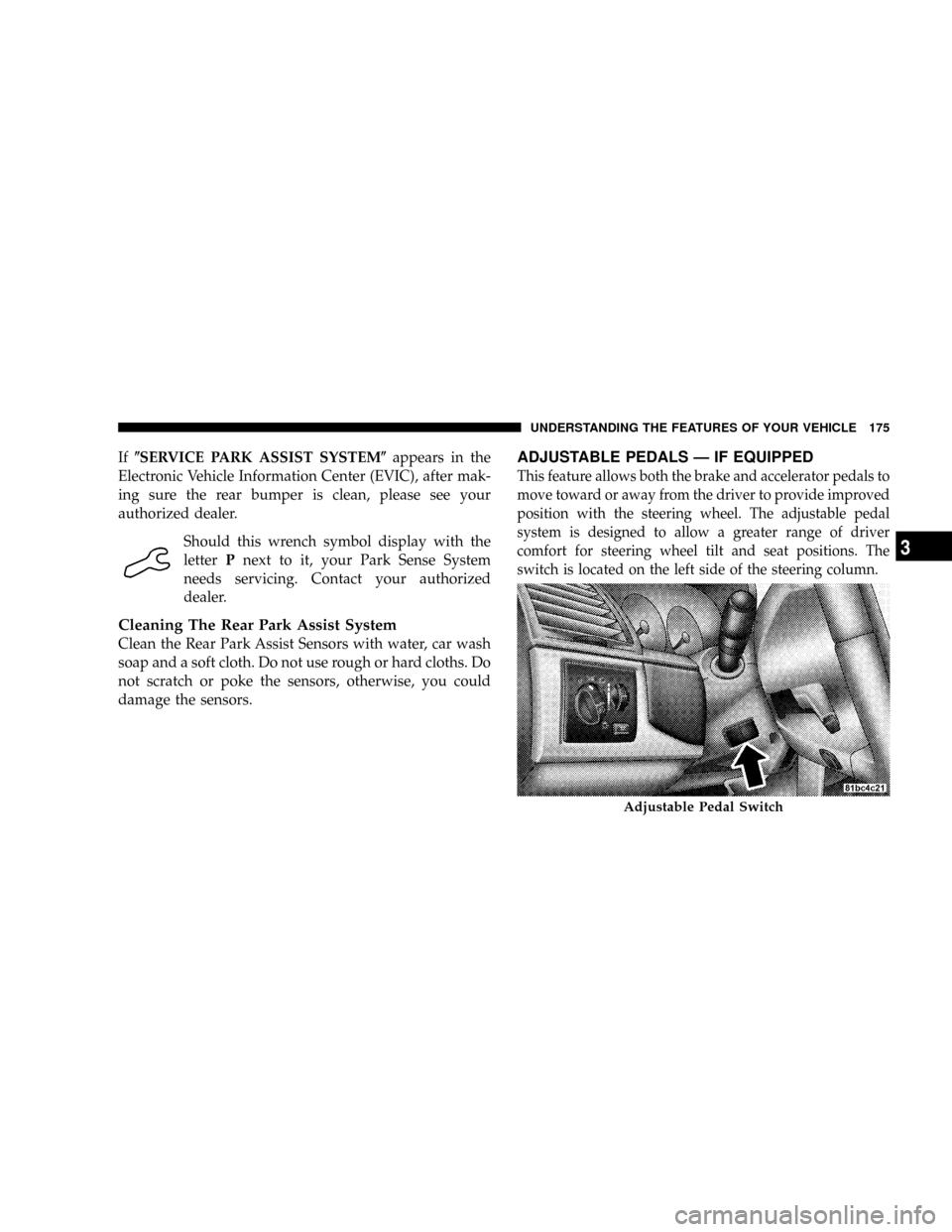
switch is located on the left side of the steering column.
Adjustable Pedal Switch
UNDERSTANDING THE FEATURES OF YOUR VEHICLE 175
3
Page 178 of 531
Press the button forward to move the pedals forward
(toward the front of the vehicle).
Press the button rearward to move the pedals rearward
(toward the driver).
²The pedals can be adjusted with the ignition OFF.
²The pedals can be adjusted while driving.
²The pedalscannotbe adjusted when the vehicle is in
REVERSE or when the Electronic Speed Control Sys-
tem is ON. The following messages will be displayed
on vehicles equipped with the Electronic Vehicle In-
formation System (EVIC) if the pedals are attempted to
be adjusted when the system is locked out (ªAdjust-
able Pedal Disabled Ð Cruise Control Engagedº or
ªAdjustable Pedal Disabled Ð Vehicle In Reverseº).
CAUTION!
Do not place any article under the adjustable pedals
or impede its ability to move as it may cause damage
to the pedal controls. Pedal travel may become lim-
ited if movement is stopped by an obstruction in the
adjustable pedal's path.
176 UNDERSTANDING THE FEATURES OF YOUR VEHICLE
Page 221 of 531
UNDERSTANDING YOUR INSTRUMENT PANEL
CONTENTS
mInstrument Panels And Controls............223
mBase Instrument Cluster..................224
mPremium Instrument Cluster...............225
mInstrument Cluster Descriptions............226
mCompass Mini-Trip Computer (CMTC) Ð
If Equipped...........................239
NCompass Mini-Trip Computer (CMTC)
Odometer Displays....................239
NCompass Mini-Trip Computer (CMTC)
Reset Buttons........................240NCompass/Temperature Display...........241
mElectronic Vehicle Information Center (EVIC) Ð
If Equipped...........................243
NEVIC Displays.......................244
NTrip Functions.......................246
NCompass Display.....................247
NPersonal Settings (Customer Programmable
Features)...........................249
mRadio General Information................252
NRadio Broadcast Signals.................2524
Page 236 of 531
CAUTION!
Driving with a hot engine cooling system could
damage your vehicle. If temperature gauge reads
ªHª, pull over and stop the vehicle. Idle the vehicle
with the air conditioner turned off until the pointer
drops back into the normal range. If the pointer
remains on the ªHº, and you hear continuous chimes,
turn the engine off immediately, and call your autho-
rized dealership for service.
WARNING!
A hot engine cooling system is dangerous. You or
others could be badly burned by steam or boiling
coolant. You may want to call an authorized dealer-
ship for service if your vehicle overheats. If you
decide to look under the hood yourself, see Section 7
of this manual. Follow the warnings under the Cool-
ing System Pressure Cap paragraph.
22. Trip/Odometer Display Reset Button Ð Base
Cluster
To reset a trip odometer, display the trip odometer to be
reset then push and hold the button until the display
resets (approximately two seconds). The odometer must
be in TRIP mode to reset it.
234 UNDERSTANDING YOUR INSTRUMENT PANEL
Page 237 of 531
To reset a message display (gATE, gASCAP, noFUSE,
CHAngE OIL, LoCOOL, LoWASH), push and hold the
button until the display resets (approximately two sec-
onds).
Trip/Odometer Display Reset Button Ð Premium
Cluster
Press this button to change the display from odometer to
either of two trip odometer settings. The letter ªAº or ªBº
will appear when in the trip odometer mode. Push in and
hold the button for two seconds to reset the trip odometer
to 0 mi (km). The odometer must be in TRIP mode to
reset it.
23. Transmission Range Indicator
This display indicator shows the automatic transaxle gear
selection.
NOTE:You must apply the brakes before shifting from
PARK.24. Odometer Display Area
When the appropriate conditions exist, the following
odometer messages will display:
CHAngE OIL............... OilChange Required
CRUISE.....................Cruise Control On
door.............................Door Ajar
ESPOFF............................ ESPOff
gATE..........................Lift Gate Ajar
gASCAP.......................Fuel Cap Fault
hood*............................Hood Ajar
noFUSE..........................Fuse Fault
LoCOOL........................ LowCoolant
LoWASH.................... LowWasher Fluid
NOTE:If your vehicle is equipped with a hood switch,
in the case of hood ajar, a warning message will be
displayed in either the PRNDL/Odometer display as
ªhoodº or ªHood Ajarº in the EVIC display.
UNDERSTANDING YOUR INSTRUMENT PANEL 235
4
Page 238 of 531
NOTE:Some of the above warnings will be displayed in
the Compass Mini-Trip Computer / Electronic Vehicle
Information Center Display Area under the Speedometer.
Refer toº Compass Mini-Trip Computer (CMTC) Ð If
Equippedº, later in this section for more information.
CHAngE OIL
Your vehicle is equipped with an engine oil change
indicator system. TheCHAngE OILmessage will flash in
the instrument cluster odometer for approximately 12
seconds after a single chime has sounded to indicate the
next scheduled oil change interval. The engine oil change
indicator system is duty cycle-based, which means the
engine oil change interval may fluctuate dependent upon
your personal driving style.
Unless reset, this message will continue to display each
time you turn the ignition switch to the ON/RUN
position. To turn off the message temporarily, press andrelease the Trip / Odometer Display reset button on the
instrument cluster. To reset the oil change indicator
system (after performing the scheduled maintenance)
refer to the following procedure.
1. Turn the ignition switch to the ON position (Do not
start the engine).
2. Fully depress the accelerator pedal slowly three times
within 10 seconds.
3. Turn the ignition switch to the OFF/LOCK position.
NOTE:If the indicator message illuminates when you
start the vehicle, the oil change indicator system did not
reset. If necessary repeat this procedure.
25. Odometer
The odometer shows the total distance the vehicle has
been driven.
236 UNDERSTANDING YOUR INSTRUMENT PANEL
Page 239 of 531
U.S. federal regulations require that upon transfer of
vehicle ownership, the seller certify to the purchaser the
correct mileage that the vehicle has been driven. There-
fore, if the odometer reading is changed during repair or
replacement, be sure to keep a record of the reading
before and after the service so that the correct mileage can
be determined.
The trip odometer shows individual trip mileage. To
switch from odometer to trip odometer, press the Trip
Odometer button.
To reset a trip odometer, display the desired trip odom-
eter to be reset then push and hold the button until the
display resets (approximately two seconds).26. Compass Mini-Trip Computer (CMTC) Display /
Electronic Vehicle Information Center (EVIC) DisplayÐ
If Equipped
Compass Mini-Trip Computer (CMTC) Display Ð If
Equipped
On vehicles equipped with CMTC, the display provides
the outside temperature, one of eight compass headings
to indicate the direction the vehicle is facing and the
current radio station. Refer to ªCompass Mini-Trip Com-
puterº later in this section.
Electronic Vehicle Information Center (EVIC) Display
Ð If Equipped
The Electronic Vehicle Information Center (EVIC) fea-
tures a driver-interactive display that is located in the
lower half of the speedometer.
UNDERSTANDING YOUR INSTRUMENT PANEL 237
4
Page 240 of 531
Oil Change Required
Your vehicle is equipped with an engine oil change
indicator system. The ªOil Change Requiredº message
will flash in the Electronic Vehicle Information Center
(EVIC) display for approximately 10 seconds after a
single chime has sounded to indicate the next scheduled
oil change interval. The engine oil change indicator
system is duty cycle based, which means the engine oil
change interval may fluctuate dependent upon your
personal driving style.
Unless reset, this message will continue to display each
time you turn the ignition switch to the ON/RUN
position. To turn off the message temporarily, press and
release the Menu button. To reset the oil change indicator
system (after performing the scheduled maintenance)
refer to the following procedure.
1. Turn the ignition switch to the ON position (Do not
start the engine).2. Fully depress the accelerator pedal slowly three times
within 10 seconds.
3. Turn the ignition switch to the OFF/LOCK position.
NOTE:If the indicator message illuminates when you
start the vehicle, the oil change indicator system did not
reset. If necessary repeat this procedure.
27. Compass Mini-Trip Computer (CMTC) Display
Button
Press the left reset button to scroll through sub menus
(i.e., Trip Functions: AVG Fuel Economy, DTE, Elapsed
Time, and Units.
NOTE:For more detailed operation, refer to ªCompass
Mini-Trip Computerº later in this section.
238 UNDERSTANDING YOUR INSTRUMENT PANEL
Page 241 of 531
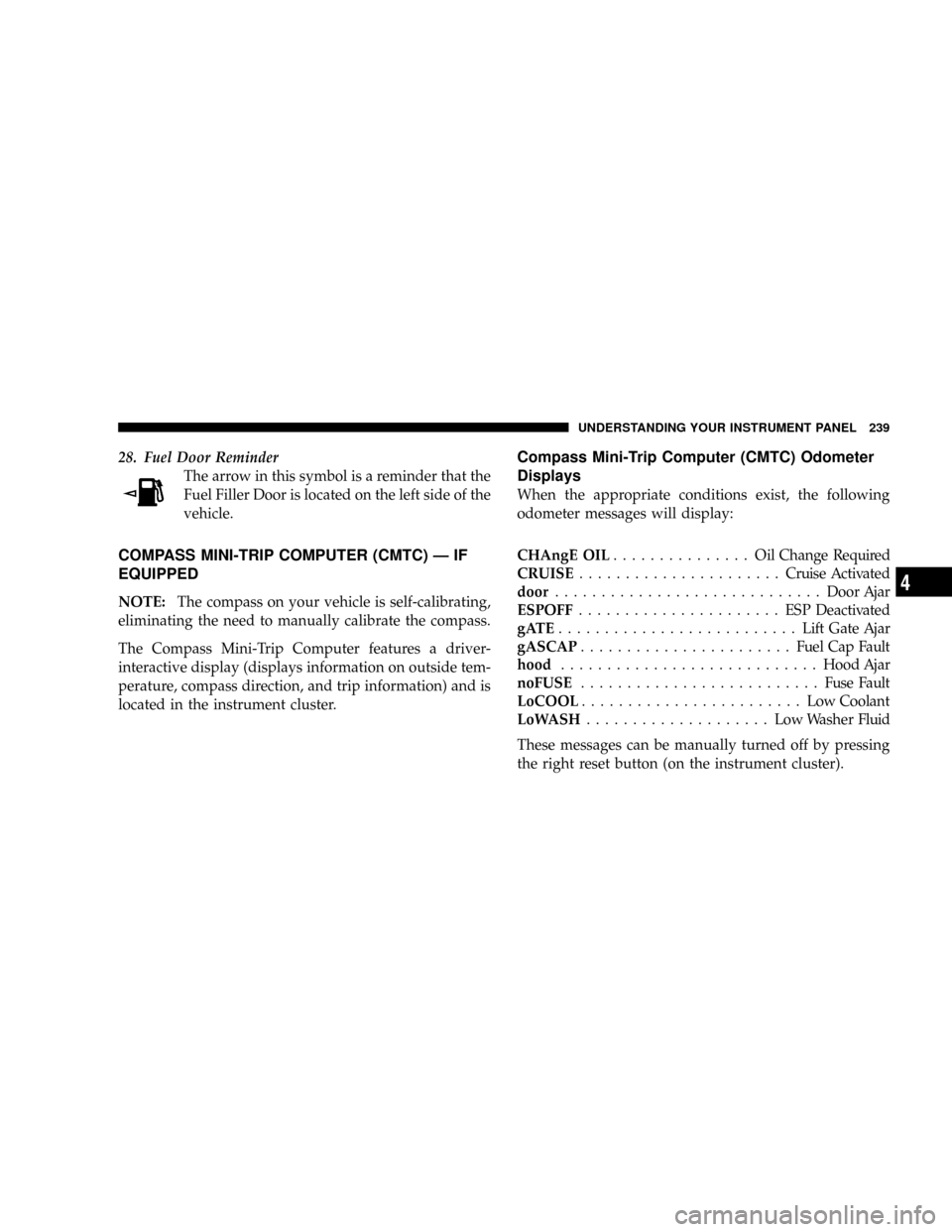
28. Fuel Door Reminder
The arrow in this symbol is a reminder that the
Fuel Filler Door is located on the left side of the
vehicle.
COMPASS MINI-TRIP COMPUTER (CMTC) Ð IF
EQUIPPED
NOTE:The compass on your vehicle is self-calibrating,
eliminating the need to manually calibrate the compass.
The Compass Mini-Trip Computer features a driver-
interactive display (displays information on outside tem-
perature, compass direction, and trip information) and is
located in the instrument cluster.
Compass Mini-Trip Computer (CMTC) Odometer
Displays
When the appropriate conditions exist, the following
odometer messages will display:
CHAngE OIL............... OilChange Required
CRUISE......................Cruise Activated
door.............................Door Ajar
ESPOFF...................... ESPDeactivated
gATE..........................Lift Gate Ajar
gASCAP.......................Fuel Cap Fault
hood............................Hood Ajar
noFUSE..........................Fuse Fault
LoCOOL........................ LowCoolant
LoWASH.................... LowWasher Fluid
These messages can be manually turned off by pressing
the right reset button (on the instrument cluster).
UNDERSTANDING YOUR INSTRUMENT PANEL 239
4
Page 242 of 531
Compass Mini-Trip Computer (CMTC) Reset
Buttons
CMTC Reset Button
Press the left reset button located on the instrument
cluster to scroll through the sub menus (i.e., Trip Func-
tions: AVG Fuel Economy, DTE, Elapsed Time, and
Units).
To reset the display shown, turn the ignition switch to the
ON position, then press and hold the reset button for
approximately two seconds.When the appropriate conditions exist, the following
odometer messages will display:
NE. Eight-point compass headings are displayed (N, S, E,
W, NE, NW, SE, SW)
14ÉF............ Temperature (Fahrenheit or Celsius)
AV G......... AverageFuel Economy (U.S. or Metric)
DTE.......................Distance to Empty
ET............................Elapsed Time
P.......................... ParkAssist On/Off
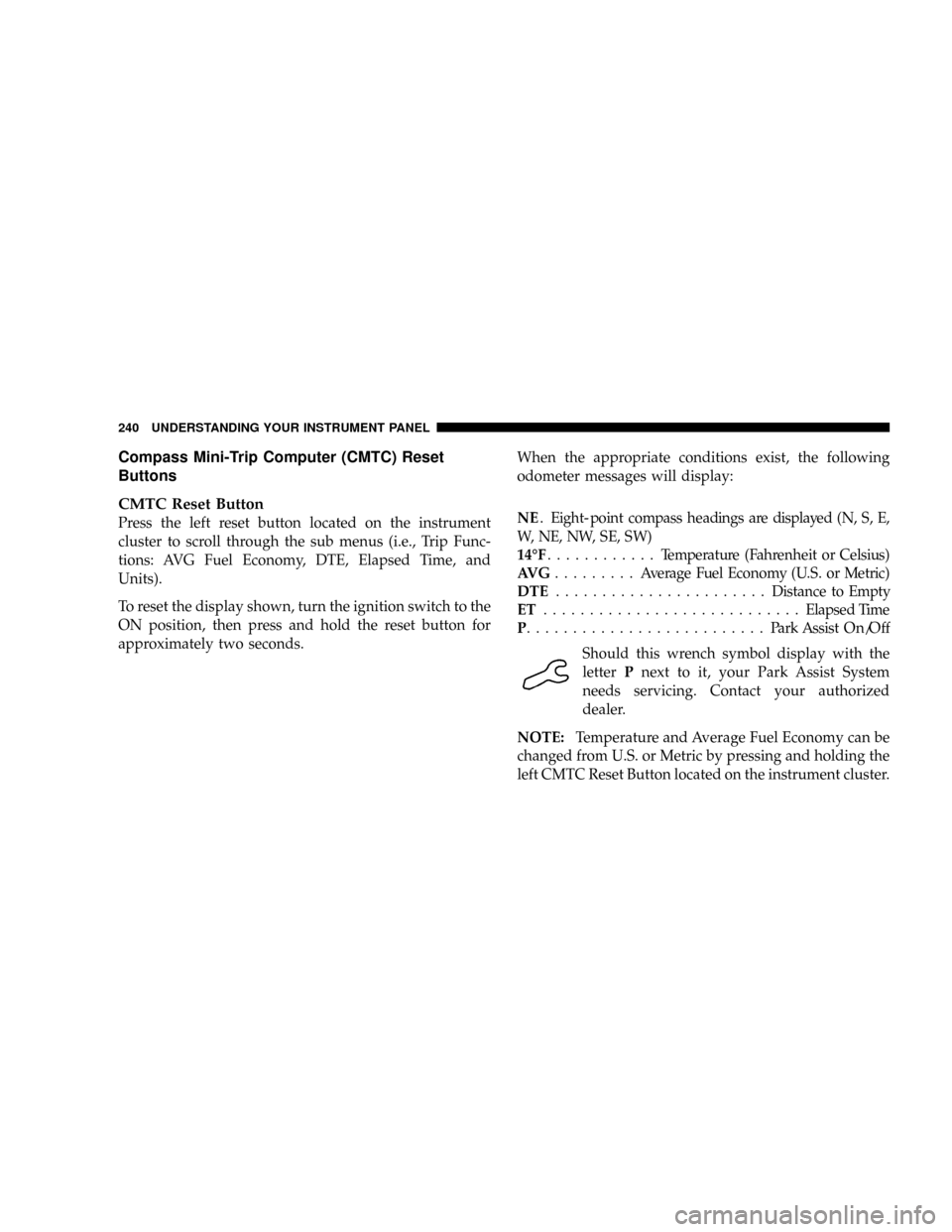
Should this wrench symbol display with the
letterPnext to it, your Park Assist System
needs servicing. Contact your authorized
dealer.
NOTE:Temperature and Average Fuel Economy can be
changed from U.S. or Metric by pressing and holding the
left CMTC Reset Button located on the instrument cluster.
240 UNDERSTANDING YOUR INSTRUMENT PANEL