brake CHRYSLER TOWN AND COUNTRY 2012 5.G User Guide
[x] Cancel search | Manufacturer: CHRYSLER, Model Year: 2012, Model line: TOWN AND COUNTRY, Model: CHRYSLER TOWN AND COUNTRY 2012 5.GPages: 132, PDF Size: 3.41 MB
Page 5 of 132
Vehicles Sold In Canada
With respect to any vehicles sold in Canada, the name Chrysler Group LLC shall be deemed
to be deleted and the name Chrysler Canada Inc. used in substitution therefore.
WARNING!
• Pedals that cannot move freely can cause loss of vehicle control and increase the risk ofserious personal injury.
• Always make sure that objects cannot fall into the driver foot well while the vehicle is moving. Objects can become trapped under the brake pedal and accelerator pedal
causing a loss of vehicle control.
• Failure to properly follow floor mat installation or mounting can cause interference with the brake pedal and accelerator pedal operation causing loss of control of the vehicle.
• Never use the ‘PARK’ position as a substitute for the parking brake. Always apply the parking brake fully when parked to guard against vehicle movement and possible injury
or damage.
• Refer to your Owner's Manual on the DVD for further details.
USE OF AFTERMARKET PRODUCTS (ELECTRONICS)
The use of aftermarket devices including cell phones, MP3 players, GPS systems, or chargers
may affect the performance of on-board wireless features including Keyless Enter-N-Go™ and
Remote Start range. If you are experiencing difficulties with any of your wireless features, try
disconnecting your aftermarket devices to see if the situation improves. If your symptoms
persist, please see an authorized dealer.
CHRYSLER, DODGE, JEEP, RAM TRUCK, ATF+4, MOPAR and Uconnect are registered
trademarks of Chrysler Group LLC.
COPYRIGHT ©2012 CHRYSLER GROUP LLC
INTRODUCTION/WELCOME
03
Page 7 of 132
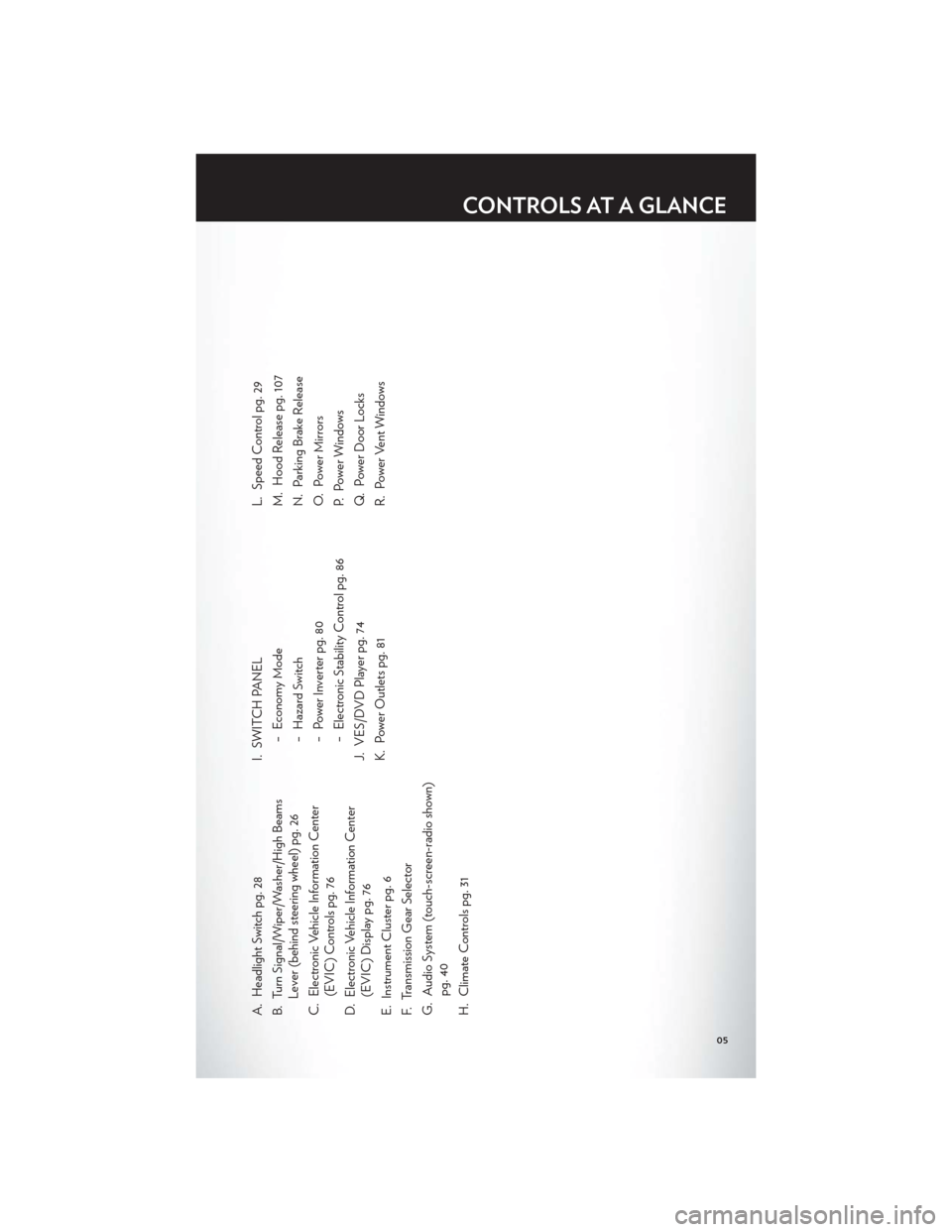
A. Headlight Switch pg. 28
B. Turn Signal/Wiper/Washer/High BeamsLever (behind steering wheel) pg. 26
C. Electronic Vehicle Information Center (EVIC) Controls pg. 76
D. Electronic Vehicle Information Center (EVIC) Display pg. 76
E. Instrument Cluster pg. 6
F. Transmission Gear Selector
G. Audio System (touch-screen-radio shown) pg. 40
H. Climate Controls pg. 31 I. SWITCH PANEL
− Economy Mode
− Hazard Switch
− Power Inverter pg. 80
− Electronic Stability Control pg. 86
J. VES/DVD Player pg. 74
K. Power Outlets pg. 81 L. Speed Control pg. 29
M. Hood Release pg. 107
N. Parking Brake Release
O. Power Mirrors
P. Power Windows
Q. Power Door Locks
R. Power Vent Windows
CONTROLS AT A GLANCE
05
Page 8 of 132
INSTRUMENT CLUSTER
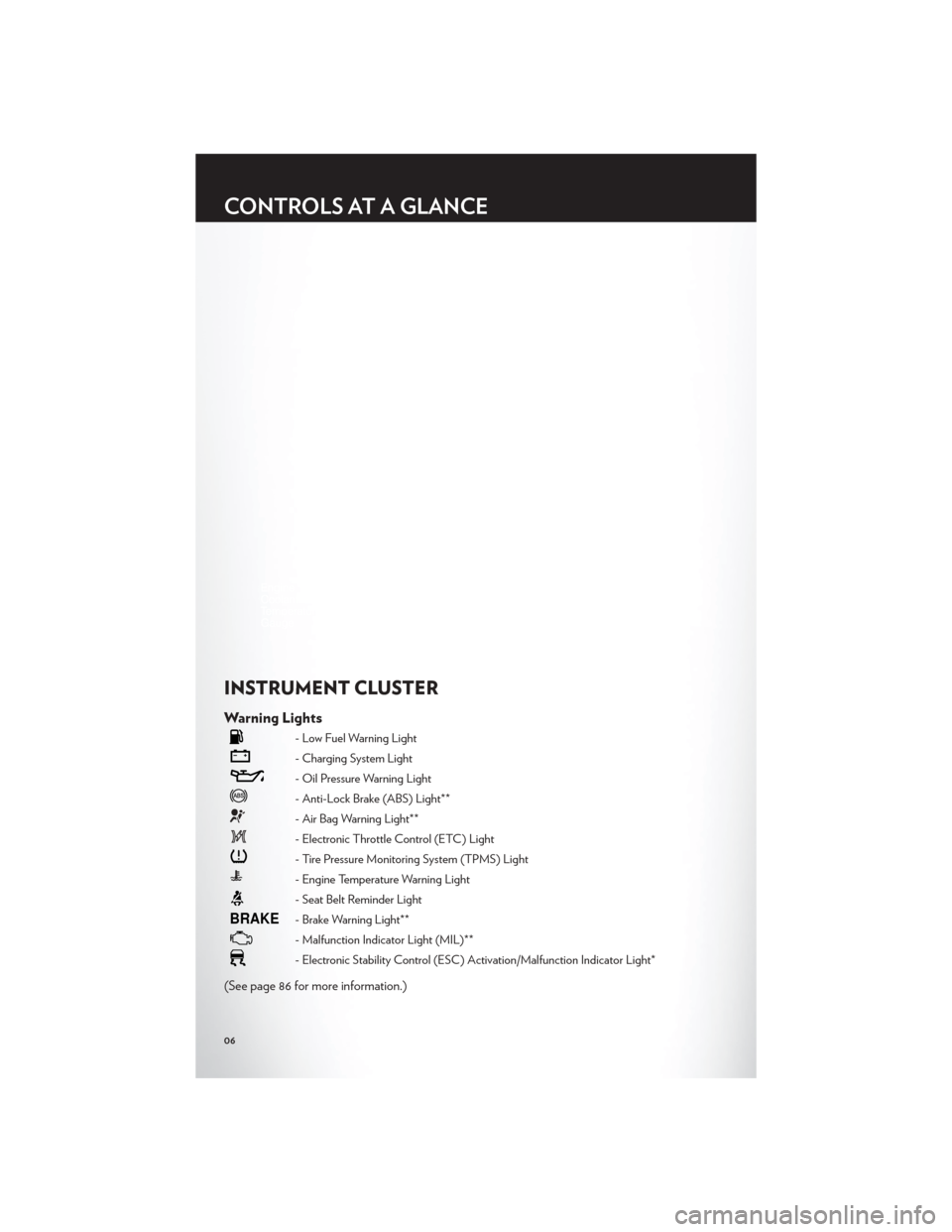
Warning Lights
- Low Fuel Warning Light
- Charging System Light
- Oil Pressure Warning Light
- Anti-Lock Brake (ABS) Light**
- Air Bag Warning Light**
- Electronic Throttle Control (ETC) Light
- Tire Pressure Monitoring System (TPMS) Light
- Engine Temperature Warning Light
- Seat Belt Reminder Light
BRAKE- Brake Warning Light**
- Malfunction Indicator Light (MIL)**
- Electronic Stability Control (ESC) Activation/Malfunction Indicator Light*
(See page 86 for more information.)
CONTROLS AT A GLANCE
06
Page 12 of 132
WARNING!
• Leaving unattended children in a vehicle is dangerous for a number of reasons. A child orothers could be severely injured or killed. Children should be warned not to touch the
parking brake, brake pedal, or the shift lever. Do not leave the Key Fob inside the vehicle
or in the ignition. A child could start the vehicle, operate power windows, other controls,
or move the vehicle.
• Do not leave children or animals inside parked vehicles in hot weather. Interior heat build-up may cause them to be severely injured or killed.
• Keep Key Fob transmitters away from children. Operation of the Remote Start System, windows, door locks or other controls could cause serious injury or death.
• Driving with the liftgate open can allow poisonous exhaust gases into your vehicle. You and your passengers could be injured by these fumes. Keep the liftgate closed when you
are operating the vehicle.
REMOTE START
• Press the REMOTE START buttonx2on the Key Fob twice within five seconds.
Pressing the REMOTE START button a third time shuts the engine off.
• To drive the vehicle, press the UNLOCK button, insert the Key Fob in the ignition and turn to the ON/RUN position.
• With remote start, the engine will only run for 15 minutes (timeout) unless the ignition Key Fob is placed in the ON/RUN position.
• The vehicle must be started with the Key Fob after two consecutive timeouts.
WARNING!
• Do not start or run an engine in a closed garage or confined area. Exhaust gas contains Carbon Monoxide (CO) which is odorless and colorless. Carbon Monoxide is poisonous
and can cause you or others to be severely injured or killed when inhaled.
• Keep Key Fob transmitters away from children. Operation of the Remote Start System, windows, door locks or other controls could cause you and others to be severely injured
or killed.
KEYLESS ENTER-N-GO™
• The Keyless Enter-N-Go™ system is an enhancement to the vehicle's Key Fob. Thisfeature allows you to lock and unlock the vehicle's door(s) and liftgate without having to
press the Key Fob lock or unlock buttons, as well as starting and stopping the vehicle with
the press of a button.
GETTING STARTED
10
Page 14 of 132
• If a Keyless Enter-N-Go™ door handle has not been used for 72 hours, the KeylessEnter-N-Go™ feature for that handle may time out. Pulling the deactivated front door
handle will reactivate the door handle's Keyless Enter-N-Go™ feature.
Lock or Unlock the Liftgate:
• With a valid Keyless Enter-N-Go™ Key Fob within 3 ft (1.0m) of the liftgate, press thebutton located to the right of the liftgate handle to unlock the liftgate. Press the button a
second time to lock the liftgate.
NOTE:
• Refer to your Owner's Manual on the DVD for further information.
Installing And Removing The ENGINE START/STOP Button
Installing The Button
• Remove the Key Fob from the ignition switch.
• Insert the ENGINE START/STOP button into the ignition switch with the lettering facingup and readable.
• Press firmly on the center of the button to secure it into position.
Removing The Button
• The ENGINE START/STOP button can be removed from the ignition switch for Key Fob use.
• Insert the metal part of the emergency key under the chrome bezel at the 6 o’clock position and gently pry the button loose.
NOTE:
• The ENGINE START/STOP button shouldonly be removed or inserted with the ignition
in the LOCK position (OFF position for
Keyless Enter-N-Go™).
Engine Starting/Stopping
Starting
• With a valid Keyless Enter-N-Go™ Key Fob inside the vehicle.
• Place the shift lever in PARK or NEUTRAL.
• While pressing the brake pedal, press the ENGINE START/STOP button once. If theengine fails to start, the starter will disengage automatically after 10 seconds.
• To stop the cranking of the engine prior to the engine starting, press the button again.
GETTING STARTED
12
Page 15 of 132
Stopping
• Place the shift lever in PARK.
• Press the ENGINE START/STOP button once. The ignition switch will return to theOFF position.
• If the shift lever is not in PARK, the ENGINE START/STOP button must be held for
two seconds and vehicle speed must be above 5 mph (8 km/h) before the engine will
shut off.
Accessory Positions with Engine Off
NOTE:
• The following functions are with the driver’s foot OFF the Brake Pedal (Transmission in PARK or NEUTRAL Position).
Starting With The Ignition Switch In The OFF Position:
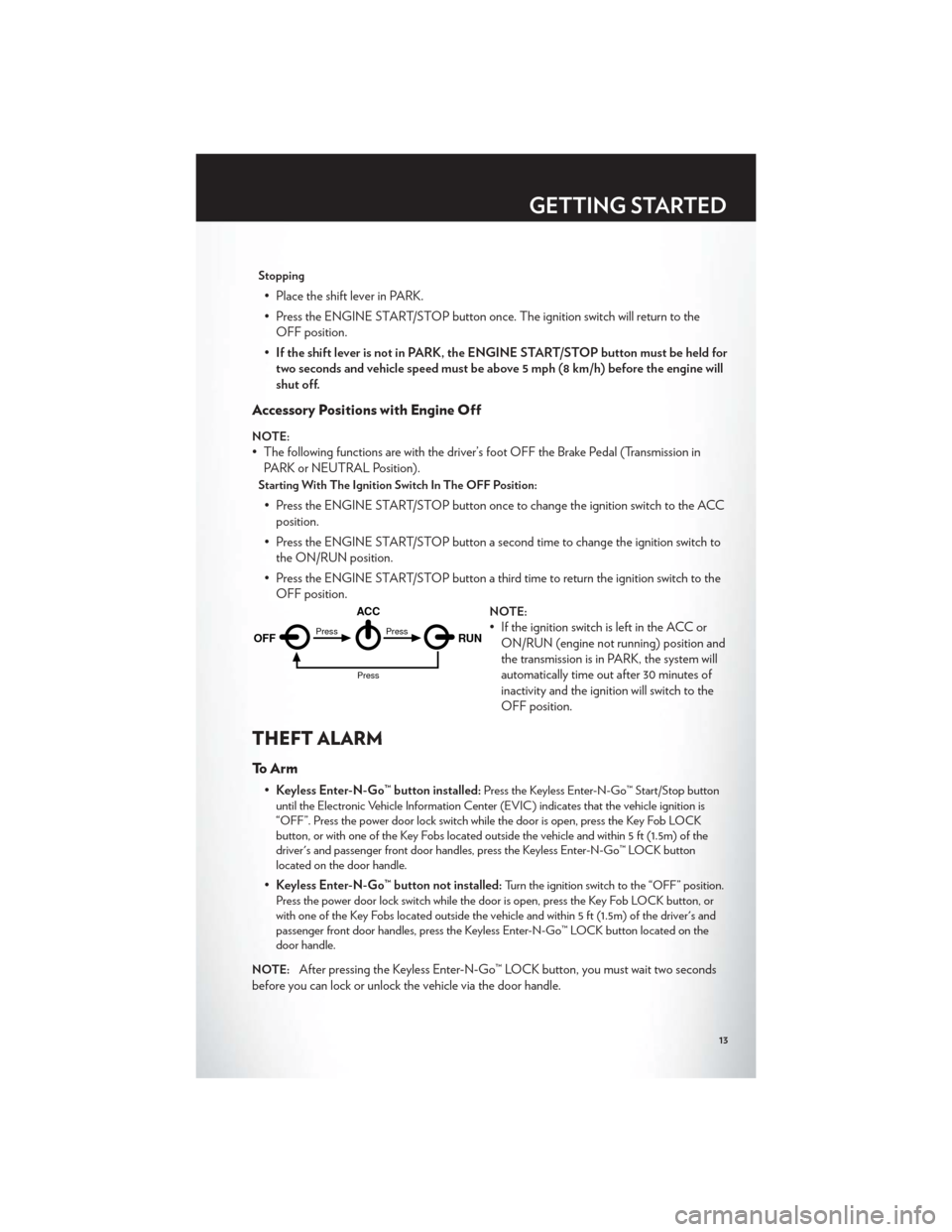
• Press the ENGINE START/STOP button once to change the ignition switch to the ACCposition.
• Press the ENGINE START/STOP button a second time to change the ignition switch to the ON/RUN position.
• Press the ENGINE START/STOP button a third time to return the ignition switch to the OFF position.
NOTE:
• If the ignition switch is left in the ACC orON/RUN (engine not running) position and
the transmission is in PARK, the system will
automatically time out after 30 minutes of
inactivity and the ignition will switch to the
OFF position.
THEFT ALARM
To Arm
•Keyless Enter-N-Go™ button installed:Press the Keyless Enter-N-Go™ Start/Stop button
until the Electronic Vehicle Information Center (EVIC) indicates that the vehicle ignition is
“OFF”. Press the power door lock switch while the door is open, press the Key Fob LOCK
button, or with one of the Key Fobs located outside the vehicle and within 5 ft (1.5m) of the
driver's and passenger front door handles, press the Keyless Enter-N-Go™ LOCK button
located on the door handle.
• Keyless Enter-N-Go™ button not installed:Turn the ignition switch to the “OFF” position.
Press the power door lock switch while the door is open, press the Key Fob LOCK button, or
with one of the Key Fobs located outside the vehicle and within 5 ft (1.5m) of the driver's and
passenger front door handles, press the Keyless Enter-N-Go™ LOCK button located on the
door handle.
NOTE:
After pressing the Keyless Enter-N-Go™ LOCK button, you must wait two seconds
before you can lock or unlock the vehicle via the door handle.
OFF RUN
ACCPress
Press
Press
GETTING STARTED
13
Page 20 of 132
FRONT SEATS
Power Seat
• The power seat switch controlsforward/back, up/down, and tilt
adjustment.
• The recline switch, located on the outboard side of the seat, controls
seatback adjustment.
Power Lumbar
• Push the switch forward to increase thelumbar support. Push the switch rearward
to decrease the lumbar support.
Manual Seat Adjustment
Forward/Rearward
• Lift up on the adjusting bar located at thefront of the seat near the floor and release
at the desired position.
Recliner
• Lift the recliner lever located on theoutboard side of the seat, lean back and
release at the desired position.
Memory Seat
• The memory seat feature allows you tosave two different driver seating positions,
driver's outside mirror, adjustable brake
and accelerator pedals, and radio station
preset settings. The memory seat buttons
are located on the driver's door panel.
• Adjust all memory profile settings, press the SET button then press 1 or 2 within
five seconds.
• To program a Key Fob to the memory position, press and release the LOCK button within 10 seconds on the Key Fob to be programmed.
GETTING STARTED
18
Page 27 of 132
WARNING!
Do not adjust the steering wheel while driving. The tilt adjustment must be locked while
driving. Adjusting the steering wheel while driving or driving without the tilt adjustment
locked could cause the driver to lose control of the vehicle. Failure to follow this warning
may result in you and others being severely injured or killed.
ADJUSTABLE PEDALS
• Press the switch located on the left side ofthe steering column forward to move the
brake and accelerator pedals away from
the driver and press the switch rearward to
move the pedals closer to the driver.
NOTE:The pedals cannot be adjusted when
the vehicle is in REVERSE or when the
Electronic Speed Control is set.
CAUTION!
Do not place any article under the adjustable pedals or impede its ability to move, as it may
cause damage to the pedal controls. Pedal travel may become limited if movement is
stopped by an obstruction in the adjustable pedal's path.
WARNING!
Do not adjust the pedals while the vehicle is moving. You could lose control and have a
collision. Always adjust the pedals while the vehicle is parked.
GETTING STARTED
25
Page 31 of 132
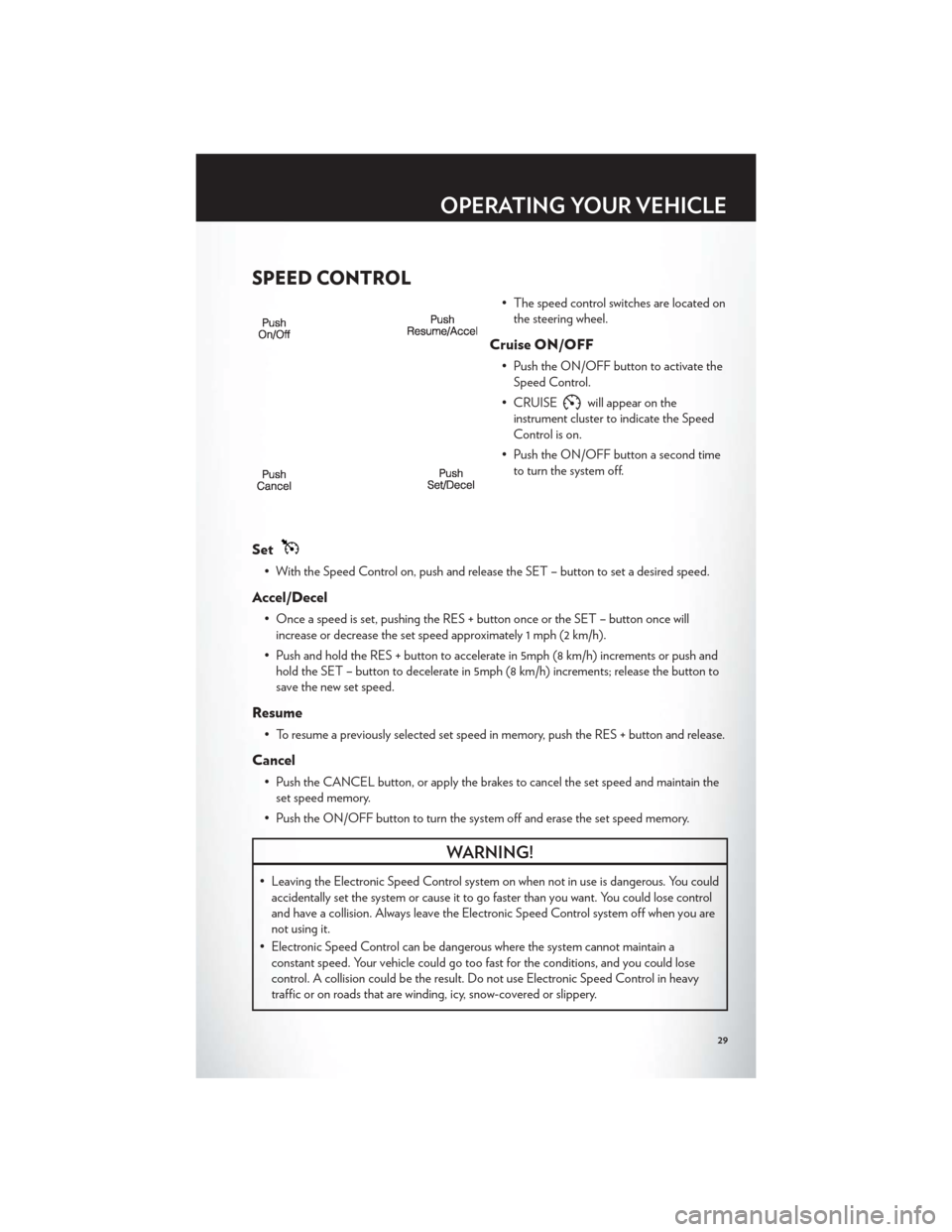
SPEED CONTROL
• The speed control switches are located onthe steering wheel.
Cruise ON/OFF
• Push the ON/OFF button to activate theSpeed Control.
• CRUISE
will appear on the
instrument cluster to indicate the Speed
Control is on.
• Push the ON/OFF button a second time to turn the system off.
Set
• With the Speed Control on, push and release the SET – button to set a desired speed.
Accel/Decel
• Once a speed is set, pushing the RES + button once or the SET – button once willincrease or decrease the set speed approximately 1 mph (2 km/h).
• Push and hold the RES + button to accelerate in 5mph (8 km/h) increments or push and hold the SET – button to decelerate in 5mph (8 km/h) increments; release the button to
save the new set speed.
Resume
• To resume a previously selected set speed in memory, push the RES + button and release.
Cancel
• Push the CANCEL button, or apply the brakes to cancel the set speed and maintain theset speed memory.
• Push the ON/OFF button to turn the system off and erase the set speed memory.
WARNING!
• Leaving the Electronic Speed Control system on when not in use is dangerous. You could accidentally set the system or cause it to go faster than you want. You could lose control
and have a collision. Always leave the Electronic Speed Control system off when you are
not using it.
• Electronic Speed Control can be dangerous where the system cannot maintain a constant speed. Your vehicle could go too fast for the conditions, and you could lose
control. A collision could be the result. Do not use Electronic Speed Control in heavy
traffic or on roads that are winding, icy, snow-covered or slippery.
OPERATING YOUR VEHICLE
29
Page 92 of 132

BRAKE- Brake Warning Light
• The Brake Warning light illuminates when there is either a system malfunction or theparking brake is applied. If the light is on and the parking brake is not applied, it indicates
a possible brake hydraulic malfunction, brake booster problem or an Anti-Lock Brake
System problem.
• Please have your vehicle serviced immediately.
WARNING!
Driving a vehicle with the red brake light on is dangerous. Part of the brake system may
have failed. It will take longer to stop the vehicle. You could have a collision. Have the
vehicle checked immediately.
- Malfunction Indicator Light (MIL)
• Certain conditions, such as a loose or missing gas cap, poor fuel quality, etc., may illuminate the MIL after engine start. The vehicle should be serviced if the light stays on
through several typical driving cycles. In most situations, the vehicle will drive normally
and not require towing.
• If the MIL flashes when the engine is running, serious conditions may exist that could lead to immediate loss of power or severe catalytic converter damage. We recommend you do
not operate the vehicle. Have the vehicle serviced immediately.
- Electronic Stability Control (ESC) Indicator Light/Brake Assist System
(BAS) Warning Light
• If the ESC/BAS warning light comes on continuously with the engine running, a malfunction has been detected.
• If this light remains on after several ignition cy cles, and the vehicle has been driven several
miles (kilometers) at speeds greater than 30 mph (48 km/h), we recommend you drive to
the nearest service center and have the vehicle serviced immediately.
- Charging System Light
• This light shows the status of the electrical charging system. If the charging system light remains on, it means that the vehicle is experiencing a problem with the charging system.
• We recommend you do not continue driving if the charging system light is on. Have the vehicle serviced immediately.
- Oil Pressure Warning Light
• This light indicates low engine oil pressure. If the light turns on while driving, stop thevehicle and shut off the engine as soon as possible. A chime will sound for four minutes
when this light turns on.
• We recommend you do not operate the vehicle or engine damage will occur. Have the vehicle serviced immediately.
WHAT TO DO IN EMERGENCIES
88