instrument panel CHRYSLER TOWN AND COUNTRY 2015 5.G Owners Manual
[x] Cancel search | Manufacturer: CHRYSLER, Model Year: 2015, Model line: TOWN AND COUNTRY, Model: CHRYSLER TOWN AND COUNTRY 2015 5.GPages: 726, PDF Size: 20.14 MB
Page 3 of 726
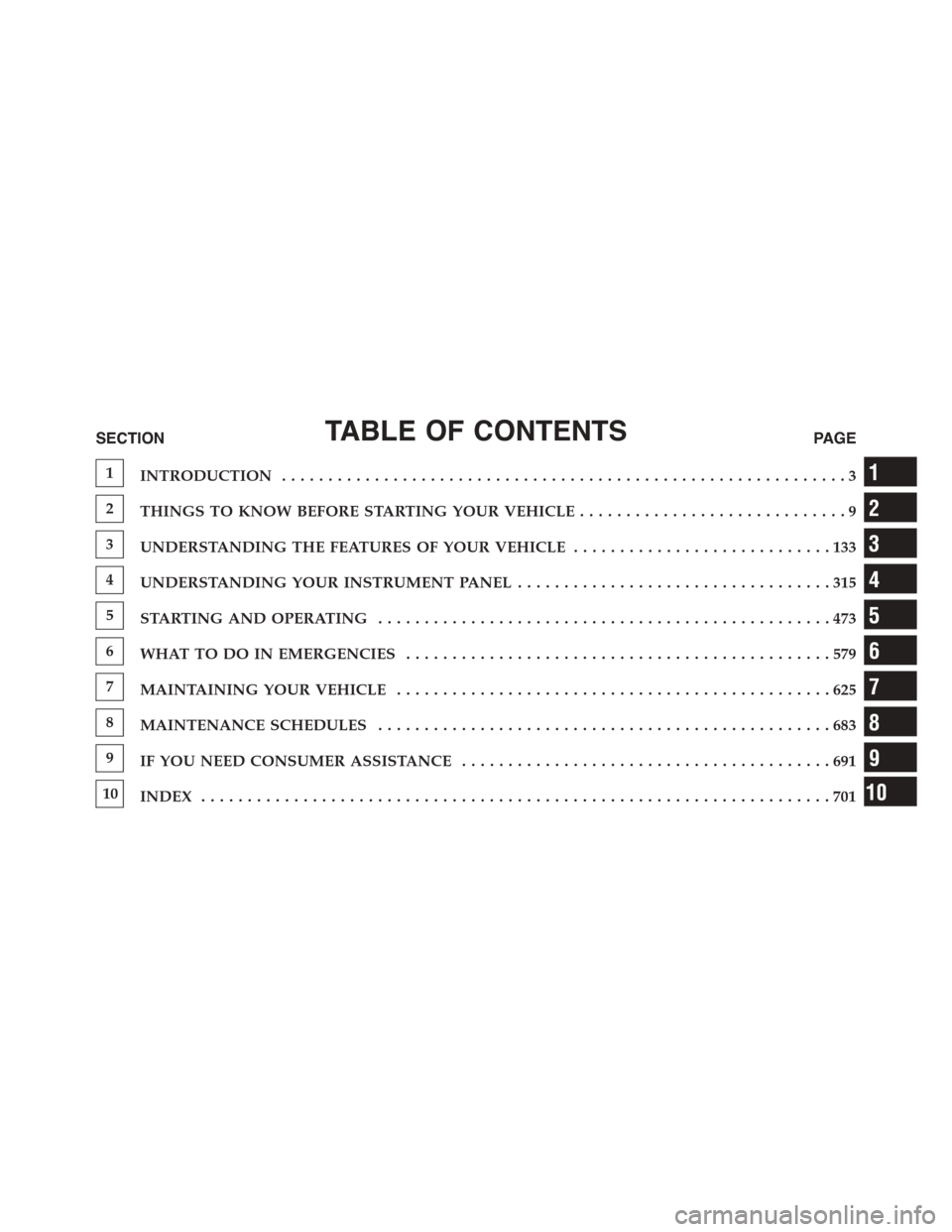
TABLE OF CONTENTSSECTIONPAGE
1INTRODUCTION.............................................................3
2THINGS TO KNOW BEFORE STARTING YOUR VEHICLE.............................9
3UNDERSTANDING THE FEATURES OF YOUR VEHICLE. . . . . . . . . . . . . . . . . . . . . . . . . . . . 133
4UNDERSTANDING YOUR INSTRUMENT PANEL. . . . . . . . . . . . . . . . . . . . . . . . . . . . . . . . . . 315
5STARTING AND OPERATING. . . . . . . . . . . . . . . . . . . . . . . . . . . . . . . . . . . . . . . . . . . . . . . . . 473
6WHAT TO DO IN EMERGENCIES. . . . . . . . . . . . . . . . . . . . . . . . . . . . . . . . . . . . . . . . . . . . . . 579
7MAINTAINING YOUR VEHICLE. . . . . . . . . . . . . . . . . . . . . . . . . . . . . . . . . . . . . . . . . . . . . . . 625
8MAINTENANCE SCHEDULES. . . . . . . . . . . . . . . . . . . . . . . . . . . . . . . . . . . . . . . . . . . . . . . . . 683
9IF YOU NEED CONSUMER ASSISTANCE. . . . . . . . . . . . . . . . . . . . . . . . . . . . . . . . . . . . . . . . 691
10INDEX. . . . . . . . . . . . . . . . . . . . . . . . . . . . . . . . . . . . . . . . . . . . . . . . . . . . . . . . . . . . . . . . . . . . 701
1
2
3
4
5
6
7
8
9
10
Page 8 of 726
WARNINGS AND CAUTIONS
This Owners Manual containsWARNINGSagainst op-
erating procedures that could result in a collision or
bodily injury. It also containsCAUTIONSagainst proce-
dures that could result in damage to your vehicle. If you
do not read this entire Owners Manual, you may miss
important information. Observe all Warnings and Cau-
tions.
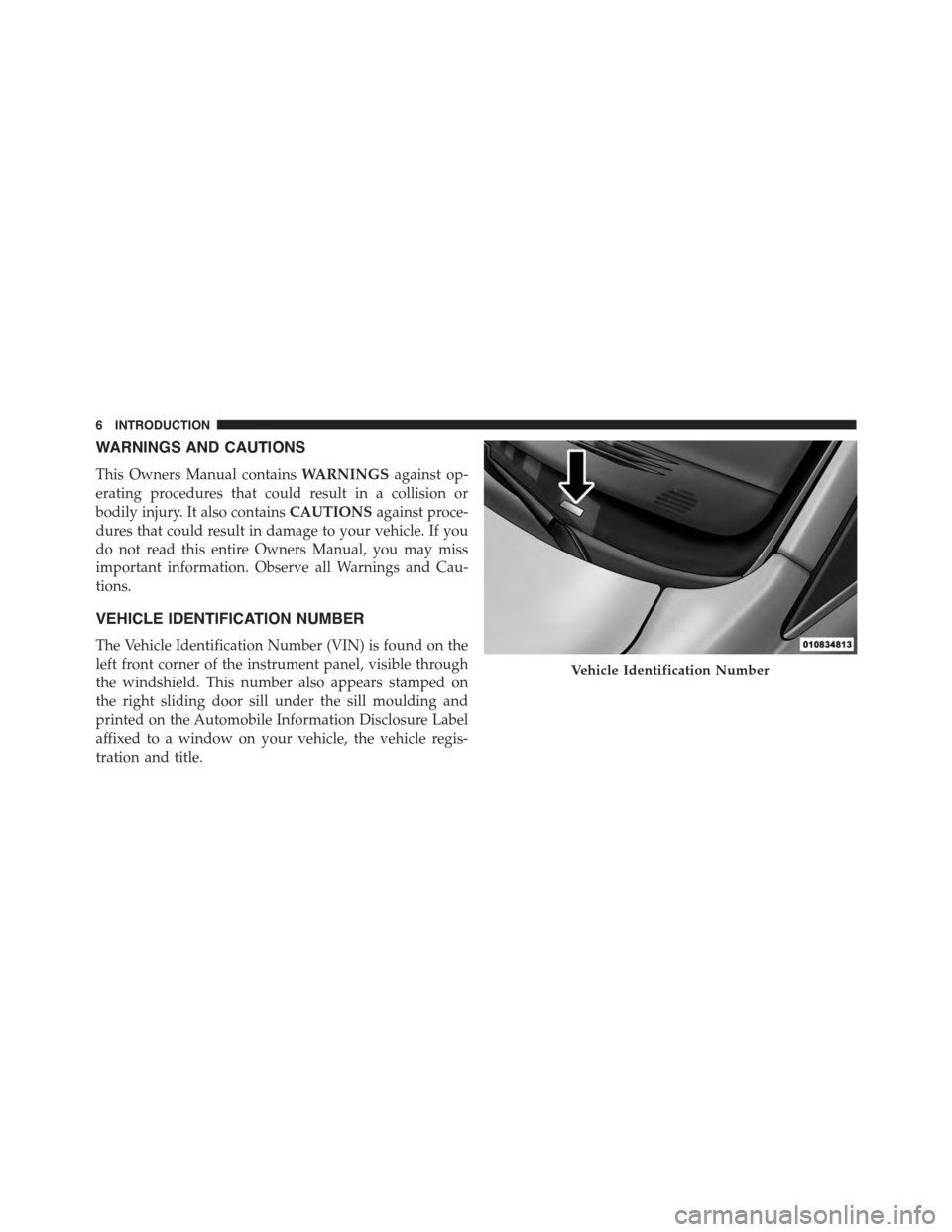
VEHICLE IDENTIFICATION NUMBER
The Vehicle Identification Number (VIN) is found on the
left front corner of the instrument panel, visible through
the windshield. This number also appears stamped on
the right sliding door sill under the sill moulding and
printed on the Automobile Information Disclosure Label
affixed to a window on your vehicle, the vehicle regis-
tration and title.
Vehicle Identification Number
6INTRODUCTION
Page 15 of 726
Key Fob
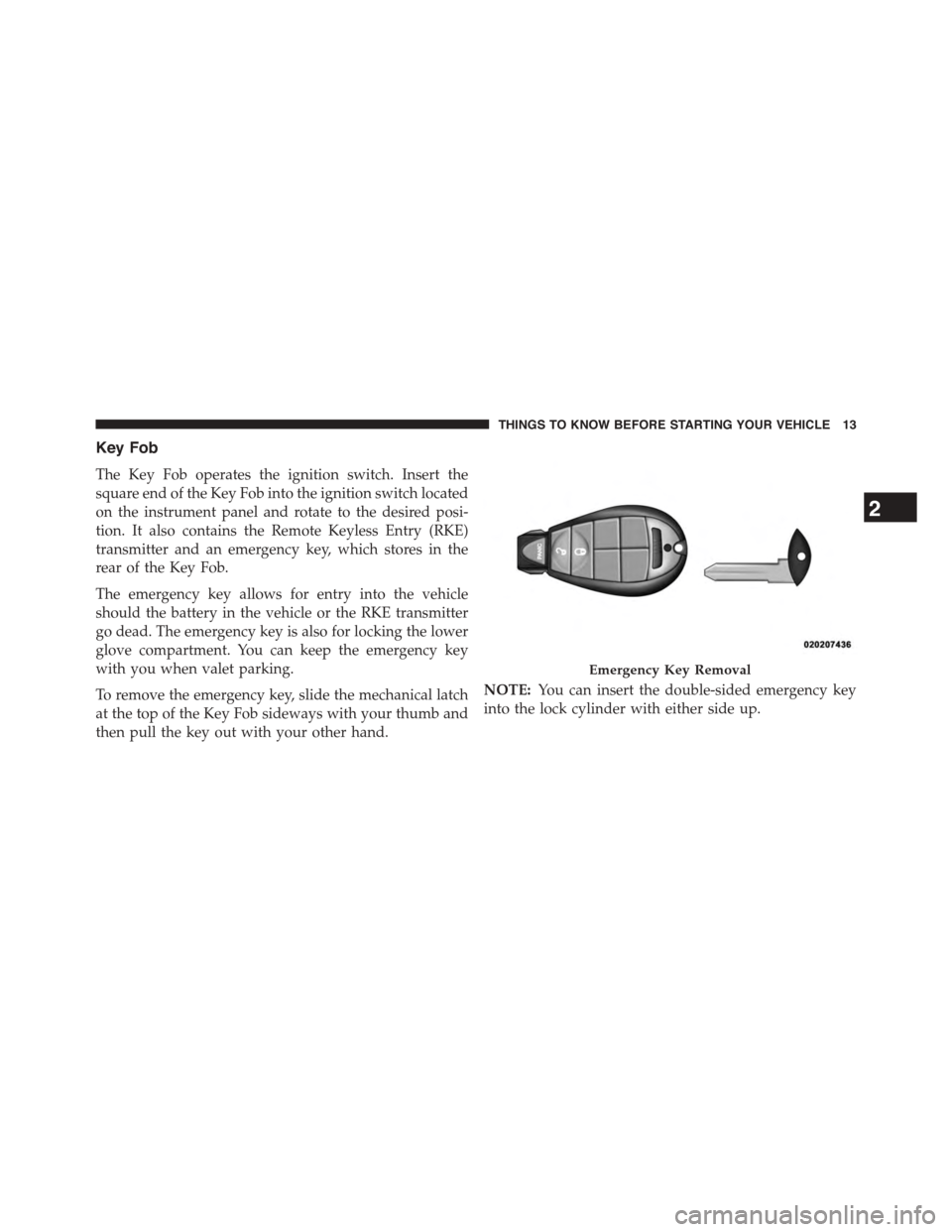
The Key Fob operates the ignition switch. Insert the
square end of the Key Fob into the ignition switch located
on the instrument panel and rotate to the desired posi-
tion. It also contains the Remote Keyless Entry (RKE)
transmitter and an emergency key, which stores in the
rear of the Key Fob.
The emergency key allows for entry into the vehicle
should the battery in the vehicle or the RKE transmitter
go dead. The emergency key is also for locking the lower
glove compartment. You can keep the emergency key
with you when valet parking.
To remove the emergency key, slide the mechanical latch
at the top of the Key Fob sideways with your thumb and
then pull the key out with your other hand.
NOTE:You can insert the double-sided emergency key
into the lock cylinder with either side up.
Emergency Key Removal
2
THINGS TO KNOW BEFORE STARTING YOUR VEHICLE 13
Page 25 of 726
(optional), power sliding doors, Remote Start feature
(optional). Some features can be programmed to the
customers preferences. For example, flash headlights or
sound horn on LOCK.
Remote Unlock Doors And Liftgate
Push and release the UNLOCK button on the RKE
transmitter once to unlock the driver’s side or twice to
unlock all doors and liftgate. This will also turn on the
Illuminated Entry system.
Remote Key Unlock On First Press
This feature lets you program the system to unlock either
the driver’s side, or all doors, on the first push of the
UNLOCK button on the RKE transmitter.
NOTE:
•For vehicles equipped with an Electronic Vehicle Infor-
mation Center (EVIC), refer to “Electronic Vehicle Infor-
mation Center (EVIC)/Personal Settings (Customer-
Programmable Features)” in “Understanding Your
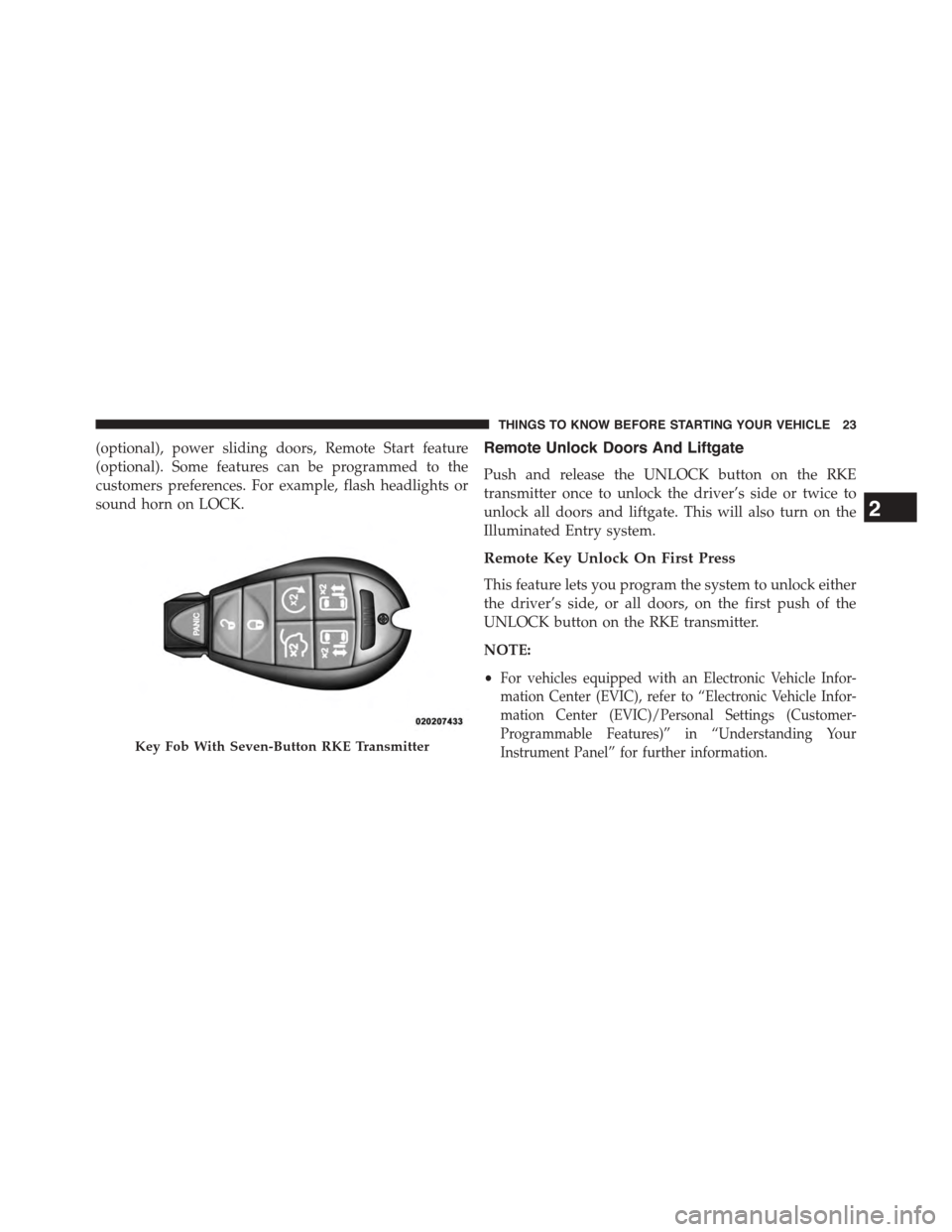
Instrument Panel” for further information.Key Fob With Seven-Button RKE Transmitter
2
THINGS TO KNOW BEFORE STARTING YOUR VEHICLE 23
Page 26 of 726
•For vehicles not equipped with the EVIC, the Remote
Unlock feature can be enabled or disabled by perform-
ing the following steps:
1. Perform this operation while standing outside the
vehicle.
2. Push and hold the LOCK button on a programmed
RKE transmitter for at least 4 seconds, but no longer
than 10 seconds. Then, push and hold the UNLOCK
button while still holding the LOCK button.
3. Release both buttons at the same time.
4. Test the feature while outside of the vehicle by push-
ing the LOCK/UNLOCK buttons on the RKE trans-
mitter with the ignition switch in the OFF position and
the Key Fob removed.
5. Repeat these steps if you want to return this feature to
its previous setting.
NOTE:Pushing the LOCK button on the RKE transmit-
ter while you are inside the vehicle will activate the
Vehicle Security Alarm. Opening a door with the Vehicle
Security Alarm activated will cause the alarm to sound.
Push the UNLOCK button to deactivate the Vehicle
Security Alarm.
Sound Horn With Remote Lock
This feature will cause the horn to chirp when the doors
are locked with the RKE transmitter. This feature can be
turned on or turned off. To change the current setting,
proceed as follows:
•For vehicles equipped with the EVIC, refer to “Elec-
tronic Vehicle Information Center (EVIC)/Personal
Settings (Customer-Programmable Features)” in “Un-
derstanding Your Instrument Panel” for further infor-
mation.
24 THINGS TO KNOW BEFORE STARTING YOUR VEHICLE
Page 29 of 726
If the vehicle is locked and the Vehicle Security Alarm is
armed, pushing the LEFT Power Sliding Door button
twice unlocks the power sliding door and disarms Ve-
hicle Security Alarm.
Power Open/Close Right Power Sliding Door — If
Equipped
Push the RIGHT Power Sliding Door button twice on the
RKE transmitter within five seconds to Power Open/
Close the Right Power Sliding Door. If the button on the
RKE transmitter is pushed while the door is being
power-closed, the door will reverse to the full open
position.
If the vehicle is locked and the Vehicle Security Alarm is
armed, pushing the RIGHT Power Sliding Door button
twice unlocks the power sliding door and disarms Ve-
hicle Security Alarm.
Turn Off Flash Lights With RKE Lock — If
Equipped
This feature will cause the turn signal lights to flash when
the doors are locked or unlocked with the RKE transmit-
ter. This feature can be turned on or turned off. To change
the current setting, proceed as follows:
•For vehicles equipped with the EVIC, refer to “Elec-
tronic Vehicle Information Center (EVIC)/Personal
Settings (Customer-Programmable Features)” in “Un-
derstanding Your Instrument Panel” for further infor-
mation.
•For vehicles not equipped with the EVIC, perform the
following steps:
1. Perform this operation while standing outside the
vehicle.
2. Push and hold the UNLOCK button on a programmed
RKE transmitter for at least 4 seconds, but no longer
2
THINGS TO KNOW BEFORE STARTING YOUR VEHICLE 27
Page 42 of 726
The Unlock Doors Automatically On Exit feature will not
operate if there is any manual operation of the power
door locks (lock or unlock).
On vehicles equipped with the optional Electronic Ve-
hicle Information Center (EVIC), refer to “Electronic
Vehicle Information Center (EVIC)/Personal Settings
(Customer-Programmable Features)” in “Understanding
Your Instrument Panel” for further information.
NOTE:Use the Lock Doors Automatically at 15 mph
(24 km/h) and Unlock Doors Automatically On Exit
features in accordance with local laws.
KEYLESS ENTER-N-GO™
The Passive Entry system is an enhancement to the
vehicle’s Remote Keyless Entry (RKE) system and a
feature of Keyless Enter-N-Go™. This feature allows you
to lock and unlock the vehicle’s door(s) without having to
push the RKE transmitter lock or unlock buttons.
NOTE:
•Passive Entry may be programmed ON/OFF; refer to
“Electronic Vehicle Information Center (EVIC)/
Personal Settings (Customer-Programmable Fea-
tures)” in “Understanding Your Instrument Panel” for
further information.
•If a Passive Entry door handle has not been used for an
extended period of time, the Passive Entry feature for
the handle may time out. Pulling the deactivated front
door handle will reactivate the door handle’s Passive
Entry feature.
•If wearing gloves on your hands, or if it has been
raining on the Passive Entry door handle, the unlock
sensitivity can be affected, resulting in a slower re-
sponse time.
40 THINGS TO KNOW BEFORE STARTING YOUR VEHICLE
Page 44 of 726
NOTE:If “Unlock All Doors 1st Press” is programmed
all doors will unlock when you grab hold of the driver ’s
front door handle. To select between “Unlock Driver
Door 1st Press” and “Unlock All Doors 1st Press”, refer to
“Electronic Vehicle Information Center (EVIC)/Personal
Settings (Customer-Programmable Features)” in “Under-
standing Your Instrument Panel” for further information.
To Unlock From The Passenger Side:
With a valid Passive Entry RKE transmitter within 5 ft
(1.5 m) of the passenger door handle, grab the front
passenger door handle to unlock all four doors automati-
cally. The interior door panel lock knob will raise when
the door is unlocked.
NOTE:All doors will unlock when the front passenger
door handle is grabbed regardless of the driver ’s door
unlock preference setting (“Unlock Driver Door 1st
Press” or “Unlock All Doors 1st Press”).
Preventing Inadvertent Locking Of Passive Entry RKE
Transmitter In Vehicle
To minimize the possibility of unintentionally locking a
Passive Entry RKE transmitter inside your vehicle, the
Passive Entry system is equipped with an automatic door
unlock feature which will function if there is no Key Fob
present in the ignition.
If one of the vehicle doors is open and the door panel
switch is used to lock the vehicle, once all open doors
have been closed the vehicle checks the inside and
outside of the vehicle for any valid Passive Entry RKE
transmitters. If one of the vehicle’s Passive Entry RKE
transmitters is detected inside the vehicle, and no other
valid Passive Entry RKE transmitters are detected out-
side the vehicle, the Passive Entry System automatically
unlocks all vehicle doors and chirps the horn three times
(on the third attempt ALL doors will lock and the Passive
Entry RKE transmitter can be locked in the vehicle).
42 THINGS TO KNOW BEFORE STARTING YOUR VEHICLE
Page 88 of 726
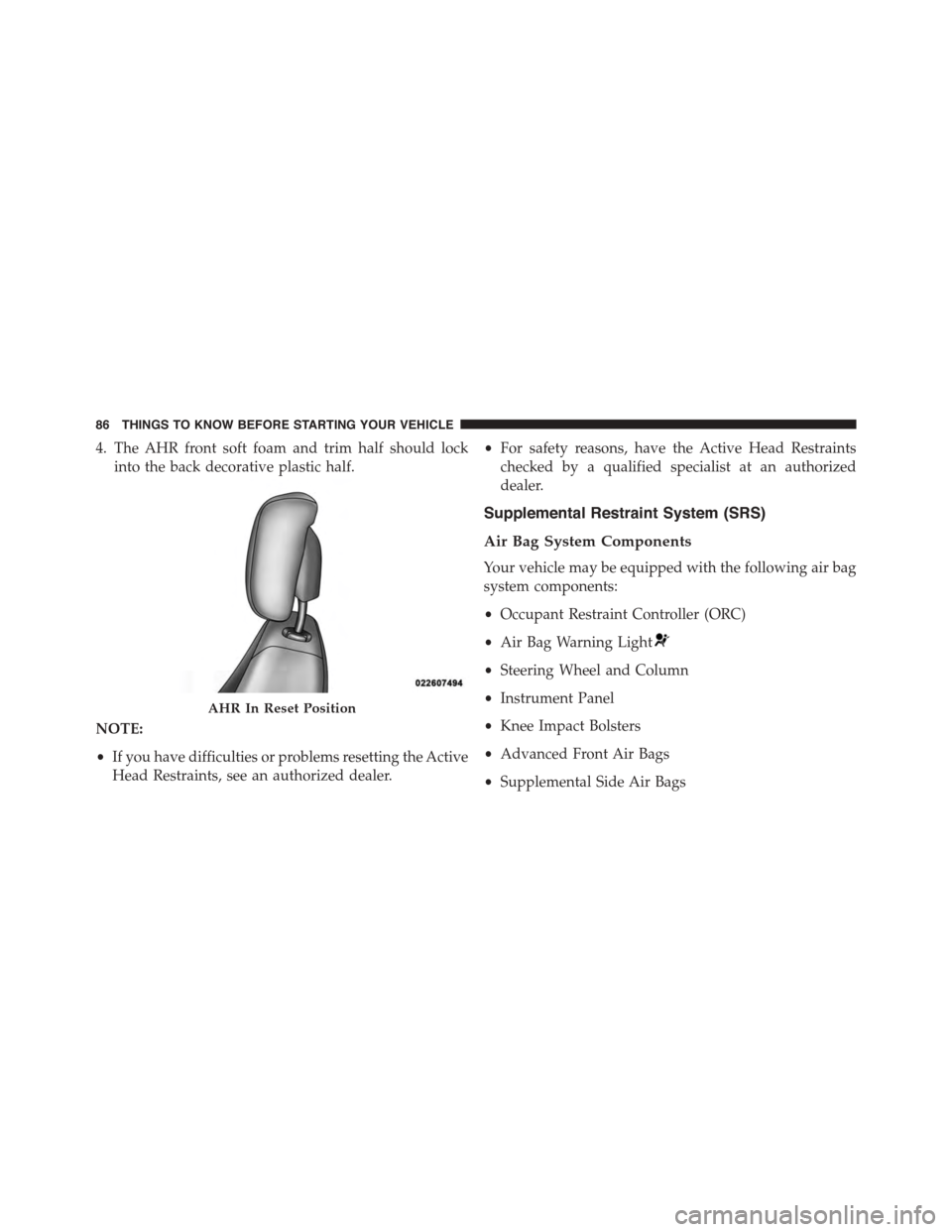
4. The AHR front soft foam and trim half should lock
into the back decorative plastic half.
NOTE:
•If you have difficulties or problems resetting the Active
Head Restraints, see an authorized dealer.
•For safety reasons, have the Active Head Restraints
checked by a qualified specialist at an authorized
dealer.
Supplemental Restraint System (SRS)
Air Bag System Components
Your vehicle may be equipped with the following air bag
system components:
•Occupant Restraint Controller (ORC)
•Air Bag Warning Light
•Steering Wheel and Column
•Instrument Panel
•Knee Impact Bolsters
•Advanced Front Air Bags
•Supplemental Side Air Bags
AHR In Reset Position
86 THINGS TO KNOW BEFORE STARTING YOUR VEHICLE
Page 89 of 726
•Supplemental Knee Air Bags
•Front and Side Impact Sensors
•Seat Belt Pretenioners
•Seat Belt Buckle Switch
•Seat Track Position Sensors
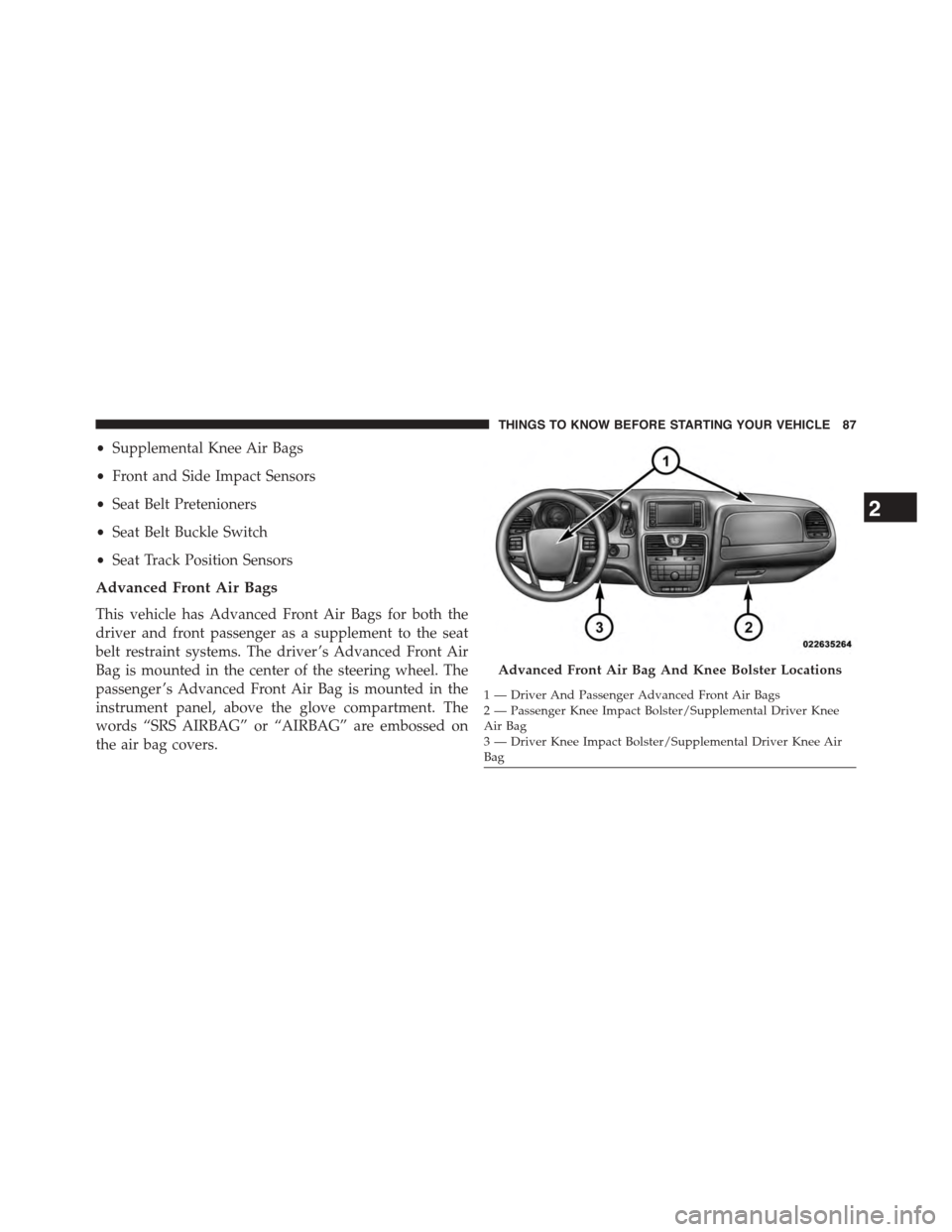
Advanced Front Air Bags
This vehicle has Advanced Front Air Bags for both the
driver and front passenger as a supplement to the seat
belt restraint systems. The driver ’s Advanced Front Air
Bag is mounted in the center of the steering wheel. The
passenger ’s Advanced Front Air Bag is mounted in the
instrument panel, above the glove compartment. The
words “SRS AIRBAG” or “AIRBAG” are embossed on
the air bag covers.
Advanced Front Air Bag And Knee Bolster Locations
1—DriverAndPassengerAdvancedFrontAirBags2 — Passenger Knee Impact Bolster/Supplemental Driver KneeAir Bag3 — Driver Knee Impact Bolster/Supplemental Driver Knee AirBag
2
THINGS TO KNOW BEFORE STARTING YOUR VEHICLE 87